center console Ram 3500 Chassis Cab 2017 Owner's Manual
[x] Cancel search | Manufacturer: RAM, Model Year: 2017, Model line: 3500 Chassis Cab, Model: Ram 3500 Chassis Cab 2017Pages: 542, PDF Size: 5.09 MB
Page 118 of 542
Rear Heated Seats
On some models, the two outboard seats are equipped
with heated seats. The heated seat switches for these seats
are located on the rear of the center console.
There are two heated seat switches that allow the rear
passengers to operate the seats independently. You can
choose from HI, LO or OFF heat settings. Amber indicator
lights in each switch indicate the level of heat in use. Two
indicator lights will illuminate for HI, one for LO and none
for OFF.Push the switch once to select HI-level heating.
Push the switch a second time to select LO-level
heating. Push the switch a third time to shut the
heating elements off.
NOTE:
• Once a heat setting is selected, heat will be felt within
two to five minutes.
• The engine must be running for the heated seats to
operate.
When the HI-level setting is selected, the heater will
provide a boosted heat level during the first four minutes
of operation. Then, the heat output will drop to the normal HI-level. If the HI-level setting is selected, the system will
automatically switch to LO-level after approximately 60
minutes of continuous operation. At that time, the number
of illuminated LEDs changes from two to one, indicating
the change. The LO-level setting will turn off automatically
after approximately 45 minutes.
Ventilated Seats — If Equipped
Located in the seat cushion are small fans that draw the air
from the passenger compartment and pull air through fine
perforations in the seat cover to help keep the driver and
front passenger cooler in higher ambient temperatures. The
fans operate at two speeds, HI and LO.
The front ventilated seats control buttons are located
within the climate or controls screen of the touchscreen.
•
Press the ventilated seat button
once to choose HI.
•Press the ventilated seat buttona second time to
choose LO.
• Press the ventilated seat buttona third time to turn
the ventilated seat OFF.
NOTE: The engine must be running for the ventilated
seats to operate.
116 UNDERSTANDING THE FEATURES OF YOUR VEHICLE
Page 175 of 542

CAUTION!(Continued)
•Power outlets are designed for accessory plugs only.
Do not insert any other object in the power outlets as
this will damage the outlet and blow the fuse. Im-
proper use of the power outlet can cause damage not
covered by your New Vehicle Limited Warranty.
The auxiliary power outlets can be found in the following
locations:
• Lower left and lower right of the center stack when
equipped with a bench seat.
•Center console when equipped with bucket seats.
Power Outlets — Center Stack
1 — Power Outlet
2 — USB Port (Charge Only)
3
UNDERSTANDING THE FEATURES OF YOUR VEHICLE 173
Page 176 of 542
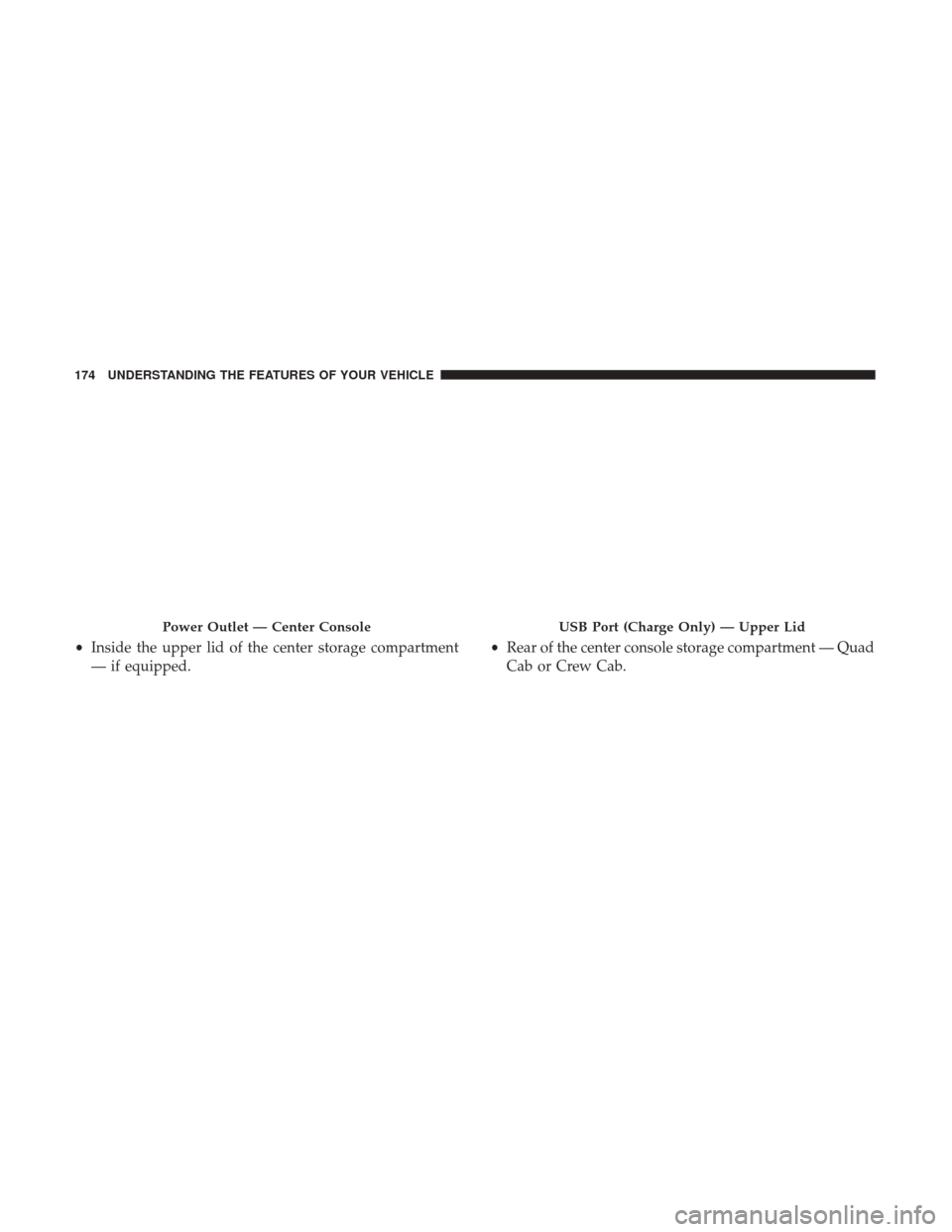
•Inside the upper lid of the center storage compartment
— if equipped. •
Rear of the center console storage compartment — Quad
Cab or Crew Cab.
Power Outlet — Center ConsoleUSB Port (Charge Only) — Upper Lid
174 UNDERSTANDING THE FEATURES OF YOUR VEHICLE
Page 177 of 542

Power Outlet — Rear Center ConsolePower Outlet — Rear Center Console Fuse
3
UNDERSTANDING THE FEATURES OF YOUR VEHICLE 175
Page 178 of 542

When the vehicle is turned off, be sure to unplug any
equipment as to not drain the battery of the vehicle. All
accessories connected to the outlet(s) should be removed or
turned off when the vehicle is not in use to protect the
battery against discharge.
WARNING!
To avoid serious injury or death:
•Only devices designed for use in this type of outlet
should be inserted into any 12 Volt outlet.
• Do not touch with wet hands.
• Close the lid when not in use and while driving the
vehicle.
• If this outlet is mishandled, it may cause an electric
shock and failure.
CAUTION!
• Many accessories that can be plugged in draw power
from the vehicle’s battery, even when not in use (i.e.,
cellular phones, etc.). Eventually, if plugged in long
enough, the vehicle’s battery will discharge suffi-
ciently to degrade battery life and/or prevent the
engine from starting.
• Accessories that draw higher power (i.e., coolers,
vacuum cleaners, lights, etc.), will discharge the
battery even more quickly. Only use these intermit-
tently and with greater caution.
(Continued)
Power Outlet Fuse Locations
1 — F104 Fuse 20 A Yellow Power Outlet Center Console Bin / USB
Port (Charge Only)
2 — F90–F91 Fuse 20 A Yellow Power Outlet Rear Center Console
3 — F93 Fuse 20 A Yellow Cigar Lighter Instrument Panel 176 UNDERSTANDING THE FEATURES OF YOUR VEHICLE
Page 179 of 542
CAUTION!(Continued)
•After the use of high power draw accessories, or long
periods of the vehicle not being started (with acces-
sories still plugged in), the vehicle must be driven a
sufficient length of time to allow the generator to
recharge the vehicle’s battery.
AUXILIARY SWITCHES — IF EQUIPPED
There can be up to five auxiliary switches located in the
lower switch bank of the instrument panel which can be
used to power various electronic devices and PTO (Power
Take Off) – If Equipped. If Power Take Off is equipped, it
will take the place of the fifth Auxiliary switch. Connec-
tions to the switches are found under the hood in the
connectors attached to the auxiliary Power Distribution
Center.
You have the ability to configure the functionality of the
auxiliary switches via the instrument cluster display. All
switches can now be configured for setting the switch type
operation to latching or momentary, power source of either
battery or ignition, and ability to hold last state across key
cycles. NOTE:
Holding last state conditions are met when switch
type is set to latching and power source is set to ignition.
For further information on using the auxiliary switches,
please refer to the Ram Body Builders Guide by accessing
www.rambodybuilder.com and choosing the appropriate
links.
CIGAR LIGHTER AND ASH RECEIVER — IF
EQUIPPED
A removable ash receiver and cigar lighter are available.
For vehicles with a bench seat, the cupholder tray can be
used to hold the ash receiver.
For vehicles equipped with a floor console, the cupholders
may be used.
POWER INVERTER — IF EQUIPPED
A 115 Volt (150 Watts Maximum) outlet is located on the
center stack of the instrument panel, to the right of the
radio. This outlet can power cellular phones, electronics
and other low power devices requiring power up to
150 Watts. Certain high-end video game consoles will
exceed this power limit, as will most power tools.
3
UNDERSTANDING THE FEATURES OF YOUR VEHICLE 177
Page 181 of 542
CUPHOLDERS
Front Seat Cupholders (40–20–40 Seats)
The cupholders are located on the backside of the center
portion of the front seat (20). Fold down the center section
of the front seat to gain access to the cupholders.
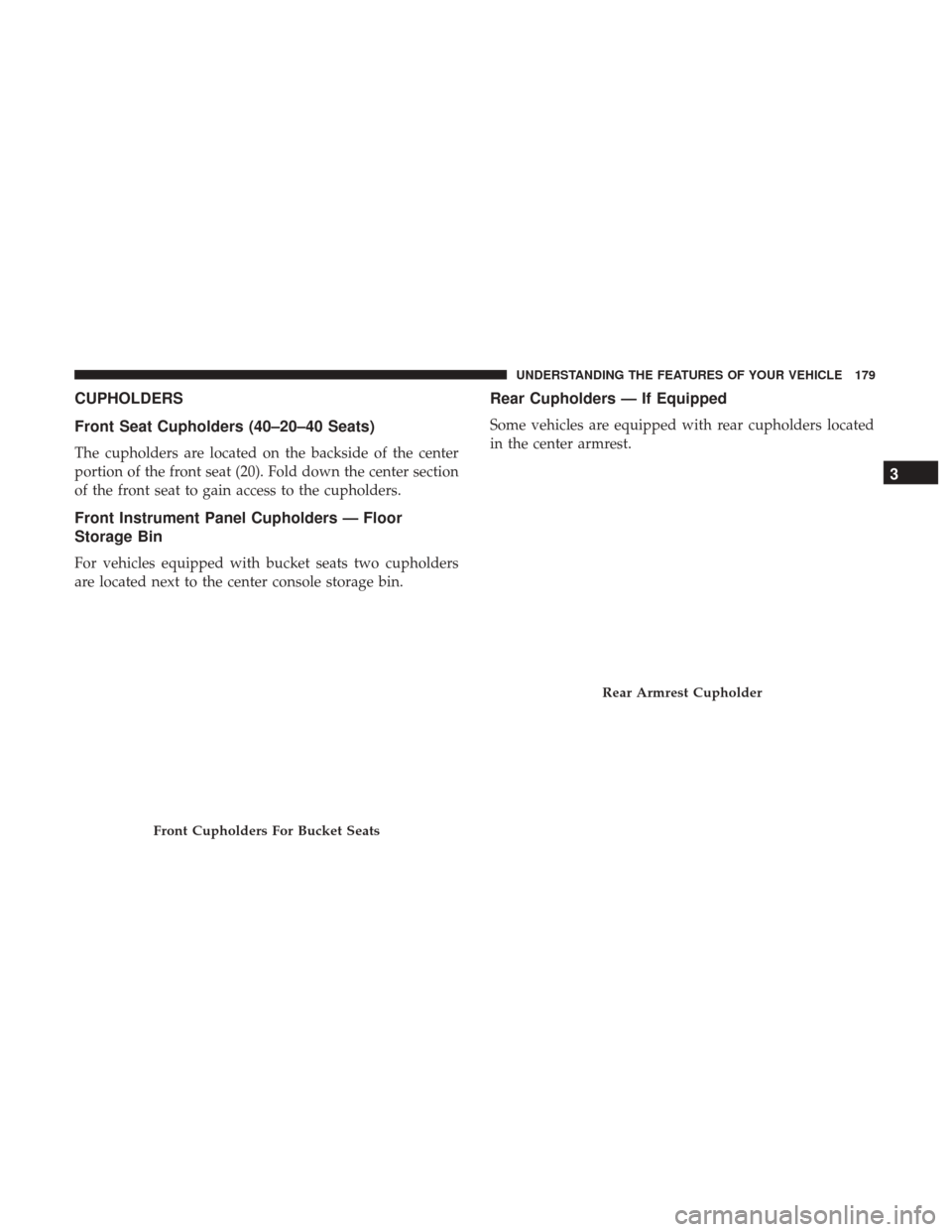
Front Instrument Panel Cupholders — Floor
Storage Bin
For vehicles equipped with bucket seats two cupholders
are located next to the center console storage bin.
Rear Cupholders — If Equipped
Some vehicles are equipped with rear cupholders located
in the center armrest.
Front Cupholders For Bucket Seats
Rear Armrest Cupholder
3
UNDERSTANDING THE FEATURES OF YOUR VEHICLE 179
Page 187 of 542
The center console is equipped with a front storage bin
located next to the cupholders. This storage bin may be
equipped with a manual sliding top door.Seatback Storage
Located in the back of both the driver and passenger front
seats are pockets that can be used for storage.
Front Storage Bin With Door — If EquippedDriver ’s Side Seatback Storage
3
UNDERSTANDING THE FEATURES OF YOUR VEHICLE 185
Page 190 of 542
CAUTION!(Continued)
mild washing solution, wiping parallel to the heat-
ing elements. Labels can be peeled off after soaking
with warm water.
• Do not use scrapers, sharp instruments, or abrasive
window cleaners on the interior surface of the
window.
• Keep all objects a safe distance from the window.
Power Sliding Rear Window — If Equipped
The switch for the power sliding rear window is located on
the overhead console.
Push the switch to the right to open the glass. Pull the
switch to the left to close the glass.
Manual Sliding Rear Window — If Equipped
A locking device in the center of the window helps to
prevent entry from the rear of the vehicle. Squeeze the lock
to release the window.
Rear Window Switch
188 UNDERSTANDING THE FEATURES OF YOUR VEHICLE
Page 278 of 542

System Information
After pressing the “System Information” button on the touchscreen, the following settings will be available:
Setting NameSelectable Options
System Information System Software Information Screen
NOTE:
When the “System Information” feature is selected, a “System Software Information” screen will appear, displaying
the system software version.
UCONNECT RADIOS — IF EQUIPPED
For detailed information about your Uconnect radio, refer
to your Uconnect Owner ’s Manual Supplement.
IPOD/USB/MP3 CONTROL — IF EQUIPPED
Located inside the center console upper lid, this feature
allows an iPod or external USB device to be plugged into
the USB port.
iPod control supports the following: iPod/iPod classic,
iPod mini, iPod nano, iPod shuffle, iPod touch, and iPhone
devices. Some iPod software versions may not fully sup-
port the iPod control features. Please visit Apple’s website
for software updates.
For further information, refer to the Uconnect Owner ’s
Manual Supplement or visit UconnectPhone.com.
Center Console USB/AUX Media Hub
1 — USB Port
2— Aux Jack
276 UNDERSTANDING YOUR INSTRUMENT PANEL