reset Ram 3500 Chassis Cab 2018 User Guide
[x] Cancel search | Manufacturer: RAM, Model Year: 2018, Model line: 3500 Chassis Cab, Model: Ram 3500 Chassis Cab 2018Pages: 527, PDF Size: 5.83 MB
Page 139 of 527

•Service Electronic Braking System
• Engine Temperature Hot
• Battery Voltage Low
• Service Electronic Throttle Control
• Lights On
• Right Turn Signal Light Out
• Left Turn Signal Light Out
• Turn Signal On
• Sound Horn With Remote Lock: Off; 1st Press; 2nd Press
• Vehicle Not In Park
• Key In Ignition
• Key In Ignition Lights On
• Remote Start Active Key To Run
• Remote Start Active Push Start Button
• Remote Start Aborted Fuel Low
• Remote Start Aborted Too Cold
• Remote Start Aborted Door Open
• Remote Start Aborted Hood Open •
Remote Start Aborted Trunk Open
• Remote Start Aborted Time Expired
• Remote Start Disabled Start To Reset
• Service Airbag System
• Service Airbag Warning Light
• Driver Seatbelt Unbuckled
• Passenger Seatbelt Unbuckled
• Front Seatbelts Unbuckled
• Door Open
• Doors Open
• Gear Not Available
• Shift Not Allowed
• Shift to Neutral Then Drive Or Reverse
• Autostick Unavailable Service Required
• Automatic Unavailable Use Autostick Service Req.
• Transmission Getting Hot Push Brake
• Trans. Hot Stop Safely Shift To Park Wait To Cool
• Transmission Cool Ready To Drive
4
GETTING TO KNOW YOUR INSTRUMENT PANEL 137
Page 140 of 527
•Trailer Brake Disconnected
• Service Transmission
• Service Shifter
• Engage Park Brake To Prevent Rolling
• Transmission Too Cold Idle With Engine On
• Washer Fluid Low
The Reconfigurable Telltales section is divided into the
white telltales area on the right, yellow telltales in the
middle, and red telltales on the left.
Display Menu Items
Push and release the upordown arrow button until the
desired selectable menu icon is highlighted in the instru-
ment cluster display.
Speedometer
Push and release the upordown arrow button until the
speedometer menu item is highlighted in the instrument
cluster display. Push and release the rightarrow button to
cycle the display between mph and km/h.
Vehicle Info
Push and release the upordown arrow button until the
Vehicle Info menu item is highlighted in the instrument
cluster display. Push and release the rightarrow button to
enter the submenus items of Vehicle Info. Follow the
directional prompts to access or reset any of the following
Vehicle Info submenu items:
• Tire Pressure
• Transmission Temp (Automatic only)
• Oil Temp
• Oil Life
• Coolant Temp — If Equipped
• Oil Pressure — If Equipped
• Battery Voltage — If Equipped
• Gauge Summary — If Equipped
• Engine Hours
138 GETTING TO KNOW YOUR INSTRUMENT PANEL
Page 141 of 527
Fuel Economy
Push and release theupordown arrow button until the
Fuel Economy menu item is highlighted in the instrument
cluster display. Push and Hold the rightarrow button to
reset Average Fuel Economy.
• Current Fuel Economy Gauge
• Average Fuel Economy Value
• Range To Empty
• Dual Fuel Tank levels — If Equipped
• Push and release the rightarrow button to display the
Fuel Tank Level submenu item. Your instrument cluster
display will display the fuel levels of the Front and Rear
fuel tanks. The fuel is automatically transferred from the
Rear tank to the Front tank based on both tank levels.
Fuel transfer is complete once the Front Fuel Level is
greater than the Rear Fuel Level.
Trip A/Trip B
Push and release the upordown arrow button until the
Trip menu item is highlighted in the instrument cluster
display. Push and release the rightarrow button to enter
the submenus of Trip A and Trip B. The Trip A or Trip B
information will display the following: •
Distance
• Average Fuel Economy
• Elapsed Time
Push and hold rightarrow button to reset all information.
Trailer Tow
Push and release the upordown arrow button until the
Trailer Tow menu item is highlighted in the instrument
cluster display. Push and release the rightarrow button
and the next screen will display the following trailer trip
information:
• Trip (trailer specific) Distance: Push and hold the right
arrow button to reset the distance.
• Trailer Brake
• Output
• Type
• Gain
Audio
Push and release the upordown arrow button until the
Audio display icon is highlighted in the instrument cluster
display. Push and release the rightarrow button to display
the active source.
4
GETTING TO KNOW YOUR INSTRUMENT PANEL 139
Page 144 of 527

Setting NamesSetting Names Abbreviated (Left
Submenu Layer) Sub-Menus (Right Submenu
Layer)
13 Auto Lock Doors Auto Lock Doors On; Off
14 Auto Unlock Doors Auto Unlock Doors On; Off
15 Sound Horn with Remote Start Horn w/ Rmt StartOn; Off
16 Sound Horn with Remote Lock Horn w/ Rmt LockOn; Off
17 Remote Unlock Sequence Remote UnlockDriver Door; All Doors
18 Key Fob Linked to Memory Key in MemoryOn; Off
19 Passive Entry Passive Entry On; Off
20 Remote Start Comfort System Rmt Start ComfortOn; Off
21 Easy Exit Seat Easy Exit Seat On; Off
22 Key-off Power Delay Power Off DelayOff; 45 seconds; 5 minutes; 10
minutes
23 Commercial Settings Commercial
•Aux Switches
• Power Take-Off
• PIN Setup
• ParkSense Setup
NOTE: If the vehicle’s PIN is for-
gotten or not known, see an au-
thorized dealer to have the PIN
reset.
142 GETTING TO KNOW YOUR INSTRUMENT PANEL
Page 205 of 527
Enhanced Accident Response System
In the event of an impact, if the communication network
remains intact, and the power remains intact, depending
on the nature of the event, the ORC will determine whether
to have the Enhanced Accident Response System perform
the following functions:
•Cut off fuel to the engine.
• Flash hazard lights as long as the battery has power or
until the hazard light button is pressed. The hazard
lights can be deactivated by pressing the hazard light
button.
• Turn on the interior lights, which remain on as long as
the battery has power.
• Unlock the power door locks.
Enhanced Accident Response System Reset
Procedure
In order to reset the Enhanced Accident Response System
functions after an event, the ignition switch must be
changed from ignition START or ON/RUN to ignition OFF.
Carefully check the vehicle for fuel leaks in the engine
compartment and on the ground near the engine compart-
ment and fuel tank before resetting the system and starting
the engine.
Maintaining Your Air Bag System
WARNING!
•Modifications to any part of the air bag system could
cause it to fail when you need it. You could be
injured if the air bag system is not there to protect
you. Do not modify the components or wiring, in-
cluding adding any kind of badges or stickers to the
steering wheel hub trim cover or the upper right side
of the instrument panel. Do not modify the front
bumper, vehicle body structure, or add aftermarket
side steps or running boards.
• It is dangerous to try to repair any part of the air bag
system yourself. Be sure to tell anyone who works on
your vehicle that it has an air bag system.
• Do not attempt to modify any part of your air bag
system. The air bag may inflate accidentally or may
not function properly if modifications are made.
Take your vehicle to an authorized dealer for any air
bag system service. If your seat, including your trim
cover and cushion, needs to be serviced in any way
(including removal or loosening/tightening of seat
attachment bolts), take the vehicle to your authorized
(Continued)
5
SAFETY 203
Page 254 of 527
illuminated. Limp Home Mode allows the vehicle to be
driven to an authorized dealer for service without damag-
ing the transmission.
In the event of a momentary problem, the transmission can
be reset to regain all forward gears by performing the
following steps:
1. Stop the vehicle.
2. Shift the transmission into PARK.
3. Turn the ignition OFF.
4. Wait approximately 10 seconds.
5. Restart the engine.
6. Shift into the desired gear range. If the problem is nolonger detected, the transmission will return to normal
operation.
NOTE: Even if the transmission can be reset, we recom-
mend that you visit your authorized dealer at your earliest
possible convenience. Your authorized dealer has diagnos-
tic equipment to assess the condition of your transmission.
If the transmission cannot be reset, authorized dealer
service is required.Electronic Range Select (ERS) Operation
The Electronic Range Select (ERS) shift control allows the
driver to limit the highest available gear when the trans-
mission is in DRIVE. For example, if you set the transmis-
sion gear limit to 4 (fourth gear), the transmission will not
shift above fourth gear, but will shift through the lower
gears normally.
You can switch between DRIVE and ERS mode at any
vehicle speed. When the gear selector is in the DRIVE
position, the transmission will operate automatically, shift-
ing between all available gears. Tapping the ERS (-) switch
will activate ERS mode, display the current gear in the
instrument cluster, and set that gear as the top available
gear. Once in ERS mode, tapping (-) or (+) will change the
top available gear.
252 STARTING AND OPERATING
Page 268 of 527

•(ON/OFF) switch has been activated.
• Vehicles with automatic transmission must be in PARK
or DRIVE.
• Parking brake must not be applied.
• Brake pedal must not be applied.
• No vehicle, brake or clutch switch faults present.
• Vehicle engine must be running.
• PTO must be correctly installed using the vehicle pro-
vided circuits.
The customer may choose to use the PTO while the vehicle
is moving. To do so, the PTO function must be activated
prior to taking the vehicle out of PARK. This is accom-
plished by activating the upfitter-provided PTO on/off
switch. At this point, the customer may place the vehicle in
a forward or reverse gear and have PTO operation once the
vehicle begins to move. To disengage PTO operation and
return to “standard vehicle operation” simply toggle the
on/off switch to the OFF position. NOTE:
For application specific information with respect
to PTO and pump requirements and additional vehicle
information (wiring schematics, preset idle values, engine
speed limits, and vehicle hardware and software require-
ments) please refer to the Body Builders Guide by access-
ing rambodybuilder.com and choosing the appropriate
links.
POWER STEERING
Hydraulic Power Steering
The standard power steering system will give you good
vehicle response and increased ease of maneuverability in
tight spaces. The system will provide mechanical steering
capability if power assist is lost.
If for some reason the power assist is interrupted, it will
still be possible to steer your vehicle. Under these condi-
tions, you will observe a substantial increase in steering
effort, especially at very low vehicle speeds and during
parking maneuvers.
266 STARTING AND OPERATING
Page 270 of 527
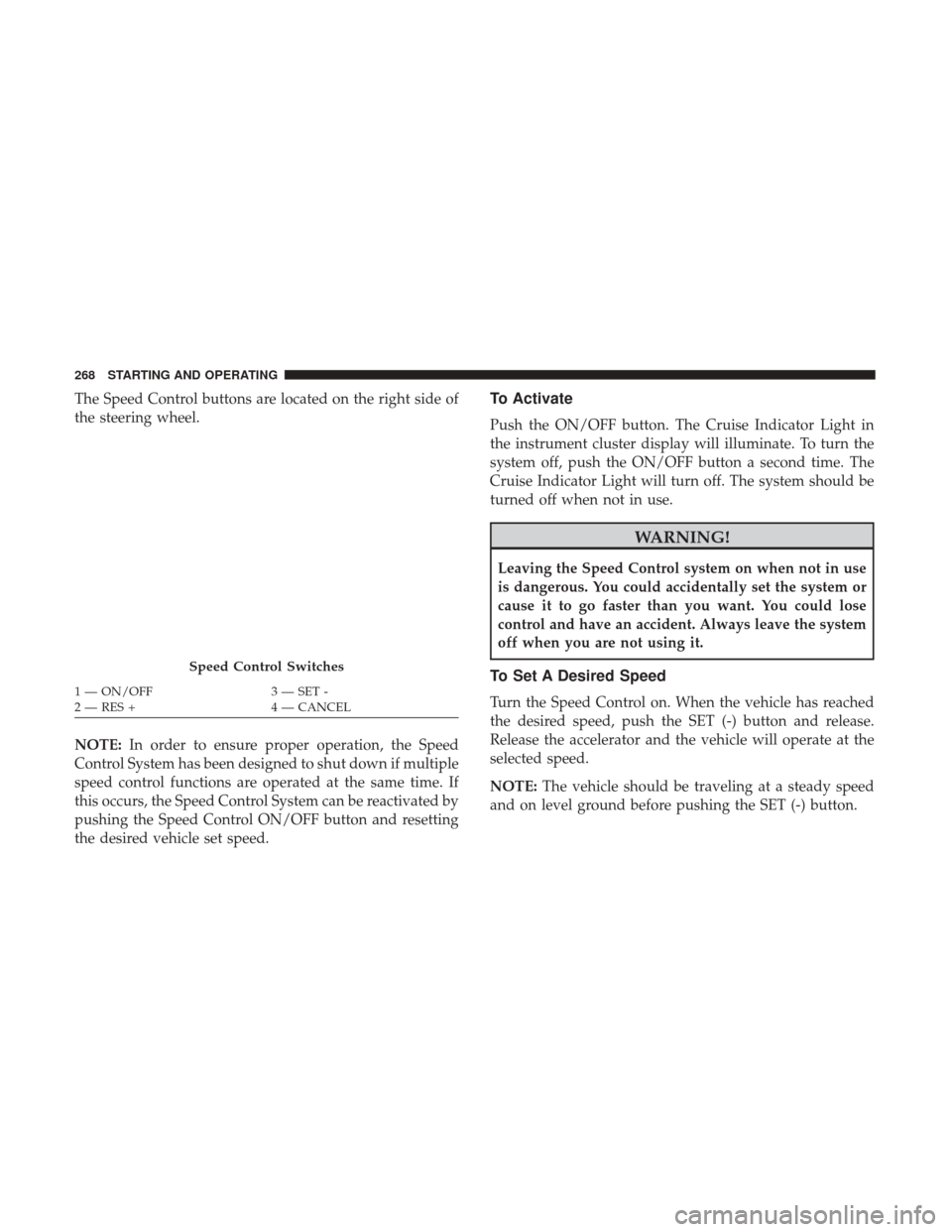
The Speed Control buttons are located on the right side of
the steering wheel.
NOTE:In order to ensure proper operation, the Speed
Control System has been designed to shut down if multiple
speed control functions are operated at the same time. If
this occurs, the Speed Control System can be reactivated by
pushing the Speed Control ON/OFF button and resetting
the desired vehicle set speed.To Activate
Push the ON/OFF button. The Cruise Indicator Light in
the instrument cluster display will illuminate. To turn the
system off, push the ON/OFF button a second time. The
Cruise Indicator Light will turn off. The system should be
turned off when not in use.
WARNING!
Leaving the Speed Control system on when not in use
is dangerous. You could accidentally set the system or
cause it to go faster than you want. You could lose
control and have an accident. Always leave the system
off when you are not using it.
To Set A Desired Speed
Turn the Speed Control on. When the vehicle has reached
the desired speed, push the SET (-) button and release.
Release the accelerator and the vehicle will operate at the
selected speed.
NOTE: The vehicle should be traveling at a steady speed
and on level ground before pushing the SET (-) button.
Speed Control Switches
1 — ON/OFF 3 — SET -
2 — RES + 4 — CANCEL
268 STARTING AND OPERATING
Page 310 of 527

Vehicle front end wheel alignment was set to specifications
at the factory without consideration for the weight of the
plow. Front end toe-in should be checked and reset if
necessary at the beginning and end of the snowplow
season. This will help prevent uneven tire wear.
The blade should be lowered whenever the vehicle is
parked.
Maintain and operate your vehicle and snowplow equip-
ment following the recommendations provided by the
specific snowplow manufacturer.
Over The Road Operation With Snowplow Attached
The blade restricts air flow to the radiator and causes the
engine to operate at higher than normal temperatures.
Therefore, when transporting the plow, angle the blade
completely and position it as low as road or surface
conditions permit. Do not exceed 40 mph (64 km/h). The
operator should always maintain a safe stopping distance
and allow adequate passing clearance.
Operating Tips
Under ideal snow plowing conditions, 20 mph (32 km/h)
should be maximum operating speed. The operator shouldbe familiar with the area and surface to be cleaned. Reduce
speed and use extreme caution when plowing unfamiliar
areas or under poor visibility.
General Maintenance
Snowplows should be maintained in accordance with the
plow manufacturer’s instructions.
Keep all snowplow electrical connections and battery ter-
minals clean and free of corrosion.
When plowing snow, to avoid transmission and drivetrain
damage, the following precautions should be observed.
•
Operate with transfer case in 4LO when plowing small
or congested areas where speeds are not likely to exceed
15 mph (24 km/h). At higher speeds operate in 4HI.
• Vehicles with automatic transmissions should use 4LO
range when plowing deep or heavy snow for extended
periods of time to avoid transmission overheating.
• Do not shift the transmission unless the engine has
returned to idle and wheels have stopped. Make a
practice of stepping on the brake pedal while shifting the
transmission.
308 STARTING AND OPERATING
Page 359 of 527
SCHEDULED SERVICING
Your vehicle is equipped with an automatic oil change
indicator system. The oil change indicator system will
remind you that it is time to take your vehicle in for
scheduled maintenance.
Based on engine operation conditions, the oil change
indicator message will illuminate. This means that service
is required for your vehicle. Operating conditions such as
frequent short-trips, trailer tow, extremely hot or cold
ambient temperatures, and E85 fuel usage will influence
when the “Oil Change Required” message is displayed.
Severe Operating Conditions can cause the change oil
message to illuminate as early as 3,500 miles (5,600 km)
since last reset. Have your vehicle serviced as soon as
possible, within the next 500 miles (805 km).
Your authorized dealer will reset the oil change indicator
message after completing the scheduled oil change. If a
scheduled oil change is performed by someone other than
your authorized dealer, the message can be reset by
referring to the steps described under “Instrument Cluster
Display” in “Getting To Know Your Instrument Panel” for
further information.Gasoline Engines:
Under no circumstances should oil change intervals exceed
8,000 miles (13,000 km), twelve months or 350 hours of
engine run time, whichever comes first. The 350 hours of
engine run or idle time is generally only a concern for fleet
customers.
Severe Duty:
Change Engine Oil at 4,000 miles (6,500 km) or 350 hours of
engine run time if the vehicle is operated in a dusty and off
road environment or is operated predominately at idle or
very low engine RPM’s. This type of vehicle use is consid-
ered Severe Duty.
Once A Month Or Before A Long Trip:
•
Check engine oil level
• Check windshield washer fluid level
• Check the tire inflation pressures and look for unusual
wear or damage
• Check the fluid levels of the coolant reservoir, brake
master cylinder, power steering and automatic transmis-
sion, and fill as needed
• Check function of all interior and exterior lights
8
SERVICING AND MAINTENANCE 357