power Ram 4500 Chassis Cab 2017 Owner's Guide
[x] Cancel search | Manufacturer: RAM, Model Year: 2017, Model line: 4500 Chassis Cab, Model: Ram 4500 Chassis Cab 2017Pages: 534, PDF Size: 4.74 MB
Page 179 of 534

operation to latching or momentary, power source of either
battery or ignition, and ability to hold last state across key
cycles.
NOTE:Holding last state conditions are met when switch
type is set to latching and power source is set to ignition.
For further information on using the auxiliary switches,
please refer to the Ram Body Builders Guide by accessing
www.rambodybuilder.com and choosing the appropriate
links.
CIGAR LIGHTER AND ASH RECEIVER — IF
EQUIPPED
A removable ash receiver and cigar lighter are available.
For vehicles with a bench seat, the cupholder tray can be
used to hold the ash receiver.
For vehicles equipped with a floor console, the cupholders
may be used.
POWER INVERTER — IF EQUIPPED
A 115 Volt (150 Watts Maximum) outlet is located on the
center stack of the instrument panel, to the right of the
radio. This outlet can power cellular phones, electronics and other low power devices requiring power up to 150
Watts. Certain high-end video game consoles will exceed
this power limit, as will most power tools.
The power inverter is designed with built-in overload
protection. If the power rating of 150 Watts is exceeded, the
power inverter will automatically shut down. Once the
electrical device has been removed from the outlet the
inverter should automatically reset.
To turn on the power outlet, simply plug in the device. The
outlet automatically turns off when the device is un-
plugged.Power Inverter Outlet
3
UNDERSTANDING THE FEATURES OF YOUR VEHICLE 177
Page 180 of 534

NOTE:Due to built-in overload protection, the power
inverter will shut down if the power rating is exceeded.
WARNING!
To avoid serious injury or death:
• Do not insert any objects into the receptacles.
• Do not touch with wet hands.
• Close the lid when not in use.
• If this outlet is mishandled, it may cause an electric
shock and failure.
CUPHOLDERS
Front Seat Cupholders (40–20–40 Seats)
The cupholders are located on the backside of the center
portion of the front seat (20). Fold down the center section
of the front seat to gain access to the cupholders.
Front Instrument Panel Cupholders — Floor
Storage Bin
For vehicles equipped with bucket seats two cupholders
are located next to the center console storage bin.
Front Cupholders For Bucket Seats
178 UNDERSTANDING THE FEATURES OF YOUR VEHICLE
Page 185 of 534

Pull on the upper handle on the front of the armrest to raise
the cover. The upper storage area contains a USB power
outlet that can be used to power small electrical devices,
refer to “Electrical Power Outlets” for further information.
With the upper lid closed, pull on the lower handle to open
the lower storage bin.
WARNING!
Do not operate this vehicle with a console compart-
ment lid in the open position. Driving with the console
compartment lid open may result in injury in a colli-
sion.
Upper Storage Compartment
Lower Storage Bin
3
UNDERSTANDING THE FEATURES OF YOUR VEHICLE 183
Page 189 of 534

Power Sliding Rear Window — If Equipped
The switch for the power sliding rear window is located on
the overhead console.
Push the switch to the right to open the glass. Pull the
switch to the left to close the glass.
Manual Sliding Rear Window — If Equipped
A locking device in the center of the window helps to
prevent entry from the rear of the vehicle. Squeeze the lock
to release the window.
FOLD FLAT LOAD FLOOR — IF EQUIPPED
Quad Cab and Crew Cab models with a 60/40 rear seat
may be equipped with a folding load floor.
WARNING!
Do not operate the vehicle with loose items stored on
the load floor. While driving or in an accident you may
experience abrupt stopping, rapid acceleration, or
sharp turns. Loose objects stored on the load floor may
move around with force and strike occupants, resulting
in serious or fatal injury.
Rear Window Switch
3
UNDERSTANDING THE FEATURES OF YOUR VEHICLE 187
Page 197 of 534

INSTRUMENT PANEL FEATURES
1 — Headlight Switch7 — 115v Power Inverter Outlet13 — Gear Selector/Transfer Case Position
Switch — If Equipped
2 — Instrument Cluster 8 — Power Outlet — If Equipped14 — Ignition Switch
3 — Radio 9 — Lower Switch Bank15 — Hood Release
4 — Hazard Switch 10 — Instrument Panel Drawer16 — Parking Brake Release
5 — Upper Glove Compartment 11 — Climate Controls
6 — Lower Glove Compartment 12 — Power Outlet/Cigar Lighter — If
Equipped
4
UNDERSTANDING YOUR INSTRUMENT PANEL 195
Page 208 of 534
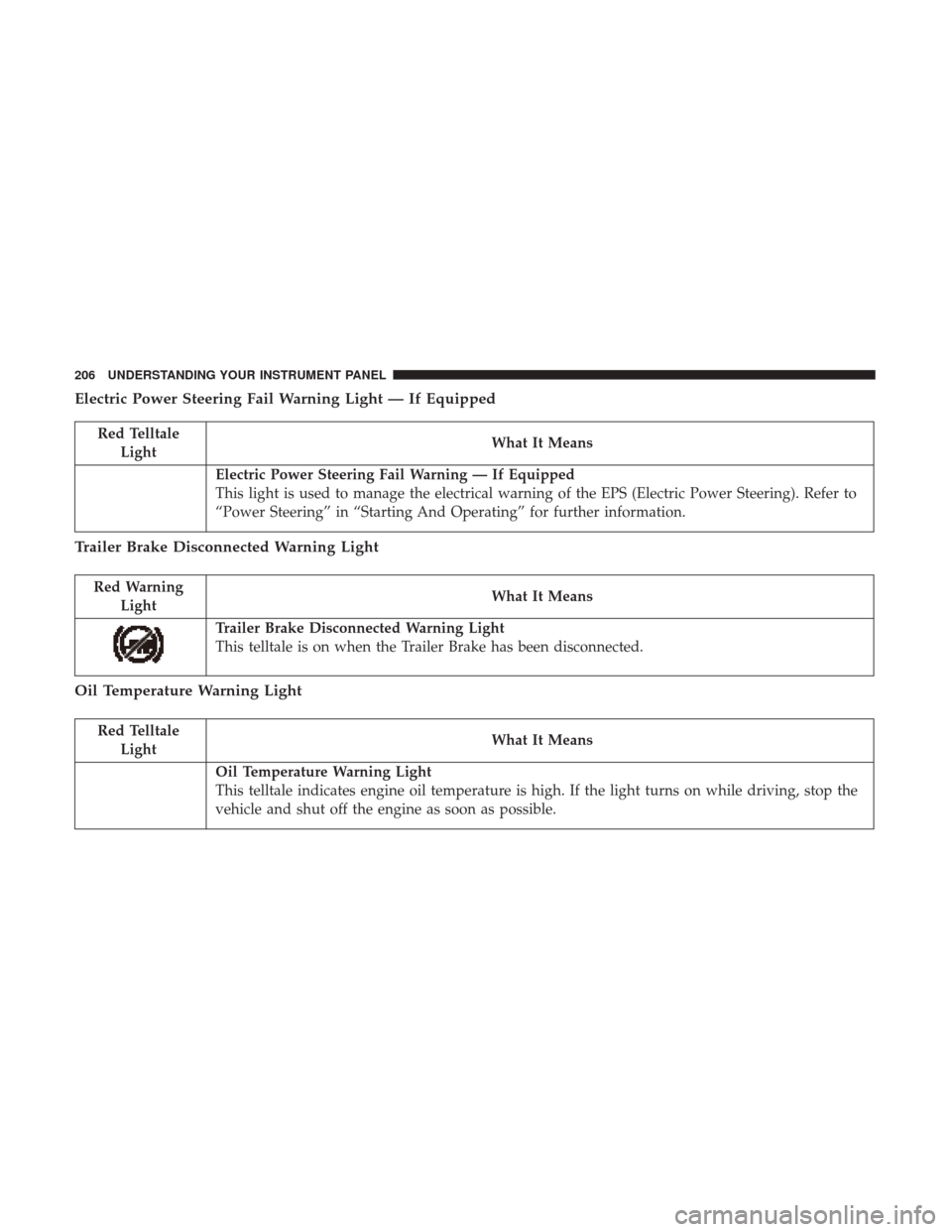
Electric Power Steering Fail Warning Light — If Equipped
Red TelltaleLight What It Means
Electric Power Steering Fail Warning — If Equipped
This light is used to manage the electrical warning of the EPS (Electric Power Steering). Refer to
“Power Steering” in “Starting And Operating” for further information.
Trailer Brake Disconnected Warning Light
Red Warning
Light What It Means
Trailer Brake Disconnected Warning Light
This telltale is on when the Trailer Brake has been disconnected.
Oil Temperature Warning Light
Red Telltale
Light What It Means
Oil Temperature Warning Light
This telltale indicates engine oil temperature is high. If the light turns on while driving, stop the
vehicle and shut off the engine as soon as possible.
206 UNDERSTANDING YOUR INSTRUMENT PANEL
Page 210 of 534
Yellow Telltale Indicator Lights
Engine Check/Malfunction Indicator Light (MIL)
Yellow TelltaleLight What It Means
Engine Check/Malfunction Indicator Light (MIL)
The Engine Check/Malfunction Indicator Light (MIL) is a part of an Onboard Diagnostic System
called OBD II that monitors engine and automatic transmission control systems. The light will
illuminate when the ignition is in the ON/RUN position before engine start. If the bulb does not
come on when turning the key from OFF to ON/RUN, have the condition checked promptly.
Certain conditions, such as a loose or missing gas cap, poor quality fuel, etc., may illuminate the
light after engine start. The vehicle should be serviced if the light stays on through several typical
driving styles. In most situations, the vehicle will drive normally and will not require towing.
When the engine is running, the MIL may flash to alert serious conditions that could lead to im-
mediate loss of power or severe catalytic converter damage. The vehicle should be serviced as
soon as possible if this occurs.
208 UNDERSTANDING YOUR INSTRUMENT PANEL
Page 211 of 534

WARNING!
A malfunctioning catalytic converter, as referenced
above, can reach higher temperatures than in normal
operating conditions. This can cause a fire if you drive
slowly or park over flammable substances such as dry
plants, wood, cardboard, etc. This could result in death
or serious injury to the driver, occupants or others.
CAUTION!
Prolonged driving with the Malfunction Indicator
Light (MIL) on could cause damage to the engine
control system. It also could affect fuel economy and
driveability. If the MIL is flashing, severe catalytic
converter damage and power loss will soon occur.
Immediate service is required.
4
UNDERSTANDING YOUR INSTRUMENT PANEL 209
Page 234 of 534

Setting NamesSetting Names Abbreviated (Left
Submenu Layer) Sub-Menus (Right Submenu
Layer)
19 Passive Entry Passive Entry On; Off
20 Remote Start Comfort System Rmt Start ComfortOn; Off
21 Easy Exit Seat Easy Exit Seat On; Off
22 Key-off Power Delay Power Off DelayOff; 45 seconds; 5 minutes;
10 minutes
23 Commercial Settings Commercial
•Aux Switches
• Power Take-Off
• PIN Setup
• ParkSense Setup
24 Aero Ride Height Mode Aero ModeOn; Off
25 Tire/Jack Mode Tire/Jack Mode On; Off
26 Transport Mode Transport Mode On; Off
27 Wheel Alignment Mode Wheel AlignmentOn; Off
28 Horn w/ Remote Lower Horn w/ Rmt LwrOn; Off
29 Lights w/ Remote Lower Lights w/ Rmt LwrOn; Off
30 Trailer Select Trailer SelectTrailer 1; Trailer 2; Trailer 3;
Trailer 4
31 Brake Type Brake TypeLight Electric; Heavy Electric;
Light EOH; Heavy EOH
232 UNDERSTANDING YOUR INSTRUMENT PANEL
Page 236 of 534
Turn Menu OFF — If Equipped
Push and release theRIGHTarrow button to exit the
main menu.
Push and release any Instrument Cluster Display control
button to enter the Instrument Cluster Display main menu
again.
Instrument Cluster Display Messages
• Front Seatbelts Unbuckled
• Driver Seatbelt Unbuckled
• Passenger Seatbelt Unbuckled
• Service Airbag System
• Traction Control Off
• Washer Fluid Low
• Oil Pressure Low
• Oil Change Due
• Fuel Low
• Service Antilock Brake System
• Service Electronic Throttle Control
• Service Power Steering •
Cruise Off
• Cruise Ready
• Cruise Set To XXX MPH
• Tire Pressure Screen With Low Tire(s) “Inflate Tire To
XX”
• Tire Pressure Information System (TPIS)
• Service Tire Pressure System
• Parking Brake Engaged
• Brake Fluid Low
• Service Electronic Braking System
• Engine Temperature Hot
• Battery Voltage Low
• Service Electronic Throttle Control
• Lights On
• Right Turn Signal Light Out
• Left Turn Signal Light Out
• Turn Signal On
234 UNDERSTANDING YOUR INSTRUMENT PANEL