fuel Ram 5500 Chassis Cab 2014 User Guide
[x] Cancel search | Manufacturer: RAM, Model Year: 2014, Model line: 5500 Chassis Cab, Model: Ram 5500 Chassis Cab 2014Pages: 546, PDF Size: 3.76 MB
Page 218 of 546
4. EVIC White Telltales•Electronic Speed Control Ready
This light will turn on when the electronic
speed control is ON. For further informa-
tion, refer to “Electronic Speed Control” in
“Understanding The Features Of Your
Vehicle.”
• Electronic Speed Control SET
This light will turn on when the electronic
speed control is SET. For further informa-
tion, refer to “Electronic Speed Control” in
“Understanding The Features Of Your
Vehicle.”
• Shift Lever Status
The highest available transmission gear is displayed
in the lower right corner of the Electronic Vehicle
Information Center (EVIC) whenever the Electronic Range Select (ERS) feature is active. Use the +/-
selector on the shift lever to activate ERS. Refer to
“Automatic Transmission” in “Starting And Operat-
ing” for further information.
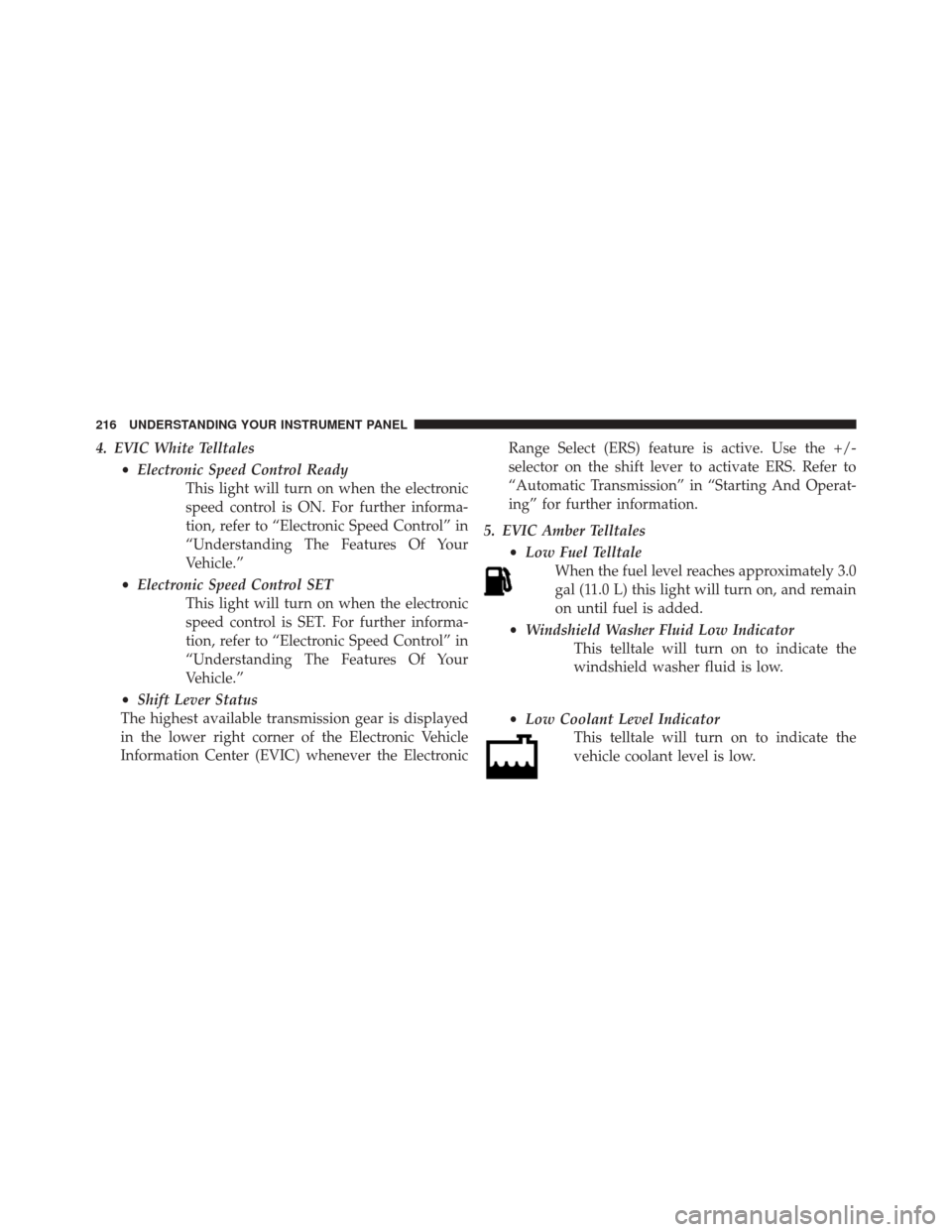
5. EVIC Amber Telltales •Low Fuel Telltale
When the fuel level reaches approximately 3.0
gal (11.0 L) this light will turn on, and remain
on until fuel is added.
• Windshield Washer Fluid Low Indicator
This telltale will turn on to indicate the
windshield washer fluid is low.
• Low Coolant Level Indicator
This telltale will turn on to indicate the
vehicle coolant level is low.
216 UNDERSTANDING YOUR INSTRUMENT PANEL
Page 220 of 546
•Service Stop/Start System Telltale — If Equipped
This telltale will turn on to indicate that the
Stop/Start is Unavailable, service Stop/
Start system.
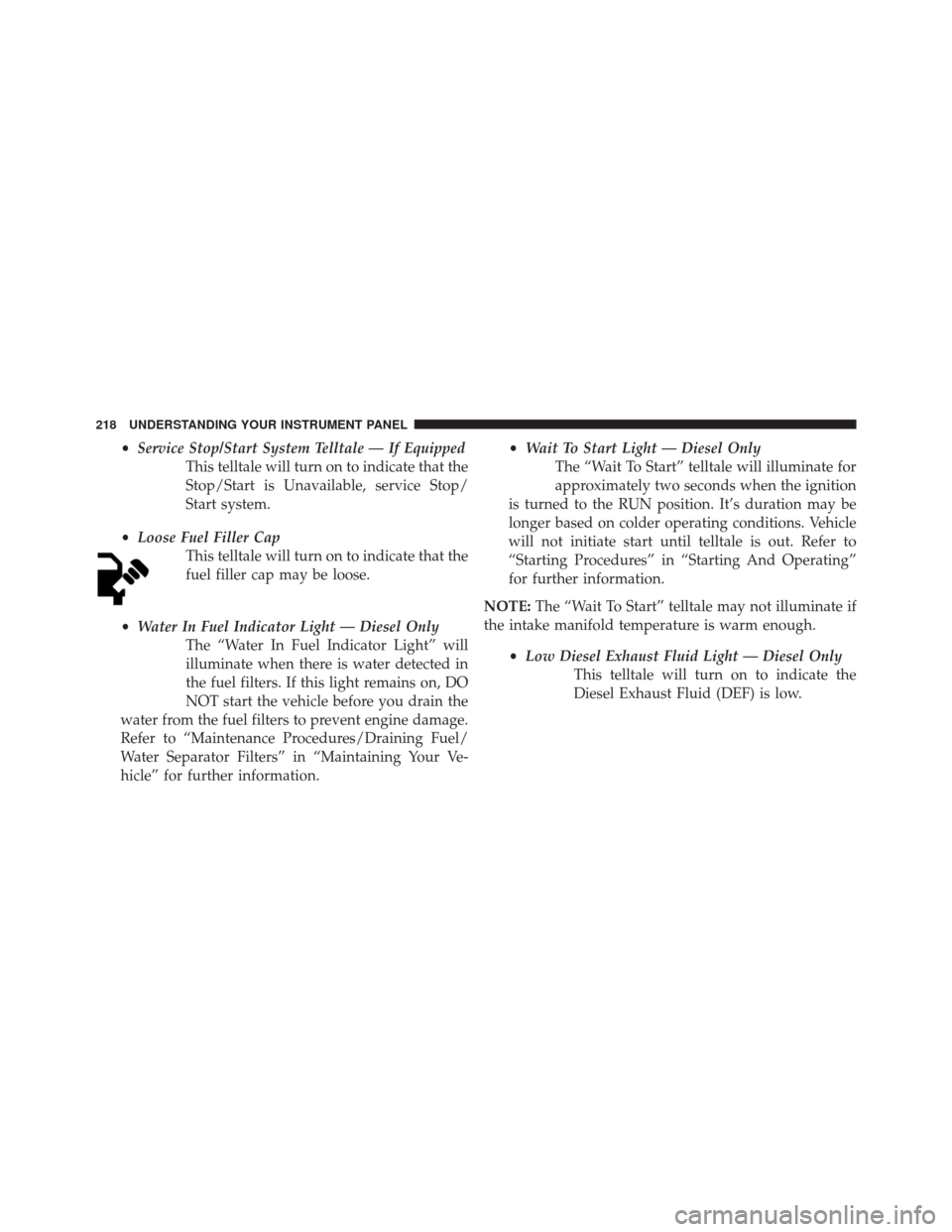
• Loose Fuel Filler Cap
This telltale will turn on to indicate that the
fuel filler cap may be loose.
• Water In Fuel Indicator Light — Diesel Only
The “Water In Fuel Indicator Light” will
illuminate when there is water detected in
the fuel filters. If this light remains on, DO
NOT start the vehicle before you drain the
water from the fuel filters to prevent engine damage.
Refer to “Maintenance Procedures/Draining Fuel/
Water Separator Filters” in “Maintaining Your Ve-
hicle” for further information. •
Wait To Start Light — Diesel Only
The “Wait To Start” telltale will illuminate for
approximately two seconds when the ignition
is turned to the RUN position. It’s duration may be
longer based on colder operating conditions. Vehicle
will not initiate start until telltale is out. Refer to
“Starting Procedures” in “Starting And Operating”
for further information.
NOTE: The “Wait To Start” telltale may not illuminate if
the intake manifold temperature is warm enough.
•Low Diesel Exhaust Fluid Light — Diesel Only
This telltale will turn on to indicate the
Diesel Exhaust Fluid (DEF) is low.
218 UNDERSTANDING YOUR INSTRUMENT PANEL
Page 226 of 546
as there is a stored message, an “i” will be displayed in
the EVIC’s compass/outside temp line. Examples of this
message type are “Right Front Turn Signal Lamp Out”
and “Low Tire Pressure”.
•Unstored Messages
This message type is displayed indefinitely or until the
condition that activated the message is cleared. Examples
of this message type are “Turn Signal On” (if a turn signal
is left on) and “Lights On” (if driver leaves the vehicle).
• Unstored Messages Until RUN
These messages deal primarily with the Remote Start
feature. This message type is displayed until the ignition
is in the RUN state. Examples of this message type are
“Remote Start Aborted - Door Ajar” and “Press Brake
Pedal and Push Button to Start”. •
Five Second Unstored Messages
When the appropriate conditions occur, this type of
message takes control of the main display area for five
seconds and then returns to the previous screen. An
example of this message type is “Automatic High Beams
On”.
EVIC Amber Telltales
This area will show reconfigurable amber caution tell-
tales. These telltales include:
• Low Fuel Telltale
When the fuel level reaches approximately 3.0 gal
(11.0 L) this light will turn on, and remain on until
fuel is added.
224 UNDERSTANDING YOUR INSTRUMENT PANEL
Page 228 of 546
•Air Suspension Payload Protection Telltale — If
Equipped
This telltale will turn on to indicate that the
maximum payload may have been exceeded or
load leveling cannot be achieved at its current
ride height.
Protection Mode will automatically be selected in order
to “protect” the air suspension system, air suspension
adjustment is limited due to payload.
• Service Stop/Start System Telltale — If Equipped
This telltale will turn on to indicate that the
Stop/Start is Unavailable, service Stop/Start
system. •
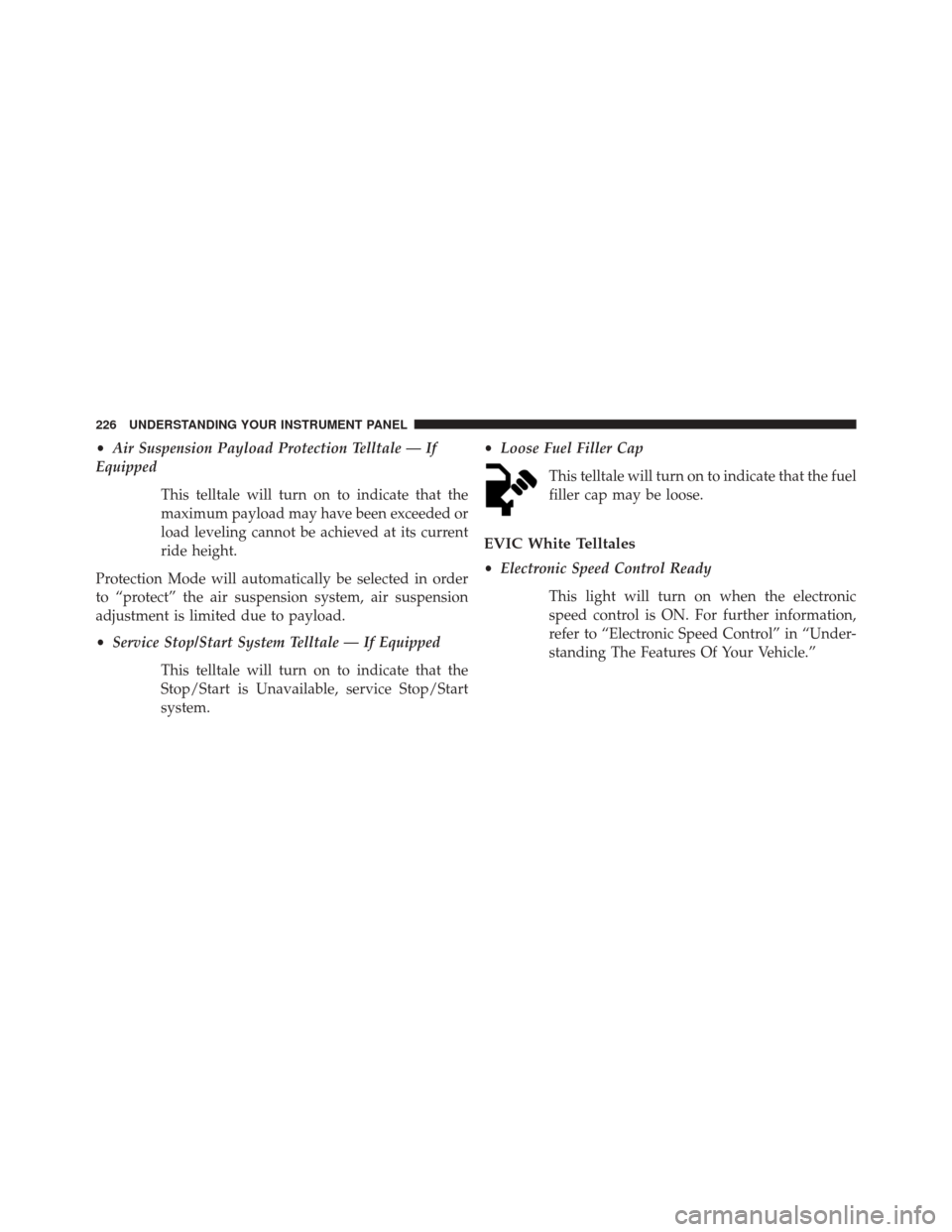
Loose Fuel Filler Cap
This telltale will turn on to indicate that the fuel
filler cap may be loose.
EVIC White Telltales
•Electronic Speed Control Ready
This light will turn on when the electronic
speed control is ON. For further information,
refer to “Electronic Speed Control” in “Under-
standing The Features Of Your Vehicle.”
226 UNDERSTANDING YOUR INSTRUMENT PANEL
Page 233 of 546
Trip APress and release the UP or DOWN arrow
button until the Trip A icon is highlighted in
the EVIC. The Trip A information will display
the following:
• Distance
• Average Fuel Economy
• Average Speed
• Elapsed Time
Hold the SELECT/RIGHT arrow button to reset all the
information. Trip B
Press and release Up & Down arrow button
until the Trip B icon is highlighted in the EVIC.
The Trip B information will display the
following:
• Distance
• Average Fuel Economy
• Average Speed
• Elapsed Time
Hold the SELECT/RIGHT arrow button to reset all the
information.
4
UNDERSTANDING YOUR INSTRUMENT PANEL 231
Page 234 of 546
Fuel EconomyPress and release the UP or DOWN arrow
button until the Fuel Economy icon is
highlighted.
• Average Fuel Economy/Miles Per Gallon (MPG or
L/100 km with Bargraph)
• Range To Empty (RTE)
• Current Fuel Economy (MPG or L/100 km)
Trailer Tow
Press and release the UP or DOWN arrow
button until the Trailer Tow icon is highlighted.
Press the SELECT/RIGHT arrow button and
the next screen will display the following
trailer trip information: •
Trailer Trip
• Trailer Brake
Audio
Press and release the UP or DOWN arrow
button until the Audio display icon is high-
lighted in the EVIC. Press and release the
SELECT/RIGHT arrow button to display the
active source.
Screen Setup
Press and release the UP or DOWN arrow
button until the Screen Setup display icon is
highlighted in the EVIC. Press and release the
SELECT/RIGHT arrow button to enter the
Screen Setup sub-menu. The Screen Setup feature allows
232 UNDERSTANDING YOUR INSTRUMENT PANEL
Page 238 of 546
6. Press and release theUparrow button to exit the EVIC
screen.
Vehicles Not Equipped With Passive Entry
1. Without pressing the brake pedal, cycle the ignition to the ON/RUN position (do not start the engine.)
2. Press and release the DOWNarrow button to scroll
downward through the main menu to “ Vehicle Info”.
3. Press and release the RIGHTarrow button to access
the ” Oil Life” screen.
4. Press and hold the RIGHTarrow button for one
second to access the ” Oil Life Reset” screen.
5. Press and release the DOWNarrow button to select
“Yes”, then press and release the Right arrow button to
select reset of the Oil Life.
6. Press and release the Uparrow button to exit the EVIC
screen. NOTE:
If the indicator message illuminates when you
start the vehicle, the oil change indicator system did not
reset. If necessary, repeat this procedure.
Electronic Vehicle Information Center (EVIC)
Messages
• Front Seatbelts Unbuckled
• Driver Seatbelt Unbuckled
• Passenger Seatbelt Unbuckled
• Service Airbag System
• Traction Control Off
• Washer Fluid Low
• Oil Pressure Low
• Oil Change Due
• Fuel Low
236 UNDERSTANDING YOUR INSTRUMENT PANEL
Page 239 of 546
•Service Antilock Brake System
• Service Electronic Throttle Control
• Service Power Steering
• Cruise Off
• Cruise Ready
• Cruise Set To XXX MPH
• Tire Pressure Screen With Low Tire(s) “Inflate Tire to
XX”
• Service Tire Pressure System
• Parking Brake Engaged
• Brake Fluid Low
• Service Electronic Braking System
• Engine Temperature Hot •
Battery Voltage Low
• Service Electronic Throttle Control
• Lights On
• Right Turn Signal Light Out
• Left Turn Signal Light Out
• Turn Signal On
• Vehicle Not in Park
• Key in Ignition
• Key in Ignition Lights On
• Remote Start Active Key to Run
• Remote Start Active Push Start Button
• Remote Start Aborted Fuel Low
• Remote Start Aborted Too Cold
4
UNDERSTANDING YOUR INSTRUMENT PANEL 237
Page 252 of 546
designated turn within a programmed route. To make
your selection, touch the “Navigation Turn-By-Turn In
Cluster” soft-key, until a check-mark appears next to the
setting, showing that setting has been selected. Touch the
back arrow soft-key to return to the previous menu.
•Fuel Saver Display In Cluster
The “ECO” message is located in the instrument cluster
display, this message can be turned on or off. To make
your selection, touch the “Fuel Saver Display” soft-key,
until a check-mark appears next to the setting, showing
that setting has been selected. Touch the back arrow
soft-key to return to the previous menu.
Clock
After pressing the “Clock” soft-key the following settings
will be available: •
Sync Time With GPS
When in this display, you may automatically have the
radio set the time. To change the Sync Time setting, touch
the “Sync with GPS Time” soft-key until a check-mark
appears next to the setting, showing that setting has been
selected. Touch the back arrow soft-key to return to the
previous menu.
• Set Time Hours
When in this display, you may adjust the hours. The
“Sync with GPS Time” soft-key must be unchecked. To
make your selection, touch the “+” or “–” soft-keys to
adjust the hours up or down. Touch the back arrow
soft-key to return to the previous menu or touch the” X”
soft-key to close out of the settings screen.
• Set Time Minutes
When in this display, you may adjust the minutes. The
“Sync with GPS Time” soft-key must be unchecked. To
250 UNDERSTANDING YOUR INSTRUMENT PANEL
Page 274 of 546
Bi-Level Mode
Air is directed through the panel and floor outlets.
NOTE: There is a difference in temperature (in any
conditions other than full cold or full hot), between the
upper and lower outlets for added comfort. The warmer
air goes to the floor outlets. This feature gives improved
comfort during sunny but cool conditions.
Floor Mode
Air is directed through the floor outlets with a
small amount through the defrost and side win-
dow demist outlets.
Mix Mode
Air is directed through the floor, defrost and side
window demist outlets. This setting works best in
cold or snowy conditions that require extra heat at the
windshield. This setting is good for maintaining comfort,
while reducing moisture on the windshield.
Defrost Mode
Air is directed through the windshield and side
window demist outlets. Use the DEFROST mode
with maximum blower and warm temperature settings
for best windshield and side window defrosting.
NOTE: The air conditioning compressor operates in MIX
and DEFROST, or a blend of these modes even if the A/C
button is not pressed. This dehumidifies the air to help
dry the windshield. To improve fuel economy, use these
modes only when necessary.
272 UNDERSTANDING YOUR INSTRUMENT PANEL