ignition Ram 5500 Chassis Cab 2014 Service Manual
[x] Cancel search | Manufacturer: RAM, Model Year: 2014, Model line: 5500 Chassis Cab, Model: Ram 5500 Chassis Cab 2014Pages: 546, PDF Size: 3.76 MB
Page 160 of 546
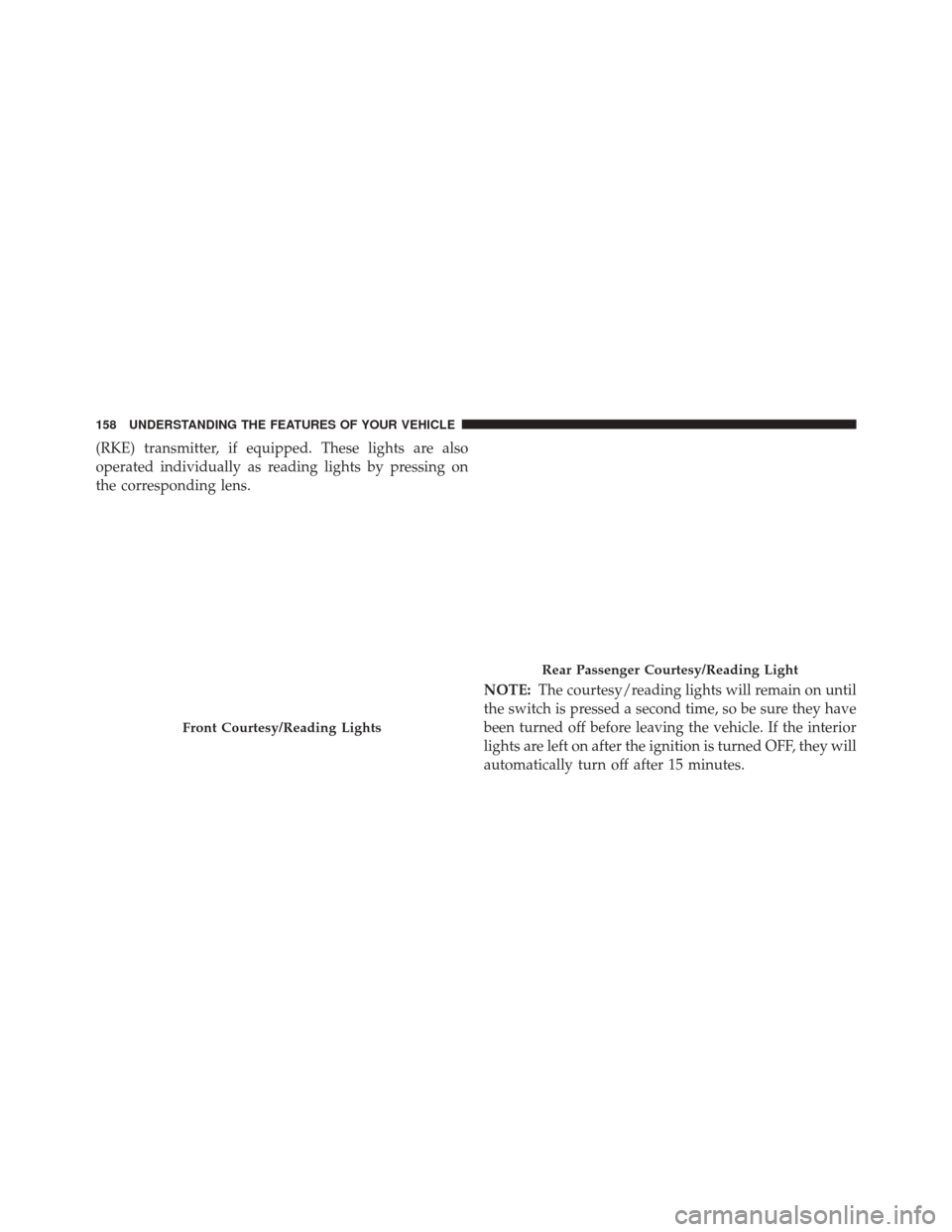
(RKE) transmitter, if equipped. These lights are also
operated individually as reading lights by pressing on
the corresponding lens.NOTE:The courtesy/reading lights will remain on until
the switch is pressed a second time, so be sure they have
been turned off before leaving the vehicle. If the interior
lights are left on after the ignition is turned OFF, they will
automatically turn off after 15 minutes.
Front Courtesy/Reading Lights
Rear Passenger Courtesy/Reading Light
158 UNDERSTANDING THE FEATURES OF YOUR VEHICLE
Page 167 of 546
•Low Ambient Temperature — When the ignition is
first turned ON, the Rain Sensing system will not
operate until the wiper switch is moved, vehicle speed
is greater than 0 mph (0 km/h), or the outside tem-
perature is greater than 32°F (0°C).
• Transmission In NEUTRAL Position — When the
ignition is ON, and the transmission is in the NEU-
TRAL position, the Rain Sensing system will not
operate until the wiper switch is moved, vehicle speed
is greater than 5 mph (8 km/h), or the shift lever is
moved out of the NEUTRAL position.
Remote Start Mode Inhibit — On vehicles equipped
with Remote Starting system, Rain Sensing wipers are
not operational when the vehicle is in the remote start
mode. Once the operator is in the vehicle and has placed
the ignition switch in the RUN position, rain sensing
wiper operation can resume, if it has been selected, and
no other inhibit conditions (mentioned previously) exist.TILT STEERING COLUMN
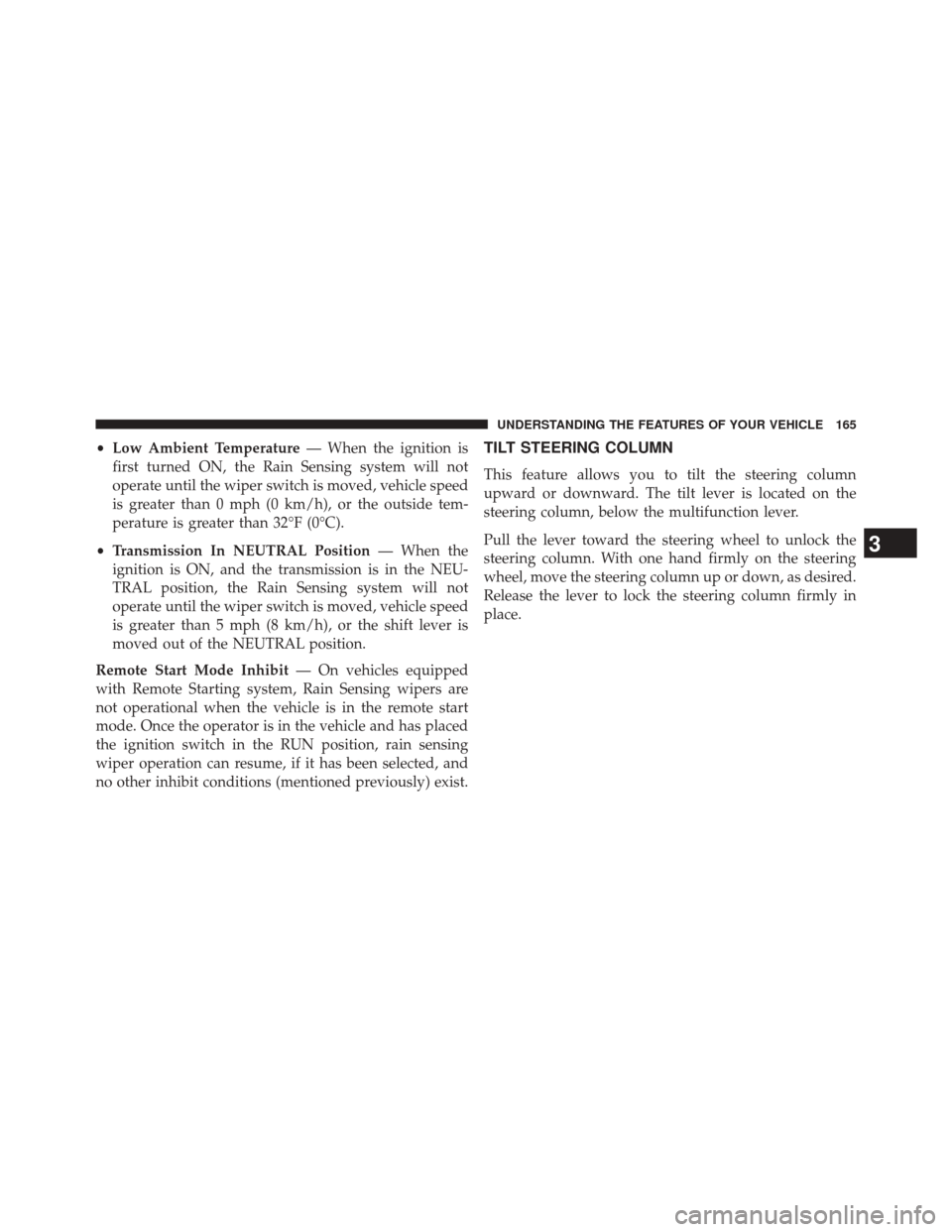
This feature allows you to tilt the steering column
upward or downward. The tilt lever is located on the
steering column, below the multifunction lever.
Pull the lever toward the steering wheel to unlock the
steering column. With one hand firmly on the steering
wheel, move the steering column up or down, as desired.
Release the lever to lock the steering column firmly in
place.
3
UNDERSTANDING THE FEATURES OF YOUR VEHICLE 165
Page 169 of 546
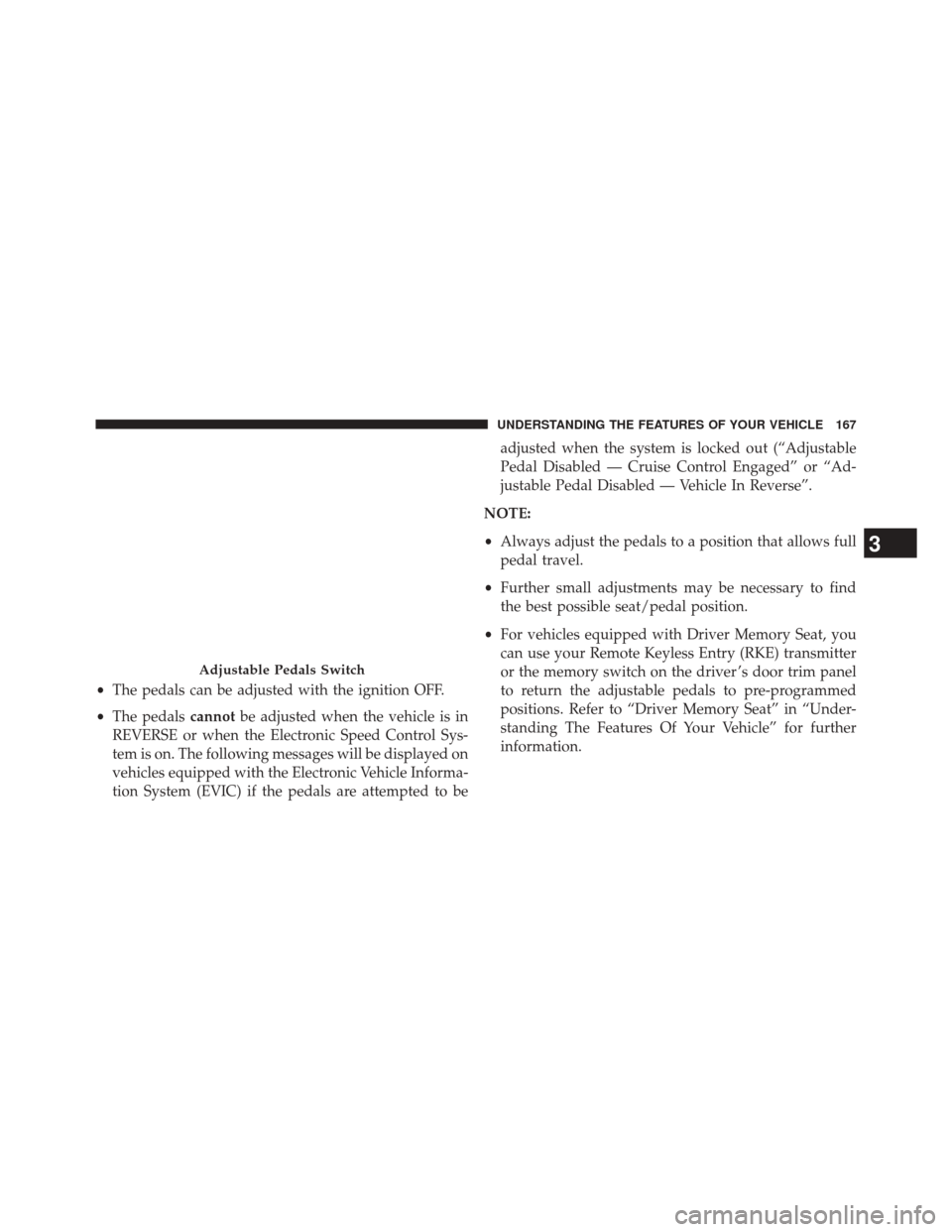
•The pedals can be adjusted with the ignition OFF.
• The pedals cannotbe adjusted when the vehicle is in
REVERSE or when the Electronic Speed Control Sys-
tem is on. The following messages will be displayed on
vehicles equipped with the Electronic Vehicle Informa-
tion System (EVIC) if the pedals are attempted to be adjusted when the system is locked out (“Adjustable
Pedal Disabled — Cruise Control Engaged” or “Ad-
justable Pedal Disabled — Vehicle In Reverse”.
NOTE:
• Always adjust the pedals to a position that allows full
pedal travel.
• Further small adjustments may be necessary to find
the best possible seat/pedal position.
• For vehicles equipped with Driver Memory Seat, you
can use your Remote Keyless Entry (RKE) transmitter
or the memory switch on the driver ’s door trim panel
to return the adjustable pedals to pre-programmed
positions. Refer to “Driver Memory Seat” in “Under-
standing The Features Of Your Vehicle” for further
information.
Adjustable Pedals Switch
3
UNDERSTANDING THE FEATURES OF YOUR VEHICLE 167
Page 173 of 546
WARNING!
Leaving the Electronic Speed Control system on
when not in use is dangerous. You could accidentally
set the system or cause it to go faster than you want.
You could lose control and have an accident. Always
leave the system OFF when you are not using it.
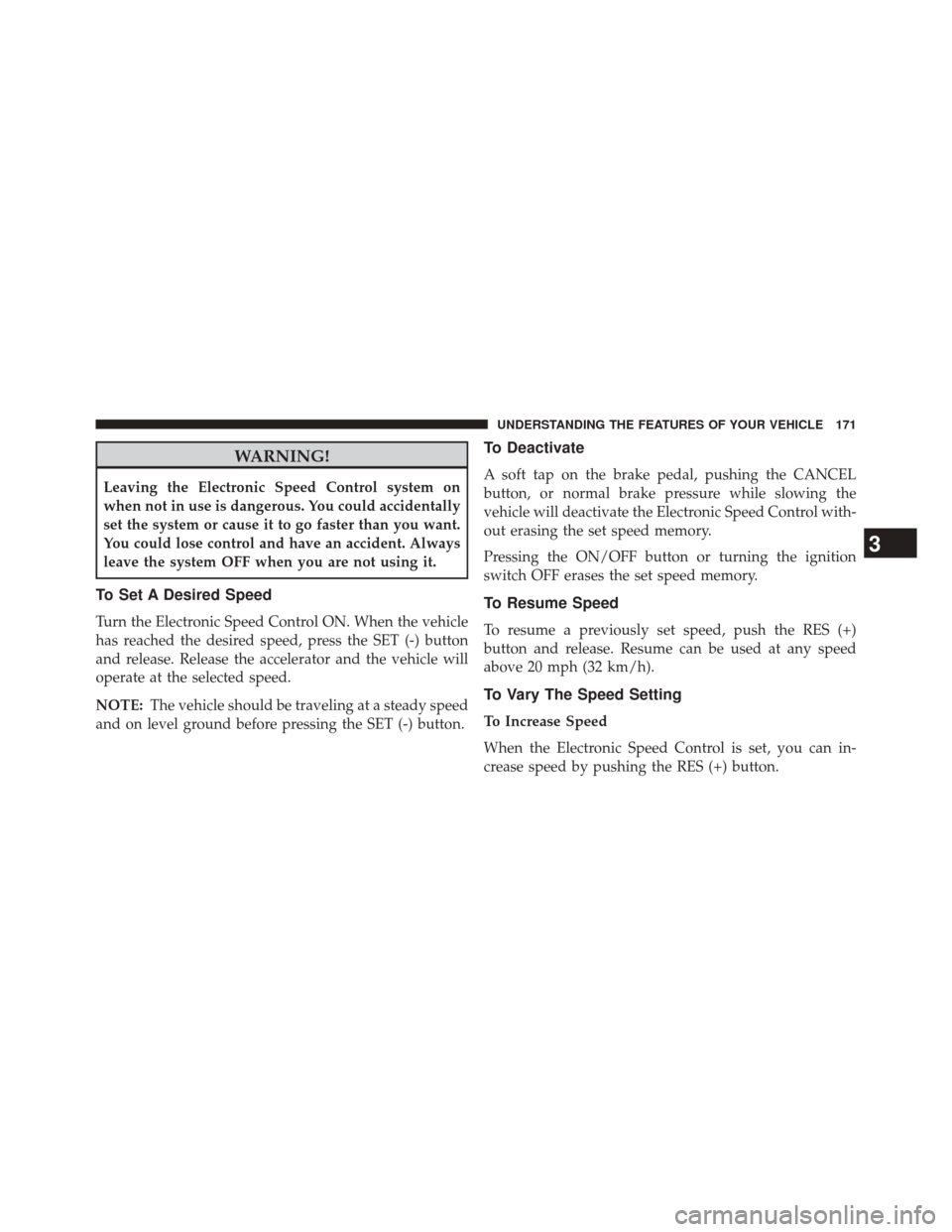
To Set A Desired Speed
Turn the Electronic Speed Control ON. When the vehicle
has reached the desired speed, press the SET (-) button
and release. Release the accelerator and the vehicle will
operate at the selected speed.
NOTE:The vehicle should be traveling at a steady speed
and on level ground before pressing the SET (-) button.
To Deactivate
A soft tap on the brake pedal, pushing the CANCEL
button, or normal brake pressure while slowing the
vehicle will deactivate the Electronic Speed Control with-
out erasing the set speed memory.
Pressing the ON/OFF button or turning the ignition
switch OFF erases the set speed memory.
To Resume Speed
To resume a previously set speed, push the RES (+)
button and release. Resume can be used at any speed
above 20 mph (32 km/h).
To Vary The Speed Setting
To Increase Speed
When the Electronic Speed Control is set, you can in-
crease speed by pushing the RES (+) button.
3
UNDERSTANDING THE FEATURES OF YOUR VEHICLE 171
Page 177 of 546
(RKE) transmitter, if equipped. These lights are also
operated individually as reading lights by pressing on
the corresponding lens.NOTE:The courtesy/reading lights will remain on until
the switch is pressed a second time, so be sure they have
been turned off before leaving the vehicle. If the interior
lights are left on after the ignition is turned OFF, they will
automatically turn off after 15 minutes.
Front Courtesy/Reading Lights
Rear Passenger Courtesy/Reading Light
3
UNDERSTANDING THE FEATURES OF YOUR VEHICLE 175
Page 199 of 546
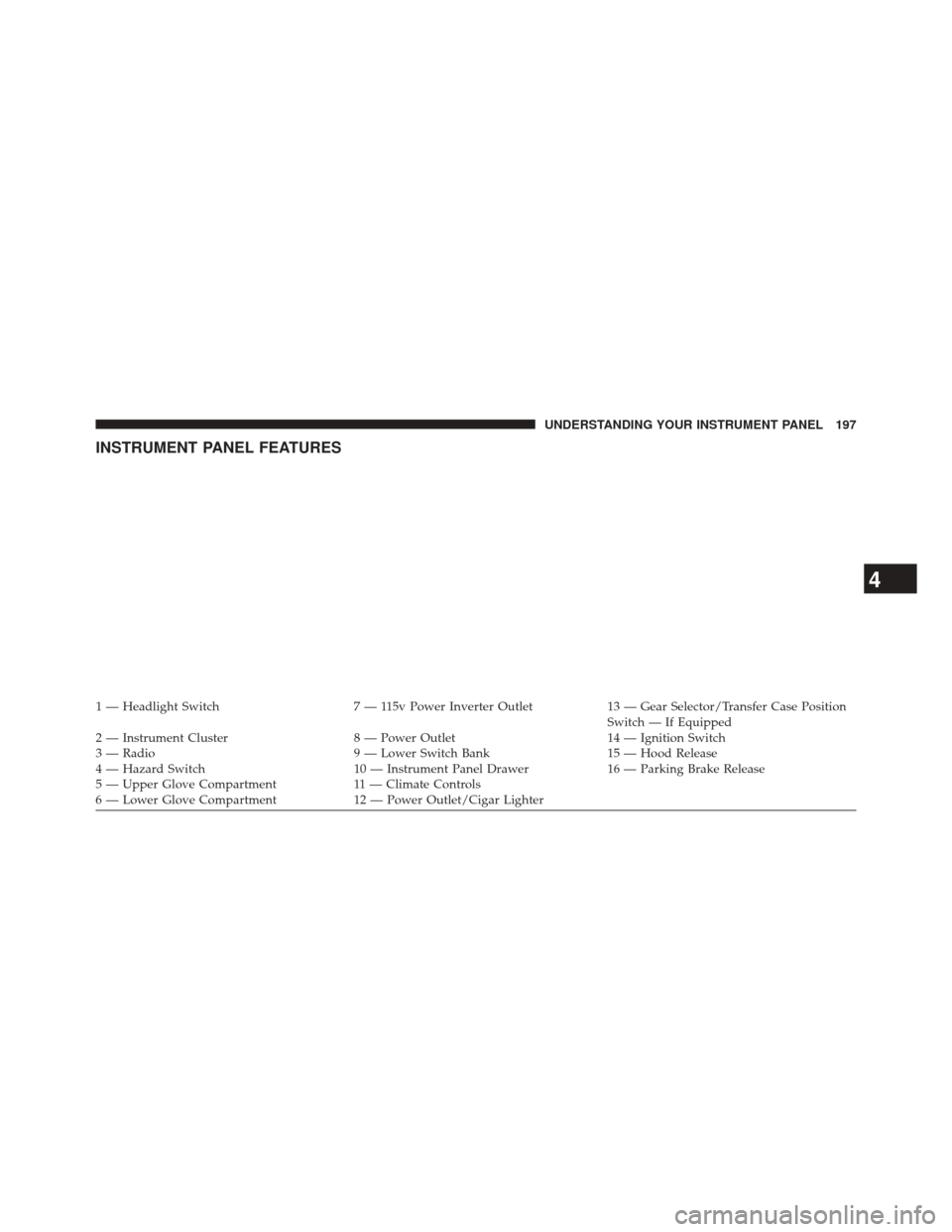
INSTRUMENT PANEL FEATURES
1 — Headlight Switch7 — 115v Power Inverter Outlet13 — Gear Selector/Transfer Case Position
Switch — If Equipped
2 — Instrument Cluster 8 — Power Outlet14 — Ignition Switch
3 — Radio 9 — Lower Switch Bank15 — Hood Release
4 — Hazard Switch 10 — Instrument Panel Drawer16 — Parking Brake Release
5 — Upper Glove Compartment 11 — Climate Controls
6 — Lower Glove Compartment 12 — Power Outlet/Cigar Lighter
4
UNDERSTANDING YOUR INSTRUMENT PANEL 197
Page 202 of 546
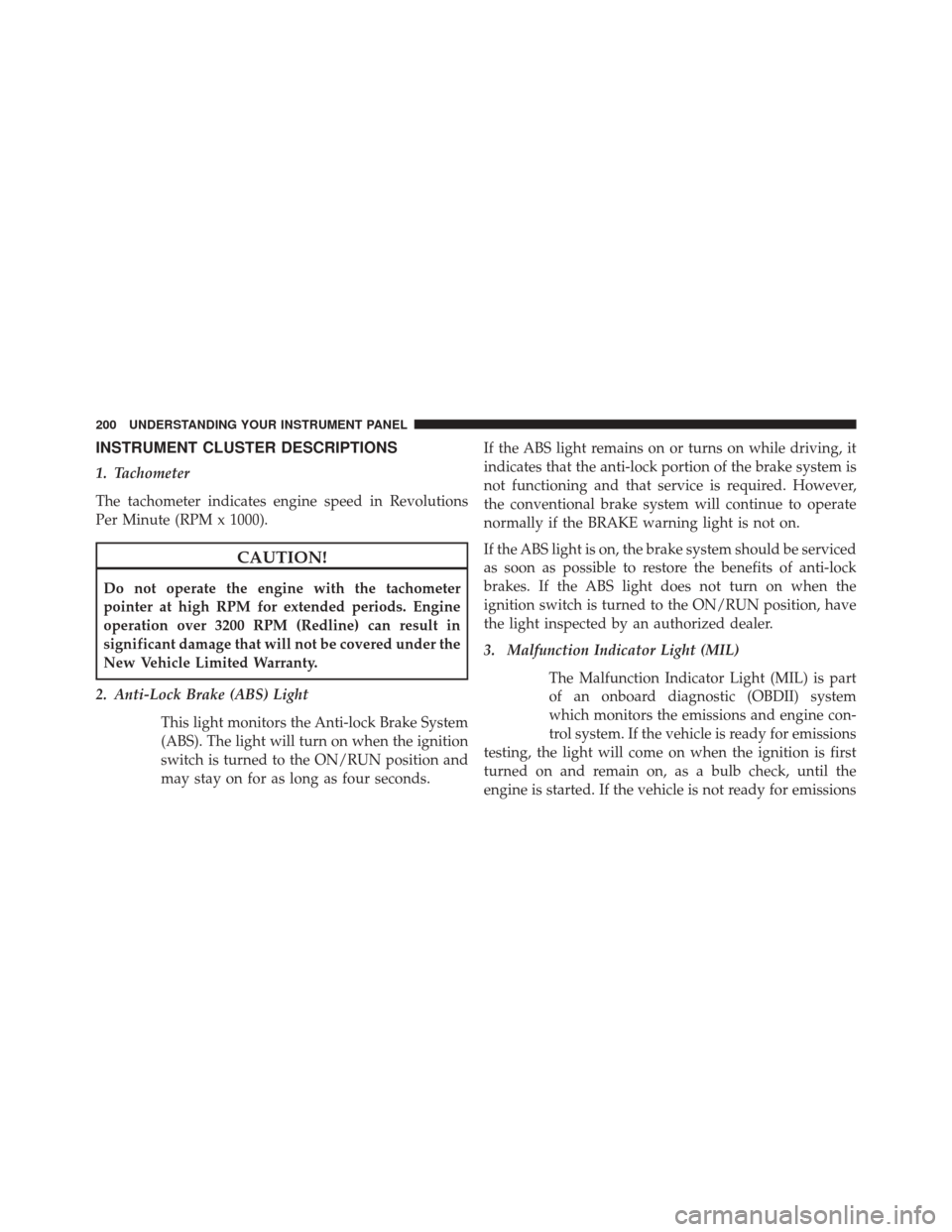
INSTRUMENT CLUSTER DESCRIPTIONS
1. Tachometer
The tachometer indicates engine speed in Revolutions
Per Minute (RPM x 1000).
CAUTION!
Do not operate the engine with the tachometer
pointer at high RPM for extended periods. Engine
operation over 3200 RPM (Redline) can result in
significant damage that will not be covered under the
New Vehicle Limited Warranty.
2. Anti-Lock Brake (ABS) Light This light monitors the Anti-lock Brake System
(ABS). The light will turn on when the ignition
switch is turned to the ON/RUN position and
may stay on for as long as four seconds. If the ABS light remains on or turns on while driving, it
indicates that the anti-lock portion of the brake system is
not functioning and that service is required. However,
the conventional brake system will continue to operate
normally if the BRAKE warning light is not on.
If the ABS light is on, the brake system should be serviced
as soon as possible to restore the benefits of anti-lock
brakes. If the ABS light does not turn on when the
ignition switch is turned to the ON/RUN position, have
the light inspected by an authorized dealer.
3. Malfunction Indicator Light (MIL)
The Malfunction Indicator Light (MIL) is part
of an onboard diagnostic (OBDII) system
which monitors the emissions and engine con-
trol system. If the vehicle is ready for emissions
testing, the light will come on when the ignition is first
turned on and remain on, as a bulb check, until the
engine is started. If the vehicle is not ready for emissions
200 UNDERSTANDING YOUR INSTRUMENT PANEL
Page 203 of 546
testing the light will come on when the ignition is first
turned on and remain on for 15 seconds, then blink for 5
seconds, and remain on until the vehicle is started. If the
bulb does not come on during starting, have the condi-
tion investigated promptly.
If this light comes on and remains on while driving, it
suggests a potential engine control problem and the need
for system service.
Although your vehicle will usually be drivable and not
need towing, see your authorized dealer for service as
soon as possible.
CAUTION!
Prolonged driving with the Malfunction Indicator
Light (MIL) on could cause damage to the engine
control system. It also could affect fuel economy and
driveability. If the MIL is flashing, severe catalytic
(Continued)
CAUTION!(Continued)
converter damage and power loss will soon occur.
Immediate service is required.
WARNING!
A malfunctioning catalytic converter, as referenced
above, can reach higher temperatures than in normal
operating conditions. This can cause a fire if you
drive slowly or park over flammable substances such
as dry plants, wood, cardboard, etc. This could result
in death or serious injury to the driver, occupants or
others.
4. Turn Signal Indicators The arrow will flash with the exterior turn
signal when the turn signal lever is operated.4
UNDERSTANDING YOUR INSTRUMENT PANEL 201
Page 205 of 546
hydraulic system malfunction or that a problem with the
Brake Booster has been detected by the Anti-Lock Brake
System (ABS) / Electronic Stability Control (ESC) system.
In this case, the light will remain on until the condition
has been corrected. If the problem is related to the brake
booster, the ABS pump will run when applying the brake
and a brake pedal pulsation may be felt during each stop.
The dual brake system provides a reserve braking capac-
ity in the event of a failure to a portion of the hydraulic
system. A leak in either half of the dual brake system is
indicated by the Brake Warning Light, which will turn on
when the brake fluid level in the master cylinder has
dropped below a specified level.
The light will remain on until the cause is corrected.
NOTE:The light may flash momentarily during sharp
cornering maneuvers, which change fluid level condi-
tions. The vehicle should have service performed, and
the brake fluid level checked. If brake failure is indicated, immediate repair is neces-
sary.
WARNING!
Driving a vehicle with the red brake light on is
dangerous. Part of the brake system may have failed.
It will take longer to stop the vehicle. You could have
a collision. Have the vehicle checked immediately.
Vehicles equipped with the ABS, are also equipped with
Electronic Brake Force Distribution (EBD). In the event of
an EBD failure, the Brake Warning Light will turn on
along with the ABS Light. Immediate repair to the ABS
system is required.
Operation of the Brake Warning Light can be checked by
turning the ignition switch from the OFF position to the
ON/RUN position. The light should illuminate for ap-
proximately two seconds. The light should then turn off
4
UNDERSTANDING YOUR INSTRUMENT PANEL 203
Page 206 of 546
unless the parking brake is applied or a brake fault is
detected. If the light does not illuminate, have the light
inspected by an authorized dealer.
The light also will turn on when the parking brake is
applied with the ignition switch in the ON/RUN posi-
tion.
NOTE:This light shows only that the parking brake is
applied. It does not show the degree of brake application.
7. High Beam Indicator
This light shows that the high beam headlights
are on. Push the multifunction control lever
away from you to switch the headlights to high
beam. Pull the lever toward you to switch the headlights
back to low beam. If the driver’s door is open, and the
headlights or park lights are left on, the high beam
indicator light will remain illuminated and a chime will
sound. 8. Seat Belt Reminder Light
When the ignition switch is first turned to
ON/RUN, this light will turn on for four to
eight seconds as a bulb check. During the bulb
check, if the driver’s seat belt is unbuckled, a
chime will sound. After the bulb check or when driving,
if the driver’s seat belt remains unbuckled, the seat belt
reminder light will flash or remain on continuously. Refer
to “Occupant Restraints” in “Things To Know Before
Starting Your Vehicle” for further information.
9. Air Bag Warning Light
This light will turn on for four to eight seconds
as a bulb check when the ignition switch is first
turned to ON/RUN. If the light is either not on
during starting, stays on, or turns on while
driving, have the system inspected at an authorized
204 UNDERSTANDING YOUR INSTRUMENT PANEL