steering Ram 5500 Chassis Cab 2015 Owner's Guide
[x] Cancel search | Manufacturer: RAM, Model Year: 2015, Model line: 5500 Chassis Cab, Model: Ram 5500 Chassis Cab 2015Pages: 599, PDF Size: 4.51 MB
Page 220 of 599
•Five Second Unstored Messages
When the appropriate conditions occur, this type of
message takes control of the main display area for five
seconds and then returns to the previous screen. An
example of this message type is “Automatic High Beams
On.”
Oil Life Reset
Your vehicle is equipped with an engine oil change
indicator system. The “Oil Change Required” message
will display for approximately 10 seconds after a single
chime has sounded, to indicate the next scheduled oil
change interval. The engine oil change indicator system
is duty cycle based, which means the engine oil change
interval may fluctuate, dependent upon your personal
driving style.
NOTE: Use the steering wheel controls for the following
procedure(s) Vehicles Equipped With Passive Entry
1. Without pushing the brake pedal, push the ENGINE
START/STOP button and cycle the ignition to the
ON/RUN position (do not start the engine).
2. Push and release the DOWNarrow button to scroll
downward through the main menu to “ Vehicle Info”.
3. Push and release the RIGHTarrow button to access
the “ Oil Life” screen.
4. Push and hold the RIGHTarrow button for one
second to access the “ Oil Life Reset” screen.
5. Push and release the DOWNarrow button to select “
Ye s ”, then push and release the RIGHTarrow button
to select reset of the Oil Life.
6. Push and release the Uparrow button to exit the EVIC
screen.
218 UNDERSTANDING YOUR INSTRUMENT PANEL
Page 221 of 599
Vehicles Not Equipped With Passive Entry
1. Without pushing the brake pedal, cycle the ignition tothe ON/RUN position (do not start the engine).
2. Push and release the DOWNarrow button to scroll
downward through the main menu to “ Vehicle Info”.
3. Push and release the RIGHTarrow button to access
the “ Oil Life” screen.
4. Push and hold the RIGHTarrow button for one
second to access the “ Oil Life Reset” screen.
5. Push and release the DOWNarrow button to select “
Ye s ”, then push and release the RIGHTarrow button
to select reset of the Oil Life.
6. Push and release the Uparrow button to exit the EVIC
screen.
NOTE: If the indicator message illuminates when you
start the vehicle, the oil change indicator system did not
reset. If necessary, repeat this procedure.EVIC Messages
• Front Seatbelts Unbuckled
• Driver Seatbelt Unbuckled
• Passenger Seatbelt Unbuckled
• Service Airbag System
• Traction Control Off
• Washer Fluid Low
• Oil Pressure Low
• Oil Change Due
• Fuel Low
• Service Antilock Brake System
• Service Electronic Throttle Control
• Service Power Steering
4
UNDERSTANDING YOUR INSTRUMENT PANEL 219
Page 230 of 599
Trailer Tow
Push and release theUPorDOWN arrow button until
the Trailer Tow menu item is highlighted. Push and
release the RIGHTarrow button and the next screen will
display the following trailer trip information:
• Trip (trailer specific) Distance
• Trailer Brake
• Output
• Type
• Gain
Push and hold the RIGHTarrow button to reset all the
information.
EVIC Messages
• Front Seatbelts Unbuckled
• Driver Seatbelt Unbuckled •
Passenger Seatbelt Unbuckled
• Service Airbag System
• Traction Control Off
• Washer Fluid Low
• Oil Pressure Low
• Oil Change Due
• Fuel Low
• Service Antilock Brake System
• Service Electronic Throttle Control
• Service Power Steering
• Cruise Off
• Cruise Ready
• Cruise Set To XXX MPH
228 UNDERSTANDING YOUR INSTRUMENT PANEL
Page 241 of 599
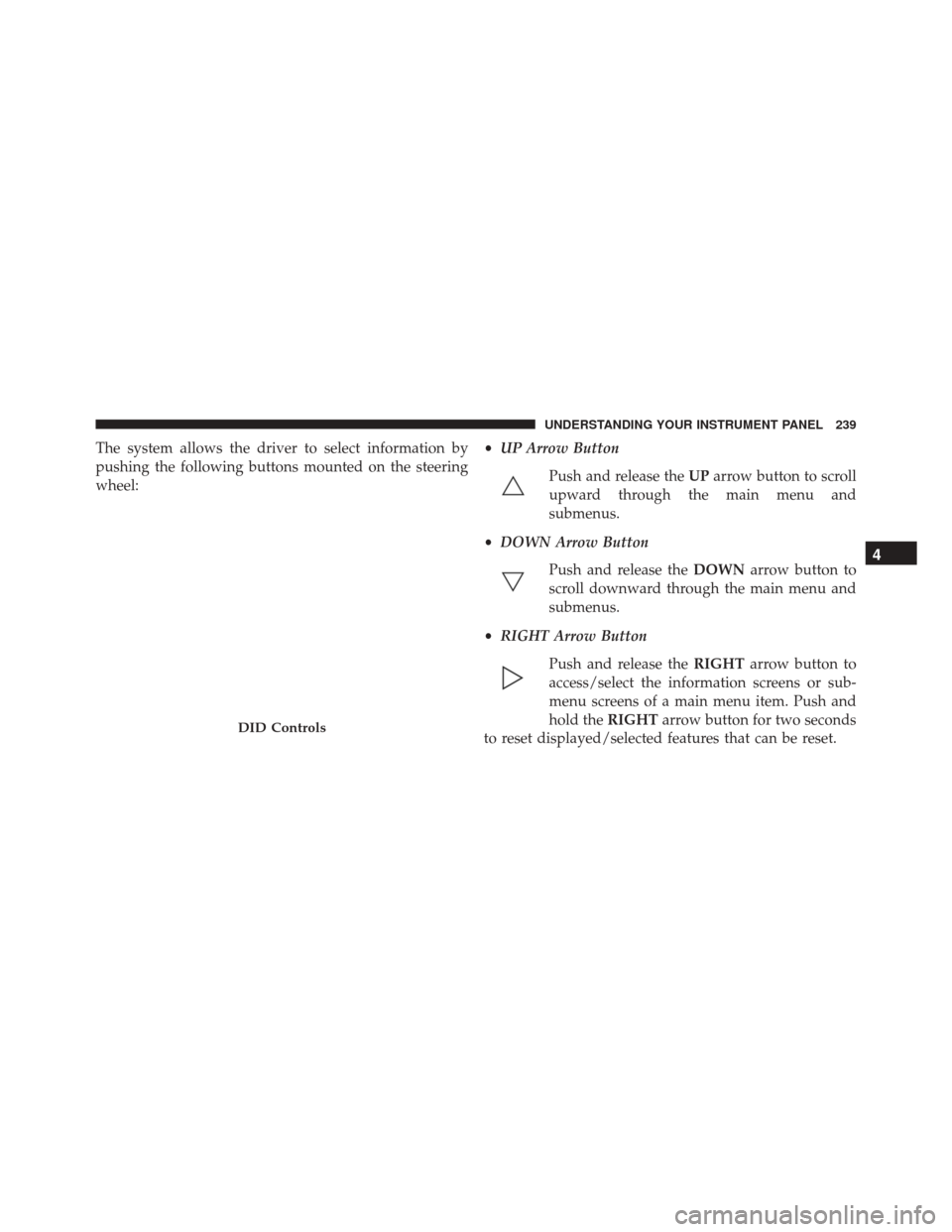
The system allows the driver to select information by
pushing the following buttons mounted on the steering
wheel:•
UP Arrow Button
Push and release the UParrow button to scroll
upward through the main menu and
submenus.
• DOWN Arrow Button
Push and release the DOWNarrow button to
scroll downward through the main menu and
submenus.
• RIGHT Arrow Button
Push and release the RIGHTarrow button to
access/select the information screens or sub-
menu screens of a main menu item. Push and
hold the RIGHTarrow button for two seconds
to reset displayed/selected features that can be reset.
DID Controls
4
UNDERSTANDING YOUR INSTRUMENT PANEL 239
Page 244 of 599
as there is a stored message, an “i” will be displayed in
the DID’s compass/outside temp line. Examples of this
message type are “Right Front Turn Signal Lamp Out”
and “Low Tire Pressure.”
•Unstored Messages
This message type is displayed indefinitely or until the
condition that activated the message is cleared. Examples
of this message type are “Turn Signal On” (if a turn signal
is left on) and “Lights On” (if driver leaves the vehicle).
• Unstored Messages Until RUN
These messages deal primarily with the Remote Start
feature. This message type is displayed until the ignition
is in the RUN state. Examples of this message type are
“Remote Start Aborted - Door Ajar” and “Press Brake
Pedal and Push Button to Start.” •
Five Second Unstored Messages
When the appropriate conditions occur, this type of mes-
sage takes control of the main display area for five seconds
and then returns to the previous screen. An example of this
message type is “Automatic High Beams On.”
Oil Life Reset
Your vehicle is equipped with an engine oil change
indicator system. The “Oil Change Required” message
will flash in the DID display for approximately 10
seconds after a single chime has sounded, to indicate the
next scheduled oil change interval. The engine oil change
indicator system is duty cycle based, which means the
engine oil change interval may fluctuate, dependent
upon your personal driving style.
NOTE: Use the steering wheel DID controls for the
following procedure(s).
242 UNDERSTANDING YOUR INSTRUMENT PANEL
Page 246 of 599
NOTE:If the indicator message illuminates when you
start the vehicle, the oil change indicator system did not
reset. If necessary, repeat this procedure.
DID Messages
• Front Seatbelts Unbuckled
• Driver Seatbelt Unbuckled
• Passenger Seatbelt Unbuckled
• Service Airbag System
• Traction Control Off
• Washer Fluid Low
• Oil Pressure Low
• Oil Change Due
• Fuel Low
• Service Antilock Brake System •
Service Electronic Throttle Control
• Service Power Steering
• Cruise Off
• Cruise Ready
• Cruise Set To XXX MPH
• Tire Pressure Screen With Low Tire(s) “Inflate Tire to
XX”
• Tire Pressure Information System (TPIS)
• Service Tire Pressure System
• Parking Brake Engaged
• Brake Fluid Low
• Service Electronic Braking System
• Engine Temperature Hot
244 UNDERSTANDING YOUR INSTRUMENT PANEL
Page 269 of 599

•ParkView® Backup Camera
Your vehicle may be equipped with the ParkView® Rear
Back Up Camera that allows you to see an on-screen
image of the rear surroundings of your vehicle whenever
the shift lever is put into REVERSE. The image will be
displayed on the radio touchscreen display along with a
caution note to “check entire surroundings” across the
top of the screen. After five seconds, this note will
disappear. The ParkView® camera is located on the rear
of the vehicle above the rear License plate. To make your
selection, press the “ParkView® Backup Camera” button
on the touchscreen, until a check-mark appears next to
the setting, indicating that the setting had been selected.
Press the back arrow button on the touchscreen to return
to the previous menu.
• ParkView® Camera Delay
When this feature is enabled, it will allow the ParkView
Backup Camera display to remain on while in drive for up to 10 seconds, or 8 mph. To make your selection, press
the “ParkView® Backup Camera Delay” button on the
touchscreen, until a check-mark appears next to the
setting, indicating that the setting had been selected.
Press the back arrow button on the touchscreen to return
to the previous menu.
•
ParkView® Backup Camera Active Guidelines
Your vehicle may be equipped with the ParkView® Rear
Back Up Camera Active Guidelines that allows you to see
Active (Dynamic) Guidelines which deflect with steering
wheel angle over the ParkView Back up Camera display
whenever the shift lever is put into REVERSE. The image
will be displayed on the radio touchscreen display along
with a caution note to “check entire surroundings” across
the top of the screen. After five seconds, this note will
disappear. To make your selection, press the “ParkView®
Backup Camera Active Guidelines” button on the touch-
screen, until a check-mark appears next to the setting,
4
UNDERSTANDING YOUR INSTRUMENT PANEL 267
Page 273 of 599
NOTE:If the vehicle is programmed 1st Push Of Key Fob
Unlocks, all doors will unlock no matter which Passive
Entry equipped door handle is grasped. If 1st Push Of
Key Fob Unlocks is programmed, only the driver ’s door
will unlock when the driver ’s door is grasped. With
Passive Entry, if 1st Push Of Key Fob Unlocks is pro-
grammed, pressing the handle more than once will only
result in the driver ’s door opening. If Driver ’s Door first
is selected, once the driver door is opened, the interior
door lock/unlock switch can be used to unlock all doors
(or use RKE transmitter).
• Passive Entry
This feature allows you to lock and unlock the vehicles
door(s) without having to push the Remote Keyless Entry
(RKE) transmitter LOCK or UNLOCK buttons. To make
your selection, press the “Passive Entry” button on the
touchscreen, until a check-mark appears next to the
setting, showing that the setting has been selected. Press the back arrow button on the touchscreen to return to the
previous menu. Refer to “Keyless Enter-N-Go™” in
“Things To Know Before Starting Your Vehicle.”
•
Personal Settings Linked to Key Fob — If Equipped
This feature provides automatic recall of all settings
stored to a memory location (driver ’s seat, exterior
mirrors, steering column position and radio station pre-
sets) to enhance driver mobility when entering and
exiting the vehicle. To make your selection, press the
“Personal Settings Linked to Key Fob” button on the
touchscreen, until a check-mark appears next to the
setting, showing that the setting has been selected. Press
the back arrow button on the touchscreen to return to the
previous menu.
4
UNDERSTANDING YOUR INSTRUMENT PANEL 271
Page 274 of 599

NOTE:The seat will return to the memorized seat
location (if Personal Settings Linked to Key Fob is set to
ON) when the Remote Keyless Entry (RKE) transmitter is
used to unlock the door. Refer to “Driver Memory Seat”
in “Understanding The Features Of Your Vehicle” for
further information.
Auto Comfort Systems — If Equipped
After pressing the “Auto-On Comfort & Remote Start”
button on the touchscreen the following settings will be
available:
• Horn With Remote Start
When this feature is selected, the horn will sound when
the remote start is activated. To make your selection,
press the “Sound Horn With Remote Start” button on the
touchscreen, until a check-mark appears next to the
setting, showing that the setting has been selected. Press
the back arrow button on the touchscreen to return to the
previous menu. •
Auto-On Driver Heated/Ventilated Seat & Steering
Wheel With Vehicle Start — If Equipped
When this feature is selected the driver’s heated seat and
heated steering wheel will automatically turn ON when
temperatures are below 40° F (4.4° C). When tempera-
tures are above 80° F (26.7° C) the driver vented seat will
turn ON. To make your selection, press the “Auto Heated
Seats” button on the touchscreen, then select either “Off,”
“Remote Start” or “All Starts” until a check-mark ap-
pears next to setting, showing that setting has been
selected. Press the back arrow button on the touchscreen
to return to the previous menu.
272 UNDERSTANDING YOUR INSTRUMENT PANEL
Page 281 of 599

For further information, refer to the Uconnect® Supple-
ment Manual or visit UconnectPhone.com.
STEERING WHEEL AUDIO CONTROLS —
IF EQUIPPED
The remote sound system controls are located on the back
surface of the steering wheel. Reach behind the wheel to
access the switches.
Center Console USB/AUX SD Card Media Hub
Remote Sound System Controls (Rearview Of SteeringWheel)
4
UNDERSTANDING YOUR INSTRUMENT PANEL 279