lock Ram 5500 Chassis Cab 2017 Workshop Manual
[x] Cancel search | Manufacturer: RAM, Model Year: 2017, Model line: 5500 Chassis Cab, Model: Ram 5500 Chassis Cab 2017Pages: 534, PDF Size: 4.74 MB
Page 137 of 534
NOTE:If your vehicle is equipped with a touchscreen, the
dimming of the touchscreen is programmable through the
Uconnect system. Refer to “Uconnect Settings ” in “Under-
standing Your Instrument Panel” for further details.
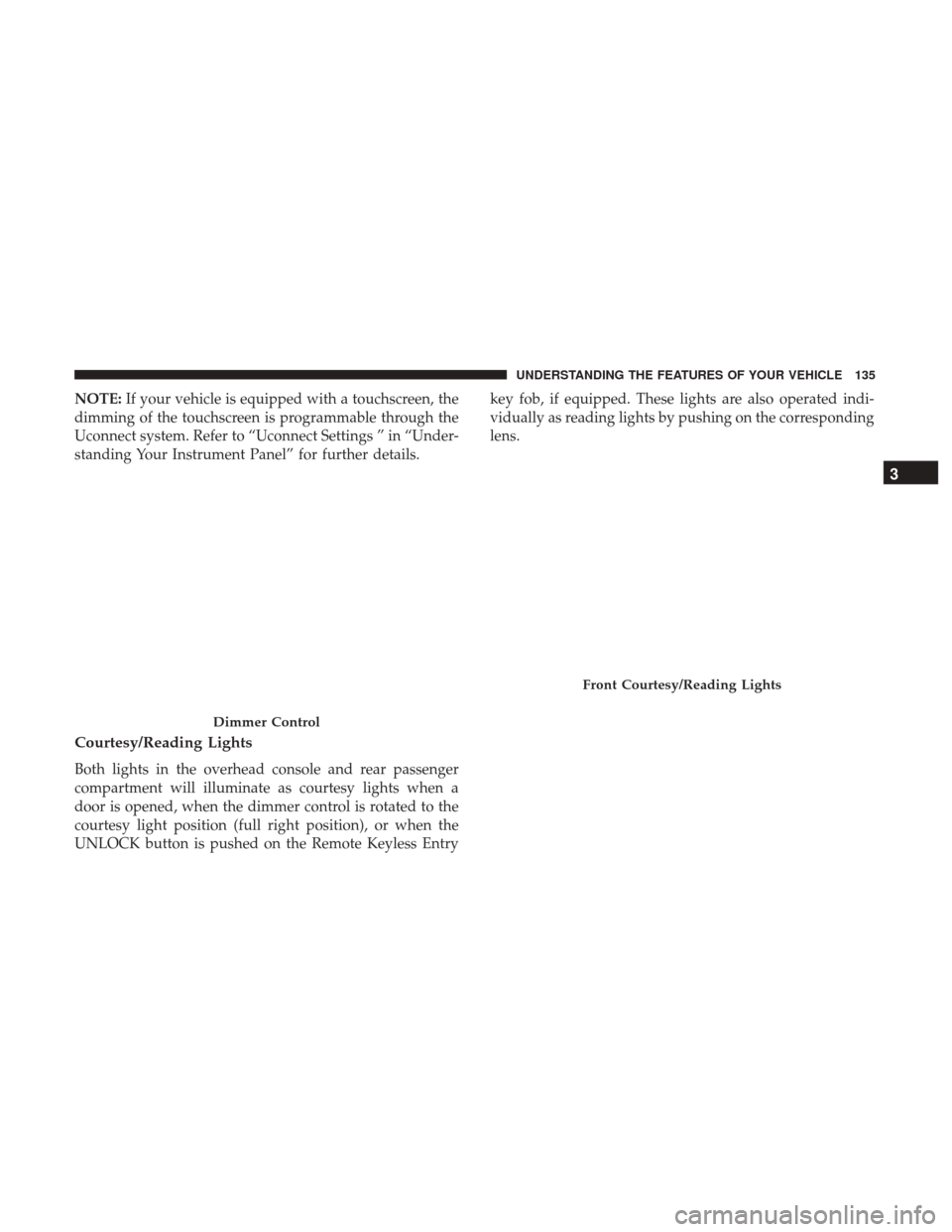
Courtesy/Reading Lights
Both lights in the overhead console and rear passenger
compartment will illuminate as courtesy lights when a
door is opened, when the dimmer control is rotated to the
courtesy light position (full right position), or when the
UNLOCK button is pushed on the Remote Keyless Entry key fob, if equipped. These lights are also operated indi-
vidually as reading lights by pushing on the corresponding
lens.
Dimmer Control
Front Courtesy/Reading Lights
3
UNDERSTANDING THE FEATURES OF YOUR VEHICLE 135
Page 139 of 534
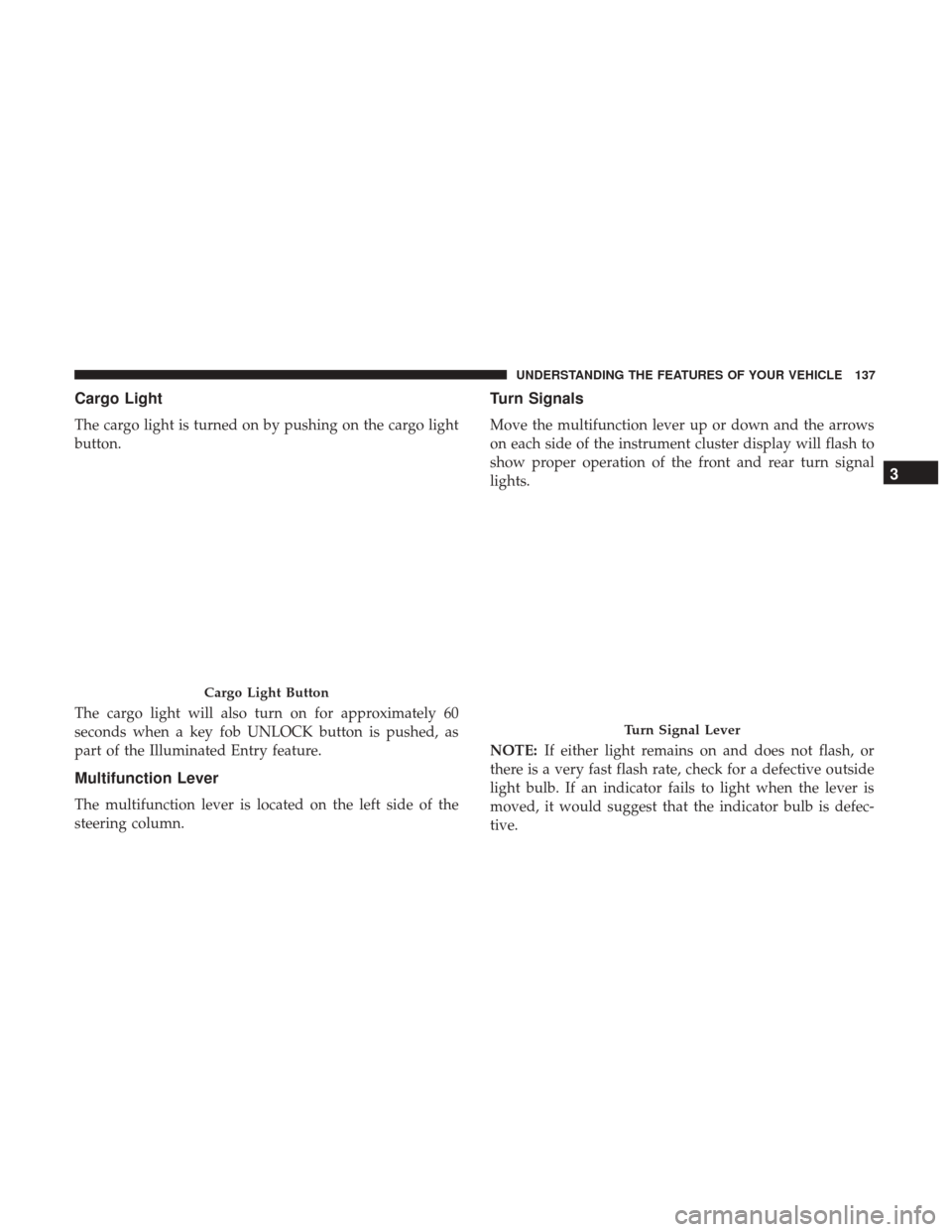
Cargo Light
The cargo light is turned on by pushing on the cargo light
button.
The cargo light will also turn on for approximately 60
seconds when a key fob UNLOCK button is pushed, as
part of the Illuminated Entry feature.
Multifunction Lever
The multifunction lever is located on the left side of the
steering column.
Turn Signals
Move the multifunction lever up or down and the arrows
on each side of the instrument cluster display will flash to
show proper operation of the front and rear turn signal
lights.
NOTE:If either light remains on and does not flash, or
there is a very fast flash rate, check for a defective outside
light bulb. If an indicator fails to light when the lever is
moved, it would suggest that the indicator bulb is defec-
tive.
Cargo Light Button
Turn Signal Lever
3
UNDERSTANDING THE FEATURES OF YOUR VEHICLE 137
Page 144 of 534
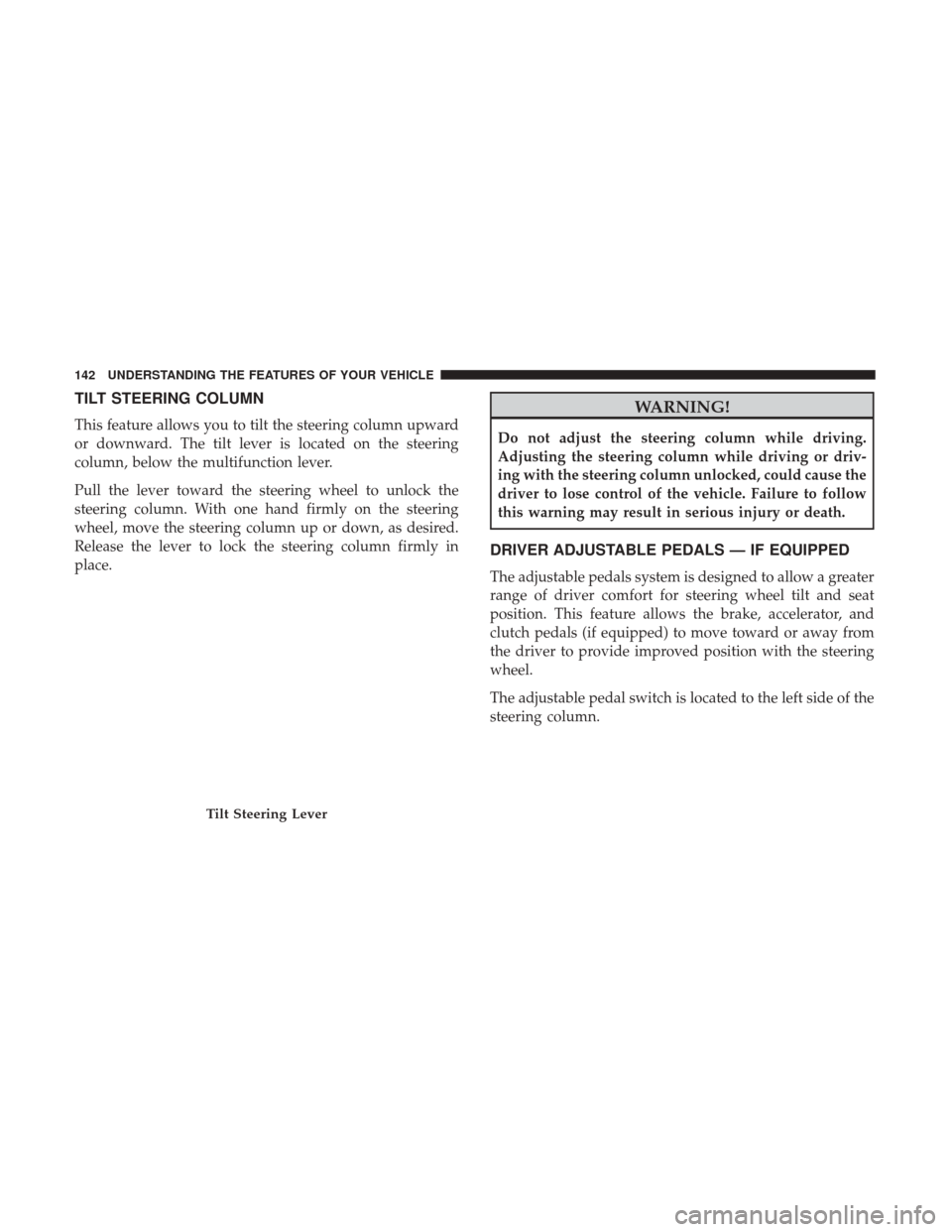
TILT STEERING COLUMN
This feature allows you to tilt the steering column upward
or downward. The tilt lever is located on the steering
column, below the multifunction lever.
Pull the lever toward the steering wheel to unlock the
steering column. With one hand firmly on the steering
wheel, move the steering column up or down, as desired.
Release the lever to lock the steering column firmly in
place.
WARNING!
Do not adjust the steering column while driving.
Adjusting the steering column while driving or driv-
ing with the steering column unlocked, could cause the
driver to lose control of the vehicle. Failure to follow
this warning may result in serious injury or death.
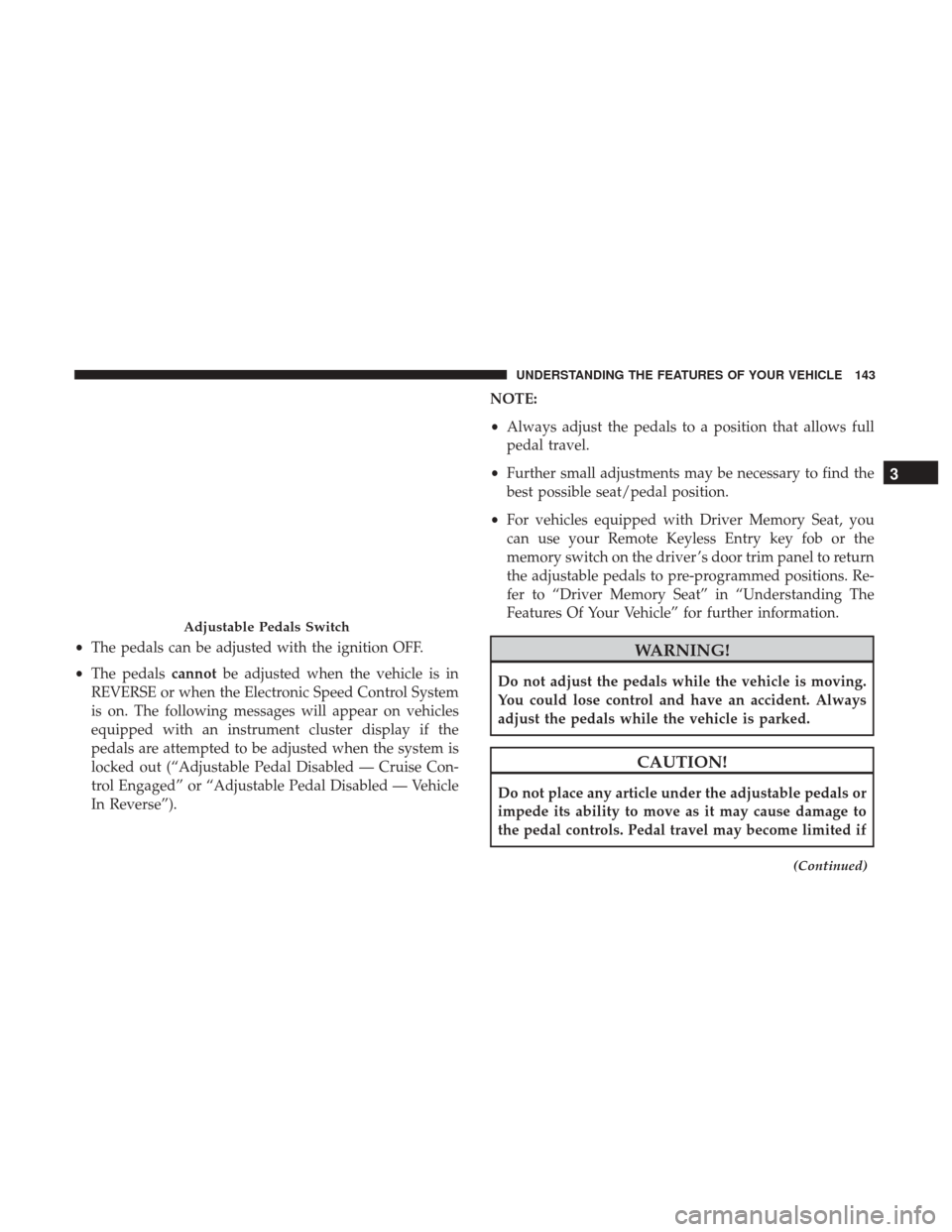
DRIVER ADJUSTABLE PEDALS — IF EQUIPPED
The adjustable pedals system is designed to allow a greater
range of driver comfort for steering wheel tilt and seat
position. This feature allows the brake, accelerator, and
clutch pedals (if equipped) to move toward or away from
the driver to provide improved position with the steering
wheel.
The adjustable pedal switch is located to the left side of the
steering column.
Tilt Steering Lever
142 UNDERSTANDING THE FEATURES OF YOUR VEHICLE
Page 145 of 534
•The pedals can be adjusted with the ignition OFF.
• The pedals cannotbe adjusted when the vehicle is in
REVERSE or when the Electronic Speed Control System
is on. The following messages will appear on vehicles
equipped with an instrument cluster display if the
pedals are attempted to be adjusted when the system is
locked out (“Adjustable Pedal Disabled — Cruise Con-
trol Engaged” or “Adjustable Pedal Disabled — Vehicle
In Reverse”). NOTE:
•
Always adjust the pedals to a position that allows full
pedal travel.
• Further small adjustments may be necessary to find the
best possible seat/pedal position.
• For vehicles equipped with Driver Memory Seat, you
can use your Remote Keyless Entry key fob or the
memory switch on the driver ’s door trim panel to return
the adjustable pedals to pre-programmed positions. Re-
fer to “Driver Memory Seat” in “Understanding The
Features Of Your Vehicle” for further information.WARNING!
Do not adjust the pedals while the vehicle is moving.
You could lose control and have an accident. Always
adjust the pedals while the vehicle is parked.
CAUTION!
Do not place any article under the adjustable pedals or
impede its ability to move as it may cause damage to
the pedal controls. Pedal travel may become limited if
(Continued)
Adjustable Pedals Switch
3
UNDERSTANDING THE FEATURES OF YOUR VEHICLE 143
Page 166 of 534
OVERHEAD CONSOLE — IF EQUIPPED
The overhead console is located on the headliner above the
rearview mirror. The overhead console contains the follow-
ing features:
•Courtesy/Reading Lights
• Power Sliding Rear Window Switch — If Equipped
Courtesy/Reading Lights
Both lights in the overhead console and rear passenger
compartment will illuminate as courtesy lights when a
door is opened, when the dimmer control is rotated to the courtesy light position (full right position), or when the
UNLOCK button is pushed on the Remote Keyless Entry
key fob, if equipped. These lights are also operated indi-
vidually as reading lights by pushing on the corresponding
lens.
Overhead Console
Front Courtesy/Reading Lights
164 UNDERSTANDING THE FEATURES OF YOUR VEHICLE
Page 172 of 534
3. Push and hold the HomeLink button while you pushand release (“cycle”), your hand - held transmitter every
two seconds.
4. Continue to hold both buttons until the Instrument cluster Display changes from “CHANNEL # TRAIN-
ING” to “CHANNEL # TRAINED,” then release both
buttons.
NOTE: •It may take up to 30 seconds or longer in some cases
for the channel to train.
• If the Instrument Cluster Display shows “DID NOT
TRAIN”, repeat from Step 2.
5. Push and hold the programmed HomeLink button. The Instrument Cluster Display will display “CHANNEL #
TRANSMIT.” If the device is plugged in and activates,
programming is complete.
If you unplugged the garage door opener/device for
programming, plug it back in at this time.
Reprogramming A Single HomeLink Button
(Canadian/Gate Operator)
To reprogram a channel that has been previously trained,
follow these steps: 1. Turn the ignition switch to the ON/RUN position.
For vehicle’s equipped with Keyless Enter-N-Go, place the
ignition in the RUN position with the Engine ON.
2. Push and hold the desired HomeLink button until
theInstrument Cluster Display shows “CHANNEL #
TRAINING” Do not release the button.
3. Without releasing the button proceed with “Canadian/
Gate Operator Programming” Step 2 and follow all
remaining steps.
Using HomeLink
To operate, push and release the programmed HomeLink
button. Activation will now occur for the programmed
device (i.e. garage door opener, gate operator, security
system, entry door lock, home/office lighting, etc.) The
hand-held transmitter of the device may also be used at
any time.
Security
It is advised to erase all channels before you sell or turn in
your vehicle.
To erase the channels press and hold the two outside
HomeLink buttons (I and III) for up 20 seconds. The
Instrument Cluster Display will display “CLEARING
170 UNDERSTANDING THE FEATURES OF YOUR VEHICLE
Page 189 of 534

Power Sliding Rear Window — If Equipped
The switch for the power sliding rear window is located on
the overhead console.
Push the switch to the right to open the glass. Pull the
switch to the left to close the glass.
Manual Sliding Rear Window — If Equipped
A locking device in the center of the window helps to
prevent entry from the rear of the vehicle. Squeeze the lock
to release the window.
FOLD FLAT LOAD FLOOR — IF EQUIPPED
Quad Cab and Crew Cab models with a 60/40 rear seat
may be equipped with a folding load floor.
WARNING!
Do not operate the vehicle with loose items stored on
the load floor. While driving or in an accident you may
experience abrupt stopping, rapid acceleration, or
sharp turns. Loose objects stored on the load floor may
move around with force and strike occupants, resulting
in serious or fatal injury.
Rear Window Switch
3
UNDERSTANDING THE FEATURES OF YOUR VEHICLE 187
Page 204 of 534
Brake Warning Light
Red TelltaleLight What It Means
United States
Canada
Brake Warning Light
This light monitors various brake functions, including brake fluid level and parking brake appli-
cation. If the brake light turns on it may indicate that the parking brake is applied, that the brake
fluid level is low, or that there is a problem with the anti-lock brake system reservoir.
If the light remains on when the parking brake has been disengaged, and the fluid level is at the
full mark on the master cylinder reservoir, it indicates a possible brake hydraulic system mal-
function or that a problem with the Brake Booster has been detected by the Anti-Lock Brake Sys-
tem (ABS) / Electronic Stability Control (ESC) system. In this case, the light will remain on until
the condition has been corrected. If the problem is related to the Brake Booster, the ABS pump
will run when applying the brake, and a brake pedal pulsation may be felt during each stop.
NOTE:
Brake Warning Light may illuminate due to excessive wear to brake pads.
The dual brake system provides a reserve braking capacity
in the event of a failure to a portion of the hydraulic
system. A leak in either half of the dual brake system is
indicated by the Brake Warning Light, which will turn on
when the brake fluid level in the master cylinder has
dropped below a specified level.
The light will remain on until the cause is corrected. NOTE:
The light may flash momentarily during sharp
cornering maneuvers, which change fluid level conditions.
The vehicle should have service performed, and the brake
fluid level checked.
If brake failure is indicated, immediate repair is necessary.
202 UNDERSTANDING YOUR INSTRUMENT PANEL
Page 205 of 534
WARNING!
Driving a vehicle with the red brake light on is
dangerous. Part of the brake system may have failed. It
will take longer to stop the vehicle. You could have a
collision. Have the vehicle checked immediately.
Vehicles equipped with the Anti-Lock Brake System (ABS)
are also equipped with Electronic Brake Force Distribution
(EBD). In the event of an EBD failure, the Brake Warning
Light will turn on along with the ABS Light. Immediate
repair to the ABS system is required. Operation of the Brake Warning Light can be checked by
placing the ignition in the ON/RUN position. The light
should illuminate for approximately two seconds. The light
should then turn off unless the parking brake is applied or
a brake fault is detected. If the light does not illuminate,
have the light inspected by an authorized dealer.
The light also will turn on when the parking brake is
applied with the ignition placed in the ON/RUN position.
NOTE:
This light shows only that the parking brake is
applied. It does not show the degree of brake application.
Vehicle Security Warning Light — If Equipped
Red Telltale Light What It Means
Vehicle Security Warning Light — If Equipped
This light will flash at a fast rate for approximately 15 seconds when the vehicle security alarm is
arming, and then will flash slowly until the vehicle is disarmed.
4
UNDERSTANDING YOUR INSTRUMENT PANEL 203
Page 216 of 534
Low Fuel Indicator Light
Yellow TelltaleLight What It Means
Low Fuel Indicator Light
When the fuel level reaches approximately 3.0 gal (11.0 L) this light will turn on, and remain on
until fuel is added.
Anti-Lock Brake (ABS) Indicator Light
Yellow Telltale
Light What It Means
Anti-Lock Brake (ABS) Indicator Light
After the ignition is turned on, the Anti-Lock Brake System (ABS) light illuminates to indicate
function check at vehicle startup. If the light remains on after startup or comes on and stays on at
road speeds, it may indicate that the ABS has detected a malfunction or has become inoperative.
The system reverts to standard non-anti-lock brakes.
If both the Brake Warning Light and the ABS Warning Light are on, see an authorized dealer im-
mediately. Refer to “Anti-Lock Brake System” in “Starting And Operating” for further informa-
tion.
214 UNDERSTANDING YOUR INSTRUMENT PANEL