key fob Ram Cargo Van 2014 User Guide
[x] Cancel search | Manufacturer: RAM, Model Year: 2014, Model line: Cargo Van, Model: Ram Cargo Van 2014Pages: 666, PDF Size: 5.09 MB
Page 25 of 666
•For vehicles not equipped with the EVIC, the Remote
Unlock feature can be enabled or disabled by perform-
ing the following steps:
1. Perform this operation while standing outside the vehicle.
2. Press and hold the LOCK button on a programmed RKE transmitter for at least 4 seconds, but no longer
than 10 seconds. Then, press and hold the UNLOCK
button while still holding the LOCK button.
3. Release both buttons at the same time.
4. Test the feature while outside of the vehicle by press- ing the LOCK/UNLOCK buttons on the RKE trans-
mitter with the ignition switch in the OFF position and
the Key Fob removed. 5. Repeat these steps if you want to return this feature to
its previous setting.
NOTE: Pressing the LOCK button on the RKE transmit-
ter while you are inside the vehicle will activate the
Vehicle Security Alarm. Opening a door with the Vehicle
Security Alarm activated will cause the alarm to sound.
Press the UNLOCK button to deactivate the Vehicle
Security Alarm.
Remote Lock Doors And Liftgate
Press and release the LOCK button on the RKE transmit-
ter to lock all doors and liftgate. The turn signal lights
will flash and the horn will chirp to acknowledge the
signal.
2
THINGS TO KNOW BEFORE STARTING YOUR VEHICLE 23
Page 26 of 666
Sound Horn With Remote Lock
This feature will cause the horn to chirp when the doors
are locked with the RKE transmitter. This feature can be
turned on or turned off. To change the current setting,
proceed as follows:
•For vehicles equipped with the EVIC, refer to “Elec-
tronic Vehicle Information Center (EVIC)/Personal
Settings (Customer-Programmable Features)” in “Un-
derstanding Your Instrument Panel” for further infor-
mation.
• For vehicles not equipped with the EVIC, perform the
following steps:
1. Perform this operation while standing outside the vehicle. 2. Press the LOCK button on a programmed RKE trans-
mitter for at least 4 seconds, but no longer than 10
seconds. Then, press the PANIC button while still
holding the LOCK button.
3. Release both buttons at the same time.
4. Test the feature while outside of the vehicle by press- ing the LOCK button on the RKE transmitter with the
ignition switch in the OFF position and the Key Fob
removed.
5. Repeat these steps if you want to return this feature to its previous setting.
NOTE: Pressing the LOCK button on the RKE transmit-
ter while you are in the vehicle will activate the Vehicle
Security Alarm. Opening a door with the Vehicle Security
Alarm activated will cause the alarm to sound. Press the
UNLOCK button to deactivate the Vehicle Security
Alarm.
24 THINGS TO KNOW BEFORE STARTING YOUR VEHICLE
Page 29 of 666
•For vehicles not equipped with the EVIC, perform the
following steps:
1. Perform this operation while standing outside the vehicle.
2. Press and hold the UNLOCK button on a programmed RKE transmitter for at least 4 seconds, but no longer
than 10 seconds. Then, press and hold the LOCK
button while still holding the UNLOCK button.
3. Release both buttons at the same time.
4. Test the feature while outside of the vehicle by press- ing the LOCK/UNLOCK buttons on the RKE trans-
mitter with the ignition switch in the OFF position and
the Key Fob removed.
5. Repeat these steps if you want to return this feature to its previous setting. NOTE:
Pressing the LOCK button on the RKE transmit-
ter while you are in the vehicle will activate the Vehicle
Security Alarm. Opening a door with the Vehicle Security
Alarm activated will cause the alarm to sound. Press the
UNLOCK button to deactivate the Vehicle Security
Alarm.
Programming Additional Transmitters
If you do not have a programmed RKE transmitter,
contact your authorized dealer for details.
Transmitter Battery Replacement
The recommended replacement battery is one CR2032
battery.
NOTE:
• Perchlorate Material — special handling may apply.
See www.dtsc.ca.gov/hazardouswaste/perchlorate
2
THINGS TO KNOW BEFORE STARTING YOUR VEHICLE 27
Page 32 of 666
2. Closeness to a radio transmitter such as a radio stationtower, airport transmitter, and some mobile or CB
radios.
REMOTE STARTING SYSTEM — IF EQUIPPED
This system uses the Remote Keyless Entry
(RKE) transmitter to start the engine conve-
niently from outside the vehicle while still
maintaining security. The system has a range of
approximately 300 ft (91 m).
NOTE:
• The vehicle must be equipped with an automatic
transmission to be equipped with Remote Start.
• Obstructions between the vehicle and the Key Fob may
reduce this range.
How To Use Remote Start
All of the following conditions must be met before the
engine will Remote Start:
• Shift lever in PARK
• Doors closed
• Hood closed
• Liftgate closed
• Hazard switch off
• Brake switch inactive (brake pedal not pressed)
• Ignition key removed from ignition switch
• Battery at an acceptable charge level
• RKE PANIC button not pressed
• System not disabled from previous remote start event
30 THINGS TO KNOW BEFORE STARTING YOUR VEHICLE
Page 34 of 666
To Enter Remote Start Mode
Press and release the REMOTE START button
on the RKE transmitter twice within five sec-
onds. The vehicle doors will lock, the parking
lights will flash and horn will chirp twice (if
programmed). Then, the engine will start and the vehicle
will remain in the Remote Start mode for a 15-minute
cycle.
NOTE:
• If your power door locks were unlocked, Remote Start
will automatically lock the doors.
• The park lights will turn on and remain on during
Remote Start mode.
• For security, power window and power sunroof op-
eration (if equipped) are disabled when the vehicle is
in the Remote Start mode. •
The engine can be started two consecutive 15-minute
cycles with the RKE transmitter. However, the ignition
switch must be turned to the ON/RUN position.
To Enter The Vehicle After Remote Start
To enter the vehicle while the engine is running during a
Remote Start, you must first unlock the vehicle using the
UNLOCK button on the transmitter. After the vehicle is
unlocked, you can enter the vehicle, insert the Key Fob
into the ignition switch and turn it to the ON/RUN
position, otherwise the engine will shut off at the end of
15-minute cycle.
To Exit Remote Start Mode And Drive The Vehicle
Before the end of the 15-minute cycle, press and release
the UNLOCK button on the RKE transmitter to unlock
the doors and disarm the Vehicle Security Alarm (if
equipped). Then, prior to the end of the 15-minute cycle,
insert the Key Fob into the ignition switch and turn the
switch to the ON/RUN position.
32 THINGS TO KNOW BEFORE STARTING YOUR VEHICLE
Page 36 of 666
initiated but the engine stopped cranking without start-
ing. After either of these conditions, or if the Vehicle
Security Alarm system is alarming, or if the PANIC
button was pressed, the vehicle must be reset. Insert the
Key Fob into the ignition switch and turn the switch to
the ON/RUN position.
DOOR LOCKS
Manual Door Locks
Lock the front doors by pushing down on the lock knobs
on each door trim panel.
If the lock knob is down when you shut either front door,
the door will lock. Make sure the keys are not inside the
vehicle before closing the door.If the lock knob is rearward when you shut either side
sliding door, the door will lock. Make sure the keys are
not inside the vehicle before closing the door.
Manual Door Lock
34 THINGS TO KNOW BEFORE STARTING YOUR VEHICLE
Page 37 of 666
WARNING!
•For personal security and safety in the event of an
collision, lock the vehicle doors as you drive as
well as when you park and leave the vehicle.
• Never leave children alone in a vehicle, or with
access to an unlocked vehicle. Allowing children to
be in a vehicle unattended is dangerous for a
number of reasons. A child or others could be
seriously or fatally injured. Children should be
warned not to touch the parking brake, brake pedal
or the shift lever.
• Do not leave the Key Fob in or near the vehicle, or
in a location accessible to children, and do not
leave the ignition of a vehicle equipped with
Keyless Enter-N-Go™ in the ACC or ON/RUN
mode. A child could operate power windows, other
controls, or move the vehicle.
Sliding Door Lock
2
THINGS TO KNOW BEFORE STARTING YOUR VEHICLE 35
Page 38 of 666
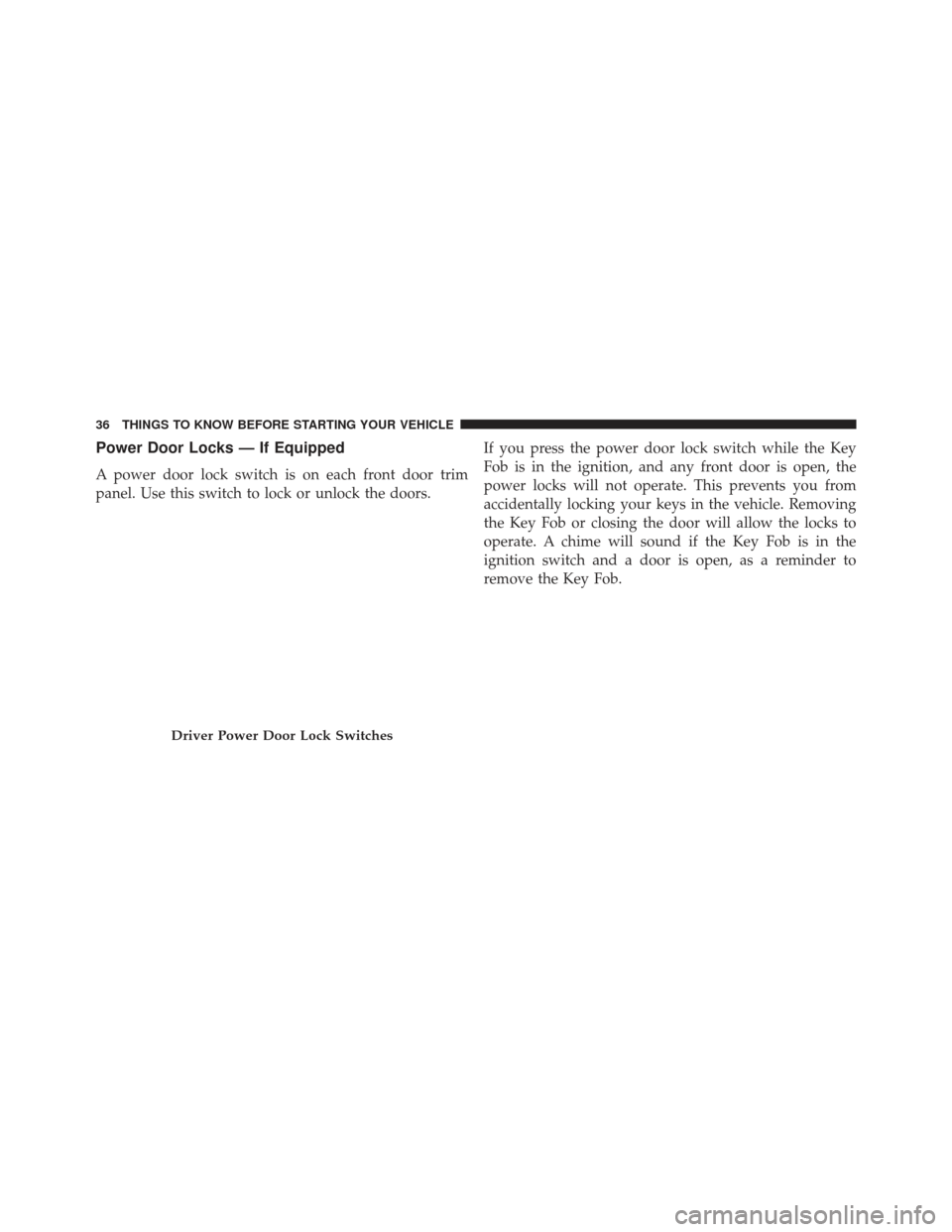
Power Door Locks — If Equipped
A power door lock switch is on each front door trim
panel. Use this switch to lock or unlock the doors.If you press the power door lock switch while the Key
Fob is in the ignition, and any front door is open, the
power locks will not operate. This prevents you from
accidentally locking your keys in the vehicle. Removing
the Key Fob or closing the door will allow the locks to
operate. A chime will sound if the Key Fob is in the
ignition switch and a door is open, as a reminder to
remove the Key Fob.
Driver Power Door Lock Switches
36 THINGS TO KNOW BEFORE STARTING YOUR VEHICLE
Page 49 of 666
Power Sliding Side Door Open Flash
The left and right exterior hazard lights will flash for 12
seconds when either sliding door is opened. This will
alert other drivers in the area that passenger(s) could be
entering or exiting the vehicle.
The Sliding Side Door Open Flash can be enabled or
disabled by performing the following procedure:
1. Place the Key Fob in the ignition switch.
2. Cycle the ignition switch from ON/RUN to OFF fivetimes ending in the ON/RUN position (do not start
the engine).
3. Within 10 seconds of the final cycle, press the HAZ- ARD switch ON. 4. A single chime will sound to signify that you have
successfully completed the programming.
You can turn the feature back on by repeating the
previous procedure.
Power Sliding Side Door Master Lock Switch
To provide a safer environment for small children riding
in the rear seats, the second row sliding door switches
and handles may be overridden by pressing the OFF side
of the Master Lock Out Switch located in the front
overhead console.
2
THINGS TO KNOW BEFORE STARTING YOUR VEHICLE 47
Page 443 of 666
STARTING PROCEDURES
Before starting your vehicle, adjust your seat, adjust the
inside and outside mirrors, fasten your seat belt, and if
present, instruct all other occupants to buckle their seat
belts.
WARNING!
•When leaving the vehicle, always remove the key
fob from the ignition and lock your vehicle.
• Never leave children alone in a vehicle, or with
access to an unlocked vehicle.
• Allowing children to be in a vehicle unattended is
dangerous for a number of reasons. A child or
others could be seriously or fatally injured. Chil-
dren should be warned not to touch the parking
brake, brake pedal or the shift lever.
(Continued)
WARNING! (Continued)
•Do not leave the key fob in or near the vehicle, or
in a location accessible to children. A child could
operate power windows, other controls, or move
the vehicle.
Automatic Transmission
The shift lever must be in the NEUTRAL or PARK
position before you can start the engine. Press the brake
pedal before shifting into any driving gear.
Normal Starting
1. Do not press the accelerator.
2. Use the Fob with Integrated Key to briefly turn the ignition switch to the START position and release it as
soon as the starter engages. The starter motor will
continue to run, and it will disengage automatically
when the engine is running.
5
STARTING AND OPERATING 441