instrument Ram ProMaster 2019 Owner's Guide
[x] Cancel search | Manufacturer: RAM, Model Year: 2019, Model line: ProMaster, Model: Ram ProMaster 2019Pages: 332, PDF Size: 3.66 MB
Page 68 of 332

INSTRUMENT CLUSTER
Instrument Cluster Descriptions
1. Speedometer•Indicates vehicle speed.
2. Instrument Cluster Display •
When the appropriate conditions exist, this display
shows instrument cluster display messages. Refer to
“Instrument Cluster Display” in “Getting To Know
Your Instrument Panel” for further information.
Instrument Cluster
66 GETTING TO KNOW YOUR INSTRUMENT PANEL
Page 69 of 332
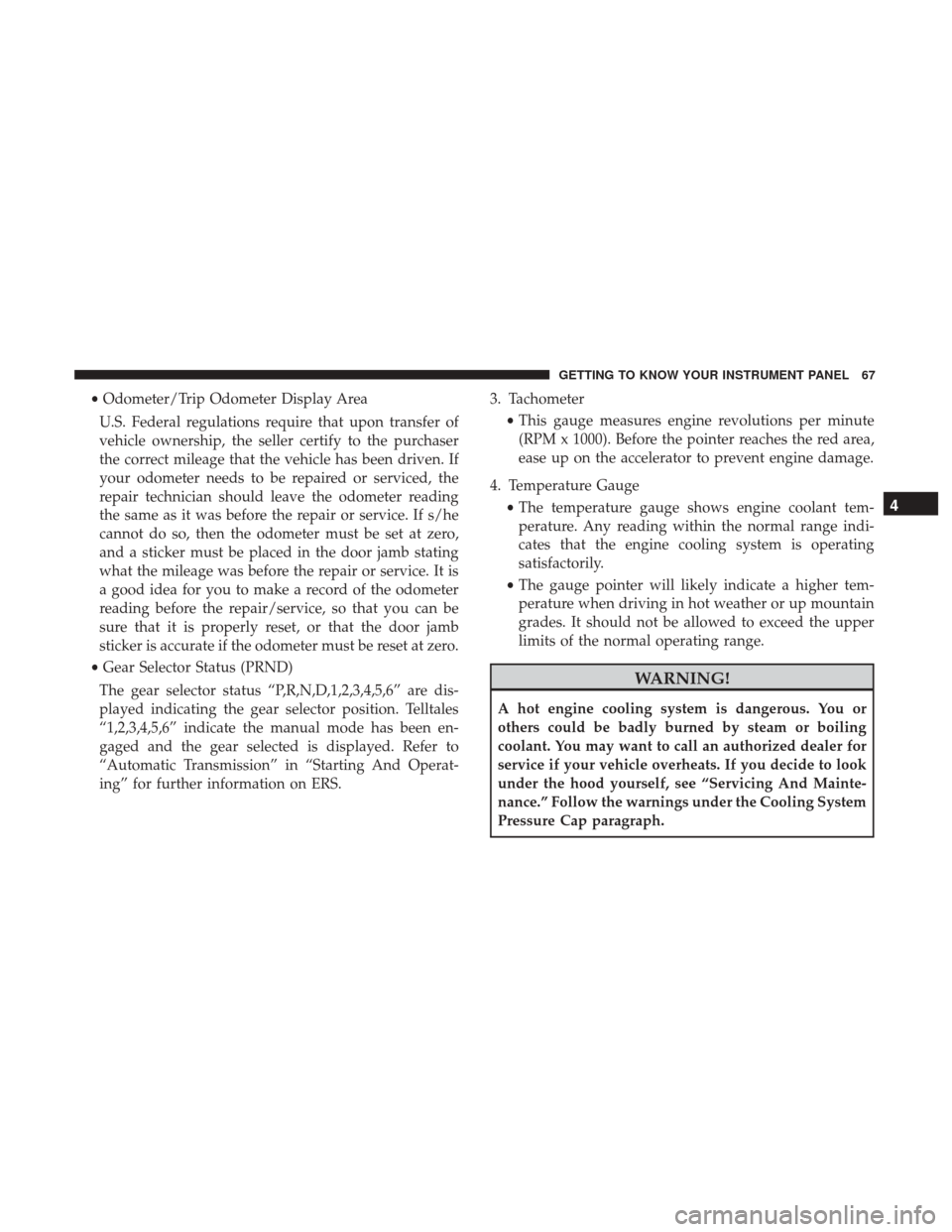
•Odometer/Trip Odometer Display Area
U.S. Federal regulations require that upon transfer of
vehicle ownership, the seller certify to the purchaser
the correct mileage that the vehicle has been driven. If
your odometer needs to be repaired or serviced, the
repair technician should leave the odometer reading
the same as it was before the repair or service. If s/he
cannot do so, then the odometer must be set at zero,
and a sticker must be placed in the door jamb stating
what the mileage was before the repair or service. It is
a good idea for you to make a record of the odometer
reading before the repair/service, so that you can be
sure that it is properly reset, or that the door jamb
sticker is accurate if the odometer must be reset at zero.
• Gear Selector Status (PRND)
The gear selector status “P,R,N,D,1,2,3,4,5,6” are dis-
played indicating the gear selector position. Telltales
“1,2,3,4,5,6” indicate the manual mode has been en-
gaged and the gear selected is displayed. Refer to
“Automatic Transmission” in “Starting And Operat-
ing” for further information on ERS. 3. Tachometer
•This gauge measures engine revolutions per minute
(RPM x 1000). Before the pointer reaches the red area,
ease up on the accelerator to prevent engine damage.
4. Temperature Gauge •The temperature gauge shows engine coolant tem-
perature. Any reading within the normal range indi-
cates that the engine cooling system is operating
satisfactorily.
• The gauge pointer will likely indicate a higher tem-
perature when driving in hot weather or up mountain
grades. It should not be allowed to exceed the upper
limits of the normal operating range.
WARNING!
A hot engine cooling system is dangerous. You or
others could be badly burned by steam or boiling
coolant. You may want to call an authorized dealer for
service if your vehicle overheats. If you decide to look
under the hood yourself, see “Servicing And Mainte-
nance.” Follow the warnings under the Cooling System
Pressure Cap paragraph.
4
GETTING TO KNOW YOUR INSTRUMENT PANEL 67
Page 70 of 332
CAUTION!
Driving with a hot engine cooling system could dam-
age your vehicle. If the temperature gauge reads “H,”
pull over and stop the vehicle. Idle the vehicle with the
air conditioner turned off until the pointer drops back
into the normal range. If the pointer remains on the
“H,” turn the engine off immediately and call an
authorized dealer for service.
5. Fuel Gauge •The pointer shows the level of fuel in the fuel tank
when the ignition switch is in the ON/RUN position.
•
The fuel pump symbol points to the side of the
vehicle where the fuel door is located.
INSTRUMENT CLUSTER DISPLAY
Your vehicle will be equipped with an instrument cluster
display, which offers useful information to the driver. With
the ignition in the STOP/OFF mode, opening/closing of a
door will activate the display for viewing, and display the
total miles, or kilometers, in the odometer. Your instrument
cluster display is designed to display important informa-
tion about your vehicle’s systems and features. Using a driver interactive display located on the instrument panel,
your instrument cluster display can show you how sys-
tems are working and give you warnings when they are
not. The steering wheel mounted controls allow you to
scroll through the main menus and submenus. You can
access the specific information you want and make selec-
tions and adjustments.
Location And Controls
The instrument cluster display features a driver-interactive
display that is located in the instrument cluster.
Instrument Cluster Display
68 GETTING TO KNOW YOUR INSTRUMENT PANEL
Page 71 of 332
This system allows the driver to select a variety of useful
information by pushing the switches mounted on the
instrument panel. Examples of menu items are:
•Speed Beep
• Buzzer Volume
• Seat Belt Buzzer (Just Available After SBR Disable Made
By CHR Service)
• Exit Menu
If equipped with a Uconnect system, some customer pro-
grammable features will display in the radio. Refer to the
“Uconnect Settings” in “Multimedia” for further informa-
tion.
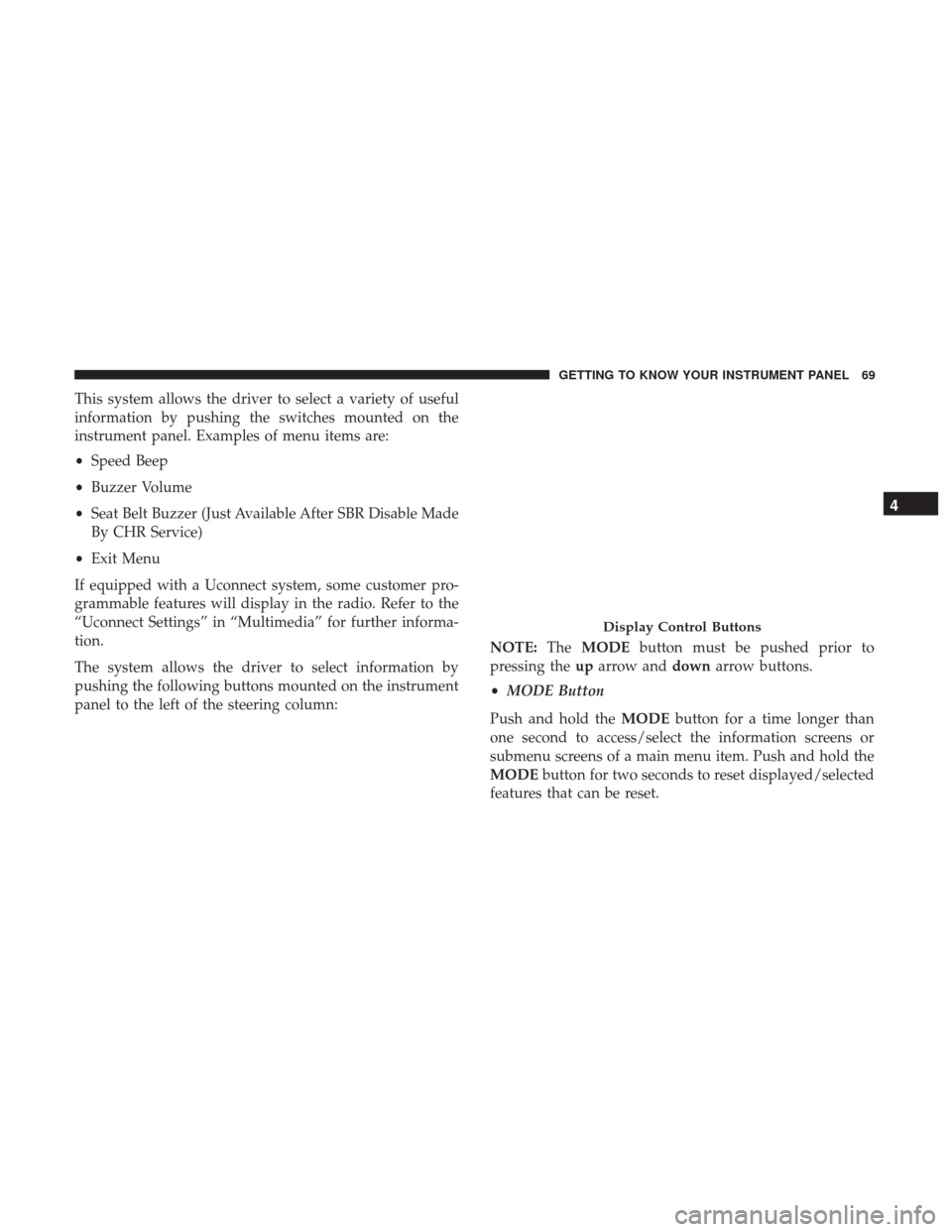
The system allows the driver to select information by
pushing the following buttons mounted on the instrument
panel to the left of the steering column: NOTE:
TheMODE button must be pushed prior to
pressing the uparrow and downarrow buttons.
• MODE Button
Push and hold the MODEbutton for a time longer than
one second to access/select the information screens or
submenu screens of a main menu item. Push and hold the
MODE button for two seconds to reset displayed/selected
features that can be reset.
Display Control Buttons
4
GETTING TO KNOW YOUR INSTRUMENT PANEL 69
Page 72 of 332
•Up Arrow Button
Push and release the uparrow button to scroll
upward through the main menu and submenus
or adjust the illumination on the instrument
panel when the headlights are on.
• Down Arrow Button
Push and release the downarrow button to scroll
downward through the main menu and sub-
menus or adjust the illumination on the instru-
ment panel when the headlights are on.
Change Engine Oil
Your vehicle is equipped with an engine oil change indi-
cator system. The “Change Engine Oil” message will
display in the instrument cluster display. The engine oil
change indicator system is duty cycle based, which means
the engine oil change interval may fluctuate, dependent
upon your personal driving style.
Unless reset, this message will continue to display each
time you turn the ignition switch to the ON/RUN position.
To turn off the message temporarily, push and release the
MODE button. To reset the oil change indicator system
(after performing the scheduled maintenance), refer to the
following procedure. 1. Turn the ignition switch to the ON position (do not start
the engine).
2. Fully push the accelerator pedal slowly, three times, within 10 seconds.
3. Turn the ignition switch to the OFF/LOCK position.
NOTE: If the indicator message illuminates when you
start the vehicle, the oil change indicator system did not
reset. If necessary, repeat this procedure.
Display Setup Menu
The menu comprises a series of functions arranged in a
cycle. Push and release the upordown arrow button to
access the different options and settings (setup).
The setup menu can be activated by pushing the MODE
button. Single pushes on the upordown arrow button will
scroll through the setup menu options. The menu items
include the following functions:
• Speed Beep
• Buzzer Volume
• Seat Belt Buzzer (Just Available After SBR Disable Made
By CHR Service)
• Exit menu
70 GETTING TO KNOW YOUR INSTRUMENT PANEL
Page 73 of 332
NOTE:If equipped, some customer programmable fea-
tures will display in the Uconnect system. Refer to your
Uconnect Owner ’s Manual Supplement for further infor-
mation.
Selecting An Option Of The Main Menu Without Submenu
1. Briefly push and release the MODEbutton to select the
main menu option to set.
2. Push and release the upordown arrow button (by
single pushes) to select the new setting.
3. Briefly push and release the MODEbutton to store the
new setting and go back to the main menu option
previously selected.
Selecting An Option Of The Main Menu With Submenu
1. Briefly push and release the MODEbutton to display
the first submenu option.
2. Push and release the upordown arrow button (by
single pushes) to scroll through all the submenu options.
3. Briefly push and release the MODEbutton to select the
displayed submenu option and to open the relevant
setup menu. 4. Push and release the
upordown arrow button (by
single pushes) to select the new setting for this submenu
option.
5. Briefly push and release the MODEbutton to store the
new setting and go back to the previously selected
submenu option.
6. Push and release and hold the MODEbutton to return
to the main menu (short hold) or the main screen (longer
hold).
Values Displayed
NOTE: All of the following items are accessed by pressing
the TRIP button.
Range
This indicates the distance which may be traveled with the
fuel remaining in the tank, assuming that driving condi-
tions will not change. The message “----” will appear on the
display in the following cases:
• Distance less than 30 miles (or 50 km).
• The vehicle is parked for a long time with the engine
running.
4
GETTING TO KNOW YOUR INSTRUMENT PANEL 71
Page 74 of 332
NOTE:The range depends on several factors: driving
style, type of route (freeway, residential, mountain roads,
etc.), conditions of use of the vehicle (load, tire pressure,
etc.). Trip planning must take into account the above notes.
Travel Distance
This value shows the distance covered since the last reset.
Average Fuel Consumption
This value shows the approximate average consumption
since the last reset.
Current Fuel Consumption
This indicates the fuel consumption. The value is con-
stantly updated. The message “----” will appear on the
display if the vehicle is parked with the engine running.
Average Speed
This value shows the vehicle’s average speed as a function
of the overall time elapsed since the last reset.
Travel Time
This value shows the time elapsed since the last reset.
Personal Settings (Customer-Programmable
Features)
• Speed Beep
• Buzzer Volume
• Seat Belt Buzzer (Just Available After SBR Disable Made
By CHR Service)
• Exit Menu
NOTE: If equipped, some customer programmable fea-
tures will display in the Uconnect system. Refer to
“Uconnect Settings” in “Multimedia” for further informa-
tion.
TRIP COMPUTER
The Trip Computer is located in the instrument cluster. It
features a driver-interactive display (displays information
such as trip information, range, fuel consumption, average
speed, and travel time).
NOTE: The Uconnect System also has a Trip Computer
display and menus to customize the information displayed
in the cluster. For further information, refer to “Uconnect
Settings” in “Multimedia”.
72 GETTING TO KNOW YOUR INSTRUMENT PANEL
Page 75 of 332
Trip Button
TheTRIP button, located on the right steering column
stalk, can be used to display and to reset the previously
described values.
• A short button push displays the different values.
• A long button push resets the system and then starts a
new trip.
New Trip
To reset:
• Push and hold the TRIP button to reset the system
manually.
• When the “Trip distance” reaches 99999.9 miles or
kilometers or when the “Travel time” reaches 999.59 (999
hours and 59 minutes), the system is reset automatically.
• Disconnecting/Reconnecting the battery resets the sys-
tem.
NOTE: If the reset operation occurs in the presence of the
screens concerning Trip A or Trip B, only the information
associated with Trip A or Trip B functions will be reset. Start Of Trip Procedure
With the ignition on, push and hold the TRIP button for
over two seconds to reset trip information.
Exit Trip
To exit the Trip function, push the TRIP button until all the
trip menu items have been displayed and the display
returns to the main menu.
Trip Functions
Both trip functions are resettable (reset — start of new trip).
“Trip A” can be used to display the figures relating to:
•
Trip Distance A
• Average Fuel Consumption
• Average Speed A
• Travel Time A (Driving Time)
“Trip B” can be used to display the figures relating to:
• Trip Distance B
• Average Fuel Consumption
• Average Speed B
• Travel Time B (Driving Time)
4
GETTING TO KNOW YOUR INSTRUMENT PANEL 73
Page 76 of 332
NOTE: “Trip B” functions may be excluded (see “Trip B
Data”). “Range” and “Instantaneous Fuel Consumption”
cannot be reset.
WARNING LIGHTS AND MESSAGES
The warning/indicator lights will illuminate in the instru-
ment panel together with a dedicated message and/or
acoustic signal when applicable. These indications are
indicative and precautionary and as such must not be
considered as exhaustive and/or alternative to the infor-
mation contained in the Owner ’s Manual, which you are
advised to read carefully in all cases. Always refer to the
information in this chapter in the event of a failure indica-
tion. All active telltales will display first if applicable. The
system check menu may appear different based upon
equipment options and current vehicle status. Some tell-
tales are optional and may not appear.
Red Warning Lights
— Seat Belt Reminder Warning Light
When the ignition is first placed in the ON/RUN or
MAR/ON/RUN position, if the driver ’s seat belt is un-
buckled, a chime will sound and the light will turn on.
When driving, if the driver or front passenger seat belt
remains unbuckled, the Seat Belt Reminder Light will flashor remain on continuously and a chime will sound. Refer to
“Occupant Restraints Systems” in “Safety” for further
information.
— Air Bag Warning Light
This light will turn on for four to eight seconds as a bulb
check when the ignition is placed in the ON/RUN or
MAR/ON/RUN position. If the light is either not on
during startup, stays on, or turns on while driving, have
the system inspected at an authorized dealer as soon as
possible. This light will illuminate with a single chime
when a fault with the Air Bag Warning Light has been
detected, it will stay on until the fault is cleared. If the light
comes on intermittently or remains on while driving, have
an authorized dealer service the vehicle immediately.
— Battery Charge Warning Light
This warning light will illuminate when the battery is not
charging properly. If it stays on while the engine is run-
ning, there may be a malfunction with the charging system.
Contact an authorized dealer as soon as possible.
This indicates a possible problem with the electrical system
or a related component.
74 GETTING TO KNOW YOUR INSTRUMENT PANEL
Page 77 of 332
— Door Open Warning Light
This indicator will illuminate when one or more door(s) are
not fully closed.
NOTE:If the vehicle is moving and a door is opened, there
will also be a single chime.
— Electronic Throttle Control (ETC) Warning
Light
This warning light will illuminate to inform of a problem
with the Electronic Throttle Control (ETC) system. If a
problem is detected while the vehicle is running, the light
will either stay on or flash depending on the nature of the
problem. Cycle the ignition when the vehicle is safely and
completely stopped and the transmission is placed in the
PARK position. The light should turn off. If the light
remains on with the vehicle running, your vehicle will
usually be drivable; however, see an authorized dealer for
service as soon as possible.
If the light continues to flash when the vehicle is running,
immediate service is required and you may experience
reduced performance, an elevated/rough idle, or engine
stall and your vehicle may require towing. The light will
come on when the ignition is placed in the ON/RUN or
MAR/ON/RUN position and remain on briefly as a bulb check. If the light does not come on during starting, have
the system checked by an authorized dealer.
— Transmission Fault Warning Light
This light will illuminate (together with a message in the
instrument cluster display and a buzzer) to indicate a
transmission fault. Contact an authorized dealer if the
message remains after restarting the engine.
— Engine Temperature Warning Light
This light warns of an overheated engine condition. If the
engine coolant temperature is too high, this indicator will
illuminate and a single chime will sound.
If the light turns on while driving, safely pull over and stop
the vehicle. If the A/C system is on, turn it off. Also, shift
the transmission into NEUTRAL and idle the vehicle. If the
temperature reading does not return to normal, turn the
engine off immediately and call for service. Refer to “If
Your Engine Overheats” in “In Case Of Emergency” for
further information.
— Brake Warning Light
This warning light monitors various brake functions, in-
cluding brake fluid level and parking brake application. If
the brake light turns on it may indicate that the parking
4
GETTING TO KNOW YOUR INSTRUMENT PANEL 75