service Ram ProMaster City 2016 User Guide
[x] Cancel search | Manufacturer: RAM, Model Year: 2016, Model line: ProMaster City, Model: Ram ProMaster City 2016Pages: 438, PDF Size: 3.26 MB
Page 150 of 438
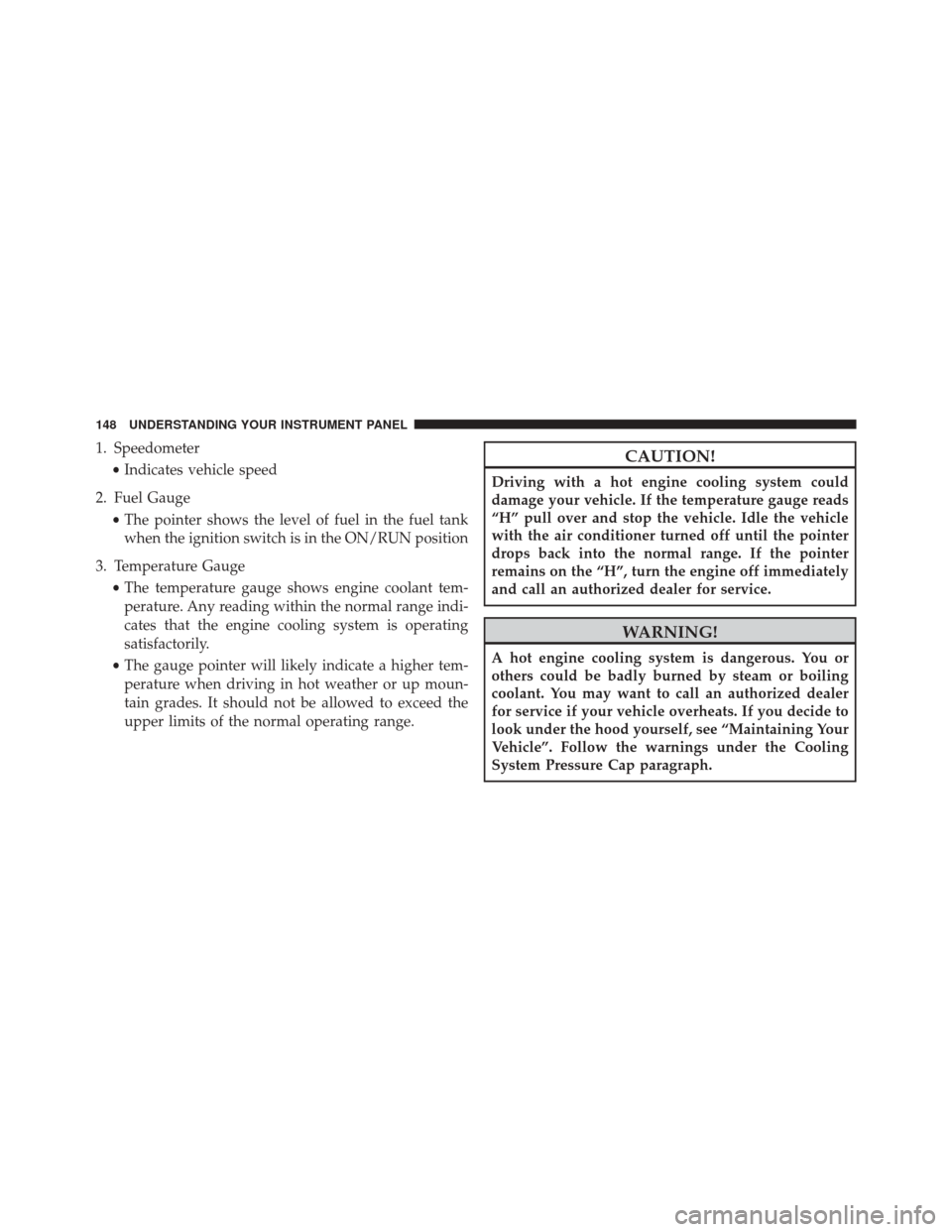
1. Speedometer•Indicates vehicle speed
2. Fuel Gauge •The pointer shows the level of fuel in the fuel tank
when the ignition switch is in the ON/RUN position
3. Temperature Gauge •The temperature gauge shows engine coolant tem-
perature. Any reading within the normal range indi-
cates that the engine cooling system is operating
satisfactorily.
• The gauge pointer will likely indicate a higher tem-
perature when driving in hot weather or up moun-
tain grades. It should not be allowed to exceed the
upper limits of the normal operating range.CAUTION!
Driving with a hot engine cooling system could
damage your vehicle. If the temperature gauge reads
“H” pull over and stop the vehicle. Idle the vehicle
with the air conditioner turned off until the pointer
drops back into the normal range. If the pointer
remains on the “H”, turn the engine off immediately
and call an authorized dealer for service.
WARNING!
A hot engine cooling system is dangerous. You or
others could be badly burned by steam or boiling
coolant. You may want to call an authorized dealer
for service if your vehicle overheats. If you decide to
look under the hood yourself, see “Maintaining Your
Vehicle”. Follow the warnings under the Cooling
System Pressure Cap paragraph.
148 UNDERSTANDING YOUR INSTRUMENT PANEL
Page 154 of 438
Electronic Throttle Control (ETC) Warning Light
Red TelltaleLight What It Means
Electronic Throttle Control (ETC) Warning Light
This light informs you of a problem with the Electronic Throttle Control (ETC) system. If a
problem is detected while the engine is running, the light will either stay on or flash de-
pending on the nature of the problem. Cycle the ignition key when the vehicle is safely and
completely stopped and the transmission is placed in the PARK position. The light should
turn off. If the light remains on with the engine running, your vehicle will usually be driv-
able; however, see an authorized dealer for service as soon as possible.
If the light continues to flash when the engine is running, immediate service is required and
you may experience reduced performance, an elevated/rough idle, or engine stall and your
vehicle may require towing. The light will come on when the ignition is first turned to ON/
RUN and remain on briefly as a bulb check. If the light does not come on during starting,
have the system checked by an authorized dealer.
152 UNDERSTANDING YOUR INSTRUMENT PANEL
Page 156 of 438
Air Bag Warning Light
Red TelltaleLight What It Means
Air Bag Warning Light
This light will turn on for four to eight seconds as a bulb check when the ignition switch is
first turned to ON/RUN. If the light is either not on during startup, stays on, or turns on
while driving, have the system inspected at an authorized dealer as soon as possible. This
light will illuminate with a single chime when a fault with the Air Bag Warning Light has
been detected, it will stay on until the fault is cleared. If the light comes on intermittently or
remains on while driving, have an authorized dealer service the vehicle immediately. Refer
to “Occupant Restraints” in “Things To Know Before Starting Your Vehicle” for further infor-
mation.
154 UNDERSTANDING YOUR INSTRUMENT PANEL
Page 158 of 438
Charging System Warning Light
Red TelltaleLight What It Means
Charging System Warning Light
This light shows the status of the electrical charging system. If the light stays on or comes
on while driving, turn off some of the vehicle’s nonessential electrical devices or increase
engine speed (if at idle). If the charging system light remains on, it means that the vehicle is
experiencing a problem with the charging system. Obtain SERVICE IMMEDIATELY. See an
authorized dealer.
If jump starting is required, refer to “Jump Starting Procedures” in “What To Do In Emer-
gencies.”
156 UNDERSTANDING YOUR INSTRUMENT PANEL
Page 162 of 438
The light will remain on until the cause is corrected.
NOTE:The light may flash momentarily during sharp
cornering maneuvers, which change fluid level condi-
tions. The vehicle should have service performed, and
the brake fluid level checked.
If brake failure is indicated, immediate repair is neces-
sary.
WARNING!
Driving a vehicle with the red brake light on is
dangerous. Part of the brake system may have failed.
It will take longer to stop the vehicle. You could have
a collision. Have the vehicle checked immediately.
Vehicles equipped with the Anti-Lock Brake System
(ABS) are also equipped with Electronic Brake Force
Distribution (EBD). In the event of an EBD failure, the Brake Warning Light will turn on along with the ABS
Light. Immediate repair to the ABS system is required.
Operation of the Brake Warning Light can be checked by
turning the ignition switch from the OFF position to the
ON/RUN position. The light should illuminate for ap-
proximately two seconds. The light should then turn off
unless the parking brake is applied or a brake fault is
detected. If the light does not illuminate, have the light
inspected by an authorized dealer.
The light also will turn on when the parking brake is
applied with the ignition switch in the ON/RUN posi-
tion.
NOTE:
This light shows only that the parking brake is
applied. It does not show the degree of brake application.
160 UNDERSTANDING YOUR INSTRUMENT PANEL
Page 170 of 438
Engine Check/Malfunction Indicator Light (MIL)
Yellow TelltaleLight What It Means
Engine Check/Malfunction Indicator Light (MIL)
The Engine Check/Malfunction Indicator Light (MIL) is a part of an Onboard Diagnostic
System called OBD II that monitors engine and automatic transmission control systems. The
light will illuminate when the ignition is in the ON position before engine start. If the bulb
does not come on when turning the key from OFF to ON/RUN, have the condition checked
promptly.
Certain conditions, such as a loose or missing gas cap, poor quality fuel, etc., may illuminate
the light after engine start. The vehicle should be serviced if the light stays on through sev-
eral typical driving styles. In most situations, the vehicle will drive normally and will not
require towing.
When the engine is running, the MIL may flash to alert serious conditions that could lead to
immediate loss of power or severe catalytic converter damage. The vehicle should be ser-
viced as soon as possible if this occurs.
168 UNDERSTANDING YOUR INSTRUMENT PANEL
Page 171 of 438
CAUTION!
Prolonged driving with the Malfunction Indicator
Light (MIL) on could cause damage to the engine
control system. It also could affect fuel economy and
driveability. If the MIL is flashing, severe catalytic
converter damage and power loss will soon occur.
Immediate service is required.
WARNING!
A malfunctioning catalytic converter, as referenced
above, can reach higher temperatures than in normal
operating conditions. This can cause a fire if you
drive slowly or park over flammable substances such
as dry plants, wood, cardboard, etc. This could result
in death or serious injury to the driver, occupants or
others.
4
UNDERSTANDING YOUR INSTRUMENT PANEL 169
Page 178 of 438
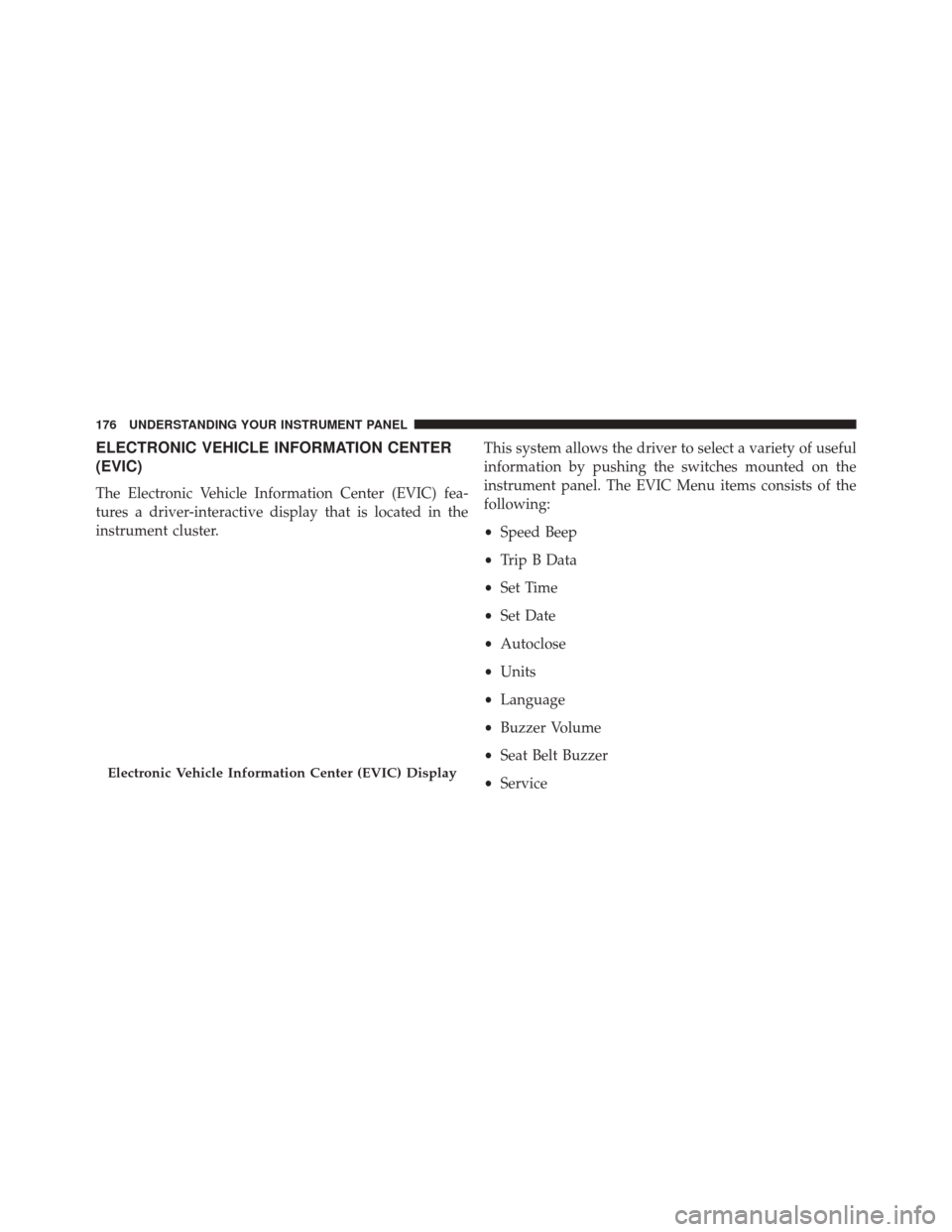
ELECTRONIC VEHICLE INFORMATION CENTER
(EVIC)
The Electronic Vehicle Information Center (EVIC) fea-
tures a driver-interactive display that is located in the
instrument cluster.This system allows the driver to select a variety of useful
information by pushing the switches mounted on the
instrument panel. The EVIC Menu items consists of the
following:
•
Speed Beep
• Trip B Data
• Set Time
• Set Date
• Autoclose
• Units
• Language
• Buzzer Volume
• Seat Belt Buzzer
• Service
Electronic Vehicle Information Center (EVIC) Display
176 UNDERSTANDING YOUR INSTRUMENT PANEL
Page 187 of 438
2. Push and release theUPorDOWNarrow
button to adjust.
3. Push the MENUbutton to return to the menu screen
or hold the MENUbutton down to return to the
standard screen without storing.
Service
Using this function you can display information about
the mileage intervals for vehicle servicing.
To consult the information:
1. Push the MENUbutton, which makes the display
show the service interval in mi or km according to the
previous setting.
2. Push the MENUbutton to go back to the menu screen
or hold the MENUbutton down to go back to the
standard screen. NOTE:
The “Scheduled Servicing Plan” includes vehicle
maintenance at fixed intervals. Refer to “Maintenance
Schedules” for further information.
Daytime Running Lights (DRL)
With this function it is possible to turn the daytime
running lights on and off.
To activate or deactivate this function:
1. Push the MENUbutton to display a submenu.
2. Push the MENUbutton to make the display flash On
or Off according to the previous setting.
3. Push and release the UP
orDOWNarrow
button to select.
4. Push the MENUbutton to return to the submenu
screen or hold the MENUbutton down to return to the
main menu screen without saving.
4
UNDERSTANDING YOUR INSTRUMENT PANEL 185
Page 202 of 438
SiriusXM Setup — If Equipped
After pressing the “SiriusXM Setup” button on the touch-
screen, the following settings will be available:
•Tune Start
Tune Start begins playing the current song from the
beginning when you tune to a music channel using one of
the twelve presets, so you can enjoy the complete song.
This feature occurs the first time the preset is selected
during that current song. Tune Start works in the back-
ground, so you will not even realize it’s on, except that
you will miss the experience of joining your favorite song
with only a few seconds left to play. To make your
selection, press the “Tune Start” button on the touch-
screen, select “On” or “Off.”
• Channel Skip
SiriusXM can be programmed to designate a group of
channels that are the most desirable to listen to or to exclude undesirable channels while scanning. To make
your selection, press the “Channel Skip” button on the
touchscreen, select the channels you would like to skip
followed by pressing the back arrow button on the
touchscreen.
•
Subscription Information
New vehicle purchasers or lessees will receive a free
limited time subscription to SiriusXM Satellite Radio
with your radio. Following the expiration of the free
services, it will be necessary to access the information on
the Subscription Information screen to re-subscribe.
Press the “Subscription Info” button on the touchscreen
to access the Subscription Information screen.
Write down the SIRIUS ID numbers for your receiver. To
reactivate your service, either call the number listed on
the screen or visit the provider online.
200 UNDERSTANDING YOUR INSTRUMENT PANEL