ignition Ram ProMaster City 2016 Owner's Guide
[x] Cancel search | Manufacturer: RAM, Model Year: 2016, Model line: ProMaster City, Model: Ram ProMaster City 2016Pages: 438, PDF Size: 3.26 MB
Page 125 of 438
PARKSENSE REAR PARK ASSIST — IF
EQUIPPED
The ParkSense Rear Park Assist system provides an
audible indication of the distance between the rear
fascia/bumper and a detected obstacle when backing up,
e.g. during a parking maneuver. Refer to ParkSense
System Usage Precautions for limitations of this system
and recommendations.
The ParkSense Rear Park Assist is automatically acti-
vated when the transmission is placed into REVERSE. As
the distance from an obstacle behind the vehicle de-
creases, the audible alert becomes more frequent.
Interaction With Trailer Towing
The Rear Park Assist system is automatically deactivated
when a trailer equipped by MOPAR is hitched to the
vehicle. The system will be automatically activated as
soon as the trailer is removed. If it does not happen,turning the key ignition switch to OFF and then to ON
again would be needed. In case of a non MOPAR trailer
hitches are mounted the sensor deactivation cannot be
guaranteed.
ParkSense Rear Park Assist Sensors
The four ParkSense Rear Park Assist sensors, located in
the rear fascia/bumper, monitor the area behind the
vehicle that is within the sensors’ field of view. The
sensors can detect obstacles, in the horizontal direction,
from approximately 12 in (30 cm) up to 55 in (140 cm)
from the center of the rear fascia/bumper and up to 24 in
(60 cm) from the corners of the rear fascia/bumper,
depending on the location, type and orientation of the
obstacle.
3
UNDERSTANDING THE FEATURES OF YOUR VEHICLE 123
Page 128 of 438
ParkSense Rear Park Assist Failure Indications
A malfunction of the ParkSense Rear Park Assist sensors
or system is indicated, during REVERSE gear engage-
ment, by the instrument panel warning icon.The warning icon is illuminated and a message
is displayed on the multifunction display (if
equipped). Refer to “Instrument Cluster De-
scriptions” in “Understanding Your Instrument
Panel” for further information.
The sensors and wiring are tested continuously when the
ignition is in the ON/RUN position. Failures are indi-
cated immediately if they occur when the system is ON.
Even if the system is able to identify that a specific sensor
is in failure condition, the instrument cluster display
shall indicate that the ParkSense Rear Park Assist system
is unavailable, without reference to the sensor in failure
condition. If even a single sensor fails, the entire system
must be disabled. The system is turned off automatically.
Cleaning The ParkSense Rear Park Assist
System
Clean the ParkSense Rear Park Assist sensors with water,
car wash soap and a soft cloth. Do not use rough or hard
cloths. In washing stations, clean sensors quickly keeping
the vapor jet/high pressure washing nozzles at least 4
inches (10 cm) from the sensors. Do not scratch or poke
the sensors. Otherwise, you could damage the sensors.
ParkSense Rear Park Assist System Usage
Precautions
NOTE:
• Ensure that the outer surface and the underside of the
rear bumper is clean and clear of snow, ice, mud, dirt
or other obstruction to keep the Rear Park Assist
system operating properly.
• Jackhammers, large trucks, and other vibrations could
affect the performance of Rear Park Assist.
126 UNDERSTANDING THE FEATURES OF YOUR VEHICLE
Page 131 of 438
out of REVERSE and the Camera Delay is turned OFF, the
rear camera mode is exited and the navigation or audio
screen appears on display again.
When the transmission is shifted out of REVERSE, with
the delay camera activated ON in the menu screen, the
camera image will continue to be displayed up to 10
seconds, unless the speed of the vehicle is greater than
8 mph (13 km/h), the transmission is in PARK position or
the ignition key is in the OFF position.The display of the camera image can be enabled or
disabled through the rear camera setting menu item
(Camera ON/OFF).
When displayed, static grid lines will illustrate the width
of the vehicle and will show separate zones that will help
indicate the distance to the rear of the vehicle. The
following table shows the approximate distances for each
zone:
Zone
Distance to the rear of the vehicle
Red 0 - 1 ft (0 - 30 cm)
Yellow 1 ft - 3 ft (30 cm - 1 m)
Green 3 ft or greater (1 m or greater)
3
UNDERSTANDING THE FEATURES OF YOUR VEHICLE 129
Page 132 of 438
WARNING!
Drivers must be careful when backing up even when
using the ParkView Rear Back Up Camera. Always
check carefully behind your vehicle, and be sure to
check for pedestrians, animals, other vehicles, ob-
structions, or blind spots before backing up. You are
responsible for the safety of your surroundings and
must continue to pay attention while backing up.
Failure to do so can result in serious injury or death.
CAUTION!
•To avoid vehicle damage, ParkView should only be
used as a parking aid. The ParkView camera is unable
to view every obstacle or object in your drive path.
• To avoid vehicle damage, the vehicle must be
driven slowly when using ParkView to be able to
(Continued)
CAUTION! (Continued)
stop in time when an obstacle is seen. It is recom-
mended that the driver look frequently over his/her
shoulder when using ParkView.
NOTE: If snow, ice, mud, or any foreign substance
builds up on the camera lens, clean the lens, rinse with
water, and dry with a soft cloth. Do not cover the lens.
POWER OUTLETS
Passenger Compartment Power Outlets
The cigar lighter and the power socket are located in the
center console, and both operate with the ignition key in
the MAR (ON/RUN) position.
130 UNDERSTANDING THE FEATURES OF YOUR VEHICLE
Page 136 of 438
CIGAR LIGHTER AND ASH RECEIVER — IF
EQUIPPED
A removable ash receiver and cigar lighter are available.
Push the cigar lighter button to activate the cigar lighter
when the ignition key is in the MAR (ON/RUN) posi-
tion.
After a few seconds the button returns to its initial
position and the cigar lighter is ready for use.
NOTE:Always check that the cigar lighter has turned
itself off.
WARNING!
The cigar lighter becomes very hot. Handle it care-
fully and make sure children don’t touch it: risk of
fire and/or burning.
CUPHOLDER
A cupholder is located in the front and rear of the center
console.
STORAGE
Glove Compartment
The glove compartment is located on the passenger side
of the instrument panel. Pull on the release handle to
open the glove compartment.
NOTE: The glove compartment handle is equipped with
a lock. To lock the glove compartment, remove the
emergency key from the key fob, insert emergency key
into glove compartment handle lock cylinder and turn
the key to the lock position and remove the key. Use the
reverse sequence to unlock the glove compartment.
134 UNDERSTANDING THE FEATURES OF YOUR VEHICLE
Page 150 of 438
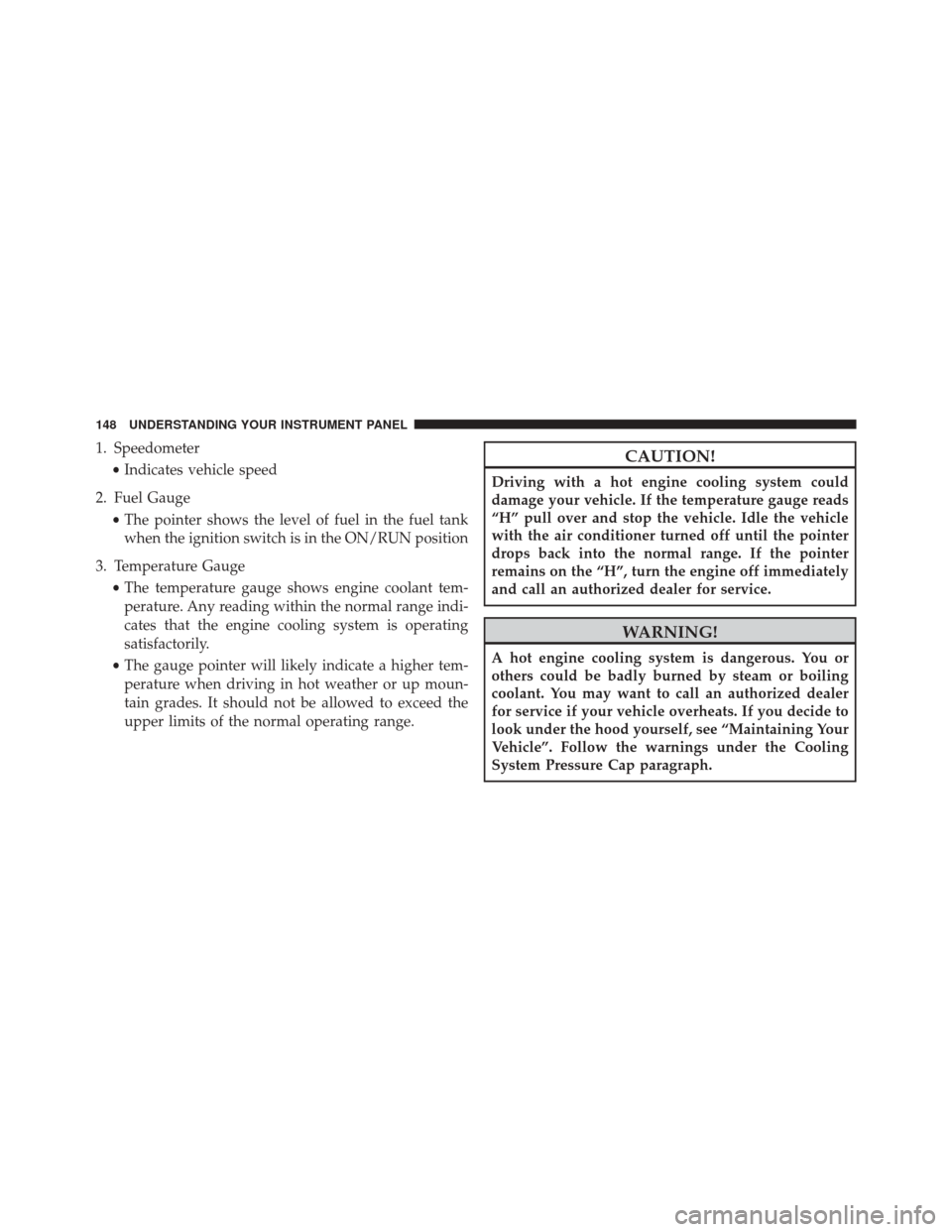
1. Speedometer•Indicates vehicle speed
2. Fuel Gauge •The pointer shows the level of fuel in the fuel tank
when the ignition switch is in the ON/RUN position
3. Temperature Gauge •The temperature gauge shows engine coolant tem-
perature. Any reading within the normal range indi-
cates that the engine cooling system is operating
satisfactorily.
• The gauge pointer will likely indicate a higher tem-
perature when driving in hot weather or up moun-
tain grades. It should not be allowed to exceed the
upper limits of the normal operating range.CAUTION!
Driving with a hot engine cooling system could
damage your vehicle. If the temperature gauge reads
“H” pull over and stop the vehicle. Idle the vehicle
with the air conditioner turned off until the pointer
drops back into the normal range. If the pointer
remains on the “H”, turn the engine off immediately
and call an authorized dealer for service.
WARNING!
A hot engine cooling system is dangerous. You or
others could be badly burned by steam or boiling
coolant. You may want to call an authorized dealer
for service if your vehicle overheats. If you decide to
look under the hood yourself, see “Maintaining Your
Vehicle”. Follow the warnings under the Cooling
System Pressure Cap paragraph.
148 UNDERSTANDING YOUR INSTRUMENT PANEL
Page 154 of 438
Electronic Throttle Control (ETC) Warning Light
Red TelltaleLight What It Means
Electronic Throttle Control (ETC) Warning Light
This light informs you of a problem with the Electronic Throttle Control (ETC) system. If a
problem is detected while the engine is running, the light will either stay on or flash de-
pending on the nature of the problem. Cycle the ignition key when the vehicle is safely and
completely stopped and the transmission is placed in the PARK position. The light should
turn off. If the light remains on with the engine running, your vehicle will usually be driv-
able; however, see an authorized dealer for service as soon as possible.
If the light continues to flash when the engine is running, immediate service is required and
you may experience reduced performance, an elevated/rough idle, or engine stall and your
vehicle may require towing. The light will come on when the ignition is first turned to ON/
RUN and remain on briefly as a bulb check. If the light does not come on during starting,
have the system checked by an authorized dealer.
152 UNDERSTANDING YOUR INSTRUMENT PANEL
Page 155 of 438
Seat Belt Reminder Warning Light
Red TelltaleLight What It Means
Seat Belt Reminder Warning Light
When the ignition switch is first turned to ON/RUN, this light will turn on for four to eight
seconds as a bulb check. During the bulb check, if the driver’s seat belt is unbuckled, a
chime will sound. After the bulb check or when driving, if the driver ’s seat belt remains un-
buckled, the Seat Belt Reminder Light will flash or remain on continuously and a chime will
sound. Refer to “Occupant Restraints” in “Things To Know Before Starting Your Vehicle” for
further information.
4
UNDERSTANDING YOUR INSTRUMENT PANEL 153
Page 156 of 438
Air Bag Warning Light
Red TelltaleLight What It Means
Air Bag Warning Light
This light will turn on for four to eight seconds as a bulb check when the ignition switch is
first turned to ON/RUN. If the light is either not on during startup, stays on, or turns on
while driving, have the system inspected at an authorized dealer as soon as possible. This
light will illuminate with a single chime when a fault with the Air Bag Warning Light has
been detected, it will stay on until the fault is cleared. If the light comes on intermittently or
remains on while driving, have an authorized dealer service the vehicle immediately. Refer
to “Occupant Restraints” in “Things To Know Before Starting Your Vehicle” for further infor-
mation.
154 UNDERSTANDING YOUR INSTRUMENT PANEL
Page 162 of 438
The light will remain on until the cause is corrected.
NOTE:The light may flash momentarily during sharp
cornering maneuvers, which change fluid level condi-
tions. The vehicle should have service performed, and
the brake fluid level checked.
If brake failure is indicated, immediate repair is neces-
sary.
WARNING!
Driving a vehicle with the red brake light on is
dangerous. Part of the brake system may have failed.
It will take longer to stop the vehicle. You could have
a collision. Have the vehicle checked immediately.
Vehicles equipped with the Anti-Lock Brake System
(ABS) are also equipped with Electronic Brake Force
Distribution (EBD). In the event of an EBD failure, the Brake Warning Light will turn on along with the ABS
Light. Immediate repair to the ABS system is required.
Operation of the Brake Warning Light can be checked by
turning the ignition switch from the OFF position to the
ON/RUN position. The light should illuminate for ap-
proximately two seconds. The light should then turn off
unless the parking brake is applied or a brake fault is
detected. If the light does not illuminate, have the light
inspected by an authorized dealer.
The light also will turn on when the parking brake is
applied with the ignition switch in the ON/RUN posi-
tion.
NOTE:
This light shows only that the parking brake is
applied. It does not show the degree of brake application.
160 UNDERSTANDING YOUR INSTRUMENT PANEL