warning Ram ProMaster City 2017 Repair Manual
[x] Cancel search | Manufacturer: RAM, Model Year: 2017, Model line: ProMaster City, Model: Ram ProMaster City 2017Pages: 345, PDF Size: 3.25 MB
Page 122 of 345
INSTRUMENT CLUSTER DISPLAY
Your vehicle may be equipped with an Instrument Cluster
Display, which offers useful information to the driver. With
the ignition in the STOP/OFF position (and the key
removed, for vehicles with mechanical key), opening/
closing of a door will activate the display for viewing, and
display the total miles or kilometers in the odometer. Your
Instrument Cluster Display is designed to display impor-
tant information about your vehicle’s systems and features.
Using a driver interactive display located on the instru-
ment panel, your Instrument Cluster Display can show you
how systems are working and give you warnings when
they aren’t. The steering wheel mounted controls allow
you to scroll through and enter the main menus and
submenus. You can access the specific information you
want and make selections and adjustments.
Instrument Cluster Display Location and Controls
The Instrument Cluster Display features a driver-
interactive display that is located in the instrument cluster.The Instrument Cluster Display Menu may consist of the
following items depending on the configuration of vehicle
options:
•
Speed Beep
• Trip B Data
• Set Time
• Set Date
• Autoclose
• Units
Instrument Cluster Display Location
120 UNDERSTANDING YOUR INSTRUMENT PANEL
Page 128 of 345
2. When you have made the required settings, push theMENU button briefly to go back to the submenu screen
or hold the MENUbutton down to go back to the main
menu screen without saving.
3. Hold the MENUbutton down again to return to the
standard screen or to the main menu according to where
you are in the menu.
Language
Display messages can be shown in different languages. To
set the desired language, proceed as follows:
1. Push the MENUbutton, the previously set language
will flash on the display.
2. Push and release the UP
orDOWNarrow
button to select.
3. Push the MENUbutton to return to the menu screen or
hold the MENUbutton down to return to the standard
screen without storing.
Buzzer Volume
With this function, the volume of the acoustic signal which
accompanies the display of failure/warning can be ad-
justed according to 8 levels. To set the desired volume:
1. Push the
MENUbutton, the previously set volume level
will flash on the display.
2. Push and release the UP
orDOWNarrow
button to adjust.
3. Push the MENUbutton to return to the menu screen or
hold the MENUbutton down to return to the standard
screen without storing.
Service
Using this function you can display information about the
mileage intervals for vehicle servicing.
To consult the information:
1. Push the MENUbutton, which makes the display show
the service interval in mi or km according to the
previous setting.
2. Push the MENUbutton to go back to the menu screen or
hold the MENUbutton down to go back to the standard
screen.
NOTE: The “Scheduled Servicing Plan” includes vehicle
maintenance at fixed intervals. Refer to “Maintenance
Schedules” for further information.
126 UNDERSTANDING YOUR INSTRUMENT PANEL
Page 131 of 345
Average Fuel Economy
This value shows the approximate average fuel consump-
tion since the last reset.
Instantaneous Fuel Economy
This indicates the fuel consumption. The value is con-
stantly updated. The message “----” will appear on the
display if the vehicle is parked with the engine running.
Average Speed
This value shows the vehicle’s average speed as a function
of the overall time elapsed since the last reset.
Travel Time
This value shows the time elapsed since the last reset.WARNING AND INDICATOR LIGHTS
IMPORTANT:The warning / indicator lights switch on in
the instrument panel together with a dedicated message
and/or acoustic signal when applicable. These indications
are indicative and precautionary and as such must not be
considered as exhaustive and/or alternative to the infor-
mation contained in the Owner ’s Manual, which you are
advised to read carefully in all cases. Always refer to the
information in this chapter in the event of a failure indica-
tion.
All active telltales will display first if applicable. The
system check menu may appear different based upon
equipment options and current vehicle status. Some tell-
tales are optional and may not appear.
4
UNDERSTANDING YOUR INSTRUMENT PANEL 129
Page 132 of 345
Red Telltale Indicator Lights
Engine Oil Level Warning Light
Red TelltaleLight What It Means
Engine Oil Level Warning Light
This warning light appears on the panel when the engine oil level falls below the minimum recom-
mended value. Restore the correct engine oil level or contact your authorized dealer for service.
Engine Temperature Warning Light
Red Warning
Light What It Means
Engine Temperature Warning Light
This light warns of an overheated engine condition. As engine coolant temperatures rise and the
gauge approaches
H, this indicator will illuminate and a single chime will sound after reaching a
set threshold. Further overheating will cause the temperature gauge to pass H, a continuous
chime will occur until the engine is allowed to cool or the 4 minutes duration is expired, which-
ever come first.
If the light turns on while driving, safely pull over and stop the vehicle. If the A/C system is on,
turn it off. Also, shift the transmission into NEUTRAL and idle the vehicle. If the temperature
reading does not return to normal, turn the engine off immediately and call for service. Refer to
“If Your Engine Overheats” in “What To Do In Emergencies” for further information.
130 UNDERSTANDING YOUR INSTRUMENT PANEL
Page 133 of 345
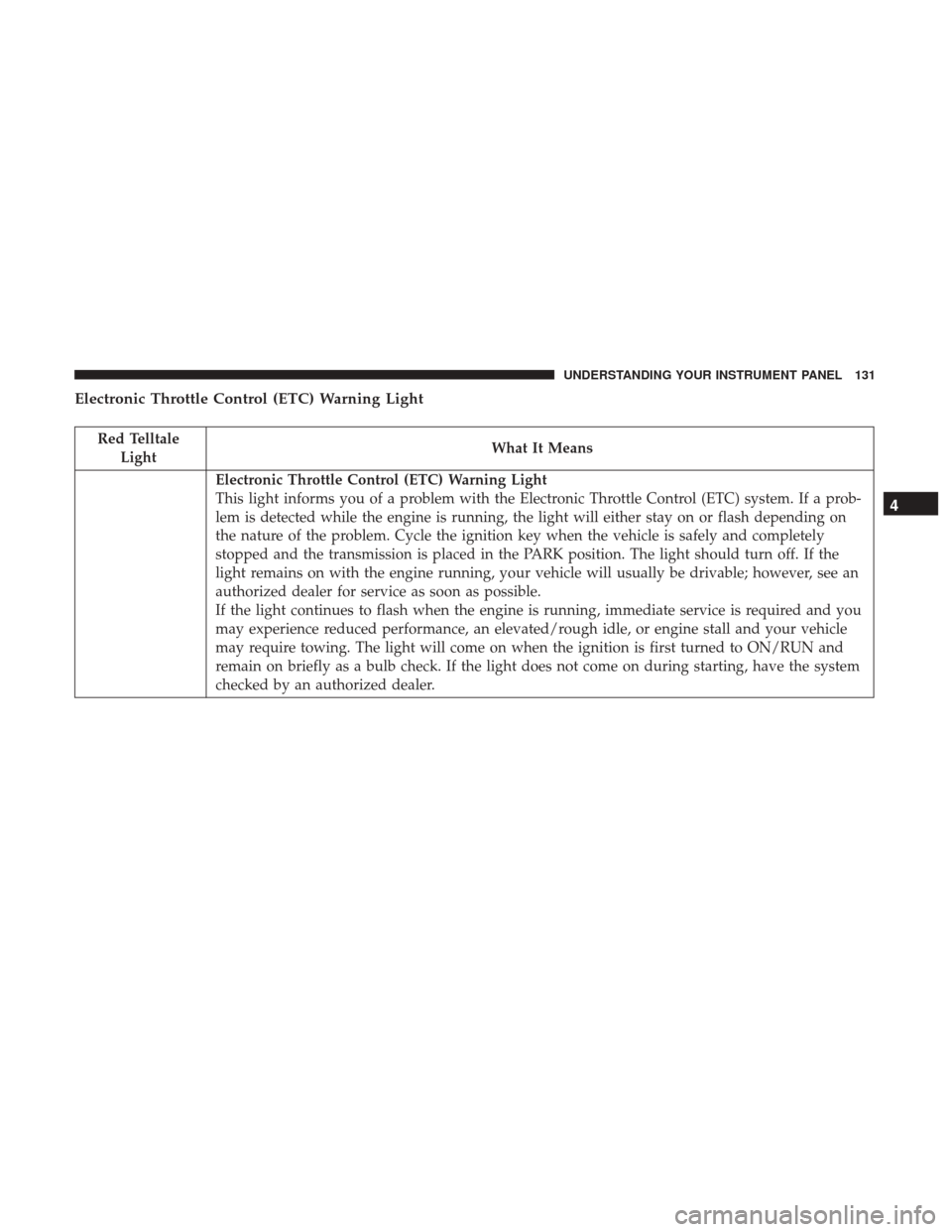
Electronic Throttle Control (ETC) Warning Light
Red TelltaleLight What It Means
Electronic Throttle Control (ETC) Warning Light
This light informs you of a problem with the Electronic Throttle Control (ETC) system. If a prob-
lem is detected while the engine is running, the light will either stay on or flash depending on
the nature of the problem. Cycle the ignition key when the vehicle is safely and completely
stopped and the transmission is placed in the PARK position. The light should turn off. If the
light remains on with the engine running, your vehicle will usually be drivable; however, see an
authorized dealer for service as soon as possible.
If the light continues to flash when the engine is running, immediate service is required and you
may experience reduced performance, an elevated/rough idle, or engine stall and your vehicle
may require towing. The light will come on when the ignition is first turned to ON/RUN and
remain on briefly as a bulb check. If the light does not come on during starting, have the system
checked by an authorized dealer.
4
UNDERSTANDING YOUR INSTRUMENT PANEL 131
Page 134 of 345
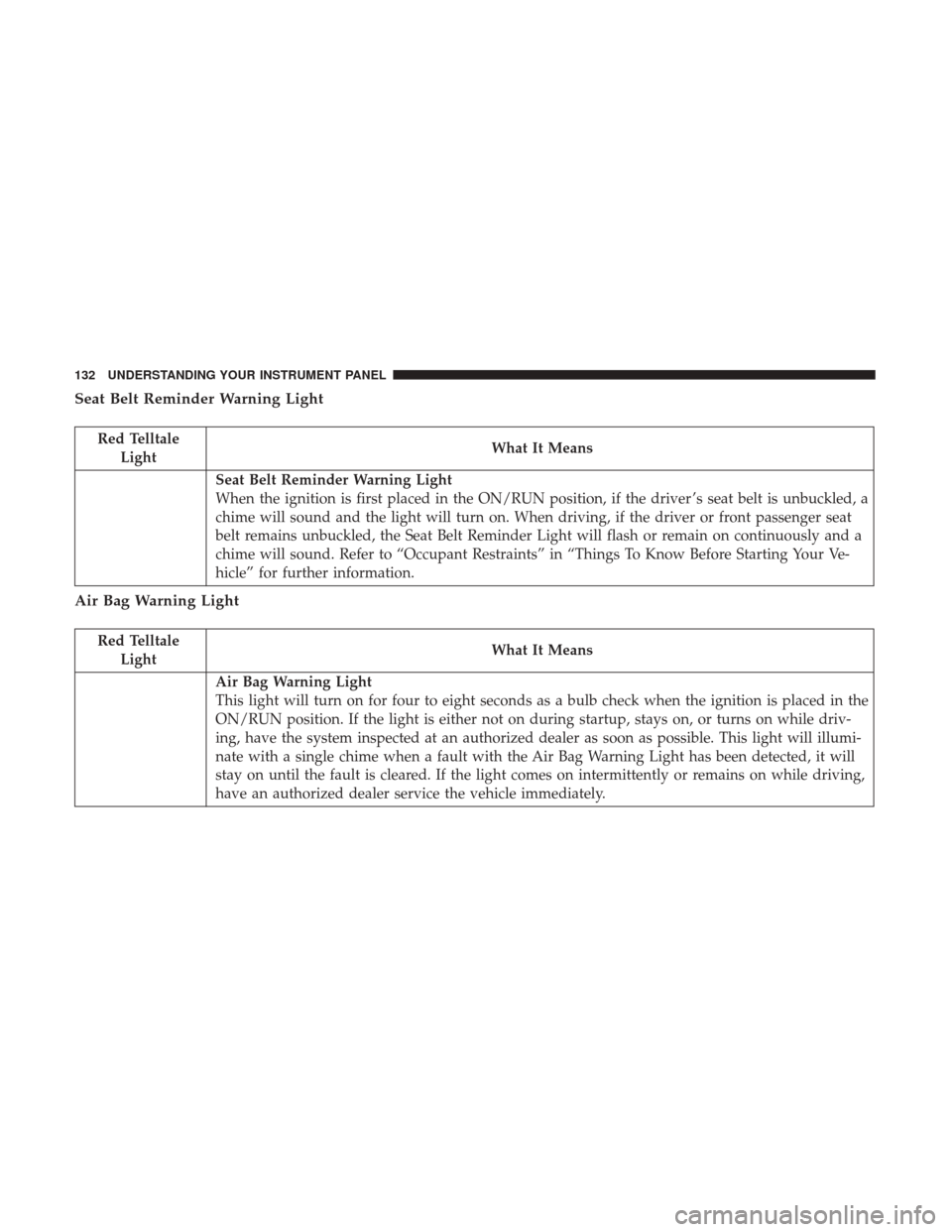
Seat Belt Reminder Warning Light
Red TelltaleLight What It Means
Seat Belt Reminder Warning Light
When the ignition is first placed in the ON/RUN position, if the driver ’s seat belt is unbuckled, a
chime will sound and the light will turn on. When driving, if the driver or front passenger seat
belt remains unbuckled, the Seat Belt Reminder Light will flash or remain on continuously and a
chime will sound. Refer to “Occupant Restraints” in “Things To Know Before Starting Your Ve-
hicle” for further information.
Air Bag Warning Light
Red Telltale
Light What It Means
Air Bag Warning Light
This light will turn on for four to eight seconds as a bulb check when the ignition is placed in the
ON/RUN position. If the light is either not on during startup, stays on, or turns on while driv-
ing, have the system inspected at an authorized dealer as soon as possible. This light will illumi-
nate with a single chime when a fault with the Air Bag Warning Light has been detected, it will
stay on until the fault is cleared. If the light comes on intermittently or remains on while driving,
have an authorized dealer service the vehicle immediately.
132 UNDERSTANDING YOUR INSTRUMENT PANEL
Page 135 of 345
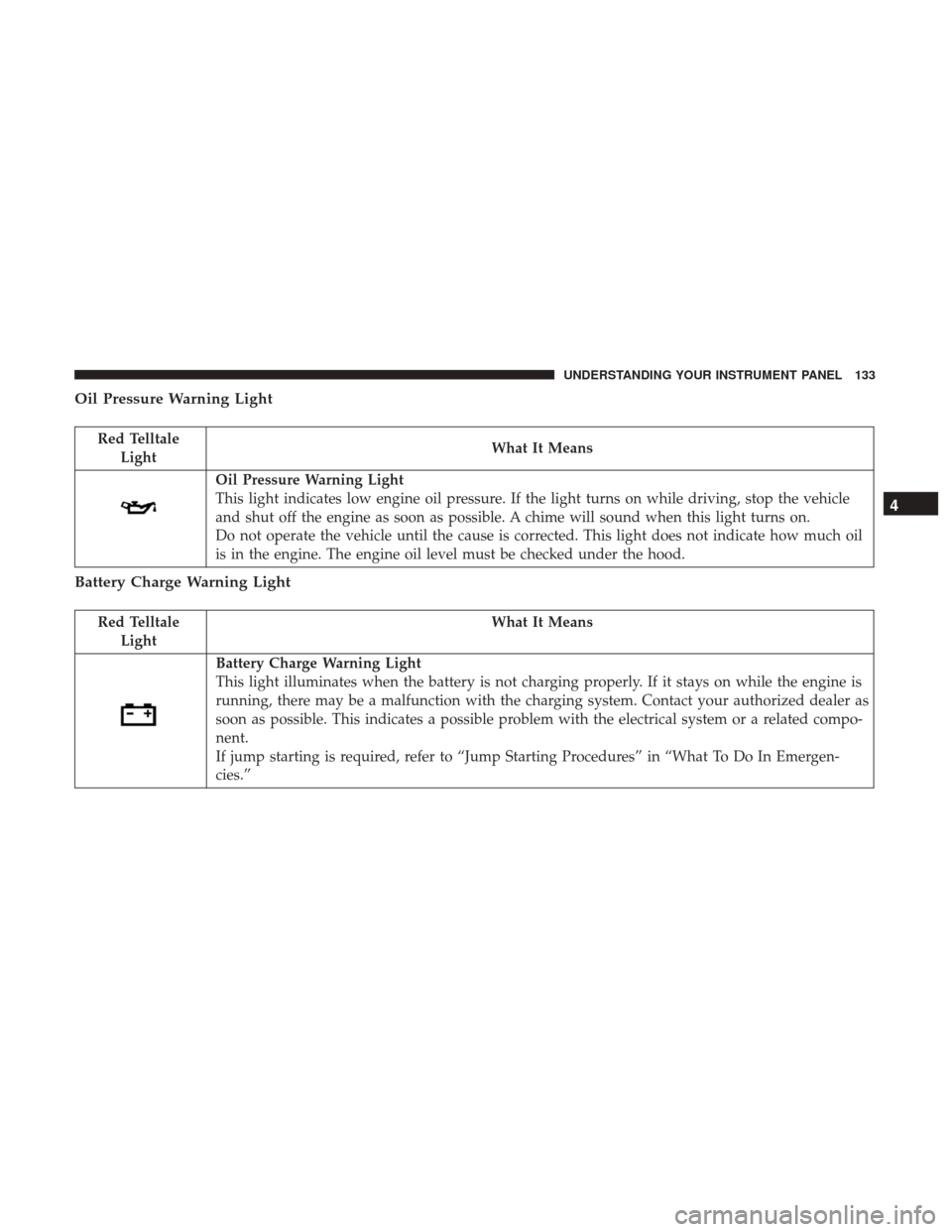
Oil Pressure Warning Light
Red TelltaleLight What It Means
Oil Pressure Warning Light
This light indicates low engine oil pressure. If the light turns on while driving, stop the vehicle
and shut off the engine as soon as possible. A chime will sound when this light turns on.
Do not operate the vehicle until the cause is corrected. This light does not indicate how much oil
is in the engine. The engine oil level must be checked under the hood.
Battery Charge Warning Light
Red Telltale
Light What It Means
Battery Charge Warning Light
This light illuminates when the battery is not charging properly. If it stays on while the engine is
running, there may be a malfunction with the charging system. Contact your authorized dealer as
soon as possible. This indicates a possible problem with the electrical system or a related compo-
nent.
If jump starting is required, refer to “Jump Starting Procedures” in “What To Do In Emergen-
cies.”
4
UNDERSTANDING YOUR INSTRUMENT PANEL 133
Page 136 of 345
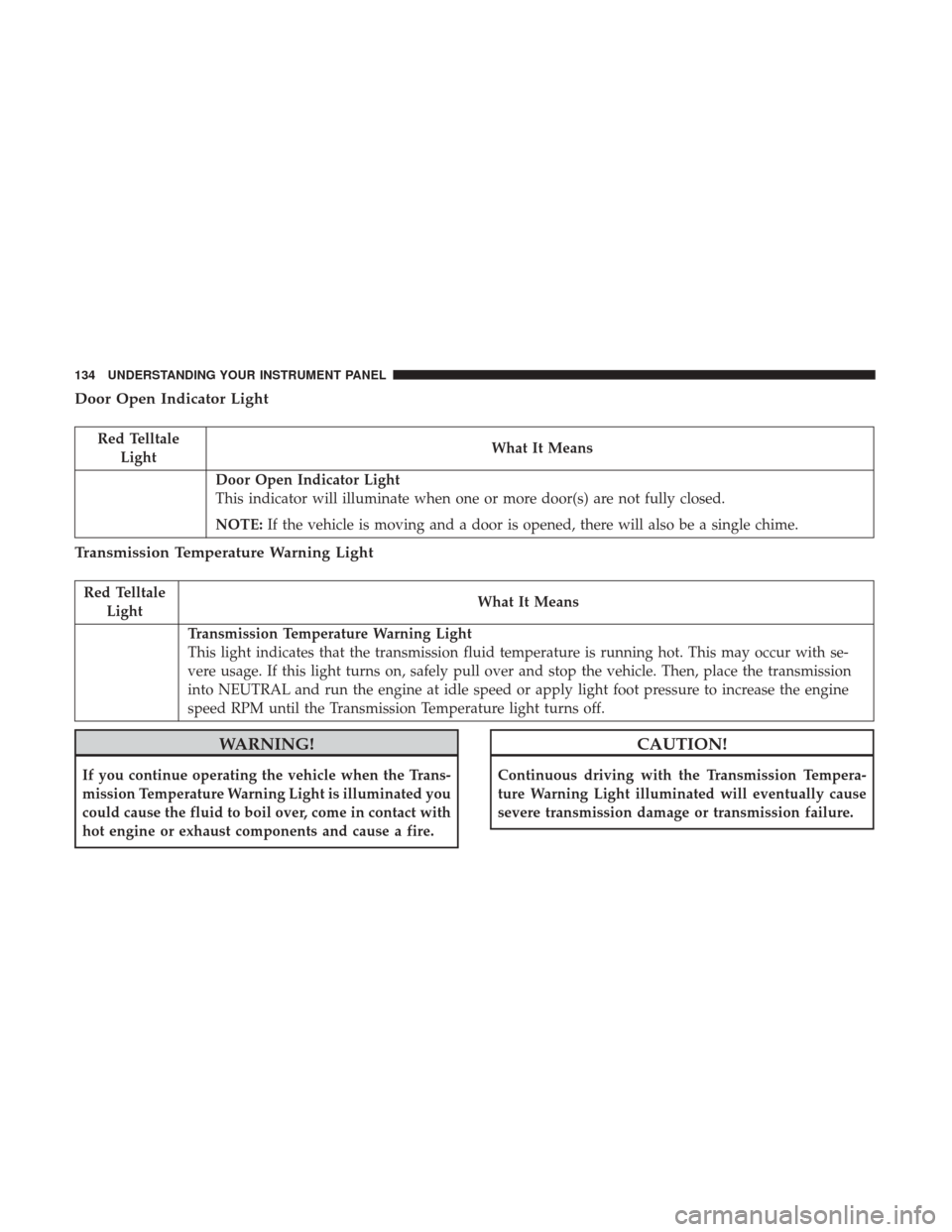
Door Open Indicator Light
Red TelltaleLight What It Means
Door Open Indicator Light
This indicator will illuminate when one or more door(s) are not fully closed.
NOTE:
If the vehicle is moving and a door is opened, there will also be a single chime.
Transmission Temperature Warning Light
Red Telltale
Light What It Means
Transmission Temperature Warning Light
This light indicates that the transmission fluid temperature is running hot. This may occur with se-
vere usage. If this light turns on, safely pull over and stop the vehicle. Then, place the transmission
into NEUTRAL and run the engine at idle speed or apply light foot pressure to increase the engine
speed RPM until the Transmission Temperature light turns off.
WARNING!
If you continue operating the vehicle when the Trans-
mission Temperature Warning Light is illuminated you
could cause the fluid to boil over, come in contact with
hot engine or exhaust components and cause a fire.
CAUTION!
Continuous driving with the Transmission Tempera-
ture Warning Light illuminated will eventually cause
severe transmission damage or transmission failure.
134 UNDERSTANDING YOUR INSTRUMENT PANEL
Page 137 of 345
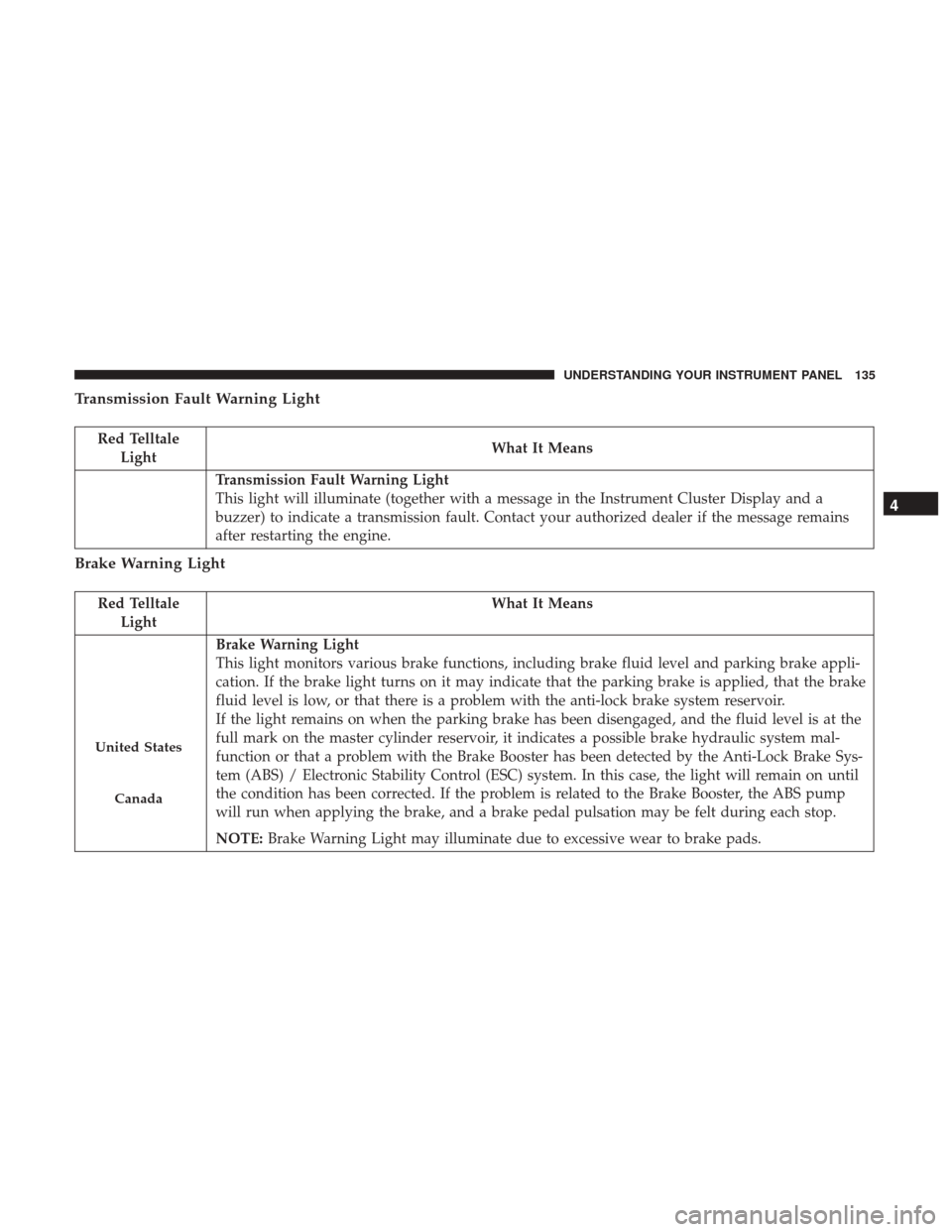
Transmission Fault Warning Light
Red TelltaleLight What It Means
Transmission Fault Warning Light
This light will illuminate (together with a message in the Instrument Cluster Display and a
buzzer) to indicate a transmission fault. Contact your authorized dealer if the message remains
after restarting the engine.
Brake Warning Light
Red Telltale
Light What It Means
United States
Canada
Brake Warning Light
This light monitors various brake functions, including brake fluid level and parking brake appli-
cation. If the brake light turns on it may indicate that the parking brake is applied, that the brake
fluid level is low, or that there is a problem with the anti-lock brake system reservoir.
If the light remains on when the parking brake has been disengaged, and the fluid level is at the
full mark on the master cylinder reservoir, it indicates a possible brake hydraulic system mal-
function or that a problem with the Brake Booster has been detected by the Anti-Lock Brake Sys-
tem (ABS) / Electronic Stability Control (ESC) system. In this case, the light will remain on until
the condition has been corrected. If the problem is related to the Brake Booster, the ABS pump
will run when applying the brake, and a brake pedal pulsation may be felt during each stop.
NOTE:
Brake Warning Light may illuminate due to excessive wear to brake pads.
4
UNDERSTANDING YOUR INSTRUMENT PANEL 135
Page 138 of 345
The dual brake system provides a reserve braking capacity
in the event of a failure to a portion of the hydraulic
system. A leak in either half of the dual brake system is
indicated by the Brake Warning Light, which will turn on
when the brake fluid level in the master cylinder has
dropped below a specified level.
The light will remain on until the cause is corrected.
NOTE:The light may flash momentarily during sharp
cornering maneuvers, which change fluid level conditions.
The vehicle should have service performed, and the brake
fluid level checked.
If brake failure is indicated, immediate repair is necessary.
WARNING!
Driving a vehicle with the red brake light on is
dangerous. Part of the brake system may have failed. It
will take longer to stop the vehicle. You could have a
collision. Have the vehicle checked immediately. Vehicles equipped with the Anti-Lock Brake System (ABS)
are also equipped with Electronic Brake Force Distribution
(EBD). In the event of an EBD failure, the Brake Warning
Light will turn on along with the ABS Light. Immediate
repair to the ABS system is required.
Operation of the Brake Warning Light can be checked by
placing the ignition in the ON/RUN position. The light
should illuminate for approximately two seconds. The light
should then turn off unless the parking brake is applied or
a brake fault is detected. If the light does not illuminate,
have the light inspected by an authorized dealer.
The light also will turn on when the parking brake is
applied with the ignition placed in the ON/RUN position.
NOTE:
This light shows only that the parking brake is
applied. It does not show the degree of brake application.
136 UNDERSTANDING YOUR INSTRUMENT PANEL