key Ram ProMaster City 2018 User Guide
[x] Cancel search | Manufacturer: RAM, Model Year: 2018, Model line: ProMaster City, Model: Ram ProMaster City 2018Pages: 347, PDF Size: 4.08 MB
Page 27 of 347
Unlocking With The Key Blade
Push the Key Blade Release Button to expose the key blade,
insert the key blade into the driver door exterior lock
cylinder and turn the key counterclockwise to unlock the
all doors.
Unlocking The Rear Cargo Area From Inside The
Vehicle
Pull up on the lock/unlock lever located on the drivers
door panel to the 1st detent to unlock all doors from inside
the vehicle.
Sliding Side Doors
Unlocking With A Key Fob
Push and release the cargo unlock button on the key fob to
unlock the sliding side doors. To open one of the sliding
side doors, pull the handle out from the bottom, then slide
the door towards the rear of the vehicle until it locks into
place and cannot go any further. The turn signal lights will
flash to acknowledge the unlock signal.Unlocking With The Key Blade
Push the key blade release button to expose the key blade,
insert the key blade into the driver exterior door lock
cylinder and turn the key counterclockwise to unlock all
doors.
Closing And Locking From Outside
Grab the side door handle and push towards the front of
the vehicle. Once the side door is secured in the full closed
position, reverse either of the unlocking modes above to
lock the sliding side doors.
Auto Unlock Doors
This feature unlocks all doors when the driver door is
open.
NOTE:
If the passenger door is open, only the passenger
door is unlocked. This procedure is the same for the rear
and side doors as well.
3
GETTING TO KNOW YOUR VEHICLE 25
Page 28 of 347
Sliding Side Door
On Cargo versions, the sliding side door is fitted with a
spring-loaded latch that stops the door from opening any
further. To lock it, simply push the door as far as it will go;
to unlock it, pull forward firmly.
Opening And Closing From Outside The Vehicle
Opening/Unlocking With A Key Fob In the Passenger
Vehicle and US Cargo Vehicle (If Equipped)
Push and release the unlock button on the key fob to
unlock all doors.
Opening/Unlocking With A Key Fob In the Canadian
Cargo Vehicle (If Equipped)
Push and release the unlock button on the key fob to
unlock the front two doors. Push and release the cargo
unlock button on the key fob once to unlock the
passenger/cargo area (side lateral sliding doors and rear
doors). The turn signal lights will flash to acknowledge the
unlock signal.Unlocking With The Key Blade
Push the key blade release button to expose the key blade,
insert the key blade into the driver door exterior lock
cylinder and turn the key counterclockwise to unlock all
doors.
Closing/Locking With A Key Fob
Push and release the lock button on the key fob to lock all
doors, including the cargo area (side lateral sliding doors
and rear doors). The turn signal lights will flash and the
horn will chirp to acknowledge the lock signal.
Locking With The Key Blade
Push the key blade release button to expose the key blade,
insert the key blade into the driver door exterior lock
cylinder and turn the key clockwise to lock all doors.
Opening And Closing From The Inside
Opening:
Pull the interior door handle switch to unlock the door,
then pull the handle and slide the door towards the rear of
the vehicle until it can go no further.
26 GETTING TO KNOW YOUR VEHICLE
Page 29 of 347
Closing:
Pull the interior door handle switch to release the door and
then push it towards the front of the vehicle.
Key Emergency Lock (KEL) Device
The sliding side doors are provided with a device for
locking all the doors using the lock in case of a power fault.
The device can be engaged with the sliding side doors
open as follows:
1. Key Emergency Lock Device not engaged (doors re-leased)
2. Key Emergency Lock Device engaged (fit the ignition key in its seat and rotate clockwise), door locked
The device is released and the doors can be opened as
follows:
If the power is restored:
• By remote control.
• Opening a front door by inserting the key into the key
pawl. If the power is not restored:
•
Opening the driver side door by key fob and the other
doors (passenger’s side and sliding side door) pulling
the inner handle.
If the child lock was engaged and the previously described
locking procedure was carried out, operating the internal
handle will not open the door but will only realign the door
lock knob. To open the door, the outside handle must be
pulled. The door central locking/unlocking button is not
disabled by the engagement of the emergency lock.
3
GETTING TO KNOW YOUR VEHICLE 27
Page 30 of 347
Child Lock System
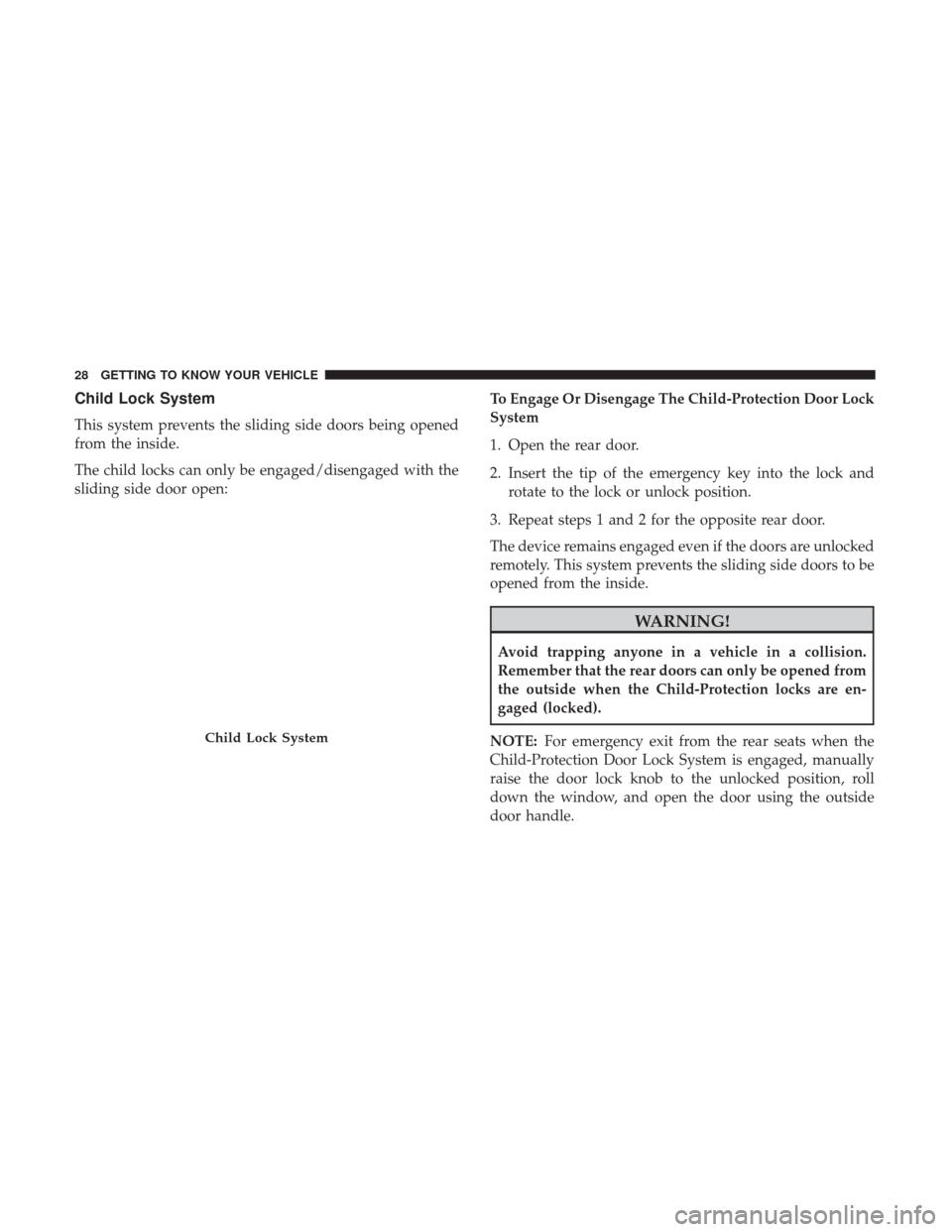
This system prevents the sliding side doors being opened
from the inside.
The child locks can only be engaged/disengaged with the
sliding side door open:To Engage Or Disengage The Child-Protection Door Lock
System
1. Open the rear door.
2. Insert the tip of the emergency key into the lock and
rotate to the lock or unlock position.
3. Repeat steps 1 and 2 for the opposite rear door.
The device remains engaged even if the doors are unlocked
remotely. This system prevents the sliding side doors to be
opened from the inside.
WARNING!
Avoid trapping anyone in a vehicle in a collision.
Remember that the rear doors can only be opened from
the outside when the Child-Protection locks are en-
gaged (locked).
NOTE: For emergency exit from the rear seats when the
Child-Protection Door Lock System is engaged, manually
raise the door lock knob to the unlocked position, roll
down the window, and open the door using the outside
door handle.
Child Lock System
28 GETTING TO KNOW YOUR VEHICLE
Page 31 of 347
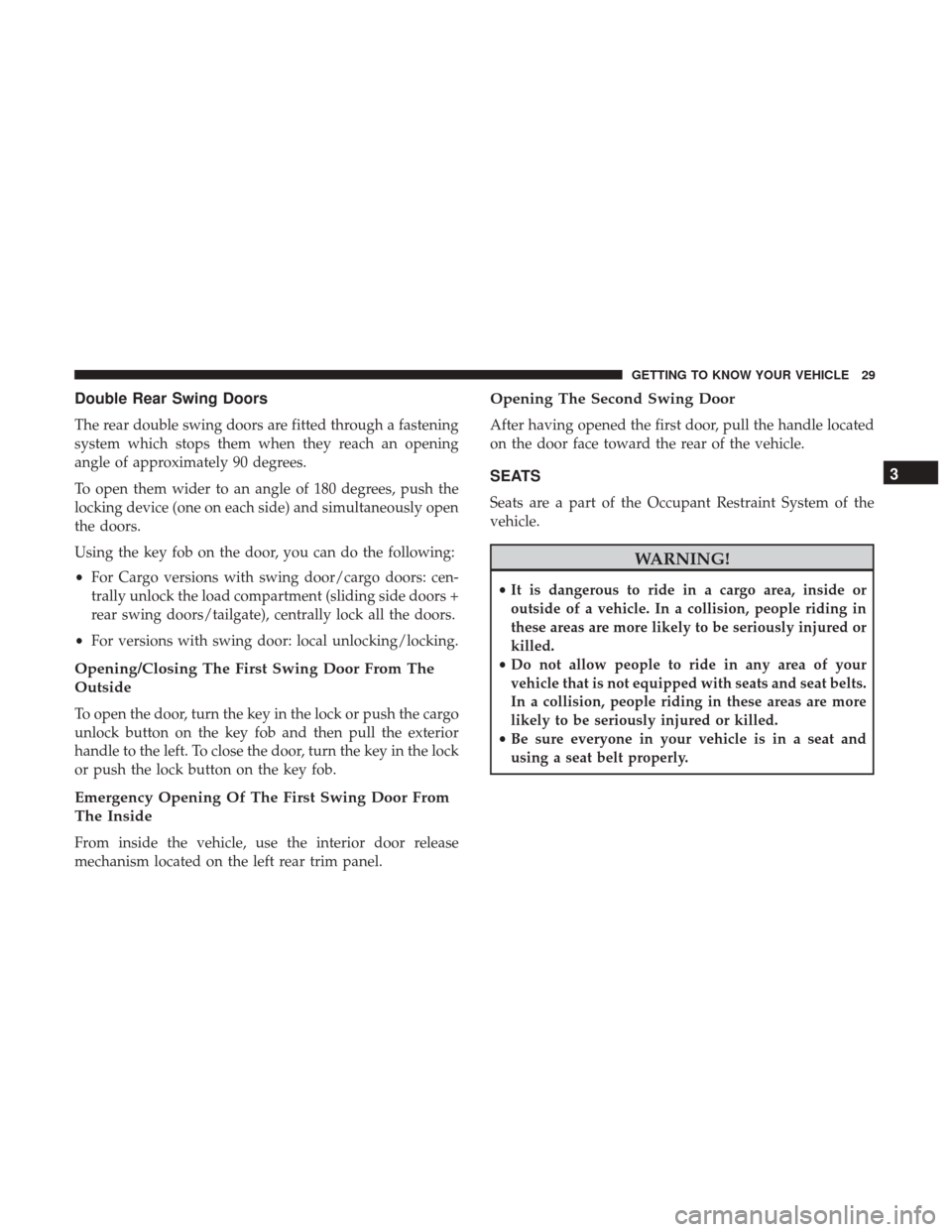
Double Rear Swing Doors
The rear double swing doors are fitted through a fastening
system which stops them when they reach an opening
angle of approximately 90 degrees.
To open them wider to an angle of 180 degrees, push the
locking device (one on each side) and simultaneously open
the doors.
Using the key fob on the door, you can do the following:
•For Cargo versions with swing door/cargo doors: cen-
trally unlock the load compartment (sliding side doors +
rear swing doors/tailgate), centrally lock all the doors.
• For versions with swing door: local unlocking/locking.
Opening/Closing The First Swing Door From The
Outside
To open the door, turn the key in the lock or push the cargo
unlock button on the key fob and then pull the exterior
handle to the left. To close the door, turn the key in the lock
or push the lock button on the key fob.
Emergency Opening Of The First Swing Door From
The Inside
From inside the vehicle, use the interior door release
mechanism located on the left rear trim panel.
Opening The Second Swing Door
After having opened the first door, pull the handle located
on the door face toward the rear of the vehicle.
SEATS
Seats are a part of the Occupant Restraint System of the
vehicle.
WARNING!
•It is dangerous to ride in a cargo area, inside or
outside of a vehicle. In a collision, people riding in
these areas are more likely to be seriously injured or
killed.
• Do not allow people to ride in any area of your
vehicle that is not equipped with seats and seat belts.
In a collision, people riding in these areas are more
likely to be seriously injured or killed.
• Be sure everyone in your vehicle is in a seat and
using a seat belt properly.
3
GETTING TO KNOW YOUR VEHICLE 29
Page 34 of 347
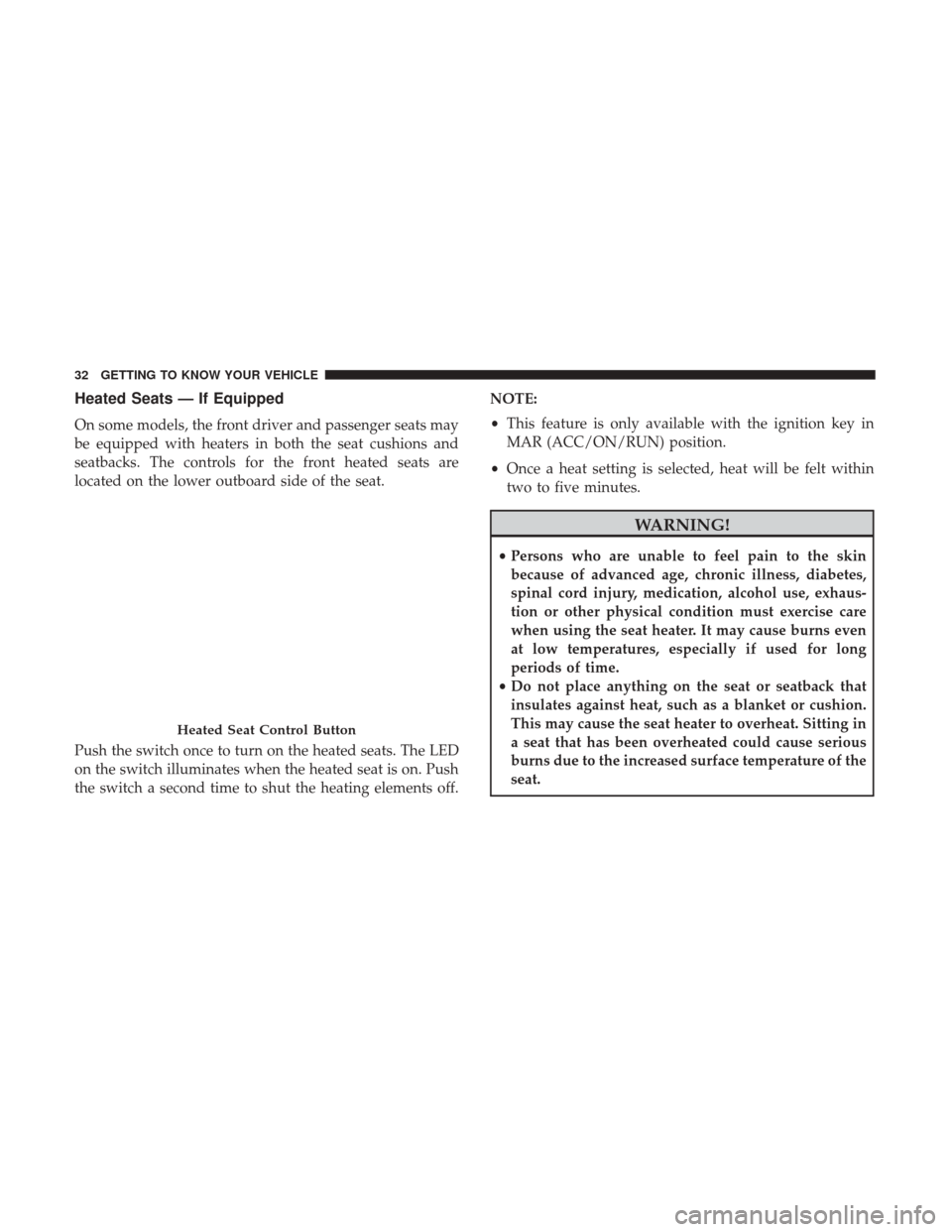
Heated Seats — If Equipped
On some models, the front driver and passenger seats may
be equipped with heaters in both the seat cushions and
seatbacks. The controls for the front heated seats are
located on the lower outboard side of the seat.
Push the switch once to turn on the heated seats. The LED
on the switch illuminates when the heated seat is on. Push
the switch a second time to shut the heating elements off.NOTE:
•
This feature is only available with the ignition key in
MAR (ACC/ON/RUN) position.
• Once a heat setting is selected, heat will be felt within
two to five minutes.
WARNING!
• Persons who are unable to feel pain to the skin
because of advanced age, chronic illness, diabetes,
spinal cord injury, medication, alcohol use, exhaus-
tion or other physical condition must exercise care
when using the seat heater. It may cause burns even
at low temperatures, especially if used for long
periods of time.
• Do not place anything on the seat or seatback that
insulates against heat, such as a blanket or cushion.
This may cause the seat heater to overheat. Sitting in
a seat that has been overheated could cause serious
burns due to the increased surface temperature of the
seat.
Heated Seat Control Button
32 GETTING TO KNOW YOUR VEHICLE
Page 44 of 347
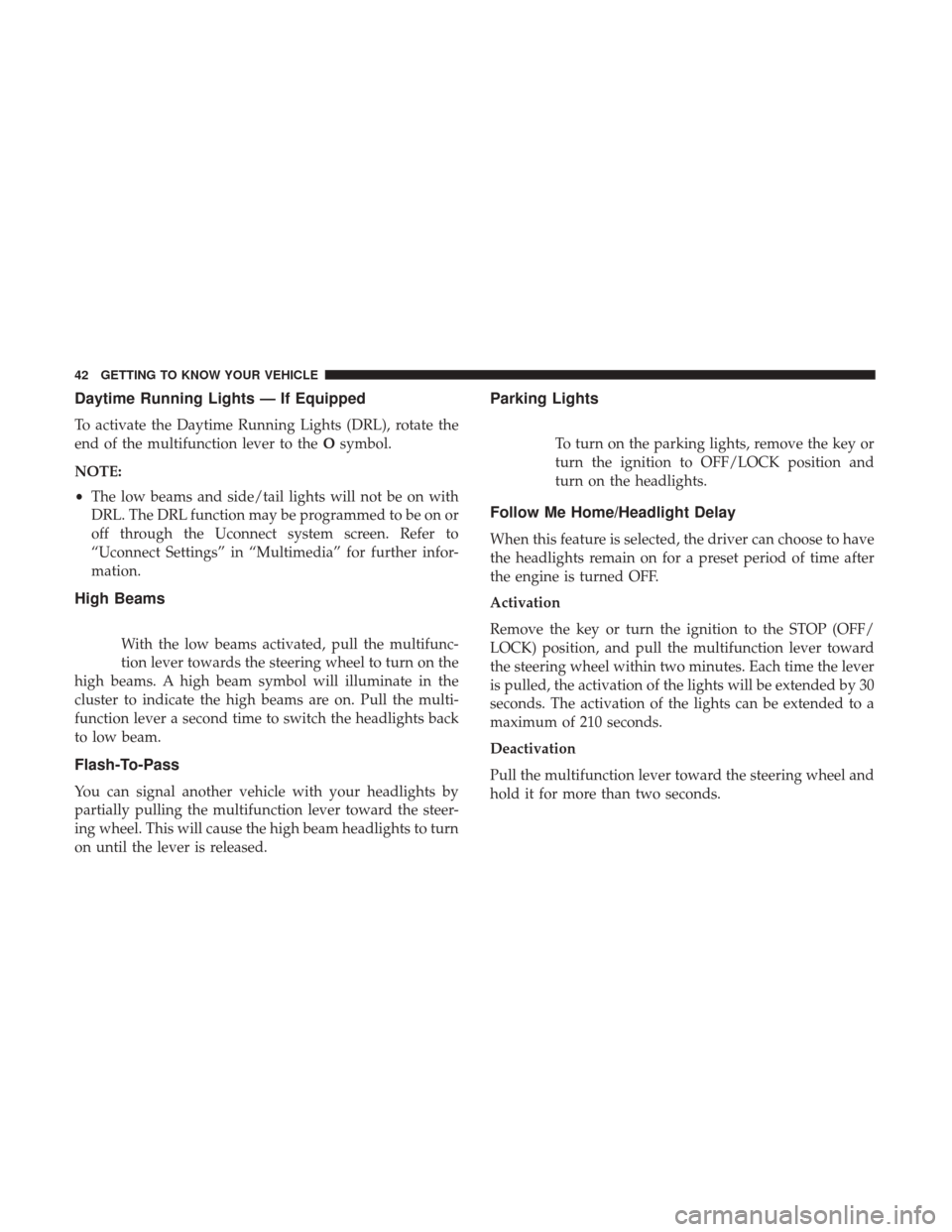
Daytime Running Lights — If Equipped
To activate the Daytime Running Lights (DRL), rotate the
end of the multifunction lever to theOsymbol.
NOTE:
• The low beams and side/tail lights will not be on with
DRL. The DRL function may be programmed to be on or
off through the Uconnect system screen. Refer to
“Uconnect Settings” in “Multimedia” for further infor-
mation.
High Beams
With the low beams activated, pull the multifunc-
tion lever towards the steering wheel to turn on the
high beams. A high beam symbol will illuminate in the
cluster to indicate the high beams are on. Pull the multi-
function lever a second time to switch the headlights back
to low beam.
Flash-To-Pass
You can signal another vehicle with your headlights by
partially pulling the multifunction lever toward the steer-
ing wheel. This will cause the high beam headlights to turn
on until the lever is released.
Parking Lights
To turn on the parking lights, remove the key or
turn the ignition to OFF/LOCK position and
turn on the headlights.
Follow Me Home/Headlight Delay
When this feature is selected, the driver can choose to have
the headlights remain on for a preset period of time after
the engine is turned OFF.
Activation
Remove the key or turn the ignition to the STOP (OFF/
LOCK) position, and pull the multifunction lever toward
the steering wheel within two minutes. Each time the lever
is pulled, the activation of the lights will be extended by 30
seconds. The activation of the lights can be extended to a
maximum of 210 seconds.
Deactivation
Pull the multifunction lever toward the steering wheel and
hold it for more than two seconds.
42 GETTING TO KNOW YOUR VEHICLE
Page 59 of 347
WINDOWS
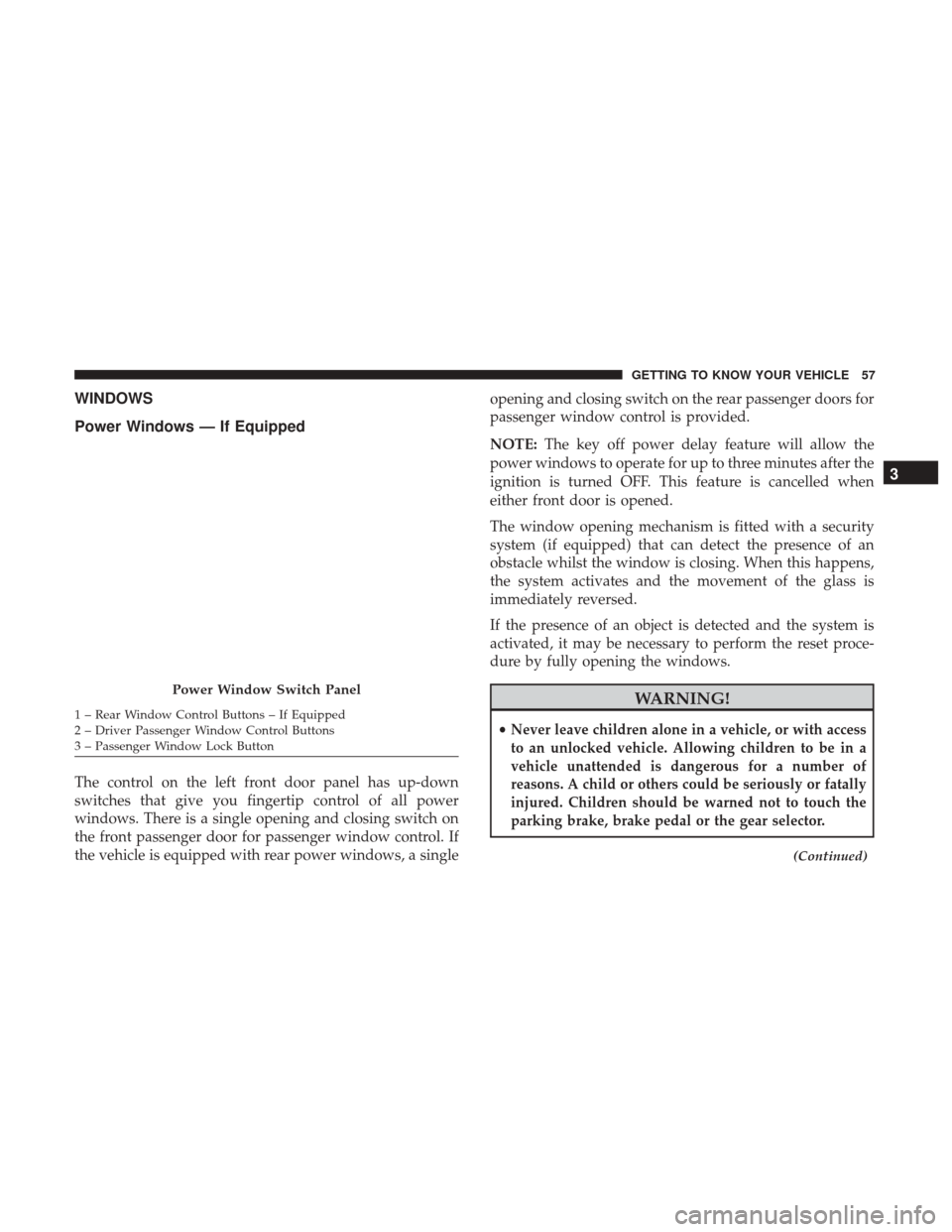
Power Windows — If Equipped
The control on the left front door panel has up-down
switches that give you fingertip control of all power
windows. There is a single opening and closing switch on
the front passenger door for passenger window control. If
the vehicle is equipped with rear power windows, a singleopening and closing switch on the rear passenger doors for
passenger window control is provided.
NOTE:
The key off power delay feature will allow the
power windows to operate for up to three minutes after the
ignition is turned OFF. This feature is cancelled when
either front door is opened.
The window opening mechanism is fitted with a security
system (if equipped) that can detect the presence of an
obstacle whilst the window is closing. When this happens,
the system activates and the movement of the glass is
immediately reversed.
If the presence of an object is detected and the system is
activated, it may be necessary to perform the reset proce-
dure by fully opening the windows.
WARNING!
•Never leave children alone in a vehicle, or with access
to an unlocked vehicle. Allowing children to be in a
vehicle unattended is dangerous for a number of
reasons. A child or others could be seriously or fatally
injured. Children should be warned not to touch the
parking brake, brake pedal or the gear selector.
(Continued)
Power Window Switch Panel
1 – Rear Window Control Buttons – If Equipped
2 – Driver Passenger Window Control Buttons
3 – Passenger Window Lock Button
3
GETTING TO KNOW YOUR VEHICLE 57
Page 60 of 347
WARNING!(Continued)
•Do not leave the key fob in or near the vehicle or in
a location accessible to children. A child could oper-
ate power windows, other controls, or move the
vehicle.
Auto-Down Feature — If Equipped
The window switches are equipped with an Auto-Down
feature. Push the window switch for half a second, release,
and the window will go down automatically.
To open the window part way, lift the window switch to
the detent for less than half a second and release it to stop
the window.
NOTE: The power window switches remain active for up
to three minutes (depending on the accessory delay set-
ting) after the ignition switch has been turned OFF. Open-
ing either of the vehicle’s front doors will cancel this
feature.
Auto-Up Feature
Lift the window switch to the detent for half a second,
release, and the window will go up automatically. To stop the window from going all the way up during the
auto-up operation, pull up/push down on the switch
briefly.
To close the window part way, lift the window switch to
the detent for less than half a second and release it when
you want the window to stop.
WARNING!
There is no auto-reverse protection when the window
is almost closed. Be sure to clear all objects from the
window before closing.
Power Windows System Initialization
The power windows may be reset if any of the following
occurs:
•
On the front doors
• Fuse or battery are disconnected when the window is
moving.
• 50 window movements without ever closing the win-
dow.
• On the rear doors (in addition to the condition for the
front doors)
58 GETTING TO KNOW YOUR VEHICLE
Page 66 of 347
NOTE:The glove compartment handle is equipped with a
lock. To lock the glove compartment, remove the emer-
gency key from the key fob, insert emergency key into
glove compartment handle lock cylinder and turn the key
to the lock position and remove the key. Use the reverse
sequence to unlock the glove compartment.Dash Storage
The dash storage is located on the right side of the
instrument panel above the glove compartment.
Glove Compartment Release Handle
Dash Storage
64 GETTING TO KNOW YOUR VEHICLE