phone Ram ProMaster City 2019 User Guide
[x] Cancel search | Manufacturer: RAM, Model Year: 2019, Model line: ProMaster City, Model: Ram ProMaster City 2019Pages: 348, PDF Size: 3.75 MB
Page 313 of 348
NOTE:
•This equipment has been tested and found to comply
with the limits for a Class B digital device, pursuant to
Part 15 of the FCC Rules. These limits are designed to
provide reasonable protection against harmful interfer-
ence in a residential installation. This equipment gener-
ates, uses and can radiate radio frequency energy and, if
not installed and used in accordance with the instruc-
tions, may cause harmful interference to radio commu-
nications. However, there is no guarantee that interfer-
ence will not occur in a particular installation.
• If this equipment does cause harmful interference to
radio or television reception, which can be determined
by turning the equipment off and on, the user is encour-
aged to try to correct the interference by one or more of
the following measures:
1. Increase the separation between the equipment and receiver.
2. Consult an authorized dealer or an experienced radio technician for help.UCONNECT VOICE RECOGNITION
Introducing Uconnect
Start using Uconnect Voice Recognition with these helpful
quick tips. It provides the key Voice Commands and tips
you need to know to control your Uconnect system.
Get Started
1. Visit UconnectPhone.com to check mobile device andfeature compatibility and to find phone pairing instruc-
tions.
2. Reduce background noise. Wind and passenger conver- sations are examples of noise that may impact recogni-
tion.
3. Speak clearly at a normal pace and volume while facing straight ahead. The microphone is positioned in the
dome lamp and aimed at the driver.
4. Each time you give a Voice Command, you must first push the VR button, wait until afterthe beep, then say
your Voice Command.
5. You can interrupt the help message or system prompts by pushing the VR button and saying a Voice Command
from current category.
10
MULTIMEDIA 311
Page 314 of 348
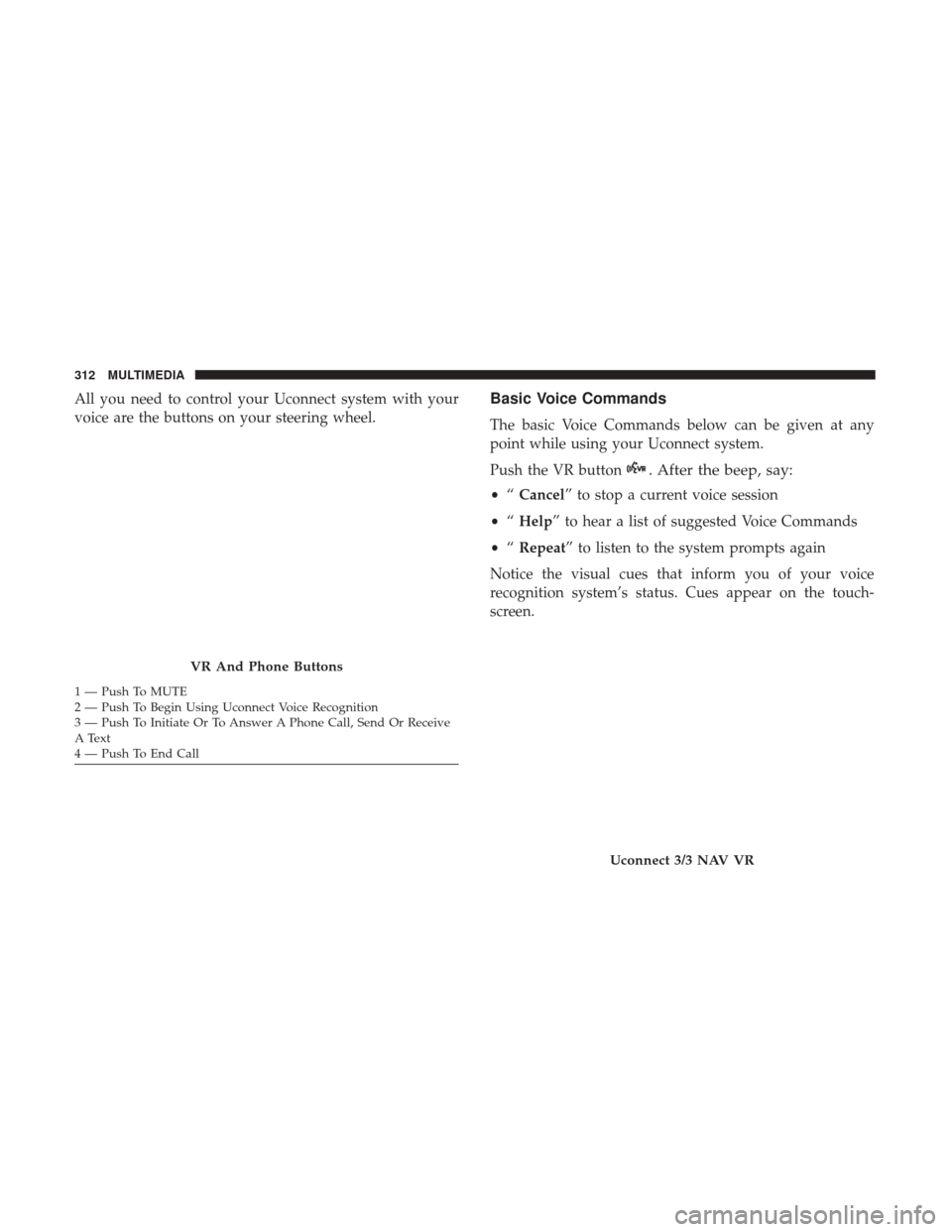
All you need to control your Uconnect system with your
voice are the buttons on your steering wheel.Basic Voice Commands
The basic Voice Commands below can be given at any
point while using your Uconnect system.
Push the VR button
. After the beep, say:
•“Cancel” to stop a current voice session
• “Help” to hear a list of suggested Voice Commands
• “Repeat” to listen to the system prompts again
Notice the visual cues that inform you of your voice
recognition system’s status. Cues appear on the touch-
screen.
VR And Phone Buttons
1 — Push To MUTE
2 — Push To Begin Using Uconnect Voice Recognition
3 — Push To Initiate Or To Answer A Phone Call, Send Or Receive
A Text
4 — Push To End Call
Uconnect 3/3 NAV VR
312 MULTIMEDIA
Page 317 of 348
Phone
Making and answering hands-free phone calls is easy with
Uconnect. When the Phonebook button is illuminated for
the Uconnect system, your system is ready. Check
UconnectPhone.com for mobile phone compatibility and
pairing instructions.
Push the VR button or Phone button
(if enabled). After
the beep, say one of the following commands:
• “Call John Smith”
• “Dial 123-456-7890 and follow the system prompts”
• “Redial (call previous outgoing phone number)”
• “Call back (call previous incoming phone number)” TIP:
When providing a Voice Command, push the VR
button or Phone button
(if enabled) and say “ Call,”
then pronounce the name exactlyas it appears in your
phone book. When a contact has multiple phone num-
bers, you can say “ CallJohn Smith work.”
Uconnect 3/3 NAV Phone
10
MULTIMEDIA 315
Page 318 of 348
Voice Text Reply
Uconnect will announceincomingtext messages. Push the
VR button or PHONE button
(if enabled) and say
Listen. (Must have compatible mobile phone paired to
Uconnect system.)
1. Once an incoming text message is read to you, push the
VR button or PHONE button
(if enabled). After the
beep, say... “Reply.”
2. Listen to the Uconnect prompts. After the beep, repeat
one of the pre-defined messages and follow the system
prompts.
PRE-DEFINED VOICE TEXT REPLY RESPONSES
Yes. Stuck in traffic. See you later.No. Start without
me. I’ll be late.
Okay. Where are you? I will be <5, 10, 15, 20,
25, 30, 45, 60> minutes late.*
Call me. Are you there
yet?
PRE-DEFINED VOICE TEXT REPLY RESPONSES
I’ll call you later. I need directions.See you in
<5, 10, 15, 20,
25, 30, 45, 60> of minutes.*
I’m on my way. Can’t talk right
now.
I’m lost. Thanks.
* Only use the numbering listed. Otherwise, the system
will not transpose the message.
TIP: Your mobile phone must have the full implementation
of the Message Access Profile (MAP) to take advantage of
this feature. For details about MAP, visit
UconnectPhone.com. Apple iPhone iOS6 or later supports
reading incoming text messages only.
316 MULTIMEDIA
Page 323 of 348
Any communication to the manufacturer’s customer center
should include the following information:
•Owner’s name and address
• Owner’s telephone number (home and office)
• Authorized dealer name
• Vehicle Identification Number (VIN)
• Vehicle delivery date and mileage
FCA US LLC Customer Center
P.O. Box 21–8004
Auburn Hills, MI 48321–8004
Phone: (866) 726-4636
FCA Canada Inc. Customer Center
P.O. Box 1621
Windsor, Ontario N9A 4H6
Phone: (800) 465-2001 English / (800) 387-9983 French
In Mexico Contact
Av. Prolongacion Paseo de la Reforma, 1240
Sante Fe C.P. 05109
Mexico, D. F.
In Mexico City: 800-505-1300
Outside Mexico City: +(52)55 50817568
Puerto Rico And U.S. Virgin Islands
FCA Caribbean LLC
P.O. Box 191857
San Juan 00919-1857
Phone: (866) 726-4636
Fax: (787) 782-3345
11
CUSTOMER ASSISTANCE 321
Page 326 of 348
In Canada
If you believe that your vehicle has a safety defect, you
should contact the Customer Service Department imme-
diately. Canadian customers who wish to report a safety
defect to the Canadian government should contact
Transport Canada, Motor Vehicle Defect Investigations
and Recalls at 1-800-333-0510 or go to http://
www.tc.gc.ca/roadsafety/.
PUBLICATION ORDER FORMS
To order the following manuals, you may use either the
website or the phone numbers listed below.
Service Manuals
These comprehensive Service Manuals provide the infor-
mation that students and professional technicians need in
diagnosing/troubleshooting, problem solving, maintain-
ing, servicing, and repairing FCA US LLC vehicles. A
complete working knowledge of the vehicle, system,
and/or components is written in straightforward language
with illustrations, diagrams, and charts.
Diagnostic Procedure Manuals
Diagnostic Procedure Manuals are filled with diagrams,
charts and detailed illustrations. These practical manualsmake it easy for students and technicians to find and fix
problems on computer-controlled vehicle systems and fea-
tures. They show exactly how to find and correct problems
the first time, using step-by-step troubleshooting and driv-
ability procedures, proven diagnostic tests and a complete
list of all tools and equipment.
Owner’s Manuals
These Owner’s Manuals have been prepared with the
assistance of service and engineering specialists to acquaint
you with specific FCA US LLC vehicles. Included are
starting, operating, emergency and maintenance proce-
dures as well as specifications, capabilities and safety tips.
Call toll free at:
•
1-800-890-4038 (U.S.)
• 1-800-387-1143 (Canada)
Or
Visit us on the Worldwide Web at:
• www.techauthority.com (U.S.)
324 CUSTOMER ASSISTANCE
Page 329 of 348
Body Mechanism Lubrication..................243
B-Pillar Location .......................... .262
Brake Assist System .........................89
Brake Fluid .............................. .294
Brake, Parking ............................ .152
Brake System ......................... .250, 286
Anti-Lock (ABS) ..........................88
Fluid Check ........................ .251, 294
Master Cylinder ........................ .251
Parking .............................. .152
Warning Light ...........................74
Brake/Transmission Interlock ..................155
Bulb Replacement ......................... .191
Bulbs, Light .......................... .145, 191
Camera, Rear ............................ .171
Capacities, Fluid .......................... .292
Caps, Filler Fuel ................................. .172
Oil (Engine) ........................ .237, 241
Power Steering ......................... .163
Radiator (Coolant Pressure) .................249
Carbon Monoxide Warning ................143, 291
Cargo Area Cover ...........................60
Cargo Compartment .........................60 Cargo Tie-Downs
...........................60
Car Washes .............................. .280
Cellular Phone ........................... .310
Certification Label ......................... .174
Chains, Tire ............................. .277
Changing A Flat Tire .....................204, 256
Chart, Tire Sizing .......................... .258
Check Engine Light (Malfunction Indicator Light) ....84
Checking Your Vehicle For Safety ...............142
Checks, Safety ............................ .142
Child Restraint ........................... .122
Child Restraints Booster Seats ........................... .126
Child Seat Installation ..................136,
140
How To Stow An unused ALR Seat Belt ........133
Infant And Child Restraints .................124
Locating The LATCH Anchorages .............131
Lower Anchors And Tethers For Children .......128
Older Children And Child Restraints ...........125
Seating Positions ........................ .127
Clean Air Gasoline ........................ .289
Cleaning Wheels ............................... .276
Climate Control ............................48
Cold Weather Operation ..................... .149
12
INDEX 327
Page 347 of 348

INSTALLATION OF RADIO TRANSMITTING
EQUIPMENT
Special design considerations are incorporated into this
vehicle’s electronic system to provide immunity to radio
frequency signals. Mobile two-way radios and telephone
equipment must be installed properly by trained person-
nel. The following must be observed during installation.
The positive power connection should be made directly
to the battery and fused as close to the battery as possible.
The negative power connection should be made to body
sheet metal adjacent to the negative battery connection.
This connection should not be fused.
Antennas for two-way radios should be mounted on the
roof or the rear area of the vehicle. Care should be used
in mounting antennas with magnet bases. Magnets may
affect the accuracy or operation of the compass on
vehicles so equipped.
The antenna cable should be as short as practical and
routed away from the vehicle wiring when possible. Use
only fully shielded coaxial cable.
Carefully match the antenna and cable to the radio to
ensure a low Standing Wave Ratio (SWR).Mobile radio equipment with output power greater than
normal may require special precautions.
All installations should be checked for possible interfer-
ence between the communications equipment and the
vehicle’s electronic systems.
WARNING:
Operating, servicing and maintaining a
passenger vehicle or off-road highway
motor vehicle can expose you to chemicals
including engine exhaust, carbon monoxide,
phthalates, and lead, which are known to
the State of California to cause cancer and
birth defects or other reproductive harm.
To minimize exposure, avoid breathing
exhaust, do not idle the engine except as
necessary, service your vehicle in a
well-ventilated area and wear gloves or
wash your hands frequently when servicing
your vehicle. For more information go to
www.P65Warnings.ca.gov/passenger-vehicle.