trip computer RENAULT CAPTUR 2017 1.G User Guide
[x] Cancel search | Manufacturer: RENAULT, Model Year: 2017, Model line: CAPTUR, Model: RENAULT CAPTUR 2017 1.GPages: 248, PDF Size: 6.56 MB
Page 63 of 248
1.57
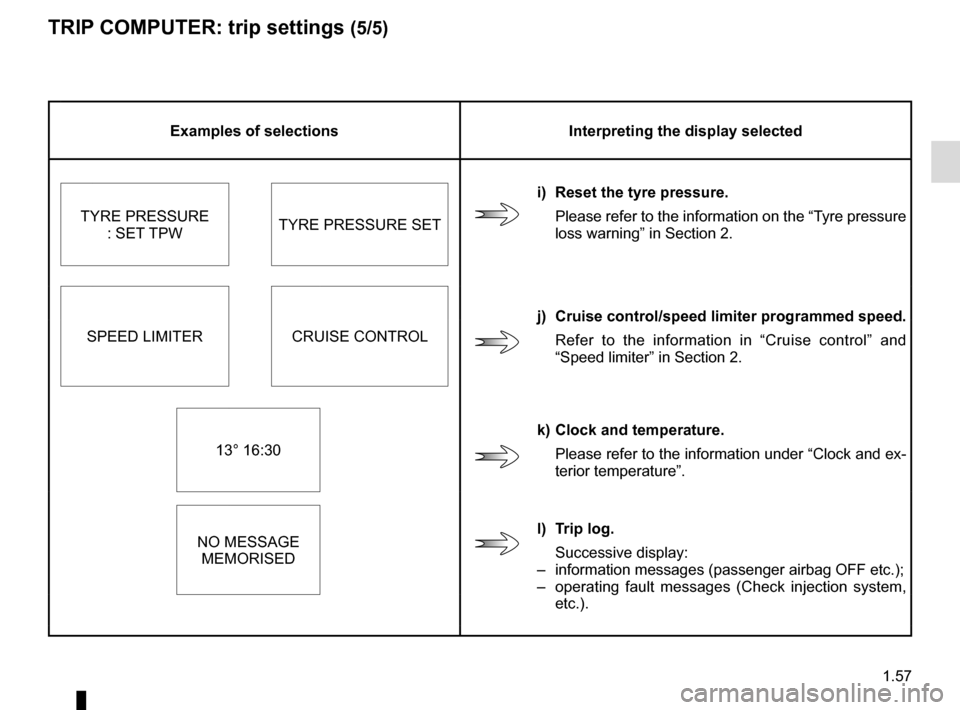
TRIP COMPUTER: trip settings (5/5)
Examples of selectionsInterpreting the display selected
i) Reset the tyre pressure. Please refer to the information on the “Tyre pressure
loss warning” in Section 2.
TYRE PRESSURE
: SET TPW TYRE PRESSURE SET
SPEED LIMITER CRUISE CONTROL j) Cruise control/speed limiter programmed speed.
Refer to the information in “Cruise control” and
“Speed limiter” in Section 2.
13° 16:30 k) Clock and temperature.
Please refer to the information under “Clock and ex-
terior temperature”.
NO MESSAGE MEMORISED l) Trip log.
Successive display:
– information messages (passenger airbag OFF etc.);
– operating fault messages (Check injection system,
etc.).
Page 64 of 248
1.58
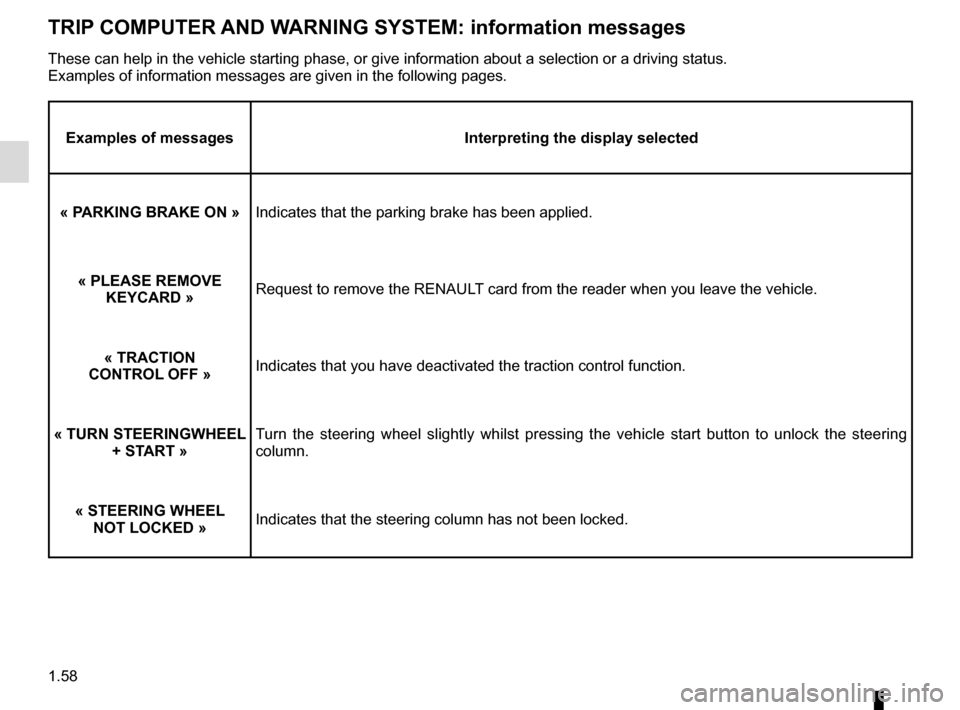
TRIP COMPUTER AND WARNING SYSTEM: information messages
Examples of messagesInterpreting the display selected
« PARKING BRAKE ON » Indicates that the parking brake has been applied.
« PLEASE REMOVE KEYCARD » Request to remove the RENAULT card from the reader when you leave the vehicle.
« TRACTION
CONTROL OFF » Indicates that you have deactivated the traction control function.
« TURN STEERINGWHEEL + START » Turn the steering wheel slightly whilst pressing the vehicle start button\
to unlock the steering
column.
« STEERING WHEEL NOT LOCKED » Indicates that the steering column has not been locked.
These can help in the vehicle starting phase, or give information about \
a selection or a driving status.
Examples of information messages are given in the following pages.
Page 65 of 248

1.59
TRIP COMPUTER AND WARNING SYSTEM: operating fault messages
These appear with the © warning light and mean that you should drive very carefully to an author\
ised dealer as
soon as possible. If you fail to follow this recommendation, you risk da\
maging your vehicle.
They disappear when the display selection key is pressed or after severa\
l seconds and are stored in the computer log. The
© warning light stays on. Examples of operating fault messages are given \
in the following pages.
Examples of messages Interpreting the display selected
« CLEAN DIESEL FILTER » Indicates the presence of water in the diesel filter; contact an approve\
d Dealer
as soon as possible.
« CHECK VEHICLE » Indicates a fault in one of the pedal sensors, battery management system\
or oil
level sensor.
« CHECK AIRBAG » Indicates a fault in the restraint system in addition to the seat belts.\
In the event
of an accident, it is possible that they may not be triggered.
« CHECK ANTI-POLLUTION SYSTEM » Indicates a fault in the vehicle’s particle filter system.
Page 66 of 248
1.60
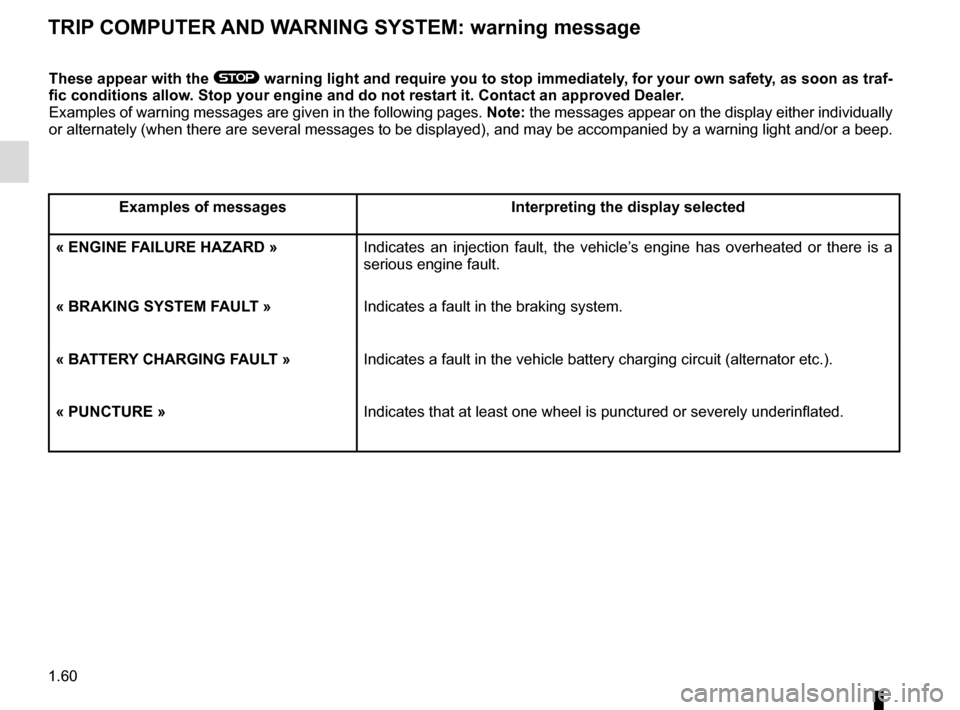
TRIP COMPUTER AND WARNING SYSTEM: warning message
These appear with the ® warning light and require you to stop immediately, for your own safety, as soon as traf-
fic conditions allow. Stop your engine and do not restart it. Contact an approved Dealer.
Examples of warning messages are given in the following pages. Note: the messages appear on the display either individually
or alternately (when there are several messages to be displayed), and \
may be accompanied by a warning light and/or a beep.
Examples of messages Interpreting the display selected
« ENGINE FAILURE HAZARD » Indicates an injection fault, the vehicle’s engine has overheated or there is a
serious engine fault.
« BRAKING SYSTEM FAULT » Indicates a fault in the braking system.
« BATTERY CHARGING FAULT » Indicates a fault in the vehicle battery charging circuit (alternator e\
tc.).
« PUNCTURE » Indicates that at least one wheel is punctured or severely underinflated\
.
Page 245 of 248
7.5
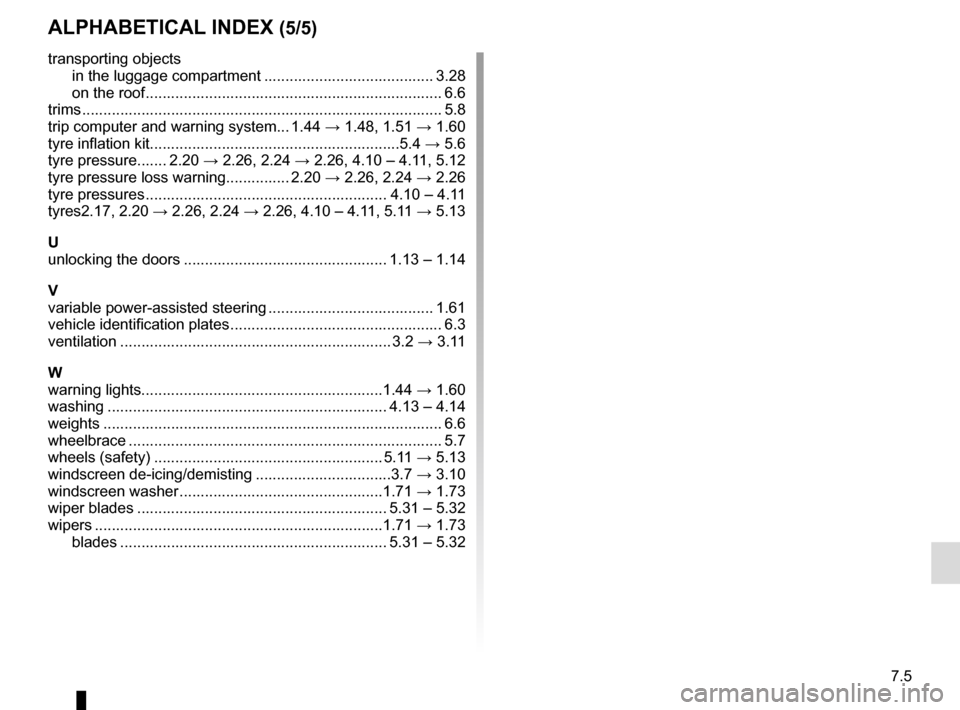
ALPHABETICAL INDEX (5/5)
transporting objectsin the luggage compartment ........................................ 3.28
on the roof ...................................................................... 6.6
trims ..................................................................\
................... 5.8
trip computer and warning system... 1.44 → 1.48, 1.51 → 1.60
tyre inflation kit...........................................................5.4 → 5.6
tyre pressure....... 2.20 → 2.26, 2.24 → 2.26, 4.10 – 4.11, 5.12
tyre pressure loss warning............... 2.20 → 2.26, 2.24 → 2.26
tyre pressures ......................................................... 4.10 – 4.11
tyres 2.17, 2.20 → 2.26, 2.24 → 2.26, 4.10 – 4.11, 5.11 → 5.13
U
unlocking the doors ................................................ 1.13 – 1.14
V
variable power-assisted steering ....................................... 1.61
vehicle identification plates .................................................. 6.3
ventilation ............................................................\
.... 3.2 → 3.11
W
warning lights.........................................................1.44 → 1.60
washing .................................................................. 4.13 – 4.14
weights ................................................................\
................ 6.6
wheelbrace .............................................................\
............. 5.7
wheels (safety) ...................................................... 5.11 → 5.13
windscreen de-icing/demisting ................................3.7 → 3.10
windscreen washer ................................................1.71 → 1.73
wiper blades ........................................................... 5.31 – 5.32
wipers .................................................................\
...1.71 → 1.73
blades ............................................................... 5.31 – 5.32