fault RENAULT KANGOO 2018 Owner's Manual
[x] Cancel search | Manufacturer: RENAULT, Model Year: 2018, Model line: KANGOO, Model: RENAULT KANGOO 2018Pages: 264, PDF Size: 7.09 MB
Page 136 of 264
2.44
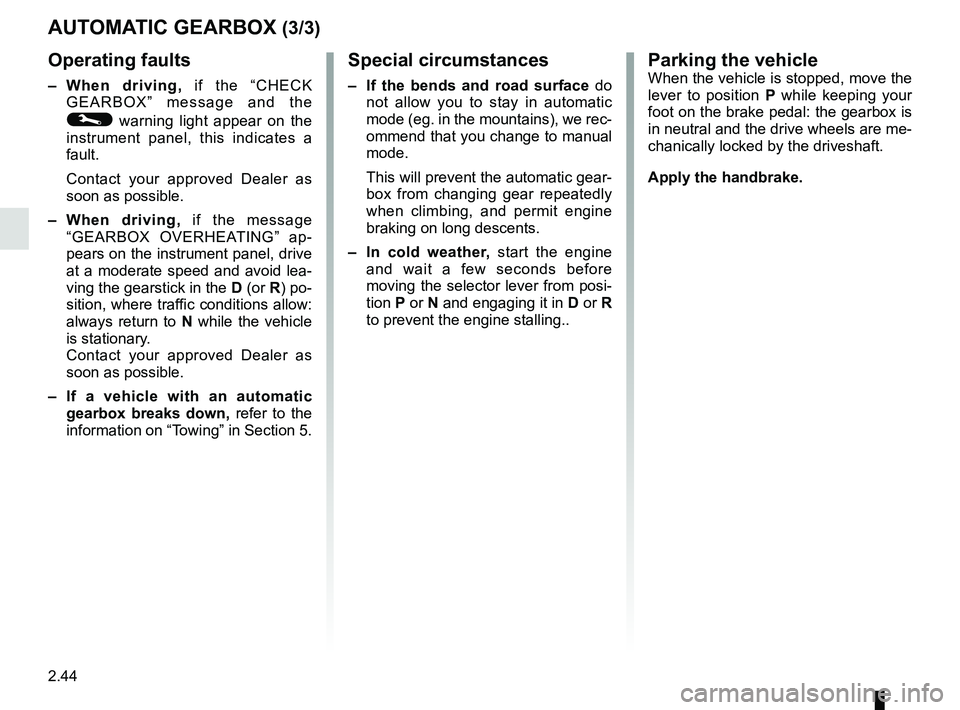
Operating faults
– When driving, if the “CHECK
GEARBOX” message and the
© warning light appear on the
instrument panel, this indicates a
fault.
Contact your approved Dealer as
soon as possible.
– When driving, if the message
“GEARBOX OVERHEATING” ap-
pears on the instrument panel, drive
at a moderate speed and avoid lea-
ving the gearstick in the D (or R) po-
sition, where traffic conditions allow:
always return to N while the vehicle
is stationary.
Contact your approved Dealer as
soon as possible.
– If a vehicle with an automatic gearbox breaks down, refer to the
information on “Towing” in Section 5.
AUTOMATIC GEARBOX (3/3)
Parking the vehicleWhen the vehicle is stopped, move the
lever to position P while keeping your
foot on the brake pedal: the gearbox is
in neutral and the drive wheels are me-
chanically locked by the driveshaft.
Apply the handbrake.Special circumstances
– If the bends and road surface do
not allow you to stay in automatic
mode (eg. in the mountains), we rec-
ommend that you change to manual
mode.
This will prevent the automatic gear-
box from changing gear repeatedly
when climbing, and permit engine
braking on long descents.
– In cold weather, start the engine
and wait a few seconds before
moving the selector lever from posi-
tion P or N and engaging it in D or R
to prevent the engine stalling..
Page 148 of 264

3.12
To exit this function, press button 11
again. Demisting automatically stops
by default.Rear screen de-icing/
demisting
Press button 11 .
This function allows rapid electric de-
misting of the rear screen and, depen-
ding on the vehicle, electric de-icing of
the door mirrors.
AUTOMATIC CLIMATE CONTROL (6/8)
11
Page 151 of 264
3.15
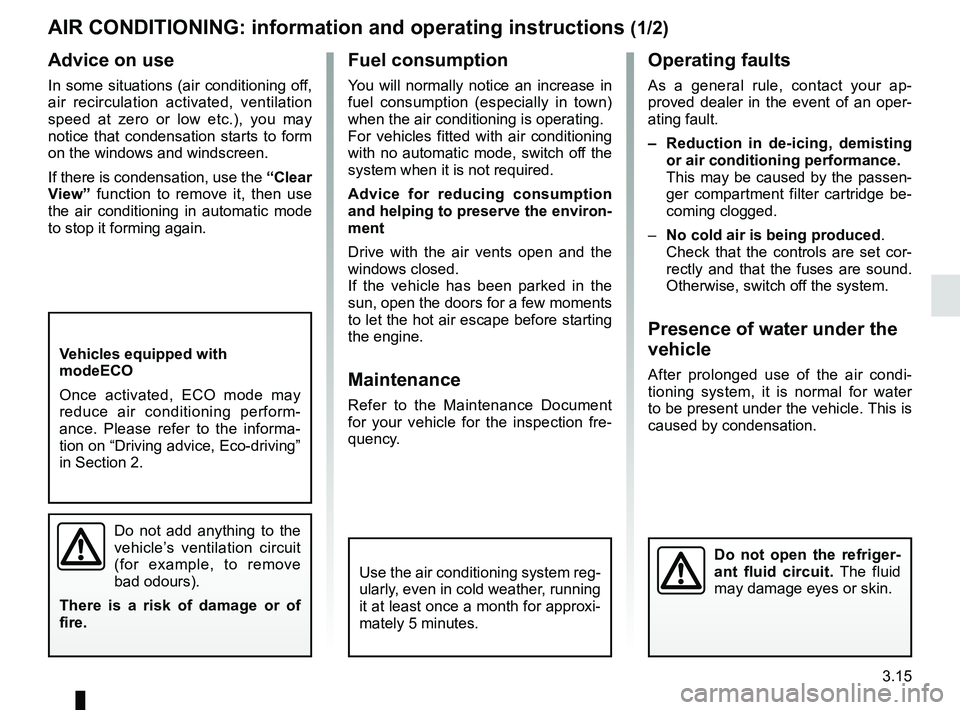
Operating faults
As a general rule, contact your ap-
proved dealer in the event of an oper-
ating fault.
– Reduction in de-icing, demisting or air conditioning performance.
This may be caused by the passen-
ger compartment filter cartridge be-
coming clogged.
– No cold air is being produced .
Check that the controls are set cor-
rectly and that the fuses are sound.
Otherwise, switch off the system.
Presence of water under the
vehicle
After prolonged use of the air condi-
tioning system, it is normal for water
to be present under the vehicle. This is
caused by condensation.
AIR CONDITIONING: information and operating instructions (1/2)
Do not open the refriger-
ant fluid circuit. The fluid
may damage eyes or skin.
Fuel consumption
You will normally notice an increase in
fuel consumption (especially in town)
when the air conditioning is operating.
For vehicles fitted with air conditioning
with no automatic mode, switch off the
system when it is not required.
Advice for reducing consumption
and helping to preserve the environ-
ment
Drive with the air vents open and the
windows closed.
If the vehicle has been parked in the
sun, open the doors for a few moments
to let the hot air escape before starting
the engine.
Maintenance
Refer to the Maintenance Document
for your vehicle for the inspection fre-
quency.
Advice on use
In some situations (air conditioning off,
air recirculation activated, ventilation
speed at zero or low etc.), you may
notice that condensation starts to form
on the windows and windscreen.
If there is condensation, use the “Clear
View” function to remove it, then use
the air conditioning in automatic mode
to stop it forming again.
Do not add anything to the
vehicle’s ventilation circuit
(for example, to remove
bad odours).
There is a risk of damage or of
fire.
Use the air conditioning system reg-
ularly, even in cold weather, running
it at least once a month for approxi-
mately 5 minutes.
Vehicles equipped with
modeECO
Once activated, ECO mode may
reduce air conditioning perform-
ance. Please refer to the informa-
tion on “Driving advice, Eco-driving”
in Section 2.
Page 190 of 264
4.16
BODYWORK MAINTENANCE (2/3)
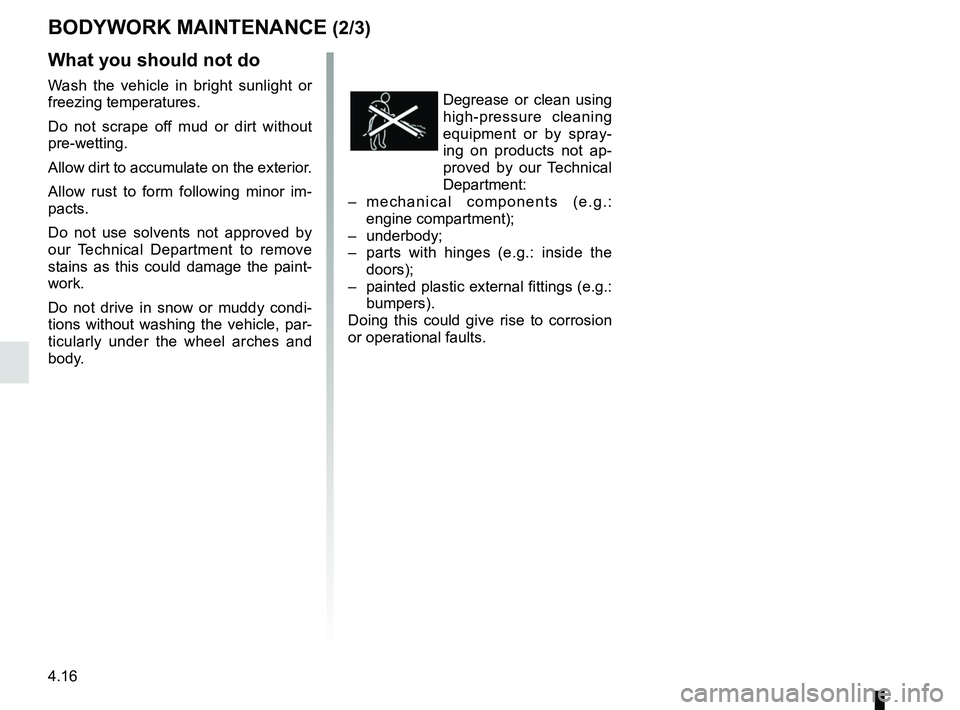
Degrease or clean using
high-pressure cleaning
equipment or by spray-
ing on products not ap-
proved by our Technical
Department:
– mechanical components (e.g.:
engine compartment);
– underbody;
– parts with hinges (e.g.: inside the
doors);
– painted plastic external fittings (e.g.:
bumpers).
Doing this could give rise to corrosion
or operational faults.
What you should not do
Wash the vehicle in bright sunlight or
freezing temperatures.
Do not scrape off mud or dirt without
pre-wetting.
Allow dirt to accumulate on the exterior.
Allow rust to form following minor im-
pacts.
Do not use solvents not approved by
our Technical Department to remove
stains as this could damage the paint-
work.
Do not drive in snow or muddy condi-
tions without washing the vehicle, par-
ticularly under the wheel arches and
body.
Page 195 of 264

5.1
Section 5: Practical advice
Puncture . . . . . . . . . . . . . . . . . . . . . . . . . . . . . . . . . . . .\
. . . . . . . . . . . . . . . . . . . . . . . . . . . . . . . . . . 5.2
Emergency spare wheel . . . . . . . . . . . . . . . . . . . . . . . . . . . . . . . . . . . .\
. . . . . . . . . . . . . . . . . . . . . . 5.2
Tyre inflation kit . . . . . . . . . . . . . . . . . . . . . . . . . . . . . . . . . . . .\
. . . . . . . . . . . . . . . . . . . . . . . . . . . . . 5.4
Tools . . . . . . . . . . . . . . . . . . . . . . . . . . . . . . . . . . . .\
. . . . . . . . . . . . . . . . . . . . . . . . . . . . . . . . . . . . . 5.8
Wheels, trim . . . . . . . . . . . . . . . . . . . . . . . . . . . . . . . . . . . . \
. . . . . . . . . . . . . . . . . . . . . . . . . . . . . . . . 5.10
Changing a wheel . . . . . . . . . . . . . . . . . . . . . . . . . . . . . . . . . . . .\
. . . . . . . . . . . . . . . . . . . . . . . . . . . 5.11
Tyres . . . . . . . . . . . . . . . . . . . . . . . . . . . . . . . . . . . .\
. . . . . . . . . . . . . . . . . . . . . . . . . . . . . . . . . . . . . 5.13
Headlights: changing bulbs . . . . . . . . . . . . . . . . . . . . . . . . . . . . . . . . . . . . \
. . . . . . . . . . . . . . . . . . . . 5.16
Fog lights: changing bulbs . . . . . . . . . . . . . . . . . . . . . . . . . . . . . . . . . . . . \
. . . . . . . . . . . . . . . . . . . . . 5.18
Rear lights: changing bulbs . . . . . . . . . . . . . . . . . . . . . . . . . . . . . . . . . . . . \
. . . . . . . . . . . . . . . . . . . . 5.19
Indicator lights: changing bulbs . . . . . . . . . . . . . . . . . . . . . . . . . . . . . . . . . . . . \
. . . . . . . . . . . . . . . . . 5.22
Interior lighting: changing bulbs . . . . . . . . . . . . . . . . . . . . . . . . . . . . . . . . . . . . \
. . . . . . . . . . . . . . . . . 5.23
Battery: troubleshooting. . . . . . . . . . . . . . . . . . . . . . . . . . . . . . . . . . . . \
. . . . . . . . . . . . . . . . . . . . . . . 5.25
Fuses . . . . . . . . . . . . . . . . . . . . . . . . . . . . . . . . . . . . \
. . . . . . . . . . . . . . . . . . . . . . . . . . . . . . . . . . . . . 5.27
Wiper blades . . . . . . . . . . . . . . . . . . . . . . . . . . . . . . . . . . . .\
. . . . . . . . . . . . . . . . . . . . . . . . . . . . . . . 5.29
Towing: breakdown . . . . . . . . . . . . . . . . . . . . . . . . . . . . . . . . . . . .\
. . . . . . . . . . . . . . . . . . . . . . . . . . 5.31
Fitting a radio . . . . . . . . . . . . . . . . . . . . . . . . . . . . . . . . . . . . \
. . . . . . . . . . . . . . . . . . . . . . . . . . . . . . . 5.33
Accessories . . . . . . . . . . . . . . . . . . . . . . . . . . . . . . . . . . . . \
. . . . . . . . . . . . . . . . . . . . . . . . . . . . . . . . 5.35
Key, radio frequency remote control: battery . . . . . . . . . . . . . . . . . . . . . . . . . . . . . . . . . . . . \
. . . . . . . 5.36
Operating faults . . . . . . . . . . . . . . . . . . . . . . . . . . . . . . . . . . . . \
. . . . . . . . . . . . . . . . . . . . . . . . . . . . . 5.37
Page 231 of 264
5.37
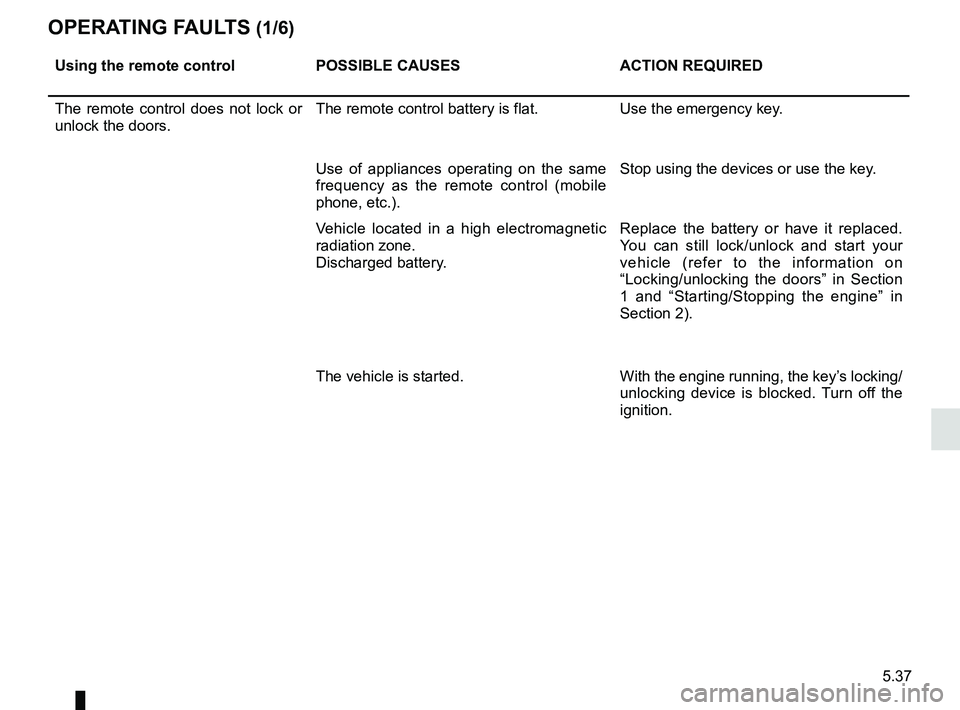
OPERATING FAULTS (1/6)
Using the remote controlPOSSIBLE CAUSES ACTION REQUIRED
The remote control does not lock or
unlock the doors. The remote control battery is flat.
Use the emergency key.
Use of appliances operating on the same
frequency as the remote control (mobile
phone, etc.). Stop using the devices or use the key.
Vehicle located in a high electromagnetic
radiation zone.
Discharged battery. Replace the battery or have it replaced.
You can still lock/unlock and start your
vehicle (refer to the information on
“Locking/unlocking the doors” in Section
1 and “Starting/Stopping the engine” in
Section 2).
The vehicle is started. With the engine running, the key’s locking/
unlocking device is blocked. Turn off the
ignition.
Page 232 of 264
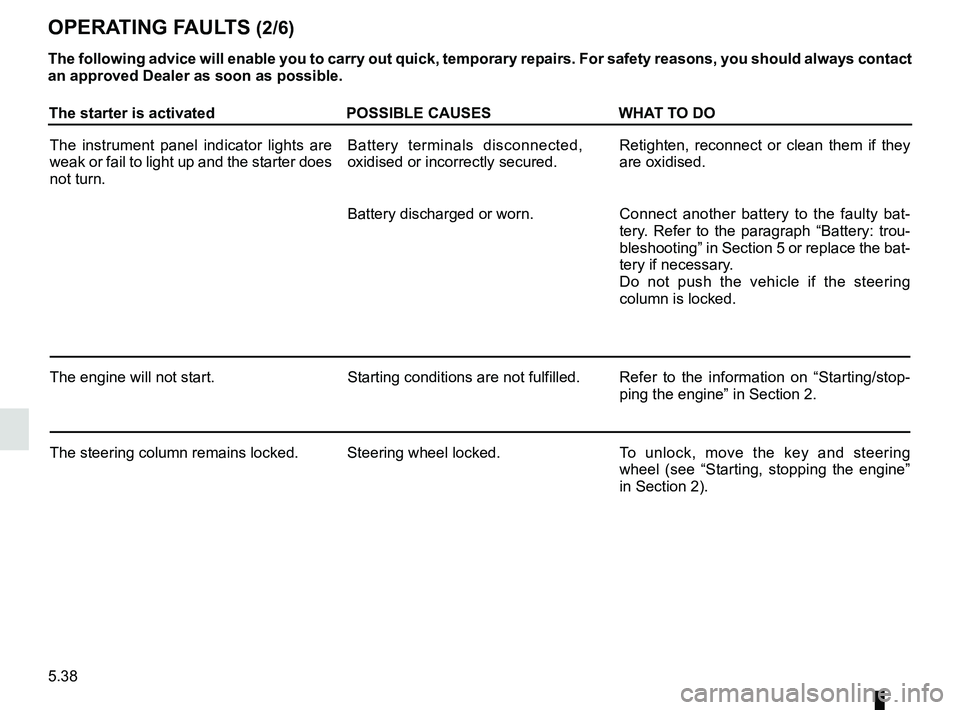
5.38
The starter is activatedPOSSIBLE CAUSESWHAT TO DO
The instrument panel indicator lights are
weak or fail to light up and the starter does
not turn. Battery terminals disconnected,
oxidised or incorrectly secured.
Retighten, reconnect or clean them if they
are oxidised.
Battery discharged or worn. Connect another battery to the faulty bat-
tery. Refer to the paragraph “Battery: trou-
bleshooting” in Section 5 or replace the bat-
tery if necessary.
Do not push the vehicle if the steering
column is locked.
The engine will not start. Starting conditions are not fulfilled.Refer to the information on “Starting/stop-
ping the engine” in Section 2.
The steering column remains locked. Steering wheel locked. To unlock, move the key and steering
wheel (see “Starting, stopping the engine”
in Section 2).
OPERATING FAULTS (2/6)
The following advice will enable you to carry out quick, temporary repai\
rs. For safety reasons, you should always contact
an approved Dealer as soon as possible.
Page 233 of 264
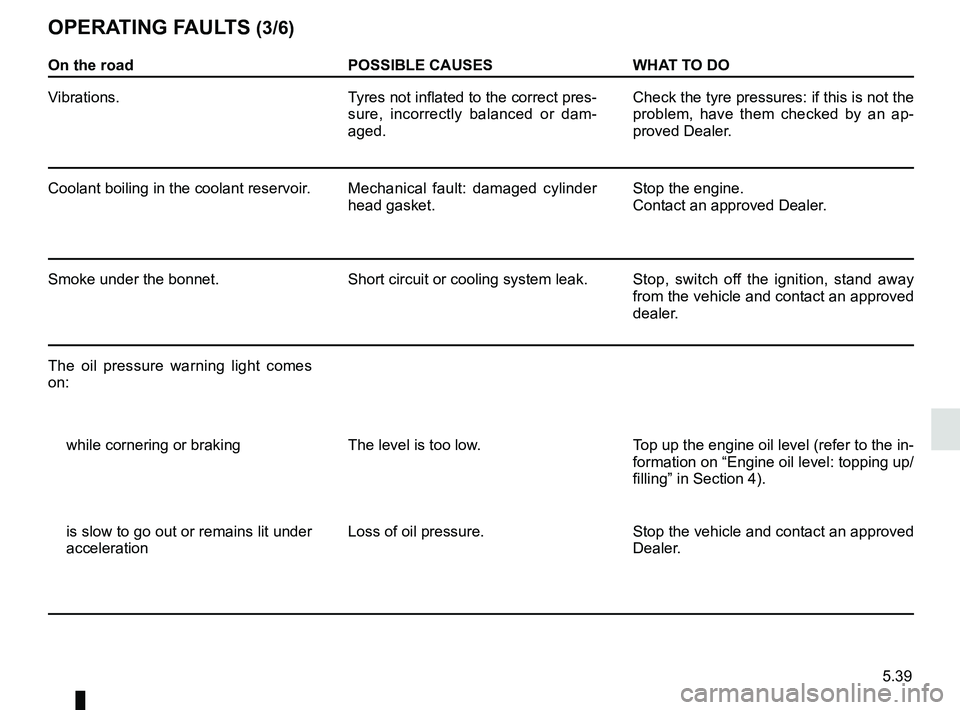
5.39
On the roadPOSSIBLE CAUSESWHAT TO DO
Vibrations. Tyres not inflated to the correct pres-
sure, incorrectly balanced or dam-
aged. Check the tyre pressures: if this is not the
problem, have them checked by an ap-
proved Dealer.
Coolant boiling in the coolant reservoir. Mechanical fault: damaged cylinder
head gasket.Stop the engine.
Contact an approved Dealer.
Smoke under the bonnet. Short circuit or cooling system leak.Stop, switch off the ignition, stand away
from the vehicle and contact an approved
dealer.
The oil pressure warning light comes
on:
while cornering or braking The level is too low. Top up the engine oil level (refer to the in-
formation on “Engine oil level: topping up/
filling” in Section 4).
is slow to go out or remains lit under
acceleration Loss of oil pressure.
Stop the vehicle and contact an approved
Dealer.
OPERATING FAULTS (3/6)
Page 234 of 264
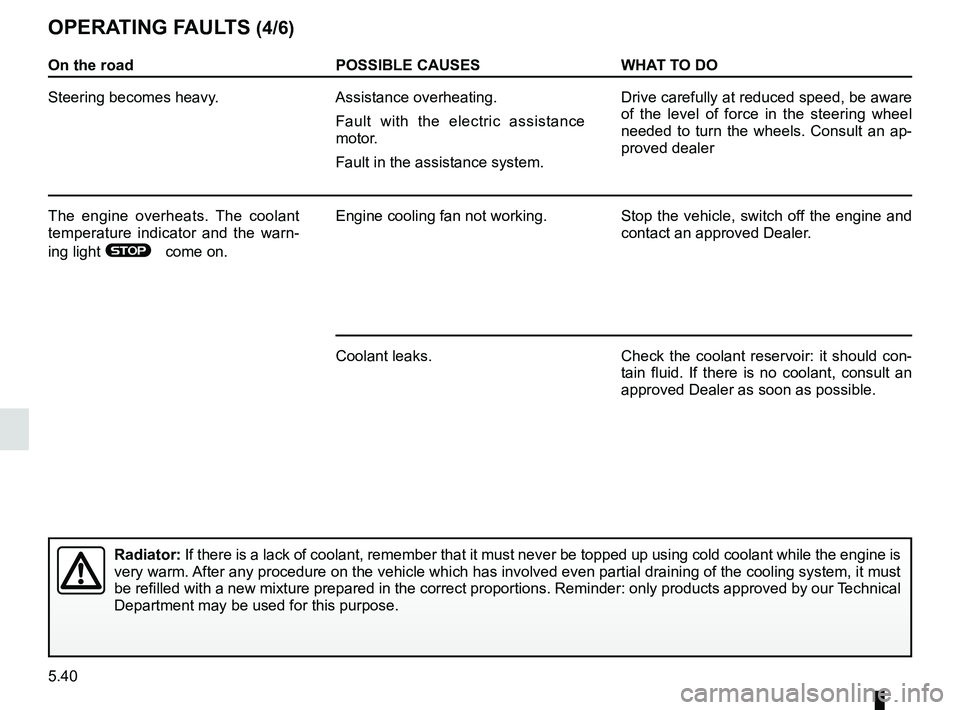
5.40
On the roadPOSSIBLE CAUSESWHAT TO DO
Steering becomes heavy. Assistance overheating.
Fault with the electric assistance
motor.
Fault in the assistance system. Drive carefully at reduced speed, be aware
of the level of force in the steering wheel
needed to turn the wheels. Consult an ap-
proved dealer
The engine overheats. The coolant
temperature indicator and the warn-
ing light
® come on. Engine cooling fan not working. Stop the vehicle, switch off the engine and
contact an approved Dealer.
Coolant leaks. Check the coolant reservoir: it should con- tain fluid. If there is no coolant, consult an
approved Dealer as soon as possible.
OPERATING FAULTS (4/6)
Radiator: If there is a lack of coolant, remember that it must never be topped up \
using cold coolant while the engine is
very warm. After any procedure on the vehicle which has involved even partial drain\
ing of the cooling system, it must
be refilled with a new mixture prepared in the correct proportions. Remi\
nder: only products approved by our Technical
Department may be used for this purpose.
Page 235 of 264
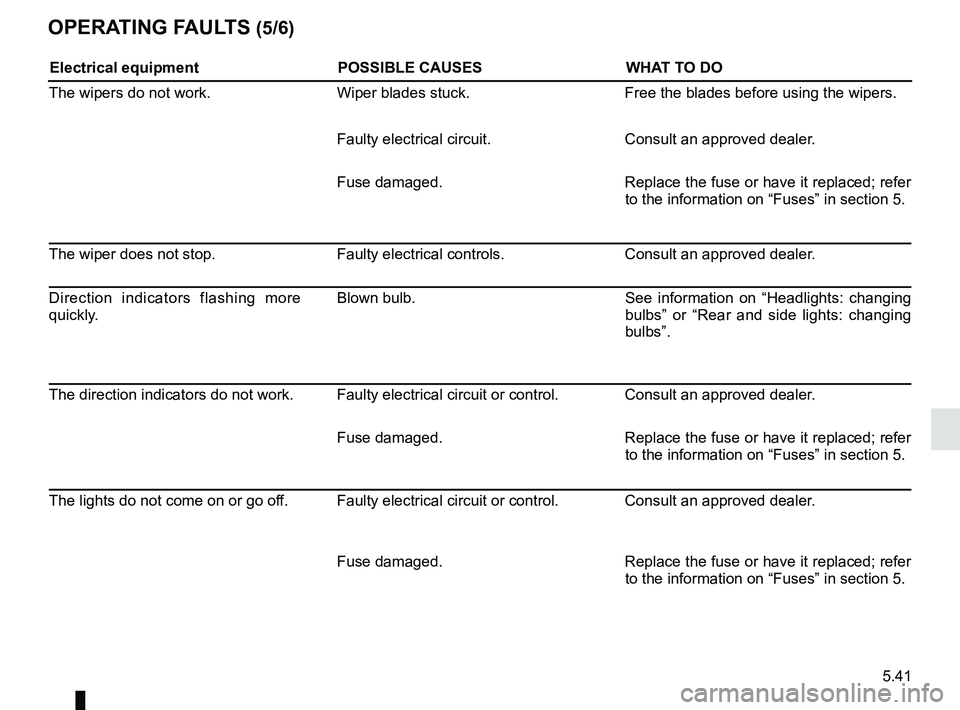
5.41
OPERATING FAULTS (5/6)
Electrical equipmentPOSSIBLE CAUSESWHAT TO DO
The wipers do not work. Wiper blades stuck. Free the blades before using the wipers.
Faulty electrical circuit. Consult an approved dealer.
Fuse damaged. Replace the fuse or have it replaced; refer
to the information on “Fuses” in section 5.
The wiper does not stop. Faulty electrical controls.Consult an approved dealer.
Direction indicators flashing more
quickly. Blown bulb.
See information on “Headlights: changing
bulbs” or “Rear and side lights: changing
bulbs”.
The direction indicators do not work. Faulty electrical circuit or control. Consult an approved dealer. Fuse damaged.Replace the fuse or have it replaced; refer
to the information on “Fuses” in section 5.
The lights do not come on or go off. Faulty electrical circuit or control. Consult an approved dealer.
Fuse damaged.Replace the fuse or have it replaced; refer
to the information on “Fuses” in section 5.