lock RENAULT TWINGO RS 2009 2.G Electrical Equipment User Guide
[x] Cancel search | Manufacturer: RENAULT, Model Year: 2009, Model line: TWINGO RS, Model: RENAULT TWINGO RS 2009 2.GPages: 241
Page 57 of 241
84A-2
CONTROL - SIGNALS
Steering column switch assembly: Removal - Refitting84A
REMOVAL
I - REMOVAL PREPARATION OPERATION
a
Set the wheels straight ahead.
aLock the airbag computer using the Diagnostic tool
(see Fault finding - Replacement of components)
(88C, Airbags and pretensioners).
aDisconnect the battery (see 80A, Battery, Battery:
Removal - Refitting, page 80A-2) .
aRemove the rev counter (see 83A, Instrument pa-
nel, Rev counter: Removal - Refitting, page 83A-
3) .aRemove the lower cover bolts (1) .
aUnclip the upper cover at (2) .
aRemove the upper cover (3) . Equipment required
Diagnostic tool
WARNING
To prevent damaging the rotar y switch, do not turn
the mobile section of the rotary switch.
WARNING
Incorrect wheel alignment could ruin the rotary
switch.
ENGINE REV COUNTER
127437
127438
Page 58 of 241
84A-3
CONTROL - SIGNALS
Steering column switch assembly: Removal - Refitting84A
aRemove the lower cover (4) .
aRemove:
-the driver's side front airbag (see 88C, Air bag and
Pretensioners, Driver's frontal airbag: Removal
- Refitting, page 88C-6) ,
-the steering wheel (see Steering wheel: Removal
- Refitting) (36B, Power-assisted steering),II - OPERATION FOR REMOVAL OF PART
CONCERNED
aLock the driver's front airbag (5) connector in the
housing of the radio satellite connector to immobilise
the rotary switch throughout the removal operation.
127439
127766
Page 60 of 241
84A-5
CONTROL - SIGNALS
Steering column switch assembly: Removal - Refitting84A
aCheck that the rotary switch is positioned correctly:
the outlet for the driver's front airbag (9) wiring
always must be facing upwards.
aAt the last moment, remove the immobilised (10)
connector.
II - FINAL OPERATION.
aRefit:
-the steering wheel (see Steering wheel: Removal
- Refitting) (36B, Power-assisted steering),
-the driver's front airbag (see 88C, Air bag and Pre-
tensioners, Driver's frontal airbag: Removal -
Refitting, page 88C-6) .
-the cowlings under the steering wheel.
aRefit the rev counter (see 83A, Instrument panel,
Rev counter: Removal - Refitting, page 83A-3) .
aConnect the battery (see 80A, Battery, Battery: Re-
moval - Refitting, page 80A-2) .
aUnlock the airbag computer using the Diagnostic
tool (see Fault finding - Replacement of compo-
nents) (88C, Airbags and pretensioners).
aSwitch on the ignition.
aCheck the operation of the rotary switch:
-turn the steering wheel to the left until it stops,-turn the steering wheel to the right until it stops,
-check that there are no faults on the instrument pa-
nel.
127766
ENGINE REV COUNTER
Page 65 of 241
84A-10
CONTROL - SIGNALS
Hazard warning lights and central door control: Removal - Refitting84A
REMOVAL
I - REMOVAL PREPARATION OPERATION
aLock the airbag computer using the Diagnostic tool
(see MR 413 Fault finding, 88C, Airbags and pre-
tensioners, Fault finding - Replacement of com-
ponents).
aDisconnect the battery (see 80A, Battery, Battery:
Removal - Refitting, page 80A-2) .
aRemove:
-the instrument panel (see 83A, Instrument panel,
Instrument panel: Removal - Refitting, page
83A-1) ,
-the passenger front airbag (1) (see 88C, Air bag
and Pretensioners, Passenger's frontal airbag:
Removal - Refitting, page 88C-8) .
aUnclip the side trim from the driver's side dashboard
(2) .II - OPERATION FOR REMOVAL OF PART
CONCERNED
aUnclip the dashboard central trim (3) .
aDisconnect the hazard warning light and central
door locking switch connector.
aUnclip the hazard warning light and central door loc-
king switch at (4) .
aRemove the hazard warning light and central door
locking switch (5) . Equipment required
Diagnostic tool
119517
119518
119539
Page 66 of 241
84A-11
CONTROL - SIGNALS
Hazard warning lights and central door control: Removal - Refitting84A
REFITTING
I - REFITTING OPERATION FOR PART
CONCERNED
aRefit the hazard warning light and central door loc-
king switch.
aConnect the hazard warning light and central door
locking switch connector.
II - FINAL OPERATION.
aClip on:
-the dashboard central trim,
-the side trim from the driver's side dashboard.
aRefit:
-the passenger front airbag (see 88C, Air bag and
Pretensioners, Passenger's frontal airbag: Re-
moval - Refitting, page 88C-8) ,
-the instrument panel (see 83A, Instrument panel,
Instrument panel: Removal - Refitting, page
83A-1) .
aConnect the battery (see 80A, Battery, Battery: Re-
moval - Refitting, page 80A-2) .
aUnlock the airbag computer using the Diagnostic
tool (see MR 413 Fault finding, 88C, Airbags and
pretensioners, Fault finding - Replacement of
components).
Page 115 of 241
87B-1
PASSENGER COMPARTMENT CONNECTION UNIT
UCH: Removal - Refitting
87B
REMOVAL
I - OPERATION FOR REMOVAL OF PART
CONCERNED
aWhen replacing, carry out the necessary operations
using the Diagnostic tool (see Fault finding - Re-
placement of components) (MR 413, 87B, Pas-
senger compartment connection unit).
a
aLock the airbag computer using the Diagnostic tool
(see Fault finding - Replacement of compo-
nents)(MR 413, 88C, Airbags and seat belt preten-
sioners).
aSwitch off the ignition.
aDisconnect the battery (see 80A, Battery, Battery:
Removal - Refitting, page 80A-2) .aUnclip the dashboard lower trim (1)
aDisconnect the different connectors (2) from the
dashboard lower trim. Equipment required
Diagnostic tool
RIGHT-HAND DRIVE
IMPORTANT
To avoid any risk of triggering when working on
or near a pyrotechnic component (airbags or pre-
tensioners), lock the airbag computer using the
diagnostic tool.
When this function is activated, all the trigger
lines are inhibited and the airbag warning light on
the instrument panel lights up continuously (igni-
tion on).
IMPORTANT
Never handle the pyrotechnic systems (preten-
sioners or airbags) near to a source of heat or
naked flame - they may be triggered.
LEFT-HAND DRIVE
120278
119711
Page 118 of 241
87B-4
PASSENGER COMPARTMENT CONNECTION UNIT
UCH: Removal - Refitting
87B
aRefit:
-the passenger front airbag (see 88C, Air bag and
Pretensioners, Passenger's frontal airbag: Re-
moval - Refitting, page 88C-8) ,
-the glovebox (see Glovebox: Removal - Refit-
ting) (MR 412, 57A, Interior equipment).
aConnect the battery (see 80A, Battery, Battery: Re-
moval - Refitting, page 80A-2) .
aUnlock the airbag computer using the Diagnostic
tool (see Fault finding - Replacement of compo-
nents)(MR 413, 88C, Airbags and seat belt preten-
sioners).
aWhen replacing, carry out the necessary operations
using the Diagnostic tool (see Fault finding - Re-
placement of components) (MR 413, 87B, Pas-
senger compartment connection unit). RIGHT-HAND DRIVE
RIGHT-HAND DRIVE
Page 119 of 241
87C-1
OPENING ELEMENT MANAGEMENT
Opening elements management: List and location of components87C
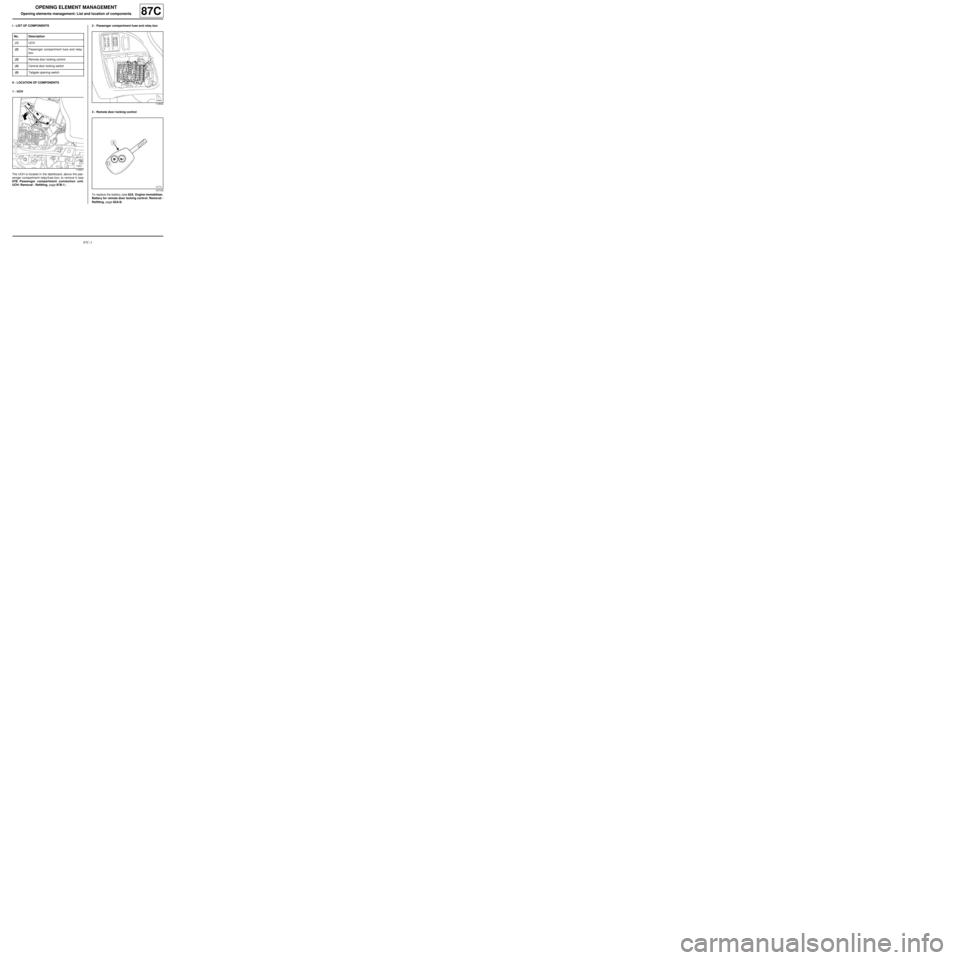
I - LIST OF COMPONENTS
II - LOCATION OF COMPONENTS
1 - UCH
The UCH is located in the dashboard, above the pas-
senger compartment relay/fuse box; to remove it (see
87B, Passenger compartment connection unit,
UCH: Removal - Refitting, page 87B-1) .2 - Passenger compartment fuse and relay box
3 - Remote door locking control
To replace the battery (see 82A, Engine immobiliser,
Battery for remote door locking control: Removal -
Refitting, page 82A-8) . No. Description
(1) UCH
(2) Passenger compartment fuse and relay
box
(3) Remote door locking control
(4) Centr al door locking switch
(5) Tailgate opening switch
119507
119504
107733
Page 120 of 241
87C-2
OPENING ELEMENT MANAGEMENT
Opening elements management: List and location of components87C
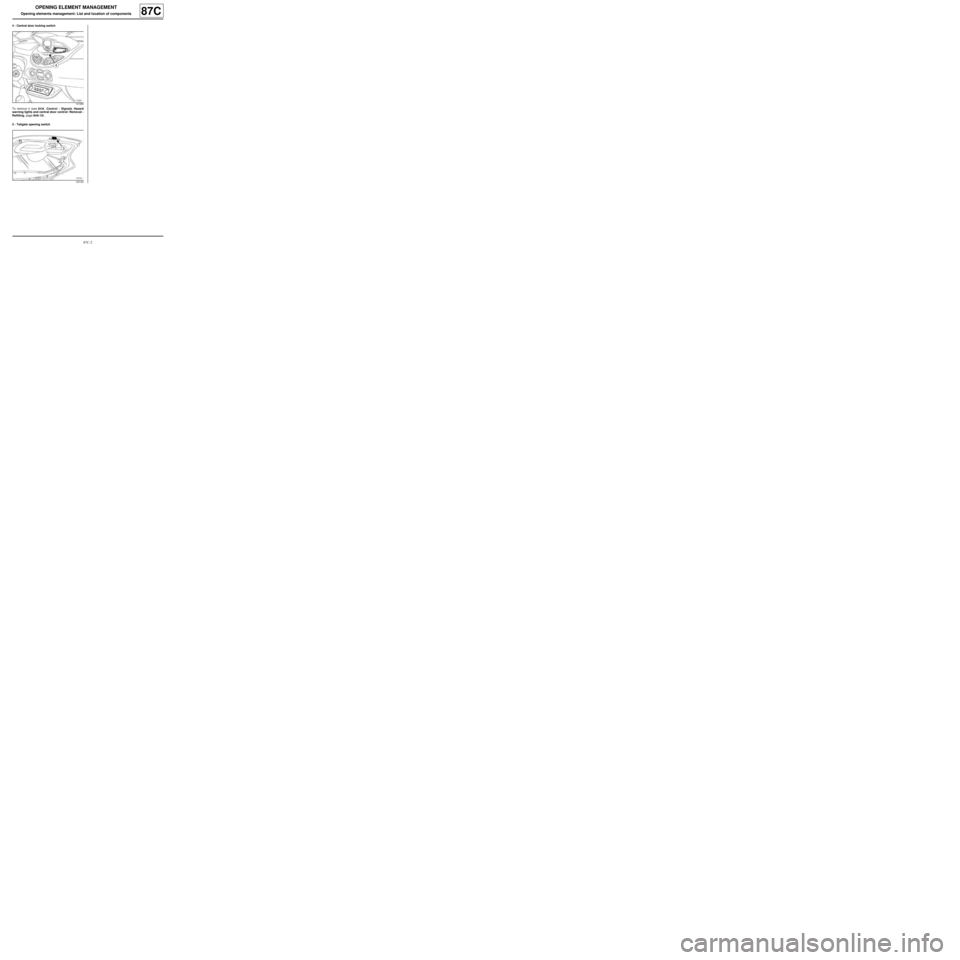
4 - Central door locking switch
To remove it (see 84A, Control - Signals, Hazard
warning lights and central door control: Removal -
Refitting, page 84A-10) .
5 - Tailgate opening switch
121084
120162
Page 138 of 241
88A-2
WIRING HARNESS
Wiring: Precautions for the repair
88A
I - SAFETY
1 - Potentially dangerous components
Do not leave any unused +12V connectors exposed to
the air without any protection (see Connector: Sea-
ling and locking) (Technical Note 6015A, 88A, Wi-
ring).
Check that there is no contact between the wiring and
the fuel and brake pipes.
Avoid mounting the wiring in areas with a temperature
above 100˚C.
2 - Advice to be followed before any operation
Before carrying out any work on the wiring, disconnect
the battery.
3 - Instructions to be followed during the operation
To prevent the wiring from being damaged, check that
the surrounding area is not mechanically harmful (e.g.:
door windows, sharp corners, burrs, studs, etc.).
The wiring should be at least 30 mm away from any
moving components (belt, pulley, steering column,
etc.).
Depending on the surrounding area, check that the
unused connectors respect the necessary sealing
constraints (see Connector: Sealing and locking)
(Technical Note 6015A, 88A, Wiring).
All of the connections (connectors) used in the engine
compartment are sealed; do not remove the seal from
around the connectors.II - GENERAL RECOMMENDATIONS
Do not connect an earth to a stud with insulating pro-
tection (paint,etc.).
Do not use more than two earth terminals on the same
point.
Do not use power earths on the same point as electro-
nic earths.
To prevent water flowing into the connectors, make a
low point just on the wiring routing (just before the con-
nector).
For connections between fixed and mobile compo-
nents, secure the wiring on the fixed part.
Overlapping of the battery feed wires (positive and ne-
gative) causes disruption; they must be secured sepa-
rately.
Wiring mountings:
- use plastic clips, ensuring that the colour coding is
respected,
-do not use steel clips that are not protected with rub-
ber,
- keep the clips integrated into the wiring during a re-
placement operation,
- do not leave steering wheel wires without protection.
Check that:
- the shunts are correctly secured,
- the connectors are correctly housed and locked.
Wiring routing:
- when it is visible it must be aesthetically pleasing, and
resemble the routing marked during removal,
- prohibit wiring routing in grooves and overlaps (risk of
wear through friction),
- prohibit mounting several wires on the same clip,
- do not lock the connectors or wiring in areas that are
sensitive to drilling (number plate etc.). WARNING
To prevent damaging the connectors, consult the
disconnection procedure (see Connector: Discon-
nection and reconnection) (Technical Note
6015A, 88A, Wiring).
WARNING
To prevent any risk of noise, premature wear, short
circuits, etc. after the refitting operation, mark the
wiring routing and how to connect the connectors.
WARNING
To prevent any damage during the removal opera-
tion, check that the wiring is free from its mountings
(retaining clip, plastic clip, adhesive tape, connec-
tor, etc.).