automat SAAB 9-5 2008 User Guide
[x] Cancel search | Manufacturer: SAAB, Model Year: 2008, Model line: 9-5, Model: SAAB 9-5 2008Pages: 288, PDF Size: 27.54 MB
Page 57 of 288
57 Instruments and controls
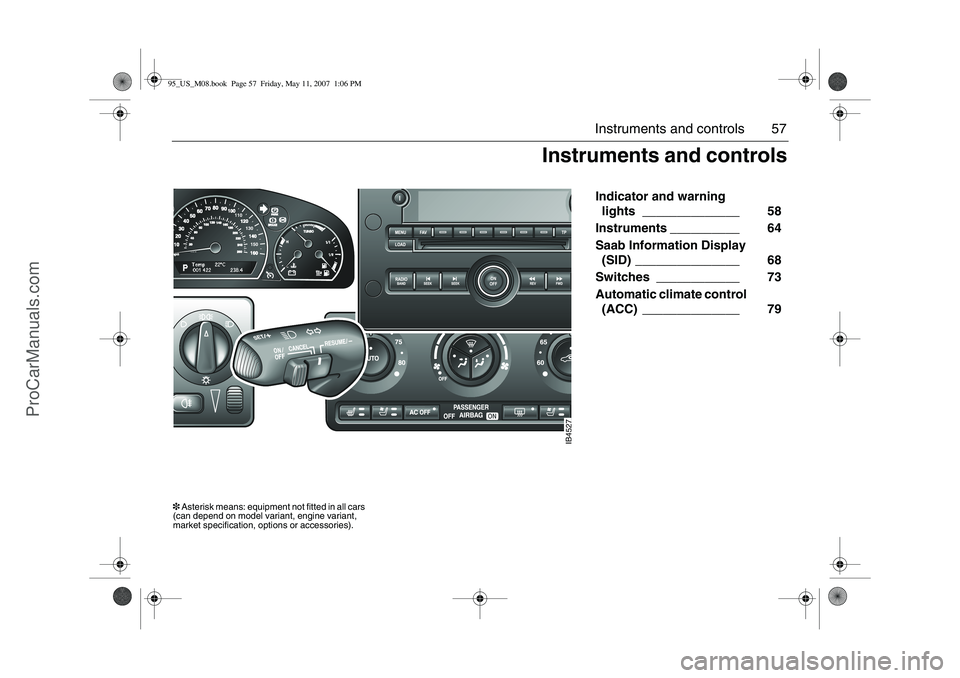
Indicator and warning
lights ______________ 58
Instruments __________ 64
Saab Information Display
(SID) _______________ 68
Switches ____________ 73
Automatic climate control
(ACC) ______________ 79
IB4527
Instruments and controls
3 Asterisk means: equipment not fitted in all cars
(can depend on model variant, engine variant,
market specification, options or accessories).95_US_M08.book Page 57 Friday, May 11, 2007 1:06 PM
ProCarManuals.com
Page 61 of 288
61 Instruments and controls
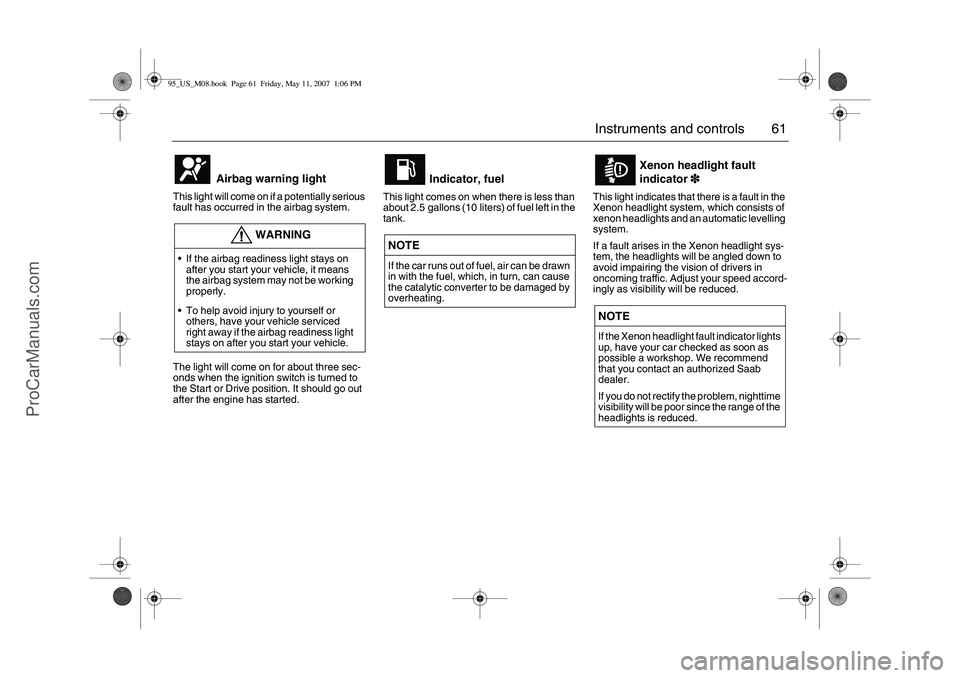
This light will come on if a potentially serious
fault has occurred in the airbag system. The light will come on for about three sec-
onds when the ignition switch is turned to
the Start or Drive position. It should go out
after the engine has started.This light comes on when there is less than
about 2.5 gallons (10 liters) of fuel left in the
tank. This light indicates that there is a fault in the
Xenon headlight system, which consists of
xenon headlights and an automatic levelling
system.
If a fault arises in the Xenon headlight sys-
tem, the headlights will be angled down to
avoid impairing the vision of drivers in
oncoming traffic. Adjust your speed accord-
ingly as visibility will be reduced.
Airbag warning light
WARNING
If the airbag readiness light stays on
after you start your vehicle, it means
the airbag system may not be working
properly.
To help avoid injury to yourself or
others, have your vehicle serviced
right away if the airbag readiness light
stays on after you start your vehicle.
Indicator, fuel
NOTE
If the car runs out of fuel, air can be drawn
in with the fuel, which, in turn, can cause
the catalytic converter to be damaged by
overheating.
Xenon headlight fault
indicator3
33 3
NOTE
If the Xenon headlight fault indicator lights
up, have your car checked as soon as
possible a workshop. We recommend
that you contact an authorized Saab
dealer.
If you do not rectify the problem, nighttime
visibility will be poor since the range of the
headlights is reduced.
95_US_M08.book Page 61 Friday, May 11, 2007 1:06 PM
ProCarManuals.com
Page 62 of 288
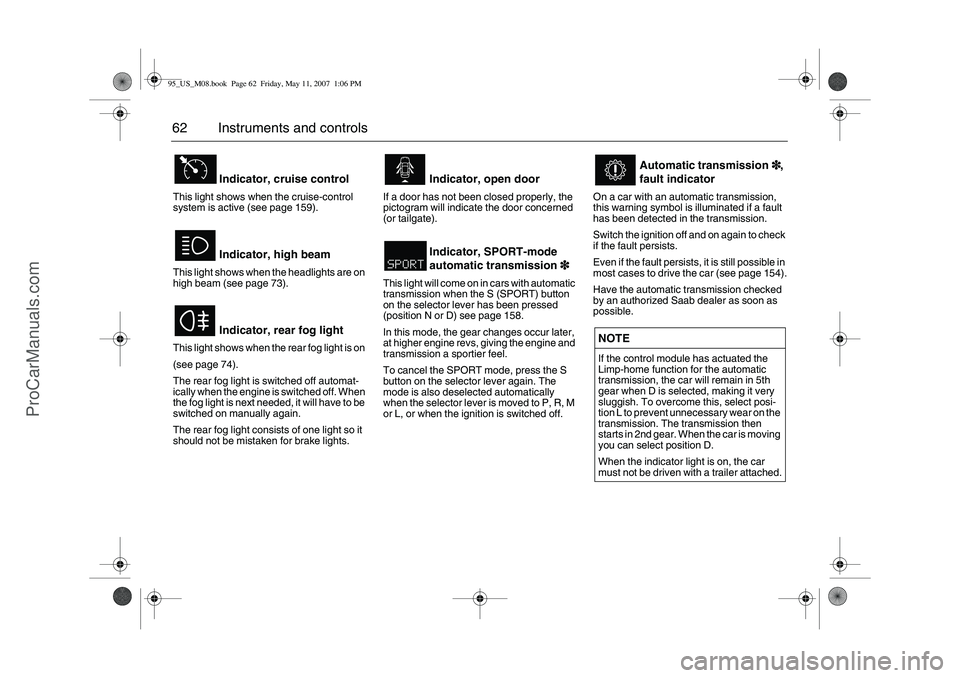
62 Instruments and controlsThis light shows when the cruise-control
system is active (see page 159).
This light shows when the headlights are on
high beam (see page 73).
This light shows when the rear fog light is on
(see page 74).
The rear fog light is switched off automat-
ically when the engine is switched off. When
the fog light is next needed, it will have to be
switched on manually again.
The rear fog light consists of one light so it
should not be mistaken for brake lights.If a door has not been closed properly, the
pictogram will indicate the door concerned
(or tailgate).
This light will come on in cars with automatic
transmission when the S (SPORT) button
on the selector lever has been pressed
(position N or D) see page 158.
In this mode, the gear changes occur later,
at higher engine revs, giving the engine and
transmission a sportier feel.
To cancel the SPORT mode, press the S
button on the selector lever again. The
mode is also deselected automatically
when the selector lever is moved to P, R, M
or L, or when the ignition is switched off.On a car with an automatic transmission,
this warning symbol is illuminated if a fault
has been detected in the transmission.
Switch the ignition off and on again to check
if the fault persists.
Even if the fault persists, it is still possible in
most cases to drive the car (see page 154).
Have the automatic transmission checked
by an authorized Saab dealer as soon as
possible.
Indicator, cruise control
Indicator, high beam
Indicator, rear fog light
Indicator, open door
Indicator, SPORT-mode
automatic transmission3
33 3
Automatic transmission3
33 3,
fault indicator
NOTE
If the control module has actuated the
Limp-home function for the automatic
transmission, the car will remain in 5th
gear when D is selected, making it very
sluggish. To overcome this, select posi-
tion L to prevent unnecessary wear on the
transmission. The transmission then
starts in 2nd gear. When the car is moving
you can select position D.
When the indicator light is on, the car
must not be driven with a trailer attached.
95_US_M08.book Page 62 Friday, May 11, 2007 1:06 PM
ProCarManuals.com
Page 63 of 288
63 Instruments and controls
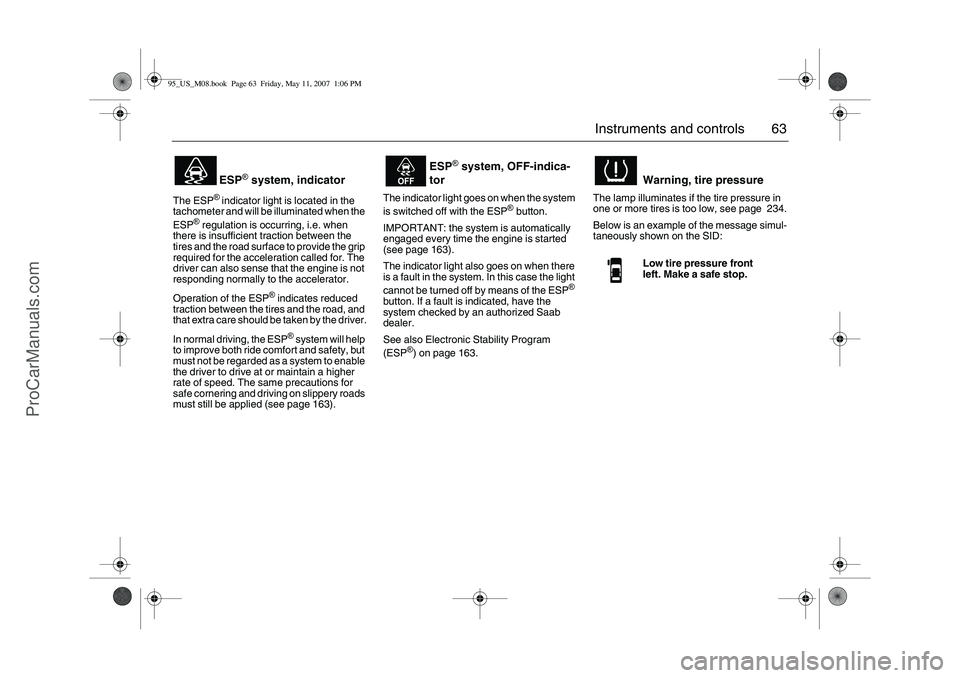
The ESP
® indicator light is located in the
tachometer and will be illuminated when the
ESP
® regulation is occurring, i.e. when
there is insufficient traction between the
tires and the road surface to provide the grip
required for the acceleration called for. The
driver can also sense that the engine is not
responding normally to the accelerator.
Operation of the ESP
® indicates reduced
traction between the tires and the road, and
that extra care should be taken by the driver.
In normal driving, the ESP
® system will help
to improve both ride comfort and safety, but
must not be regarded as a system to enable
the driver to drive at or maintain a higher
rate of speed. The same precautions for
safe cornering and driving on slippery roads
must still be applied (see page 163).The indicator light goes on when the system
is switched off with the ESP
® button.
IMPORTANT: the system is automatically
engaged every time the engine is started
(see page 163).
The indicator light also goes on when there
is a fault in the system. In this case the light
cannot be turned off by means of the ESP
®
button. If a fault is indicated, have the
system checked by an authorized Saab
dealer.
See also Electronic Stability Program
(ESP
®) on page 163.The lamp illuminates if the tire pressure in
one or more tires is too low, see page 234.
Below is an example of the message simul-
taneously shown on the SID:
ESP
® system, indicator
ESP
® system, OFF-indica-
tor
Warning, tire pressureLow tire pressure front
left. Make a safe stop.
95_US_M08.book Page 63 Friday, May 11, 2007 1:06 PM
ProCarManuals.com
Page 64 of 288
64 Instruments and controlsAutochecking of lights,
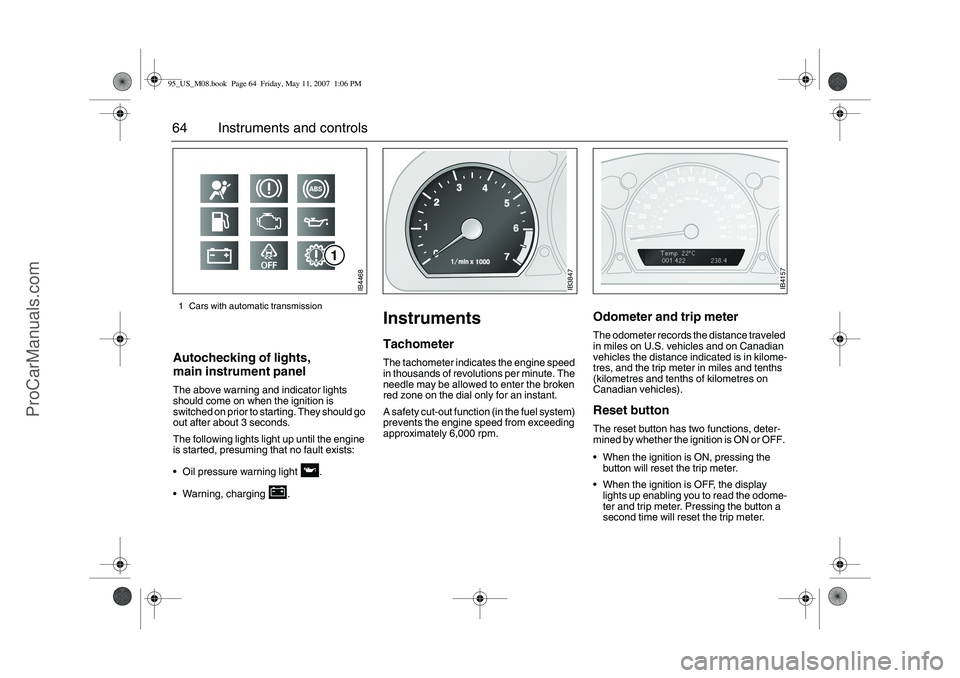
main instrument panel The above warning and indicator lights
should come on when the ignition is
switched on prior to starting. They should go
out after about 3 seconds.
The following lights light up until the engine
is started, presuming that no fault exists:
Oil pressure warning light .
Warning, charging .
InstrumentsTachometerThe tachometer indicates the engine speed
in thousands of revolutions per minute. The
needle may be allowed to enter the broken
red zone on the dial only for an instant.
A safety cut-out function (in the fuel system)
prevents the engine speed from exceeding
approximately 6,000 rpm.
Odometer and trip meter The odometer records the distance traveled
in miles on U.S. vehicles and on Canadian
vehicles the distance indicated is in kilome-
tres, and the trip meter in miles and tenths
(kilometres and tenths of kilometres on
Canadian vehicles). Reset button The reset button has two functions, deter-
mined by whether the ignition is ON or OFF.
When the ignition is ON, pressing the
button will reset the trip meter.
When the ignition is OFF, the display
lights up enabling you to read the odome-
ter and trip meter. Pressing the button a
second time will reset the trip meter.
IB4468
1 Cars with automatic transmission
IB3847
IB4157
95_US_M08.book Page 64 Friday, May 11, 2007 1:06 PM
ProCarManuals.com
Page 68 of 288
68 Instruments and controlsSaab Information
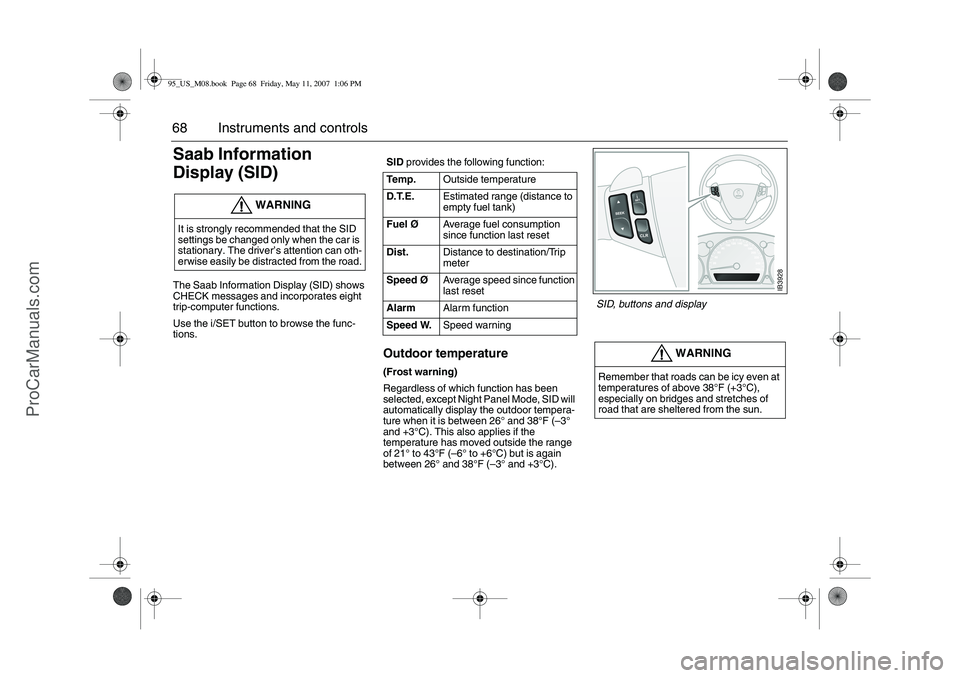
Display (SID) The Saab Information Display (SID) shows
CHECK messages and incorporates eight
trip-computer functions.
Use the i/SET button to browse the func-
tions.
Outdoor temperature(Frost warning)
Regardless of which function has been
selected, except Night Panel Mode, SID will
automatically display the outdoor tempera-
ture when it is between 26° and 38°F (–3°
and +3°C). This also applies if the
temperature has moved outside the range
of 21° to 43°F (–6° to +6°C) but is again
between 26° and 38°F (–3° and +3°C).
WARNING
It is strongly recommended that the SID
settings be changed only when the car is
stationary. The driver’s attention can oth-
erwise easily be distracted from the road.
SID provides the following function:
Te m p .Outside temperature
D.T.E.Estimated range (distance to
empty fuel tank)
FuelØAverage fuel consumption
since function last reset
Dist.Distance to destination/Trip
meter
SpeedØAverage speed since function
last reset
AlarmAlarm function
Speed W.Speed warning
WARNING
Remember that roads can be icy even at
temperatures of above 38°F (+3°C),
especially on bridges and stretches of
road that are sheltered from the sun.
IB3928
SID, buttons and display
95_US_M08.book Page 68 Friday, May 11, 2007 1:06 PM
ProCarManuals.com
Page 70 of 288
70 Instruments and controlsUsing Dist. as a trip meter
If no value is programmed in Dist., it func-
tions as a trip meter. This is indicated by an
arrow to the right in the display.
Reset the trip meter by briefly pressing the
CLR button.
Calculating the arrival time if a specified
average speed is maintained:
1Select Dist.
2 Set the distance.
3Select SpeedØ.
4 Set the average speed you intend to
drive at.
5 SID switches to Dist. automatically. The
calculated arrival time is now displayed
to the right.
The SpeedØ function will show actual
values once you start driving.Average fuel consumption, FuelØ
The average fuel consumption is calculated
using the values for fuel consumed and dis-
tance driven since last reset. This value is
stored in the car’s trip computer even when
the engine is switched off.
To reset the value, hold CLR depressed
until a chime sounds. The text Cleared is
displayed.
Resetting valuesTo reset the value, hold CLR depressed
until a chime sounds. The text Cleared is
displayed.
The following functions will be reset simulta-
neously:
D.T.E. (the value is reset to the distance
that can be reached with the amount of
remaining fuel)
FuelØ
SpeedØ (average speed)
Values programmed in Dist., Alarm and
Speed W. are not reset. See respective
function
95_US_M08.book Page 70 Friday, May 11, 2007 1:06 PM
ProCarManuals.com
Page 72 of 288
72 Instruments and controlsNIGHT PANELTo improve night-driving conditions inside
the car, the Night Panel mode can be
selected. In this mode, the amount of infor-
mation displayed is reduced, and only the
most important instruments and displays
will be illuminated.
When the NIGHT PANEL button is pressed,
only the speedometer will be illuminated, all
the other instruments illumination being
extinguished and their needles moved to
zero. The SID display will be extinguished
and the backlighting for switches and other
controls will be dimmed. Note: All indicator
and warning lights, together with the display
of CHECK messages, will operate as nor-
mal, except ”Outdoor temperature”, see
page 68.The following conditions will wake up the
respective displays in the Night-Panel
mode:
Setting of the Audio system or, SID
(display comes on for ten seconds).
CHECK message generated in the SID.
High engine revs cause the rev counter to
be illuminated until the engine speed has
fallen again.
If the quantity of fuel remaining falls below
4 gallons (15 liters), the fuel gauge will be
illuminated.
If the engine temperature rises above
normal, the temperature gauge will be illu-
minated.
In cars with automatic transmission, if the
selector lever is moved from D to position
M or L, the selector indication on the main
instrument panel will be illuminated.
To restore the displays and lighting to the
normal mode, press the NIGHT PANEL but-
ton.
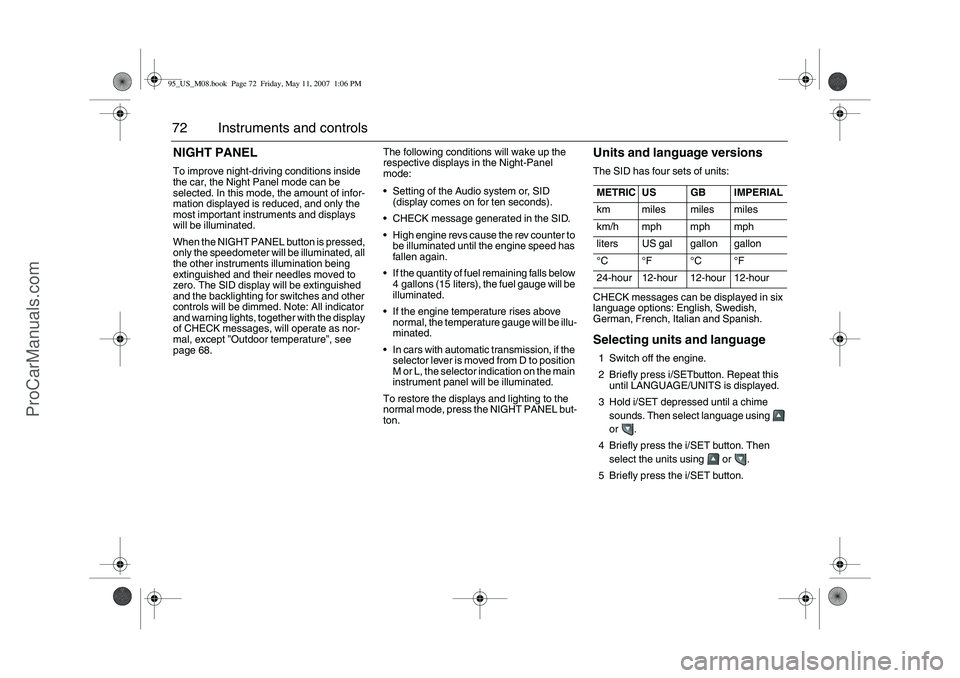
Units and language versionsThe SID has four sets of units: CHECK messages can be displayed in six
language options: English, Swedish,
German, French, Italian and Spanish. Selecting units and language 1 Switch off the engine.
2 Briefly press i/SETbutton. Repeat this
until LANGUAGE/UNITS is displayed.
3 Hold i/SET depressed until a chime
sounds. Then select language using
or .
4 Briefly press the i/SET button. Then
select the units using or .
5 Briefly press the i/SET button. METRIC US GB IMPERIAL
km miles miles miles
km/h mph mph mph
liters US gal gallon gallon
°C °F °C °F
24-hour 12-hour 12-hour 12-hour
95_US_M08.book Page 72 Friday, May 11, 2007 1:06 PM
ProCarManuals.com
Page 73 of 288
73 Instruments and controls
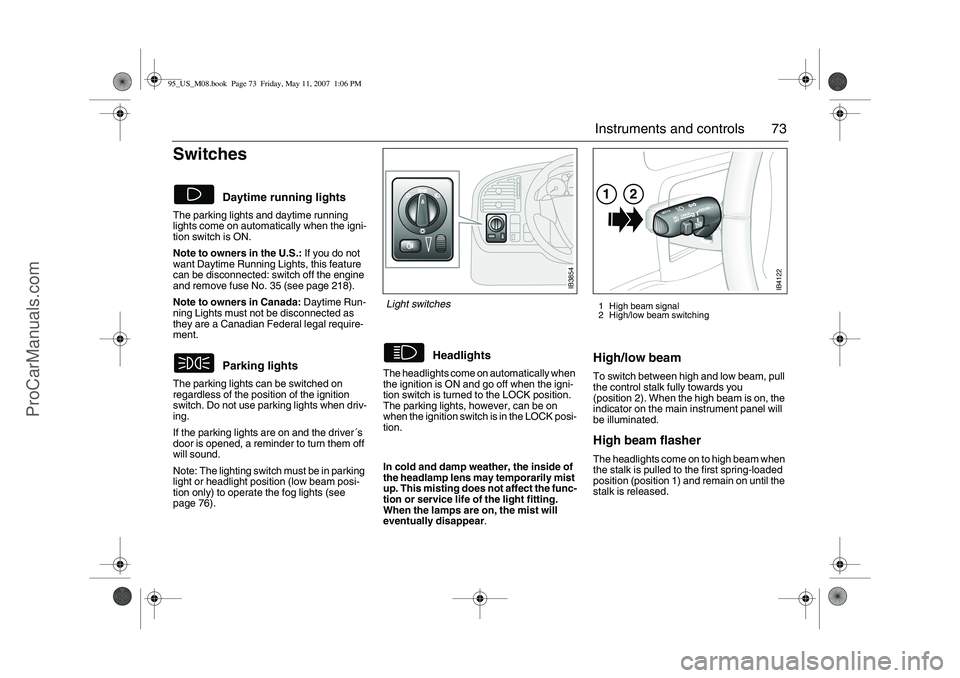
Switches The parking lights and daytime running
lights come on automatically when the igni-
tion switch is ON.
Note to owners in the U.S.: If you do not
want Daytime Running Lights, this feature
can be disconnected: switch off the engine
and remove fuse No. 35 (see page 218).
Note to owners in Canada: Daytime Run-
ning Lights must not be disconnected as
they are a Canadian Federal legal require-
ment.
The parking lights can be switched on
regardless of the position of the ignition
switch. Do not use parking lights when driv-
ing.
If the parking lights are on and the driver´s
door is opened, a reminder to turn them off
will sound.
Note: The lighting switch must be in parking
light or headlight position (low beam posi-
tion only) to operate the fog lights (see
page 76).The headlights come on automatically when
the ignition is ON and go off when the igni-
tion switch is turned to the LOCK position.
The parking lights, however, can be on
when the ignition switch is in the LOCK posi-
tion.
High/low beamTo switch between high and low beam, pull
the control stalk fully towards you
(position 2). When the high beam is on, the
indicator on the main instrument panel will
be illuminated.High beam flasher The headlights come on to high beam when
the stalk is pulled to the first spring-loaded
position (position 1) and remain on until the
stalk is released.
Daytime running lights
Parking lights
Headlights
1 High beam signal
2 High/low beam switching
IB3854
Light switches
In cold and damp weather, the inside of
the headlamp lens may temporarily mist
up. This misting does not affect the func-
tion or service life of the light fitting.
When the lamps are on, the mist will
eventually disappear.
IB4122
12
95_US_M08.book Page 73 Friday, May 11, 2007 1:06 PM
ProCarManuals.com
Page 74 of 288
74 Instruments and controlsCourtesy Headlight FeatureA delay function allows the headlights to
remain on low beam for about 30 seconds
after the driver’s door has been closed.
To activate this function,
Switch off the ignition and remove the key
Open the driver’s door
Pull the high/low beam control stalk
towards the steering wheel like you are
flashing the high beam, see page 73. The
low beam headlights will now come on
immediately after the driver’s door has
been closed (within 30 seconds) and will
remain on for about 30 seconds.
The length of time for this function can be
adjusted by your authorized Saab dealer.
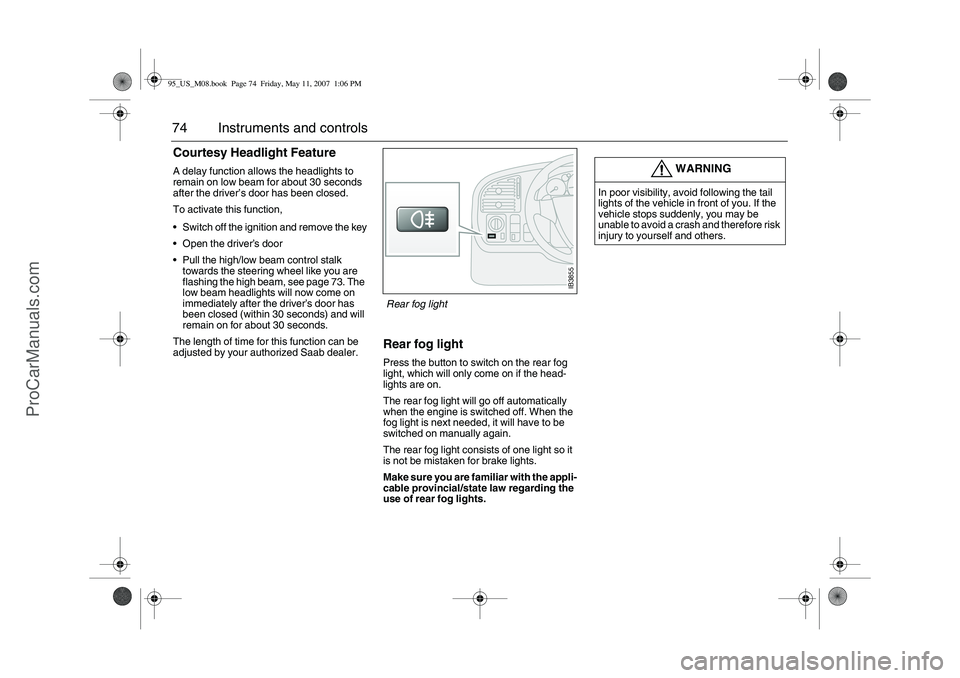
Rear fog lightPress the button to switch on the rear fog
light, which will only come on if the head-
lights are on.
The rear fog light will go off automatically
when the engine is switched off. When the
fog light is next needed, it will have to be
switched on manually again.
The rear fog light consists of one light so it
is not be mistaken for brake lights.
Make sure you are familiar with the appli-
cable provincial/state law regarding the
use of rear fog lights.
WARNING
In poor visibility, avoid following the tail
lights of the vehicle in front of you. If the
vehicle stops suddenly, you may be
unable to avoid a crash and therefore risk
injury to yourself and others.
IB3855
Rear fog light
95_US_M08.book Page 74 Friday, May 11, 2007 1:06 PM
ProCarManuals.com