transmission oil SAAB 9-7X 2007 Owners Manual
[x] Cancel search | Manufacturer: SAAB, Model Year: 2007, Model line: 9-7X, Model: SAAB 9-7X 2007Pages: 498, PDF Size: 3.13 MB
Page 108 of 498
Key In the Ignition
Never leave your vehicle with the keys inside, as it
is an easy target for joy riders or thieves. If you
leave the key in the ignition and park your vehicle,
a chime will sound, when you open the driver’s
door. Always remember to remove your key from
the ignition and take it with you. This will lock
your ignition and transaxle. Also, always remember
to lock the doors.
The battery could be drained if you leave the key
in the ignition while your vehicle is parked.
You may not be able to start your vehicle after it
has been parked for an extended period of time.
Retained Accessory Power (RAP)
Your vehicle is equipped with a Retained Accessory
Power (RAP) feature which will allow certain
features of your vehicle to continue to work up to
10 minutes after the ignition key is turned to LOCK.
Your radio, power windows, DVD player, sunroof
(option) and overhead console will work when
the ignition key is in RUN or ACC. Once the key is
turned from RUN to LOCK, these features will
continue to work for up to 10 minutes or until
a door is opened.
Starting the Engine
Place the transmission in the proper gear.
Move your shift lever to PARK (P) or
NEUTRAL (N). Your engine will not start in
any other position -- this is a safety feature.
To restart when you are already moving, use
NEUTRAL (N) only.
Notice:Do not try to shift to PARK (P) if your
vehicle is moving. If you do, you could
damage the transmission. Shift to PARK (P)
only when your vehicle is stopped.
Starting Procedure
1. With your foot off the accelerator pedal, turn
the ignition key to START. When the engine
starts, let go of the key. The idle speed will go
down as your engine gets warm. Do not
race the engine immediately after starting it.
Operate the engine and transmission gently to
allow the oil to warm up and lubricate all
moving parts.
108
ProCarManuals.com
Page 109 of 498
Your vehicle has a Computer-Controlled
Cranking System. This feature assists in
starting the engine and protects components.
If the ignition key is turned to the START
position, and then released when the engine
begins cranking, the engine will continue
cranking for a few seconds or until the vehicle
starts. If the engine does not start and the
key is held in START for many seconds,
cranking will be stopped after 15 seconds to
prevent cranking motor damage. To prevent
gear damage, this system also prevents
cranking if the engine is already running.
Engine cranking can be stopped by turning the
ignition switch to the ACC or LOCK position.
Notice:Cranking the engine for long periods
of time, by returning the key to the START
position immediately after cranking has ended,
can overheat and damage the cranking
motor, and drain the battery. Wait at least
15 seconds between each try, to allow
the cranking motor to cool down.2. If the engine does not start after 5-10 seconds,
especially in very cold weather (below 0°F
or−18°C), it could be ooded with too much
gasoline. Try pushing the accelerator
pedal all the way to the oor and holding it
there as you hold the key in START for up to
a maximum of 15 seconds. Wait at least
15 seconds between each try, to allow the
cranking motor to cool down. When the engine
starts, let go of the key and accelerator.
If the vehicle starts briey but then stops
again, do the same thing. This clears the extra
gasoline from the engine. Do not race the
engine immediately after starting it. Operate
the engine and transmission gently until the oil
warms up and lubricates all moving parts.
Notice:Your engine is designed to work with
the electronics in your vehicle. If you add
electrical parts or accessories, you could
change the way the engine operates. Before
adding electrical equipment, check with your
dealer. If you do not, your engine might not
perform properly. Any resulting damage would
not be covered by your vehicle’s warranty.
109
ProCarManuals.com
Page 315 of 498
Turn Signals When Towing a Trailer
The arrows on your instrument panel will
ash whenever you signal a turn or lane change.
Properly hooked up, the trailer lamps will also
ash, telling other drivers you’re about to
turn, change lanes or stop.
When towing a trailer, the arrows on your
instrument panel will ash for turns even if the
bulbs on the trailer are burned out. Thus, you may
think drivers behind you are seeing your signal
when they are not. It’s important to check
occasionally to be sure the trailer bulbs are still
working.
Driving On Grades
Reduce speed and shift to a lower gearbefore
you start down a long or steep downgrade. If you
don’t shift down, you might have to use your
brakes so much that they would get hot and no
longer work well.
You can tow in DRIVE (D). You may want to shift
the transmission to THIRD (3) or a lower gear,
under heavy loads or hilly conditions.
When towing at high altitude on steep uphill
grades, consider the following: Engine coolant will
boil at a lower temperature than at normal
altitudes. If you turn your engine off immediately
after towing at high altitude on steep uphill grades,
your vehicle may show signs similar to engine
overheating. To avoid this, let the engine run while
parked (preferably on level ground) with the
automatic transmission in PARK (P) for a few
minutes before turning the engine off. If you do get
the overheat warning, seeEngine Overheating
on page 347.
315
ProCarManuals.com
Page 317 of 498
Maintenance When Trailer Towing
Your vehicle will need service more often when
you’re pulling a trailer. See the Maintenance
Schedule for more on this. Things that are
especially important in trailer operation are
automatic transmission uid (don’t overll), engine
oil, axle lubricant, belt(s), cooling system and
brake system. Each of these is covered in
this manual, and the Index will help you nd them
quickly. If you’re trailering, it’s a good idea to
review these sections before you start your trip.
Check periodically to see that all hitch nuts
and bolts are tight.
Trailer Wiring Harness
Your vehicle is equipped with a seven-wire trailer
towing harness. This harness has a seven-pin
universal heavy-duty trailer connector (if equipped
with the trailering package) that is attached to a
bracket on the hitch platform. If your vehicle is not
equipped with the heavy-duty trailer connector,
you can purchase one from your Saab dealer.The seven-wire harness contains the following
trailer circuits:
Yellow: Left Stop/Turn Signal
Dark Green: Right Stop/Turn Signal
Brown: Running Lamps
White: Ground
Light Green: Back-up Lamps
Dark Blue: Electric Brakes
Red: Battery Feed (The chassis wiring ring
terminal must be fastened to a stud on the
underhood electrical center before the
trailer feed will become active.)
If you need to tow a light-duty trailer with a standard
four-way round pin connector, an adapter connector
is available from your dealer.
If you are charging a remote (non-vehicle) battery,
turn on the headlamps to boost the vehicle
system voltage and properly charge the battery.
Your vehicle is also equipped with wiring for an
electric trailer brake controller. These wires are
located inside the vehicle on the driver’s side under
the instrument panel. These wires should be
connected to an electric trailer brake controller by
your dealer or a qualied service center.
317
ProCarManuals.com
Page 319 of 498
Service........................................................ 322
Accessories and Modications................... 322
California Proposition 65 Warning.............. 322
Doing Your Own Service Work.................. 323
Adding Equipment to the Outside of
Your Vehicle.......................................... 323
Fuel............................................................. 324
Gasoline Octane........................................ 324
Gasoline Specications.............................. 324
California Fuel........................................... 324
Additives................................................... 325
Fuels in Foreign Countries........................ 326
Filling the Tank......................................... 326
Filling a Portable Fuel Container............... 328
Checking Things Under the Hood.............. 329
Hood Release........................................... 329
Engine Compartment Overview.................. 330
Engine Oil................................................. 334
Engine Oil Life System.............................. 337
Engine Air Cleaner/Filter............................ 339
Automatic Transmission Fluid.................... 341
Engine Coolant.......................................... 344
Radiator Pressure Cap.............................. 347Engine Overheating................................... 347
Cooling System......................................... 349
Engine Fan Noise..................................... 355
Power Steering Fluid ................................. 356
Windshield Washer Fluid........................... 357
Brakes...................................................... 358
Battery...................................................... 361
Jump Starting............................................ 362
All-Wheel Drive........................................... 368
Rear Axle.................................................... 369
Front Axle................................................... 370
Headlamp Aiming........................................ 371
Bulb Replacement....................................... 371
High Intensity Discharge (HID) Lighting........ 371
Halogen Bulbs........................................... 372
Headlamps................................................ 372
Front Turn Signal, Sidemarker and
Parking Lamps....................................... 374
Taillamps, Turn Signal, Sidemarker,
Stoplamps and Back-up Lamps.............. 374
License Plate Lamp................................... 376
Replacement Bulbs................................... 376
Section 5 Service and Appearance Care
319
ProCarManuals.com
Page 331 of 498
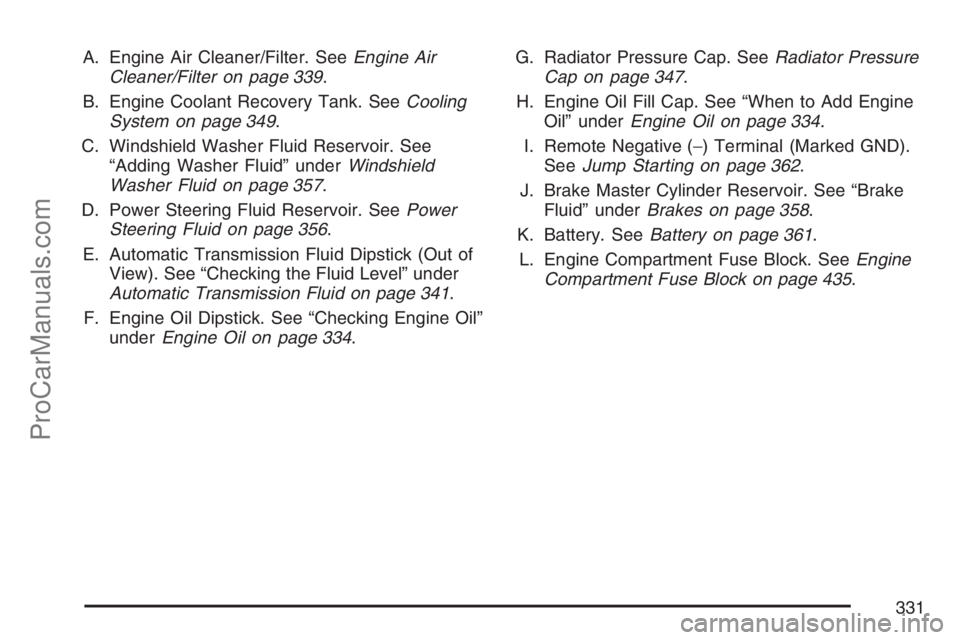
A. Engine Air Cleaner/Filter. SeeEngine Air
Cleaner/Filter on page 339.
B. Engine Coolant Recovery Tank. SeeCooling
System on page 349.
C. Windshield Washer Fluid Reservoir. See
“Adding Washer Fluid” underWindshield
Washer Fluid on page 357.
D. Power Steering Fluid Reservoir. SeePower
Steering Fluid on page 356.
E. Automatic Transmission Fluid Dipstick (Out of
View). See “Checking the Fluid Level” under
Automatic Transmission Fluid on page 341.
F. Engine Oil Dipstick. See “Checking Engine Oil”
underEngine Oil on page 334.G. Radiator Pressure Cap. SeeRadiator Pressure
Cap on page 347.
H. Engine Oil Fill Cap. See “When to Add Engine
Oil” underEngine Oil on page 334.
I. Remote Negative (−) Terminal (Marked GND).
SeeJump Starting on page 362.
J. Brake Master Cylinder Reservoir. See “Brake
Fluid” underBrakes on page 358.
K. Battery. SeeBattery on page 361.
L. Engine Compartment Fuse Block. SeeEngine
Compartment Fuse Block on page 435.
331
ProCarManuals.com
Page 333 of 498
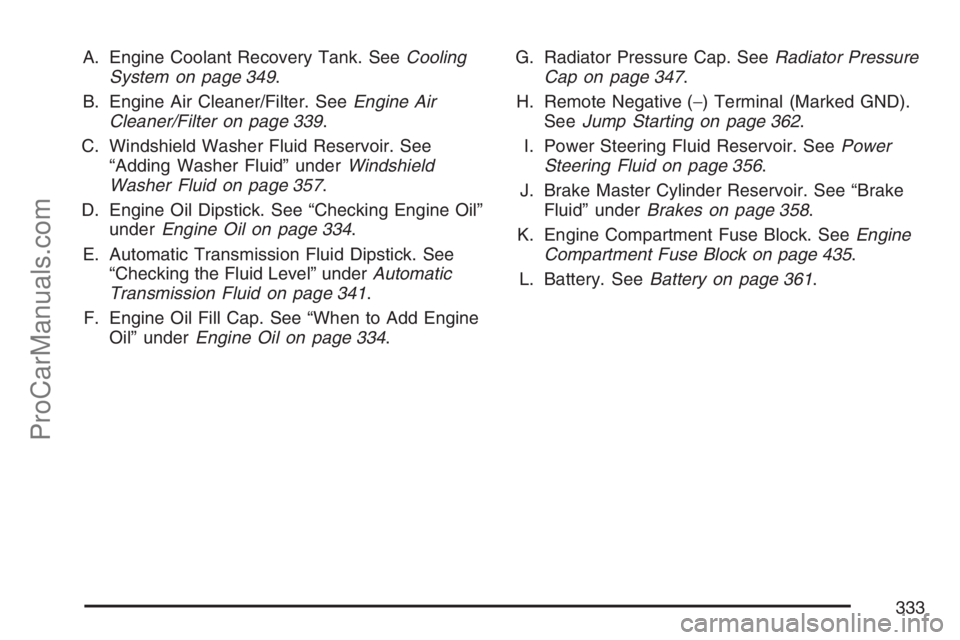
A. Engine Coolant Recovery Tank. SeeCooling
System on page 349.
B. Engine Air Cleaner/Filter. SeeEngine Air
Cleaner/Filter on page 339.
C. Windshield Washer Fluid Reservoir. See
“Adding Washer Fluid” underWindshield
Washer Fluid on page 357.
D. Engine Oil Dipstick. See “Checking Engine Oil”
underEngine Oil on page 334.
E. Automatic Transmission Fluid Dipstick. See
“Checking the Fluid Level” underAutomatic
Transmission Fluid on page 341.
F. Engine Oil Fill Cap. See “When to Add Engine
Oil” underEngine Oil on page 334.G. Radiator Pressure Cap. SeeRadiator Pressure
Cap on page 347.
H. Remote Negative (−) Terminal (Marked GND).
SeeJump Starting on page 362.
I. Power Steering Fluid Reservoir. SeePower
Steering Fluid on page 356.
J. Brake Master Cylinder Reservoir. See “Brake
Fluid” underBrakes on page 358.
K. Engine Compartment Fuse Block. SeeEngine
Compartment Fuse Block on page 435.
L. Battery. SeeBattery on page 361.
333
ProCarManuals.com
Page 341 of 498
Automatic Transmission Fluid
When to Check and Change Automatic
Transmission Fluid
A good time to check your automatic transmission
uid level is when the engine oil is changed.
Change the uid and lter at the intervals
listed inAdditional Required Services on page 452,
and be sure to use the transmission uid listed
inRecommended Fluids and Lubricants on
page 458.
How to Check Automatic
Transmission Fluid
Because this operation can be a little difficult, you
may choose to have this done at the dealership
service department.
If you do it yourself, be sure to follow all the
instructions here, or you could get a false reading
on the dipstick.Notice:Too much or too little uid can
damage your transmission. Too much can
mean that some of the uid could come out
and fall on hot engine parts or exhaust system
parts, starting a re. Too little uid could
cause the transmission to overheat. Be sure to
get an accurate reading if you check your
transmission uid.
Wait at least 30 minutes before checking the
transmission uid level if you have been driving:
When outside temperatures are above
90°F (32°C).
At high speed for quite a while.
In heavy traffic — especially in hot weather.
While pulling a trailer.
To get the right reading, the uid should be at
normal operating temperature, which is 180°F to
200°F (82°C to 93°C).
Get the vehicle warmed up by driving about
15 miles (24 km) when outside temperatures are
above 50°F (10°C). If it is colder than 50°F (10°C),
drive the vehicle in THIRD (3) until the engine
temperature gage moves and then remains steady
for 10 minutes.
341
ProCarManuals.com
Page 385 of 498
Tire Terminology and Denitions
Air Pressure:The amount of air inside the tire
pressing outward on each square inch of the
tire. Air pressure is expressed in pounds
per square inch (psi) or kilopascal (kPa).
Accessory Weight:This means the combined
weight of optional accessories. Some examples
of optional accessories are, automatic
transmission/transaxle, power steering, power
brakes, power windows, power seats, and
air conditioning.
Aspect Ratio:The relationship of a tire’s height
to its width.
Belt:A rubber coated layer of cords that is located
between the plies and the tread. Cords may be
made from steel or other reinforcing materials.
Bead:The tire bead contains steel wires wrapped
by steel cords that hold the tire onto the rim.
Bias Ply Tire:A pneumatic tire in which the plies
are laid at alternate angles less than 90 degrees
to the centerline of the tread.Cold Tire Pressure:The amount of air pressure in
a tire, measured in pounds per square inch (psi) or
kilopascals (kPa) before a tire has built up heat
from driving. SeeInation - Tire Pressure on
page 388.
Curb Weight:This means the weight of a motor
vehicle with standard and optional equipment
including the maximum capacity of fuel, oil, and
coolant, but without passengers and cargo.
DOT Markings:A code molded into the sidewall
of a tire signifying that the tire is in compliance
with the U.S. Department of Transportation (DOT)
motor vehicle safety standards. The DOT code
includes the Tire Identication Number (TIN),
an alphanumeric designator which can also identify
the tire manufacturer, production plant, brand,
and date of production.
GVWR:Gross Vehicle Weight Rating.
SeeLoading Your Vehicle on page 296.
GAWR FRT:Gross Axle Weight Rating for the
front axle. SeeLoading Your Vehicle on page 296.
GAWR RR:Gross Axle Weight Rating for the
rear axle. SeeLoading Your Vehicle on page 296.
385
ProCarManuals.com
Page 440 of 498

Fuses Usage
5 Driver’s Side Headlamp High-Beam
6 Driver’s Side Headlamp Low-Beam
7 Windshield Wiper
8 Automatic Transfer Case
9 Windshield Washer
10 Powertrain Control Module B
11 Fog Lamps
12 Stoplamp
13 Cigarette Lighter
14 Ignition Coils
15Transmission Control
Module/Canister
16 Ignition B
18 Airbag System
19 Electric Brake
20 Cooling Fan
21 Horn
22 Ignition E
23 Electronic Throttle Control
24Instrument Panel Cluster/Driver
Information CenterFuses Usage
25 Brake Transmission Shift Interlock
26 Engine 1
27 Backup
28 Engine Control Module 1
29 Engine Control Module
30 Air Conditioning
31 Injector Bank A
50 Passenger’s Side Trailer Turn
51 Driver’s Side Trailer Turn
52 Hazard Flashers
53 Transmission
54 Oxygen Sensor B
55 Oxygen Sensor A
56 Injector Bank B
57 Headlamp Driver Module
58 Truck Body Controller 1
59 Electric Adjustable Pedals
61 Ignition A1
66 Regulated Voltage Control
440
ProCarManuals.com