CD player SAAB 9-7X 2009 Owner's Manual
[x] Cancel search | Manufacturer: SAAB, Model Year: 2009, Model line: 9-7X, Model: SAAB 9-7X 2009Pages: 424, PDF Size: 2.75 MB
Page 214 of 424
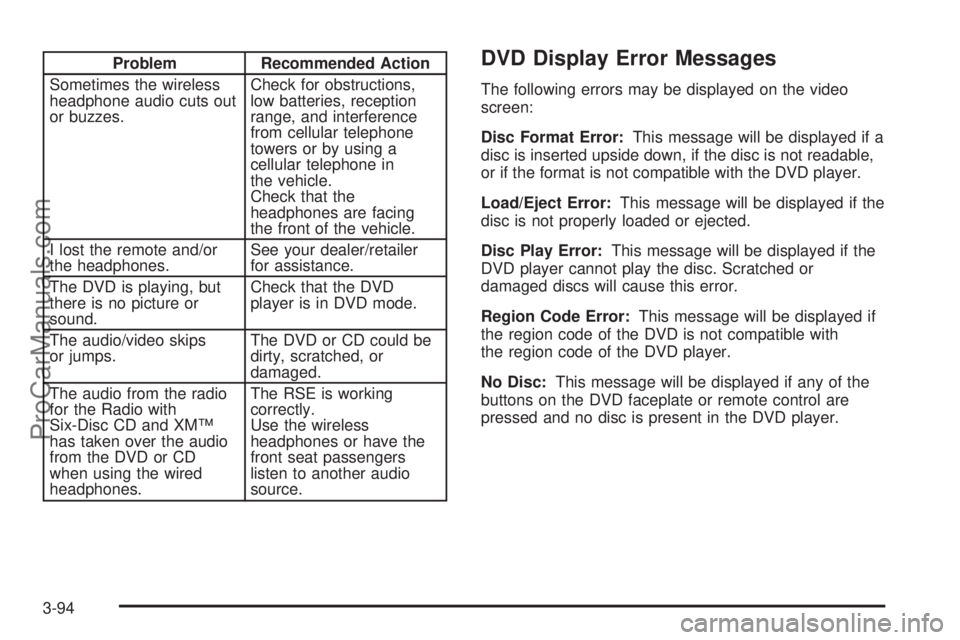
Problem Recommended Action
Sometimes the wireless
headphone audio cuts out
or buzzes.Check for obstructions,
low batteries, reception
range, and interference
from cellular telephone
towers or by using a
cellular telephone in
the vehicle.
Check that the
headphones are facing
the front of the vehicle.
I lost the remote and/or
the headphones.See your dealer/retailer
for assistance.
The DVD is playing, but
there is no picture or
sound.Check that the DVD
player is in DVD mode.
The audio/video skips
or jumps.The DVD or CD could be
dirty, scratched, or
damaged.
The audio from the radio
for the Radio with
Six-Disc CD and XM™
has taken over the audio
from the DVD or CD
when using the wired
headphones.The RSE is working
correctly.
Use the wireless
headphones or have the
front seat passengers
listen to another audio
source.DVD Display Error Messages
The following errors may be displayed on the video
screen:
Disc Format Error:This message will be displayed if a
disc is inserted upside down, if the disc is not readable,
or if the format is not compatible with the DVD player.
Load/Eject Error:This message will be displayed if the
disc is not properly loaded or ejected.
Disc Play Error:This message will be displayed if the
DVD player cannot play the disc. Scratched or
damaged discs will cause this error.
Region Code Error:This message will be displayed if
the region code of the DVD is not compatible with
the region code of the DVD player.
No Disc:This message will be displayed if any of the
buttons on the DVD faceplate or remote control are
pressed and no disc is present in the DVD player.
3-94
ProCarManuals.com
Page 215 of 424
DVD Distortion
There may be an experience with audio distortion in the
wireless headphones when operating cellular phones,
scanners, CB radios, Global Positioning Systems
(GPS)*, two-way radios, mobile fax, or walkie talkies.
It might be necessary to turn off the DVD player
when operating one of these devices in or near the
vehicle.
* Excludes the OnStar
®System.
Cleaning the Video Screen
Pour some isopropyl or rubbing alcohol on a clean cloth
and gently wipe the video screen. Do not spray
directly onto the screen and do not press too hard or
too long on the video screen.
Rear Seat Audio (RSA)
This feature allows rear seat passengers to select and
listen to any of the available radio sources: AM/FM,
XM, CD, or DVD. However, a rear seat passenger
cannot control a source selected on the radio by
someone in the front of the vehicle. For example, the
RSA cannot be used to change CD tracks if the radio is
set to CD. Also, if the radio is switched to a source
the RSA has control of, sound will not be lost, but the
RSA will lose control of that source.
Rear seat passengers always have control of the
volume for each set of headphones.
The RSA will run when the radio is off if the ignition key
is positioned in the power mode.
3-95
ProCarManuals.com
Page 216 of 424
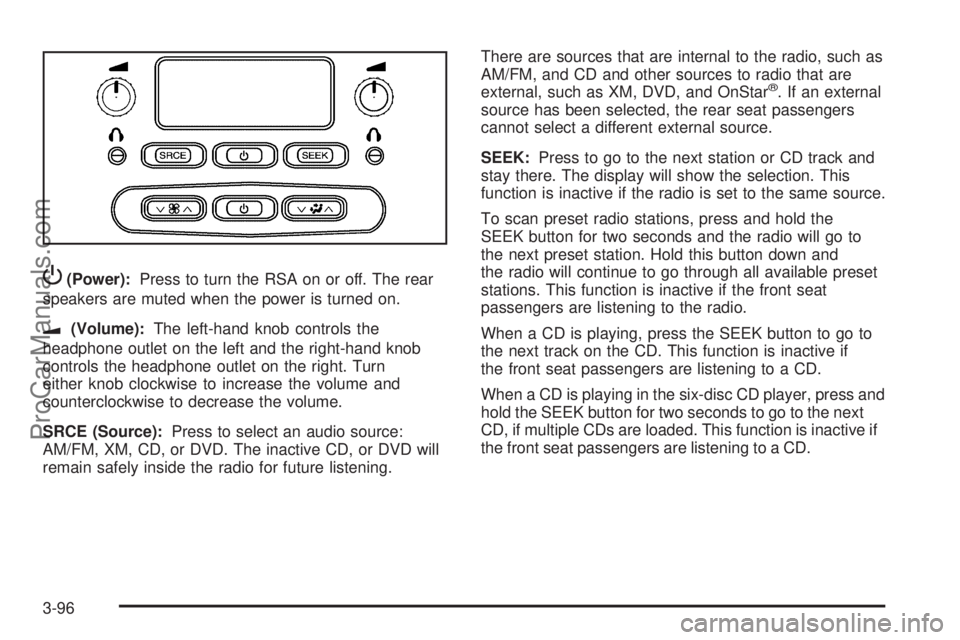
P(Power):Press to turn the RSA on or off. The rear
speakers are muted when the power is turned on.
u(Volume):The left-hand knob controls the
headphone outlet on the left and the right-hand knob
controls the headphone outlet on the right. Turn
either knob clockwise to increase the volume and
counterclockwise to decrease the volume.
SRCE (Source):Press to select an audio source:
AM/FM, XM, CD, or DVD. The inactive CD, or DVD will
remain safely inside the radio for future listening.There are sources that are internal to the radio, such as
AM/FM, and CD and other sources to radio that are
external, such as XM, DVD, and OnStar
®. If an external
source has been selected, the rear seat passengers
cannot select a different external source.
SEEK:Press to go to the next station or CD track and
stay there. The display will show the selection. This
function is inactive if the radio is set to the same source.
To scan preset radio stations, press and hold the
SEEK button for two seconds and the radio will go to
the next preset station. Hold this button down and
the radio will continue to go through all available preset
stations. This function is inactive if the front seat
passengers are listening to the radio.
When a CD is playing, press the SEEK button to go to
the next track on the CD. This function is inactive if
the front seat passengers are listening to a CD.
When a CD is playing in the six-disc CD player, press and
hold the SEEK button for two seconds to go to the next
CD, if multiple CDs are loaded. This function is inactive if
the front seat passengers are listening to a CD.
3-96
ProCarManuals.com