fuel SATURN ION 2004 Owners Manual
[x] Cancel search | Manufacturer: SATURN, Model Year: 2004, Model line: ION, Model: SATURN ION 2004Pages: 380, PDF Size: 2.89 MB
Page 1 of 380
Seats and Restraint Systems........................... 1-1
Front Seats
............................................... 1-2
Rear Seats
............................................... 1-7
Safety Belts
.............................................. 1-8
Child Restraints
.......................................1-29
Air Bag Systems
......................................1-50
Restraint System Check
............................1-59
Features and Controls..................................... 2-1
Keys
........................................................ 2-3
Doors and Locks
....................................... 2-9
Windows
.................................................2-14
Theft-Deterrent Systems
............................2-17
Starting and Operating Your Vehicle
...........2-18
Mirrors
....................................................2-36
OnStar
®System
......................................2-43
Storage Areas
.........................................2-44
Sunroof
..................................................2-45
Instrument Panel............................................. 3-1
Instrument Panel Overview
.......................... 3-4
Climate Controls
......................................3-20
Warning Lights, Gages, and Indicators
........3-27
Message Center
.......................................3-41
Audio System(s)
.......................................3-46Driving Your Vehicle....................................... 4-1
Your Driving, the Road, and Your Vehicle
..... 4-2
Towing
...................................................4-31
Service and Appearance Care.......................... 5-1
Service
..................................................... 5-3
Fuel
......................................................... 5-5
Checking Things Under the Hood
...............5-10
Headlamp Aiming
.....................................5-47
Bulb Replacement
....................................5-48
Windshield Wiper Blade Replacement
.........5-57
Tires
......................................................5-58
Appearance Care
.....................................5-87
Vehicle Identication
.................................5-94
Electrical System
......................................5-95
Capacities and Specications
...................5-102
Maintenance Schedule..................................... 6-1
Maintenance Schedule
................................ 6-2
Customer Assistance and Information.............. 7-1
Customer Assistance and Information
........... 7-2
Reporting Safety Defects
............................ 7-9
Index................................................................ 1
2004 Saturn ION Owner ManualM
ProCarManuals.com
Page 83 of 380

Theft-Deterrent Systems
Vehicle theft is big business, especially in some cities.
Although your vehicle has a number of theft-deterrent
features, we know that nothing we put on it can make it
impossible to steal.
Passlock®
Your vehicle is equipped with the Passlock®
theft-deterrent system.
Passlock
®is a passive theft-deterrent system.
Passlock®enables fuel if the ignition lock cylinder is
turned with a valid key. If a correct key is not used or the
ignition lock cylinder is tampered with, fuel is disabled.
During normal operation,
the security light will
go off approximately ve
seconds after the key
is turned to the RUN
ignition position following
an engine start.If the engine stalls and the security light ashes, wait
until the light stops ashing before trying to restart
the engine. Remember to release the key from START
as soon as the engine starts.
If the engine is running and the security light comes on,
you will be able to restart the engine if you turn the
engine off. However, your Passlock
®system is
not working properly and must be serviced by your
retailer. Your vehicle is not protected by
Passlock
®at this time. You may also want to check the
fuses, seeFuses and Circuit Breakers on page 5-95.
See your retailer for service.
2-17
ProCarManuals.com
Page 88 of 380
Engine Coolant Heater
If your vehicle has this feature, in very cold weather
0°F (−18°C) or colder, the engine coolant heater
can help. You will get easier starting and better fuel
economy during engine warm-up. Usually, the coolant
heater should be plugged in a minimum of four
hours prior to starting your vehicle. At temperatures
above 32°F (0°C), use of the coolant heater is not
required.
To Use the Engine Coolant Heater
1. Turn off the engine.
2. Open the hood and unwrap the electrical cord.
3. Plug it into a normal, grounded 110-volt AC outlet.
{CAUTION:
Plugging the cord into an ungrounded outlet
could cause an electrical shock. Also, the
wrong kind of extension cord could overheat
and cause a re. You could be seriously
injured. Plug the cord into a properly grounded
three-prong 110-volt AC outlet. If the cord will
not reach, use a heavy-duty three-prong
extension cord rated for at least 15 amps.
4. Before starting the engine, be sure to unplug and
store the cord as it was before to keep it away
from moving engine parts. If you do not, it could be
damaged.
How long should you keep the coolant heater plugged
in? The answer depends on the outside temperature, the
kind of oil you have, and some other things. Instead
of trying to list everything here, we ask that you contact
your dealer in the area where you will be parking
your vehicle. The dealer can give you the best advice
for that particular area.
2-22
ProCarManuals.com
Page 91 of 380
Notice:Shifting to a drive gear from NEUTRAL (N)
while the vehicle is moving could damage the
transaxle. Make sure the vehicle is stopped before
shifting from NEUTRAL (N) into a drive gear.
AUTOMATIC OVERDRIVE (D):This position is for
normal driving with the automatic transaxle. If you need
more power for passing, and you’re:
Going less than about 35 mph (55 km/h), push your
accelerator pedal about halfway down.
Going about 35 mph (55 km/h), push your
accelerator all the way down.
INTERMEDIATE (I):This position is also used for
normal driving, however, it offers more power and lower
fuel economy than AUTOMATIC OVERDRIVE (D).
Here are some times you might choose
INTERMEDIATE (I) instead of AUTOMATIC
OVERDRIVE (D):
When driving on hilly, winding roads.
When going down a steep hill.LOW (L):This position gives you more power but lower
fuel economy. You can use LOW (L) on hills. It can
help control your speed as you go down steep mountain
roads, but then you would also want to use your
brakes off and on.
Notice:Don’t drive in LOW (L) for more than
25 miles (40 km), or at speeds over 55 mph
(90 km/h), or you can damage your transaxle.
Use DRIVE (D) or INTERMEDIATE (I) as much as
possible. Don’t shift into LOW (L) unless you
are going slower than 65 mph (105 km/h) or you can
damage your engine.
Notice:Spinning the tires or holding the vehicle
in one place on a hill using only the accelerator
pedal may damage the transaxle. If you are stuck,
do not spin the tires. When stopping on a hill,
use the brakes to hold the vehicle in place.
2-25
ProCarManuals.com
Page 95 of 380
Shift Speeds
{CAUTION:
If you skip a gear when you downshift, you
could lose control of your vehicle. You could
injure yourself or others. Don’t shift down more
than one gear at a time when you downshift.
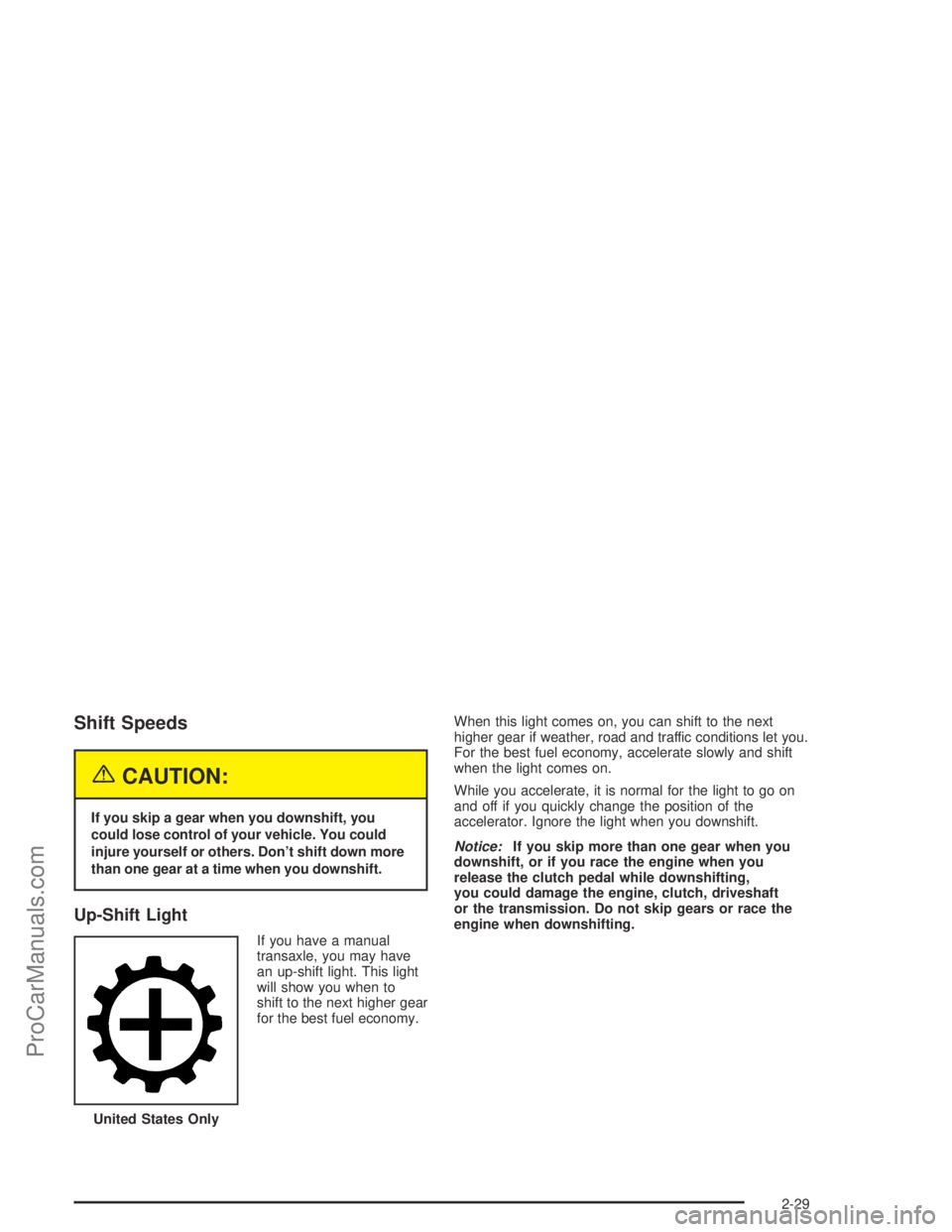
Up-Shift Light
If you have a manual
transaxle, you may have
an up-shift light. This light
will show you when to
shift to the next higher gear
for the best fuel economy.When this light comes on, you can shift to the next
higher gear if weather, road and traffic conditions let you.
For the best fuel economy, accelerate slowly and shift
when the light comes on.
While you accelerate, it is normal for the light to go on
and off if you quickly change the position of the
accelerator. Ignore the light when you downshift.
Notice:If you skip more than one gear when you
downshift, or if you race the engine when you
release the clutch pedal while downshifting,
you could damage the engine, clutch, driveshaft
or the transmission. Do not skip gears or race the
engine when downshifting.
United States Only
2-29
ProCarManuals.com
Page 113 of 380
Instrument Panel Overview...............................3-4
Hazard Warning Flashers................................3-6
Other Warning Devices...................................3-7
Horn.............................................................3-7
Tilt Wheel.....................................................3-7
Turn Signal/Multifunction Lever.........................3-8
Windshield Wiper Lever.................................3-11
Cruise Control..............................................3-12
Exterior Lamps.............................................3-15
Interior Lamps..............................................3-17
Accessory Power Outlets...............................3-18
Ashtrays and Cigarette Lighter........................3-19
Climate Controls............................................3-20
Climate Control System
(Without Air Conditioning)...........................3-20
Climate Control System
(With Air Conditioning)...............................3-22
Outlet Adjustment.........................................3-24
Passenger Compartment Air Filter...................3-25Warning Lights, Gages, and Indicators............3-27
Instrument Panel Cluster................................3-28
Speedometer and Odometer...........................3-29
Tachometer.................................................3-29
Safety Belt Reminder Light.............................3-30
Air Bag Readiness Light................................3-30
Battery Warning Light....................................3-31
Up-Shift Light...............................................3-32
Brake System Warning Light..........................3-32
Anti-Lock Brake System Warning Light.............3-34
Engine Coolant Temperature Gage..................3-35
Malfunction Indicator Lamp.............................3-36
Oil Pressure Light.........................................3-39
Passlock
®Warning Light................................3-40
Fuel Gage...................................................3-40
Section 3 Instrument Panel
3-1
ProCarManuals.com
Page 114 of 380
Message Center.............................................3-41
Low Traction Message...................................3-42
Traction Off Message....................................3-42
Cruise Control Message.................................3-42
Transaxle Fluid Hot Message.........................3-42
Transaxle Fluid Cold Message........................3-43
Low Coolant Level Warning Message................3-43
Change Engine Oil Message..........................3-43
Check Gage Message...................................3-44
Power Steering Message...............................3-44
Trunk Ajar Warning Message.........................3-44
Low Fuel Warning Message...........................3-45
Service Vehicle Message...............................3-45
Error Message.............................................3-45Audio System(s).............................................3-46
Setting the Time for Radios without Radio
Data Systems (RDS)..................................3-46
Setting the Time for Radios with Radio Data
Systems (RDS).........................................3-47
AM-FM Radio...............................................3-47
Radio with CD (Base Level)...........................3-50
Radio with CD (MP3)....................................3-54
Theft-Deterrent Feature..................................3-68
Radio Reception...........................................3-70
Care of Your CDs.........................................3-71
Care of Your CD Player................................3-71
Fixed Mast Antenna......................................3-71
XM™ Satellite Radio Antenna System.............3-71
Section 3 Instrument Panel
3-2
ProCarManuals.com
Page 140 of 380

Instrument Panel Cluster
Your instrument cluster is designed to let you know at a glance how your vehicle is running. You’ll know how fast
you’re going, about how much fuel you’ve used, and many other things you’ll need to know to drive safely and
economically.
3-28
ProCarManuals.com
Page 148 of 380
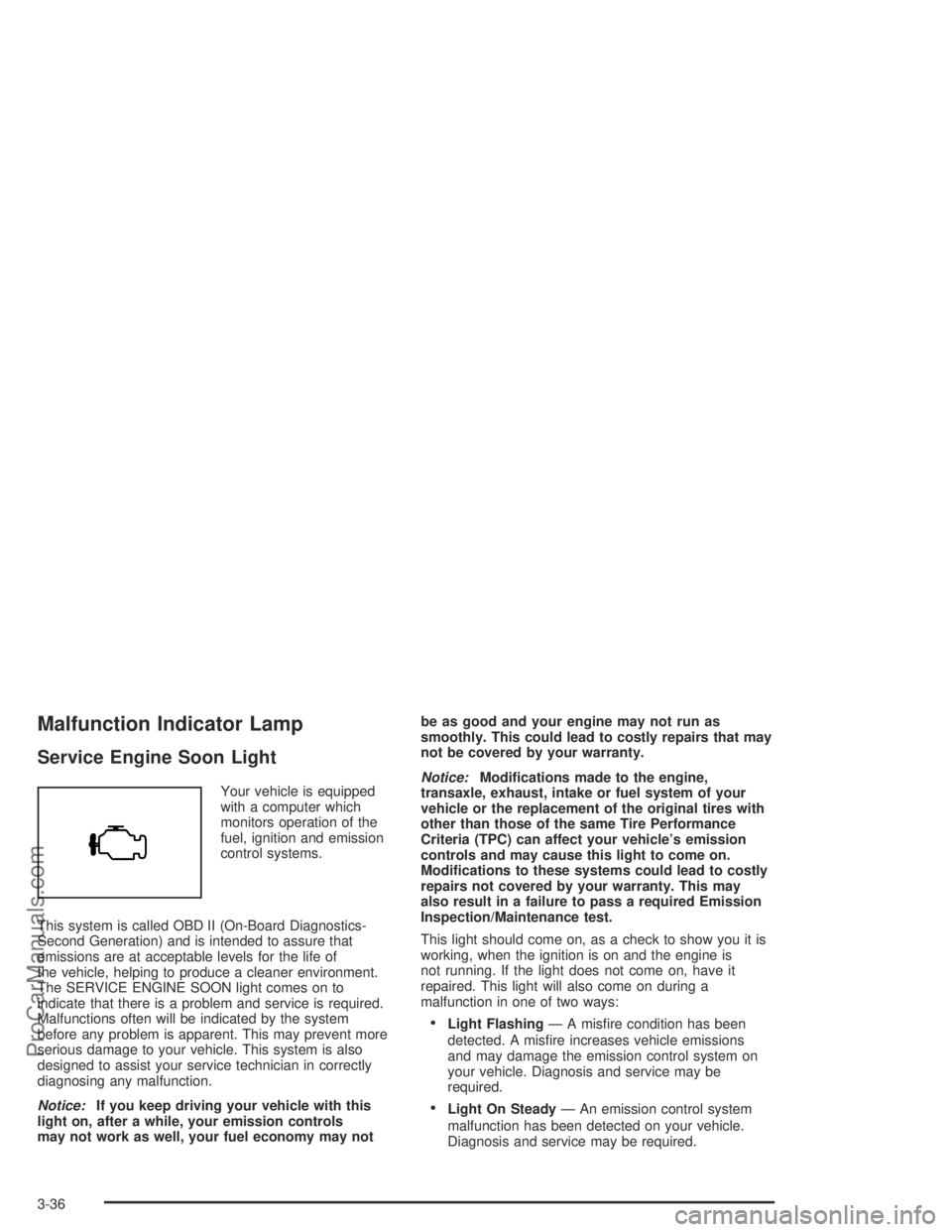
Malfunction Indicator Lamp
Service Engine Soon Light
Your vehicle is equipped
with a computer which
monitors operation of the
fuel, ignition and emission
control systems.
This system is called OBD II (On-Board Diagnostics-
Second Generation) and is intended to assure that
emissions are at acceptable levels for the life of
the vehicle, helping to produce a cleaner environment.
The SERVICE ENGINE SOON light comes on to
indicate that there is a problem and service is required.
Malfunctions often will be indicated by the system
before any problem is apparent. This may prevent more
serious damage to your vehicle. This system is also
designed to assist your service technician in correctly
diagnosing any malfunction.
Notice:If you keep driving your vehicle with this
light on, after a while, your emission controls
may not work as well, your fuel economy may notbe as good and your engine may not run as
smoothly. This could lead to costly repairs that may
not be covered by your warranty.
Notice:Modications made to the engine,
transaxle, exhaust, intake or fuel system of your
vehicle or the replacement of the original tires with
other than those of the same Tire Performance
Criteria (TPC) can affect your vehicle’s emission
controls and may cause this light to come on.
Modications to these systems could lead to costly
repairs not covered by your warranty. This may
also result in a failure to pass a required Emission
Inspection/Maintenance test.
This light should come on, as a check to show you it is
working, when the ignition is on and the engine is
not running. If the light does not come on, have it
repaired. This light will also come on during a
malfunction in one of two ways:
Light Flashing— A misre condition has been
detected. A misre increases vehicle emissions
and may damage the emission control system on
your vehicle. Diagnosis and service may be
required.
Light On Steady— An emission control system
malfunction has been detected on your vehicle.
Diagnosis and service may be required.
3-36
ProCarManuals.com
Page 149 of 380

If the Light Is Flashing
The following may prevent more serious damage to
your vehicle:
Reducing vehicle speed.
Avoiding hard accelerations.
Avoiding steep uphill grades.
If you are towing a trailer, reduce the amount of
cargo being hauled as soon as it is possible.
If the light stops ashing and remains on steady,
see “If the Light Is On Steady” following.
If the light continues to ash, when it is safe to do so,
stop the vehicle.Find a safe place to park your vehicle.
Turn the key off, wait at least 10 seconds and restart
the engine. If the light remains on steady, see “If the
Light Is On Steady” following. If the light is still ashing,
follow the previous steps, and see your retailer for
service as soon as possible.
If the Light Is On Steady
You may be able to correct the emission system
malfunction by considering the following:
Did you recently put fuel into your vehicle?
If so, reinstall the fuel cap, making sure to fully
install the cap. SeeFilling Your Tank on page 5-8.
The diagnostic system can determine if the fuel cap has
been left off or improperly installed. A loose or missing
fuel cap will allow fuel to evaporate into the atmosphere.
A few driving trips with the cap properly installed
should turn the light off.
Did you just drive through a deep puddle of water?
If so, your electrical system may be wet. The condition
will usually be corrected when the electrical system
dries out. A few driving trips should turn the light off.
3-37
ProCarManuals.com