oil pressure SATURN ION 2007 User Guide
[x] Cancel search | Manufacturer: SATURN, Model Year: 2007, Model line: ION, Model: SATURN ION 2007Pages: 440, PDF Size: 2.93 MB
Page 367 of 440
Do not clean your vehicle using the following
cleaners or techniques:
Never use a knife or any other sharp object to
remove a soil from any interior surface.
Never use a stiff brush. It can cause damage
to your vehicle’s interior surfaces.
Never apply heavy pressure or rub
aggressively with a cleaning cloth. Use of
heavy pressure can damage your interior
and does not improve the effectiveness of
soil removal.
Use only mild, neutral-pH soaps. Avoid
laundry detergents or dishwashing soaps with
degreasers. Using too much soap will leave
a residue that leaves streaks and attracts dirt.
For liquid cleaners, about 20 drops per
gallon (3.78 L) of water is a good guide.
Do not heavily saturate your upholstery while
cleaning.
Damage to your vehicle’s interior may result
from the use of many organic solvents such
as naptha, alcohol, etc.
Fabric/Carpet
Use a vacuum cleaner with a soft brush
attachment frequently to remove dust and loose
dirt. A canister vacuum with a beater bar in
the nozzle may only be used on oor carpet and
carpeted oor mats. For soils, always try to remove
them rst with plain water or club soda. Before
cleaning, gently remove as much of the soil
as possible using one of the following techniques:
For liquids: gently blot the remaining soil with a
paper towel. Allow the soil to absorb into the
paper towel until no more can be removed.
For solid dry soils: remove as much as possible
and then vacuum.
To clean, use the following instructions:
1. Saturate a lint-free, clean white cloth with
water or club soda.
2. Wring the cloth to remove excess moisture.
3. Start on the outside edge of the soil and gently
rub toward the center. Continue cleaning,
using a clean area of the cloth each time it
becomes soiled.
367
ProCarManuals.com
Page 392 of 440
MaintenanceI— Use MaintenanceIif the CHG
OIL message comes on within 10 months since
the vehicle was purchased or MaintenanceIIwas
performed.MaintenanceII— Use MaintenanceIIif the
previous service performed was MaintenanceI.
Always use MaintenanceIIwhenever the message
comes on 10 months or more since the last
service or if the message has not come on at all
for one year.
Scheduled Maintenance
Service MaintenanceIMaintenanceII
Change engine oil and lter. SeeEngine Oil on page 283. Reset oil life system.
SeeEngine Oil Life System on page 288.An Emission Control Service.••
Visually check for any leaks or damage.See footnote (j).••
Inspect engine air cleaner lter. If necessary, replace lter. SeeEngine Air
Cleaner/Filter on page 290.See footnote (l).•
Rotate tires and check ination pressures and wear. SeeTire Inspection and
Rotation on page 339and “Tire Wear Inspection” inAt Least Once a Month on
page 398.••
Inspect brake system.See footnote (a).••
392
ProCarManuals.com
Page 397 of 440
(i)Drain, ush, and rell cooling system. This
service can be complex; you should have
your retailer perform this service. See Engine
Coolant on page 293 for what to use. Inspect
hoses. Clean radiator, condenser, pressure cap,
and ller neck. Pressure test the cooling
system and pressure cap.
(j)A uid loss in any vehicle system could indicate
a problem. Have the system inspected and
repaired and the uid level checked. Add uid
if needed.
(k)Or every 12 months, whichever occurs rst.
If you drive regularly under dusty conditions,
the lter may require replacement more often.
(l)If you drive regularly under dusty conditions,
inspect the lter at each engine oil change.
(m)Visually inspect belt for fraying, excessive
cracks, or obvious damage. Replace belt if
necessary.
(n)Drain, ush, and rell intercooler system. This
service can be complex; you should have your
retailer perform this service. See Engine Coolant
on page 293 for what to use. Inspect hoses.
Clean pressure cap and ller neck. Pressure test
the system and pressure cap.Owner Checks and Services
These owner checks and services should be
performed at the intervals specied to help ensure
the safety, dependability, and emission control
performance of your vehicle. Your Saturn retailer
can assist you with these checks and services.
Be sure any necessary repairs are completed at
once. Whenever any uids or lubricants are added
to your vehicle, make sure they are the proper
ones, as shown inRecommended Fluids and
Lubricants on page 402.
397
ProCarManuals.com
Page 398 of 440
At Each Fuel Fill
It is important to perform these underhood checks
at each fuel ll.
Engine Oil Level Check
Check the engine oil level and add the proper oil if
necessary. SeeEngine Oil on page 283for
further details.
Notice:It is important to check the engine oil
regularly and keep it at the proper level.
Failure to keep the engine oil at the proper
level can cause damage to the engine not
covered by your warranty.
Engine Coolant Level Check
Check the engine coolant level and add
DEX-COOL®coolant mixture if necessary. See
Engine Coolant on page 293for further details.
Intercooler Coolant Level Check
(2.0L Supercharged Engine)
Check the coolant level and add DEX-COOL®
coolant mixture if necessary. SeeEngine Coolant
on page 293for further details.
Windshield Washer Fluid Level Check
Check the windshield washer uid level in
the windshield washer uid reservoir and add the
proper uid if necessary.
At Least Once a Month
Tire Ination Check
Visually inspect your vehicle’s tires and make sure
they are inated to the correct pressures. Do not
forget to check the spare tire. SeeInation - Tire
Pressure on page 337. Check to make sure the
spare tire is stored securely. SeeChanging a Flat
Tire on page 350.
Tire Wear Inspection
Tire rotation may be required for high mileage
highway drivers prior to the Engine Oil Life System
service notication. Check the tires for wear
and, if necessary, rotate the tires. SeeTire
Inspection and Rotation on page 339.
398
ProCarManuals.com
Page 429 of 440
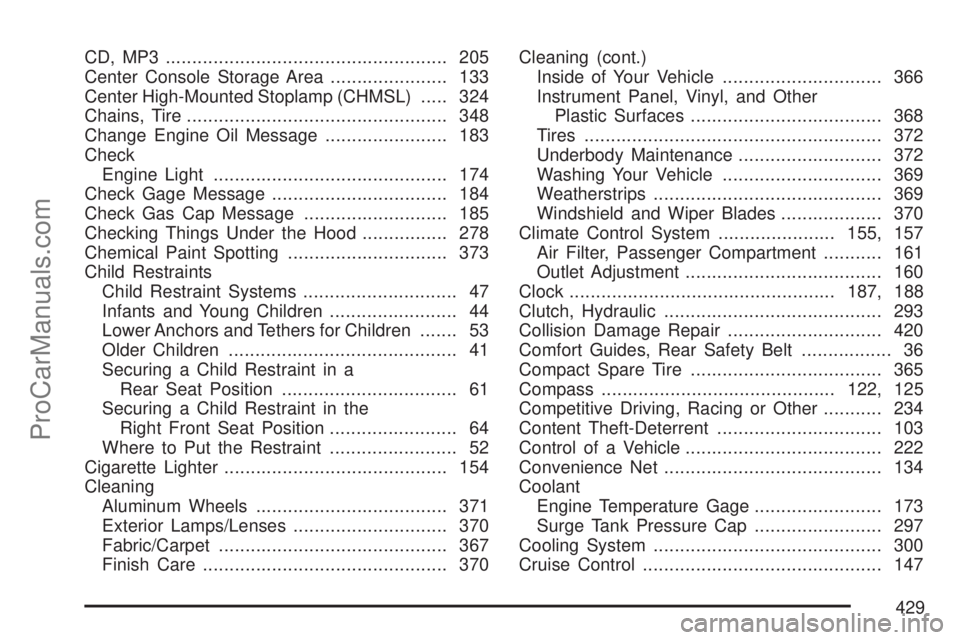
CD, MP3 ..................................................... 205
Center Console Storage Area...................... 133
Center High-Mounted Stoplamp (CHMSL)..... 324
Chains, Tire................................................. 348
Change Engine Oil Message....................... 183
Check
Engine Light............................................ 174
Check Gage Message................................. 184
Check Gas Cap Message........................... 185
Checking Things Under the Hood................ 278
Chemical Paint Spotting.............................. 373
Child Restraints
Child Restraint Systems............................. 47
Infants and Young Children........................ 44
Lower Anchors and Tethers for Children....... 53
Older Children........................................... 41
Securing a Child Restraint in a
Rear Seat Position................................. 61
Securing a Child Restraint in the
Right Front Seat Position........................ 64
Where to Put the Restraint........................ 52
Cigarette Lighter.......................................... 154
Cleaning
Aluminum Wheels.................................... 371
Exterior Lamps/Lenses............................. 370
Fabric/Carpet........................................... 367
Finish Care.............................................. 370Cleaning (cont.)
Inside of Your Vehicle .............................. 366
Instrument Panel, Vinyl, and Other
Plastic Surfaces.................................... 368
Tires........................................................ 372
Underbody Maintenance........................... 372
Washing Your Vehicle .............................. 369
Weatherstrips........................................... 369
Windshield and Wiper Blades................... 370
Climate Control System......................155, 157
Air Filter, Passenger Compartment........... 161
Outlet Adjustment..................................... 160
Clock..................................................187, 188
Clutch, Hydraulic......................................... 293
Collision Damage Repair............................. 420
Comfort Guides, Rear Safety Belt................. 36
Compact Spare Tire.................................... 365
Compass............................................122, 125
Competitive Driving, Racing or Other........... 234
Content Theft-Deterrent............................... 103
Control of a Vehicle..................................... 222
Convenience Net......................................... 134
Coolant
Engine Temperature Gage........................ 173
Surge Tank Pressure Cap........................ 297
Cooling System........................................... 300
Cruise Control
............................................. 147
429
ProCarManuals.com
Page 433 of 440
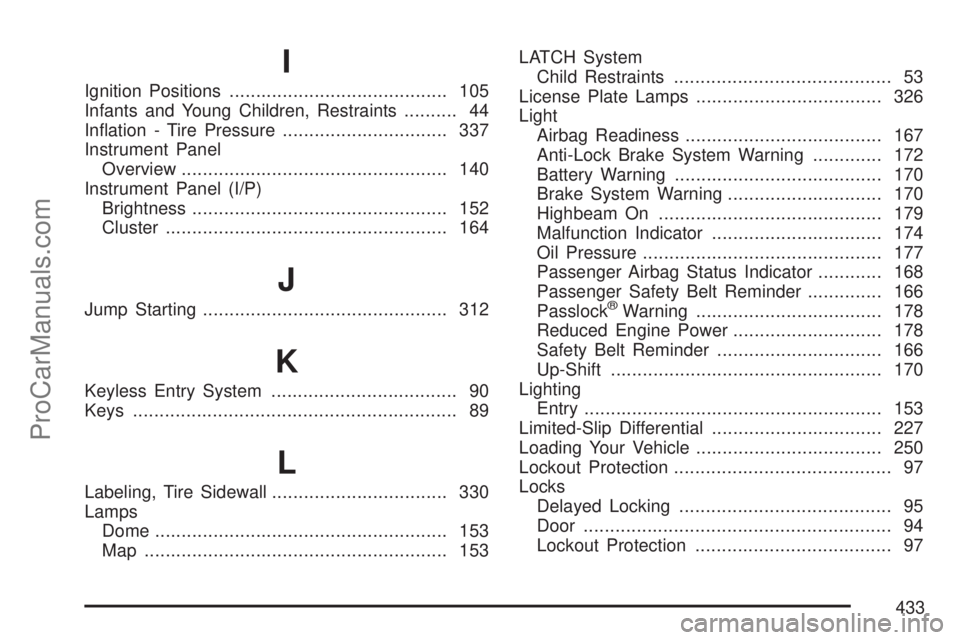
I
Ignition Positions......................................... 105
Infants and Young Children, Restraints.......... 44
Ination - Tire Pressure............................... 337
Instrument Panel
Overview.................................................. 140
Instrument Panel (I/P)
Brightness................................................ 152
Cluster..................................................... 164
J
Jump Starting.............................................. 312
K
Keyless Entry System................................... 90
Keys............................................................. 89
L
Labeling, Tire Sidewall................................. 330
Lamps
Dome....................................................... 153
Map ......................................................... 153LATCH System
Child Restraints......................................... 53
License Plate Lamps................................... 326
Light
Airbag Readiness..................................... 167
Anti-Lock Brake System Warning............. 172
Battery Warning....................................... 170
Brake System Warning............................. 170
Highbeam On.......................................... 179
Malfunction Indicator................................ 174
Oil Pressure............................................. 177
Passenger Airbag Status Indicator............ 168
Passenger Safety Belt Reminder.............. 166
Passlock
®Warning................................... 178
Reduced Engine Power............................ 178
Safety Belt Reminder............................... 166
Up-Shift................................................... 170
Lighting
Entry........................................................ 153
Limited-Slip Differential................................ 227
Loading Your Vehicle................................... 250
Lockout Protection......................................... 97
Locks
Delayed Locking........................................ 95
Door.......................................................... 94
Lockout Protection..................................... 97
433
ProCarManuals.com
Page 435 of 440
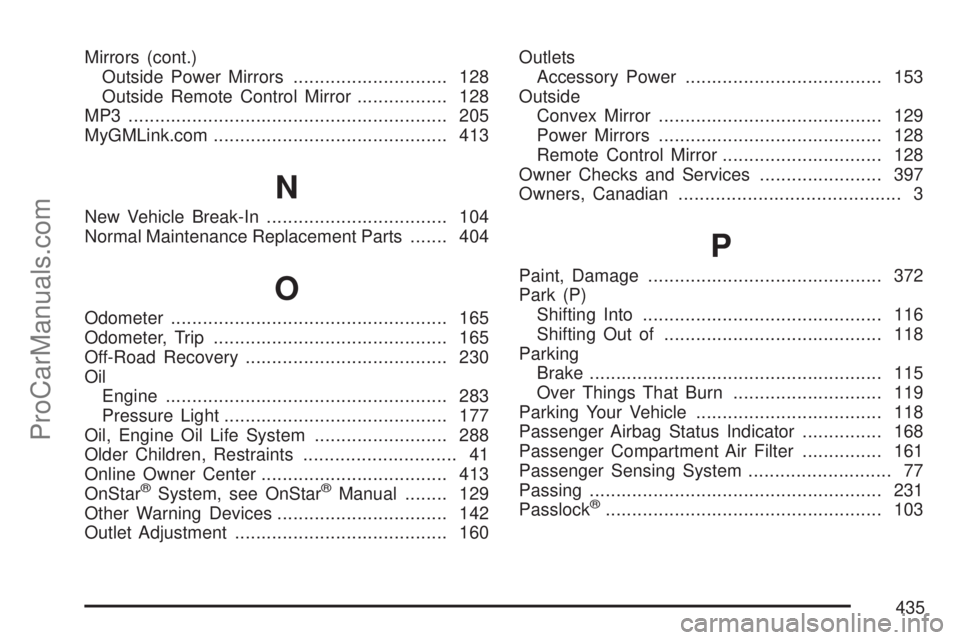
Mirrors (cont.)
Outside Power Mirrors............................. 128
Outside Remote Control Mirror................. 128
MP3 ............................................................ 205
MyGMLink.com............................................ 413
N
New Vehicle Break-In.................................. 104
Normal Maintenance Replacement Parts....... 404
O
Odometer.................................................... 165
Odometer, Trip............................................ 165
Off-Road Recovery...................................... 230
Oil
Engine..................................................... 283
Pressure Light.......................................... 177
Oil, Engine Oil Life System......................... 288
Older Children, Restraints............................. 41
Online Owner Center................................... 413
OnStar
®System, see OnStar®Manual........ 129
Other Warning Devices................................ 142
Outlet Adjustment........................................ 160Outlets
Accessory Power..................................... 153
Outside
Convex Mirror.......................................... 129
Power Mirrors.......................................... 128
Remote Control Mirror .............................. 128
Owner Checks and Services....................... 397
Owners, Canadian.......................................... 3
P
Paint, Damage............................................ 372
Park (P)
Shifting Into............................................. 116
Shifting Out of......................................... 118
Parking
Brake....................................................... 115
Over Things That Burn............................ 119
Parking Your Vehicle................................... 118
Passenger Airbag Status Indicator............... 168
Passenger Compartment Air Filter............... 161
Passenger Sensing System........................... 77
Passing....................................................... 231
Passlock
®.................................................... 103
435
ProCarManuals.com