heat ac SATURN L-SERIES 2004 User Guide
[x] Cancel search | Manufacturer: SATURN, Model Year: 2004, Model line: L-SERIES, Model: SATURN L-SERIES 2004Pages: 386, PDF Size: 2.89 MB
Page 109 of 386

Leaving Your Vehicle With the Engine
Running
{CAUTION:
It can be dangerous to leave your vehicle with
the engine running. Your vehicle could move
suddenly if the shift lever is not fully in
PARK (P) with the parking brake rmly set.
And, if you leave the vehicle with the engine
running, it could overheat and even catch re.
You or others could be injured. Do not leave
your vehicle with the engine running.
If you have to leave your vehicle with the engine
running, be sure your vehicle is in PARK (P) and your
parking brake is rmly set before you leave it. After
you’ve moved the shift lever into PARK (P), hold
the regular brake pedal down. Then, see if you can
move the shift lever away from PARK (P) without rst
pushing the button. If you can, it means that the
shift lever wasn’t fully locked into PARK (P).
Torque Lock
If you are parking on a hill and you don’t shift your
transaxle into PARK (P) properly, the weight of
the vehicle may put too much force on the parking pawl
in the transaxle. You may nd it difficult to pull the
shift lever out of PARK (P). This is called “torque lock.”
To prevent torque lock, set the parking brake and
then shift into PARK (P) properly before you leave the
driver’s seat. To nd out how, seeShifting Into Park (P)
(Automatic Transaxle) on page 2-28.
When you are ready to drive, move the shift lever out of
PARK (P)beforeyou release the parking brake.
If torque lock does occur, you may need to have another
vehicle push yours a little uphill to take some of the
pressure from the parking pawl in the transaxle, so you
can pull the shift lever out of PARK (P).
2-29
ProCarManuals.com
Page 119 of 386

Outside Power Mirrors
The outside power mirror
control is located on the
driver’s door.
Use the selector switch located above the round touch
pad to choose either the left or right outside mirror.
To adjust the mirror press the round touch pad in the
desired direction.
Adjust each mirror so you can see the side of your
vehicle and the area beside and behind your vehicle,
while you are sitting in a comfortable driving position.
Outside Convex Mirror
Your passenger’s side mirror is convex. A convex
mirror’s surface is curved so you can see more from the
driver’s seat.
{CAUTION:
A convex mirror can make things (like other
vehicles) look farther away than they really are.
If you cut too sharply into the right lane, you
could hit a vehicle on your right. Check your
inside mirror or glance over your shoulder
before changing lanes.
Outside Heated Mirrors
When you operate the rear window defogger, it also
warms both outside rearview mirrors to help clear them
of fog or ice. SeeClimate Control System on page 3-17
orAutomatic Climate Control System on page 3-20.
2-39
ProCarManuals.com
Page 129 of 386
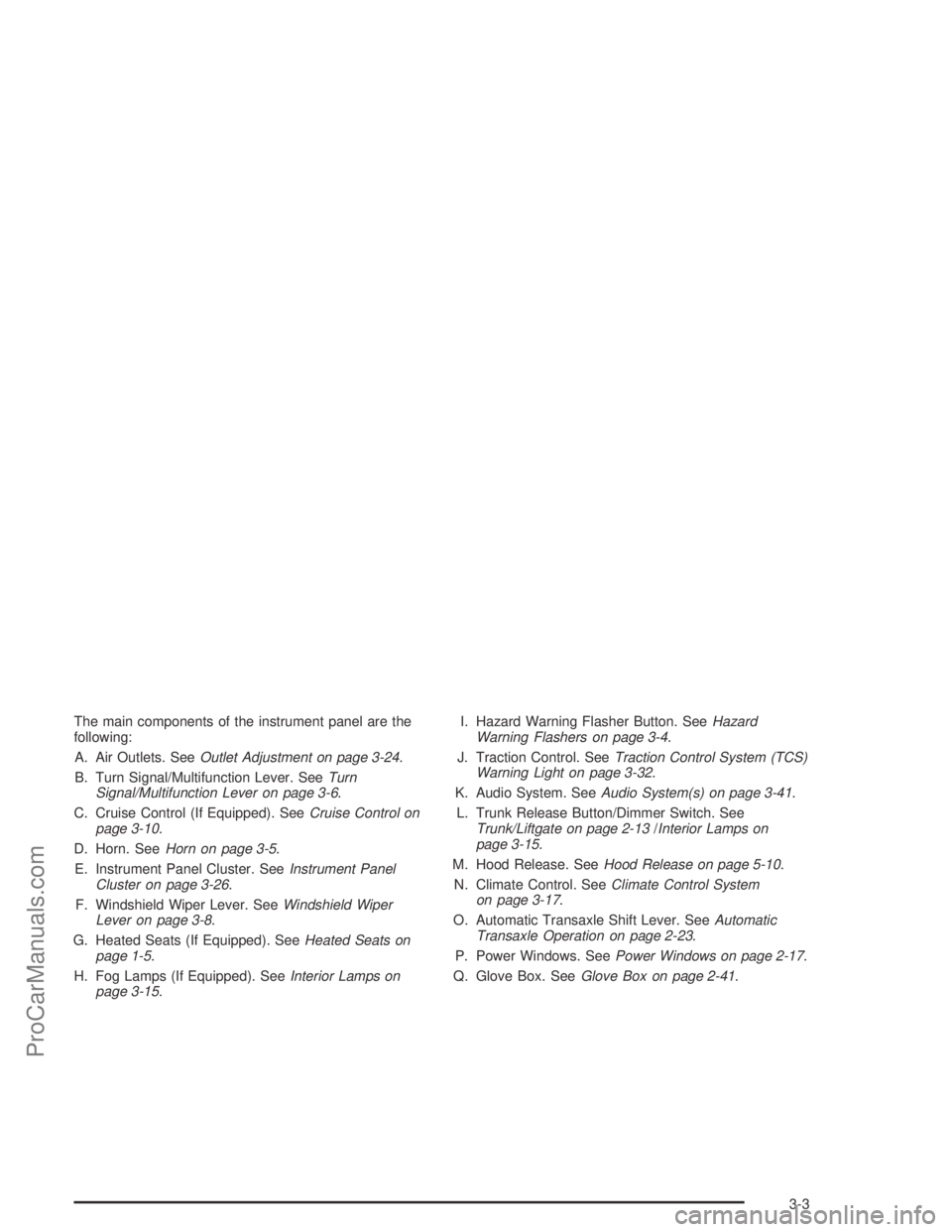
The main components of the instrument panel are the
following:
A. Air Outlets. SeeOutlet Adjustment on page 3-24.
B. Turn Signal/Multifunction Lever. SeeTurn
Signal/Multifunction Lever on page 3-6.
C. Cruise Control (If Equipped). SeeCruise Control on
page 3-10.
D. Horn. SeeHorn on page 3-5.
E. Instrument Panel Cluster. SeeInstrument Panel
Cluster on page 3-26.
F. Windshield Wiper Lever. SeeWindshield Wiper
Lever on page 3-8.
G. Heated Seats (If Equipped). SeeHeated Seats on
page 1-5.
H. Fog Lamps (If Equipped). SeeInterior Lamps on
page 3-15.I. Hazard Warning Flasher Button. SeeHazard
Warning Flashers on page 3-4.
J. Traction Control. SeeTraction Control System (TCS)
Warning Light on page 3-32.
K. Audio System. SeeAudio System(s) on page 3-41.
L. Trunk Release Button/Dimmer Switch. See
Trunk/Liftgate on page 2-13/Interior Lamps on
page 3-15.
M. Hood Release. SeeHood Release on page 5-10.
N. Climate Control. SeeClimate Control System
on page 3-17.
O. Automatic Transaxle Shift Lever. SeeAutomatic
Transaxle Operation on page 2-23.
P. Power Windows. SeePower Windows on page 2-17.
Q. Glove Box. SeeGlove Box on page 2-41.
3-3
ProCarManuals.com
Page 143 of 386

Ashtrays and Cigarette Lighter
Your vehicle may have an ashtray and cigarette lighter.
To use the lighter, just push it in all the way and let
go. When it’s ready, it will pop back out by itself.
Notice:Holding a cigarette lighter in while it is
heating will not allow the lighter to back away from
the heating element when it is hot. Damage from
overheating may occur to the lighter or heating
element, or a fuse could be blown. Do not hold a
cigarette lighter in while it is heating.
To remove the ashtray, lift it straight up. To reinstall it,
press the ashtray down rmly until it is fully seated.
Notice:If you put papers or other ammable items
in the ashtray, hot cigarettes or other smoking
materials could ignite them and possibly damage
your vehicle. Never put ammable items in the
ashtray.
Climate Controls
Climate Control System
With this system you can control the heating, cooling
and ventilation for your vehicle.
3-17
ProCarManuals.com
Page 146 of 386

Rear Window Defogger
The rear window defogger uses a warming grid to
remove fog or frost from the rear window.
button will come on to let your know that the rear
window defogger is activated. Be sure to clear as much
snow from the rear window as possible.
The rear window defogger will turn off approximately
15 minutes after the button is pressed. If turned on
again, the defogger will only run for approximately seven
minutes before turning off. The defogger can also be
turned off by pressing the button again or by turning off
the engine.
If your vehicle has heated outside mirrors, the mirrors
will also heat when the rear defogger is on. SeeOutside
Heated Mirrors on page 2-39for more information.
Notice:Don’t use anything sharp on the inside of
the rear window. If you do, you could cut or damage
the warming grid, and the repairs wouldn’t be
covered by your warranty. Do not attach a temporary
vehicle license, tape, a decal or anything similar
to the defogger grid.
Automatic Climate Control System
If your vehicle has this system, you can control the
heating, cooling and ventilation in your vehicle
automatically.
3-20
ProCarManuals.com
Page 147 of 386

Automatic Operation
To switch the temperature display from degrees
Fahrenheit to degrees Celsius, press and hold the
AUTO, ECON, and MODE buttons at the same time.
AUTO (Automatic):When automatic operation is active
the system will control the inside temperature, the air
delivery, and the fan speed.
OFF:Press this button to turn off the entire climate
control system. Outside air will still enter the vehicle.
Use the steps below to place the entire system in
automatic mode:
1. Put the fan knob on AUTO and press the AUTO
button.
When AUTO is selected, the display will change to
show the current set temperature, delivery mode
and fan speed.
When auto is selected, the air conditioning operation
and air inlet will be automatically controlled. The
air conditioning compressor will run when as
necessary. The air inlet will normally be set to
outside air. If it’s hot outside, the air inlet may
automatically switch to recirculate inside air to help
quickly cool down your vehicle. The light on the
button will illuminate in recirculation.2. Set the temperature.
To nd your comfort setting, start with a 71°F (22°C)
temperature setting and allow about two to three
minutes for the system to regulate. Turn the
temperature knob to adjust the temperature setting
as necessary. If you choose the temperature setting
of 60°F (15°C) the system will remain at the
maximum cooling setting. If you choose the
temperature setting of 90°F (32°C) the system will
remain at the maximum heat setting. Choosing either
maximum setting will not cause the vehicle to heat or
cool any faster.
Be careful not to cover the sensor located on the
top of the instrument panel near the windshield. This
sensor regulates air temperature based on sun
load, and also turns on your headlamps. See
“Sensor” later in this section for more information.
To avoid blowing cold air in cold weather, the
system will delay turning on the fan until warm air is
available. The length of delay depends on the
engine coolant temperature. Pressing the fan switch
will override this delay and change the fan to a
selected speed.
3-21
ProCarManuals.com
Page 149 of 386
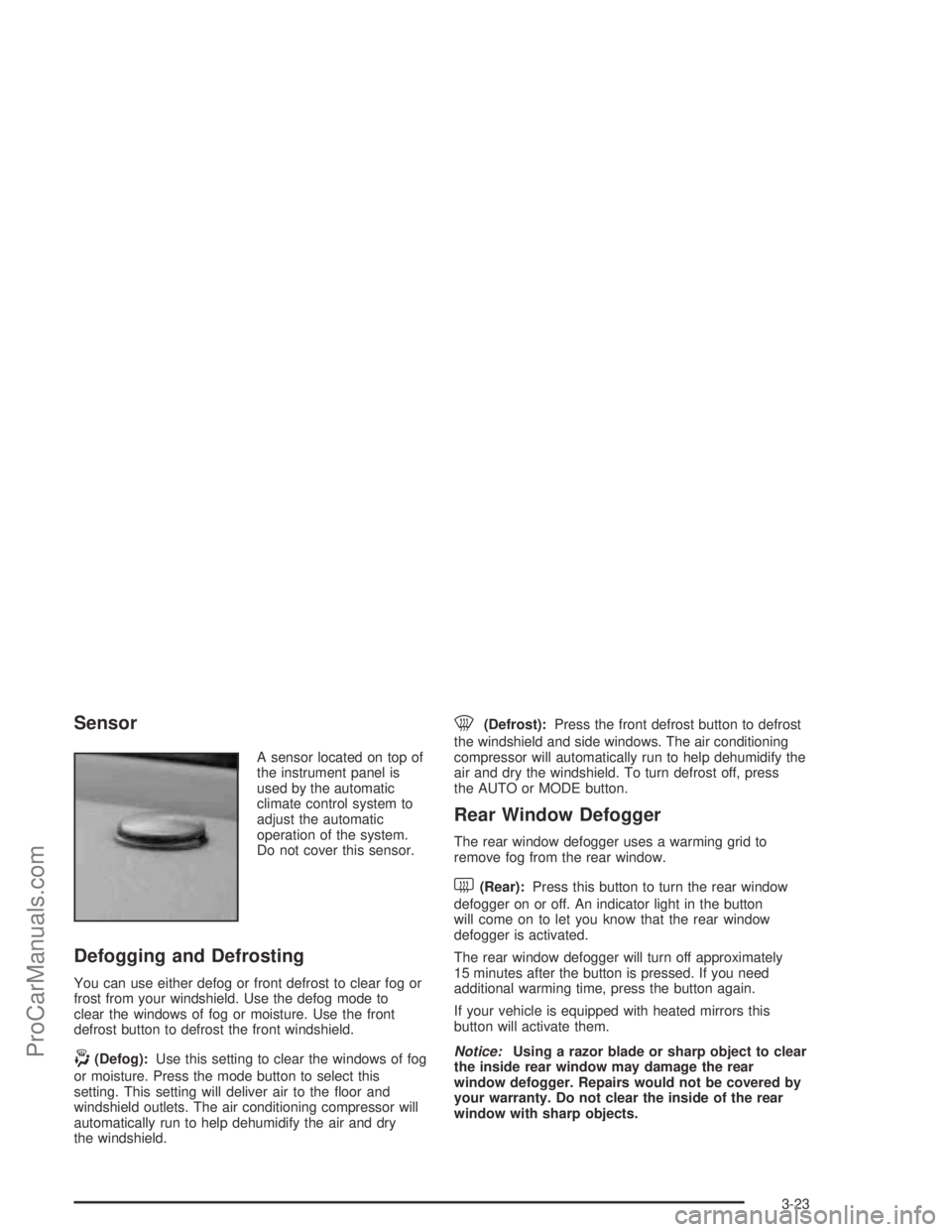
Sensor
A sensor located on top of
the instrument panel is
used by the automatic
climate control system to
adjust the automatic
operation of the system.
Do not cover this sensor.
Defogging and Defrosting
You can use either defog or front defrost to clear fog or
frost from your windshield. Use the defog mode to
clear the windows of fog or moisture. Use the front
defrost button to defrost the front windshield.
-(Defog):Use this setting to clear the windows of fog
or moisture. Press the mode button to select this
setting. This setting will deliver air to the oor and
windshield outlets. The air conditioning compressor will
automatically run to help dehumidify the air and dry
the windshield.
0(Defrost):Press the front defrost button to defrost
the windshield and side windows. The air conditioning
compressor will automatically run to help dehumidify the
air and dry the windshield. To turn defrost off, press
the AUTO or MODE button.
Rear Window Defogger
The rear window defogger uses a warming grid to
remove fog from the rear window.
<(Rear):Press this button to turn the rear window
defogger on or off. An indicator light in the button
will come on to let you know that the rear window
defogger is activated.
The rear window defogger will turn off approximately
15 minutes after the button is pressed. If you need
additional warming time, press the button again.
If your vehicle is equipped with heated mirrors this
button will activate them.
Notice:Using a razor blade or sharp object to clear
the inside rear window may damage the rear
window defogger. Repairs would not be covered by
your warranty. Do not clear the inside of the rear
window with sharp objects.
3-23
ProCarManuals.com
Page 158 of 386

Traction Control System (TCS)
Warning Light
The Traction Control
System (TCS) light will
come on when the system
is limiting wheel spin.
You may feel or hear the system working, but this is
normal. The roads may be slippery if this light comes on.
Adjust your driving accordingly.
The light will stay on for a few seconds after the system
stops limiting wheel spin. This light should also come
on for a few seconds when you start your vehicle.
If it does not, have your vehicle serviced.
Engine Coolant Temperature
Warning Light
The engine coolant
temperature warning light
will come on when the
engine has overheated.
If this happens you should pull over and turn off the
engine as soon as possible. SeeEngine Overheating on
page 5-26for more information.
Notice:Driving with the engine coolant temperature
warning light on could cause your vehicle to
overheat. See “Engine Overheating” underEngine
Coolant on page 5-23. Your vehicle could be
damaged, and it might not be covered by your
warranty. Never drive with the engine coolant
temperature warning light on.
This light will also come on when starting your vehicle.
If it doesn’t, have your vehicle serviced.
3-32
ProCarManuals.com
Page 159 of 386

Engine Coolant Temperature Gage
This gage measures the
temperature of the
vehicle’s engine. If the
indicator needle moves
into the shaded area, the
engine is too hot. A
temperature indicator light
will turn on and a chime
will sound.
If you have been operating your vehicle under normal
driving conditions, and the temperature indicator
light comes on, you should pull off the road, stop your
vehicle and turn off the engine as soon as possible.
Low Coolant Warning Light
This light comes on briey
when you turn your
ignition on.
If this light comes on and stays on, the coolant level in
your vehicle is low. If the light is on along with an
overheat warning, you may have a serious overheating
problem. SeeEngine Coolant Temperature Gage on
page 3-33.
Notice:Driving with the low coolant warning light
on could cause your vehicle to overheat. See
“Engine Overheating” underEngine Coolant on
page 5-23. Your vehicle could be damaged and the
damages might not be covered by your warranty.
SeeEngine Coolant on page 5-23for information
on what to do. Your vehicle should be serviced as soon
as possible.
3-33
ProCarManuals.com
Page 185 of 386

Rear Seat Entertainment System
Your vehicle may have a DVD Rear Seat Entertainment
(RSE) system. The RSE system works with the
vehicles audio system and includes a DVD radio, a
video display screen, two sets of wireless headphones,
and a remote control.
Before You Drive
The RSE is designed for rear seat passengers only.
The driver cannot safely view the video screen
while driving and should not try to do so.
In severe or extreme weather conditions the RSE
system may or may not work until the temperature is
within the operating range. The operating range for the
RSE system is above−4°F (−20°C) or below
140°F (60°C). If the temperature of your vehicle is
outside of this range, heat or cool the vehicle until the
temperature is within the operating range of the
RSE system.
Headphones
The RSE system includes two sets of wireless
headphones. The headphones are used to listen to the
DVD radio or an auxiliary device connected to the
RCA jacks. The wireless headphones have an ON/OFF
switch and a volume control.
To use the headphones, turn the switch to ON. An
indicator light located on the headphones will illuminate.
If the light does not illuminate, the batteries may
need to be replaced. See “Battery Replacement” later in
this section for more information. Switch the headphones
to OFF when not in use.
The transmitters are located in the display above the
video screen. The headphones will shut off automatically
to save the battery power if the DVD system is shut
off or if the headphones are out of range of the
transmitters for more than three minutes. If you move
too far forward or step out of the vehicle, the
headphones will lose the audio signal.
To adjust the volume on the headphones, use the
volume control located on the right side.
Notice:Do not store the headphones in heat or
direct sunlight. This could damage the headphones
and repairs would not be covered by your warranty.
Keep the headphones stored in a cool, dry place.
3-59
ProCarManuals.com