auxiliary battery SATURN OUTLOOK 2007 Owners Manual
[x] Cancel search | Manufacturer: SATURN, Model Year: 2007, Model line: OUTLOOK, Model: SATURN OUTLOOK 2007Pages: 538, PDF Size: 3.2 MB
Page 306 of 538
Headphones
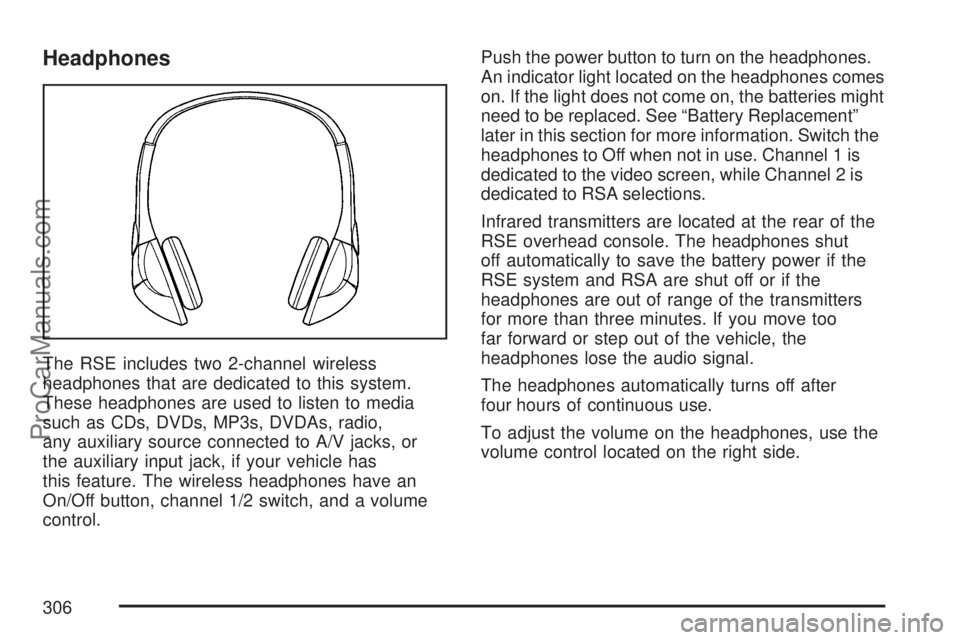
The RSE includes two 2-channel wireless
headphones that are dedicated to this system.
These headphones are used to listen to media
such as CDs, DVDs, MP3s, DVDAs, radio,
any auxiliary source connected to A/V jacks, or
the auxiliary input jack, if your vehicle has
this feature. The wireless headphones have an
On/Off button, channel 1/2 switch, and a volume
control.Push the power button to turn on the headphones.
An indicator light located on the headphones comes
on. If the light does not come on, the batteries might
need to be replaced. See “Battery Replacement”
later in this section for more information. Switch the
headphones to Off when not in use. Channel 1 is
dedicated to the video screen, while Channel 2 is
dedicated to RSA selections.
Infrared transmitters are located at the rear of the
RSE overhead console. The headphones shut
off automatically to save the battery power if the
RSE system and RSA are shut off or if the
headphones are out of range of the transmitters
for more than three minutes. If you move too
far forward or step out of the vehicle, the
headphones lose the audio signal.
The headphones automatically turns off after
four hours of continuous use.
To adjust the volume on the headphones, use the
volume control located on the right side.
306
ProCarManuals.com
Page 313 of 538
Battery Replacement
To change the remote control batteries, do the
following:
1. Remove the battery compartment door
located on the bottom of the remote control.
2. Replace the two AA batteries in the
compartment. Make sure that they are
installed correctly, using the diagram on the
inside of the battery compartment.
3. Close the battery door securely.
If the remote control is to be stored for a long
period of time, remove the batteries and keep them
in a cool, dry place.
Problem Recommended Action
No power. The ignition might not be
turned on or in accessory.
The picture does not ll the
screen. There are black
borders on the top and
bottom or on both sides or
it looks stretched out.Check the display mode
settings in the setup menu
by pressing the display
menu button on the remote
control.
In auxiliary mode, the
picture moves or scrolls.Check the auxiliary input
connections at both
devices.
Problem Recommended Action
The remote control does
not work.Check to make sure there
is no obstruction between
the remote control and the
transmitter window.
Check the batteries to
make sure they are not
dead or installed
incorrectly.
After stopping the player, I
push Play but sometimes
the DVD starts where I
left off and sometimes at
the beginning.If the stop button was
pressed one time, the
DVD player resumes
playing where the DVD
was stopped. If the stop
button was pressed two
times the DVD player
begins to play from the
beginning of the DVD.
The auxiliary source is
running but there is no
picture or sound.Check that the RSE video
screen is in the auxiliary
source mode.
Check the auxiliary input
connections at both
devices.
313
ProCarManuals.com