Seat Arona 2020 User Guide
Arona 2020
Seat
Seat
https://www.carmanualsonline.info/img/39/28899/w960_28899-0.png
Seat Arona 2020 User Guide
Page 168 of 372
Infotainment System
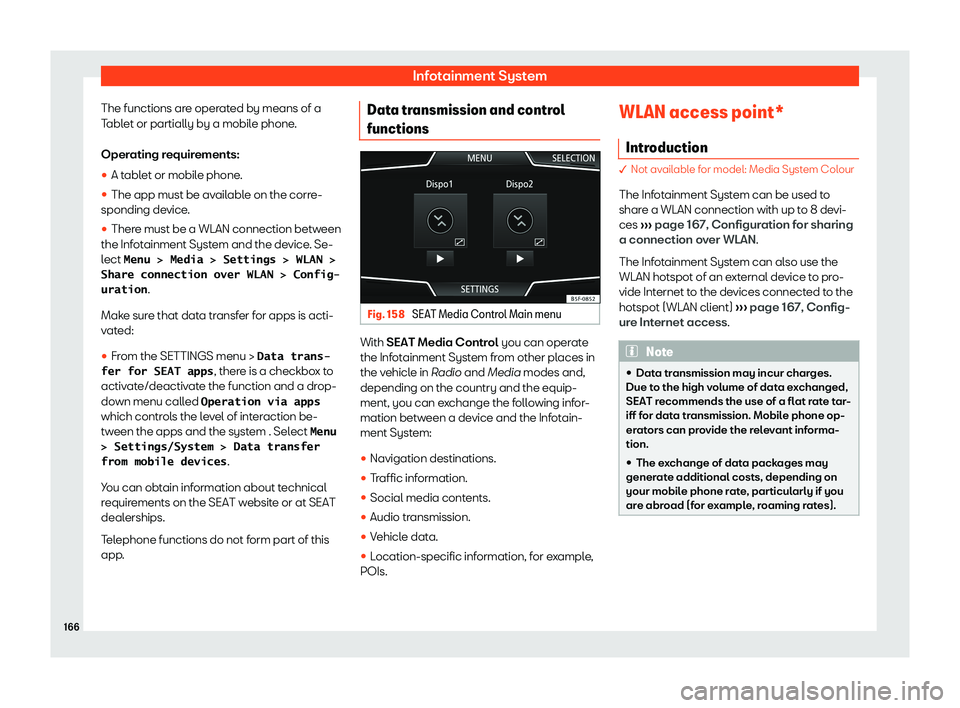
The functions are operated by means of a
T abl
et or partially by a mobil e phone
.
Oper
ating requirements:
�
Page 203 of 372
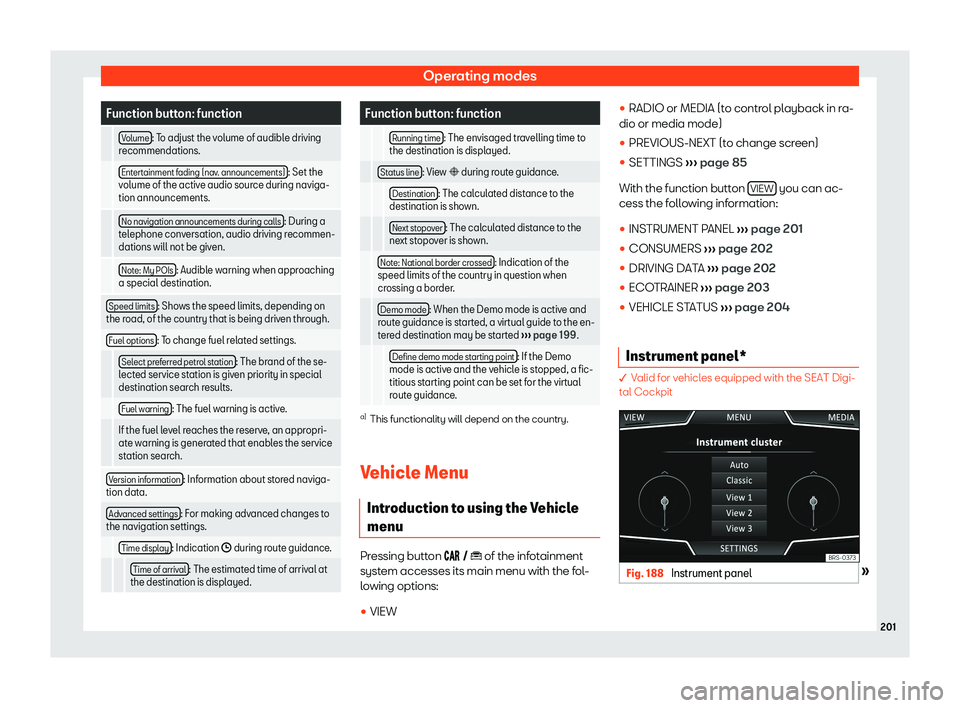
Operating modes
Function button: function
Volume : To adjust the volume of audible driving
recommendations.
Entertainment f ading (nav
. announcements) : Set the
volume of the active audio source during naviga-
tion announcements.
No navigation announcements during calls : During a
telephone conversation, audio driving r ecommen-
dations will not be giv
en.
Note: My POIs : Audible warning when approaching
a special destination.
Speed limits : Shows the speed limits, depending on
the road, of the country that is being driven through.
Fuel options : To change fuel related settings.
Select preferred petrol station : The brand of the se-
lected service station is giv en priorit
y in special
destination search results.
Fuel warning : The fuel warning is active.
If the fuel level reaches the reserve, an appropri- ate warning is generat ed that enabl
es the service
station search.
Version information : Information about stored naviga-
tion data.
Advanced settings : For making advanced changes to
the navigation settings.
Time display : Indication � during route guidance.
T
ime of arrival : The estimated time of arrival at
the destination is displayed. Function button: function
Running time : The envisaged travelling time to
the destination is displayed.
Status line : View � during route guidance.
Destination : The calculated distance to the
destination is shown.
Next stopo
ver : The calculated distance to the
next stopov er is sho
wn.
Note: National border crossed : Indication of the
speed limits of the country in question when
crossing a border.
Demo mode : When the Demo mode is active and
route guidance is start ed, a virt
ual guide to the en-
tered destination may be started
Page 207 of 372
Operating modes
Telephone functions can only be used if there
is a mobil e phone connect
ed by Bluetooth t
o
the inf
otainment system
Page 209 of 372
Operating modes
Follow instructions in the manual for the mo-
bil e t
elephone
.
During the pairing pr
ocess, it is necessary to
enter data via the mobile telephone
Page 210 of 372
Infotainment System
deleted, and then press Delete to confirm
the pr ocess. WARNING
Do not perform the pairing and connection
process while driving. This may cause an
accident! Note
Check that there are no requests pending
acceptance in your mobile phone. If ther e
ar
e, this could block some of the functions
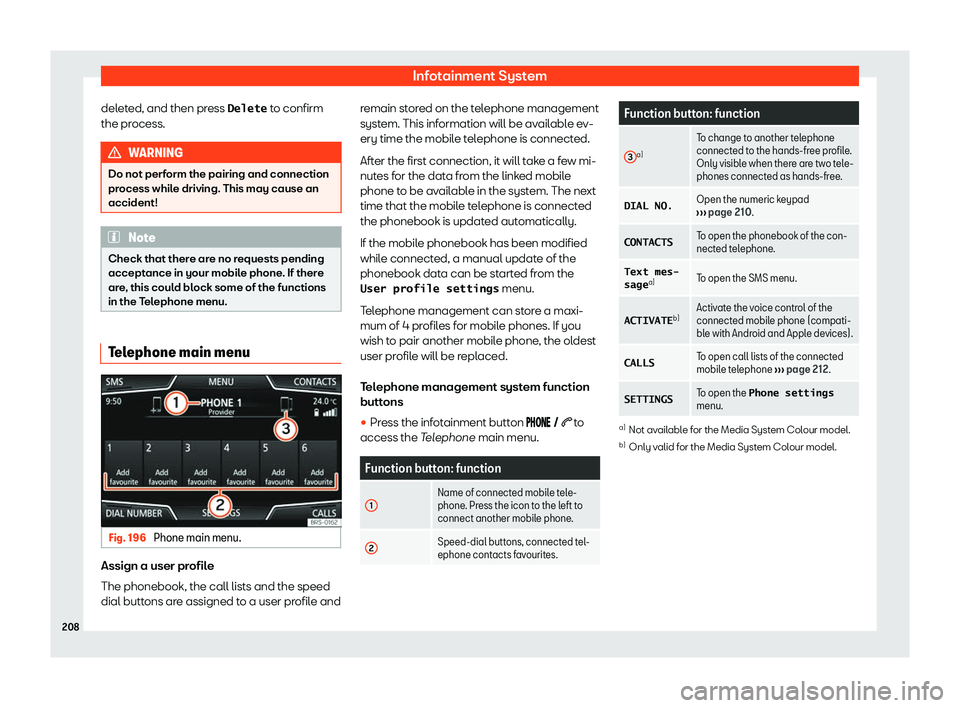
in the Telephone menu. Telephone main menu
Fig. 196
Phone main menu. Assign a user profile
The phonebook
, the call lists and the speed
dial butt ons are assigned t
o a user pr
ofile andremain stored on the telephone management
system. This information will be availabl
e ev-
ery time the mobile telephone is connected.
After the first connection, it will take a few mi-
nutes for the data from the linked mobile
phone to be available in the system. The next
time that the mobile telephone is connected
the phonebook is updated automatically.
If the mobile phonebook has been modified
while connected, a manual update of the
phonebook data can be started from the
User profile settings menu.
Telephone management can store a maxi-
mum of 4 profiles for mobile phones. If you
wish to pair another mobile phone, the oldest
user profile will be replaced.
Telephone management system function
buttons �
Page 211 of 372
Operating modes
Instructions and symbols of the
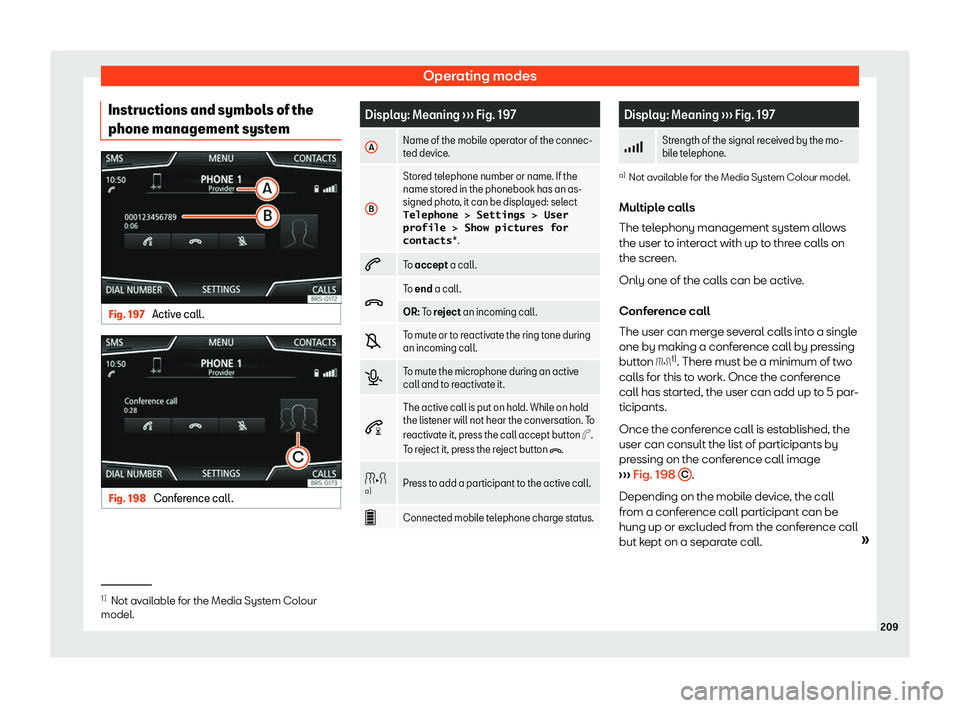
phone management syst emFig. 197
Active call. Fig. 198
Conference call. Display: Meaning
Page 212 of 372
Infotainment System
WARNING
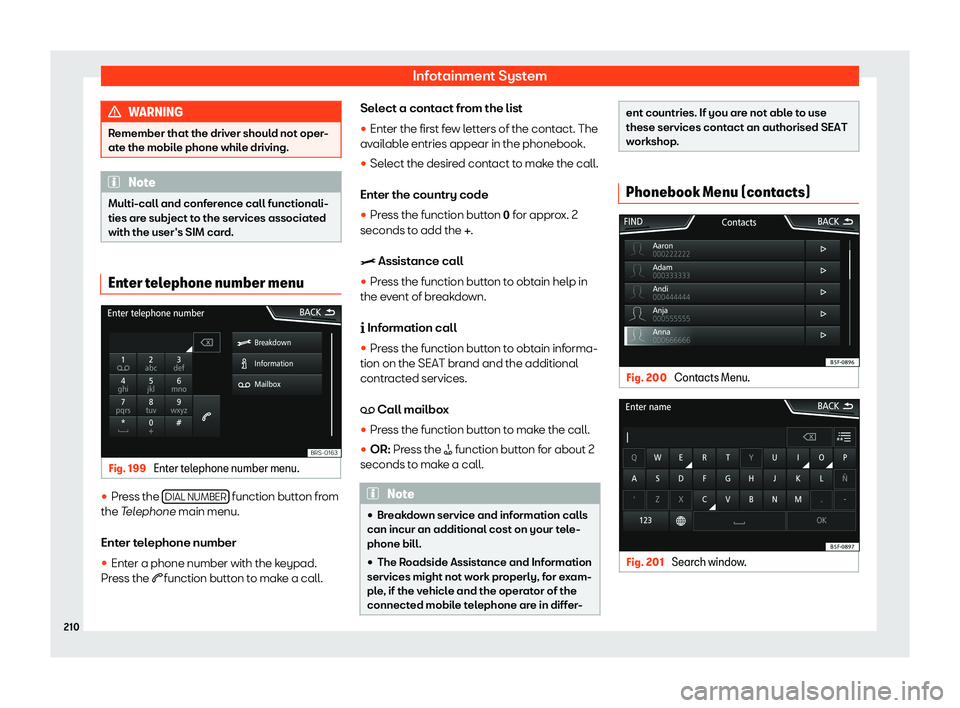
Remember that the driver should not oper-
ate the mobile phone while driving. Note
Multi-call and conference call functionali-
ties are subject to the services associat ed
with the user
Page 213 of 372
Operating modes
Once the first pairing is made, it may take
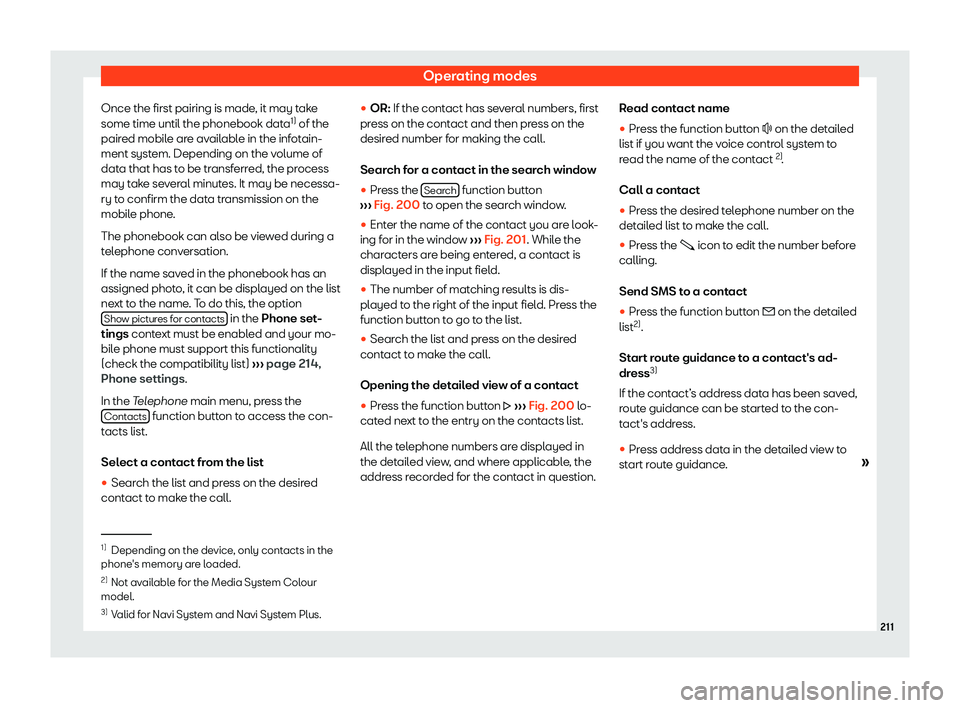
some time until the phonebook dat a1)
of the
pair ed mobil e ar
e av
ailable in the infotain-
ment system. Depending on the volume of
data that has to be transferred, the process
may take several minutes. It may be necessa-
ry to confirm the data transmission on the
mobile phone.
The phonebook can also be viewed during a
telephone conversation.
If the name saved in the phonebook has an
assigned photo, it can be displayed on the list
next to the name. To do this, the option Show pictures for contacts in the Phone set
-
tings conte
xt must be enabl
ed and your mo-
bile phone must support this functionality
(check the compatibility list)
Page 214 of 372
Infotainment System
Note
If you edit a number before calling, it will
not be saved in the phonebook but only
used for the call. Short messages (SMS) menu
� Not available for model: Media System Colour
Fig. 202
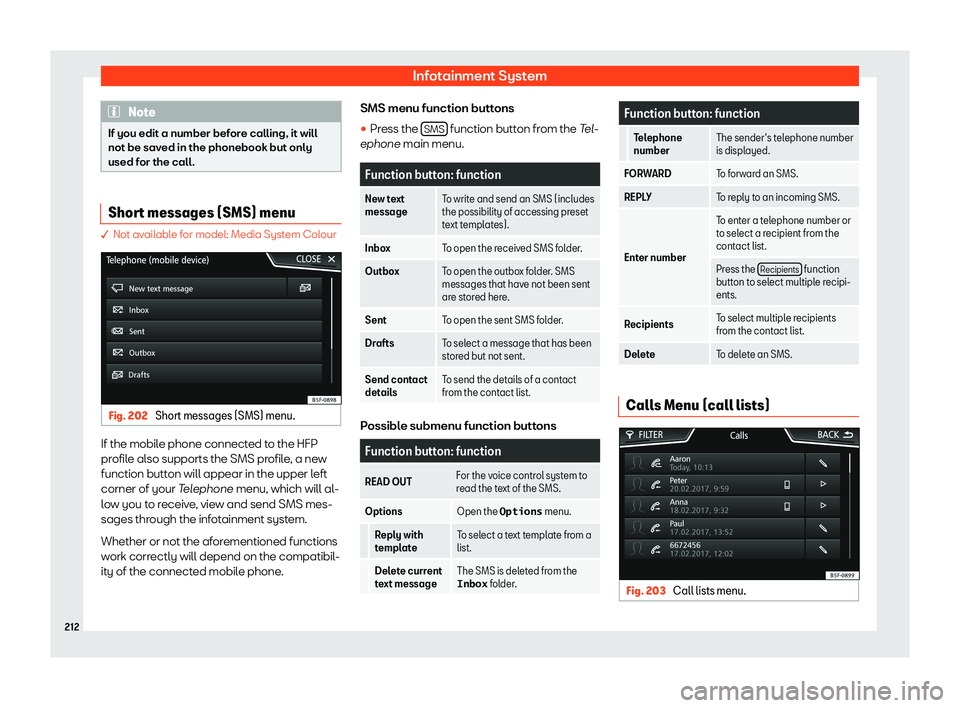
Short messages (SMS) menu. If the mobile phone connected to the HFP
pr
ofil
e al so supports the SMS pr
ofil
e, a new
function button will appear in the upper left
corner of your Telephone menu, which will al-
low you to receive, view and send SMS mes-
sages through the infotainment system.
Whether or not the aforementioned functions
work correctly will depend on the compatibil-
ity of the connected mobile phone. SMS menu function buttons
�
Page 216 of 372
Infotainment System
Note
The contacts stored in the speed dial keys
are NOT updated aut omatically. If a con-
t
act stored on a speed dial key is modified
on the mobile phone, the speed dial key
must be assigned again. Phone settings
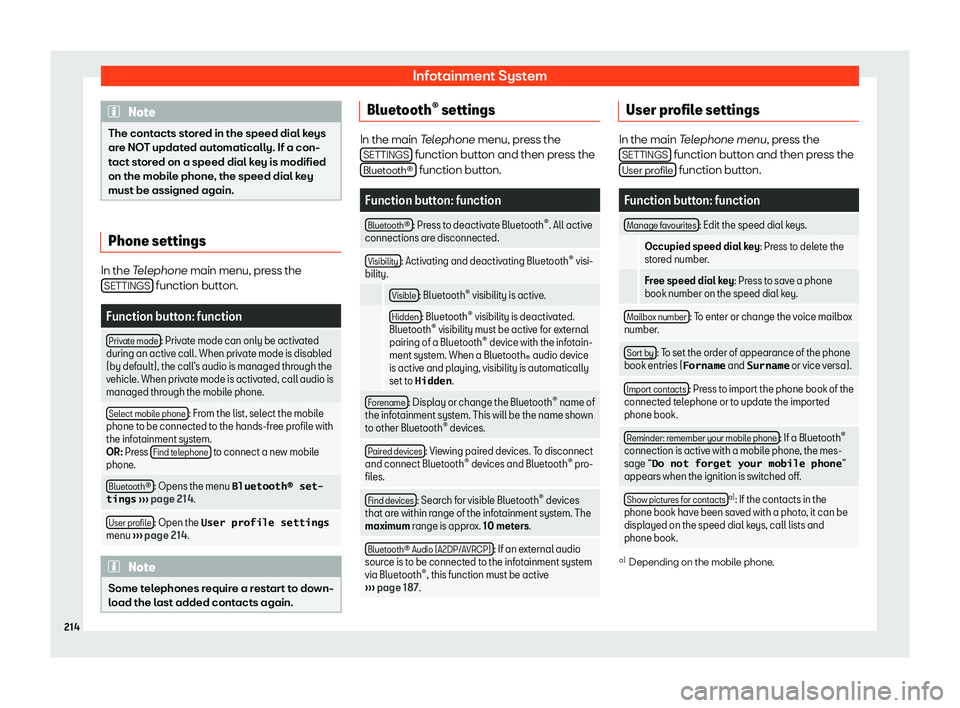
In the Telephone main menu, press the
SETTINGS function button.
Function button: function
Private mode : Private mode can only be activated
during an active call. When privat e mode is disabl
ed
(by default), the call