Seat Ateca 2019 User Guide
Ateca 2019
Seat
Seat
https://www.carmanualsonline.info/img/39/29481/w960_29481-0.png
Seat Ateca 2019 User Guide
Page 112 of 408
Operation
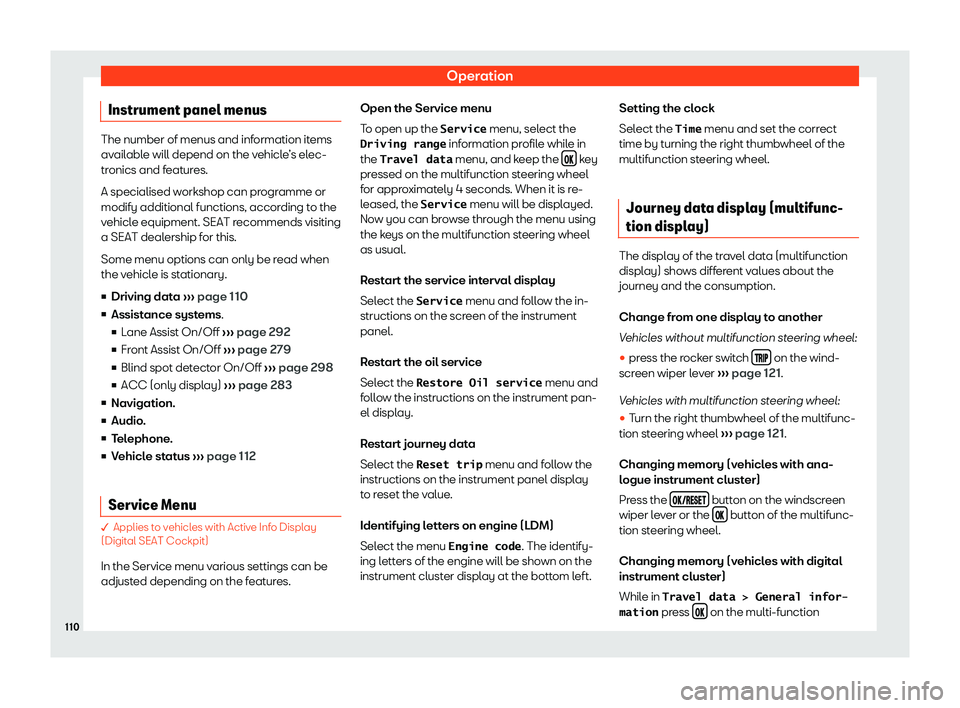
Instrument panel menus The number of menus and information items
avail
abl
e will depend on the vehicle
Page 113 of 408
Instruments and warning/control lamps
steering wheel to switch between the 3 mem-
ories 1)
:
The memory is del et
ed if the
journey is int
errupted for more than 2
hours.
Display and storage of
the journey data and the consumption
values collected. When refuelling, the
memory is deleted.
This memory contains travel data
up to a maximum of 19 hours and 59 mi-
nutes or 99 hours and 59 minutes, or up
to a maximum of 1999.9 km or
9999.9 km. When one of these values is
exceeded (varies depending on the ver-
sion of the instrument panel), the memo-
ry is deleted.
Delete journey data presets �
Page 115 of 408
Instruments and warning/control lamps
symbol and complementary message on the
instrument panel displ ay
Page 116 of 408
Operation
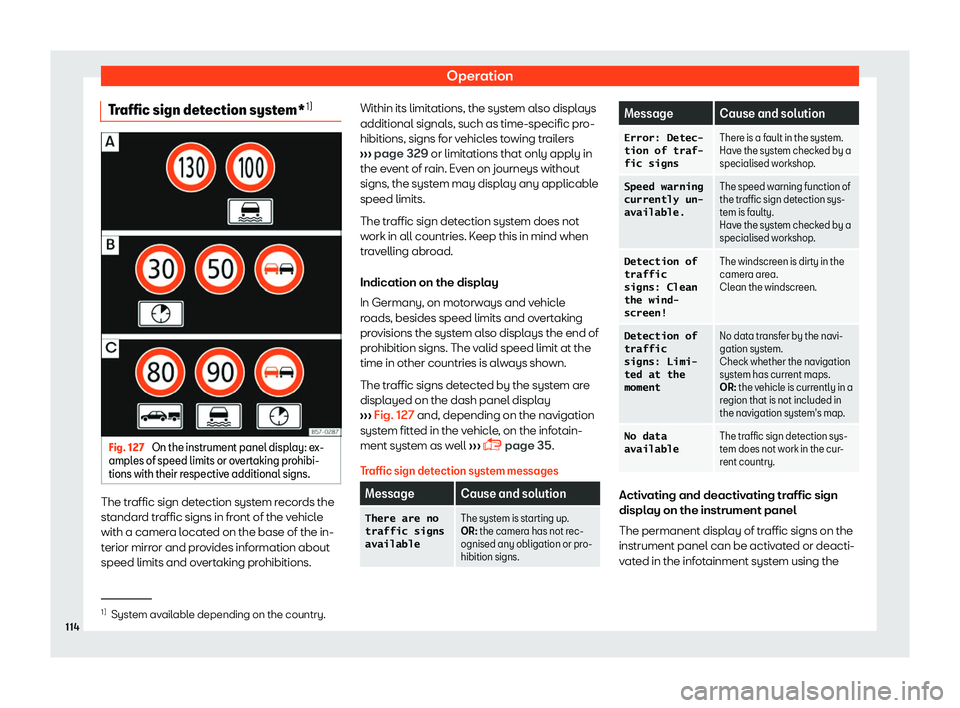
Traffic sign detection system* 1)Fig. 127
On the instrument panel display: ex-
ampl es of speed limits or o v
ertaking prohibi-
tions with their respective additional signs. The traffic sign detection system records the
st
andar
d tr
affic signs in front of the vehicle
with a camera located on the base of the in-
terior mirror and provides information about
speed limits and overtaking prohibitions. Within its limitations, the system also displays
additional signals, such as time-specific pro-
hibitions, signs f
or vehicles towing trailers
Page 125 of 408
Instruments and warning/control lamps
Depending on the model, additional text
messages may be vie w
ed on the instrument
panel displ
ay. These may be purely informa-
tive or they may be advising of the need for
action
Page 126 of 408
Operation
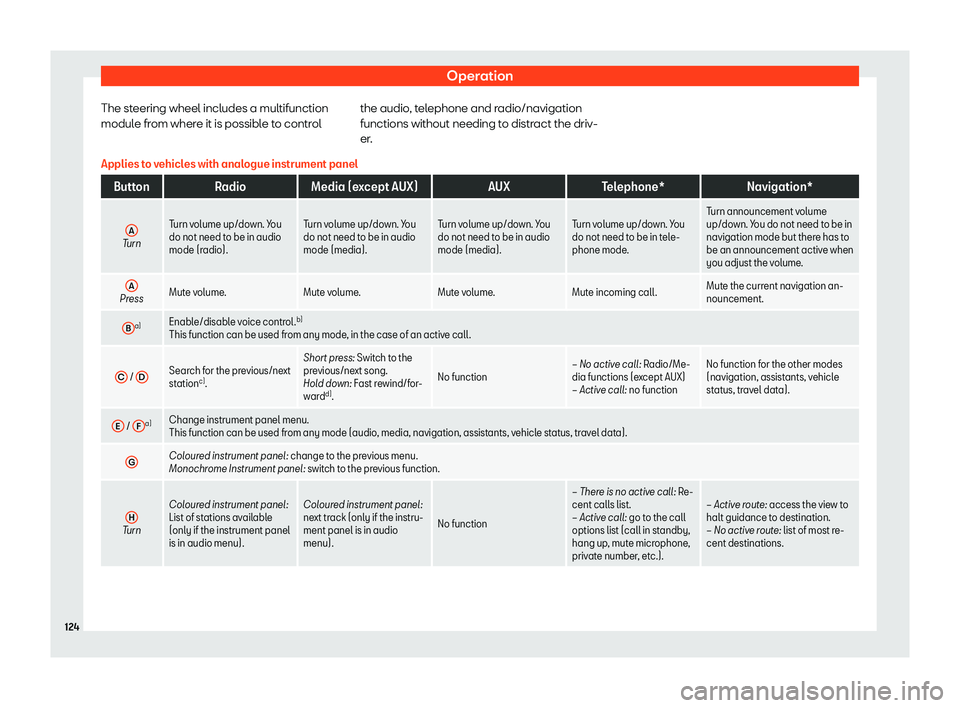
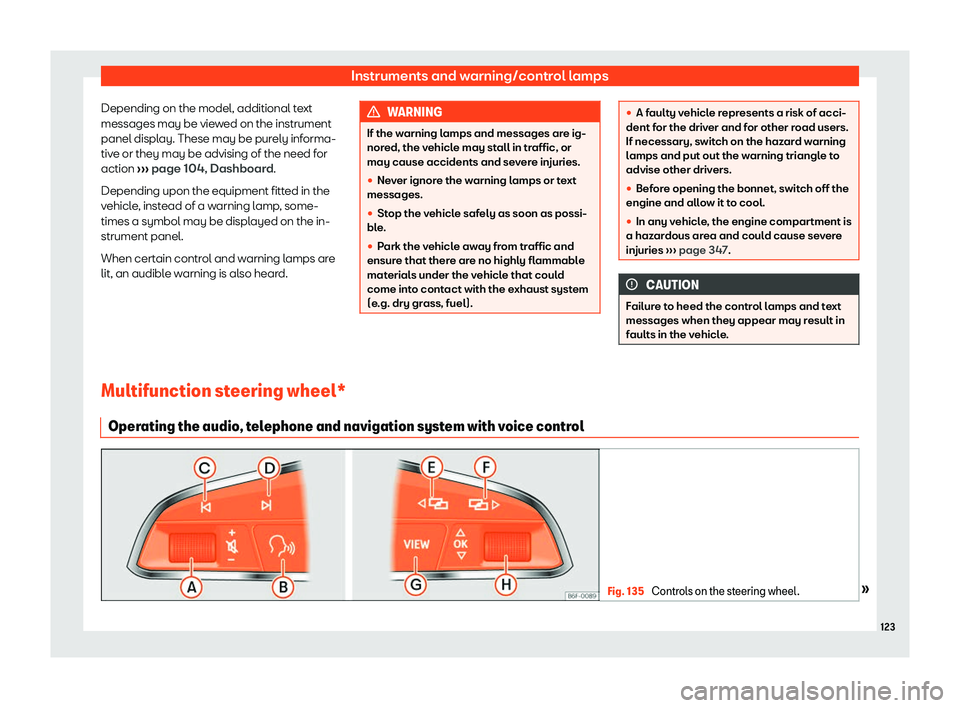
The steering wheel includes a multifunction
modul e fr
om wher
e it is possible to control the audio, telephone and radio/navigation
functions without needing to distract the driv-
er
.
Applies to vehicles with analogue instrument panel Button
RadioMedia (except AUX) AUXTelephone* Navigation*
A Turn
Turn volume up/down. You
do not need to be in audio
mode (radio). T
urn volume up/down. You
do not need to be in audio
mode (media). Turn v
olume up/down. You
do not need to be in audio
mode (media). Turn v
olume up/down. You
do not need to be in tel e-
phone mode. Turn announcement volume
up/down. Y
ou do not need t
o be in
navigation mode but there has to
be an announcement active when
you adjust the volume.
A Press
Mute volume.
Mute volume.Mute volume. Mute incoming call.Mute the current navigation an-
nouncement.
B a)
Enable/disable voice control. b)
This function can be used from any mode , in the case of an activ
e call.
C /
D Search for the previous/next
station
c)
. Short pr
ess:
Swit
ch t o the
previous/next song.
Hold down: Fast rewind/for-
ward d)
. No function
Page 127 of 408
Instruments and warning/control lamps
Button
RadioMedia (except AUX) AUXTelephone* Navigation*
H Press
Acts on the instrument panel or confirms the instrument panel menu optio\
n depending on the menu option. a)
According to the vehicle
Page 153 of 408
Lights and visibility
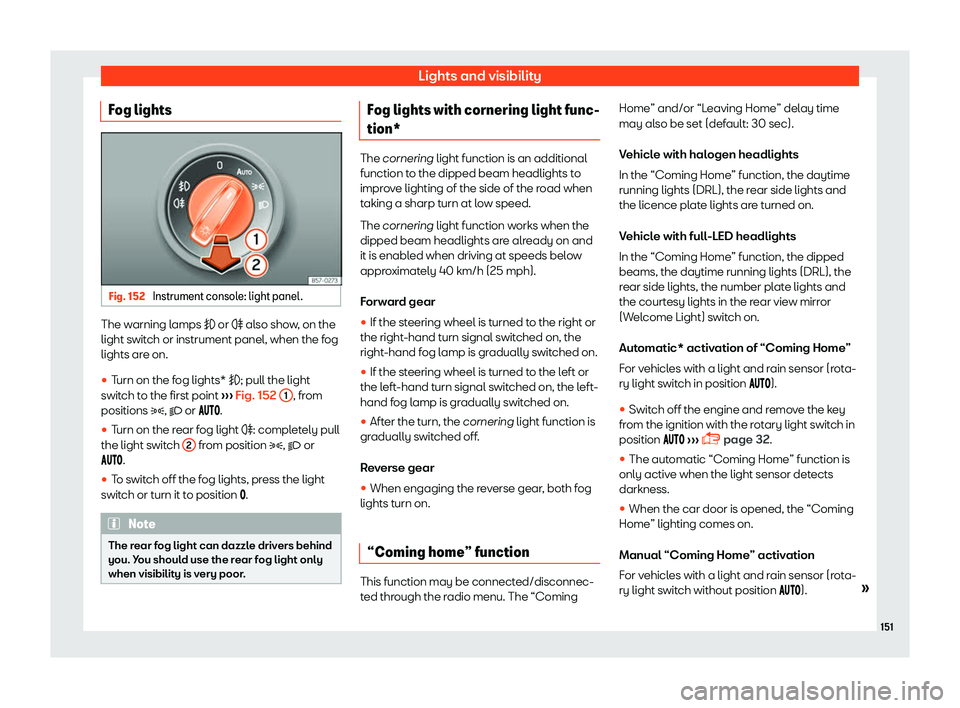
Fog lights Fig. 152
Instrument console: light panel. The warning lamps or
Page 262 of 408
Driving
Gear-change recommenda-
tion Choosing the ideal gear Fig. 247
Instrument panel: gear-change indi-
cat or (manual gearbo x).While driving, and depending on vehicle
equipment, the instrument panel displ
ay may
sho w a r
ecommendation with the gear num-
ber that would be advisable to save fuel.
In vehicles with an automatic gearbox, the
selector lever must be in the tiptronic position
Page 282 of 408
Driving
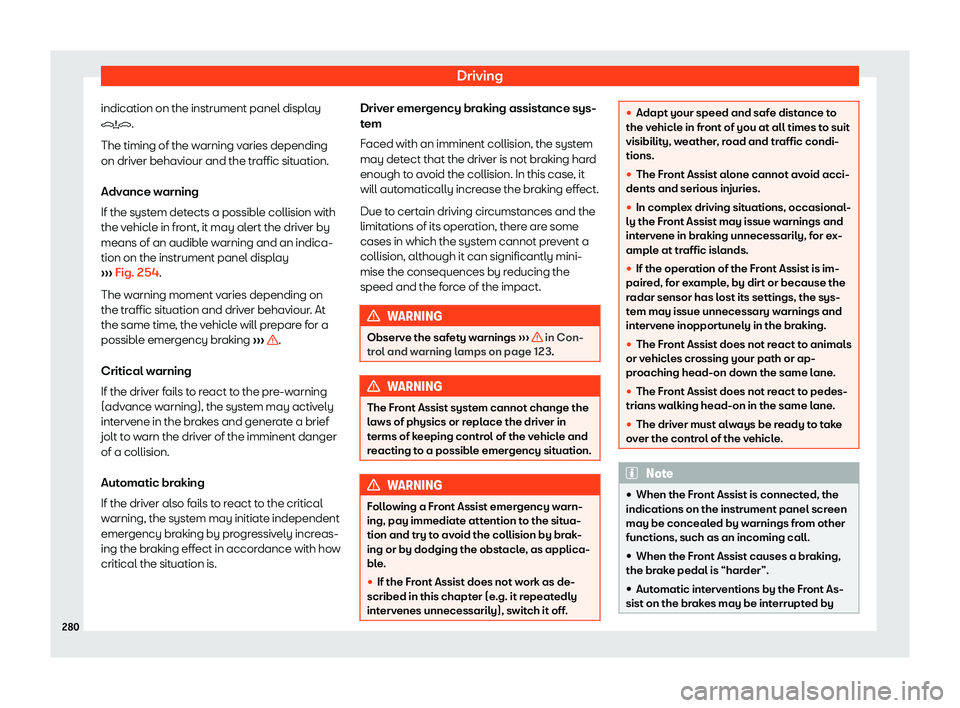
indication on the instrument panel display
 AUXTelephone* Navigation*
H Press
Acts on the instrument panel or confirms the instrument panel menu optio\
n depending on the menu")