ignition Seat Exeo 2013 Owner's Guide
[x] Cancel search | Manufacturer: SEAT, Model Year: 2013, Model line: Exeo, Model: Seat Exeo 2013Pages: 319, PDF Size: 4.81 MB
Page 75 of 319
73
Cockpit
CD, radio and telephone display*
Fig. 49 Display: addi-
tional radio information
If the radio is switched on and no Priority 2 faults are indicated by the auto-
check control, depending on the type of radio fitted, the display will show
the name or frequency of the selected radio station and complementary in-
formation, once the “OK” symbol has gone out.
When in CD mode*, the display will show the current track.
If you have a compatible telephone*, the phone book or telephone dialled
can also be seen on this display.
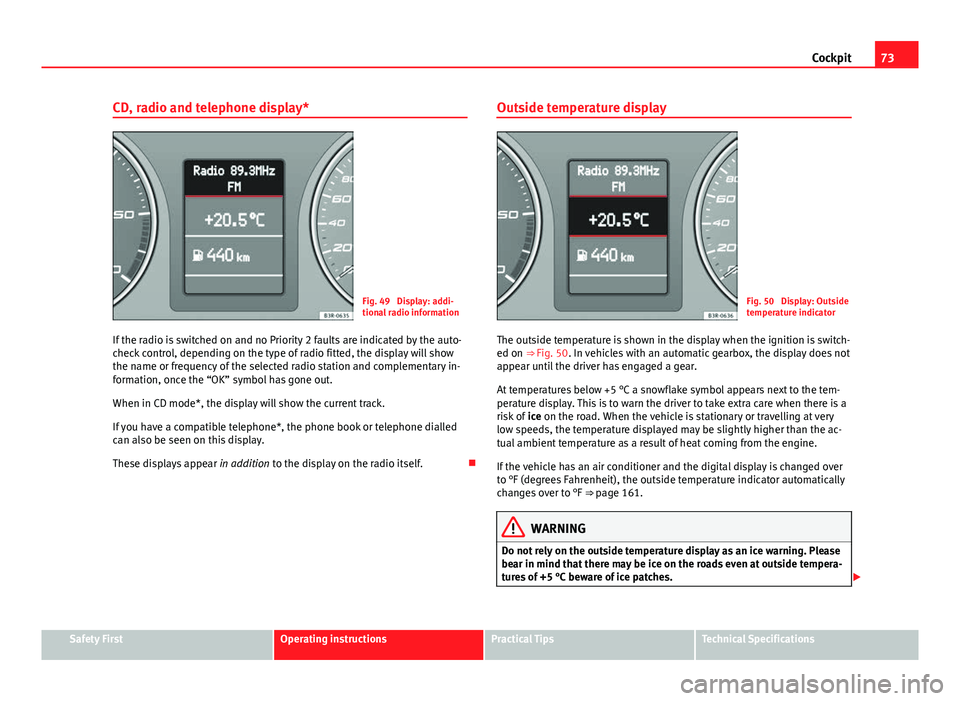
These displays appear in addition to the display on the radio itself. Outside temperature displayFig. 50 Display: Outside
temperature indicator
The outside temperature is shown in the display when the ignition is switch-
ed on ⇒ Fig. 50. In vehicles with an automatic gearbox, the display does not
appear until the driver has engaged a gear.
At temperatures below +5 °C a snowflake symbol appears next to the tem-
perature display. This is to warn the driver to take extra care when there is a
risk of ice on the road. When the vehicle is stationary or travelling at very
low speeds, the temperature displayed may be slightly higher than the ac-
tual ambient temperature as a result of heat coming from the engine.
If the vehicle has an air conditioner and the digital display is changed over
to °F (degrees Fahrenheit), the outside temperature indicator automatically
changes over to °F ⇒ page 161.
WARNING
Do not rely on the outside temperature display as an ice warning. Please
bear in mind that there may be ice on the roads even at outside tempera-
tures of +5 °C beware of ice patches.
Safety FirstOperating instructionsPractical TipsTechnical Specifications
Page 77 of 319
75
Cockpit
Door and rear lid warning
Fig. 52 Display: Door
and rear lid warning
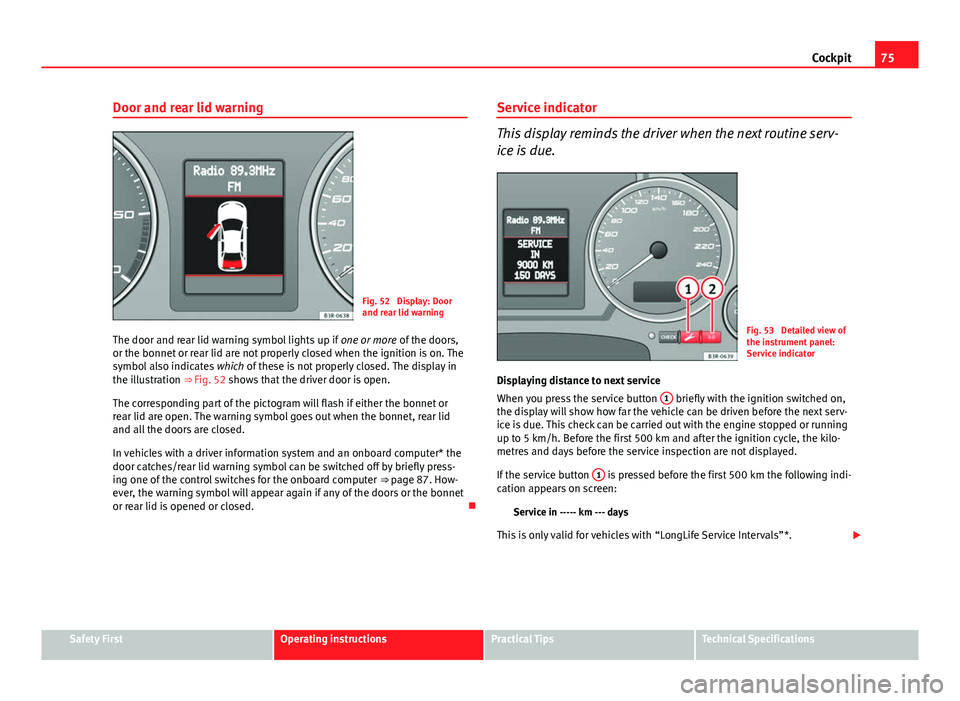
The door and rear lid warning symbol lights up if one or more of the doors,
or the bonnet or rear lid are not properly closed when the ignition is on. The
symbol also indicates which of these is not properly closed. The display in
the illustration ⇒ Fig. 52 shows that the driver door is open.
The corresponding part of the pictogram will flash if either the bonnet or
rear lid are open. The warning symbol goes out when the bonnet, rear lid
and all the doors are closed.
In vehicles with a driver information system and an onboard computer* the
door catches/rear lid warning symbol can be switched off by briefly press-
ing one of the control switches for the onboard computer ⇒ page 87. How-
ever, the warning symbol will appear again if any of the doors or the bonnet
or rear lid is opened or closed. Service indicator
This display reminds the driver when the next routine serv-
ice is due.
Fig. 53 Detailed view of
the instrument panel:
Service indicator
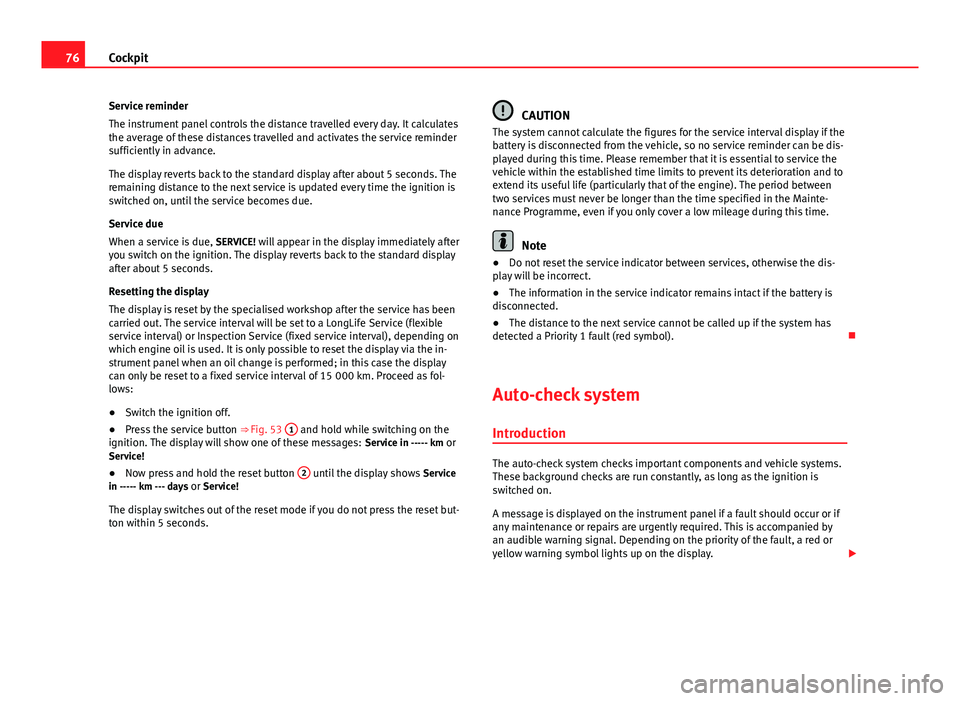
Displaying distance to next service
When you press the service button 1
briefly with the ignition switched on,
the display will show how far the vehicle can be driven before the next serv-
ice is due. This check can be carried out with the engine stopped or running
up to 5 km/h. Before the first 500 km and after the ignition cycle, the kilo-
metres and days before the service inspection are not displayed.
If the service button 1
is pressed before the first 500 km the following indi-
cation appears on screen:
Service in ----- km --- days
This is only valid for vehicles with “LongLife Service Intervals”*.
Safety FirstOperating instructionsPractical TipsTechnical Specifications
Page 78 of 319
76Cockpit
Service reminder
The instrument panel controls the distance travelled every day. It calculates
the average of these distances travelled and activates the service reminder
sufficiently in advance.
The display reverts back to the standard display after about 5 seconds. The
remaining distance to the next service is updated every time the ignition is
switched on, until the service becomes due.
Service due
When a service is due, SERVICE! will appear in the display immediately after
you switch on the ignition. The display reverts back to the standard display
after about 5 seconds.
Resetting the display
The display is reset by the specialised workshop after the service has been
carried out. The service interval will be set to a LongLife Service (flexible
service interval) or Inspection Service (fixed service interval), depending on
which engine oil is used. It is only possible to reset the display via the in-
strument panel when an oil change is performed; in this case the display
can only be reset to a fixed service interval of 15 000 km. Proceed as fol-
lows:
● Switch the ignition off.
● Press the service button ⇒ Fig. 53 1
and hold while switching on the
ignition. The display will show one of these messages: Service in ----- km or
Service!
● Now press and hold the reset button 2
until the display shows
Service
in ----- km --- days or Service!
The display switches out of the reset mode if you do not press the reset but-
ton within 5 seconds.
CAUTION
The system cannot calculate the figures for the service interval display if the
battery is disconnected from the vehicle, so no service reminder can be dis-
played during this time. Please remember that it is essential to service the
vehicle within the established time limits to prevent its deterioration and to
extend its useful life (particularly that of the engine). The period between
two services must never be longer than the time specified in the Mainte-
nance Programme, even if you only cover a low mileage during this time.
Note
● Do not reset the service indicator between services, otherwise the dis-
play will be incorrect.
● The information in the service indicator remains intact if the battery is
disconnected.
● The distance to the next service cannot be called up if the system has
detected a Priority 1 fault (red symbol).
Auto-check system Introduction
The auto-check system checks important components and vehicle systems.
These background checks are run constantly, as long as the ignition is
switched on.
A message is displayed on the instrument panel if a fault should occur or if
any maintenance or repairs are urgently required. This is accompanied by
an audible warning signal. Depending on the priority of the fault, a red or
yellow warning symbol lights up on the display.
Page 80 of 319
78Cockpit
Red symbols
A red symbol warns of a danger.
Fig. 55 Display: Coolant
level warning
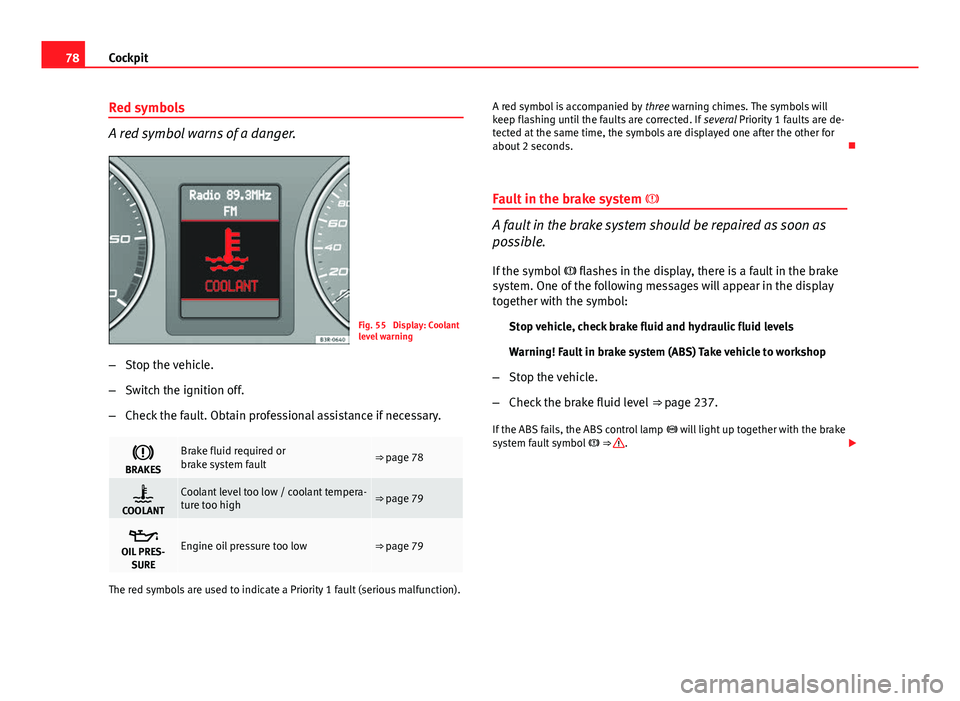
– Stop the vehicle.
– Switch the ignition off.
– Check the fault. Obtain professional assistance if necessary.
BRAKESBrake fluid required or
brake system fault⇒ page 78
COOLANTCoolant level too low / coolant tempera-
ture too high⇒ page 79
OIL PRES-
SUREEngine oil pressure too low⇒ page 79
The red symbols are used to indicate a Priority 1 fault (serious malfunction). A red symbol is accompanied by
three warning chimes. The symbols will
keep flashing until the faults are corrected. If several Priority 1 faults are de-
tected at the same time, the symbols are displayed one after the other for
about 2 seconds.
Fault in the brake system
A fault in the brake system should be repaired as soon as
possible.
If the symbol flashes in the display, there is a fault in the brake
system. One of the following messages will appear in the display
together with the symbol:
Stop vehicle, check brake fluid and hydraulic fluid levels
Warning! Fault in brake system (ABS) Take vehicle to workshop
– Stop the vehicle.
– Check the brake fluid level ⇒ page 237.
If the ABS fails, the ABS control lamp will light up together with the brake
system fault symbol ⇒
.
Page 81 of 319
79
Cockpit
WARNING
● Before opening the bonnet and checking the brake fluid level, ob-
serve the warning information in ⇒ page 227, Work in the engine com-
partment.
● If the brake fluid level in the reservoir is too low, this could result in
an accident. Do not drive on! Obtain technical assistance.
● If the brake warning lamp lights up together with the ABS warning
lamp, this can mean that there is a fault in the ABS control function. As a
result, the rear wheels can lock relatively easily when braking. Under cer-
tain circumstances, the rear of the vehicle could suddenly sway from side
to side, with the subsequent danger of skidding. Drive carefully to the
nearest specialised workshop and have the fault repaired.
Fault in the cooling system
Faults in the cooling system must be repaired immediately.
If the symbol flashes in the display, this means that either the
coolant temperature is too high or the coolant level is too low. The
following message will appear in the display together with the
symbol:
Switch off engine and check coolant level
– Stop the vehicle.
– Switch the ignition off.
– Check the coolant level ⇒ page 233.
– Add more coolant if necessary ⇒ page 234.
– Wait for the symbol to go out before driving on. –
Obtain professional assistance if necessary.
If the coolant level is correct, the overheating may be caused by a malfunc-
tion of the radiator fan.
If the alternator warning lamp lights up as well ⇒ page 70, it is possible that
the drive belt has broken.
CAUTION
Do not drive on if the symbol has come on to indicate a fault in the cool-
ing system, otherwise there is a risk of engine damage.
Engine oil pressure too low
If the engine oil pressure is too low the fault must be re-
paired immediately.
If the symbol flashes in the display, the oil pressure is too low.
The following message will appear in the display together with the
symbol:
Switch off engine, check oil level
– Stop the vehicle.
– Switch the ignition off.
– Check the engine oil level ⇒ page 231.
– Obtain professional assistance if necessary.
Engine oil level too low
If the engine oil level is too low, add more oil ⇒ page 232.
Safety FirstOperating instructionsPractical TipsTechnical Specifications
Page 86 of 319
84Cockpit
exceeded by about 10 km/h (6 mph). A warning symbol will also appear in
the display ⇒ Fig. 57.
The speed warning function has two different warning speeds, which oper-
ate independently and serve slightly different purposes:
Speed limit warning 1
With speed limit warning 1, the maximum speed can be changed while driv-
ing. The speed limit that has been set remains stored until the ignition is
switched off, or until it is changed or cleared.
The warning symbol for speed limit warning 1 ⇒ Fig. 57 will appear in the
display if you exceed the pre-set speed. It goes out again if the speed is re-
duced below the set speed limit.
The symbol also goes out if the speed is increased to more than about
40 km/h above the set speed for at least 10 seconds. However, this does
not cancel the speed limit that was originally set.
Setting speed limit warning 1 ⇒ page 84.
Speed limit warning 2
With speed limit warning 2, the speed limit can only be changed or cleared
when the ignition is switched off. You are recommended to store this speed
limit warning if you always wish to be reminded of a particular speed limit.
This could be when driving in countries with general speed limits, or if a
particular speed should not be exceeded when winter tyres are fitted etc.
The speed limit warning symbol for speed warning 2 will appear in the
display if you exceed the pre-set speed. Unlike speed limit warning 1, the
warning symbol only goes out once the road speed has dropped below the
set value again.
Setting speed limit warning 2 ⇒ page 85.
Note
Please bear in mind that, even with the speed warning function, it is still im-
portant to keep an eye on the vehicle speed with the speedometer and to
observe the legal speed limits.
Setting speed limit warning 1
Use the CHECK button to set speed limit warning 1.
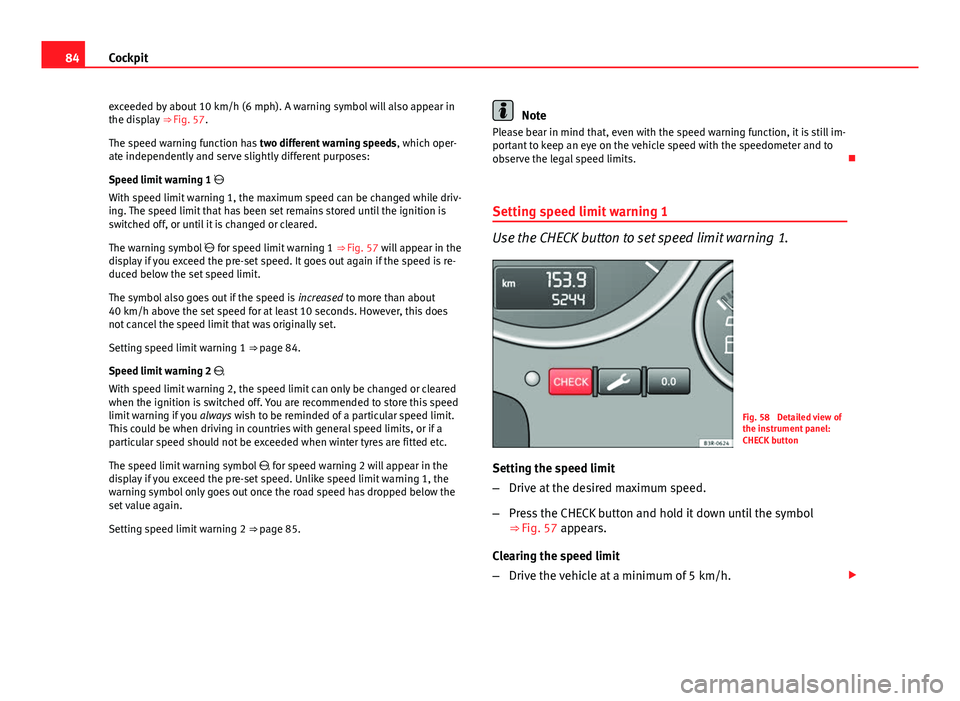
Fig. 58 Detailed view of
the instrument panel:
CHECK button
Setting the speed limit
– Drive at the desired maximum speed.
– Press the CHECK button and hold it down until the symbol
⇒ Fig. 57 appears.
Clearing the speed limit
– Drive the vehicle at a minimum of 5 km/h.
Page 87 of 319
85
Cockpit
– Press the CHECK button for at least two seconds.
The speed warning symbol lights up briefly in the display when the but-
ton is released to confirm that the selected speed has been stored. The
speed limit that has been selected remains stored until another speed is se-
lected with a brief push of the button, or until the memory is cleared with a
long push of the button.
Setting speed limit warning 2
Speed limit warning 2 is set using the switches on the wind-
screen wiper lever.
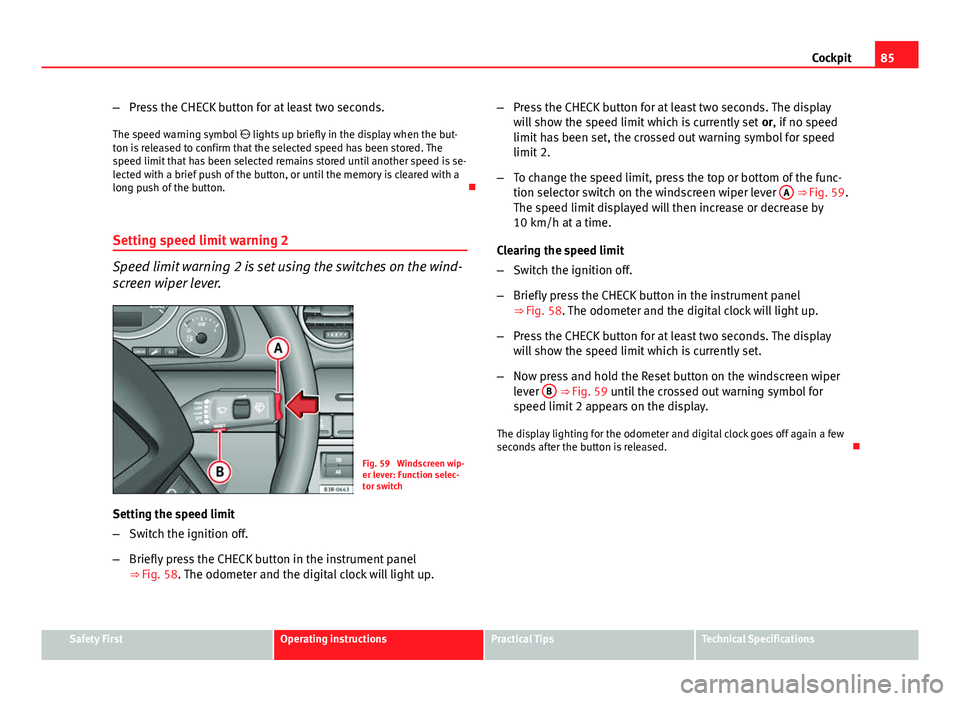
Fig. 59 Windscreen wip-
er lever: Function selec-
tor switch
Setting the speed limit
– Switch the ignition off.
– Briefly press the CHECK button in the instrument panel
⇒ Fig. 58. The odometer and the digital clock will light up. –
Press the CHECK button for at least two seconds. The display
will show the speed limit which is currently set or, if no speed
limit has been set, the crossed out warning symbol for speed
limit 2.
– To change the speed limit, press the top or bottom of the func-
tion selector switch on the windscreen wiper lever A
⇒ Fig. 59.
The speed limit displayed will then increase or decrease by
10 km/h at a time.
Clearing the speed limit
– Switch the ignition off.
– Briefly press the CHECK button in the instrument panel
⇒ Fig. 58. The odometer and the digital clock will light up.
– Press the CHECK button for at least two seconds. The display
will show the speed limit which is currently set.
– Now press and hold the Reset button on the windscreen wiper
lever B
⇒ Fig. 59 until the crossed out warning symbol for
speed limit 2 appears on the display.
The display lighting for the odometer and digital clock goes off again a few
seconds after the button is released.
Safety FirstOperating instructionsPractical TipsTechnical Specifications
Page 88 of 319
86Cockpit
Onboard computer
Introduction
The onboard computer provides you with useful information
during a journey, including average and current fuel con-
sumption, average speed, distance to empty, driving time
and distance covered.
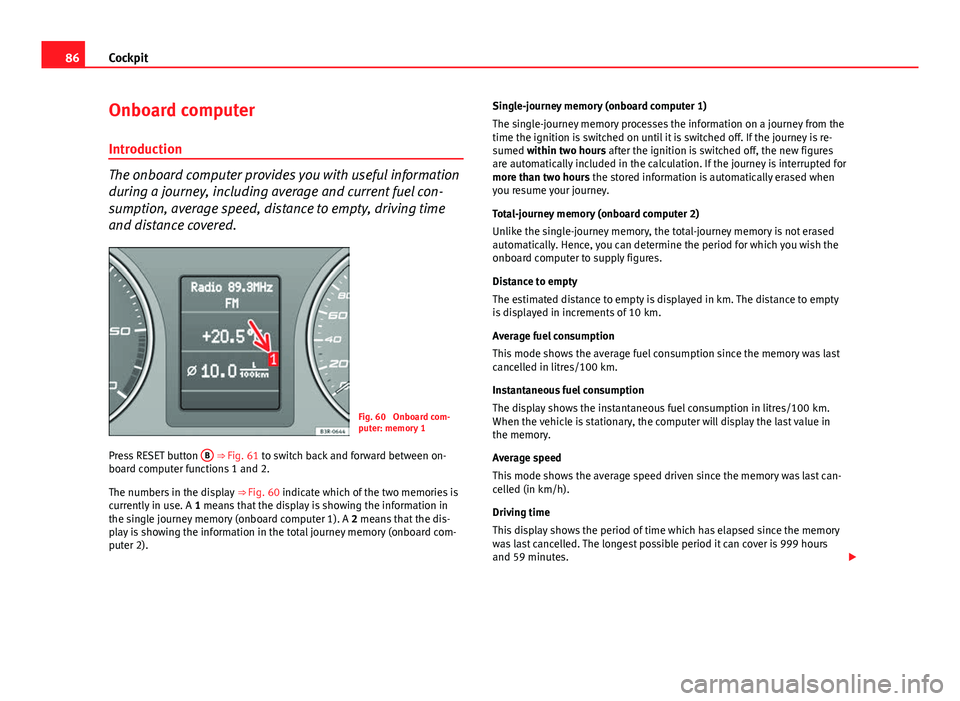
Fig. 60 Onboard com-
puter: memory 1
Press RESET button B
⇒ Fig. 61 to switch back and forward between on-
board computer functions 1 and 2.
The numbers in the display ⇒ Fig. 60 indicate which of the two memories is
currently in use. A 1 means that the display is showing the information in
the single journey memory (onboard computer 1). A 2 means that the dis-
play is showing the information in the total journey memory (onboard com-
puter 2). Single-journey memory (onboard computer 1)
The single-journey memory processes the information on a journey from the
time the ignition is switched on until it is switched off. If the journey is re-
sumed within two hours after the ignition is switched off, the new figures
are automatically included in the calculation. If the journey is interrupted for
more than two hours the stored information is automatically erased when
you resume your journey.
Total-journey memory (onboard computer 2)
Unlike the single-journey memory, the total-journey memory is not erased
automatically. Hence, you can determine the period for which you wish the
onboard computer to supply figures.
Distance to empty
The estimated distance to empty is displayed in km. The distance to empty
is displayed in increments of 10 km.
Average fuel consumption
This mode shows the average fuel consumption since the memory was last
cancelled in litres/100 km.
Instantaneous fuel consumption
The display shows the instantaneous fuel consumption in litres/100 km.
When the vehicle is stationary, the computer will display the last value in
the memory.
Average speed
This mode shows the average speed driven since the memory was last can-
celled (in km/h).
Driving time
This display shows the period of time which has elapsed since the memory
was last cancelled. The longest possible period it can cover is 999 hours
and 59 minutes.
Page 90 of 319
88Cockpit
● Journey duration
● Distance covered
● Average fuel consumption
● Average speed
The onboard computer can only be operated when the ignition is switched
on. When the ignition is switched on, the display shows the function that
was last selected.
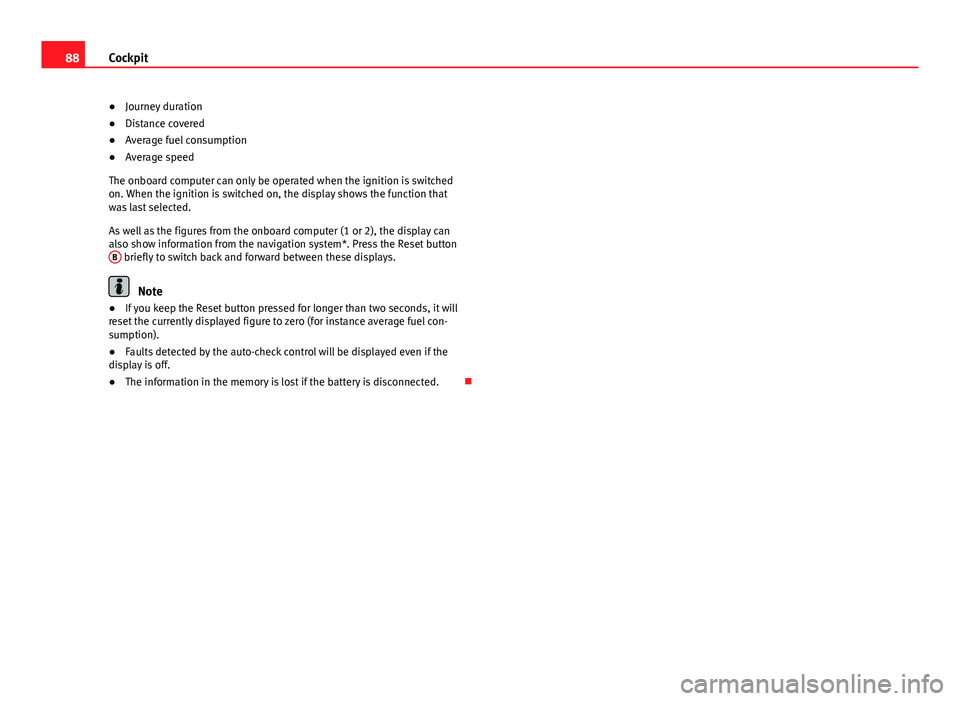
As well as the figures from the onboard computer (1 or 2), the display can
also show information from the navigation system*. Press the Reset button B
briefly to switch back and forward between these displays.
Note
● If you keep the Reset button pressed for longer than two seconds, it will
reset the currently displayed figure to zero (for instance average fuel con-
sumption).
● Faults detected by the auto-check control will be displayed even if the
display is off.
● The information in the memory is lost if the battery is disconnected.
Page 91 of 319
89
Cockpit
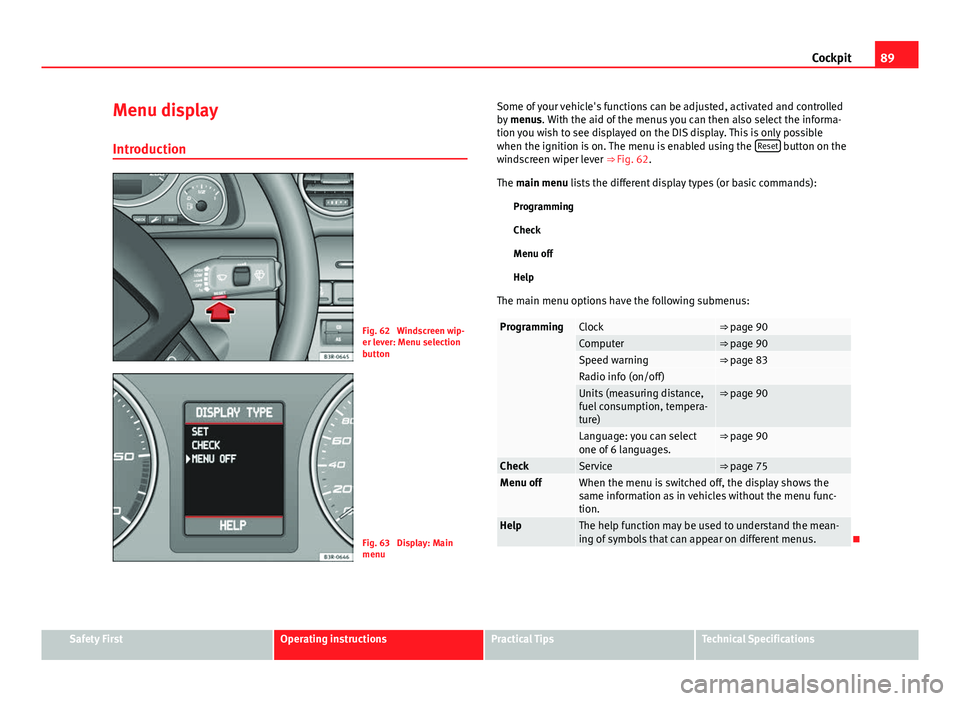
Menu display
Introduction
Fig. 62 Windscreen wip-
er lever: Menu selection
button
Fig. 63 Display: Main
menu Some of your vehicle's functions can be adjusted, activated and controlled
by
menus. With the aid of the menus you can then also select the informa-
tion you wish to see displayed on the DIS display. This is only possible
when the ignition is on. The menu is enabled using the Reset
button on the
windscreen wiper lever ⇒ Fig. 62.
The main menu lists the different display types (or basic commands):
Programming
Check
Menu off
Help
The main menu options have the following submenus:
ProgrammingClock⇒ page 90Computer⇒ page 90Speed warning⇒ page 83Radio info (on/off) Units (measuring distance,
fuel consumption, tempera-
ture)⇒ page 90
Language: you can select
one of 6 languages.⇒ page 90
CheckService⇒ page 75Menu offWhen the menu is switched off, the display shows the
same information as in vehicles without the menu func-
tion.
HelpThe help function may be used to understand the mean-
ing of symbols that can appear on different menus.
Safety FirstOperating instructionsPractical TipsTechnical Specifications