Seat Ibiza 2018 User Guide
Ibiza 2018
Seat
Seat
https://www.carmanualsonline.info/img/39/29185/w960_29185-0.png
Seat Ibiza 2018 User Guide
Page 188 of 360
Infotainment System
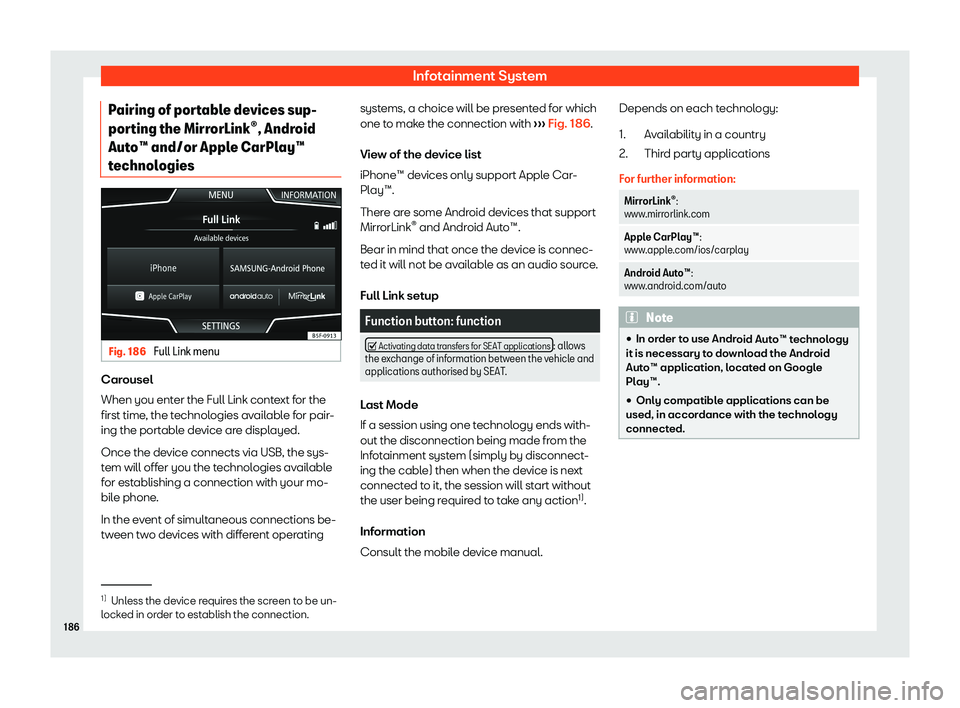
Pairing of portable devices sup-
por ting the Mirr
orLink
Page 190 of 360
Infotainment System
Apple CarPlay
Page 192 of 360
Infotainment System
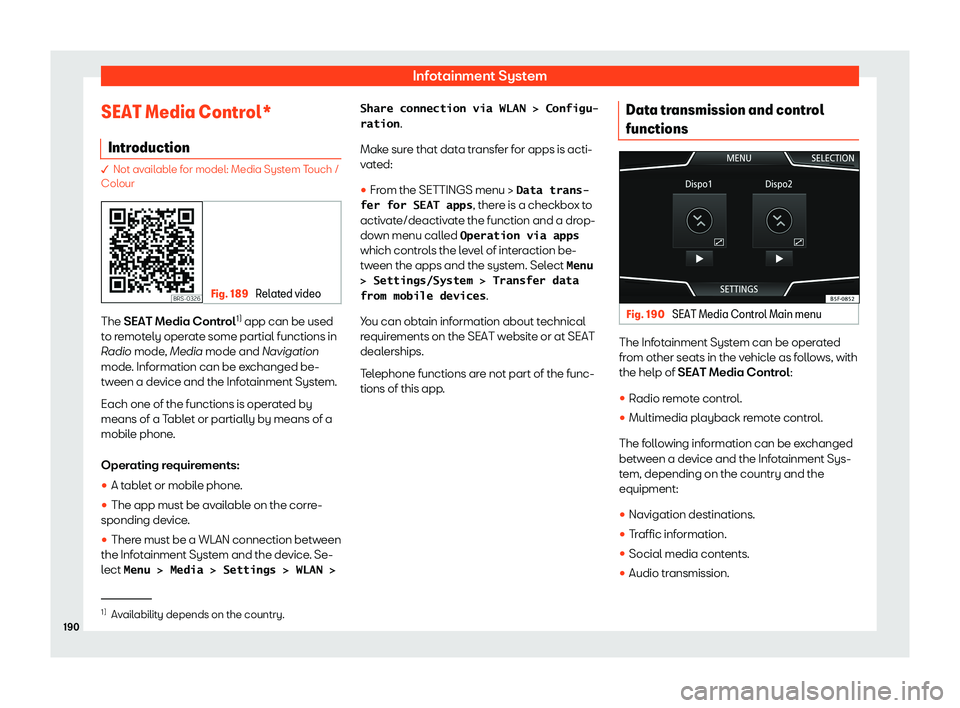
SEAT Media Control* Intr oduction � Not available for model: Media System Touch /
Col
our Fig. 189
Related video The SEAT Media Contr
ol1)
app can be used
t o r
emotely operate some partial functions in
Radio mode, Media mode and Navigation
mode. Information can be exchanged be-
tween a device and the Infotainment System.
Each one of the functions is operated by
means of a Tablet or partially by means of a
mobile phone.
Operating requirements:
�
Page 194 of 360
Infotainment System
Wi-Fi Protected Setup (WPS) 1)Wi-Fi Protected Setup can be used to cr
eat e
a ciphered local wireless network quickly and
simply.
�
Page 195 of 360
Operating modes
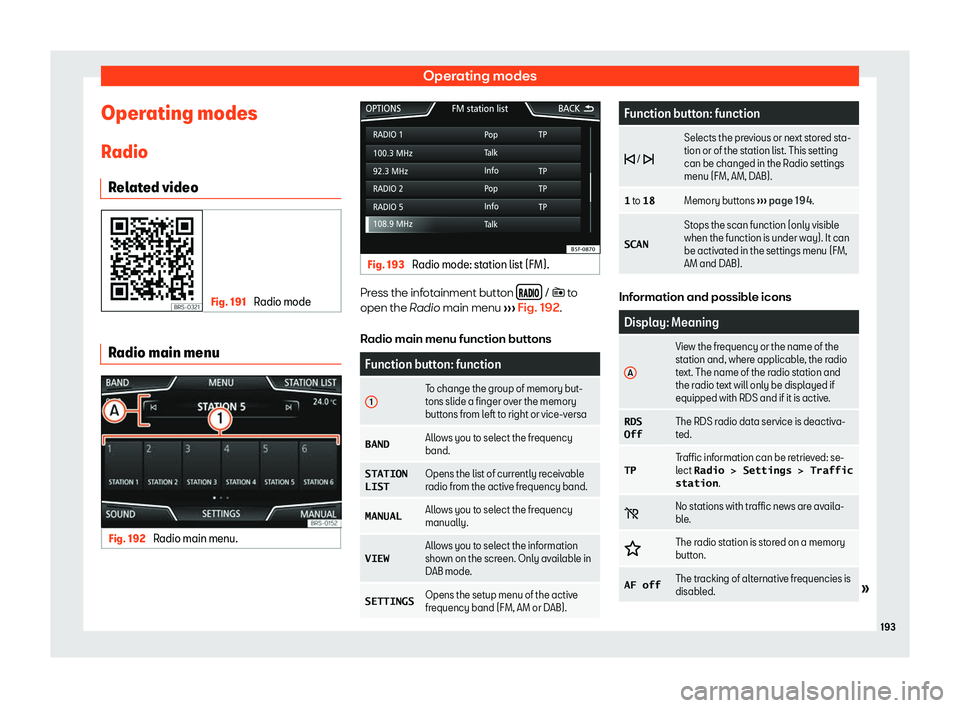
Operating modes R adio
R el
ated video Fig. 191
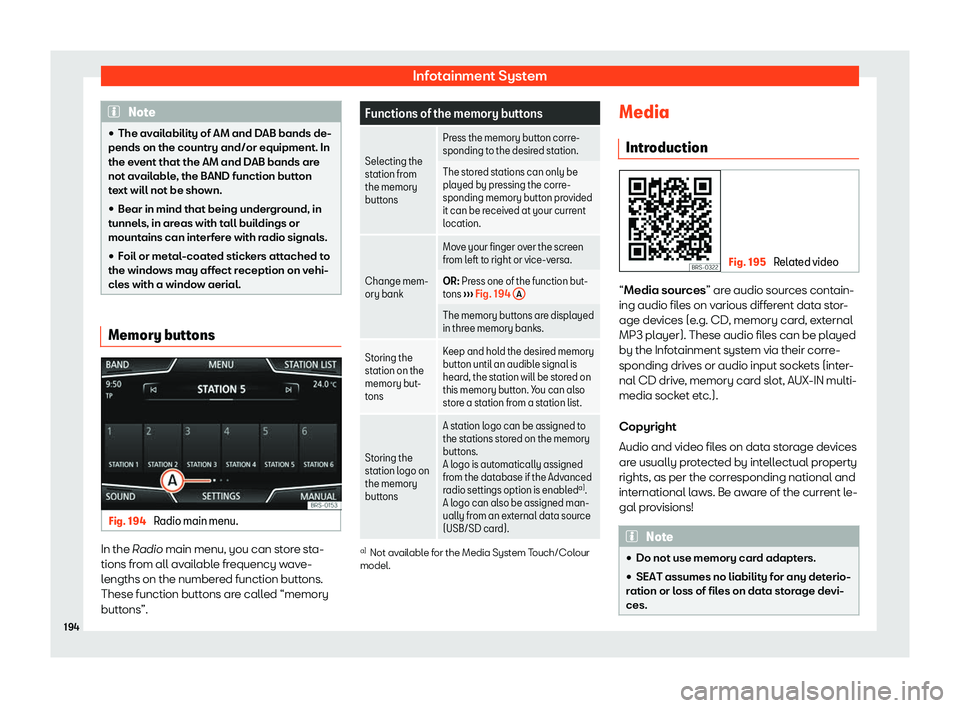
Radio mode Radio main menu
Fig. 192
Radio main menu. Fig. 193
Radio mode: station list (FM). Press the infotainment button
/ � t
o
open the R
adio main menu
Page 196 of 360
Infotainment System
Note
�
Page 198 of 360
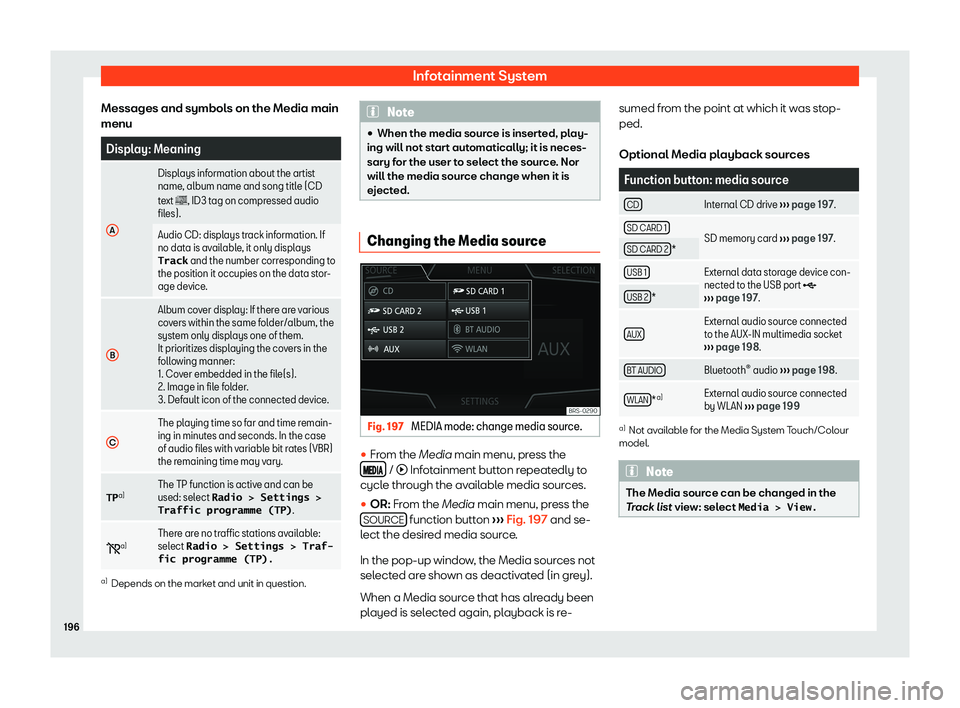
Infotainment System
Messages and symbols on the Media main
menu Display: Meaning
A Displays information about the artist
name, album name and song titl
e (CD
t
ext � , ID3 tag on compressed audio
files).
Audio CD: displays track information. If
no data is avail
able, it only displays
Track and the number corresponding to
the position it occupies on the data stor-
age device.
B Album cover display: If there are various
cov
ers within the same f
older/album, the
system only displays one of them.
It prioritizes displaying the covers in the
following manner:
1. Cover embedded in the file(s).
2. Image in file folder.
3. Default icon of the connected device.
C The playing time so far and time remain-
ing in minutes and seconds. In the case
of audio fil
es with v
ariable bit rates (VBR)
the remaining time may vary.
TP a) The TP function is active and can be
used: sel
ect
Radio ! Settings !
Traffic programme (TP) .
� a) Ther
e are no traffic stations available:
select Radio ! Settings ! Traf-
fic programme (TP). a)
Depends on the market and unit in question. Note
�
Page 200 of 360
Infotainment System
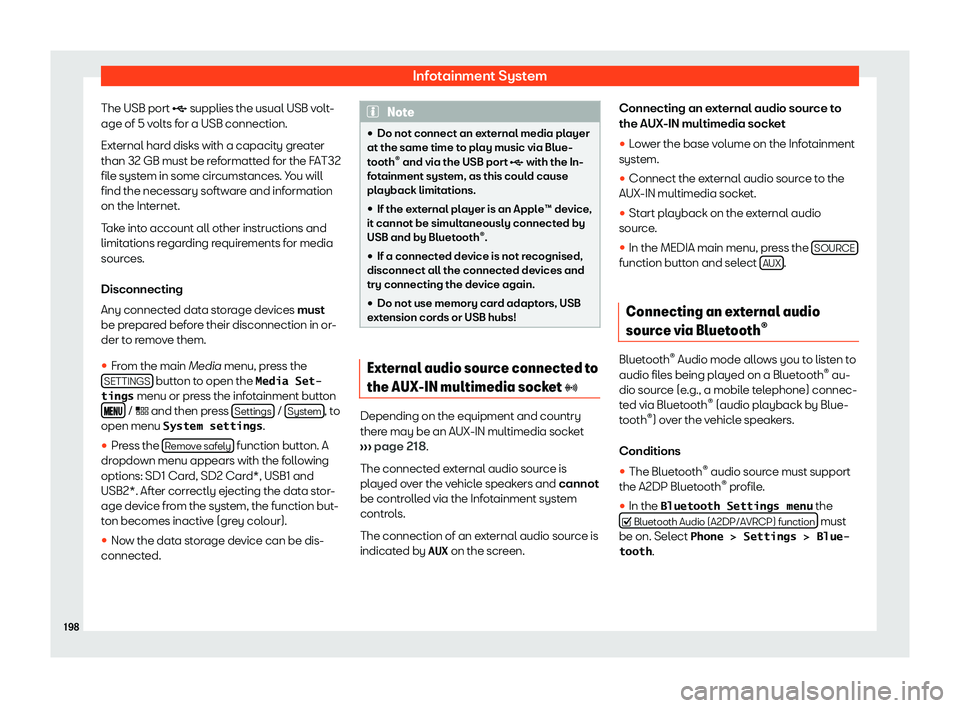
The USB port supplies the usual USB v olt
-
age of 5 v olts for a USB connection.
External hard disks with a capacity greater
than 32 GB must be reformatted for the FAT32
file system in some circumstances. You will
find the necessary software and information
on the Internet.
Take into account all other instructions and
limitations regarding requirements for media
sources.
Disconnecting
Any connected data storage devices must
be prepared before their disconnection in or-
der to remove them.
�
Page 202 of 360
Page 203 of 360
Operating modes
Requirements for viewing images Image files Maximum resolu-
tion
BMP 4MP
JPEG 4MP (Progressive Mode)
JPG 64MP
GIF 4MP
PNG 4MPNavigation
1)
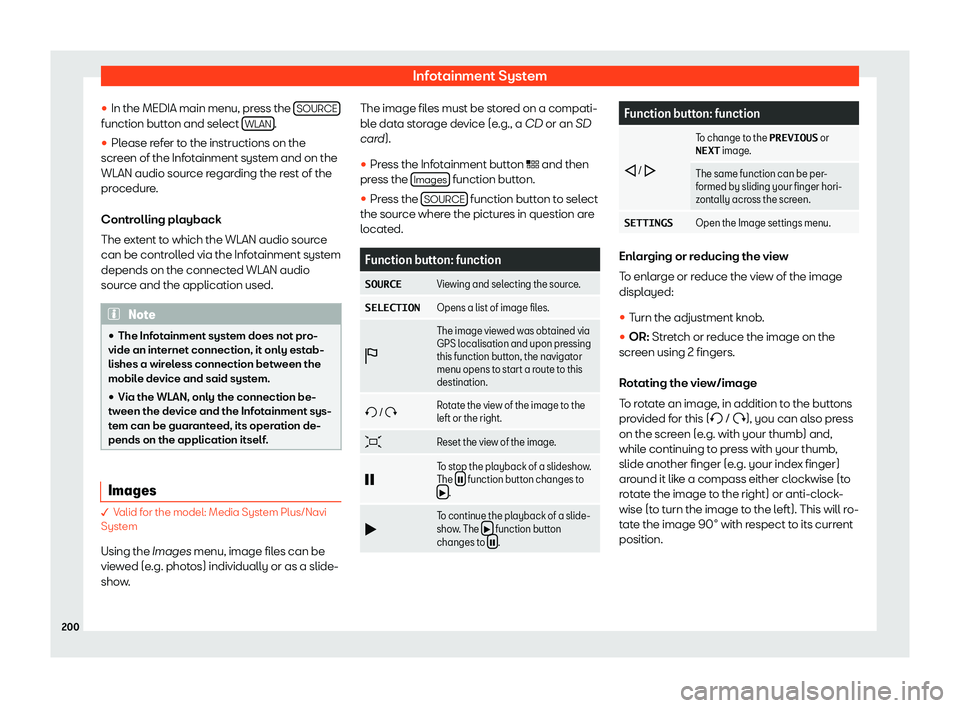
Intr oduction Fig. 199
Related video General information
Using all the dat
a avail
able, the Infotainment
system calculates the optimum route to the
destination. The destination is defined by entering an ad-
dress or a point of inter
est, e.g. a petrol sta-
tion or hotel. Traffic reports, if any, will also be
taken into account in the route calculation
(dynamic route guidance