Seat Ibiza 2019 Owner's Guide
Ibiza 2019
Seat
Seat
https://www.carmanualsonline.info/img/39/29173/w960_29173-0.png
Seat Ibiza 2019 Owner's Guide
Page 190 of 360
Page 192 of 360
Infotainment System
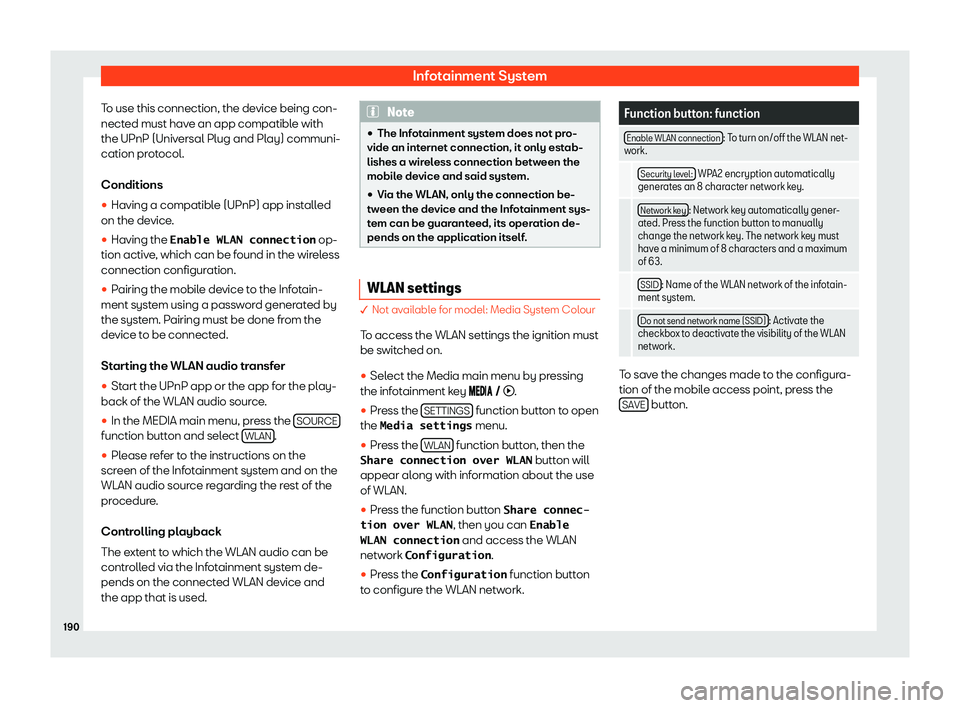
To use this connection, the device being con-
nect ed must hav
e an app compatibl e with
the UPnP (Univ ersal Plug and Pl
ay) communi-
cation protocol.
Conditions
�
Page 194 of 360
Infotainment System
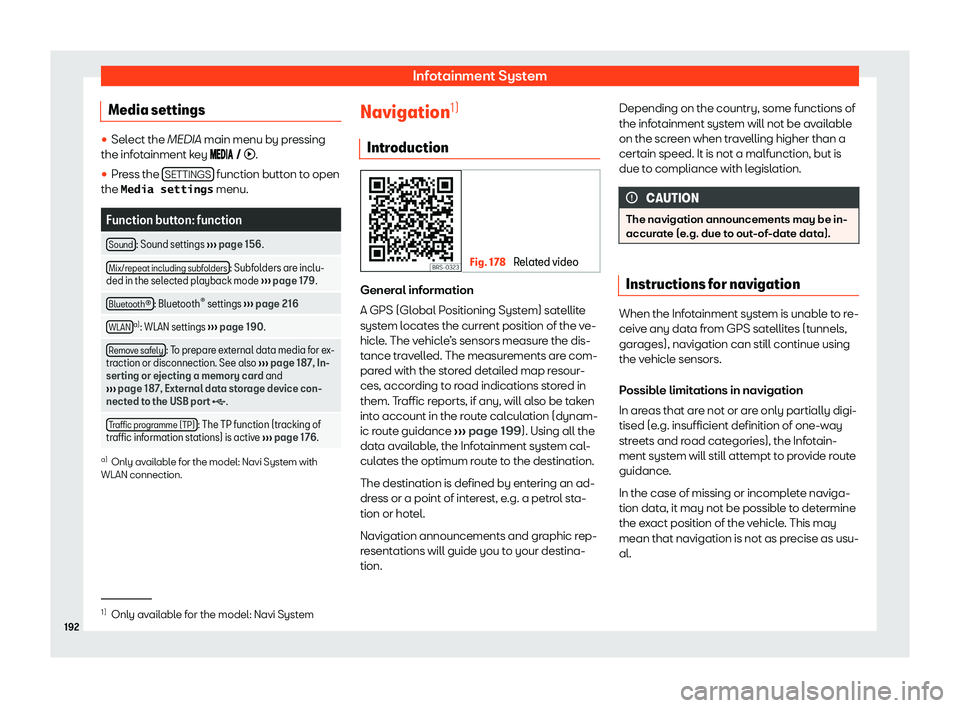
Media settings �
Page 196 of 360
Infotainment System
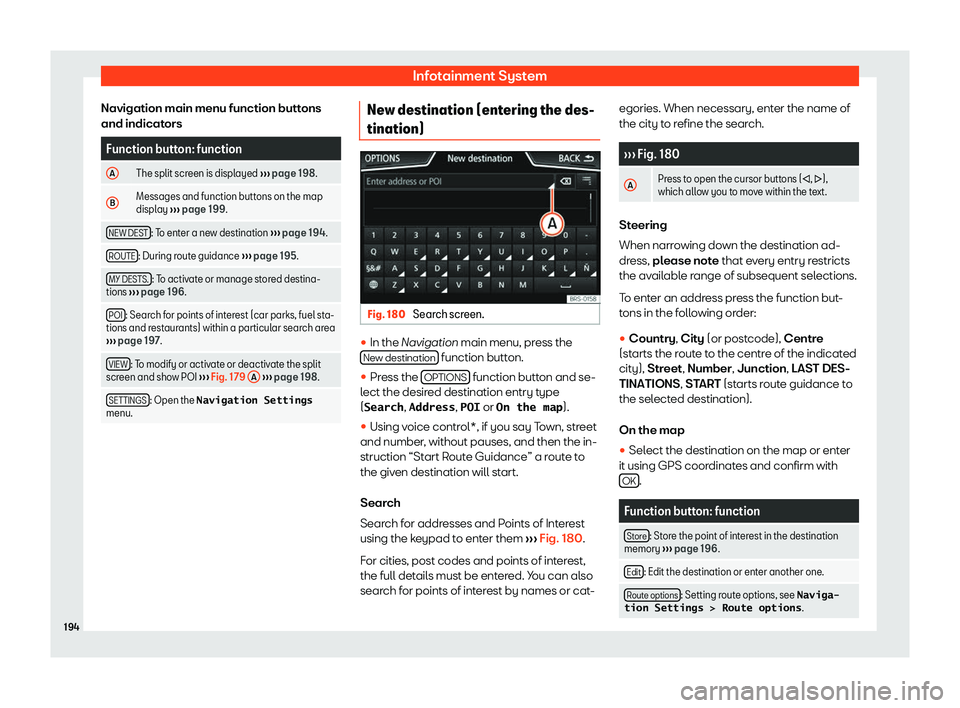
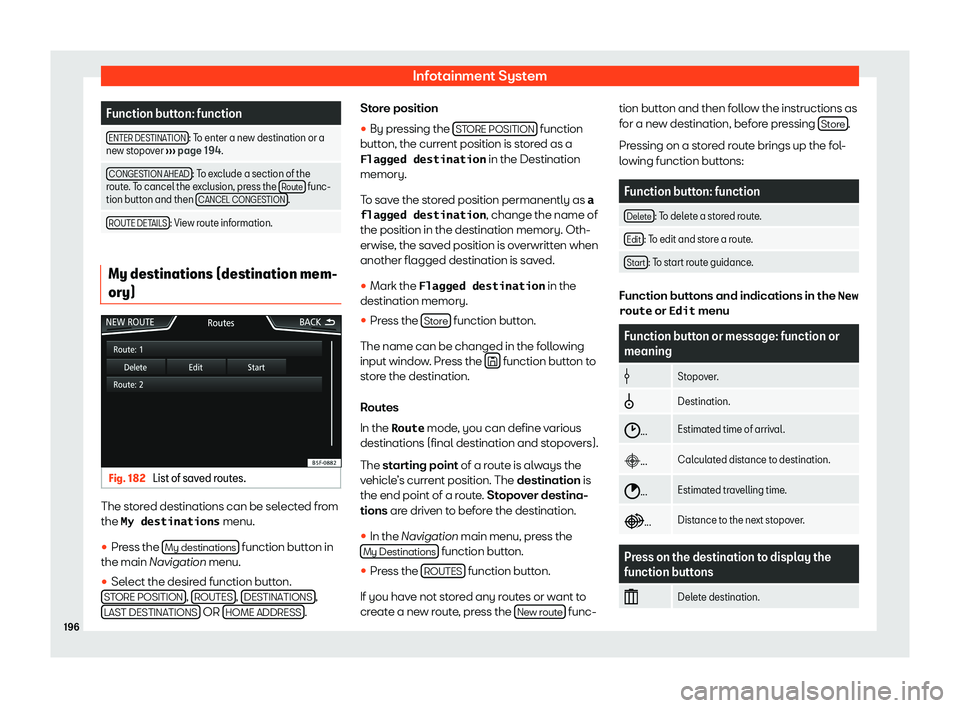
Navigation main menu function buttons
and indicat orsFunction button: function
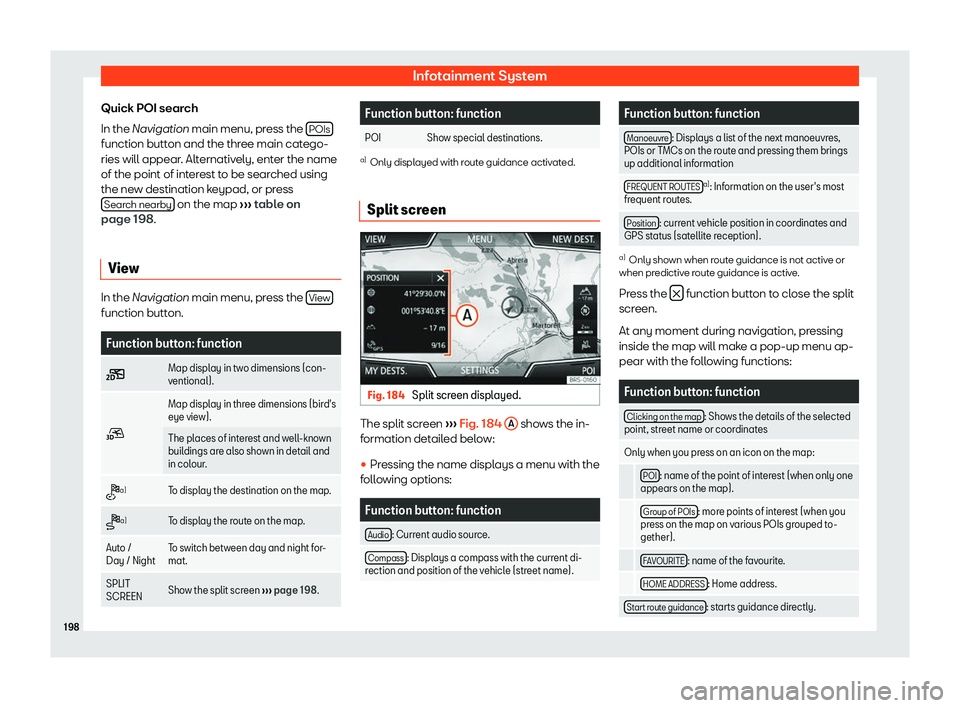
A The split screen is displayed
Page 198 of 360
Infotainment System
Function button: function
ENTER DESTINATION : To enter a new destination or a
new stopov er
Page 200 of 360
Infotainment System
Quick POI search
In the Navigation main menu, pr ess the
POIs function button and the three main catego-
ries will appear
. Alt
ernativ ely, ent
er the name
of the point of int
erest to be searched using
the new destination keypad, or press Search nearby on the map
Page 202 of 360
Infotainment System
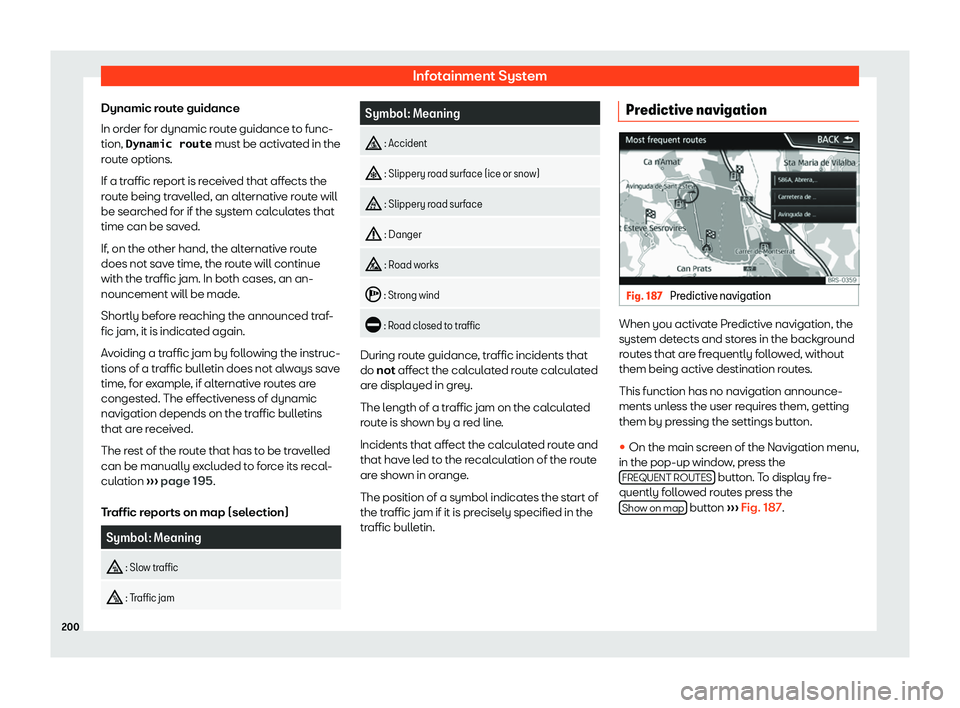
Dynamic route guidance
In or der f
or dynamic r out
e guidance t
o func-
tion, Dynamic route must be activated in the
route options.
If a traffic report is received that affects the
route being travelled, an alternative route will
be searched for if the system calculates that
time can be saved.
If, on the other hand, the alternative route
does not save time, the route will continue
with the traffic jam. In both cases, an an-
nouncement will be made.
Shortly before reaching the announced traf-
fic jam, it is indicated again.
Avoiding a traffic jam by following the instruc-
tions of a traffic bulletin does not always save
time, for example, if alternative routes are
congested. The effectiveness of dynamic
navigation depends on the traffic bulletins
that are received.
The rest of the route that has to be travelled
can be manually excluded to force its recal-
culation
Page 204 of 360
Infotainment System
A manually entered starting point is overwrit-
t en with the curr
ent location of the v
ehicl
e, if
the vehicle starts moving. Note
Deactivate the Demo mode after use, oth-
erwise you will always have t o sel
ect
whether to start a virtual route or normal
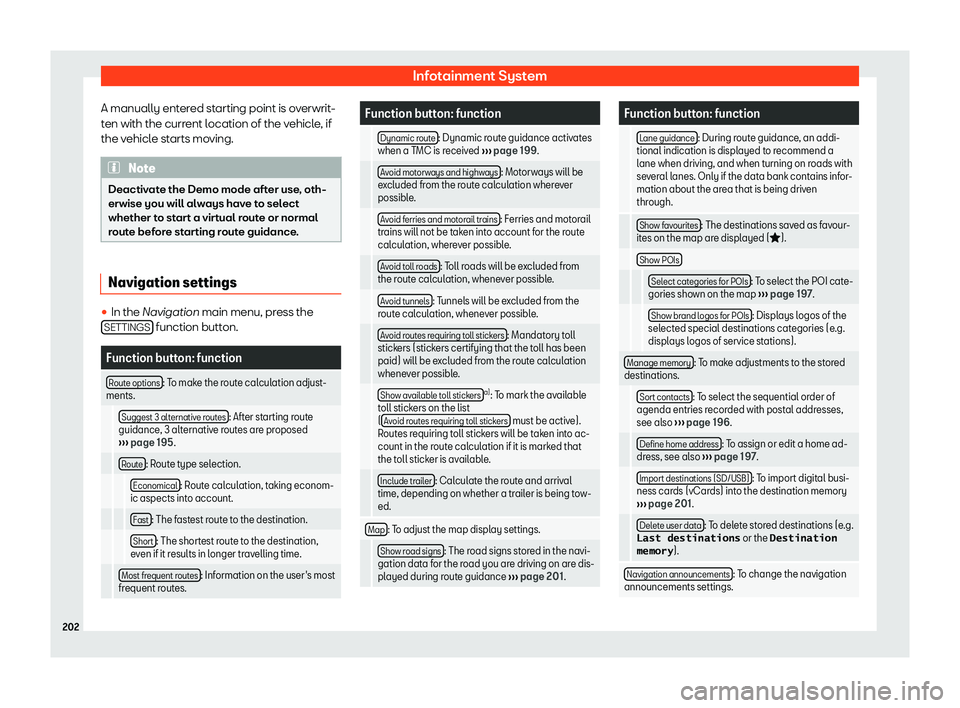
route before starting route guidance. Navigation settings
�
Page 206 of 360
Infotainment System
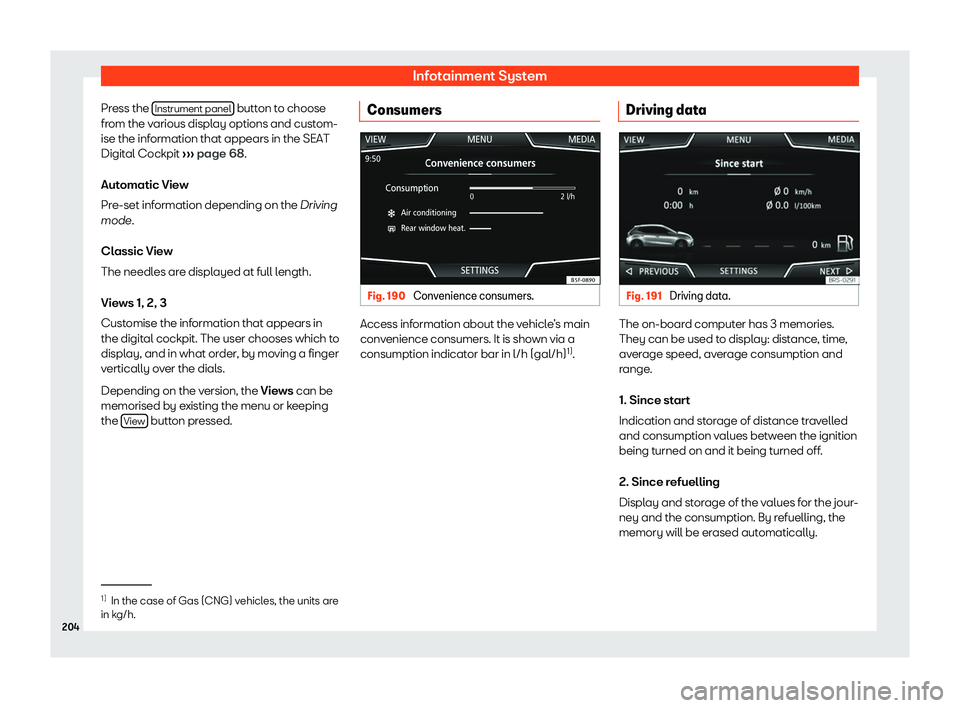
Press the Instrument panel button to choose
fr om the v
arious displ ay options and cust
om-
ise the inf
ormation that appears in the SEAT
Digital Cockpit
Page 208 of 360
Infotainment System
Indication