Seat Leon 2018 Owner's Guide
Leon 2018
Seat
Seat
https://www.carmanualsonline.info/img/39/29388/w960_29388-0.png
Seat Leon 2018 Owner's Guide
Page 206 of 392
Infotainment System
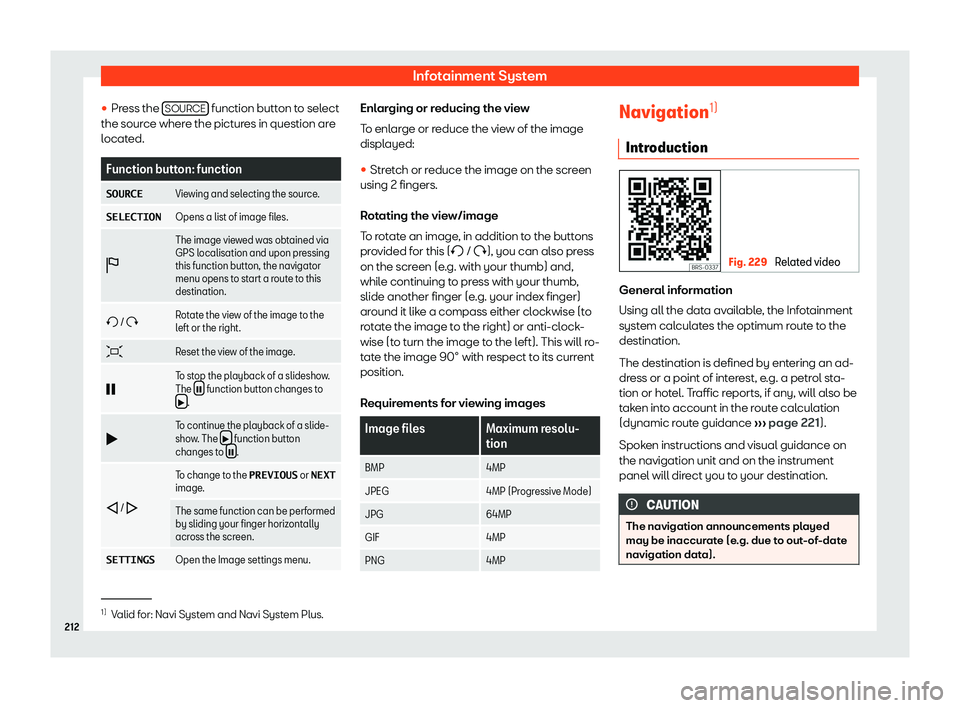
Function button: function
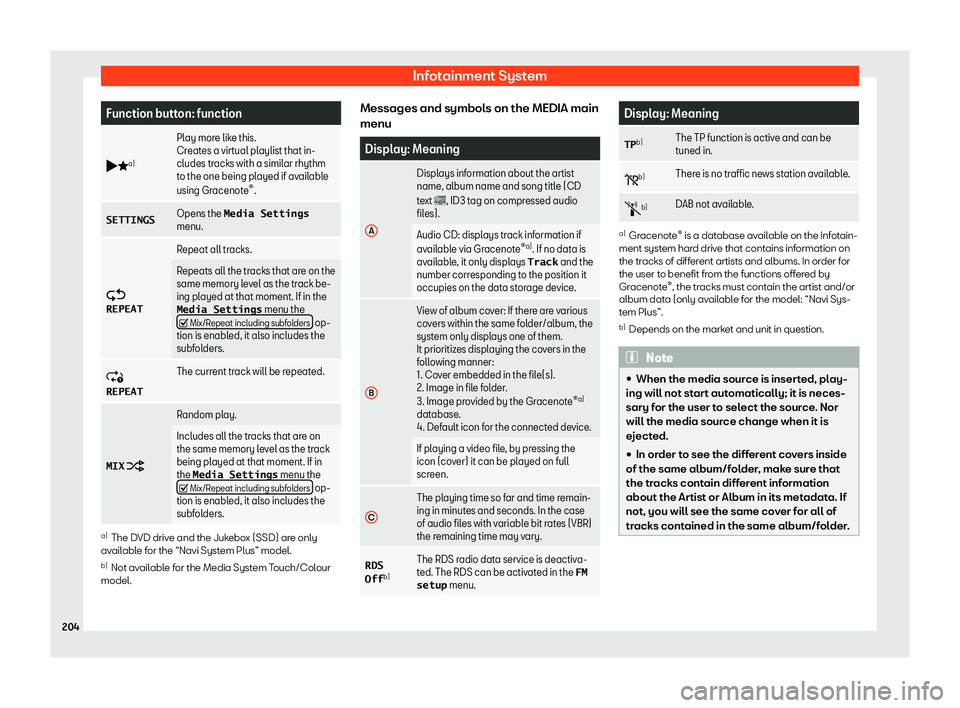
b _a) Play more like this.
Creat
es a virt
ual playlist that in-
cludes tracks with a similar rhythm
to the one being played if available
using Gracenote
Page 208 of 392
Page 210 of 392
Infotainment System
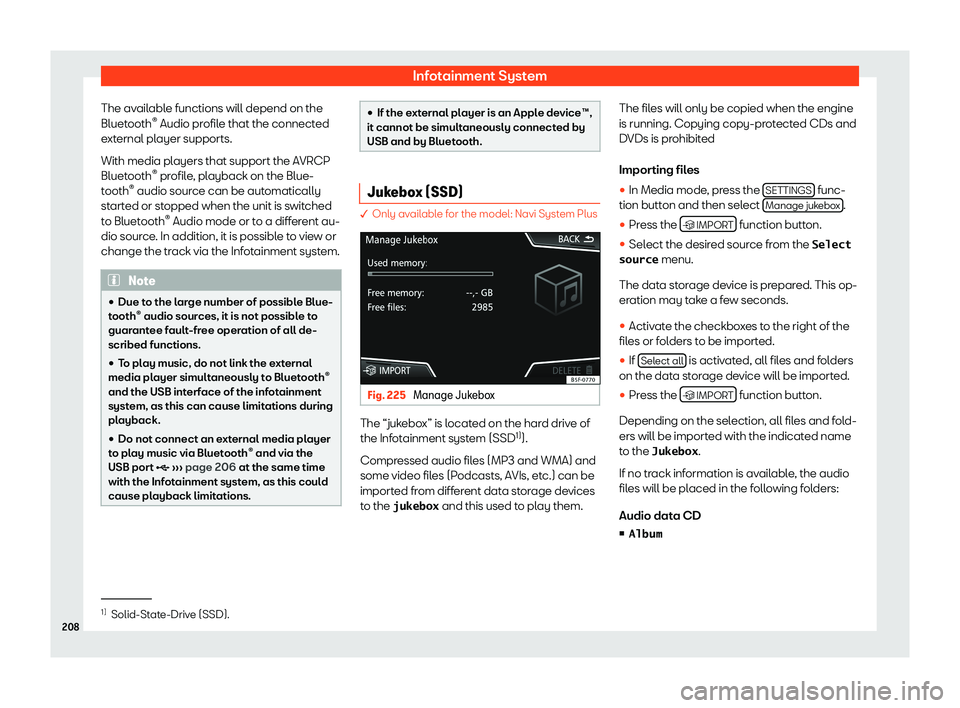
The available functions will depend on the
Bluet ooth
Page 212 of 392
Infotainment System
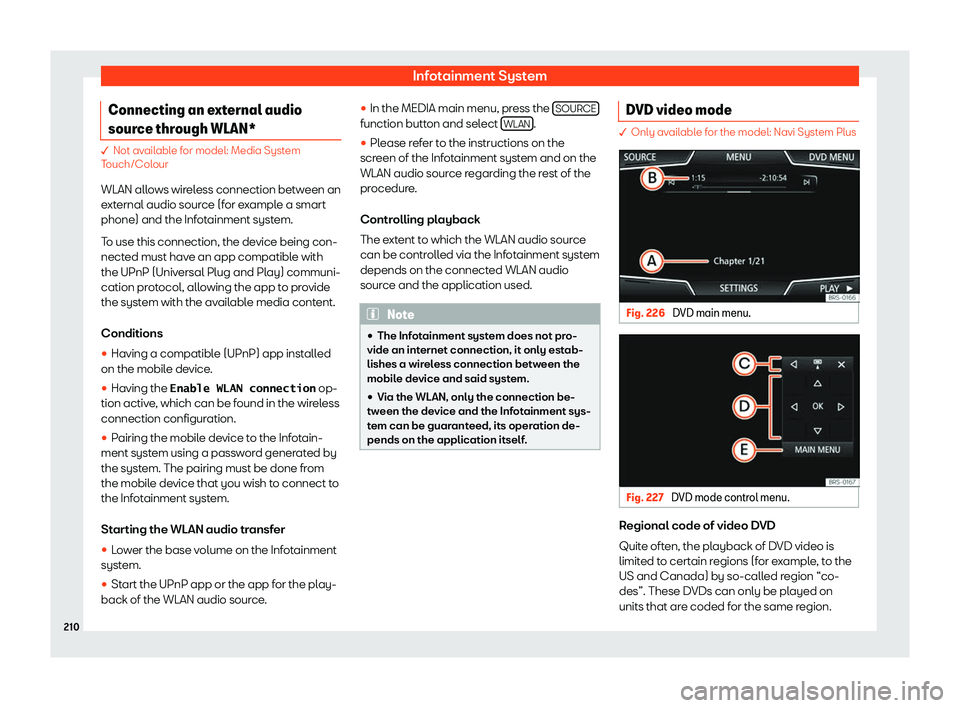
Connecting an external audio
sour ce thr
ough WLAN* � Not available for model: Media System
T
ouch/Col
our
WLAN allows wireless connection between an
external audio source (for example a smart
phone) and the Infotainment system.
To use this connection, the device being con-
nected must have an app compatible with
the UPnP (Universal Plug and Play) communi-
cation protocol, allowing the app to provide
the system with the available media content.
Conditions �
Page 214 of 392
Page 215 of 392
Operating modes
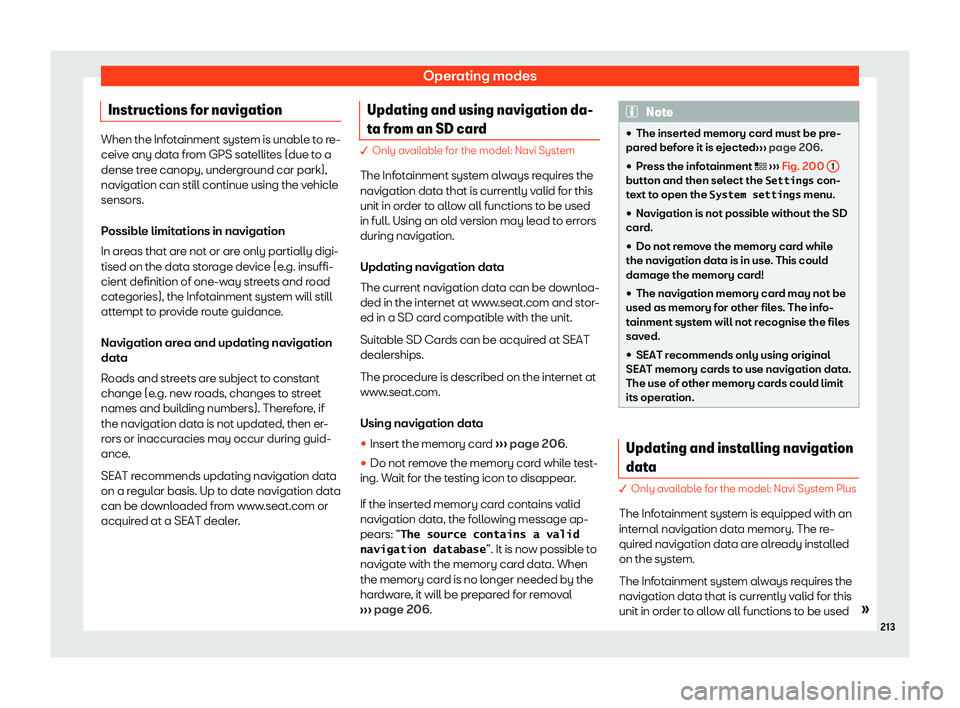
Instructions for navigation When the Infotainment system is unable to re-
ceive any dat
a fr
om GPS satellites (due to a
dense tree canopy, underground car park),
navigation can still continue using the vehicle
sensors.
Possible limitations in navigation
In areas that are not or are only partially digi-
tised on the data storage device (e.g. insuffi-
cient definition of one-way streets and road
categories), the Infotainment system will still
attempt to provide route guidance.
Navigation area and updating navigation
data
Roads and streets are subject to constant
change (e.g. new roads, changes to street
names and building numbers). Therefore, if
the navigation data is not updated, then er-
rors or inaccuracies may occur during guid-
ance.
SEAT recommends updating navigation data
on a regular basis. Up to date navigation data
can be downloaded from www.seat.com or
acquired at a SEAT dealer. Updating and using navigation da-
ta fr
om an SD car
d � Only available for the model: Navi System
The Inf ot
ainment system always requires the
navigation data that is currently valid for this
unit in order to allow all functions to be used
in full. Using an old version may lead to errors
during navigation.
Updating navigation data
The current navigation data can be downloa-
ded in the internet at www.seat.com and stor-
ed in a SD card compatible with the unit.
Suitable SD Cards can be acquired at SEAT
dealerships.
The procedure is described on the internet at
www.seat.com.
Using navigation data
�
Page 216 of 392
Infotainment System
in full. Using an old version may lead to errors
during navigation.
Updating navigation dat a
T o updat
e navigation data visit our website:
www.seat.com.
The navigation data must be installed after
downloading. Navigation is not possible from
the memory card.
Installing navigation data
The installation process takes about 2 hours.
If the Infotainment system is switched off, the
installation process is paused and will auto-
matically resume when switched back on.
�
Page 218 of 392
Infotainment System
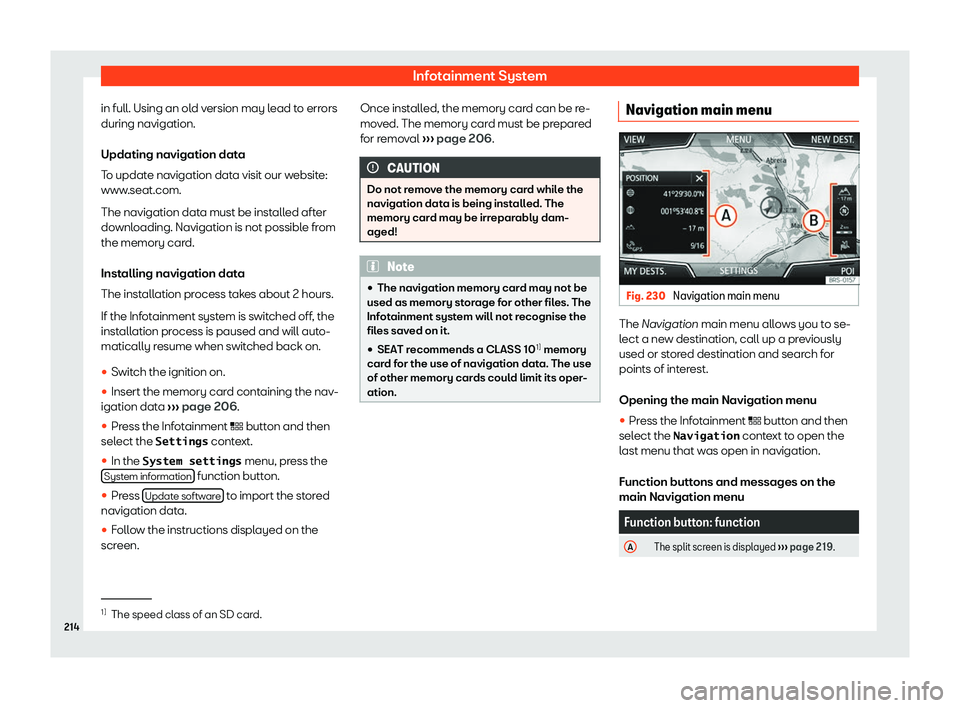
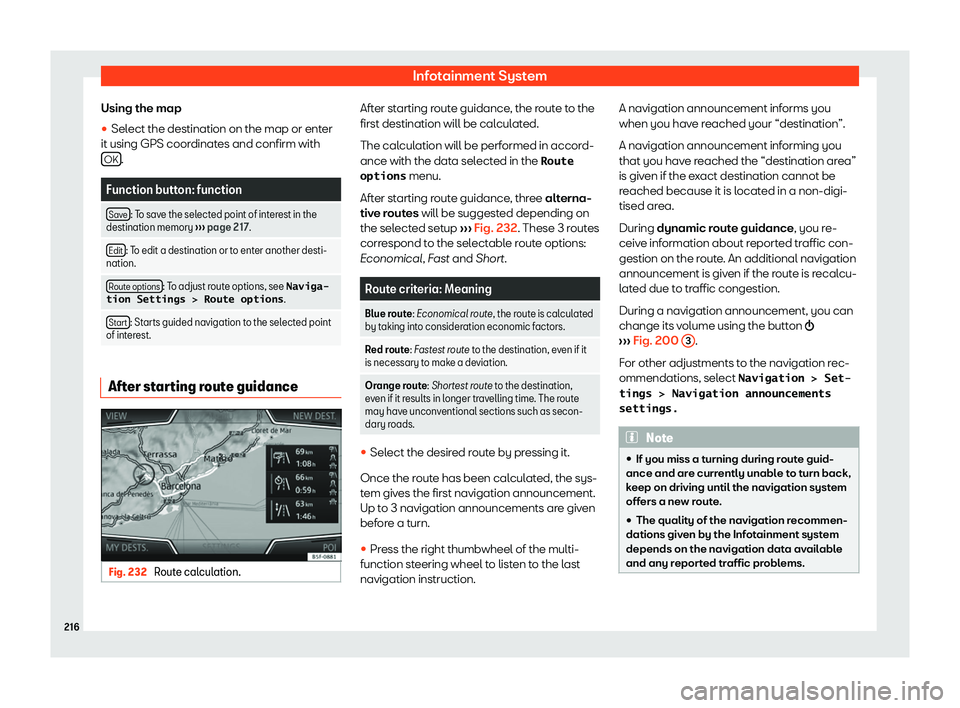
Using the map
�
Page 220 of 392
Infotainment System
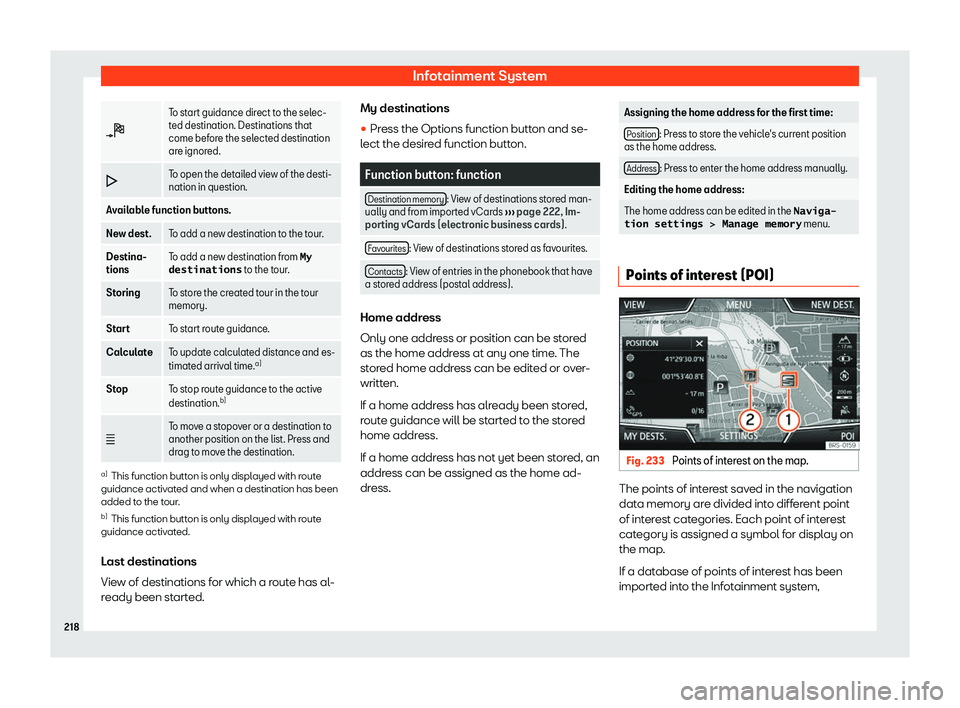
To start guidance direct to the selec-
ted destination. Destinations that
come bef
or
e the selected destination
are ignored.
To open the detailed view of the desti-
nation in question.
Available function buttons.
New dest. To add a new destination to the tour.
Destina-
tions To add a new destination from My
destinations to the tour
.
Storing To store the created tour in the tour
memory.
Start To start route guidance.
Calculate To update calculated distance and es-
timated arrival time
.a)
Stop To stop route guidance to the active
destination.b)
c To move a stopover or a destination to
another position on the list. Press and
drag t
o move the destination. a)
This function button is only displayed with route
guidance activ at
ed and when a destination has been
added t
o the tour.
b) This function button is only displayed with route
guidance activated.
L
ast destinations
View of destinations for which a route has al-
ready been started. My destinations
�
Page 222 of 392
Infotainment System
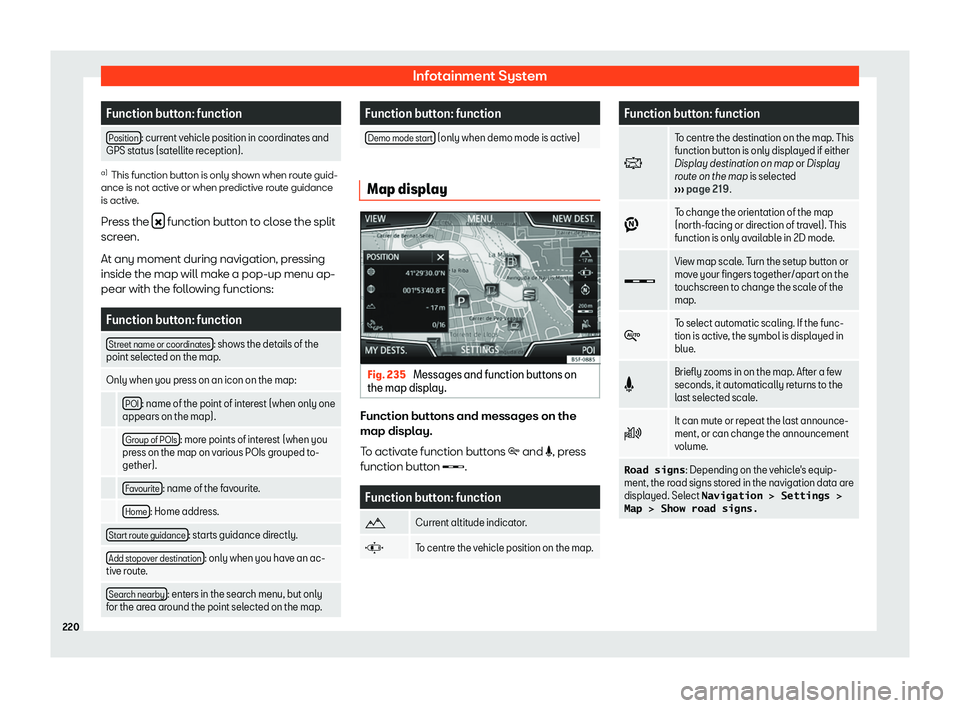
Function button: function
Position : current vehicle position in coordinates and
GPS stat us (sat
ellite reception). a)
This function button is only shown when route guid-
ance is not active or when pr edictiv
e route guidance
is active.
Press the function button to close the split
screen.
At any moment during navigation, pr essing
inside the map will mak
e a pop-up menu ap-
pear with the following functions: Function button: function
Street name or coordinates : shows the details of the
point select ed on the map
.
Only when you press on an icon on the map:
POI : name of the point of interest (when only one
appears on the map).
Group of POIs : more points of interest (when you
press on the map on v arious POIs gr
ouped to-
gether).
Favourite : name of the favourite.
Home : Home address.
Start route guidance : starts guidance directly.
Add stopover destination : only when you have an ac-
tive r out
e.
Search nearby : enters in the search menu, but only
for the ar ea ar
ound the point selected on the map. Function button: function
Demo mode start (only when demo mode is active)
Map display
Fig. 235
Messages and function buttons on
the map displ ay. Function buttons and messages on the
map displ
ay.
T o activ
ate function buttons