ESP Seat Leon 5D 2007 RADIO MP3
[x] Cancel search | Manufacturer: SEAT, Model Year: 2007, Model line: Leon 5D, Model: Seat Leon 5D 2007Pages: 52, PDF Size: 2.19 MB
Page 36 of 52
Apple* iPod connection
34
– After a few seconds, the sound system will detect it. The tracks stored can be played through the sound system.
– Close the compartment.
WARNING
It is vital that attention is not di verted from the traffic. Use the iPod
®only
when traffic allows. Any distraction may lead to an accident, with the risk
of injury.
•
Never lose visual contact with the ro ad in order to adjust or use the
iPod® and the sound system.
•
Use the iPod
® only when the state of the road, the weather and traffic
conditions permit.
•
Never attach the iPod
® while driving.
Caution
•
Attaching the iPod
® to the adaptor will leave wear marks.
•
New iPods
® that have not been used for some time have to be charged
according to the manufacturer's instructio ns before using it for the first time
with the iPod® adaptor.
Note
•
If the iPod
® is not detected in the adaptor by the sound system, “reset the
iPod
®”. For more information consult the iPod
® instructions.
•
If the iPod
® does not work correctly desp ite being a compatible model,
we recommend updating the firmware. For more information, consult the
Apple Computer Inc webpage.
•
The iPod
® controls will not work when it is attached to the adaptor.
Remove the iPod
® from the adaptor
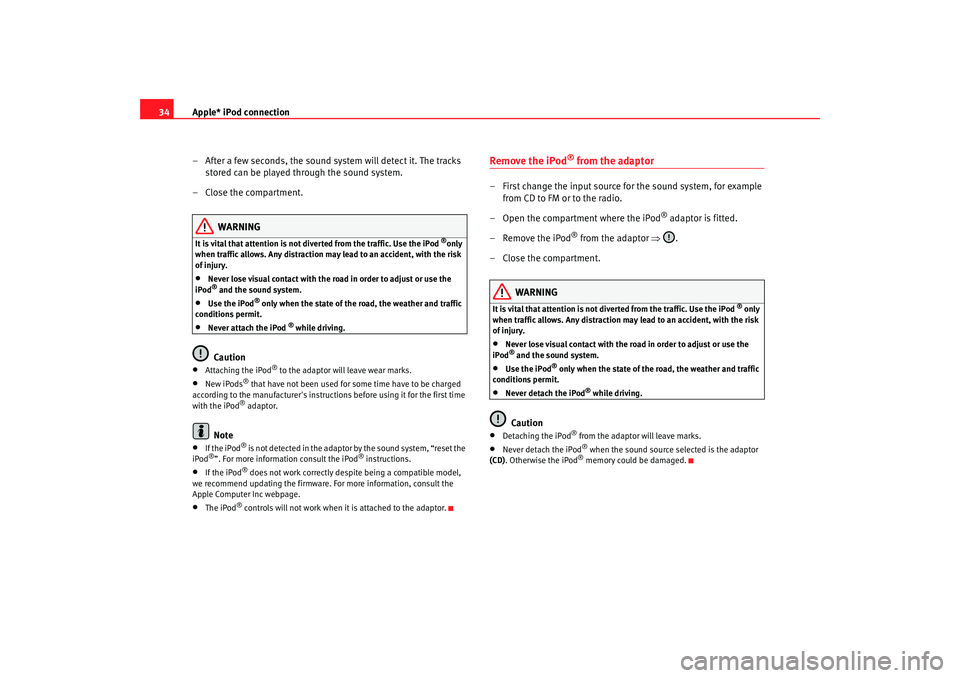
– First change the input source for the sound system, for example from CD to FM or to the radio.
– Open the compartment where the iPod
® adaptor is fitted.
– Remove the iPod
® from the adaptor ⇒.
– Close the compartment.
WARNING
It is vital that attention is not di verted from the traffic. Use the iPod
® only
when traffic allows. Any distraction may lead to an accident, with the risk
of injury.
•
Never lose visual contact with the road in order to adjust or use the
iPod® and the sound system.
•
Use the iPod
® only when the state of the road, the weather and traffic
conditions permit.
•
Never detach the iPod
® while driving.
Caution
•
Detaching the iPod
® from the adaptor will leave marks.
•
Never detach the iPod
® when the sound source selected is the adaptor
(CD) . Otherwise the iPod® memory could be damaged.
radio mp3 ingles.book Seite 34 Montag, 23. April 2007 3:40 15
Page 42 of 52
USB* connection
40Authorised radio equipment
To guarantee optimum performance your vehicle should have an RCD series
SEAT radio or an RNS series SEAT navigator.
If your vehicle uses other brands we cannot guarantee their performance.
Compatible music formats
The following are the compatible music formats:•
mp3 (MPEG1 Layer3 32 to 320 kbps)
•
wma (8 to 192 kbps)
•
wav (sample frequency: 16 kHz with 16 bit coding, stereo)
•
ogg vorbis (to q10, 48 kHz, stereo)
DRM formats are not supported.Caution
Never store vital data in the memory stick or MP3 player SEAT will not accept
any responsibility for data or files that are corrupted or lost.
Note
If unauthorised memory sticks or MP 3 players are used, the music may not
play, or play poorly.
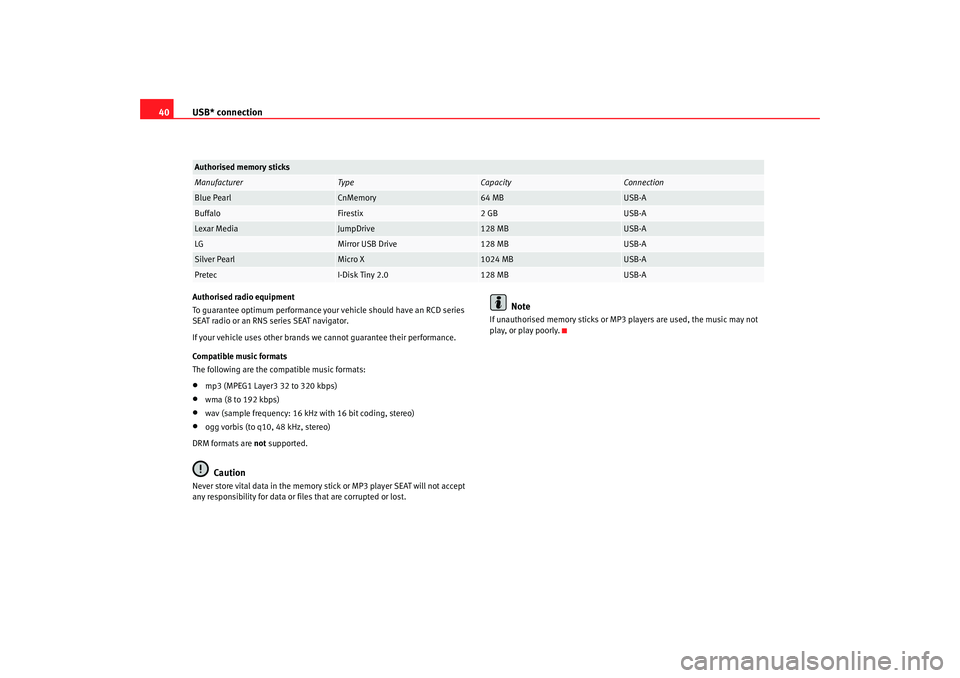
Authorised memory sticksManufacturer
Ty pe
Capacity
Connection
Blue Pearl
CnMemory
64 MB
USB-A
Buffalo
Firestix
2 GB
USB-A
Lexar Media
JumpDrive
128 MB
USB-A
LG
Mirror USB Drive
128 MB
USB-A
Silver Pearl
Micro X
1024 MB
USB-A
Pretec
I-Disk Tiny 2.0
128 MB
USB-A
radio mp3 ingles.book Seite 40 Montag, 23. April 2007 3:40 15
Page 46 of 52
MP3 mode
44This unit can display the information from the ID3 data field, versions 1 and
2, to a maximum of 60 characters in total.
Note
•
When an MP3 disc is being played it is possible that some songs may not
play or may be played incorrectly. This may be due to the configuration of the
disc, the software or the hard ware used for the recording.
•
Audio CDs (CD-A) meet the specifications and carry a corresponding
symbol. Those CDs with copyright protection do not meet these specifica-
tions and do not bear the corresponding symbol; for this reason there may be
errors in reading this type of disc.
•
For MP3 CDs the MP3 data rate should oscillate between 8 and 320
Kb/sec.
•
It is possible to read multi-session discs but if the data has been recorded
in both formats (CD-DA and MP3), regardless of the order, only the audio
tracks will be played.
•
With other formats that are not IS O 9660 level 1 or 2, the names of the
files and folders may not be displayed correctly.
•
When naming an MP3 file make sure the extension is correct. Writing
“.MP3” for a non-MP3 file means that the file will not be recognised and may
play unwanted noises.
•
It is not possible to play MP3 files that are deeper than the first 8 folder
levels. To speed up the reading and searching, only two levels of folders are
recommended.
•
The following types of disc will take some time to begin playing:
•
A disc with many folder levels.
•
A multi-session disc.
•
A disc to which information may be added (Open).
•
It will n o t b e p o ssibl e to play a n a u dio CD (CD-R/CD-RW) that has not been
closed.
radio mp3 ingles.book Seite 44 Montag, 23. April 2007 3:40 15
Page 48 of 52
Important information concerning the CD reader
46Important information concerning the CD readerPrecautionary measures for the use of laser equipmentLaser devices are classified by DIN IEC 76 (CO) 6/ VDE 0837 into safety
classes 1 to 4.
The SEAT CD player corresponds to safety class 1.
The lasers used in class 1 units are low energy lasers, or are shielded in such
a manner that they present no danger when used correctly.
Do not remove the cover of the unit. It does not have any parts which can be
serviced by the user.Tips for CD modeTo ensure perfect, high-quality CD reproduction, only clean, undamaged CDs
should be used.
Please do not stick any labels onto the CDs.
Compact discs not being used should always be stored in the CD rack from
the Genuine SEAT accessories range or in the original case.
Never expose CDs to direct sunlight!
Caution
Use only standard 12 cm CDs. Special shape CDs or 8 cm “singles” cannot be
played and they will damage the CD player.
Tips on cleaning CDsUse a soft, lint–free cloth to clean CDs. Clean discs in a straight line from the
centre outwards. If they are very dirty use a conventional CD cleaner or
isopropyl alcohol.
WARNING
Never use fluids such as petrol, paint thinner or record cleaner, as these
can damage the surface of the CD!
radio mp3 ingles.book Seite 46 Montag, 23. April 2007 3:40 15