Seat Tarraco 2018 User Guide
Tarraco 2018
Seat
Seat
https://www.carmanualsonline.info/img/39/30724/w960_30724-0.png
Seat Tarraco 2018 User Guide
Page 202 of 408
Infotainment System
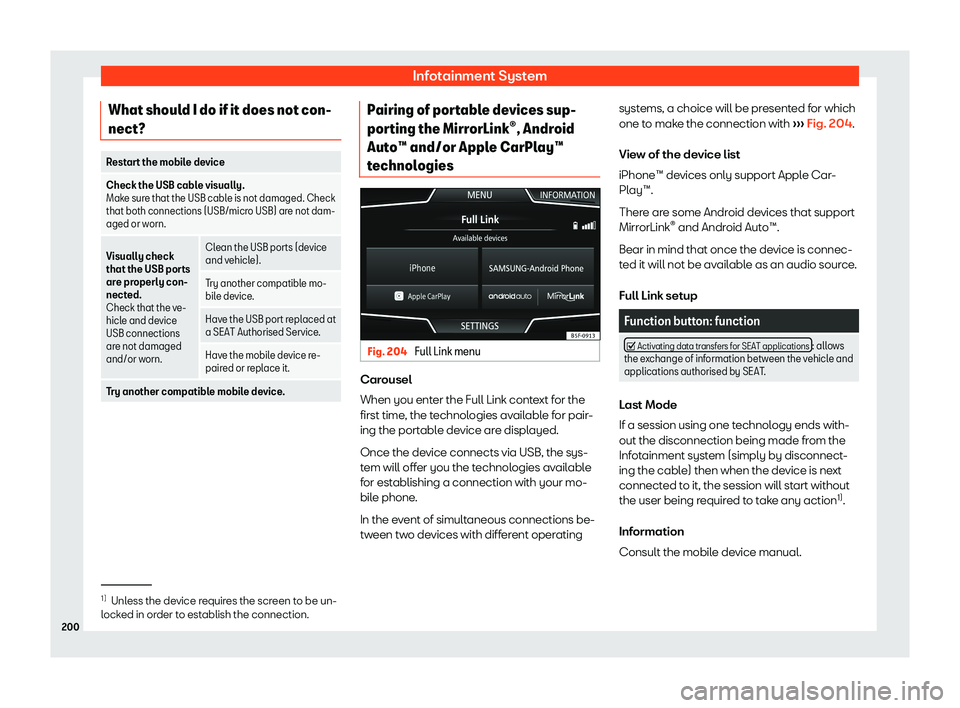
What should I do if it does not con-
nect? Restart the mobile device
Check the USB cable visually.
Make sure that the USB cabl
e is not damaged. Check
that both connections (USB/micro USB) are not dam-
aged or worn.
Visually check
that the USB ports
ar e pr
operly con-
nected.
Check that the ve-
hicle and device
USB connections
are not damaged
and/or worn. Clean the USB ports (device
and vehicl
e).
T
ry another compatible mo-
bile de vice
.
Have the USB port replaced at
a SEAT Authorised Service.
Hav e the mobil
e device re-
paired or r epl
ace it.
Try another compatible mobile device. Pairing of portable devices sup-
por
ting the Mirr
orLink
Page 204 of 408
Infotainment System
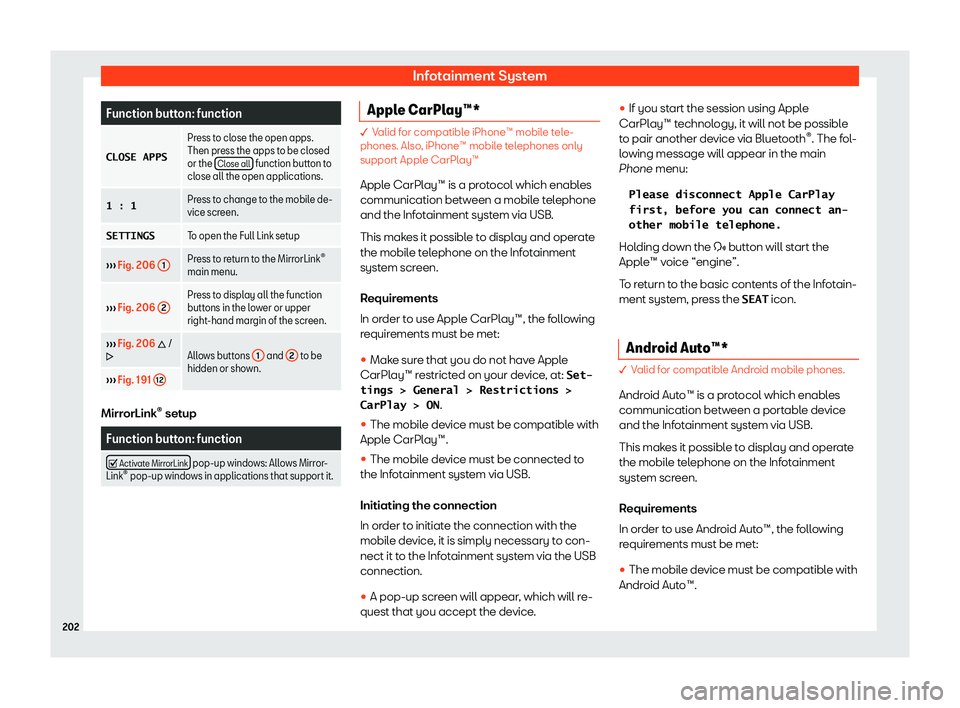
Function button: function
CLOSE APPS Press to close the open apps.
Then press the apps t
o be cl
osed
or the Close all function button to
close all the open applications.
1 : 1 Press t
o change to the mobile de-
vice screen.
SETTINGS To open the Full Link set
up
Page 206 of 408
Infotainment System
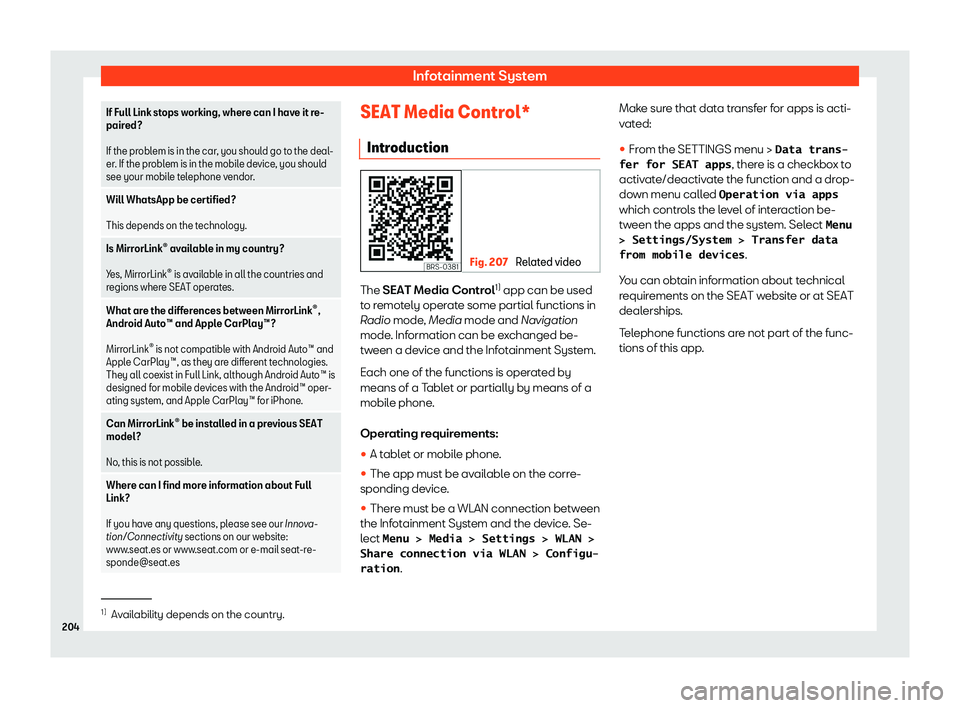
If Full Link stops working, where can I have it re-
paired?
If the pr obl
em is in the car, you should go to the deal-
er. If the problem is in the mobile device, you should
see your mobile telephone vendor.
Will WhatsApp be certified?
This depends on the technol ogy.
Is Mirr
orLink
Page 207 of 408
Connectivity
Data transmission and control
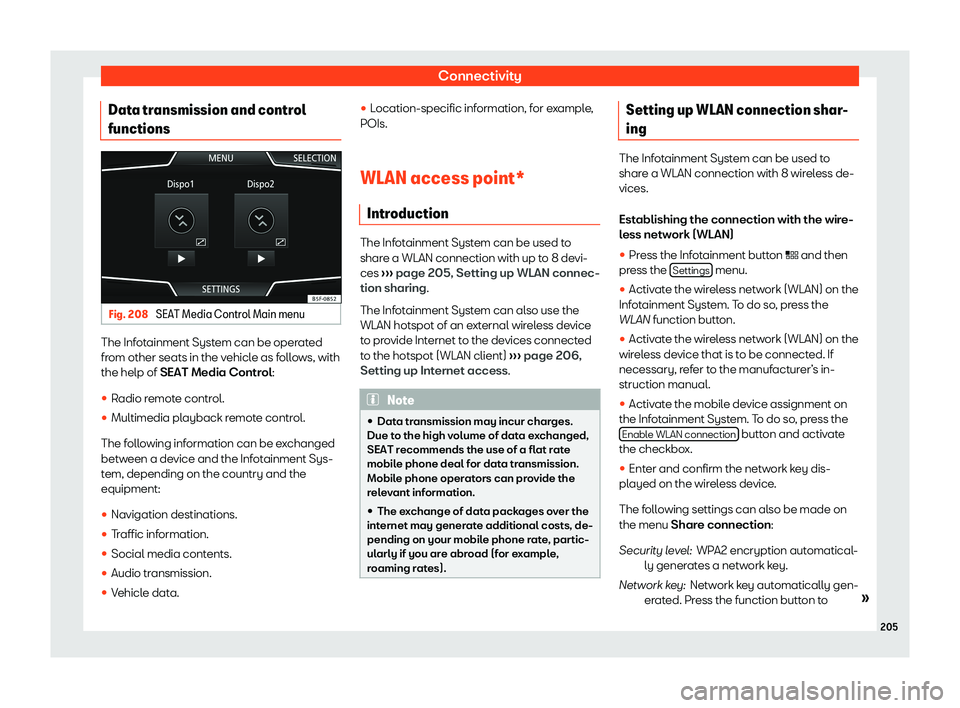
functions Fig. 208
SEAT Media Control Main menu The Infotainment System can be operated
fr
om other seats in the v
ehicl
e as follows, with
the help of SEAT Media Control:
�
Page 208 of 408
Infotainment System
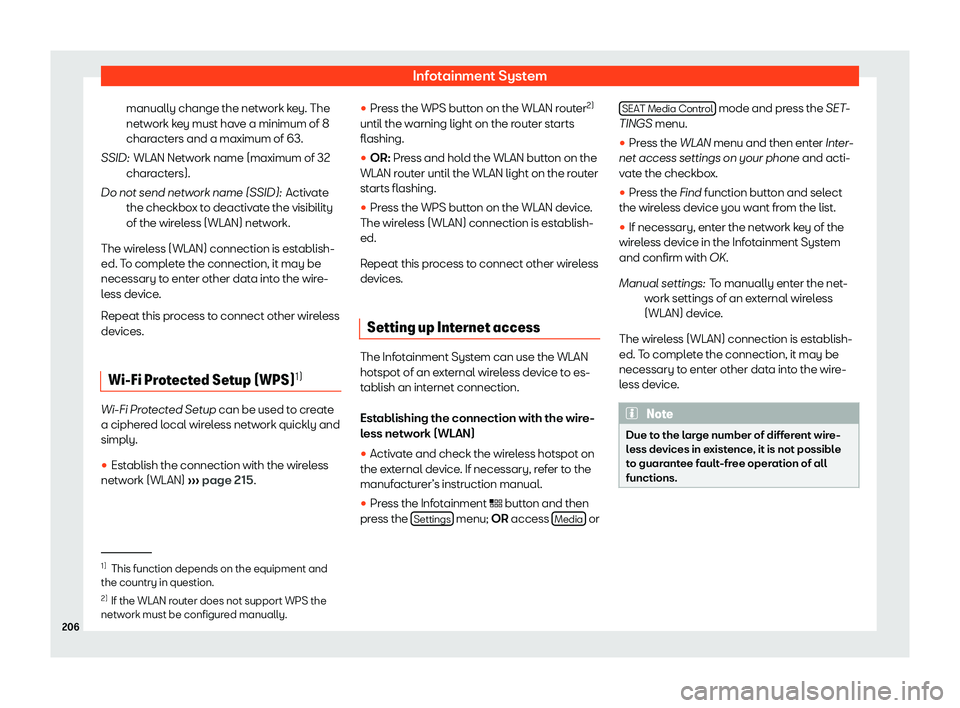
manually change the network key. The
netw ork k
ey must hav
e a minimum of 8
characters and a maximum of 63.
WLAN Network name (maximum of 32
characters).
Activate
the checkbox to deactivate the visibility
of the wireless (WLAN) network.
The wireless (WLAN) connection is establish-
ed. To complete the connection, it may be
necessary to enter other data into the wire-
less device.
Repeat this process to connect other wireless
devices.
Wi-Fi Protected Setup (WPS) 1)Wi-Fi Protected Setup can be used t
o cr
eat
e
a ciphered local wireless network quickly and
simply.
�
Page 209 of 408
Operating modes
Operating modes R adio
R el
ated video Fig. 209
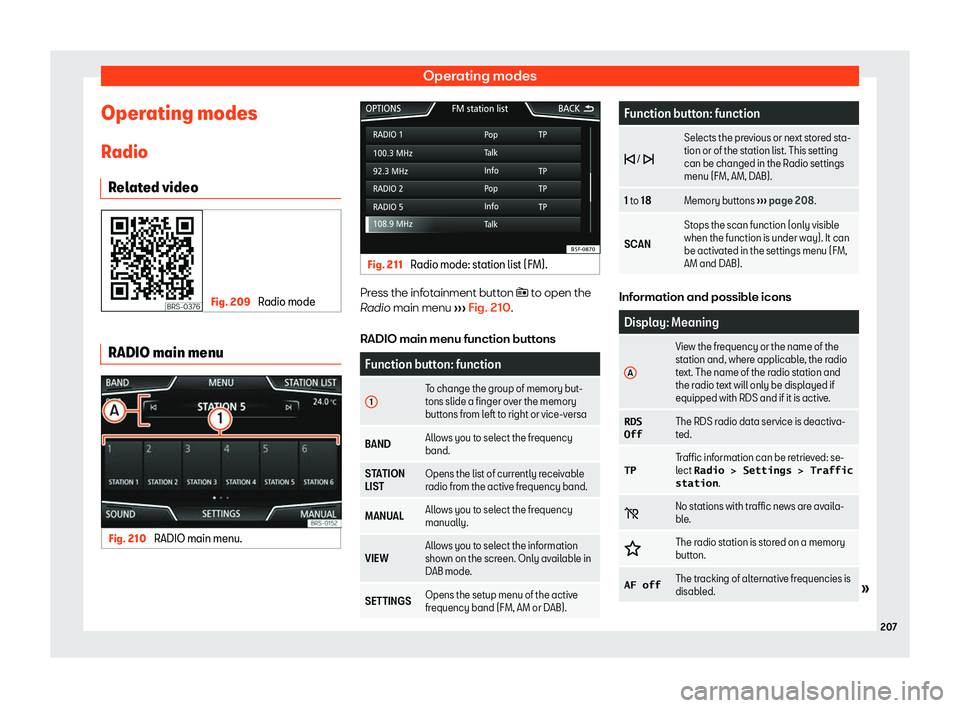
Radio mode RADIO main menu
Fig. 210
RADIO main menu. Fig. 211
Radio mode: station list (FM). Press the infotainment button � t
o open the
R adio
main menu
Page 210 of 408
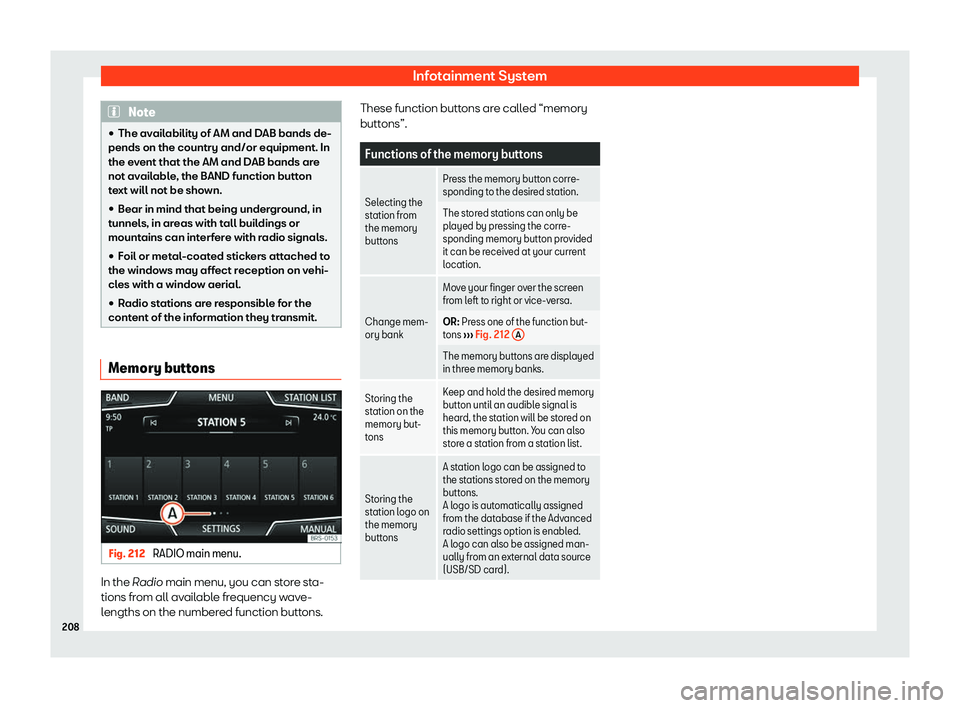
Infotainment System
Note
�
Page 211 of 408
Operating modes
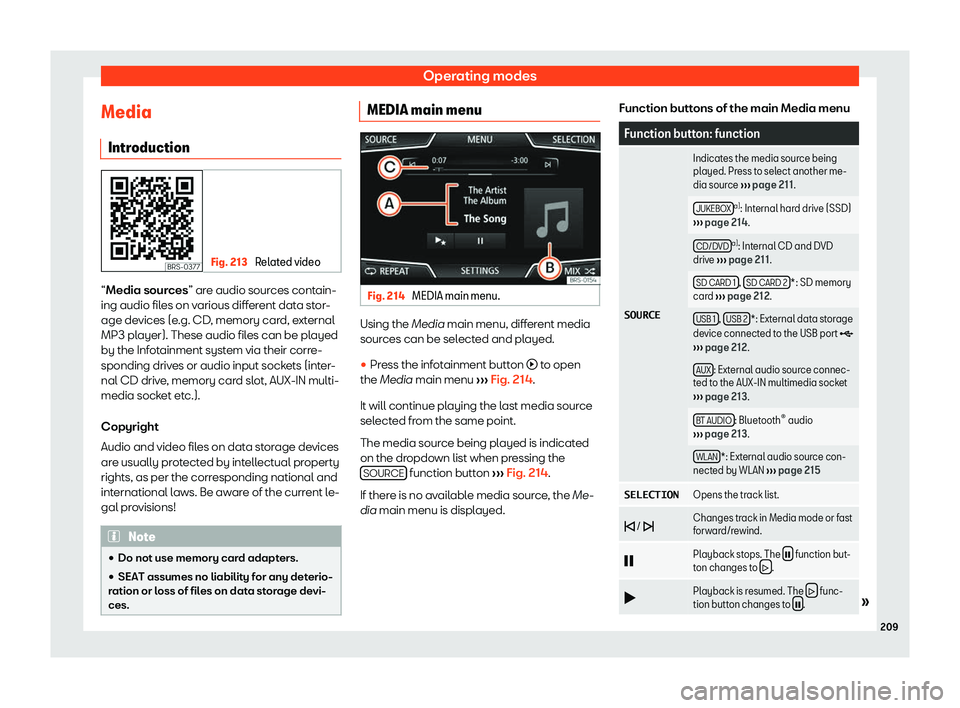
Media Intr oduction Fig. 213
Related video “Media sour
ces
” ar e audio sources contain-
ing audio files on various different data stor-
age devices (e.g. CD, memory card, external
MP3 player). These audio files can be played
by the Infotainment system via their corre-
sponding drives or audio input sockets (inter-
nal CD drive, memory card slot, AUX-IN multi-
media socket etc.).
Copyright
Audio and video files on data storage devices
are usually protected by intellectual property
rights, as per the corresponding national and
international laws. Be aware of the current le-
gal provisions! Note
�
Page 212 of 408
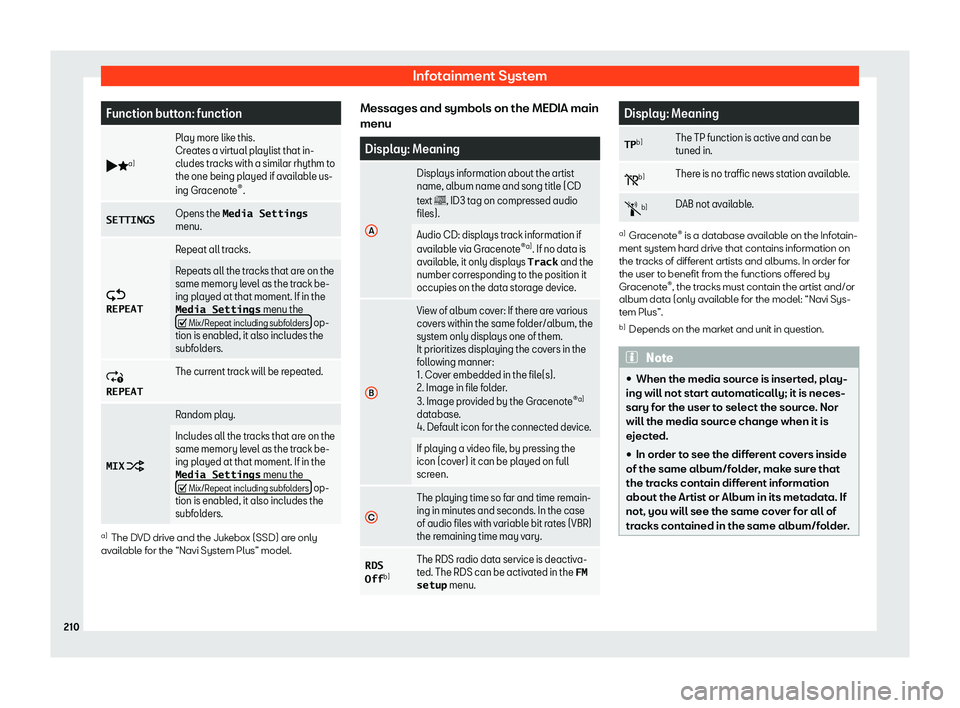
Infotainment System
Function button: function
b _a) Play more like this.
Creat
es a virt
ual playlist that in-
cludes tracks with a similar rhythm to
the one being played if available us-
ing Gracenote
Page 214 of 408
Infotainment System
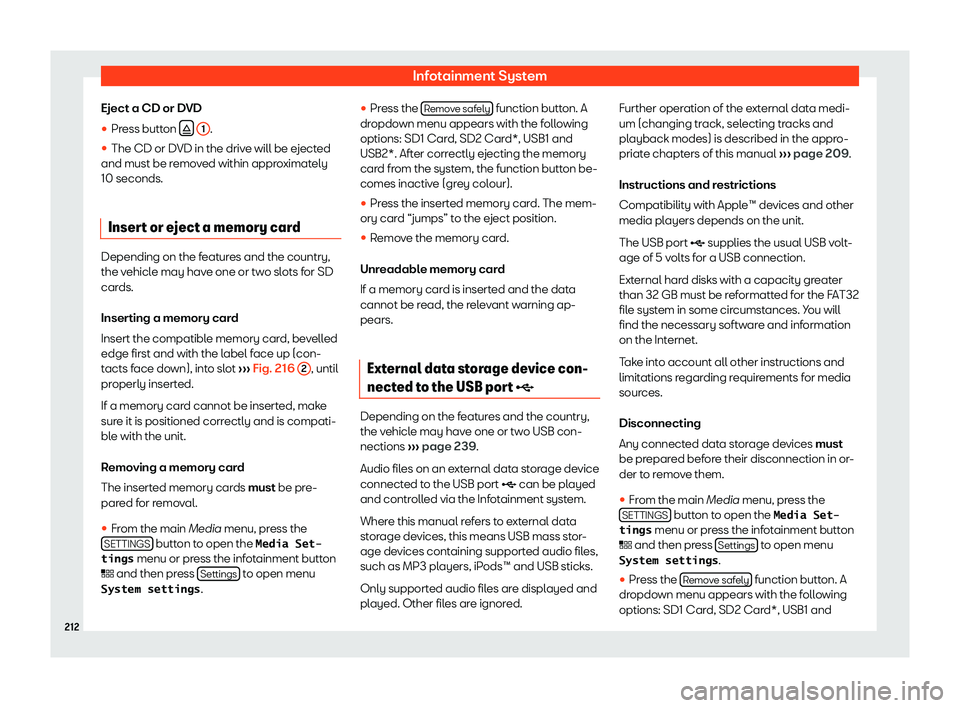
Eject a CD or DVD
�