light SKODA KAMIQ 2019 Owner´s Manual
[x] Cancel search | Manufacturer: SKODA, Model Year: 2019, Model line: KAMIQ, Model: SKODA KAMIQ 2019Pages: 185, PDF Size: 25.05 MB
Page 144 of 185

Fuses overviewFuse
numberConsumer1Tow hitch2LED headlights - left side3Music amplifier4Headlight washers5Tilting/sliding sunroof6Central locking, windscreen washer,
rear window wiper7Seat heating - rear8Climatronic9LED headlights - right side10Tow hitch11Electric boot lid12Heated steering wheel13Light switch, diagnosis connection, rain
sensor, control lever under the steering
wheel, front windscreen heating14Windscreen washer system15Instrument cluster, emergency call16Light - right side17Electric windows - right side18Windscreen wiper19Infotainment20Heated rear window21SCR (AdBlue
Page 153 of 185
Storage space and interior
equipment
Equipment in the boot
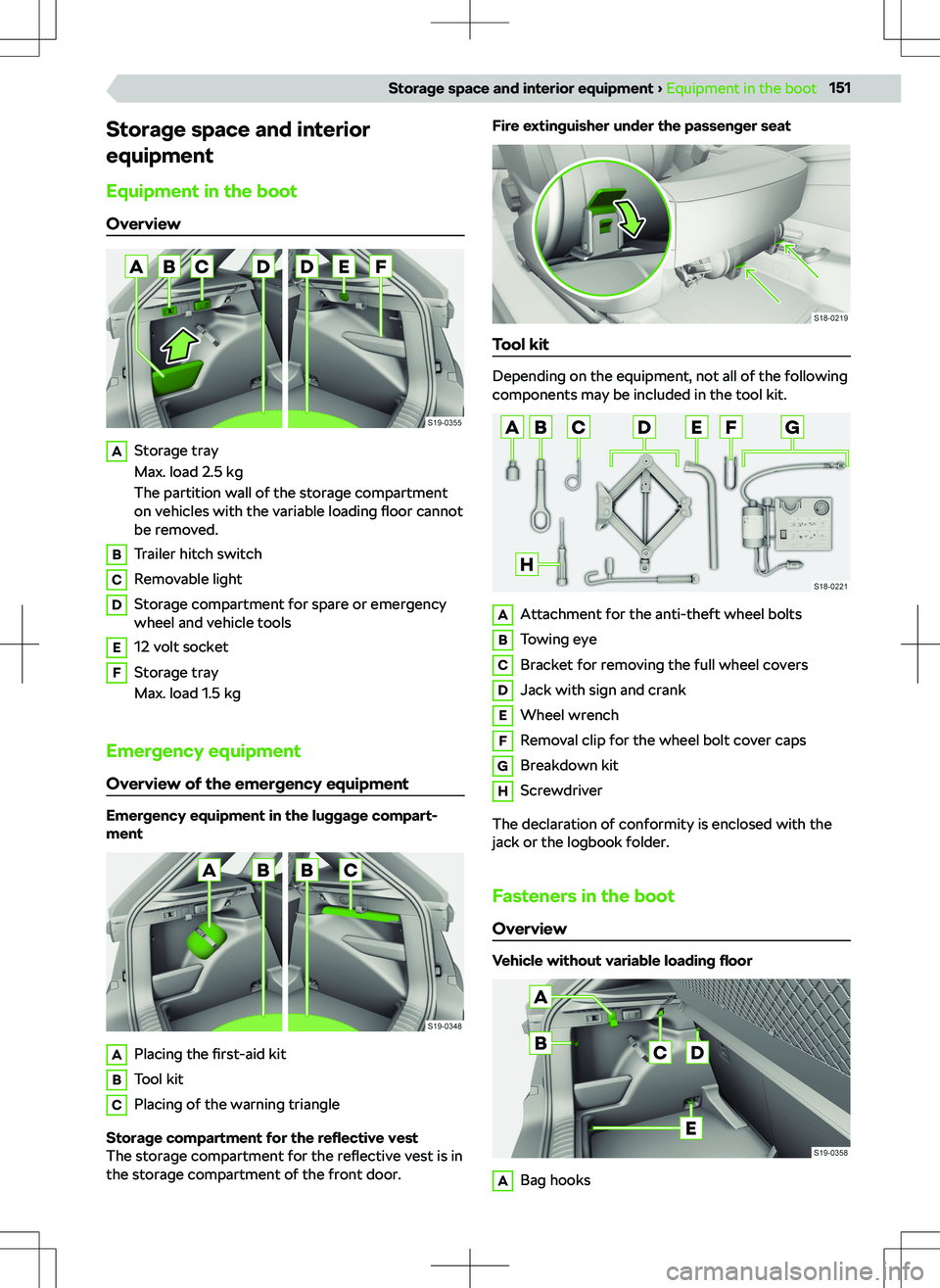
OverviewAStorage tray
Max. load 2.5 kg
The partition wall of the storage compartment on vehicles with the variable loading floor cannot
be removed.BTrailer hitch switchCRemovable lightDStorage compartment for spare or emergency
wheel and vehicle toolsE12 volt socketFStorage tray
Max. load 1.5 kg
Emergency equipment
Overview of the emergency equipment
Emergency equipment in the luggage compart-
ment
APlacing the first-aid kitBTool kitCPlacing of the warning triangle
Storage compartment for the reflective vest
The storage compartment for the reflective vest is in
the storage compartment of the front door.
Fire extinguisher under the passenger seat
Tool kit
Depending on the equipment, not all of the following
components may be included in the tool kit.
AAttachment for the anti-theft wheel boltsBTowing eyeCBracket for removing the full wheel coversDJack with sign and crankEWheel wrenchFRemoval clip for the wheel bolt cover capsGBreakdown kitHScrewdriver
The declaration of conformity is enclosed with the jack or the logbook folder.
Fasteners in the boot Overview
Vehicle without variable loading floor
ABag hooks151Storage space and interior equipment
Page 160 of 185
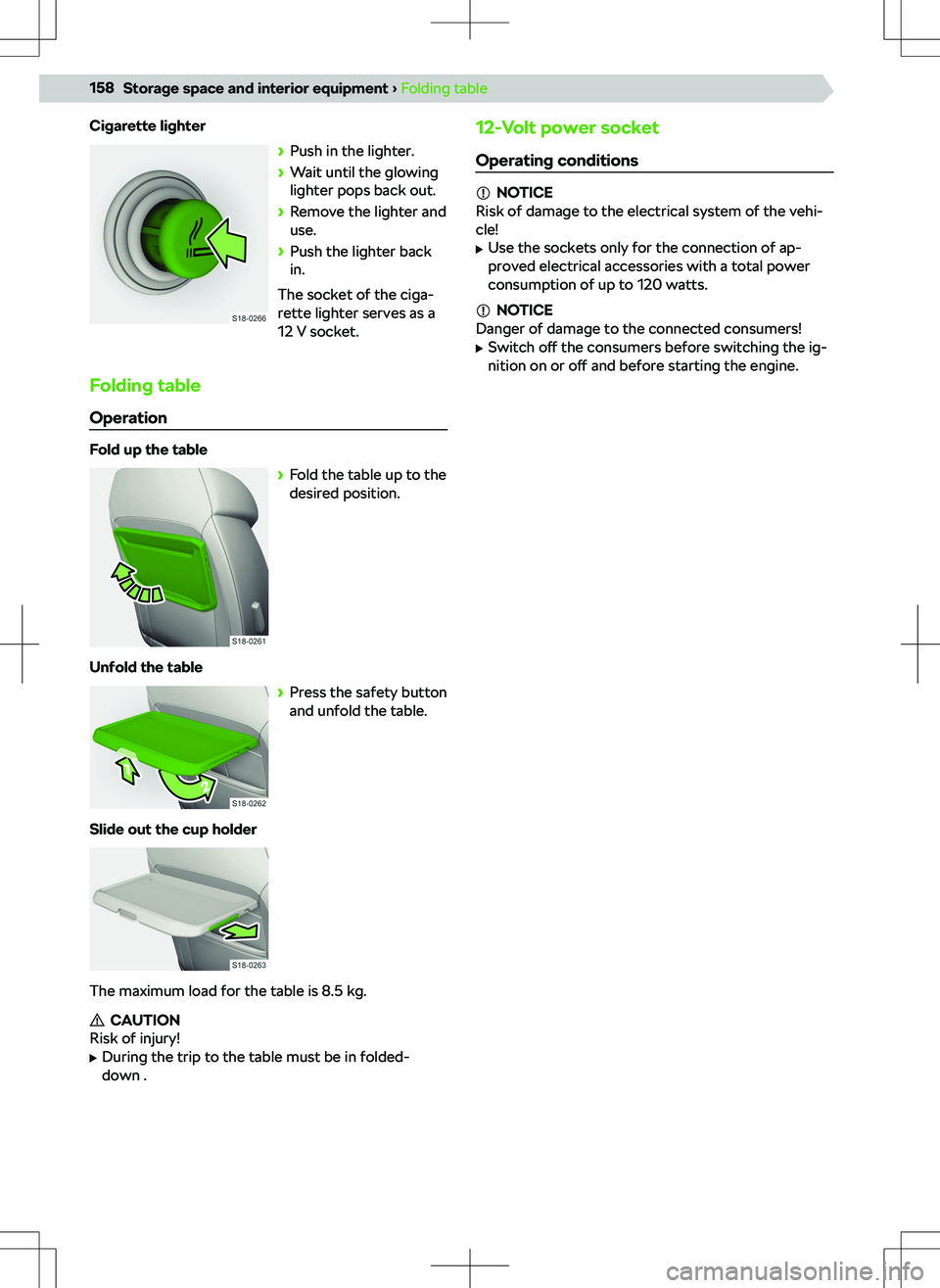
Cigarette lighter
Page 162 of 185

Power supply of the trailer power network
In the electrical connection between the vehicle and
trailer, the trailer is powered by the vehicle.
NOTICE
Risk of damage to the vehicle electronics!
The total power consumption of all consumers con-
nected to the trailer power supply must not exceed
350 watts.
Troubleshooting
Trailer coupling error
The indicator light inside the switch does not light
up or flash, or the tow bar does not lock into place.
Page 172 of 185
Index
A
ABS Functionality
120
Troubleshooting120
ACC124
Automatic stop and start124
Distance adjustment124
Functionality124
Indicator light124
Interruption of cruise control125
Lever124
Operation124
Restriction125
Setting in Infotainment125
Troubleshooting125
Accident data recorder167
Active steering assistance DSR
120
Adaptive Cruise Control see ACC
124
AdBlue135
Check136
functionality136
Indicator light136
Refilling136
Safety14
standard135
tank capacity136
Air bag Switch o
Page 173 of 185
Bluetoothsee electronic version of the manual5
Bonnet132
Boot151
12 volt socket151
Double-sided floor covering153
Fasteners151
Hitch switch151
Rigid cover154
Storage compartments151
Transporting objects safely16
Variable loading floor154
Boot cover154
Boot lid Automatic locking
26
electrical operation26
manual operation26
Boot storage see boot compartment lid
26
Brake fluid119
Checking119
Indicator light119
Safety14
Specification119
Brakes118
Brake fluid119
Hand brake119
Troubleshooting119
What you should be mindful of118
Braking systems120
Breakdown call Infotainment Amundsen
105
Infotainment Bolero83
Infotainment Swing67
Breakdown kit Conditions
148
Overview147
Purpose148
Restriction148
Bulbs42
Rear turn signal - Replacing42
Reversing light - Replacing43
Safety42
C Car adaptations Recommendations
161
Car wash Outside
163
Cargo elements151
Central locking19
Central locking system Button
20
Fault20
Functionality19
Operation20
SAFE function19
Setting20
Centre console9
Changing gear Manually changing gear with the selector lever
114
manually changing gear with the shift paddles on the steering wheel
114
Changing gear with a
manual gearbox
113
Changing gears with an automatic gearbox
114
Changing the protective door strip
23
Charging your phone wirelessly156
Check the vehicle before your journey14
Child lock23
Child seat33
Child seat fastened with a belt35
Grouping34
i-Size35
Installation36
ISOFIX35, 36
Keyword child seat33
On the passenger seat33
Recommended child seats34
Safety15
Securing children properly15
TOP TETHER36
What you should be mindful of33
Cigarette lighter157
Cleaning the vehicle Outside
162
Climatronic Automatic mode
47
Climatronic Display47
Operating conditions for the cooling system47
Operation47
Recirculated air mode47
Setting47
Setting the blower speed47
Troubleshooting48
What you should be mindful of47
COMING HOME41
functionality41
Operating conditions41
Setting41
Compartments155
Con
Page 174 of 185
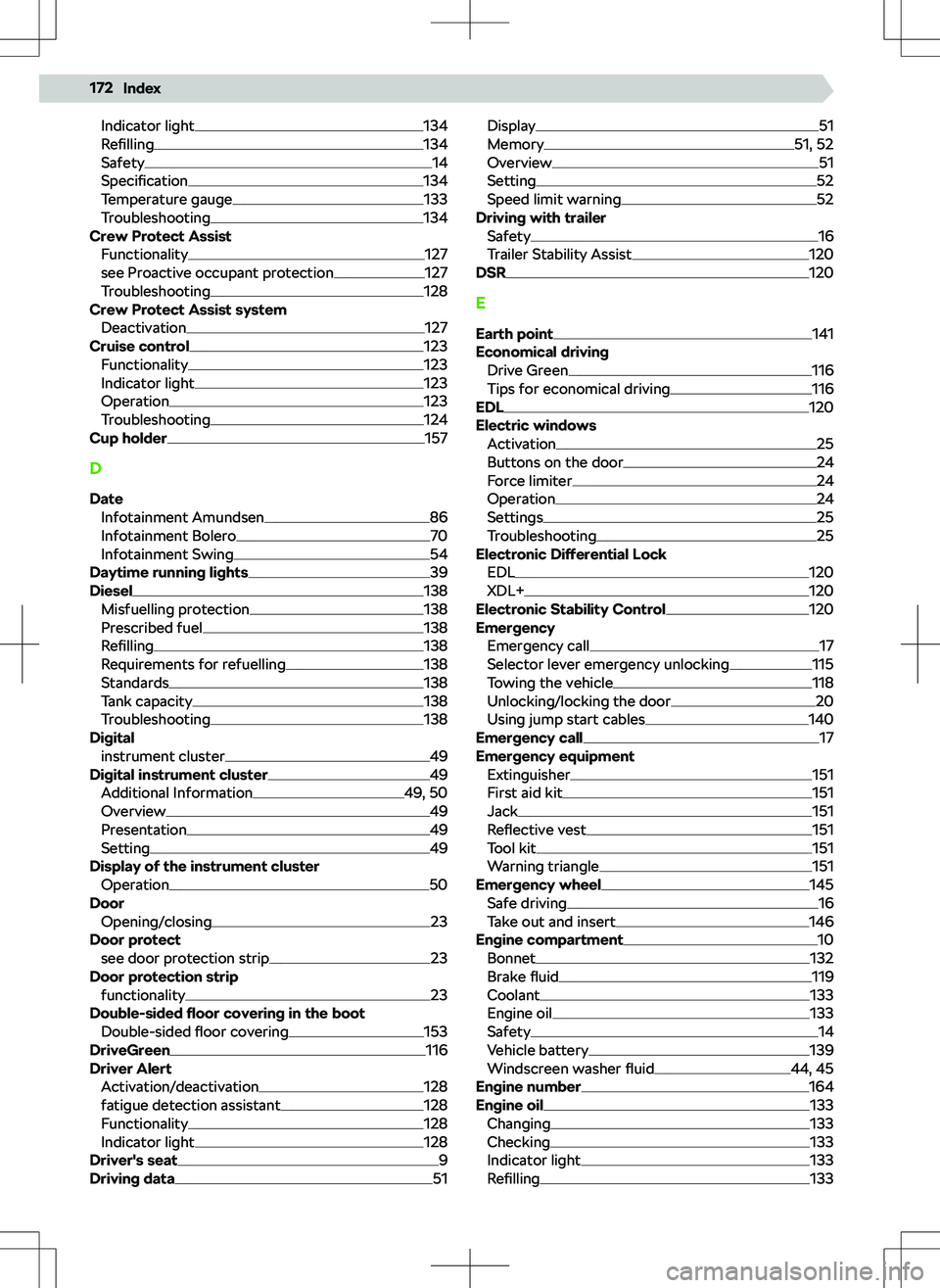
Indicator light134
Refilling134
Safety14
Specification134
Temperature gauge133
Troubleshooting134
Crew Protect Assist
Functionality
127
see Proactive occupant protection127
Troubleshooting128
Crew Protect Assist system Deactivation
127
Cruise control123
Functionality123
Indicator light123
Operation123
Troubleshooting124
Cup holder157
D Date Infotainment Amundsen
86
Infotainment Bolero70
Infotainment Swing54
Daytime running lights39
Diesel138
Misfuelling protection138
Prescribed fuel138
Refilling138
Requirements for refuelling138
Standards138
Tank capacity138
Troubleshooting138
Digital instrument cluster
49
Digital instrument cluster49
Additional Information49, 50
Overview49
Presentation49
Setting49
Display of the instrument cluster Operation
50
Door Opening/closing
23
Door protect see door protection strip
23
Door protection strip functionality
23
Double-sided floor covering in the boot
Double-sided floor covering
153
DriveGreen116
Driver Alert Activation/deactivation
128
fatigue detection assistant128
Functionality128
Indicator light128
Driver
Page 175 of 185
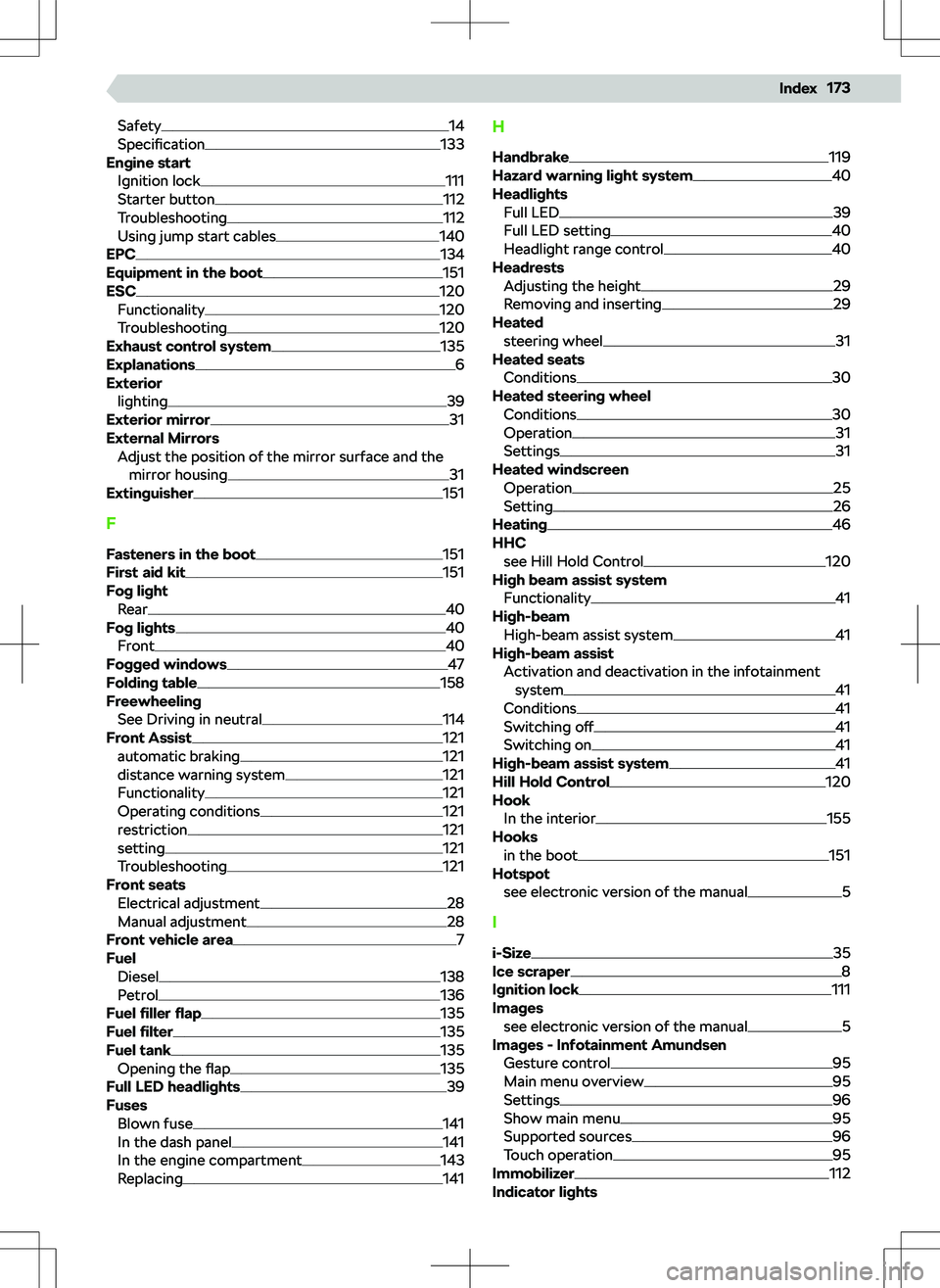
Safety14
Specification133
Engine start Ignition lock
111
Starter button112
Troubleshooting112
Using jump start cables140
EPC134
Equipment in the boot151
ESC120
Functionality120
Troubleshooting120
Exhaust control system135
Explanations6
Exterior
lighting
39
Exterior mirror31
External Mirrors Adjust the position of the mirror surface and themirror housing
31
Extinguisher151
F
Fasteners in the boot
151
First aid kit151
Fog light Rear
40
Fog lights40
Front40
Fogged windows47
Folding table158
Freewheeling See Driving in neutral
114
Front Assist121
automatic braking121
distance warning system121
Functionality121
Operating conditions121
restriction121
setting121
Troubleshooting121
Front seats Electrical adjustment
28
Manual adjustment28
Front vehicle area7
Fuel Diesel
138
Petrol136
Fuel
Page 176 of 185
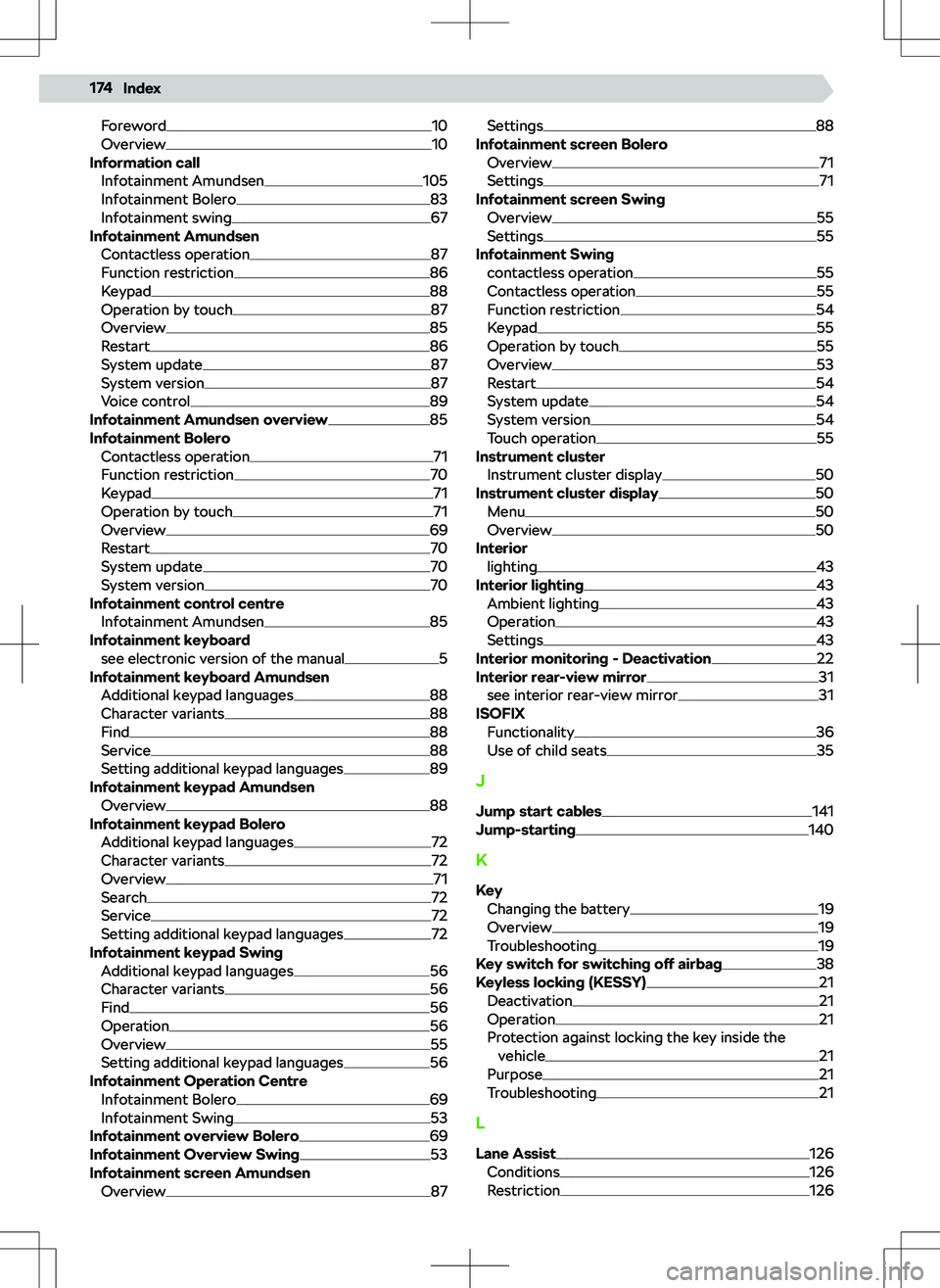
Foreword10
Overview10
Information call Infotainment Amundsen
105
Infotainment Bolero83
Infotainment swing67
Infotainment Amundsen
Contactless operation
87
Function restriction86
Keypad88
Operation by touch87
Overview85
Restart86
System update87
System version87
Voice control89
Infotainment Amundsen overview85
Infotainment Bolero Contactless operation
71
Function restriction70
Keypad71
Operation by touch71
Overview69
Restart70
System update70
System version70
Infotainment control centre Infotainment Amundsen
85
Infotainment keyboard see electronic version of the manual
5
Infotainment keyboard Amundsen Additional keypad languages
88
Character variants88
Find88
Service88
Setting additional keypad languages89
Infotainment keypad Amundsen Overview
88
Infotainment keypad Bolero Additional keypad languages
72
Character variants72
Overview71
Search72
Service72
Setting additional keypad languages72
Infotainment keypad Swing Additional keypad languages
56
Character variants56
Find56
Operation56
Overview55
Setting additional keypad languages56
Infotainment Operation Centre Infotainment Bolero
69
Infotainment Swing53
Infotainment overview Bolero69
Infotainment Overview Swing53
Infotainment screen Amundsen Overview
87
Settings88
Infotainment screen Bolero Overview
71
Settings71
Infotainment screen Swing Overview
55
Settings55
Infotainment Swing contactless operation
55
Contactless operation55
Function restriction54
Keypad55
Operation by touch55
Overview53
Restart54
System update54
System version54
Touch operation55
Instrument cluster Instrument cluster display
50
Instrument cluster display50
Menu50
Overview50
Interior lighting
43
Interior lighting43
Ambient lighting43
Operation43
Settings43
Interior monitoring - Deactivation22
Interior rear-view mirror31
see interior rear-view mirror31
ISOFIX Functionality
36
Use of child seats35
J Jump start cables
141
Jump-starting140
K
Key Changing the battery
19
Overview19
Troubleshooting19
Key switch for switching off airbag38
Keyless locking (KESSY)21
Deactivation21
Operation21
Protection against locking the key inside the vehicle
21
Purpose21
Troubleshooting21
L
Lane Assist
126
Conditions126
Restriction126
174Index
Page 177 of 185
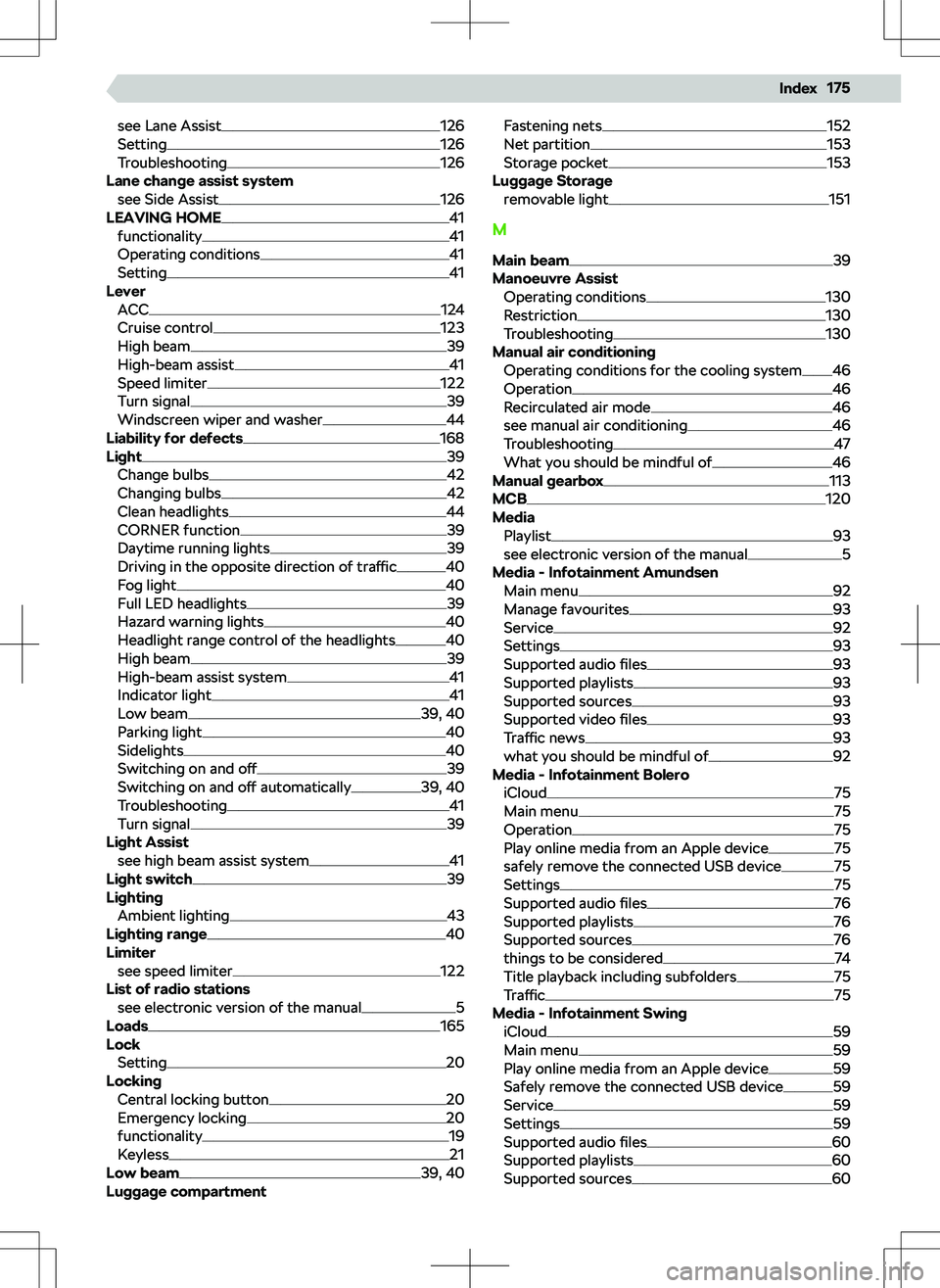
see Lane Assist126
Setting126
Troubleshooting126
Lane change assist system see Side Assist
126
LEAVING HOME41
functionality41
Operating conditions41
Setting41
Lever ACC
124
Cruise control123
High beam39
High-beam assist41
Speed limiter122
Turn signal39
Windscreen wiper and washer44
Liability for defects168
Light39
Change bulbs42
Changing bulbs42
Clean headlights44
CORNER function39
Daytime running lights39
Driving in the opposite direction of traffic40
Fog light40
Full LED headlights39
Hazard warning lights40
Headlight range control of the headlights40
High beam39
High-beam assist system41
Indicator light41
Low beam39, 40
Parking light40
Sidelights40
Switching on and o