phone SKODA KAROQ 2017 Owner´s Manual
[x] Cancel search | Manufacturer: SKODA, Model Year: 2017, Model line: KAROQ, Model: SKODA KAROQ 2017Pages: 328, PDF Size: 52.67 MB
Page 168 of 328
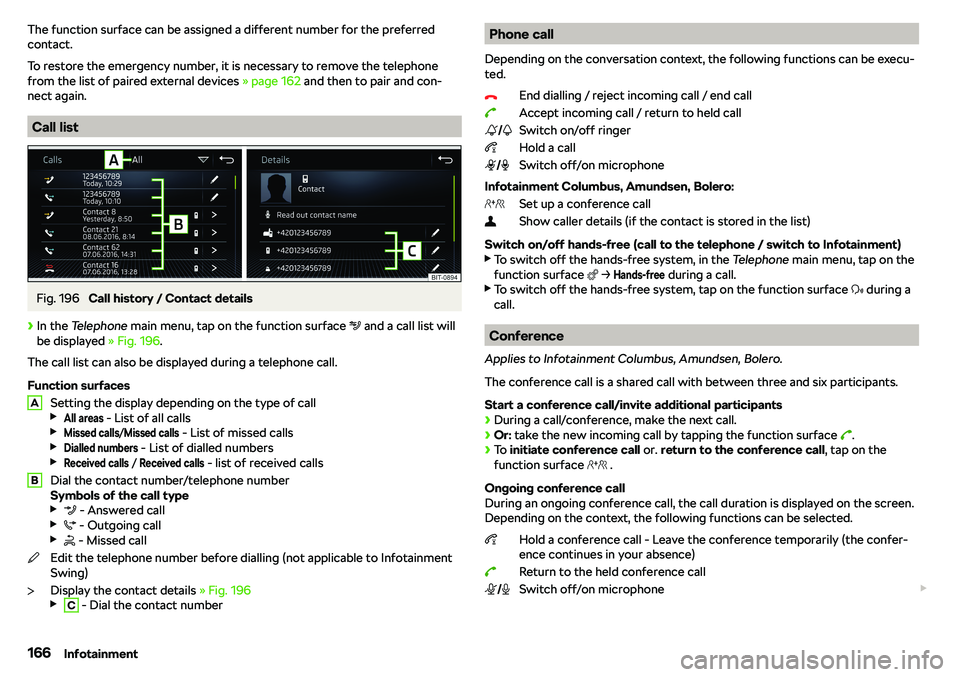
The function surface can be assigned a different number for the preferred
contact.
To restore the emergency number, it is necessary to remove the telephone
from the list of paired external devices
Page 170 of 328

Contact list
After the list has been opened the following functions can be executed.
Insert a contact in the recipient list
Enter the telephone number
Return to view the message
Tap on the Find
function surface to open a list of available telephone contacts.
After selecting the contact number or entering the telephone number, the re-
cipient list will be displayed in the screen.
Recipient list
The following functions can be executed by tapping on one of the functional
surfaces.
Display contact list with the option of adding/removing additional re-
cipients (tap on the function surface to return to the recipient list x .
Removal of the contact from the recipient list
Sending the message
Return to view the message
Received text message
When you receive a new message, the number of new messages received is
displayed within the function surface and at the same time the symbol
.
Page 172 of 328
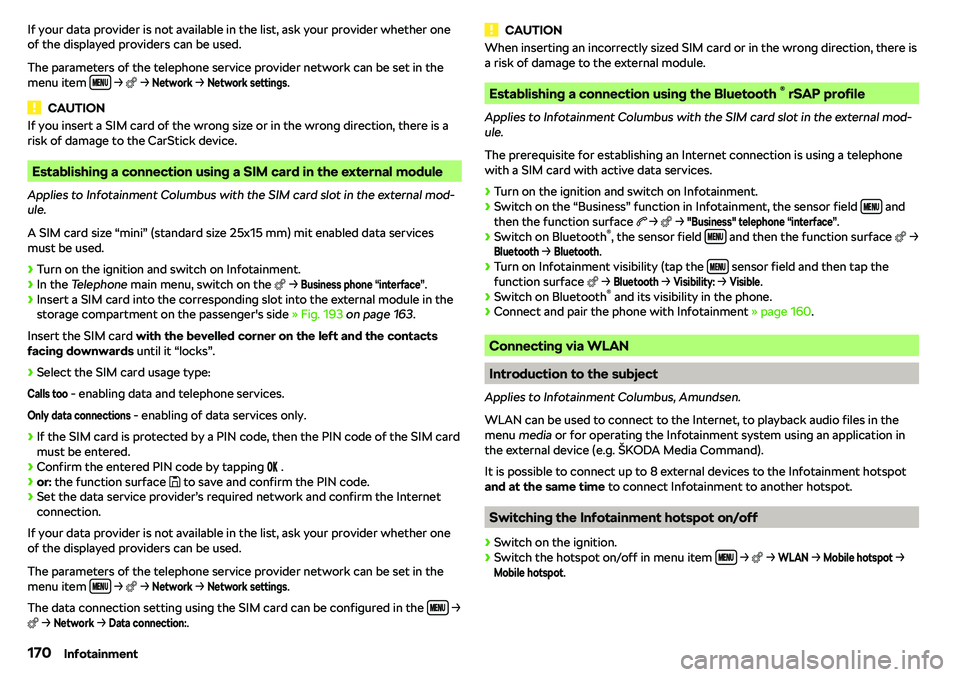
If your data provider is not available in the list, ask your provider whether one
of the displayed providers can be used.
The parameters of the telephone service provider network can be set in the menu item
Page 294 of 328
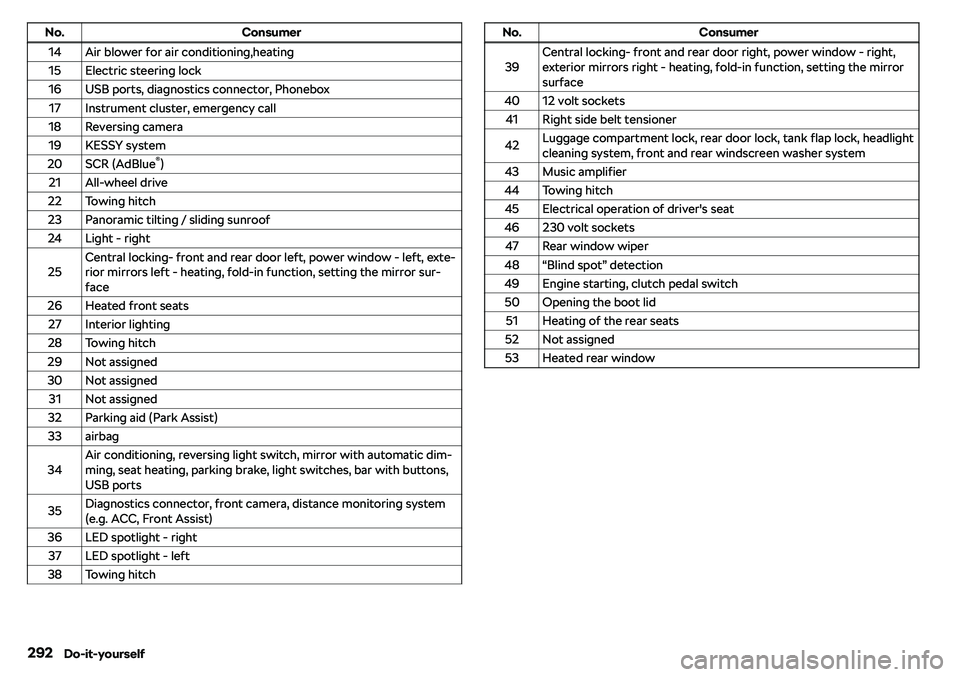
No.Consumer14Air blower for air conditioning,heating15Electric steering lock16USB ports, diagnostics connector, Phonebox17Instrument cluster, emergency call18Reversing camera19KESSY system20SCR (AdBlue
Page 306 of 328
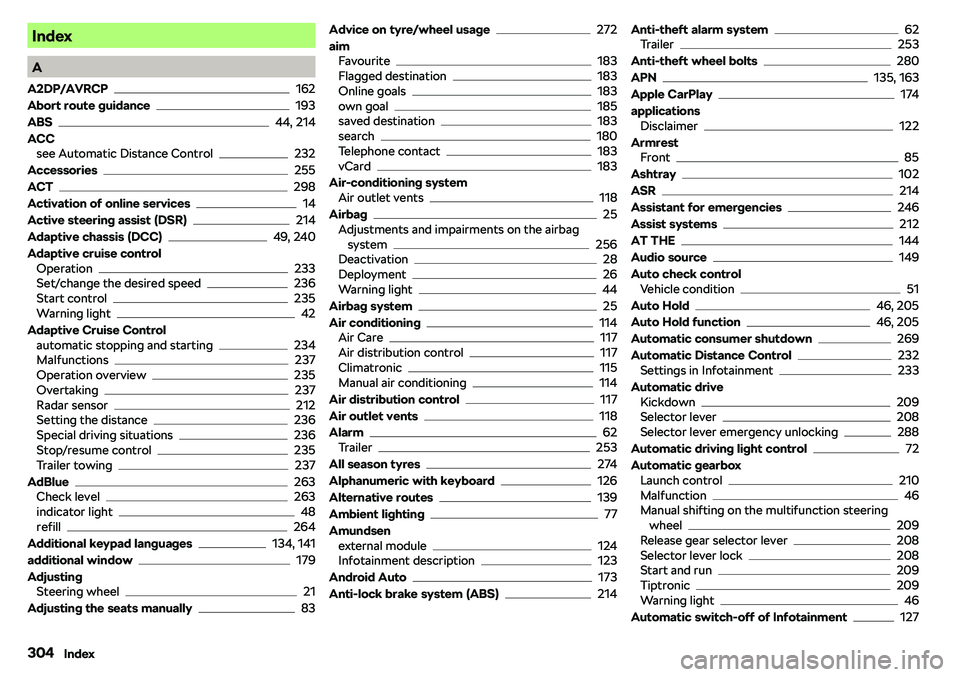
Index
A
A2DP/AVRCP
162
Abort route guidance
193
ABS
44, 214
ACC see Automatic Distance Control
232
Accessories
255
ACT
298
Activation of online services
14
Active steering assist (DSR)
214
Adaptive chassis (DCC)
49, 240
Adaptive cruise control Operation
233
Set/change the desired speed236
Start control235
Warning light42
Adaptive Cruise Control automatic stopping and starting
234
Malfunctions237
Operation overview235
Overtaking237
Radar sensor212
Setting the distance236
Special driving situations236
Stop/resume control235
Trailer towing237
AdBlue
263
Check level263
indicator light48
refill264
Additional keypad languages
134, 141
additional window
179
Adjusting Steering wheel
21
Adjusting the seats manually
83
Advice on tyre/wheel usage272
aim Favourite
183
Flagged destination183
Online goals183
own goal185
saved destination183
search180
Telephone contact183
vCard183
Air-conditioning system Air outlet vents
118
Airbag
25
Adjustments and impairments on the airbag system
256
Deactivation28
Deployment26
Warning light44
Airbag system
25
Air conditioning
114
Air Care117
Air distribution control117
Climatronic115
Manual air conditioning114
Air distribution control
117
Air outlet vents
118
Alarm
62
Trailer253
All season tyres
274
Alphanumeric with keyboard
126
Alternative routes
139
Ambient lighting
77
Amundsen external module
124
Infotainment description123
Android Auto
173
Anti-lock brake system (ABS)
214
Anti-theft alarm system62
Trailer253
Anti-theft wheel bolts
280
APN
135, 163
Apple CarPlay
174
applications Disclaimer
122
Armrest Front
85
Ashtray
102
ASR
214
Assistant for emergencies
246
Assist systems
212
AT THE
144
Audio source
149
Auto check control Vehicle condition
51
Auto Hold
46, 205
Auto Hold function
46, 205
Automatic consumer shutdown
269
Automatic Distance Control
232
Settings in Infotainment233
Automatic drive Kickdown
209
Selector lever208
Selector lever emergency unlocking288
Automatic driving light control
72
Automatic gearbox Launch control
210
Malfunction46
Manual shifting on the multifunction steering
wheel
209
Release gear selector lever208
Selector lever lock208
Start and run209
Tiptronic209
Warning light46
Automatic switch-off of Infotainment
127
304Index
Page 309 of 328
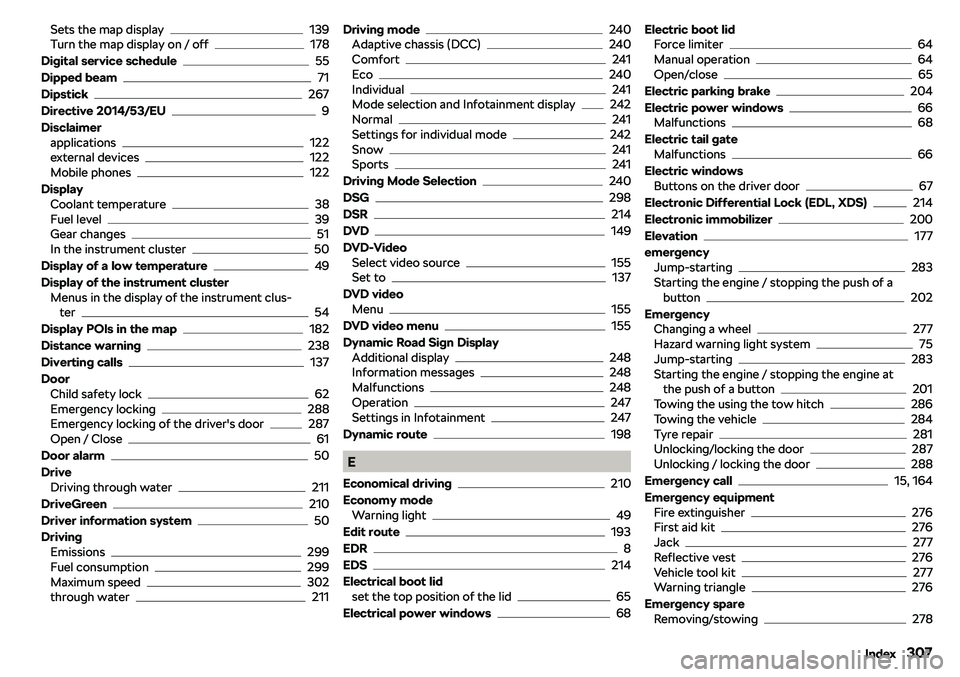
Sets the map display139
Turn the map display on / off178
Digital service schedule
55
Dipped beam
71
Dipstick
267
Directive 2014/53/EU
9
Disclaimer applications
122
external devices122
Mobile phones122
Display Coolant temperature
38
Fuel level39
Gear changes51
In the instrument cluster50
Display of a low temperature
49
Display of the instrument cluster Menus in the display of the instrument clus-ter
54
Display POIs in the map
182
Distance warning
238
Diverting calls
137
Door Child safety lock
62
Emergency locking288
Emergency locking of the driver
Page 312 of 328
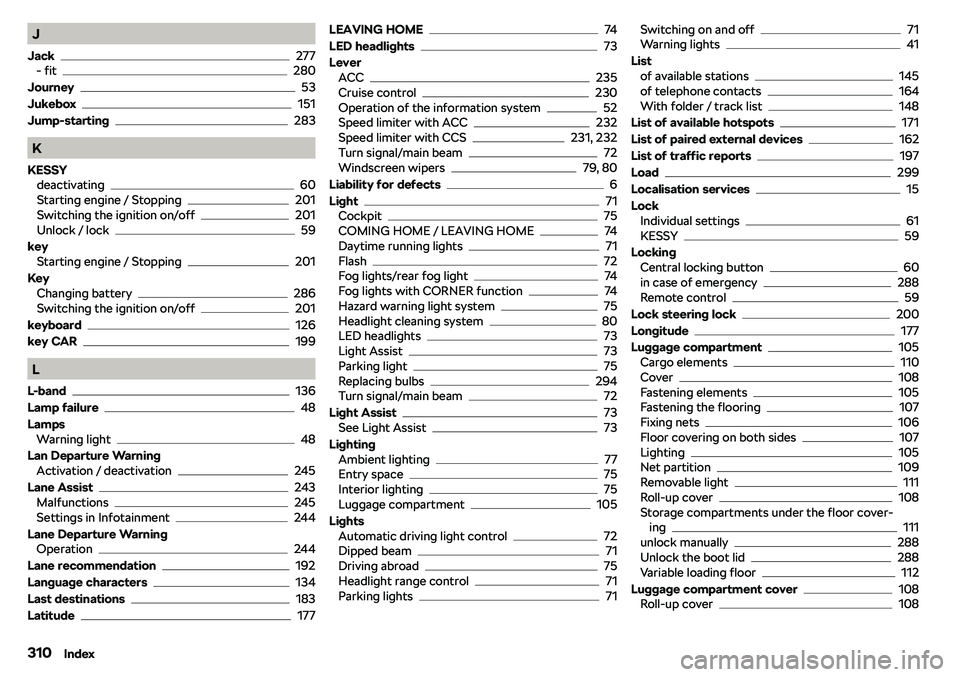
J
Jack
277
- fit280
Journey
53
Jukebox
151
Jump-starting
283
K
KESSY deactivating
60
Starting engine / Stopping201
Switching the ignition on/off201
Unlock / lock59
key Starting engine / Stopping
201
Key Changing battery
286
Switching the ignition on/off201
keyboard
126
key CAR
199
L
L-band
136
Lamp failure
48
Lamps Warning light
48
Lan Departure Warning Activation / deactivation
245
Lane Assist
243
Malfunctions245
Settings in Infotainment244
Lane Departure Warning Operation
244
Lane recommendation
192
Language characters
134
Last destinations
183
Latitude
177
LEAVING HOME74
LED headlights
73
Lever ACC
235
Cruise control230
Operation of the information system52
Speed limiter with ACC232
Speed limiter with CCS231, 232
Turn signal/main beam72
Windscreen wipers79, 80
Liability for defects
6
Light
71
Cockpit75
COMING HOME / LEAVING HOME74
Daytime running lights71
Flash72
Fog lights/rear fog light74
Fog lights with CORNER function74
Hazard warning light system75
Headlight cleaning system80
LED headlights73
Light Assist73
Parking light75
Replacing bulbs294
Turn signal/main beam72
Light Assist
73
See Light Assist73
Lighting Ambient lighting
77
Entry space75
Interior lighting75
Luggage compartment105
Lights Automatic driving light control
72
Dipped beam71
Driving abroad75
Headlight range control71
Parking lights71
Switching on and off71
Warning lights41
List of available stations
145
of telephone contacts164
With folder / track list148
List of available hotspots
171
List of paired external devices
162
List of traffic reports
197
Load
299
Localisation services
15
Lock Individual settings
61
KESSY59
Locking Central locking button
60
in case of emergency288
Remote control59
Lock steering lock
200
Longitude
177
Luggage compartment
105
Cargo elements110
Cover108
Fastening elements105
Fastening the flooring107
Fixing nets106
Floor covering on both sides107
Lighting105
Net partition109
Removable light111
Roll-up cover108
Storage compartments under the floor cover- ing
111
unlock manually288
Unlock the boot lid288
Variable loading floor112
Luggage compartment cover
108
Roll-up cover108
310Index
Page 318 of 328
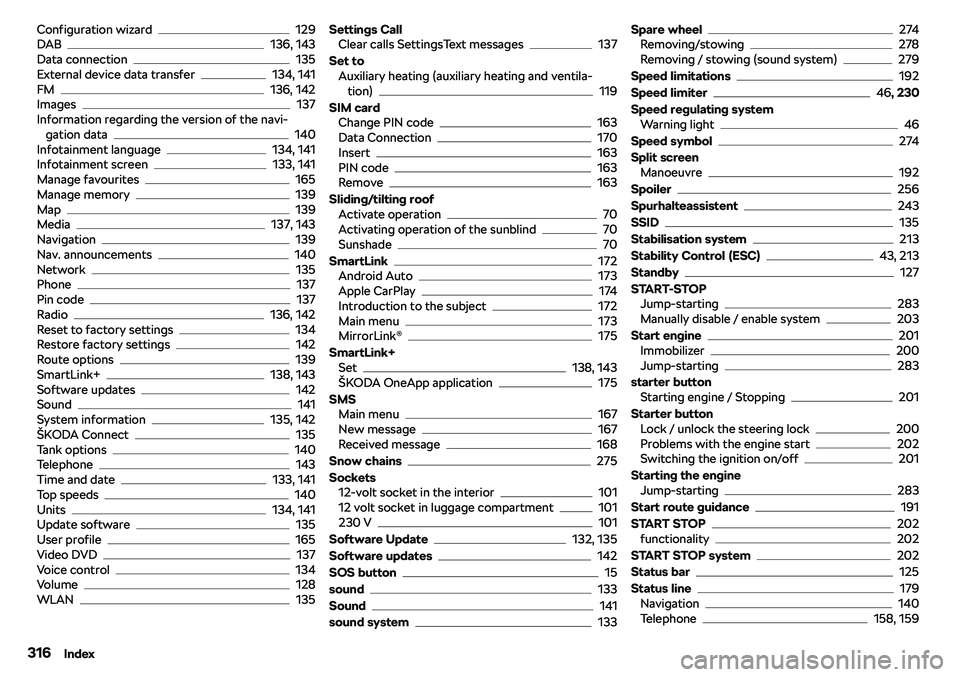
Configuration wizard129
DAB136, 143
Data connection135
External device data transfer134, 141
FM136, 142
Images137
Information regarding the version of the navi- gation data
140
Infotainment language134, 141
Infotainment screen133, 141
Manage favourites165
Manage memory139
Map139
Media137, 143
Navigation139
Nav. announcements140
Network135
Phone137
Pin code137
Radio136, 142
Reset to factory settings134
Restore factory settings142
Route options139
SmartLink+138, 143
Software updates142
Sound141
System information135, 142
Page 319 of 328
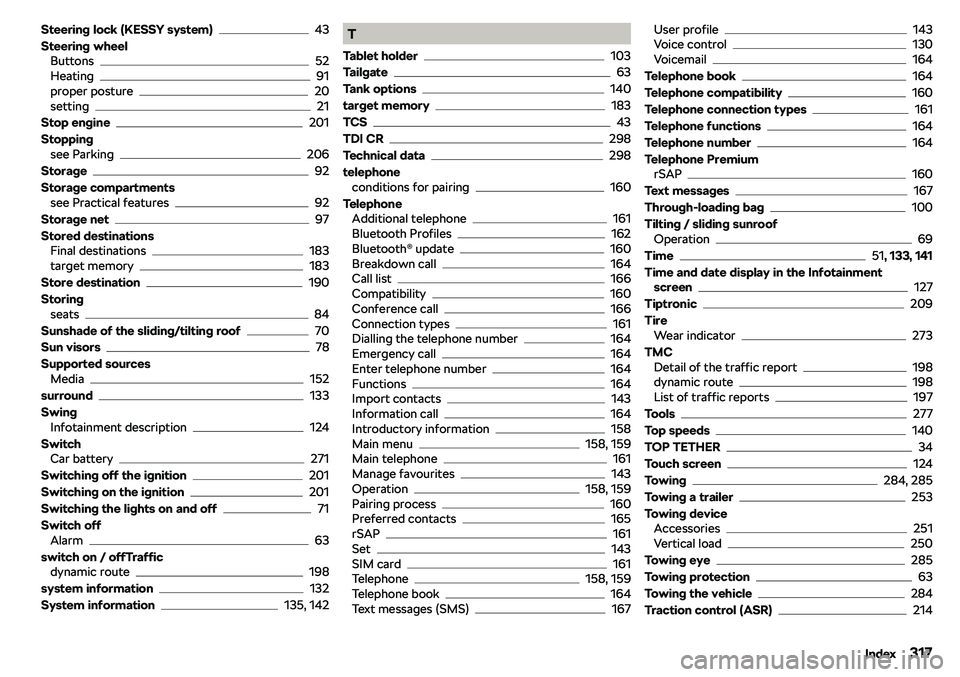
Steering lock (KESSY system)43
Steering wheel Buttons
52
Heating91
proper posture20
setting21
Stop engine
201
Stopping see Parking
206
Storage
92
Storage compartments see Practical features
92
Storage net
97
Stored destinations Final destinations
183
target memory183
Store destination
190
Storing seats
84
Sunshade of the sliding/tilting roof
70
Sun visors
78
Supported sources Media
152
surround
133
Swing Infotainment description
124
Switch Car battery
271
Switching off the ignition
201
Switching on the ignition
201
Switching the lights on and off
71
Switch off Alarm
63
switch on / offTraffic dynamic route
198
system information
132
System information
135, 142
T
Tablet holder
103
Tailgate
63
Tank options
140
target memory
183
TCS
43
TDI CR
298
Technical data
298
telephone conditions for pairing
160
Telephone Additional telephone
161
Bluetooth Profiles162
Bluetooth