light SKODA KODIAQ 2017 Owner´s Manual
[x] Cancel search | Manufacturer: SKODA, Model Year: 2017, Model line: KODIAQ, Model: SKODA KODIAQ 2017Pages: 254, PDF Size: 34.79 MB
Page 195 of 254
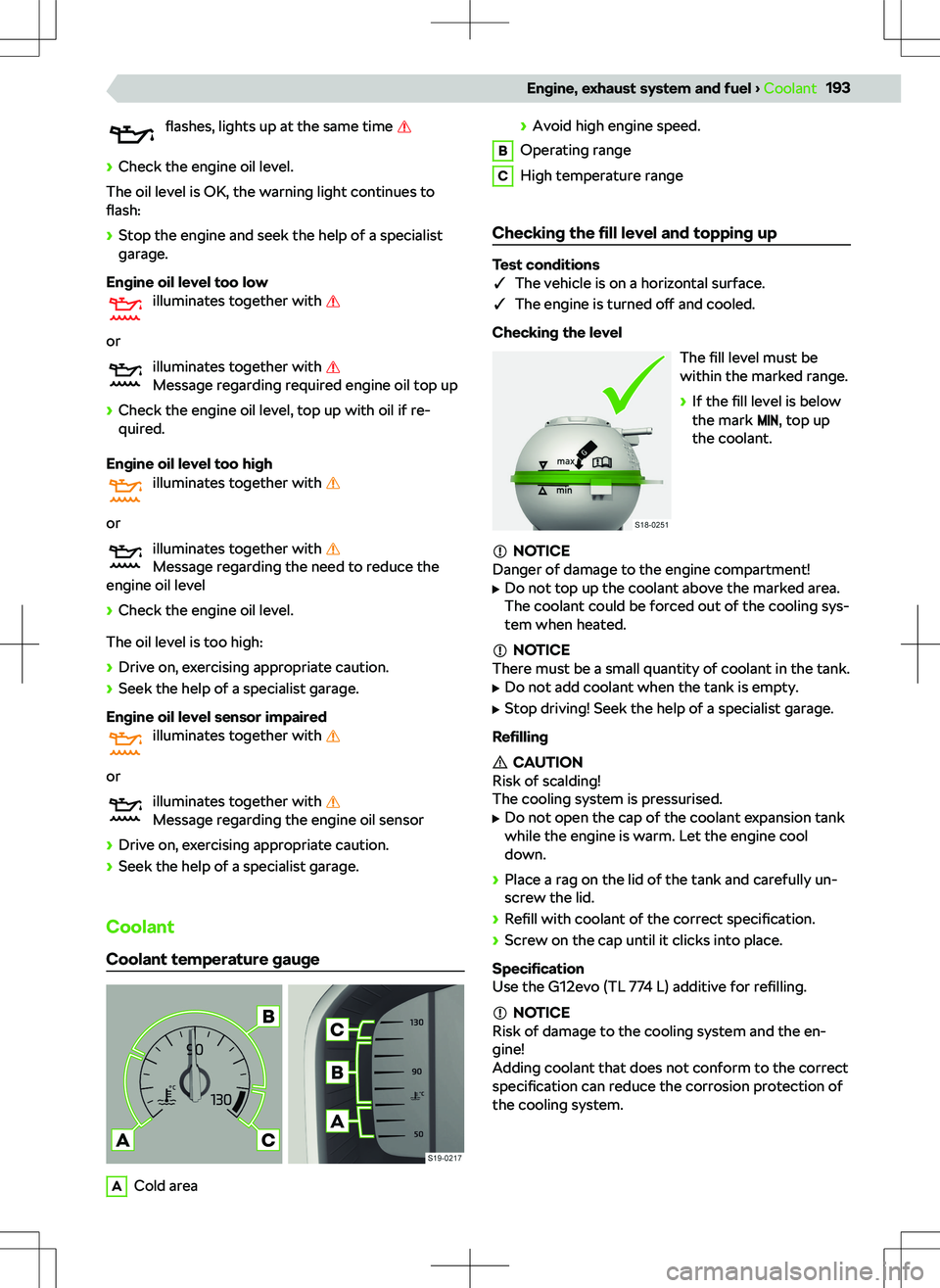
flashes, lights up at the same time
Page 197 of 254
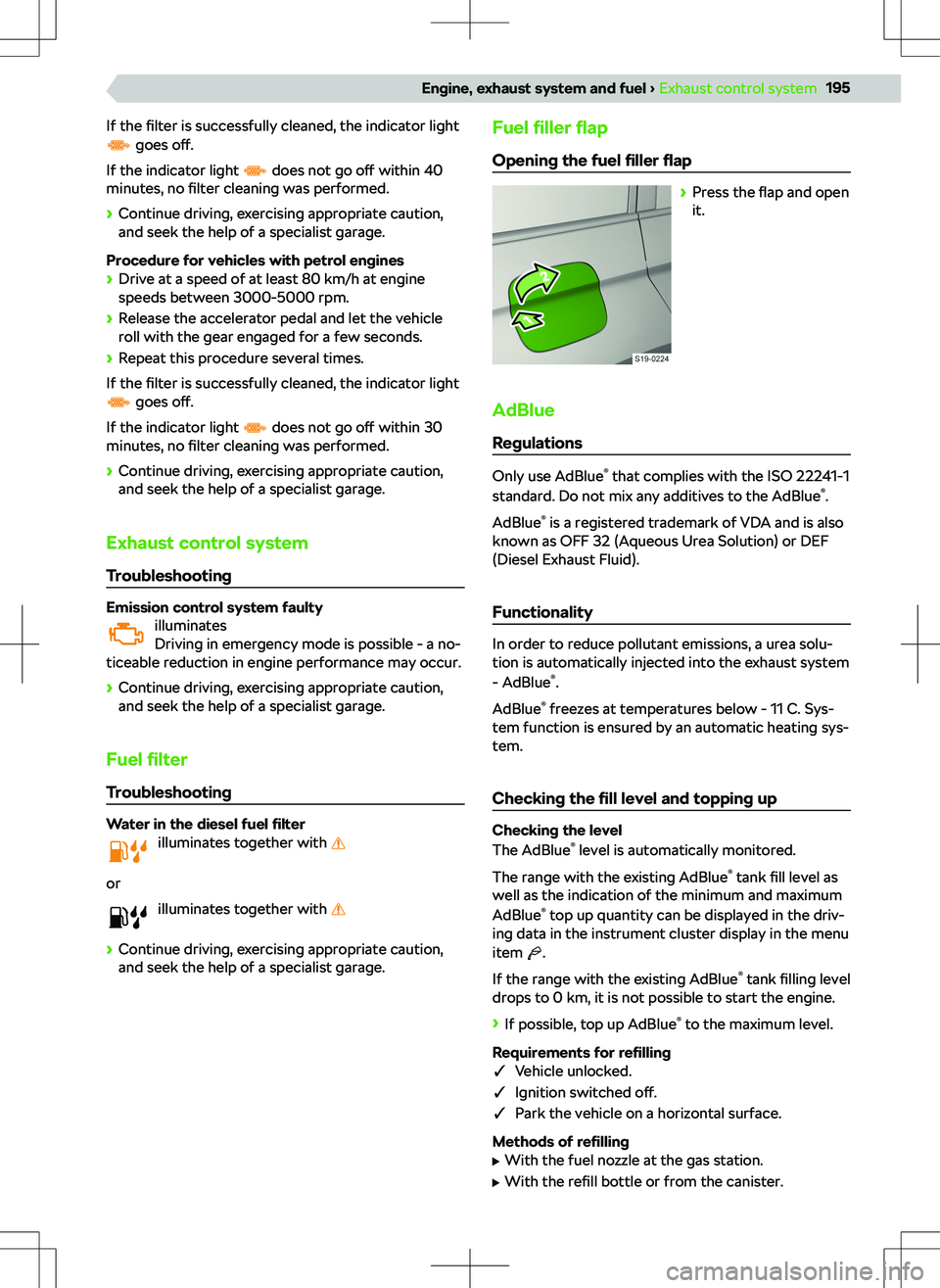
If the filter is successfully cleaned, the indicator light goes o
Page 199 of 254
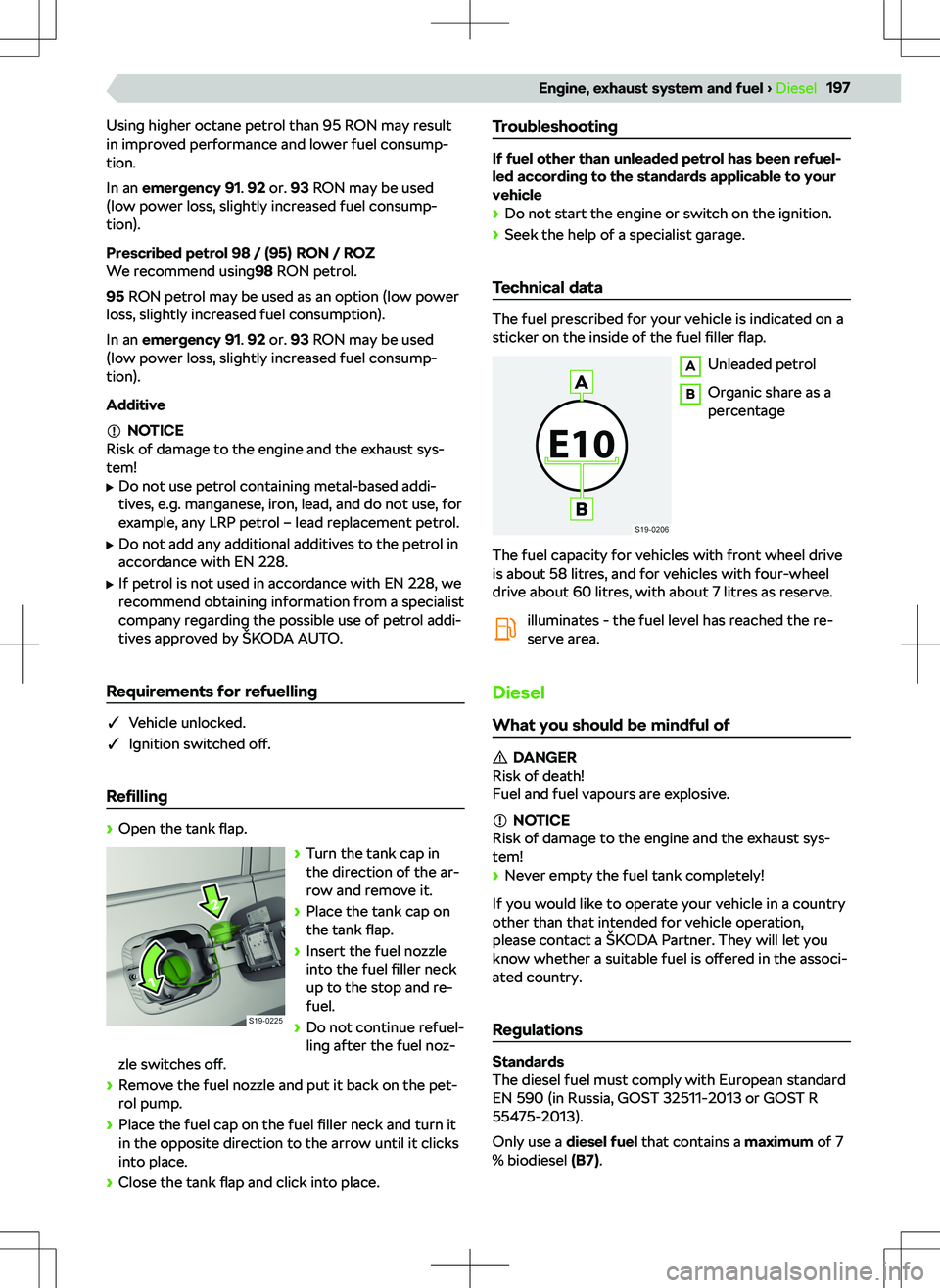
Using higher octane petrol than 95 RON may result
in improved performance and lower fuel consump-
tion.
In an emergency 91 . 92 or. 93 RON may be used
(low power loss, slightly increased fuel consump-
tion).
Prescribed petrol 98 / (95) RON / ROZ
We recommend using 98 RON petrol.
95 RON petrol may be used as an option (low power
loss, slightly increased fuel consumption).
In an emergency 91 . 92 or. 93 RON may be used
(low power loss, slightly increased fuel consump-
tion).
Additive
NOTICE
Risk of damage to the engine and the exhaust sys- tem!
Page 225 of 254
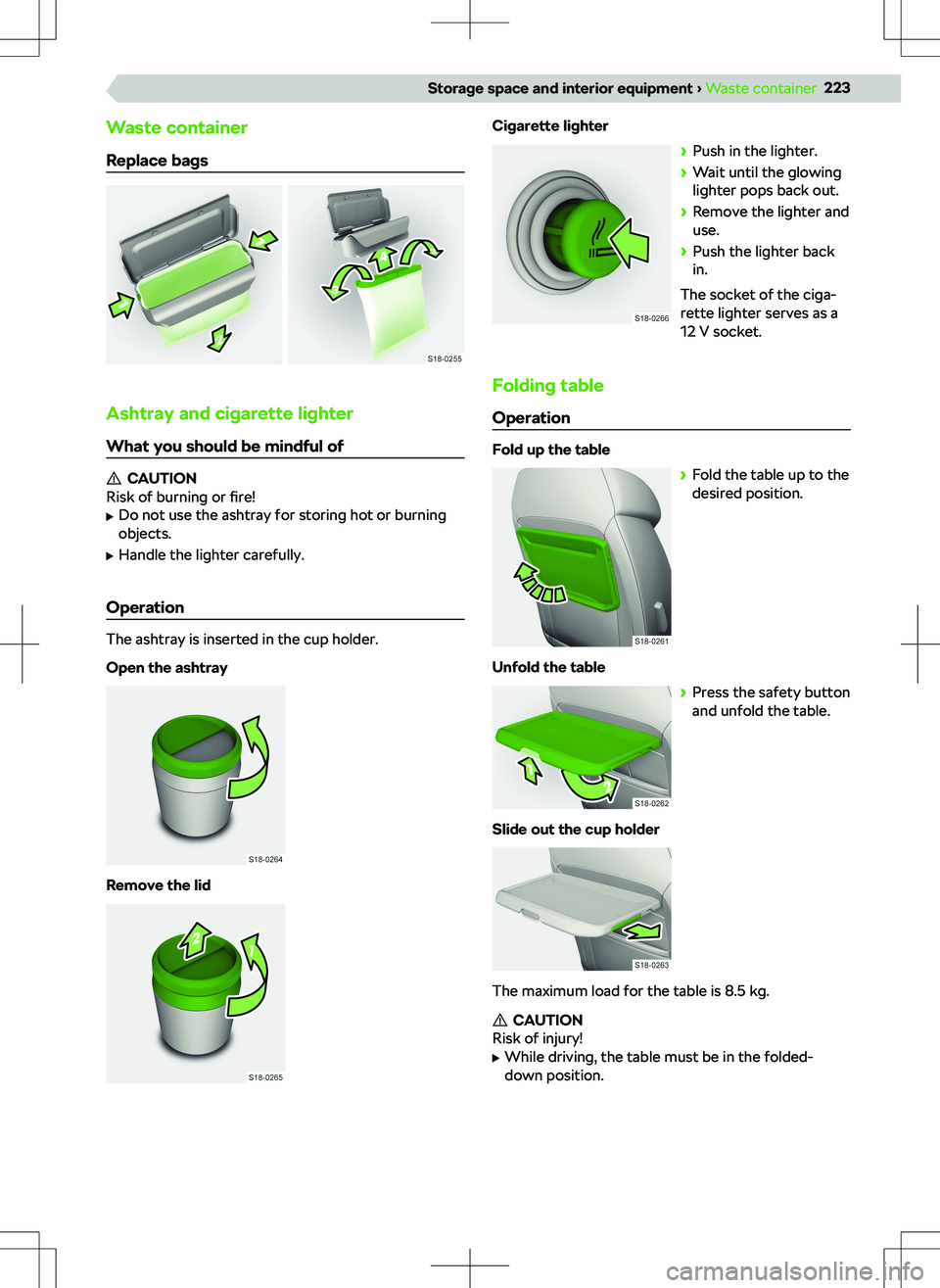
Waste container
Replace bags
Ashtray and cigarette lighter
What you should be mindful of
CAUTION
Risk of burning or fire!
Page 229 of 254
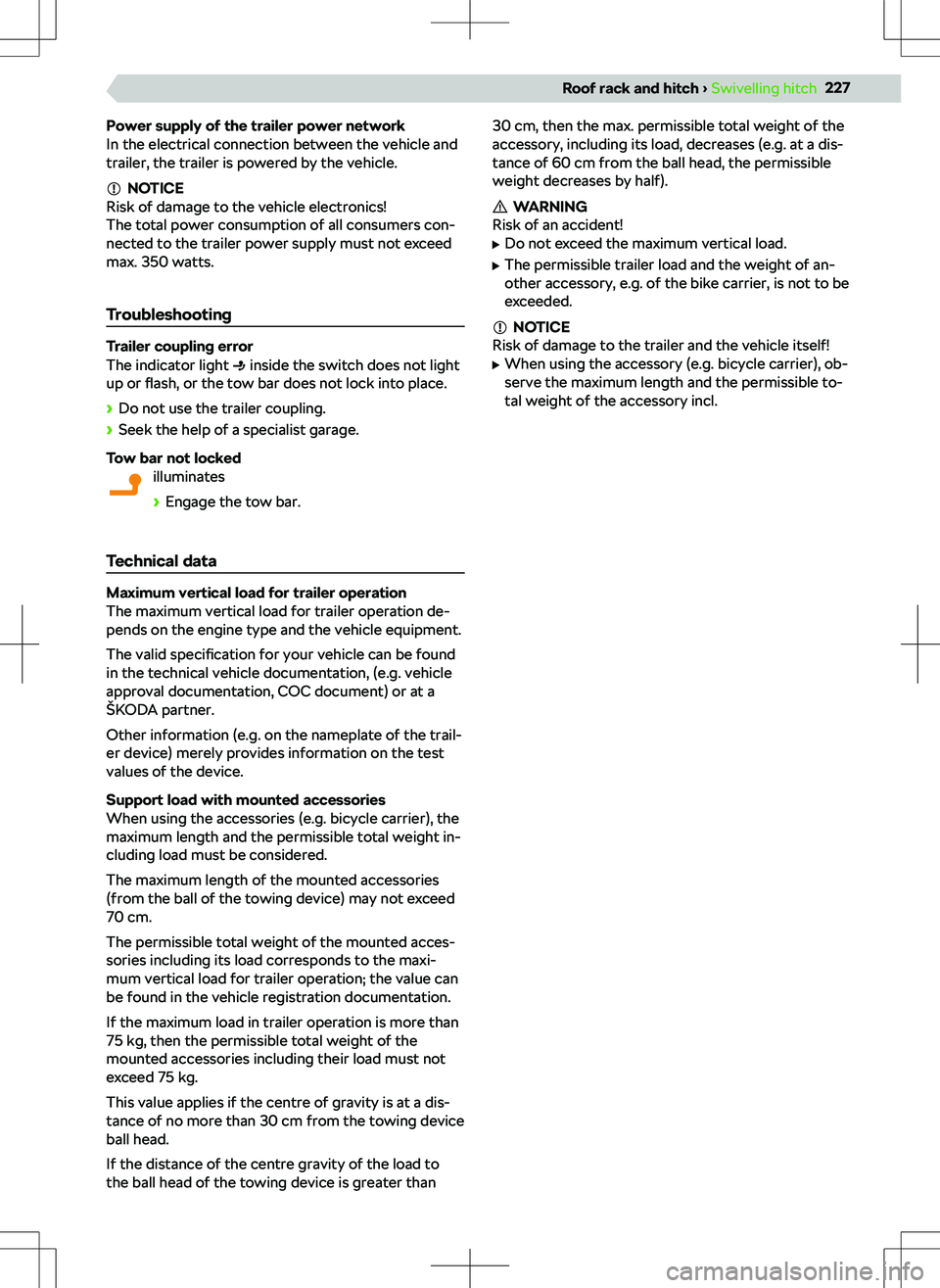
Power supply of the trailer power network
In the electrical connection between the vehicle and
trailer, the trailer is powered by the vehicle.
NOTICE
Risk of damage to the vehicle electronics!
The total power consumption of all consumers con-
nected to the trailer power supply must not exceed
max. 350 watts.
Troubleshooting
Trailer coupling error
The indicator light inside the switch does not light
up or flash, or the tow bar does not lock into place.
Page 243 of 254
CCar adaptations Recommendations
228
Cargo elements213
CarStick119
Ceiling224
Central locking23, 24
Central locking button24
Central locking system SAFE function
24
Centre console9
Changing gear with a manual gearbox
165
Changing the protective door strip
27
Charging your phone wirelessly222
Check the vehicle before your journey17
Child lock27
Child seat42
Fastening using a belt45
Grouping43
i-Size45
Installation45
ISOFIX44, 45
Keyword child seat42
On the passenger seat43
Recommended child seats44
Safety instructions42
Securing children properly18
TOP TETHER46
Cigarette lighter223
Cleaning the vehicle Outside
229, 230
Climatronic57
Page 244 of 254
Emergency call20
Using jump start cables200
What to do after an accident21
What to do in the event of a fire21
Emergency Assist see assist systems for emergency situations
183
Emergency Assist System183, 184
Emergency call20
Emergency equipment212
Jack212
Tool kit212
Emergency wheel206
Safe driving19
Engine compartment10
Bonnet192
Coolant193
Engine oil192
Safety17
Vehicle battery199
Windscreen washer fluid55
Engine number231
Engine oil192
Changing192
Checking192
Indicator light192
Refilling192
Safety17
Specification192
Engine start Using jump start cables
200
EPC194
Equipment in the boot212
ESC174, 175
ESC Sport174
Exhaust control system195
Explanations6
Exterior lighting
48
Exterior mirror40, 41
Extinguisher212
F
Factory settings Infotainment Amundsen
102
Infotainment Bolero83
Infotainment Columbus130
Infotainment Swing67
Fasteners in the boot213
First aid kit212
Floor covering in the boot Fasten the floor covering
215
Flooring in the luggage compartment215
Fog light49
Fog lights49
Fogged windows57
Folding table223
Freewheeling See Driving in neutral
166
Front Assist175
Front seats35
Front vehicle area7
Fuel Diesel
197
Petrol196
Fuel
Page 245 of 254

Supported sources113
Touch operation112
Images - Infotainment Bolero Gesture control
92
Main menu overview92
Settings93
Show main menu92
Supported files93
Supported sources93
Touch operation92
Images - Infotainment Columbus Gesture control
142
Main menu overview141
Show main menu141
Supported files143
Supported sources143
Touch operation142
Images- Infotainment Columbus Settings
142
Immobilizer164
In the event of an accident What to do after an accident
21
Indicator lights Foreword
10
Overview10, 13
Information call Infotainment Amundsen
122
Infotainment Bolero99
Infotainment Columbus156
Infotainment swing80
Information Sport66
Infotainment Amundsen Basic settings
102
Data connection119
Function restriction102
Keypad104
MENU menu102
Overview102
Restart103
System update103
System version103
Voice control105
Infotainment Bolero Basic settings
83
Function restriction67, 83
Keypad84
MENU menu82
Operation by touch84
Overview82
Restart83
System update83
System version83
Infotainment Columbus Basic settings
130
Data connection153
Function restriction130
HOME menu130
Keypad132
MENU menu130
Overview130
Restart131
System update131
System version131
Infotainment keyboard see electronic version of the manual
5
Infotainment keypad Amundsen
Additional keypad languages
105
Character variants105
Find105
Overview104
Service105
Setting additional keypad languages105
Infotainment keypad Bolero Additional keypad languages
85
Character variants85
Overview84
Search85
Service85
Setting additional keypad languages85
Infotainment keypad Columbus Additional keypad languages
133
Character variants133
Find133
Operation133
Overview132
Setting additional keypad languages133
Infotainment keypad Swing
Additional keypad languages
69
Character variants69
Find69
Operation69
Overview69
Setting additional keypad languages69
Infotainment overview Amundsen
102
Bolero82
Swing67
Infotainment Overview Columbus
130
Infotainment screen Amundsen Overview
103
Settings104
Infotainment screen Bolero Overview
84
Settings84
Infotainment screen Columbus Overview
132
Settings132
Infotainment screen Swing Overview
68
Settings69
Infotainment Swing Basic settings
67
Keypad69
Operation by touch68
Overview67
Restart68
System update68
243Index
Page 246 of 254
System version68
Touch operation68
Instrument cluster Instrument cluster display
62
Instrument cluster display62, 63
Interior lighting
54
Interior lighting54
Ambient lighting54
Interior rear-view mirror40
see interior rear-view mirror40
ISOFIX45
eyelets45
Use of child seats44
J Jump start cables
200
Jump-starting200
K Key
22
Memory function of the key23
Key switch for passenger front airbag Key switch faulty
47
Key switch for switching off airbag47
Keyless locking (KESSY)25, 26
Kick-down166
L Lane Assist
180, 181
see Lane Assist180
Lane change assist system siehe Side Assist
181
Lap timer Infotainment
66
Instrument cluster65
Launch control166
LEAVING HOME50
Setting50
Lever High beam
48
High-beam assist50
Turn signal48
Windscreen wiper and washer55
Liability for defects see warranty
237
Light48, 49
Change bulbs51
Changing bulbs51
Clean headlights55
CORNER function48
Driving in the opposite direction of traffic49
Fog light49
Full LED headlights48
Hazard warning lights49
Headlight range control of the headlights49
High-beam assist system50
Indicator light50
Low beam49
Parking light49
Sidelights49
Switching on and o
Page 249 of 254

Personalisation66
Personalization attitude
66
Change user account66
functionality66
Usage66
Petrol196
Prescribed fuel197
Prescribed petrol196, 197
Refilling197
Requirements for refuelling197
standards196
Tank capacity197
Troubleshooting197
Phonebox222
Pictures - Infotainment Amundsen Supported files
113
Power steering39
Practical equipment217, 218
12 volt socket212, 217, 218, 225
230 volt socket218, 225
Ashtray223
Cigarette lighter223
Coat hook218
cup holder222
Folding table223
Load-through bag217
Make up mirror217
Multifunction holder224
Spectacles compartment217
Storage compartment for the umbrella221
Storage compartment under the front seat221
Storage compartments217, 218
Storage pockets218
Tablet holder224
Ticket holder217
R
Radio see electronic version of the manual
5
Radio - Infotainment Amundsen107
Find stations manually107
List of available stations106
Main menu overview106
SCAN function107
Select station107
Show main menu106
Radio - Infotainment Bolero87
Display main menu86
List of available stations86
Main menu overview86
SCAN function87
Search for stations manually87
Select station87
Radio - Infotainment Columbus135
Find stations manually135
List of available stations134
Main menu overview134
SCAN function135
Select station135
Show main menu134
Radio - Infotainment Swing70
Find stations manually70
List of available stations70
Main menu overview70
SCAN function70
Select station70
Show main menu70
Rear fog light49
Rear Tra