park assist SKODA OCTAVIA 2012 2.G / (1Z) User Guide
[x] Cancel search | Manufacturer: SKODA, Model Year: 2012, Model line: OCTAVIA, Model: SKODA OCTAVIA 2012 2.G / (1Z)Pages: 222, PDF Size: 13.52 MB
Page 121 of 222
WARNING■Automatic brake assist only works as an element of the assist function. The
driver must always be ready to brake the vehicle him/herself.■
Automatic brake assist is ended after around 1.5 seconds. Depress the brak-
ing pedal so that the vehicle does not start moving by itself.
Information for the driver
First read and observe the introductory information and safety warn-ings
on page 116.
The information for the driver appears in the instrument cluster display.
Park Assist stopped. Speed too high.
The speed under 40 km/h (parallel parking) /20 km/h (perpendicular parking). This
message is only displayed at speeds up to around 50 km/h. When the speed ex-
ceeds 50 km/h, activate the system again with the button
.
Speed too high. Take over steering!
The parking procedure was ended because the speed was exceeded. Park with a
max. speed of 7 km/h.
Park Assist stopped. Driver steer. intervent.
The parking procedure is terminated due to a driver steering intervention.
Park Assist stopped. ASR deactivated.
The parking procedure cannot be carried out because the TCS system is deactiva-
ted. Activate the TCS.
ASR deactivated. Take over steering!
The parking procedure was ended because TCS was deactivated during the park-
ing procedure.
Trailer: Park Assist stopped.
The parking procedure cannot be carried out because a trailer is hitched.
Time limit exceeded. Take over steering! The parking procedure was ended because the time limit of 6 minutes waspassed.
Park Assist currently not available.
The system cannot be activated because a fault exists on the vehicle. Seek help
from a ŠKODA specialist garage.
Park Assist stopped. currently not available.
The parking procedure was ended because a fault exists on the vehicle. Seek help
from a ŠKODA specialist garage.
Park Assist faulty. Workshop!
The parking procedure is not possible because a fault exists in the system. Seek help from a ŠKODA specialist garage.
Park Assist stopped. Take over steering!
Assume control of the steering. Complete the parking procedure without using the system.
ASR intervention. Take over steering!
The parking procedure is terminated by a TCS intervention.
Park Assist: indicate and engage reverse!
The prerequisites for manoeuvring out of a parking space using the system have
been met. Switch on the turn signals and shift into reverse.
Please take over steering and drive on.
The manoeuvring procedure out of a parallel parking space has ended. Assume
control of the steering.
Aut. parking space exit not possible. Space too small.
The manoeuvring procedure using the system is not possible. The parking gap is
too small.
Braking intervention. Speed too high.
The driving speed during the parking procedure was too high - automatic brake
assist is initiated.
Cruise control system (CCS)
Introduction
This chapter contains information on the following subjects: Storing a speed
120
Changing a stored speed
120
Switching off the cruise control system temporarily
121
Switching off the cruise control system completely
121
Displays in the instrument cluster display
121
119Assist systems
Page 125 of 222
The automatic start procedure takes place again. The warning light goes out.
Further information on automatic transmission Engine shut down takes place when the selector lever is in positions P, D/S , N
and in Tiptronic mode.
When the selector lever is in position P the engine remains shut down after you
release the brake pedal. Start the engine by pressing the gas pedal or by choosing
a different gear and releasing the brake pedal.
If the selector lever is moved into position R during the STOP phase , the engine
will re-start.
To prevent the engine from starting unintentionally when selecting the position
R , switch rapidly from the position D/S to position P.
The system detects a movement of the vehicle due to the large steering angle or
when the selector lever is moved into position R (e.g. when parking) - no auto-
matic engine shutdown takes place.
The type of braking procedure can influence whether the STOP phase takes place
or not. No STOP phase takes place when the vehicle is moving at low speed (e.g.
during a traffic jam or when tuning) and remains stationary after pressing the
brake pedal lightly. Engine shutdown takes place if you press the brake pedal
down with more force.
Operational conditions of the system
Fig. 114
Instrument cluster display: En-
gine shut down is not currently
available
First read and observe the introductory information and safety warn- ings on page 121.
The START-STOP system is very complex. Some of the procedures are hard to
check without servicing.
No engine shut down is carried out
Before each STOP phase, the system checks whether certain conditions have
been met. No engine shut down takes place in the following situations.
› The engine has not reached the minimum temperature for START STOP mode.
› The temperature inside the vehicle has not reached the desired temperature
set in the air-conditioning system/heating.
› The external temperature is very low/high.
› The windscreen heater is switched on
» page 52.
› The intensive windscreen heater (Climatronic)
» page 86 or windscreen heater/
ventilation is switched on with the maximum air temperature setting (manual
air conditioning system) » page 85.
› The parking aid/Park Assist is switched on.
› The charge state of the vehicle battery is too low.
› The stationary vehicle is on a steep slope or a steep downhill section.
› The idling speed is too high.
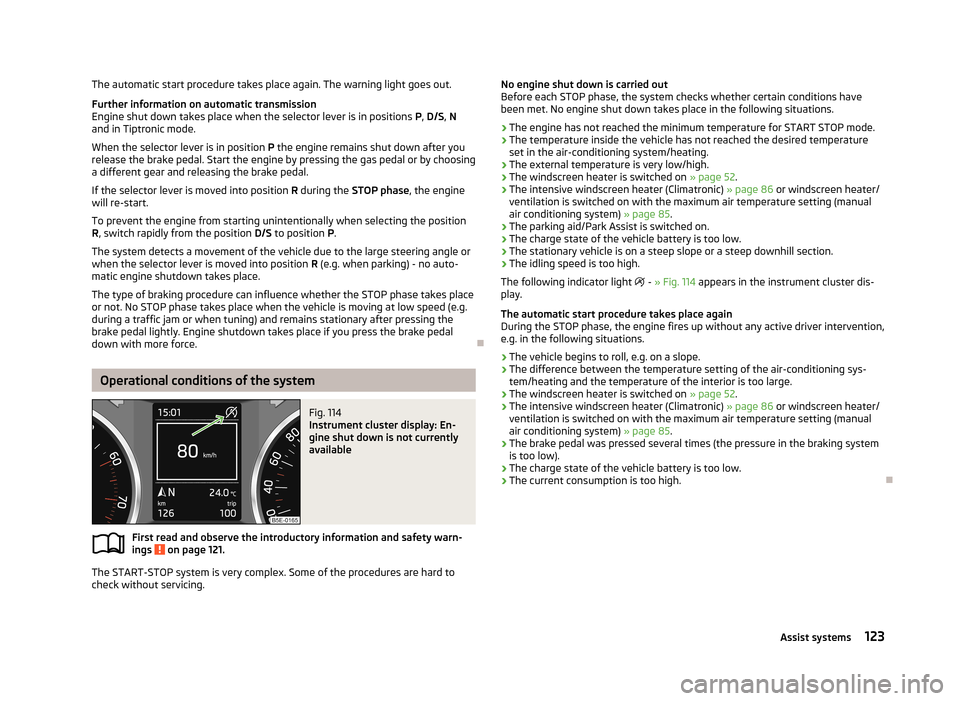
The following indicator light
- » Fig. 114 appears in the instrument cluster dis-
play.
The automatic start procedure takes place again
During the STOP phase, the engine fires up without any active driver intervention,
e.g. in the following situations.
› The vehicle begins to roll, e.g. on a slope.
› The difference between the temperature setting of the air-conditioning sys-
tem/heating and the temperature of the interior is too large.
› The windscreen heater is switched on
» page 52.
› The intensive windscreen heater (Climatronic)
» page 86 or windscreen heater/
ventilation is switched on with the maximum air temperature setting (manual
air conditioning system) » page 85.
› The brake pedal was pressed several times (the pressure in the braking system
is too low).
› The charge state of the vehicle battery is too low.
› The current consumption is too high.
123Assist systems
Page 179 of 222
Disconnecting and reconnecting the vehicle battery180
Automatic load deactivation
180
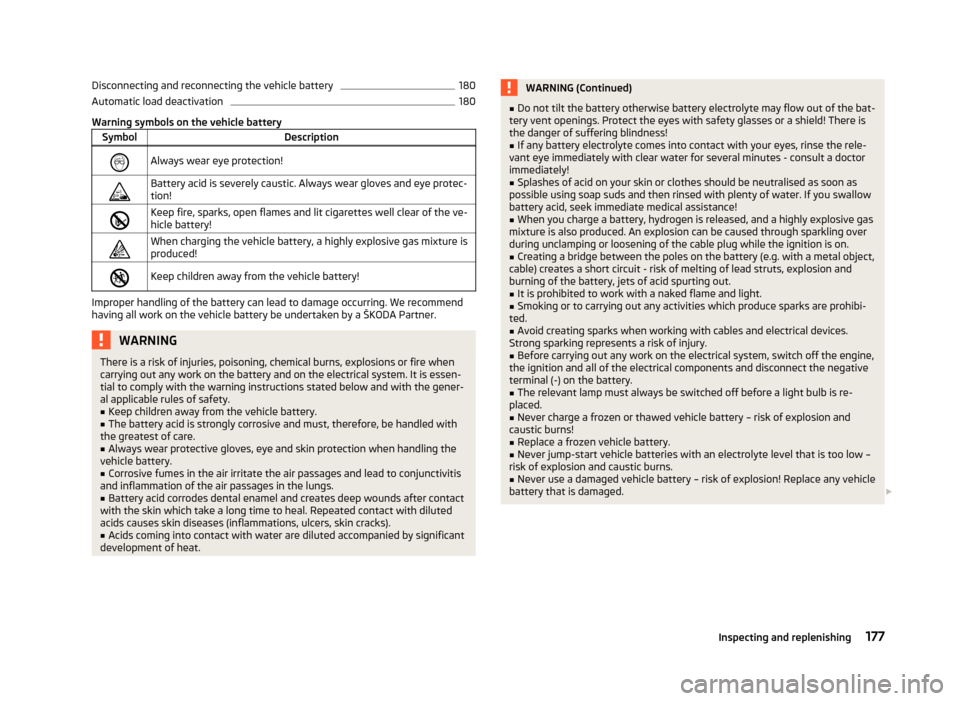
Warning symbols on the vehicle battery
SymbolDescriptionAlways wear eye protection!Battery acid is severely caustic. Always wear gloves and eye protec-tion!Keep fire, sparks, open flames and lit cigarettes well clear of the ve-
hicle battery!When charging the vehicle battery, a highly explosive gas mixture is produced!Keep children away from the vehicle battery!
Improper handling of the battery can lead to damage occurring. We recommend
having all work on the vehicle battery be undertaken by a ŠKODA Partner.
WARNINGThere is a risk of injuries, poisoning, chemical burns, explosions or fire when
carrying out any work on the battery and on the electrical system. It is essen-
tial to comply with the warning instructions stated below and with the gener-
al applicable rules of safety.■
Keep children away from the vehicle battery.
■
The battery acid is strongly corrosive and must, therefore, be handled with
the greatest of care.
■
Always wear protective gloves, eye and skin protection when handling the
vehicle battery.
■
Corrosive fumes in the air irritate the air passages and lead to conjunctivitis
and inflammation of the air passages in the lungs.
■
Battery acid corrodes dental enamel and creates deep wounds after contact
with the skin which take a long time to heal. Repeated contact with diluted
acids causes skin diseases (inflammations, ulcers, skin cracks).
■
Acids coming into contact with water are diluted accompanied by significant
development of heat.
WARNING (Continued)■ Do not tilt the battery otherwise battery electrolyte may flow out of the bat-
tery vent openings. Protect the eyes with safety glasses or a shield! There is
the danger of suffering blindness!■
If any battery electrolyte comes into contact with your eyes, rinse the rele-
vant eye immediately with clear water for several minutes - consult a doctor
immediately!
■
Splashes of acid on your skin or clothes should be neutralised as soon as
possible using soap suds and then rinsed with plenty of water. If you swallow
battery acid, seek immediate medical assistance!
■
When you charge a battery, hydrogen is released, and a highly explosive gas
mixture is also produced. An explosion can be caused through sparkling over
during unclamping or loosening of the cable plug while the ignition is on.
■
Creating a bridge between the poles on the battery (e.g. with a metal object,
cable) creates a short circuit - risk of melting of lead struts, explosion and
burning of the battery, jets of acid spurting out.
■
It is prohibited to work with a naked flame and light.
■
Smoking or to carrying out any activities which produce sparks are prohibi-
ted.
■
Avoid creating sparks when working with cables and electrical devices.
Strong sparking represents a risk of injury.
■
Before carrying out any work on the electrical system, switch off the engine,
the ignition and all of the electrical components and disconnect the negative
terminal (-) on the battery.
■
The relevant lamp must always be switched off before a light bulb is re-
placed.
■
Never charge a frozen or thawed vehicle battery – risk of explosion and
caustic burns!
■
Replace a frozen vehicle battery.
■
Never jump-start vehicle batteries with an electrolyte level that is too low –
risk of explosion and caustic burns.
■
Never use a damaged vehicle battery – risk of explosion! Replace any vehicle
battery that is damaged.
177Inspecting and replenishing
Page 202 of 222
Fuses in the dash panelFig. 171
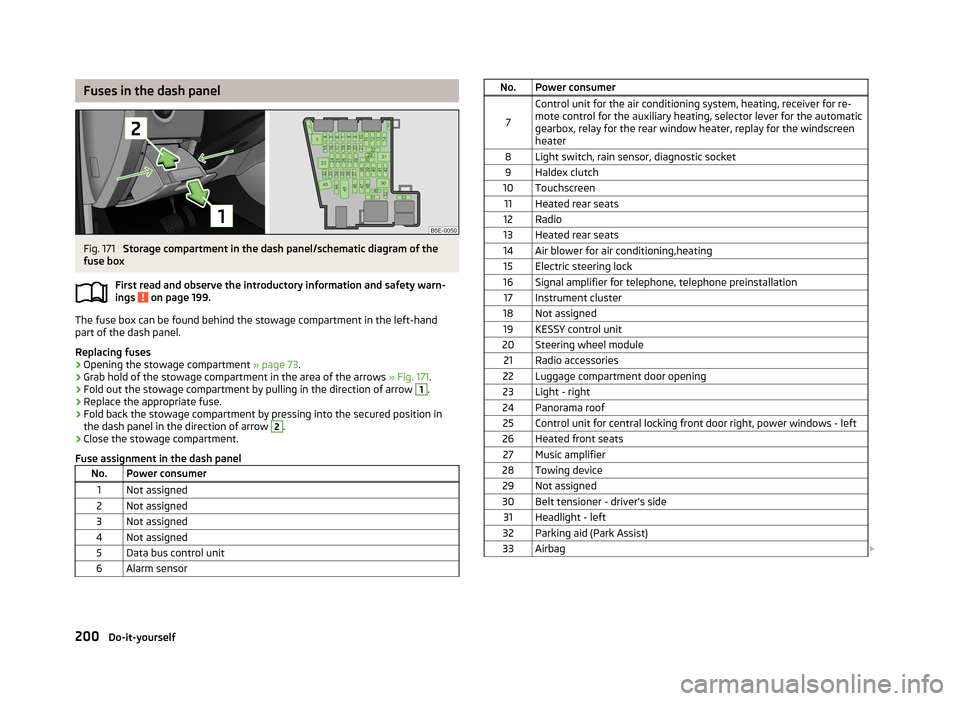
Storage compartment in the dash panel/schematic diagram of the
fuse box
First read and observe the introductory information and safety warn-
ings
on page 199.
The fuse box can be found behind the stowage compartment in the left-hand
part of the dash panel.
Replacing fuses
›
Opening the stowage compartment » page 73.
›
Grab hold of the stowage compartment in the area of the arrows » Fig. 171.
›
Fold out the stowage compartment by pulling in the direction of arrow
1
.
›
Replace the appropriate fuse.
›
Fold back the stowage compartment by pressing into the secured position in
the dash panel in the direction of arrow
2
.
›
Close the stowage compartment.
Fuse assignment in the dash panel
No.Power consumer1Not assigned2Not assigned3Not assigned4Not assigned5Data bus control unit6Alarm sensorNo.Power consumer
7
Control unit for the air conditioning system, heating, receiver for re-
mote control for the auxiliary heating, selector lever for the automatic gearbox, relay for the rear window heater, replay for the windscreen
heater8Light switch, rain sensor, diagnostic socket9Haldex clutch10Touchscreen11Heated rear seats12Radio13Heated rear seats14Air blower for air conditioning,heating15Electric steering lock16Signal amplifier for telephone, telephone preinstallation17Instrument cluster18Not assigned19KESSY control unit20Steering wheel module21Radio accessories22Luggage compartment door opening23Light - right24Panorama roof25Control unit for central locking front door right, power windows - left26Heated front seats27Music amplifier28Towing device29Not assigned30Belt tensioner - driver's side31Headlight - left32Parking aid (Park Assist)33Airbag 200Do-it-yourself
Page 214 of 222
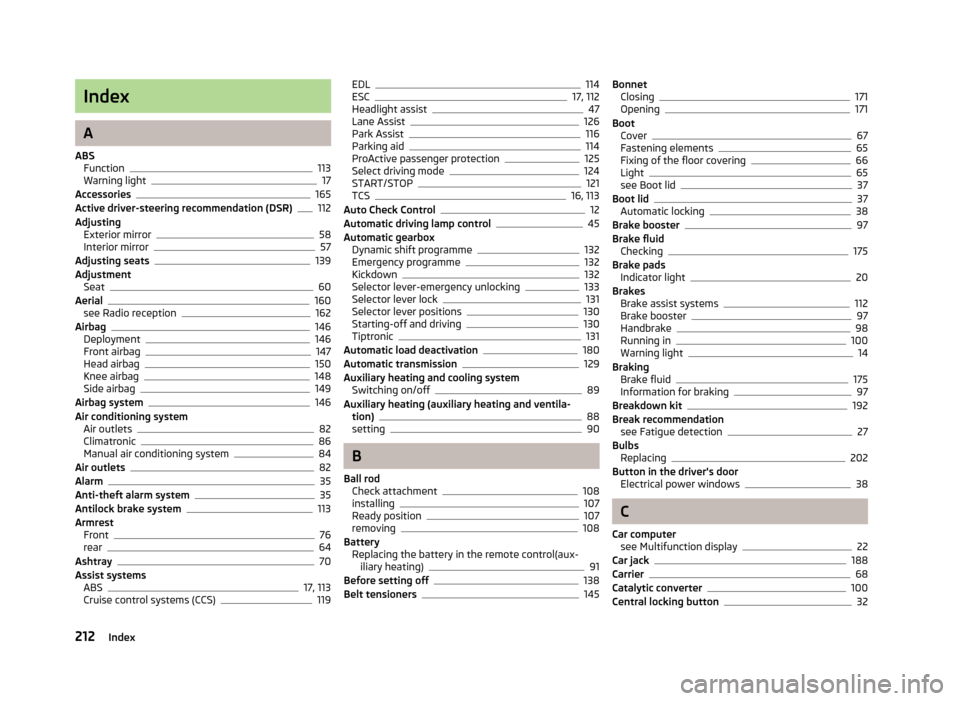
Index
A
ABS Function
113
Warning light17
Accessories165
Active driver-steering recommendation (DSR)112
Adjusting Exterior mirror
58
Interior mirror57
Adjusting seats139
Adjustment Seat
60
Aerial160
see Radio reception162
Airbag146
Deployment146
Front airbag147
Head airbag150
Knee airbag148
Side airbag149
Airbag system146
Air conditioning system Air outlets
82
Climatronic86
Manual air conditioning system84
Air outlets82
Alarm35
Anti-theft alarm system35
Antilock brake system113
Armrest Front
76
rear64
Ashtray70
Assist systems ABS
17, 113
Cruise control systems (CCS)119
EDL114
ESC17, 112
Headlight assist47
Lane Assist126
Park Assist116
Parking aid114
ProActive passenger protection125
Select driving mode124
START/STOP121
TCS16, 113
Auto Check Control12
Automatic driving lamp control45
Automatic gearbox Dynamic shift programme
132
Emergency programme132
Kickdown132
Selector lever-emergency unlocking133
Selector lever lock131
Selector lever positions130
Starting-off and driving130
Tiptronic131
Automatic load deactivation180
Automatic transmission129
Auxiliary heating and cooling system Switching on/off
89
Auxiliary heating (auxiliary heating and ventila- tion)
88
setting90
B
Ball rod Check attachment
108
installing107
Ready position107
removing108
Battery Replacing the battery in the remote control(aux-
iliary heating)
91
Before setting off138
Belt tensioners145
Bonnet Closing171
Opening171
Boot Cover
67
Fastening elements65
Fixing of the floor covering66
Light65
see Boot lid37
Boot lid37
Automatic locking38
Brake booster97
Brake fluid Checking
175
Brake pads Indicator light
20
Brakes Brake assist systems
112
Brake booster97
Handbrake98
Running in100
Warning light14
Braking Brake fluid
175
Information for braking97
Breakdown kit192
Break recommendation see Fatigue detection
27
Bulbs Replacing
202
Button in the driver's door Electrical power windows
38
C
Car computer see Multifunction display
22
Car jack188
Carrier68
Catalytic converter100
Central locking button32
212Index
Page 217 of 222
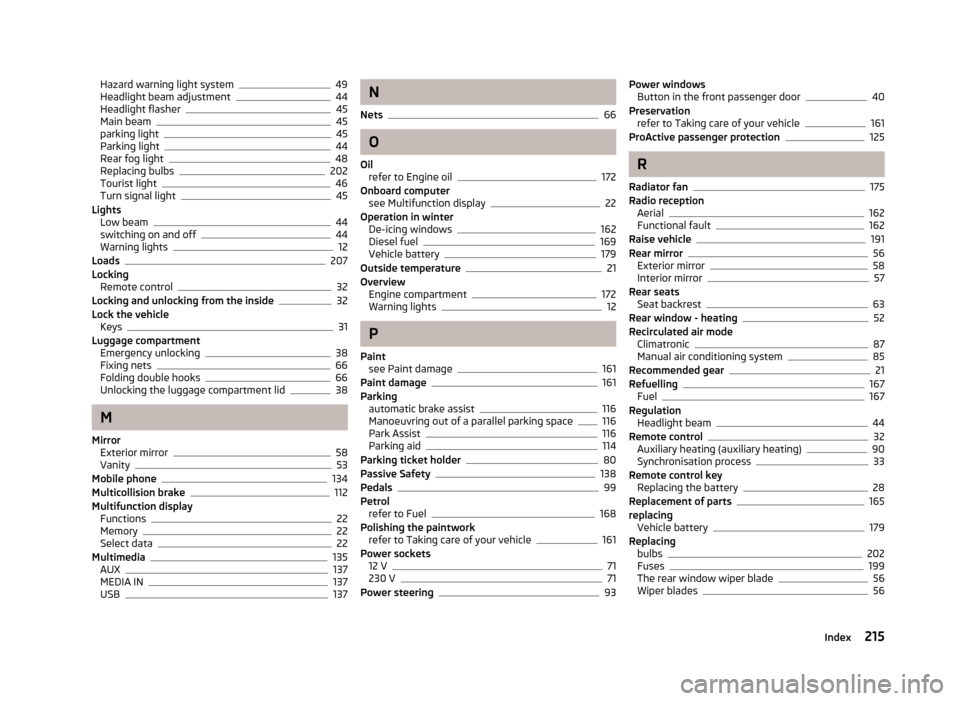
Hazard warning light system49
Headlight beam adjustment44
Headlight flasher45
Main beam45
parking light45
Parking light44
Rear fog light48
Replacing bulbs202
Tourist light46
Turn signal light45
Lights Low beam
44
switching on and off44
Warning lights12
Loads207
Locking Remote control
32
Locking and unlocking from the inside32
Lock the vehicle Keys
31
Luggage compartment Emergency unlocking
38
Fixing nets66
Folding double hooks66
Unlocking the luggage compartment lid38
M
Mirror Exterior mirror
58
Vanity53
Mobile phone134
Multicollision brake112
Multifunction display Functions
22
Memory22
Select data22
Multimedia135
AUX137
MEDIA IN137
USB137
N
Nets
66
O
Oil refer to Engine oil
172
Onboard computer see Multifunction display
22
Operation in winter De-icing windows
162
Diesel fuel169
Vehicle battery179
Outside temperature21
Overview Engine compartment
172
Warning lights12
P
Paint see Paint damage
161
Paint damage161
Parking automatic brake assist
116
Manoeuvring out of a parallel parking space116
Park Assist116
Parking aid114
Parking ticket holder80
Passive Safety138
Pedals99
Petrol refer to Fuel
168
Polishing the paintwork refer to Taking care of your vehicle
161
Power sockets 12 V
71
230 V71
Power steering93
Power windows Button in the front passenger door40
Preservation refer to Taking care of your vehicle
161
ProActive passenger protection125
R
Radiator fan
175
Radio reception Aerial
162
Functional fault162
Raise vehicle191
Rear mirror56
Exterior mirror58
Interior mirror57
Rear seats Seat backrest
63
Rear window - heating52
Recirculated air mode Climatronic
87
Manual air conditioning system85
Recommended gear21
Refuelling167
Fuel167
Regulation Headlight beam
44
Remote control32
Auxiliary heating (auxiliary heating)90
Synchronisation process33
Remote control key Replacing the battery
28
Replacement of parts165
replacing Vehicle battery
179
Replacing bulbs
202
Fuses199
The rear window wiper blade56
Wiper blades56
215Index