SKODA OCTAVIA 2017 Owner´s Manual
OCTAVIA 2017
SKODA
SKODA
https://www.carmanualsonline.info/img/3/38031/w960_38031-0.png
SKODA OCTAVIA 2017 Owner´s Manual
Page 176 of 340
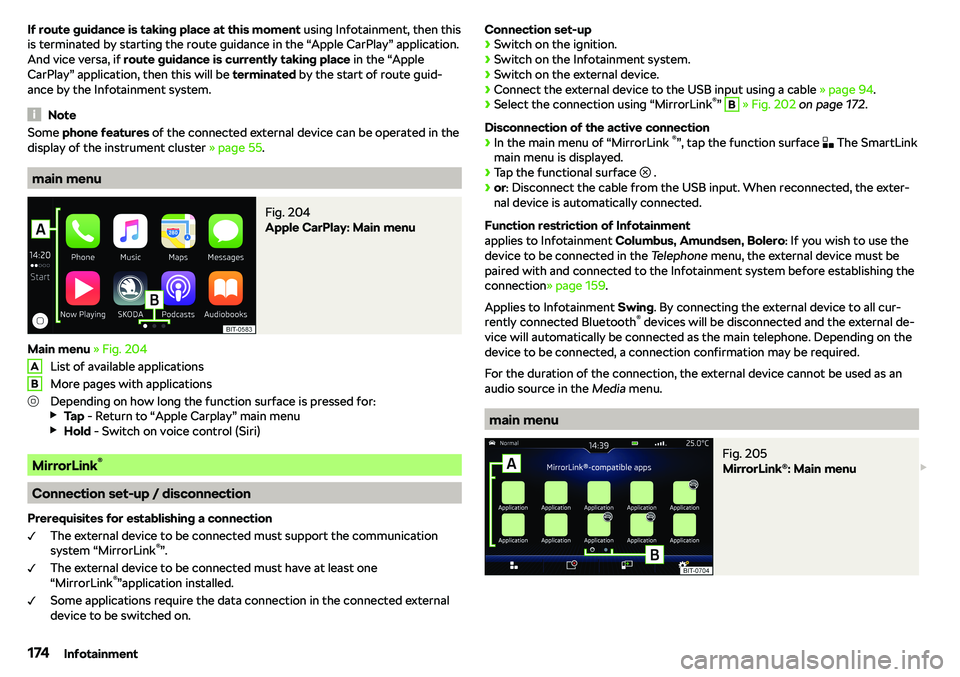
If route guidance is taking place at this moment using Infotainment, then this
is terminated by starting the route guidance in the “Apple CarPlay” application. And vice versa, if route guidance is currently taking place in the “Apple
CarPlay” application, then this will be terminated by the start of route guid-
ance by the Infotainment system.
Note
Some phone features of the connected external device can be operated in the
display of the instrument cluster
Page 178 of 340
Connecting to Infotainment
The mobile telephone can be connected to the Infotainment system using the
SmartLink function or via WLAN.
Connection by SmartLink
Page 179 of 340
If no GPS satellite signal is available, no values are displayed.
Navigation data
Navigation data source Columbus
The navigation data is stored in the Infotainment memory.
Navigation data source Amundsen
The navigation data is stored on an Original SD Card.
In order to ensure the function of the navigation, the Original SD card, with the
navigation data, must be inserted in the respective slot in the external module
Page 181 of 340
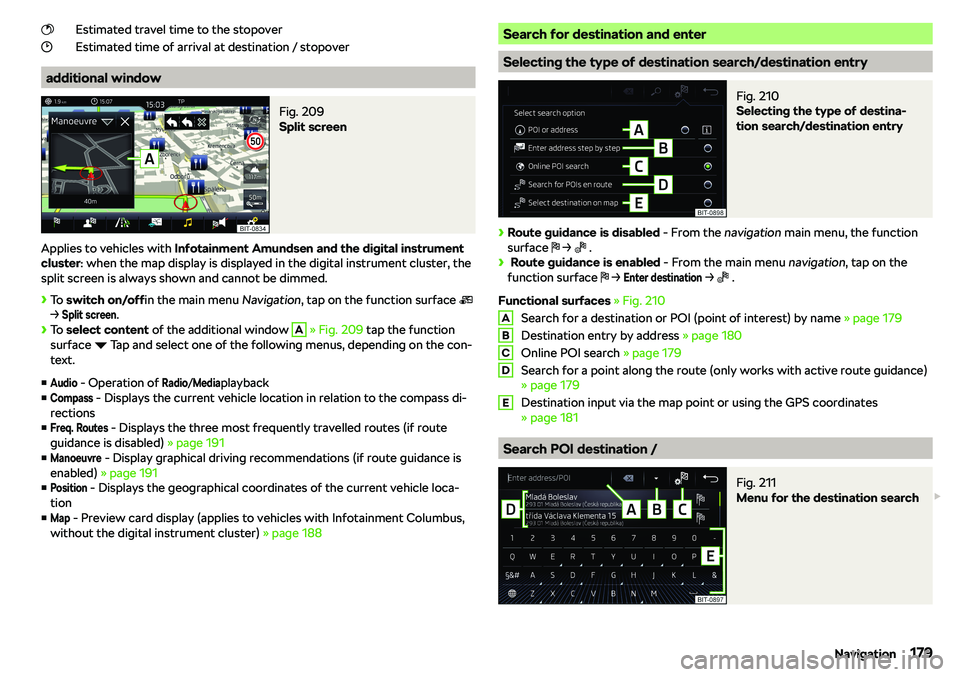
Estimated travel time to the stopover
Estimated time of arrival at destination / stopover
additional window
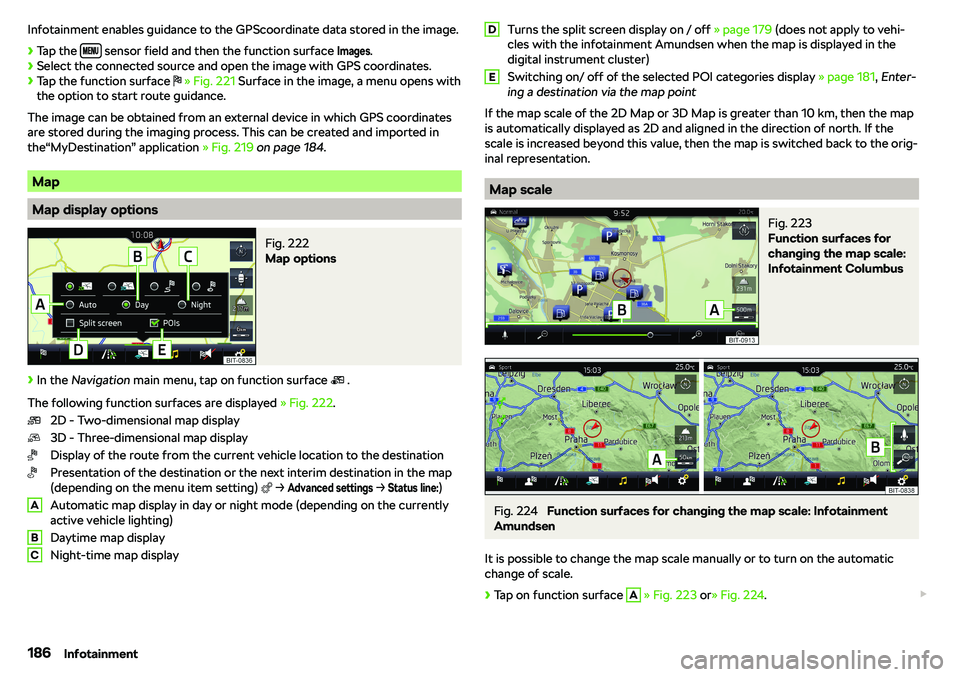
Fig. 209
Split screen
Applies to vehicles with Infotainment Amundsen and the digital instrument
cluster : when the map display is displayed in the digital instrument cluster, the
split screen is always shown and cannot be dimmed.
Page 184 of 340
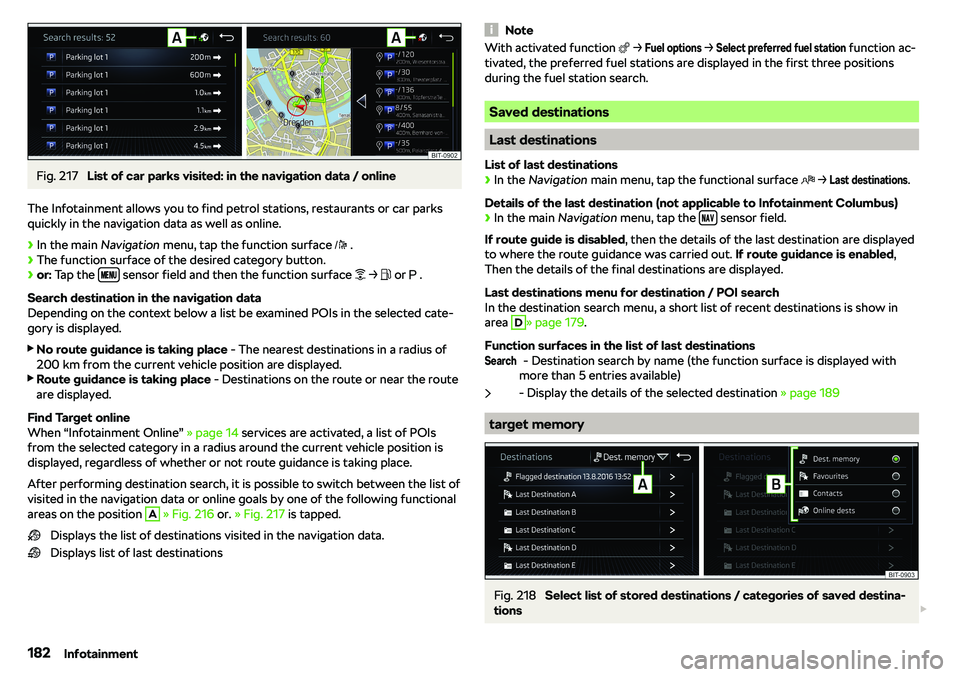
Fig. 217
List of car parks visited: in the navigation data / online
The Infotainment allows you to find petrol stations, restaurants or car parks
quickly in the navigation data as well as online.
Page 188 of 340
Infotainment enables guidance to the GPScoordinate data stored in the image.
Page 196 of 340
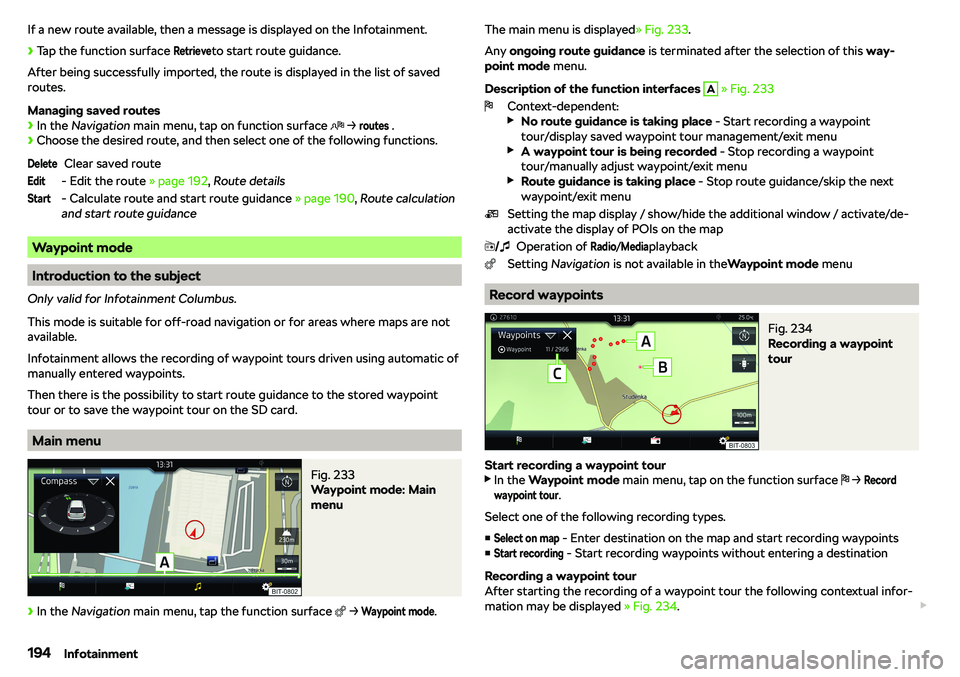
If a new route available, then a message is displayed on the Infotainment.
Page 200 of 340
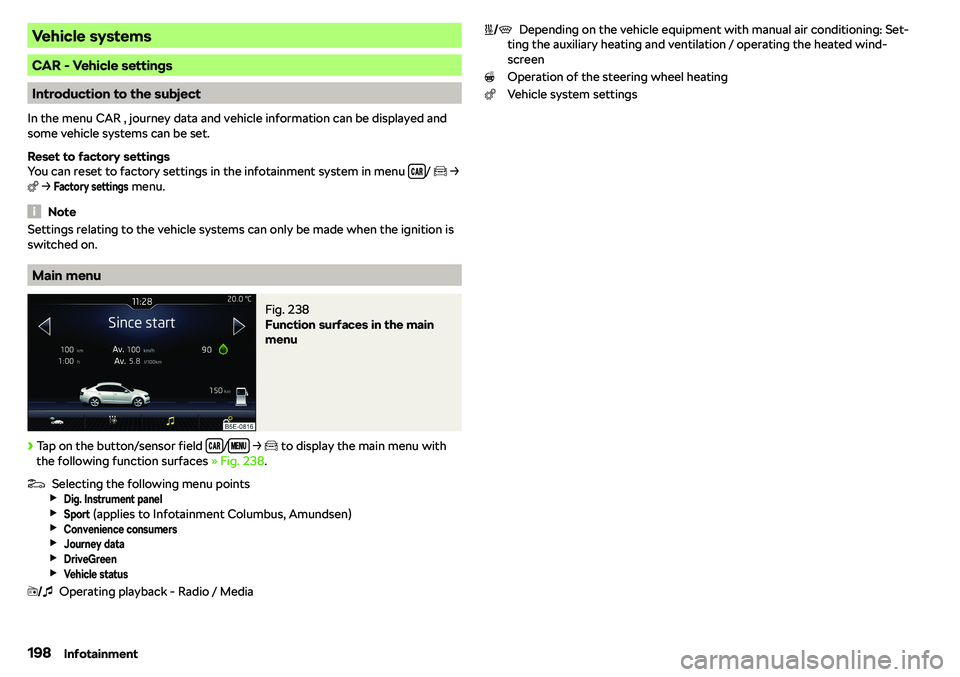
Vehicle systems
CAR - Vehicle settings
Introduction to the subject
In the menu CAR , journey data and vehicle information can be displayed and
some vehicle systems can be set.
Reset to factory settings
You can reset to factory settings in the infotainment system in menu
/
e
Page 220 of 340
Disable / Enable
The brake function can be enabled / disabled in the Infotainment in the menuParking and manoeuvring
Page 221 of 340
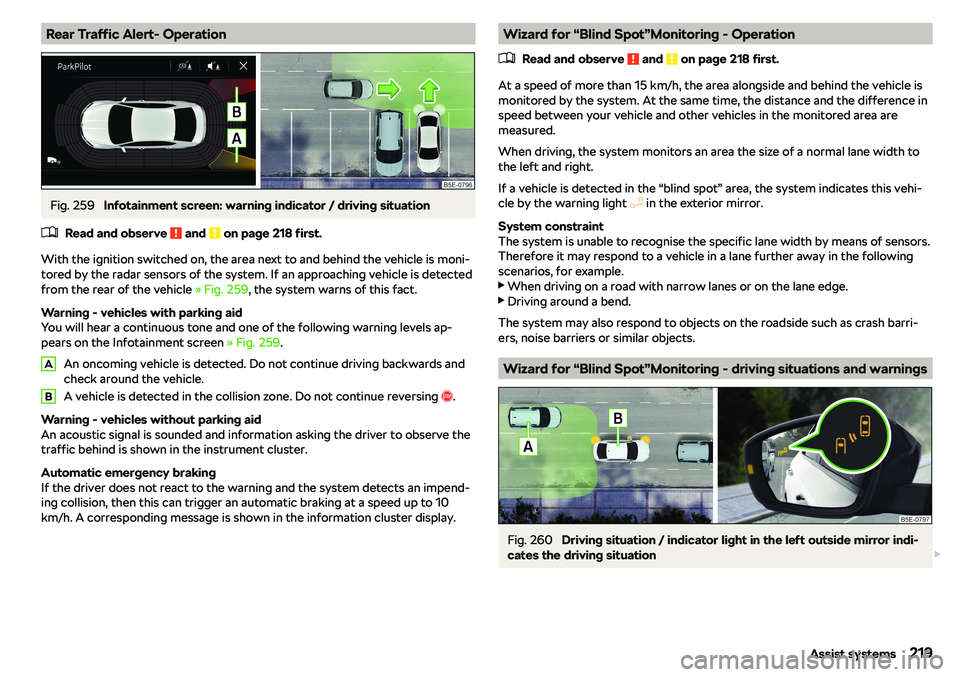
Rear Traffic Alert- OperationFig. 259
Infotainment screen: warning indicator / driving situation