SKODA OCTAVIA 2017 Owner´s Manual
OCTAVIA 2017
SKODA
SKODA
https://www.carmanualsonline.info/img/3/38031/w960_38031-0.png
SKODA OCTAVIA 2017 Owner´s Manual
Page 3 of 340
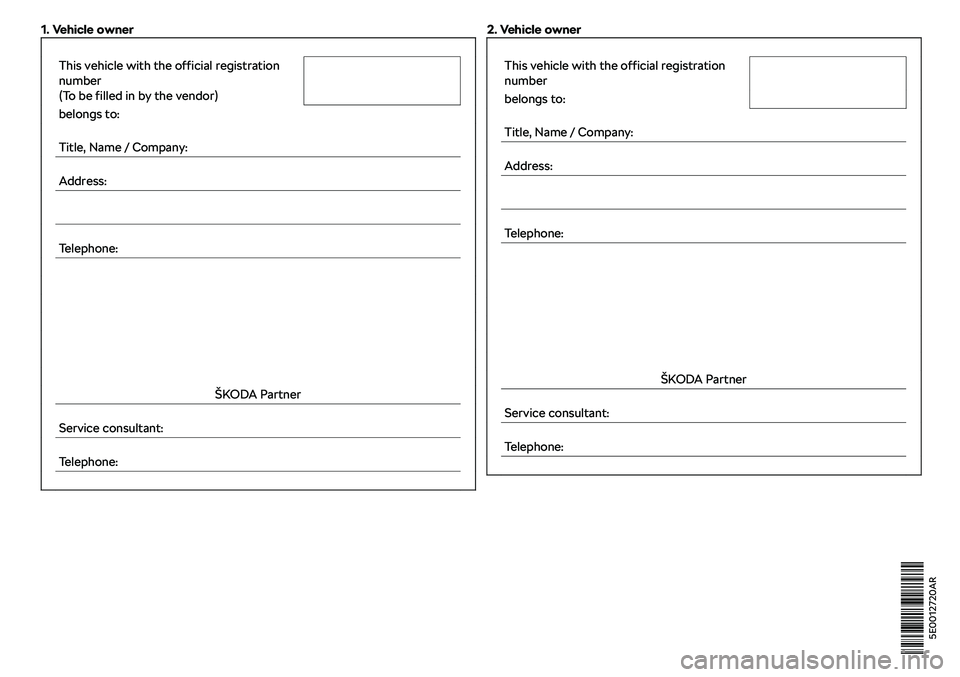
1. Vehicle owner This vehicle with the official registration
number
(To be filled in by the vendor) belongs to:
Title, Name / Company:
Address:
Telephone:
Page 6 of 340
Infotainment operation125
Infotainment operation
125
Voice control
130
Updating the Infotainment software
132
Infotainment settings - Columbus, Amundsen,
Bolero
133
Infotainment system settings
133
Radio menu settings
136
Media menu settings
137
Image menu settings
137
Video DVD menu settings
137
Settings
137
SmartLink+ menu settings
138
Navigation menu settings
139
Infotainment settings - Swing
141
Infotainment system settings
141
Radio menu settings
142
Media menu settings
143
Import contactsTelephone menu settings
143
SmartLink+ menu settings
143
Radio
144
service
144
Media
147
service
147
Audio sources
149
Images
153
Image viewer
153
Video DVD
154
video player
154
Media Command
156
Operation
156Telephone158
Introductory information
158
Pairing and connecting
159
Use the SIM card in the external module
162
Telephone functions
163
Text messages (SMS)
166
Data connection
168
Internet connection
168
Connecting via the CarStick device
168
Establishing a connection using a SIM card in
the external module
169
Establishing a connection using the Bluetooth
Page 29 of 340
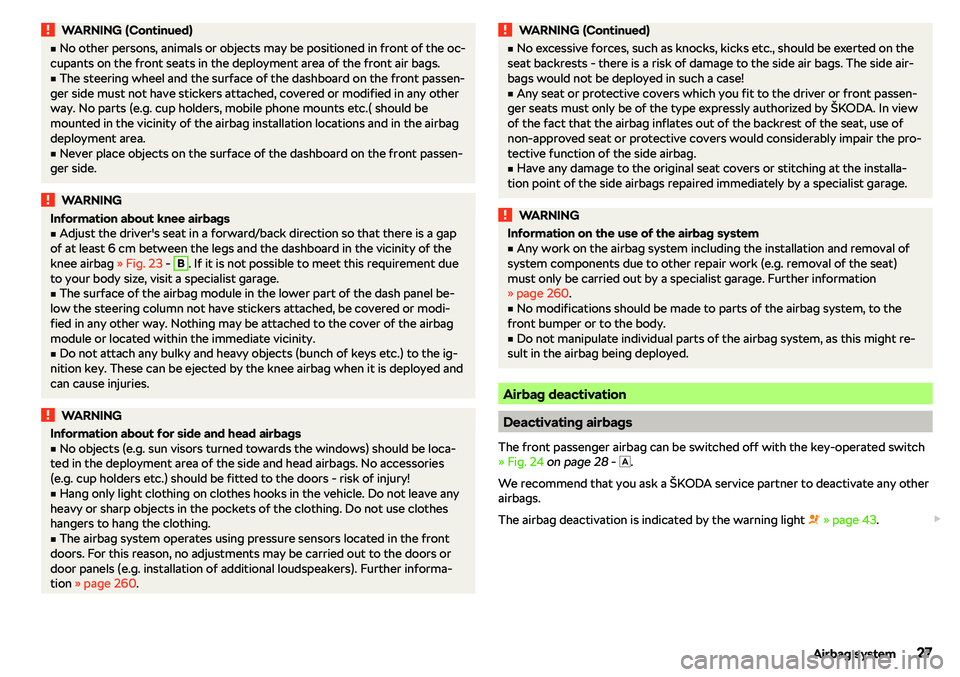
WARNING (Continued)�vNo other persons, animals or objects may be positioned in front of the oc-
cupants on the front seats in the deployment area of the front air bags.�v
The steering wheel and the surface of the dashboard on the front passen-
ger side must not have stickers attached, covered or modified in any other
way. No parts (e.g. cup holders, mobile phone mounts etc.( should be
mounted in the vicinity of the airbag installation locations and in the airbag
deployment area.
�v
Never place objects on the surface of the dashboard on the front passen-
ger side.
WARNINGInformation about knee airbags�vAdjust the driver
Page 124 of 340
Infotainment
Introductory information
Important information
Introduction to the subject
WARNING�vOnly use Infotainment in such a way that you have control of the vehicle
in every traffic situation (e.g. Do not write text messages while driving, do
not link or connect the telephone, do not work with the contact list, do not
enter any destinations, do not connect WLAN or SmartLink etc.)- Other-
wise there is a risk of an accident!�v
Always route the connection cable of the external device such that is
does not restrict you when driving.
WARNING�v Adjust the volume to ensure that acoustic signals from outside the vehi-
cle, e.g. sirens from emergency vehicles, can be heard at all times.�v
High volumes can cause hearing damage!
CAUTION
In some countries, some Infotainment functions can no longer be selected
when the vehicle is running faster than a certain speed. This is not a malfunc- tion, but complies with the national legal regulations.
Mobile devices and applications
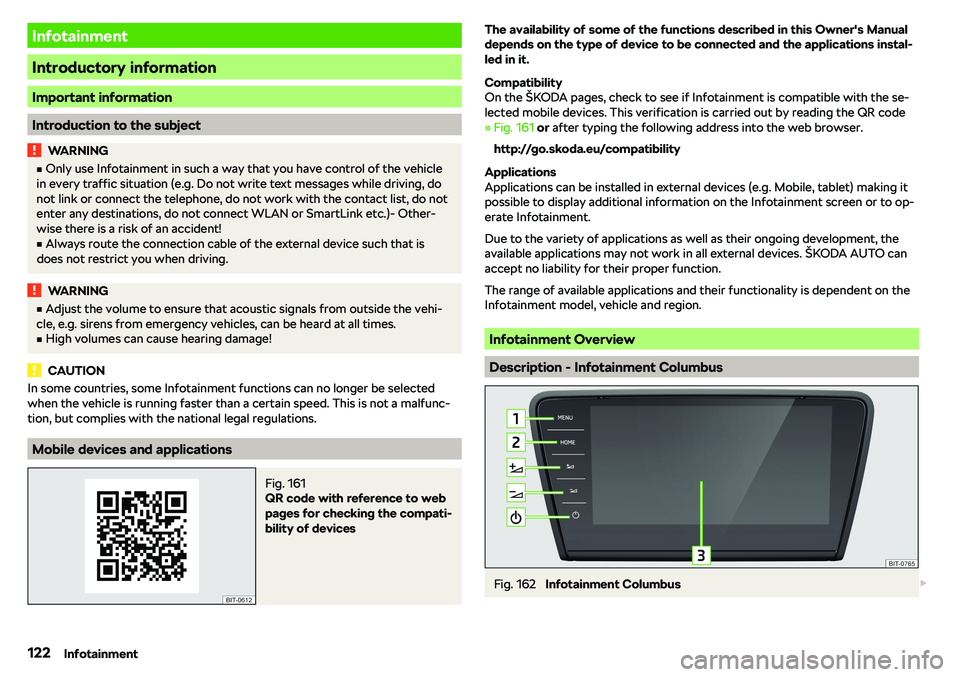
Fig. 161
QR code with reference to web
pages for checking the compati-
bility of devices
The availability of some of the functions described in this Owner
Page 140 of 340
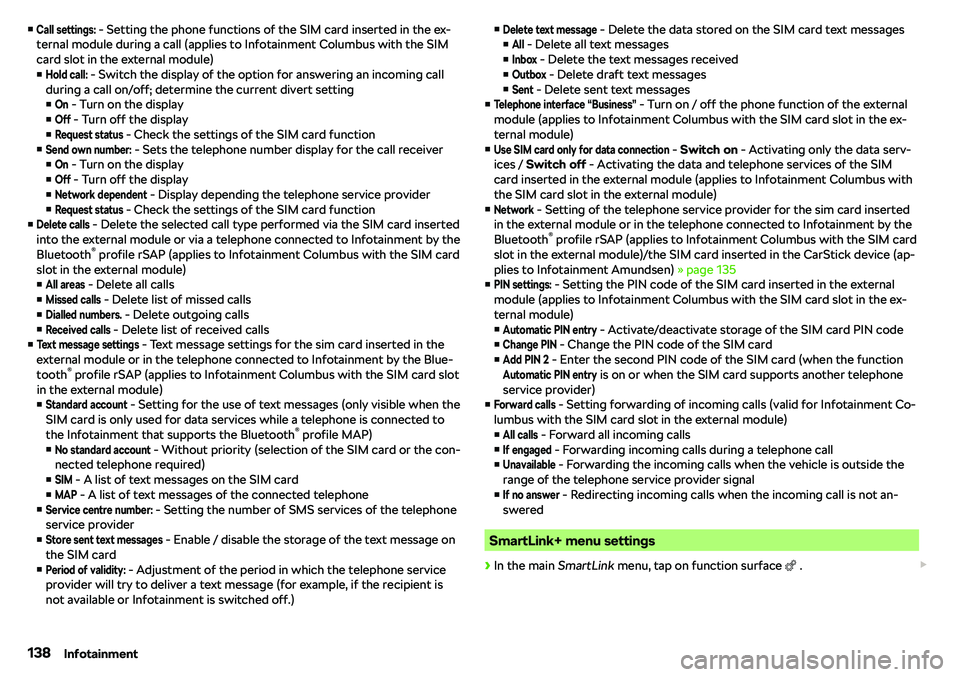
�vCall settings: - Setting the phone functions of the SIM card inserted in the ex-
ternal module during a call (applies to Infotainment Columbus with the SIM
card slot in the external module)
�vHold call:
- Switch the display of the option for answering an incoming call
during a call on/off
Page 160 of 340
Telephone
Introductory information
Introduction to the subject
WARNINGThe general binding country-specific regulations for operating mobile
phones in the vehicle must be observed.
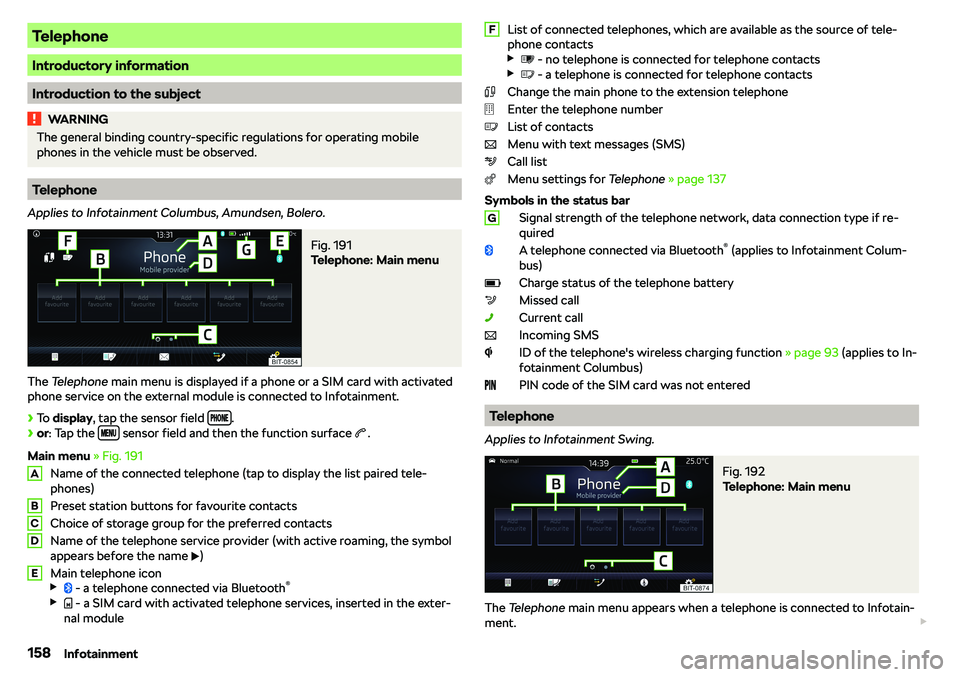
Telephone
Applies to Infotainment Columbus, Amundsen, Bolero.
Fig. 191
Telephone: Main menu
The Telephone main menu is displayed if a phone or a SIM card with activated
phone service on the external module is connected to Infotainment.
Page 163 of 340
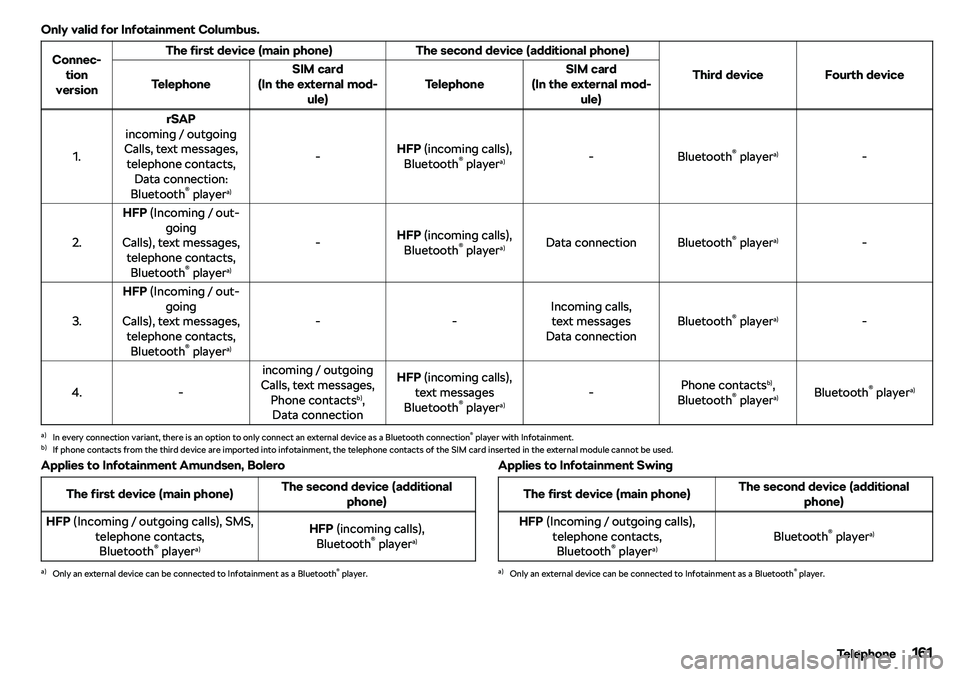
Only valid for Infotainment Columbus.Connec-tion
versionThe first device (main phone)The second device (additional phone)
Third deviceFourth deviceTelephoneSIM card
(In the external mod- ule)TelephoneSIM card
(In the external mod- ule)
1.
rSAP
incoming / outgoing
Calls, text messages, telephone contacts, Data connection:
Bluetooth
Page 166 of 340
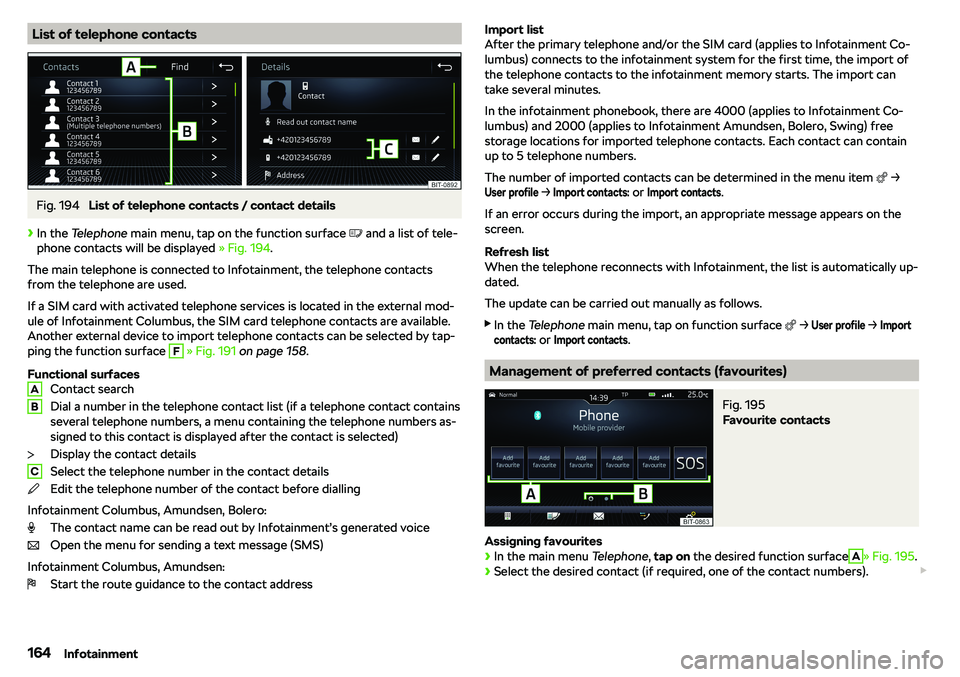
List of telephone contactsFig. 194
List of telephone contacts / contact details
Page 167 of 340
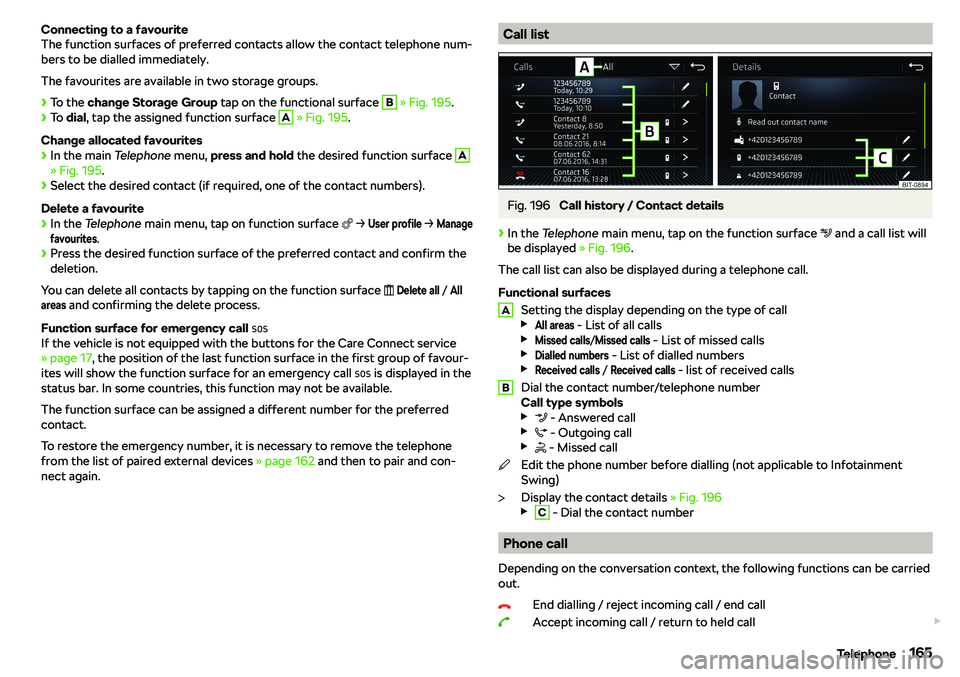
Connecting to a favourite
The function surfaces of preferred contacts allow the contact telephone num-
bers to be dialled immediately.
The favourites are available in two storage groups.
Page 168 of 340
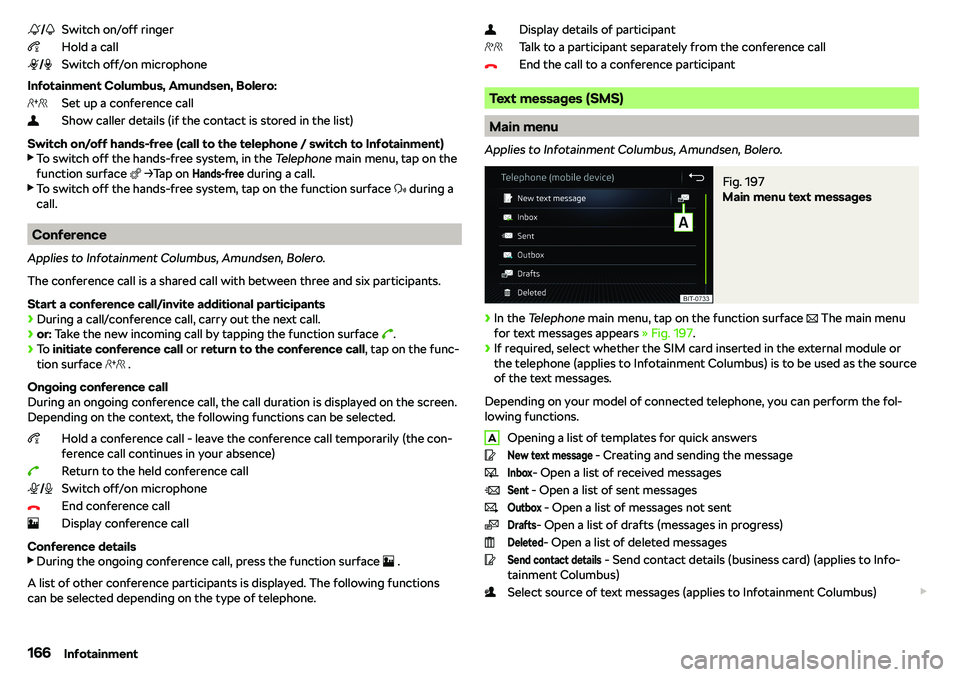
Switch on/off ringer
Hold a call
Switch off/on microphone
Infotainment Columbus, Amundsen, Bolero: Set up a conference call
Show caller details (if the contact is stored in the list)
Switch on/off hands-free (call to the telephone / switch to Infotainment)