buttons SKODA RAPID 2016 1.G User Guide
[x] Cancel search | Manufacturer: SKODA, Model Year: 2016, Model line: RAPID, Model: SKODA RAPID 2016 1.GPages: 184, PDF Size: 27.06 MB
Page 148 of 184
›Attach clamp 3 to the negative terminal of the power-supplying battery.›For vehicles
with the START-STOPsystem, attach clamp 4 to the earth point
of the engine A
» Fig. 165 .
›
For vehicles without the START-STOPsystem, attach clamp
4
to a solid
metal part firmly attached to the engine block or directly to the engine block.
Installation location of the positive terminal and the earth point in vehicles
with the vehicle battery in the luggage compartment
The positive terminal
B
is located under a cover in the engine compartment
» Fig. 166 .
›
Press together the lock buttons of the cover simultaneously in the direction
of arrow
1
and remove the cover in the direction of arrow
2
.
›
Clamp the positive terminal of the jumper cable to the position
B
» Fig. 166 .
›
Clamp the negative terminal of the jumper cable to the earthing point of the
engine
A
or on a metal part firmly connected to the engine block or directly
on the engine block.
Starting engine
›
Start the engine on the vehicle providing the power and allow it to idle.
›
Initiate the starting process in the vehicle with the discharged battery.
›
If the engine does not start within 10 s, then cancel the starting procedure
and repeat after half a minute.
›
Remove the jump start cables in the reverse order as attachment.
WARNING■
Never clamp the jump cable to the negative terminal of the discharged
battery - risk of explosion.■
The non-insulated parts of the terminal clamps must never touch each
other – there is a risk of short circuit.
■
The jump-start cable connected to the positive terminal of the battery
must not come into contact with electrically conducting parts of the vehicle
– there is a risk of short circuit.
■
Position the jump cables so that they cannot be caught in rotating parts
in the engine compartment - danger of injuries and the risk of vehicle dam-
age.
Towing the vehicle
Information about the towing process
Fig. 167
Braided tow rope / Spiral tow rope
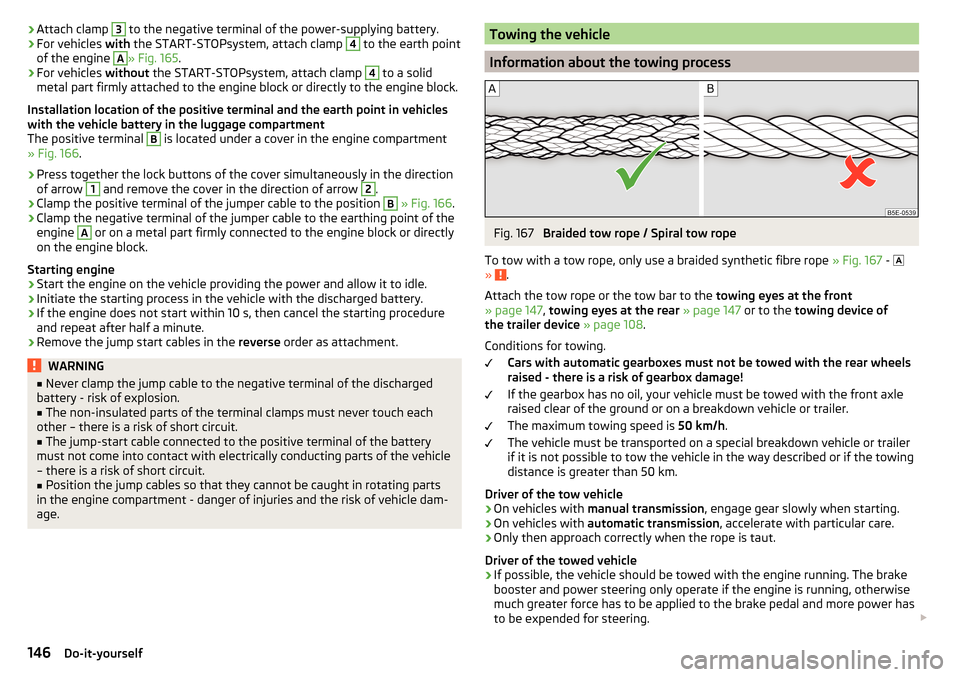
To tow with a tow rope, only use a braided synthetic fibre rope » Fig. 167 -
»
.
Attach the tow rope or the tow bar to the towing eyes at the front
» page 147 , towing eyes at the rear » page 147 or to the towing device of
the trailer device » page 108 .
Conditions for towing. Cars with automatic gearboxes must not be towed with the rear wheels
raised - there is a risk of gearbox damage!
If the gearbox has no oil, your vehicle must be towed with the front axle
raised clear of the ground or on a breakdown vehicle or trailer.
The maximum towing speed is 50 km/h.
The vehicle must be transported on a special breakdown vehicle or trailer
if it is not possible to tow the vehicle in the way described or if the towing
distance is greater than 50 km.
Driver of the tow vehicle
›
On vehicles with manual transmission , engage gear slowly when starting.
›
On vehicles with automatic transmission , accelerate with particular care.
›
Only then approach correctly when the rope is taut.
Driver of the towed vehicle
›
If possible, the vehicle should be towed with the engine running. The brake
booster and power steering only operate if the engine is running, otherwise
much greater force has to be applied to the brake pedal and more power has
to be expended for steering.
146Do-it-yourself
Page 155 of 184
No.Power consumer41Rear window heater42Power windows - front passenger43Trailer device - electrical outlet44Cigarette lighter, 12-volt outlet in the interior, 12-volt power socket
in the luggage compartment45Power windows - rear right46Front and rear window washer, operating lever under the steering
wheel47Trailer device - electrical outlet48Towing hitch - right light49Fuel pump50Infotainment51Heating of the external mirror52KESSY53Steering lock (KESSY)54ABS or ESC55Not assigned56Not assigned57Not assigned58Rear seat heating59Not assigned
Fuses in the engine compartment
Fig. 181
Cover for the fuse box - variant 1
Fig. 182
Cover for the fuse box - variant 2
Read and observe
and on page 151 first.
Replacing fuses
›
Remove the ignition key, turn off the lights and all electrical consumers.
›
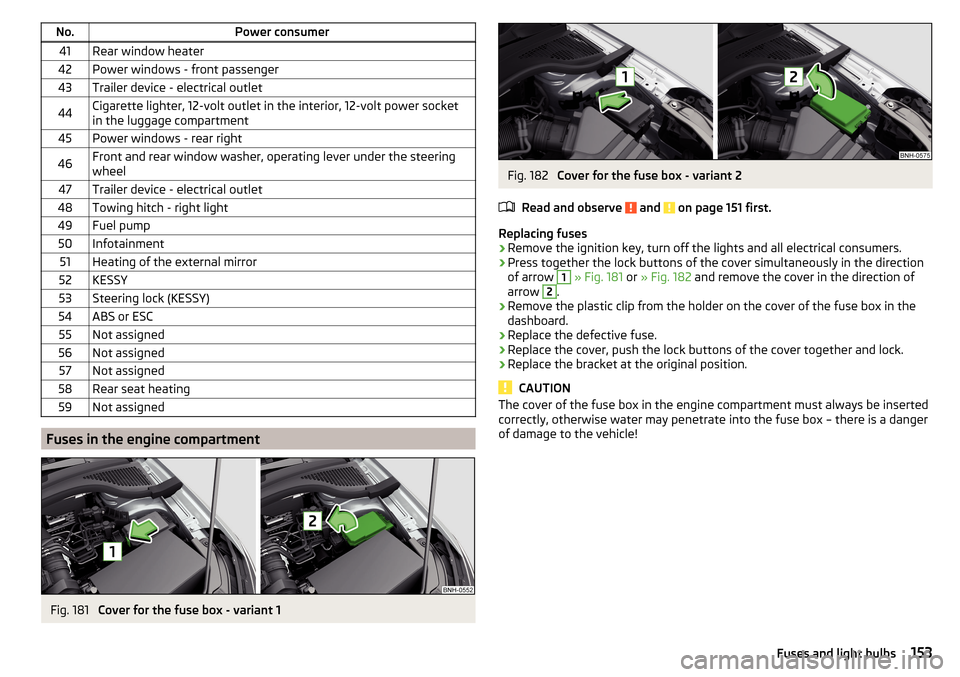
Press together the lock buttons of the cover simultaneously in the direction
of arrow
1
» Fig. 181 or » Fig. 182 and remove the cover in the direction of
arrow
2
.
›
Remove the plastic clip from the holder on the cover of the fuse box in the
dashboard.
›
Replace the defective fuse.
›
Replace the cover, push the lock buttons of the cover together and lock.
›
Replace the bracket at the original position.
CAUTION
The cover of the fuse box in the engine compartment must always be inserted
correctly, otherwise water may penetrate into the fuse box – there is a danger
of damage to the vehicle!153Fuses and light bulbs
Page 170 of 184
Index
A
ABS Operation
94
Warning light32
Acceptance and recycling of used vehicles
117
Accessories115
Adjusting Steering wheel
11
Adjusting the seats10
Adjustment Beam range
54
Advance warning / emergency braking37
Advice on tyre/wheel usage133
Air-conditioning system Air outlet vents
82
Airbag15
Adjustments and impairments to the airbag system
116
Deactivating18
deactivation18
Deployment16
Warning light32
Airbag system15
Air conditioning79
Air distribution control81
Climatronic80
Manual air conditioning80
Air distribution control81
Air outlet vents82
Alarm49
Trailer114
All-year tyres136
Anti-lock braking system (ABS)94
Anti-theft alarm system49
Trailer114
Anti-theft wheel bolts141
Armrest Front63
Rear64
Ashtray69
Assembling the bar ball, Step 1
110
bar ball, Step 2110
Assist systems93
Auto Check Control38
Automatic drive Selector lever
89
Automatic driving light control55
Automatic gearbox89
Kickdown91
Malfunction34
Selector lever emergency unlocking149
Selector lever lock90
Starting-off and driving91
Warning light34
Automatic shutdown of consumers131
Automatic transmission Selector lever lock
90
Tiptronic90
AUX67
Avoiding damage to your vehicle92
B
Ball bar Standy position
109
Ball head Check fitting
111
Ready position109
Battery Change in key
148
Belts12
Belt tensioners14
Bluetooth See Owner´s Manual -Infotainment
6
Bonnet Closing126
Opening126
Boot Cargo element
78
Class N1 vehicles78
Hooks76
Storage compartments77
Boot cover Parking position
77
Boot lid Automatic locking
51
Open/Close51
Brake Assist (HBA)95
Brake booster86
Brake fluid130
Check130
specification130
Brake pads new
86
Brake pedal (automatic transmission) Warning light
34
Brakes Brake booster
86
Brake fluid130
Braking and stabilisation systems93
Handbrake87
Information on braking86
Warning lights30
Brake system93
Braking Running in
91
Breakdown kit143
Breakdown service See Help in an emergency
8
Buttons in the door Electric windows
52
168Index
Page 172 of 184
Distance warning104
Warning light37
Door Child safety lock
49
Emergency locking149
Emergency locking of the driver's door148
Opening/Closing48
Door alarm37
Drive Driving through water
92
DriveGreen91
Driving Emissions
161
Fuel consumption161
Maximum speed165
through water92
E
Economical driving
91
EDL95
Electric power windows Operational faults
53
Electric windows51
Buttons in the driver´s door52
Electronic Differential Lock (EDL)95
Electronic immobiliser83
Emergency Changing a wheel
139
Hazard warning light system57
Jump-starting145
Selector lever-unlocking149
Starting / stopping the engine with the push of a button
84
Starting the engine / stopping with the push of a button
85
Towing the vehicle146
Towing the vehicle using the trailer device147
Tyre repair143
Unlocking/locking the door148
Unlocking / locking the door149
Emergency equipment Fire extinguisher138
First aid kit138
Jack139
Reflective vest138
Vehicle tool kit139
Warning triangle138
Emergency spare Removing / stowing
140
Emission control system32
Emissions161
Engine Information messages
35
Running in91
Engine compartment125
Brake fluid130
Coolant129
Engine oil128
Overview127
Vehicle battery131
Windscreen washer fluid127
Engine drag torque control (MSR)94
Engine number160
engine oil specification
128
Engine oil128
Check129
Oil changing128
Refilling129
Warning light35
EPC32
ESC Operation
94
Warning light31
Extended warranty5
F
Fastening elements
75
Fatigue detection105
Films120
Fire extinguisher138
First aid kit138
Flashing55
Floor covering in the luggage compartment78
Fog lights Warning light
34
Fog lights/rear fog light56
Fog lights with the CORNER function56
Footmats88
see footmats88
Force limiter Window
53
Front Assist102
Deactivation/activation105
Distance warning104
Malfunctions105
Operation103
Radar sensor103
Warning and automatic braking104
Warning light37
Front seats62
Fuel123
Diesel125
Fuel gauge29
refer to Fuel123
Refuelling124
Unleaded petrol124
Warning light33
Fuel consumption161
Fuel reserve33
Fuses151
in the dashboard151, 152
in the engine compartment153, 154
G
Gearbox Information messages
34
170Index
Page 176 of 184
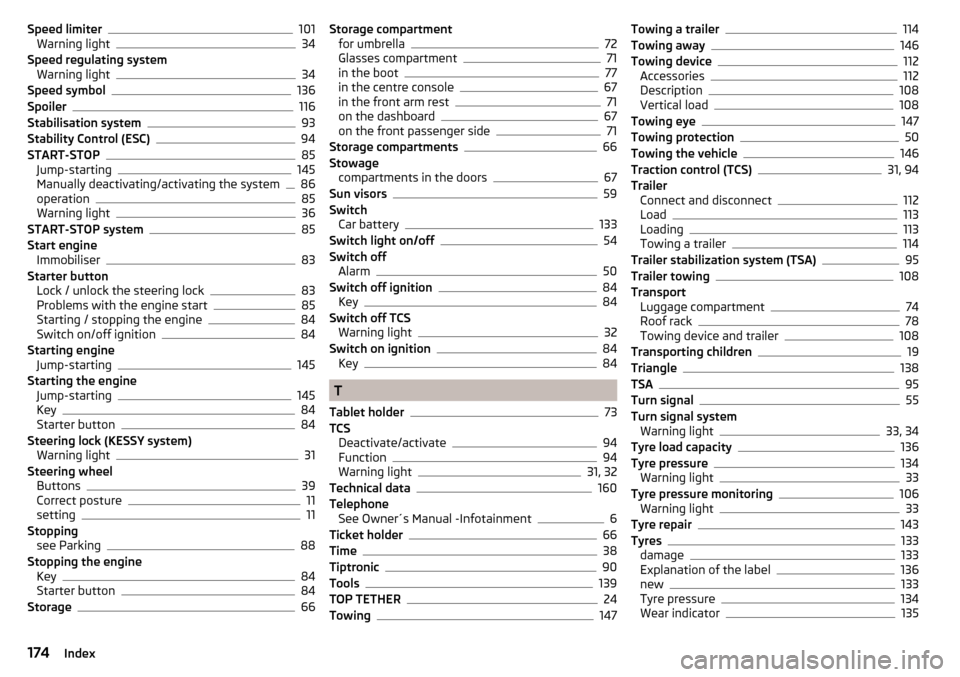
Speed limiter101
Warning light34
Speed regulating system Warning light
34
Speed symbol136
Spoiler116
Stabilisation system93
Stability Control (ESC)94
START-STOP85
Jump-starting145
Manually deactivating/activating the system86
operation85
Warning light36
START-STOP system85
Start engine Immobiliser
83
Starter button Lock / unlock the steering lock
83
Problems with the engine start85
Starting / stopping the engine84
Switch on/off ignition84
Starting engine Jump-starting
145
Starting the engine Jump-starting
145
Key84
Starter button84
Steering lock (KESSY system) Warning light
31
Steering wheel Buttons
39
Correct posture11
setting11
Stopping see Parking
88
Stopping the engine Key
84
Starter button84
Storage66
Storage compartment for umbrella72
Glasses compartment71
in the boot77
in the centre console67
in the front arm rest71
on the dashboard67
on the front passenger side71
Storage compartments66
Stowage compartments in the doors
67
Sun visors59
Switch Car battery
133
Switch light on/off54
Switch off Alarm
50
Switch off ignition84
Key84
Switch off TCS Warning light
32
Switch on ignition84
Key84
T
Tablet holder
73
TCS Deactivate/activate
94
Function94
Warning light31, 32
Technical data160
Telephone See Owner´s Manual -Infotainment
6
Ticket holder66
Time38
Tiptronic90
Tools139
TOP TETHER24
Towing147
Towing a trailer114
Towing away146
Towing device112
Accessories112
Description108
Vertical load108
Towing eye147
Towing protection50
Towing the vehicle146
Traction control (TCS)31, 94
Trailer Connect and disconnect
112
Load113
Loading113
Towing a trailer114
Trailer stabilization system (TSA)95
Trailer towing108
Transport Luggage compartment
74
Roof rack78
Towing device and trailer108
Transporting children19
Triangle138
TSA95
Turn signal55
Turn signal system Warning light
33, 34
Tyre load capacity136
Tyre pressure134
Warning light33
Tyre pressure monitoring106
Warning light33
Tyre repair143
Tyres133
damage133
Explanation of the label136
new133
Tyre pressure134
Wear indicator135
174Index