SKODA SUPERB 2018 Owner´s Manual
SUPERB 2018
SKODA
SKODA
https://www.carmanualsonline.info/img/3/38026/w960_38026-0.png
SKODA SUPERB 2018 Owner´s Manual
Page 88 of 253
ADisplay and management of the functional areas
of preferred featuresBDisplay list of information messagesCPreferred featuresDDisplay of user account managementESetting up the level of protection for personal
dataFSetting up the instrument and key lighting
Set functional areas of preferred features
Page 109 of 253
ADisplay and management of the functional areas
of preferred featuresBDisplay list of information messagesCPreferred featuresDDisplay of user account managementESetting up the level of protection for personal
dataFSetting up the instrument and key lighting
Set functional areas of preferred features
Page 134 of 253
ADisplay and management of the functional areas
of preferred featuresBDisplay list of information messagesCPreferred featuresDDisplay of user account managementESetting up the level of protection for personal
dataFSetting up the instrument and key lighting
Set functional areas of preferred features
Page 167 of 253
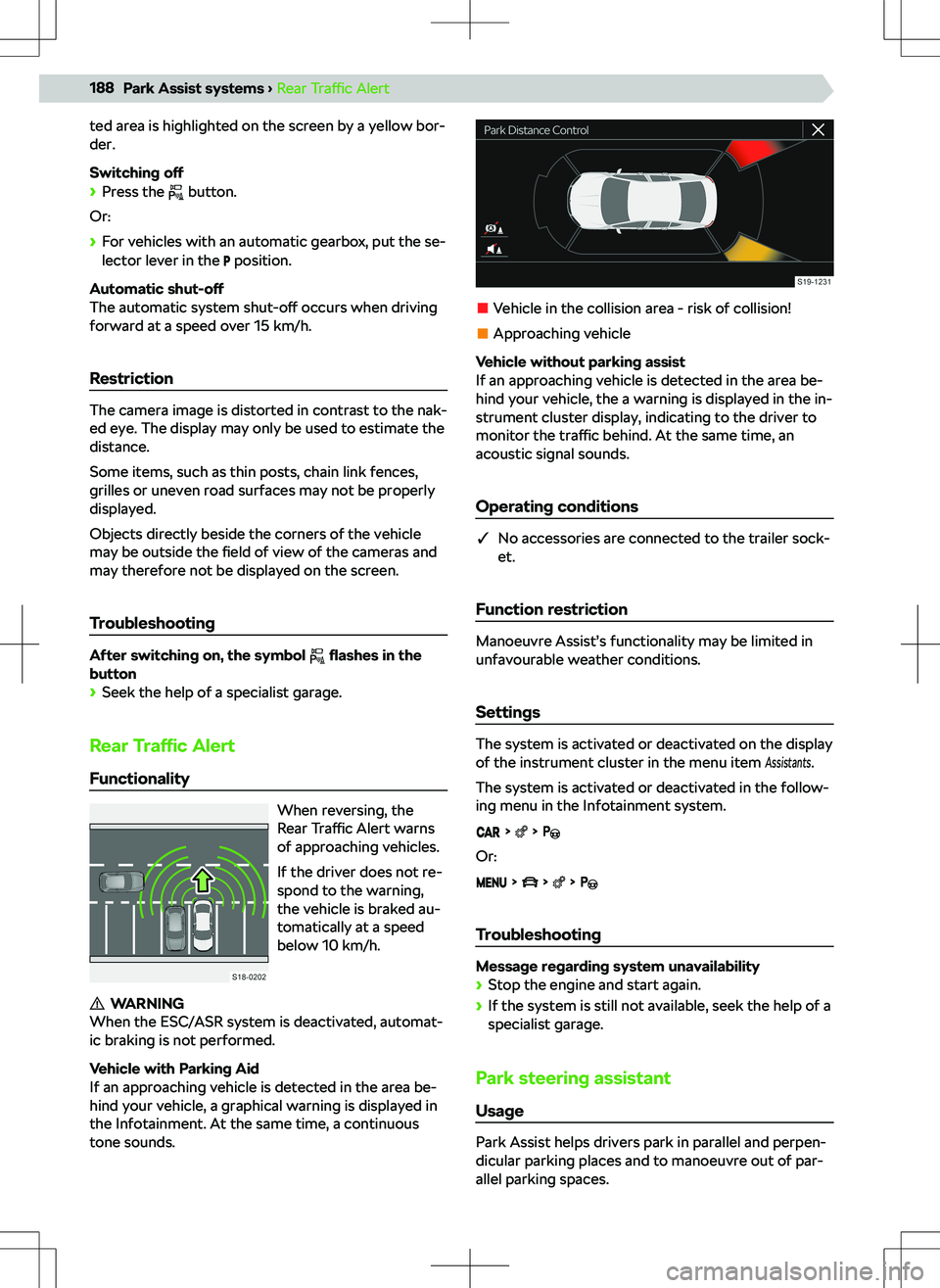
When the system is deactivated, the symbol lights
up in the button .
If a system-related engine switch-o
Page 183 of 253
Lane change assist system Side AssistUsage
The system uses optical signals in the exterior mirror
to alert the driver to vehicles that could be danger-
ous when changing lanes.
Functionality
The system monitors the area next to and behind the
vehicle.
The system warns of an approaching vehicle through
the warning light
in the exterior mirror cover on
the side of the vehicle where the vehicle is recog-
nized.
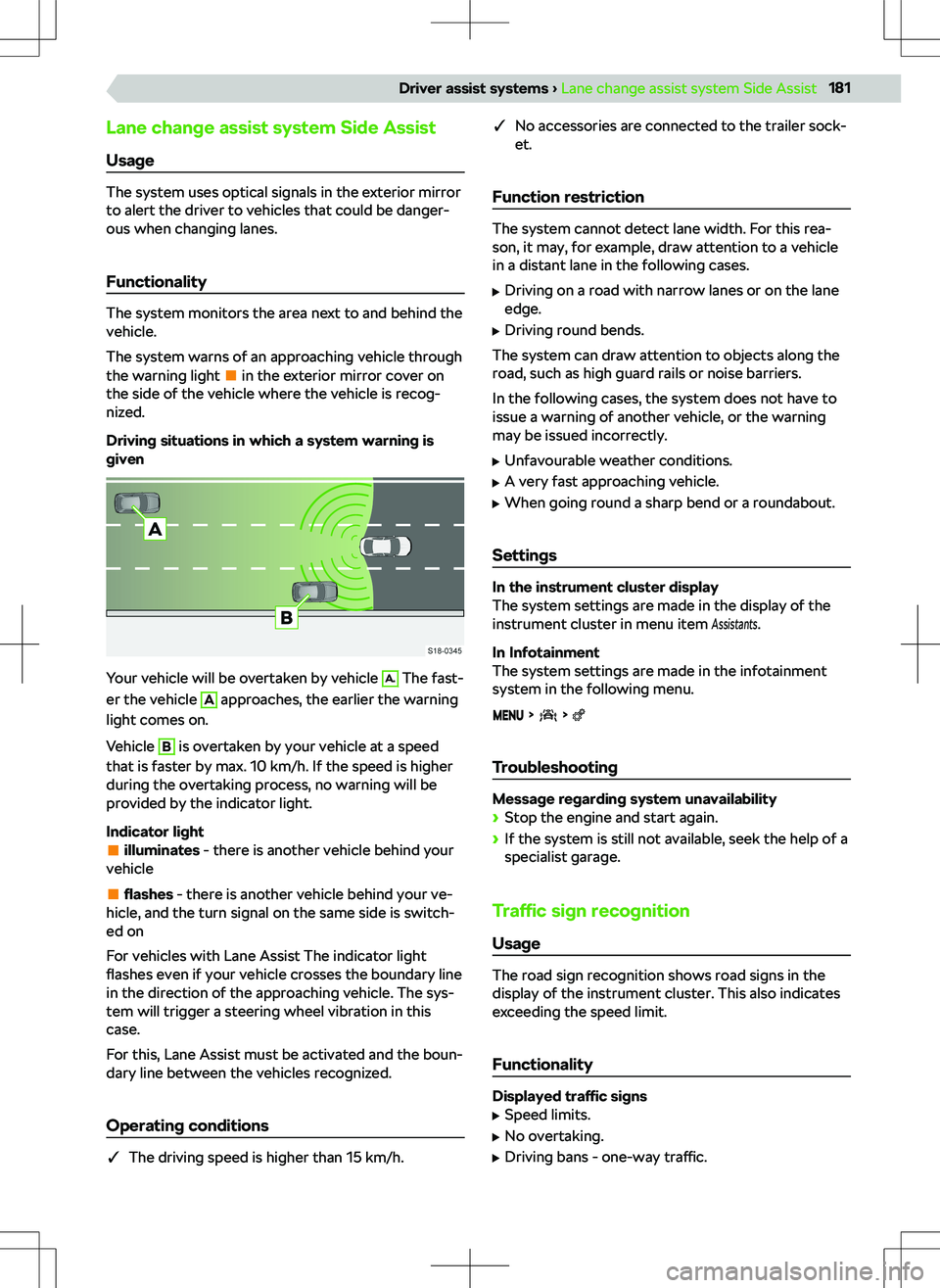
Driving situations in which a system warning is
given
Your vehicle will be overtaken by vehicle
A.
The fast-
er the vehicle
A
approaches, the earlier the warning
light comes on.
Vehicle
B
is overtaken by your vehicle at a speed
that is faster by max. 10 km/h. If the speed is higher
during the overtaking process, no warning will be
provided by the indicator light.
Indicator light
illuminates - there is another vehicle behind your
vehicle
flashes - there is another vehicle behind your ve-
hicle, and the turn signal on the same side is switch-
ed on
For vehicles with Lane Assist The indicator light
flashes even if your vehicle crosses the boundary line
in the direction of the approaching vehicle. The sys-
tem will trigger a steering wheel vibration in this
case.
For this, Lane Assist must be activated and the boun-
dary line between the vehicles recognized.
Operating conditions
�q The driving speed is higher than 15 km/h.
�q
No accessories are connected to the trailer sock-
et.
Function restriction
The system cannot detect lane width. For this rea-
son, it may, for example, draw attention to a vehicle
in a distant lane in the following cases.
Page 190 of 253
ted area is highlighted on the screen by a yellow bor-
der.
Switching off
Page 205 of 253
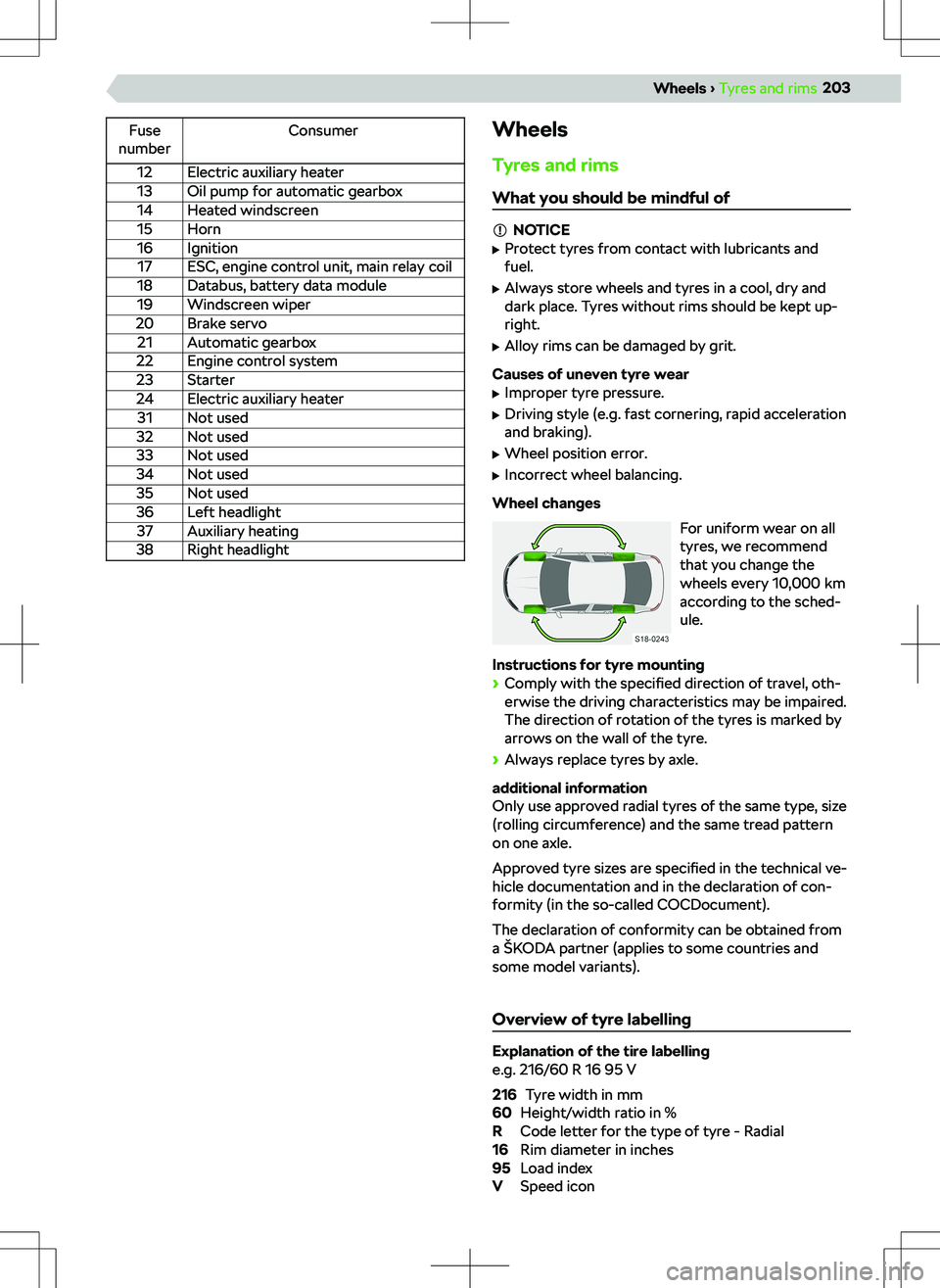
Fuse
numberConsumer12Electric auxiliary heater13Oil pump for automatic gearbox14Heated windscreen15Horn16Ignition17ESC, engine control unit, main relay coil18Databus, battery data module19Windscreen wiper20Brake servo21Automatic gearbox22Engine control system23Starter24Electric auxiliary heater31Not used32Not used33Not used34Not used35Not used36Left headlight37Auxiliary heating38Right headlightWheels
Tyres and rims
What you should be mindful of
NOTICE
Page 226 of 253
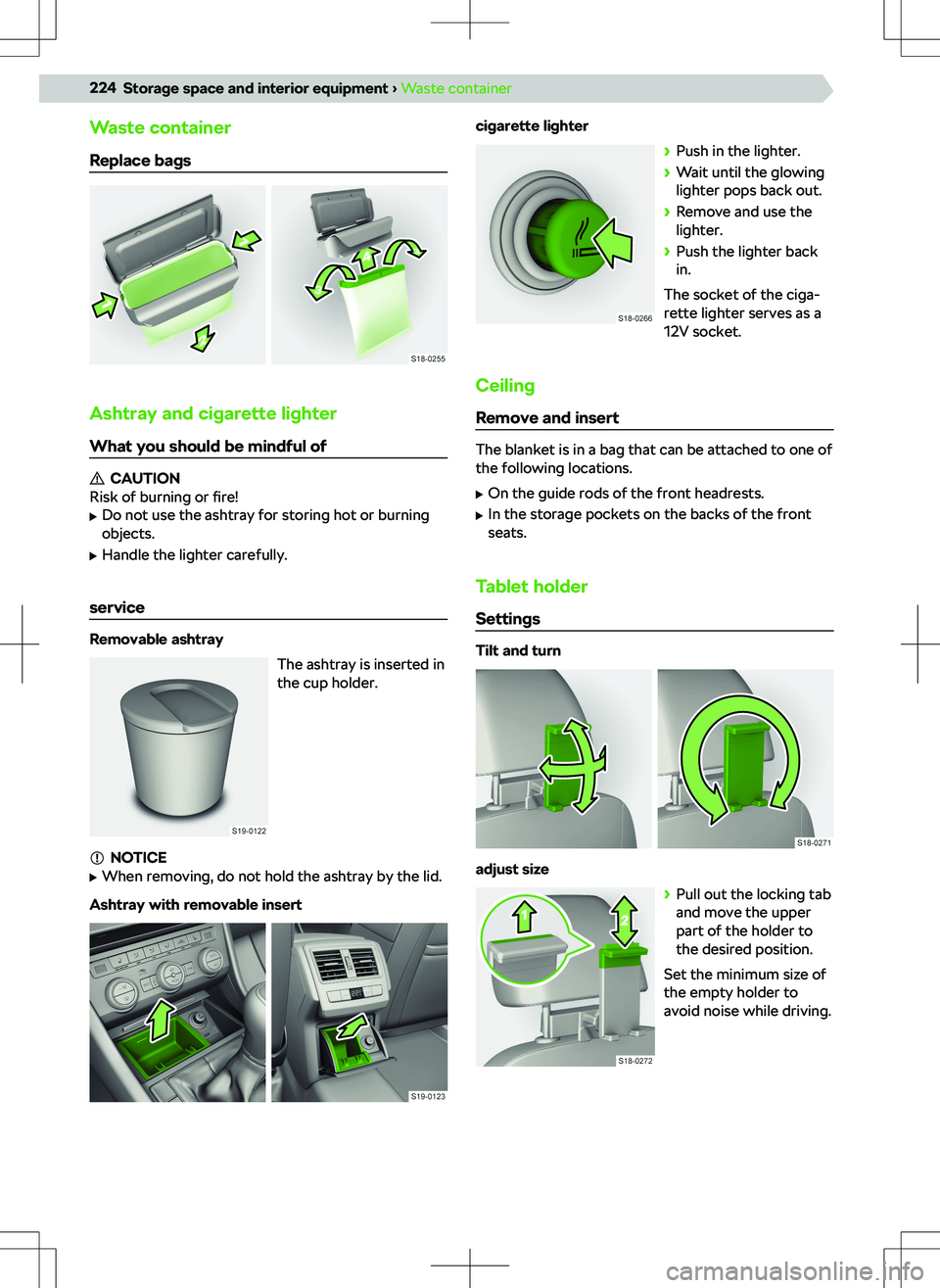
Waste container
Replace bags
Ashtray and cigarette lighter
What you should be mindful of
CAUTION
Risk of burning or fire!
Page 245 of 253
Index
A
ABS
173
ACC177
Automatic stop and start177
Distance adjustment177
Interruption of cruise control178
Accident data recorder238
Activation of online services153
Adaptive Cruise Control177
Adaptive suspension167
AdBlue Check
195
Functionality195
Indicator light195
Refilling195
Safety19
standard195
tank capacity195
Air conditioning see manual air conditioning
56
Air conditioning, see Climatronic
56
Airbag46
Fault47
Installation locations46
Release46
Safety20
Switch o
Page 246 of 253
Cargo elements212
Central locking25
SAFE function25
Central locking button26
Centre console10
Changing gear with a manual gearbox
165
Charging your phone wirelessly223
Check the vehicle before your journey19
Child lock29
Child seat42
Attachment45
Attachment with a strap45
Grouping43
i-Size45
in the passenger seat43
ISOFIX44, 45
Keyword child seat42
Recommended child seats44
Safety instructions42
Securing children properly20
TOP TETHER45
Choose Tyre control display A.209
cigarette lighter224
Cleaning the vehicle Outside
231
Climatronic56
Display in the centre console at the back57
COMING HOME50
attitude50
Functional conditions50
Compartments219
Control Centre Infotainment Amundsen
106
Infotainment Bolero85
Infotainment Columbus131
Infotainment Swing70
Coolant192
Checking193
Indicator light193
Refilling193
Safety19
Specification193
Temperature display192
Troubleshooting193
Cooling system56, 57
Crew Protect Assist see Proactive occupant protection
182
Cruise control176
Cup holder223
Cybernetic Security Infotainment Amundsen
115
Infotainment Bolero94
Infotainment Columbus140
D Data Connection
159
Daylight running lights48
DCC167
Diesel197
Misfuel protection197
Prescribed fuel198
Refill197
Requirements for refuelling197
Standards197
Tank capacity198
Troubleshooting198
Digital instrument cluster
63
Digital Assistant Laura Columbus Infotainment
130
Infotainment Amundsen105
Digital instrument cluster63
dimmed headlights48, 49
Distribution of the cargo168
Door Open / close
29
Downhill assistant183
Activation / deactivation184
Functionality183
Drive assistant see Travel Assist
180
Drive in neutral165
DriveGreen168
Driver Alert183
fatigue detection assistant183
Driver