SKODA SUPERB 2019 Owner´s Manual
SUPERB 2019
SKODA
SKODA
https://www.carmanualsonline.info/img/3/38026/w960_38026-0.png
SKODA SUPERB 2019 Owner´s Manual
Page 147 of 253
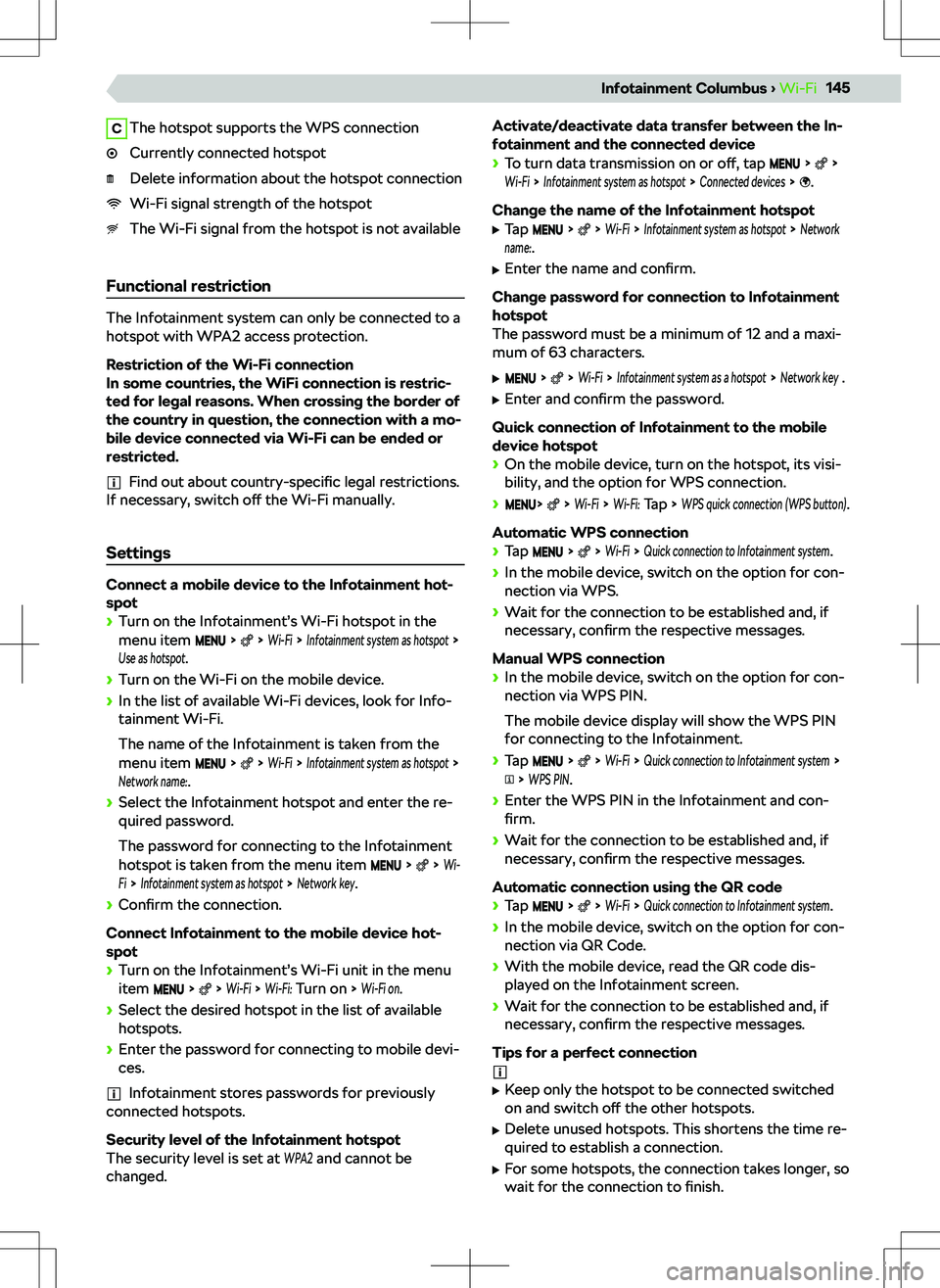
CThe hotspot supports the WPS connectionCurrently connected hotspotDelete information about the hotspot connectionWi-Fi signal strength of the hotspotThe Wi-Fi signal from the hotspot is not available
Functional restriction
The Infotainment system can only be connected to a
hotspot with WPA2 access protection.
Restriction of the Wi-Fi connection
In some countries, the WiFi connection is restric-
ted for legal reasons. When crossing the border of
the country in question, the connection with a mo-
bile device connected via Wi-Fi can be ended or
restricted.
Find out about country-specific legal restrictions.
If necessary, switch o
Page 160 of 253
Delete all users
Resetting the Infotainment to the factory settings
will delete all user accounts.
Page 168 of 253
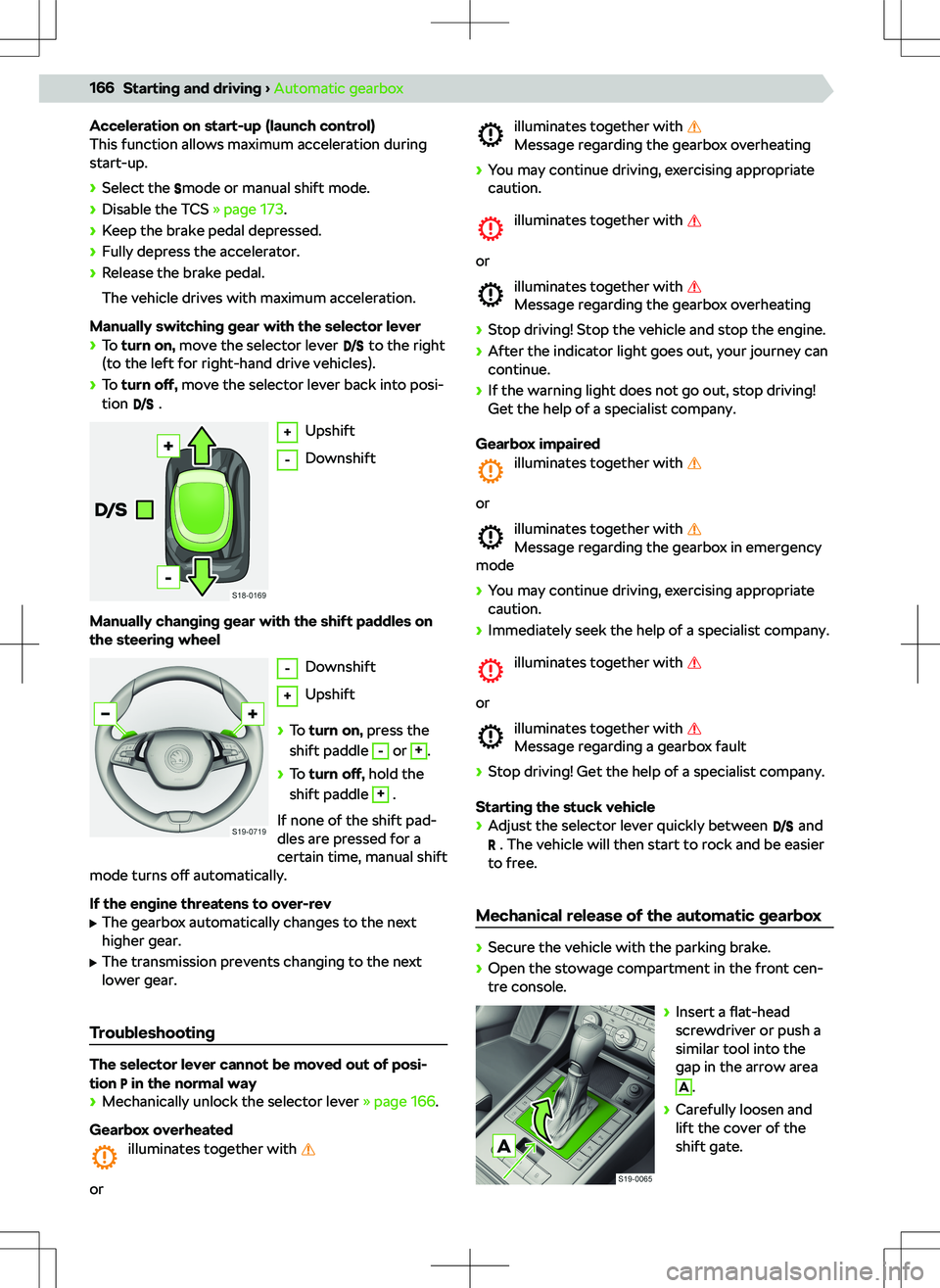
Acceleration on start-up (launch control)
This function allows maximum acceleration during
start-up.
Page 175 of 253
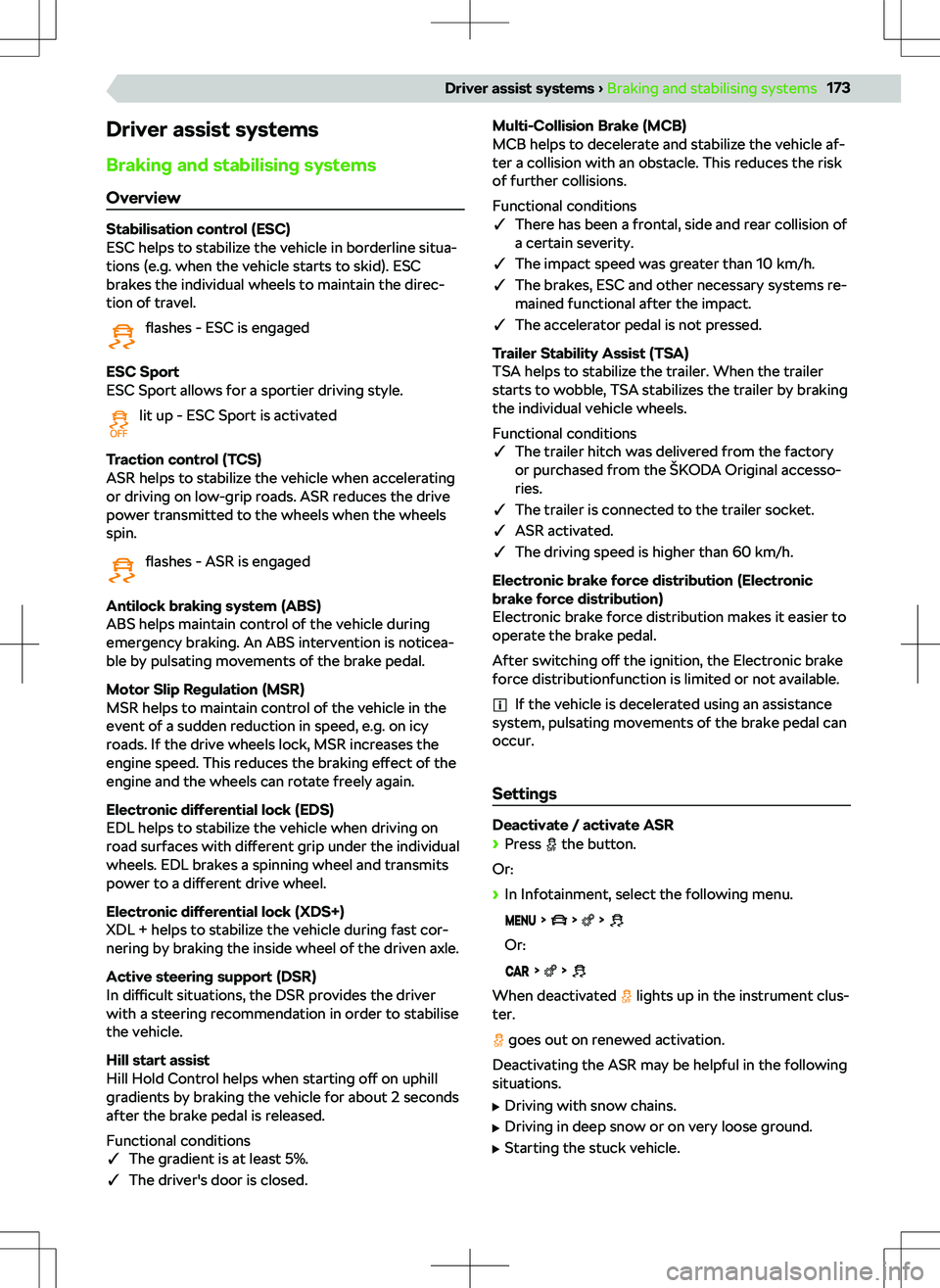
Driver assist systems
Braking and stabilising systems Overview
Stabilisation control (ESC)
ESC helps to stabilize the vehicle in borderline situa-
tions (e.g. when the vehicle starts to skid). ESC
brakes the individual wheels to maintain the direc-
tion of travel.
flashes - ESC is engaged
ESC Sport
ESC Sport allows for a sportier driving style.
lit up - ESC Sport is activated
Traction control (TCS)
ASR helps to stabilize the vehicle when accelerating
or driving on low-grip roads. ASR reduces the drive
power transmitted to the wheels when the wheels
spin.
flashes - ASR is engaged
Antilock braking system (ABS)
ABS helps maintain control of the vehicle during
emergency braking. An ABS intervention is noticea-
ble by pulsating movements of the brake pedal.
Motor Slip Regulation (MSR)
MSR helps to maintain control of the vehicle in the
event of a sudden reduction in speed, e.g. on icy
roads. If the drive wheels lock, MSR increases the
engine speed. This reduces the braking e
Page 178 of 253
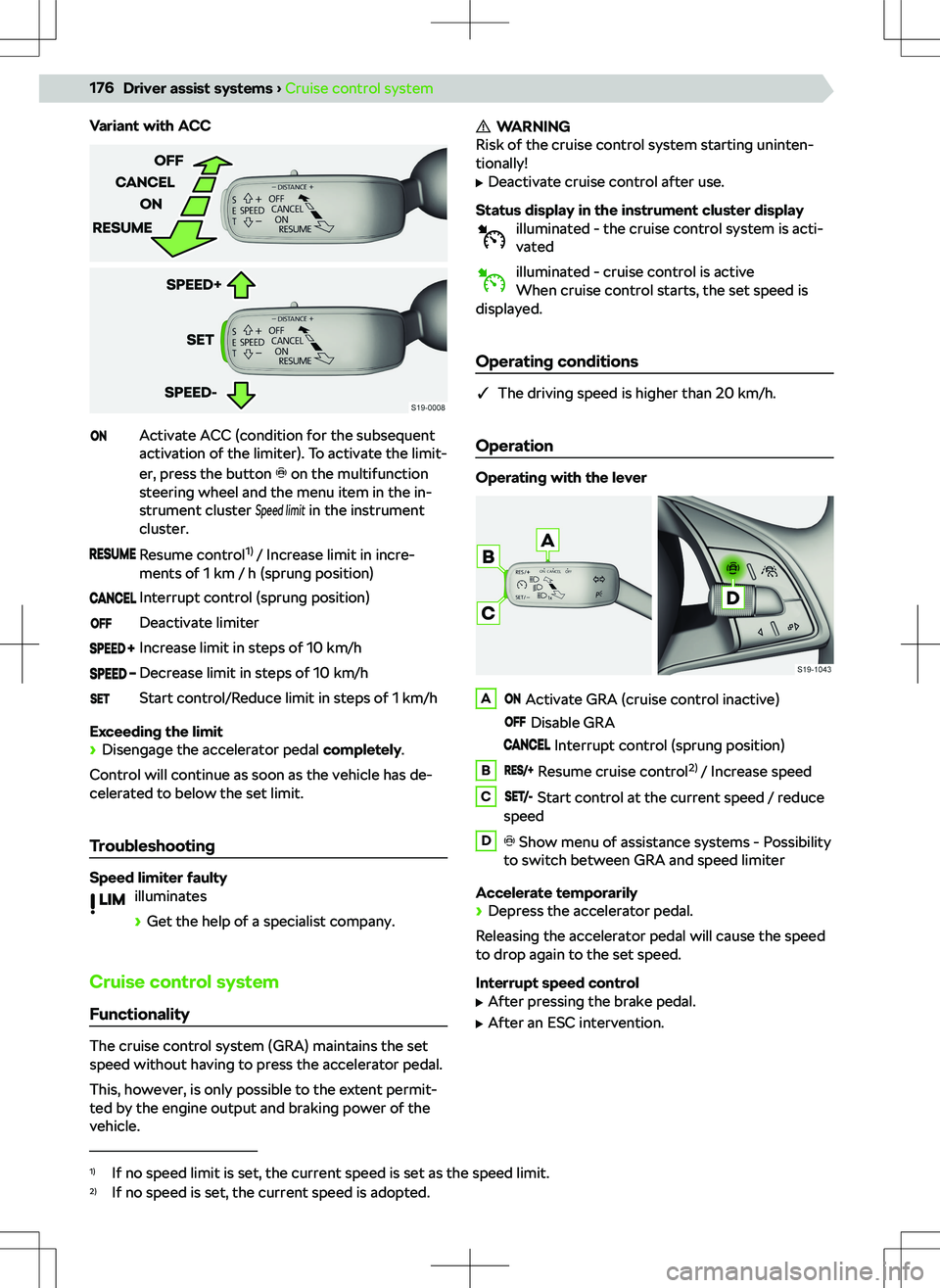
Variant with ACCActivate ACC (condition for the subsequent
activation of the limiter). To activate the limit-
er, press the button
on the multifunction
steering wheel and the menu item in the in-
strument cluster
Speed limit
in the instrument
cluster.
Resume control 1)
/ Increase limit in incre-
ments of 1 km / h (sprung position)Interrupt control (sprung position)Deactivate limiterIncrease limit in steps of 10 km/hDecrease limit in steps of 10 km/hStart control/Reduce limit in steps of 1 km/h
Exceeding the limit
Page 183 of 253
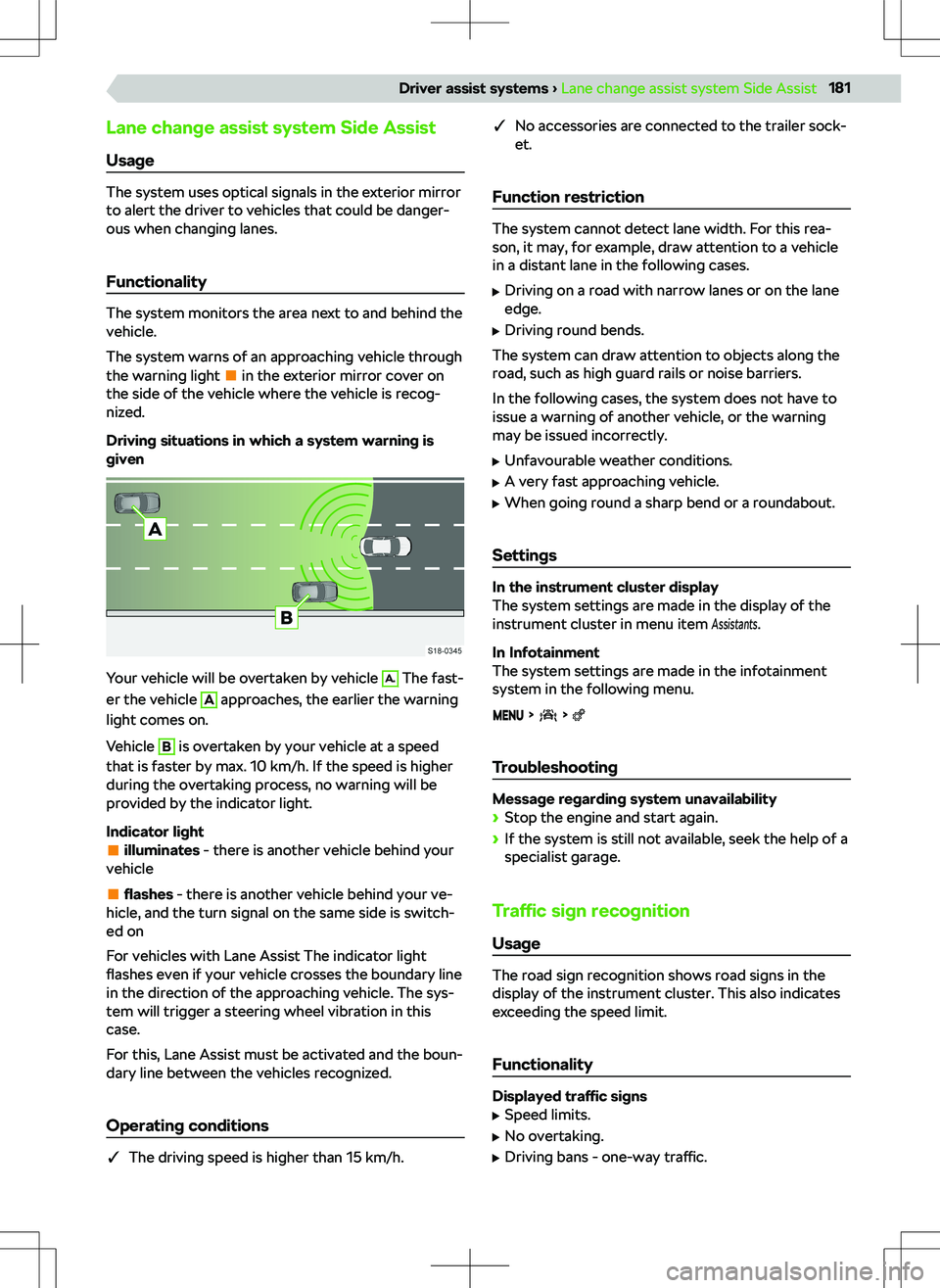
Lane change assist system Side AssistUsage
The system uses optical signals in the exterior mirror
to alert the driver to vehicles that could be danger-
ous when changing lanes.
Functionality
The system monitors the area next to and behind the
vehicle.
The system warns of an approaching vehicle through
the warning light
in the exterior mirror cover on
the side of the vehicle where the vehicle is recog-
nized.
Driving situations in which a system warning is
given
Your vehicle will be overtaken by vehicle
A.
The fast-
er the vehicle
A
approaches, the earlier the warning
light comes on.
Vehicle
B
is overtaken by your vehicle at a speed
that is faster by max. 10 km/h. If the speed is higher
during the overtaking process, no warning will be
provided by the indicator light.
Indicator light
illuminates - there is another vehicle behind your
vehicle
flashes - there is another vehicle behind your ve-
hicle, and the turn signal on the same side is switch-
ed on
For vehicles with Lane Assist The indicator light
flashes even if your vehicle crosses the boundary line
in the direction of the approaching vehicle. The sys-
tem will trigger a steering wheel vibration in this
case.
For this, Lane Assist must be activated and the boun-
dary line between the vehicles recognized.
Operating conditions
�q The driving speed is higher than 15 km/h.
�q
No accessories are connected to the trailer sock-
et.
Function restriction
The system cannot detect lane width. For this rea-
son, it may, for example, draw attention to a vehicle
in a distant lane in the following cases.
Page 203 of 253
Fuses in the dash panel
Overview
Access to fuses
Page 207 of 253
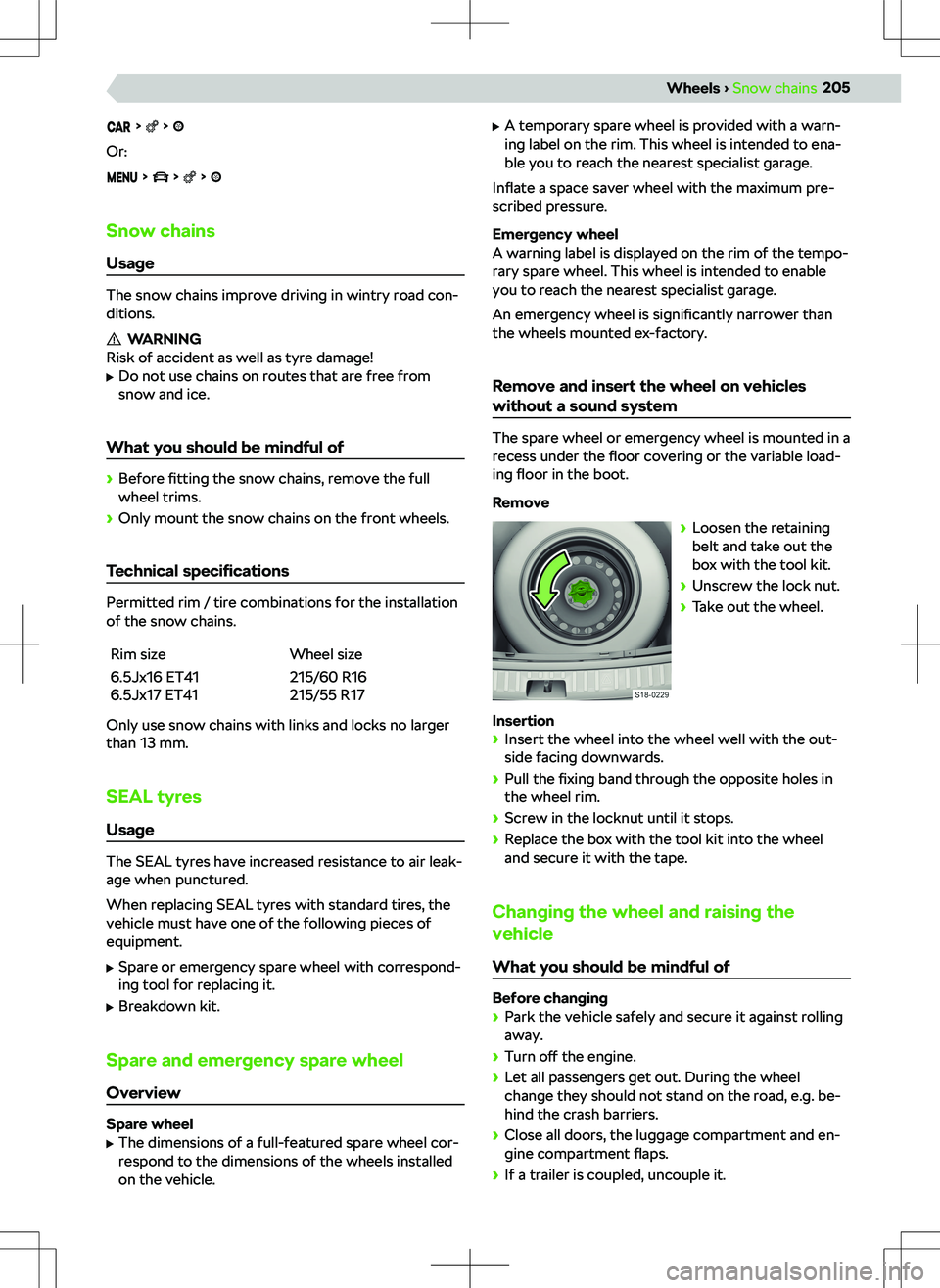
Or:
Snow chainsUsage
The snow chains improve driving in wintry road con-
ditions.
WARNING
Risk of accident as well as tyre damage!
Page 230 of 253
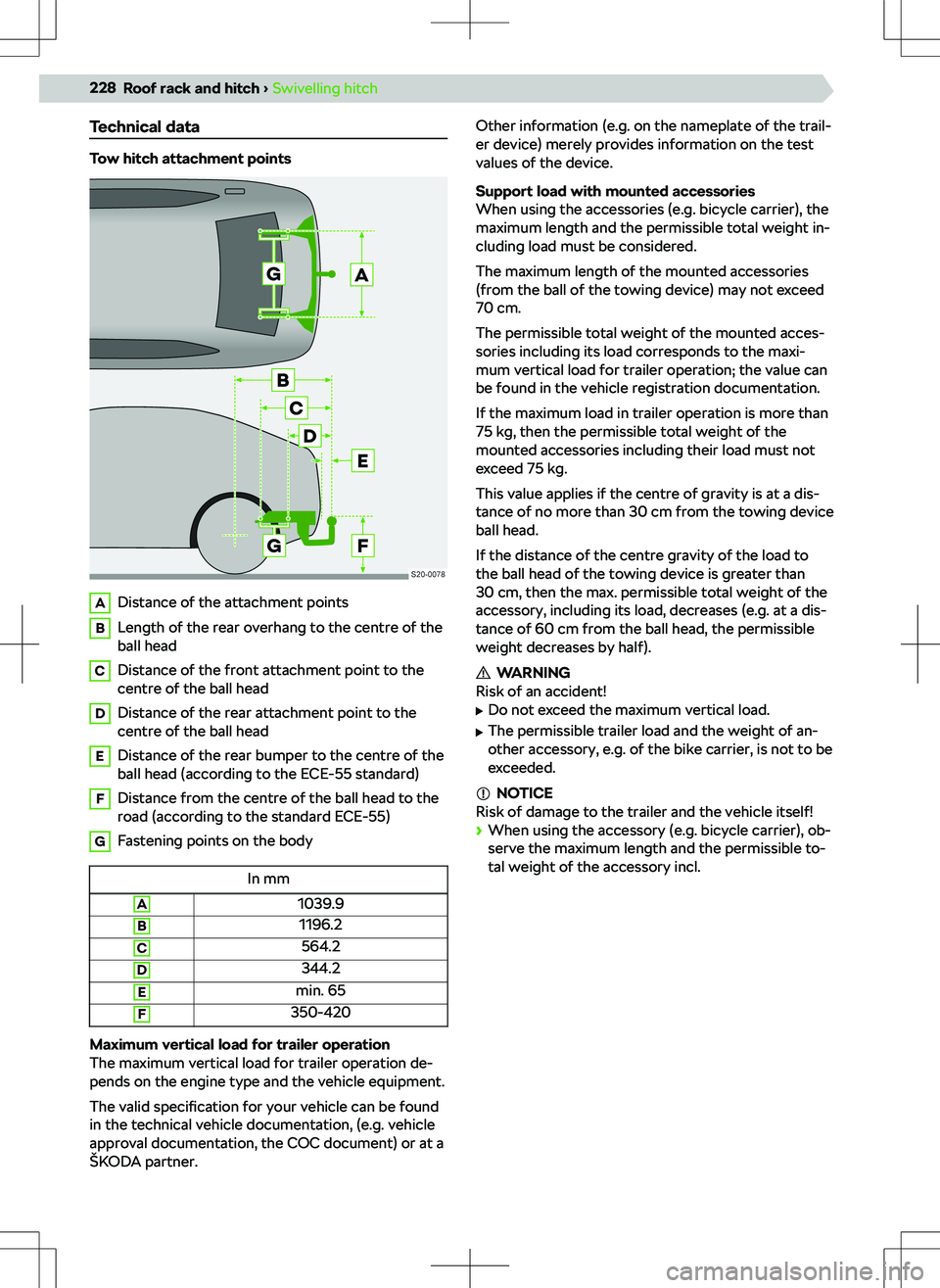
Technical data
Tow hitch attachment points
ADistance of the attachment pointsBLength of the rear overhang to the centre of the
ball headCDistance of the front attachment point to the
centre of the ball headDDistance of the rear attachment point to the
centre of the ball headEDistance of the rear bumper to the centre of the
ball head (according to the ECE-55 standard)FDistance from the centre of the ball head to the
road (according to the standard ECE-55)GFastening points on the bodyIn mmA1039.9B1196.2C564.2D344.2Emin. 65F350-420
Maximum vertical load for trailer operation
The maximum vertical load for trailer operation de-
pends on the engine type and the vehicle equipment.
The valid specification for your vehicle can be found
in the technical vehicle documentation, (e.g. vehicle
approval documentation, the COC document) or at a
Page 233 of 253
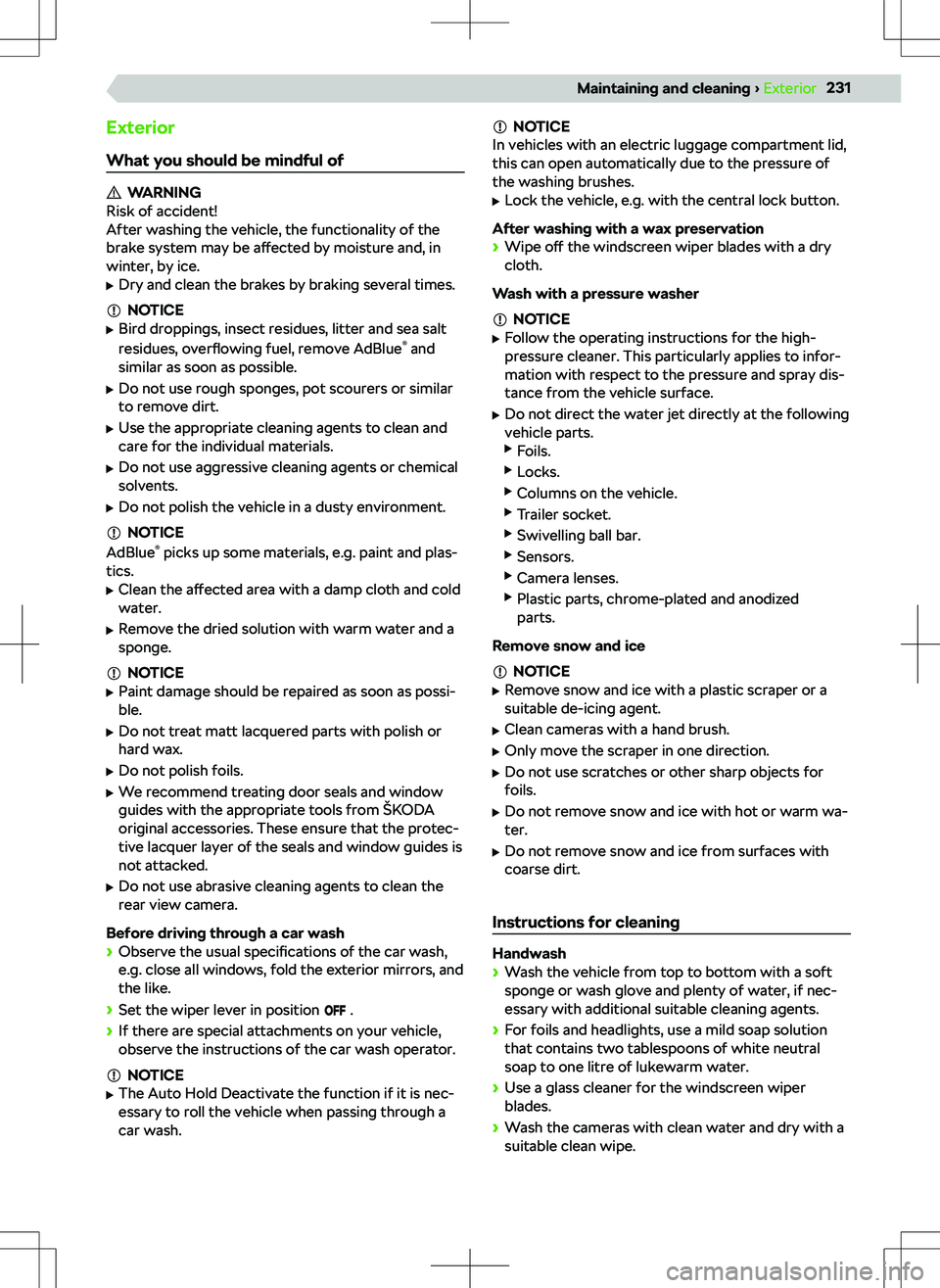
ExteriorWhat you should be mindful of
WARNING
Risk of accident!
After washing the vehicle, the functionality of the
brake system may be a