climate control SUBARU FORESTER 2011 SH / 3.G User Guide
[x] Cancel search | Manufacturer: SUBARU, Model Year: 2011, Model line: FORESTER, Model: SUBARU FORESTER 2011 SH / 3.GPages: 446, PDF Size: 15.93 MB
Page 164 of 446
Place the air inlet selection button to the
OFF position when the interior has cooled
to a comfortable temperature and the road
is no longer dusty.
WARNING
Continued operation with the air
inletselectionbuttonintheON
position may fog up the windows.
Switch to the OFF position as soon
as the outside dusty conditionclears.
& Heater operation
NOTE . Models with air conditioner system:
When the “
”or “”position is
selected, the air conditioner compres-
sor automatically operates regardless
of the position of the air conditioner
button to defog the windshield more
quickly. At the same time, the air inlet
selection is automatically switched to
the OFF position (outside air). How-
ever, the air conditioner indicator light
does not illuminate at this time.. When defrosting, defogging or heat-
ing, warm air is also emitted from the
right and left air outlets. To stop warm
airflow from these outlets, turn the corresponding thumb wheel down. !
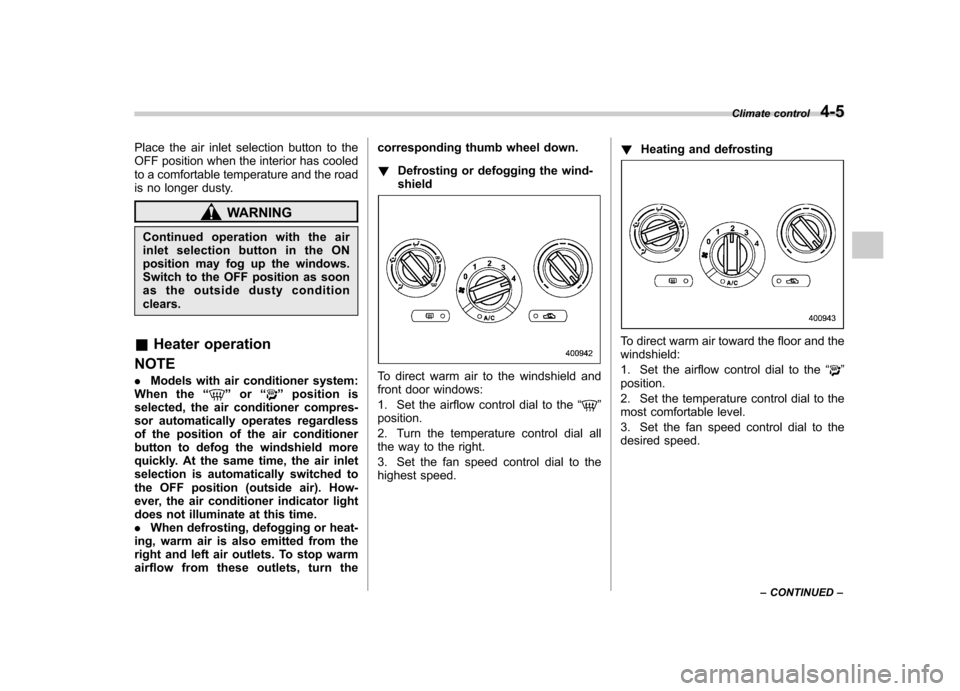
Defrosting or defogging the wind- shield
To direct warm air to the windshield and
front door windows:
1. Set the airflow control dial to the “
”
position.
2. Turn the temperature control dial all
the way to the right.
3. Set the fan speed control dial to the
highest speed. !
Heating and defrosting
To direct warm air toward the floor and the windshield:
1. Set the airflow control dial to the “
”
position.
2. Set the temperature control dial to the
most comfortable level.
3. Set the fan speed control dial to the
desired speed. Climate control
4-5
– CONTINUED –
Page 165 of 446

4-6Climate control
! Heating
To direct warm air toward the floor:
1. Set the air inlet selection button to the
OFF position.
2. Set the airflow control dial to the “
”
position.
3. Set the temperature control dial to the
most comfortable level.
4. Set the fan speed control dial to the
desired speed. !
Bi-level heating
This setting allows you to direct air of
different temperatures from the instrument
panel and foot outlets. The air from the
foot outlets is slightly warmer than from
the instrument panel outlets.
1. Set the air inlet selection button to the
OFF position.
2. Set the airflow control dial to the “
”
position.
3. Set the temperature control dial to the
desired temperature level.
4. Set the fan speed control dial to the
desired speed.
Setting the temperature control dial fully
turned to the red area or blue area
decreases the temperature difference
between the air from the instrument panel outlets and the air from the foot outlets. !
Ventilation
To force outside air through the instrument
panel outlets:
1. Set the air inlet selection button to the
OFF position.
2. Set the airflow control dial to the “
”
position.
3. Set the temperature control dial all the
way left.
4. Set the fan speed control dial to the
desired speed.
When driving on a dusty road, set the air
inlet selection button to the “ON ”position.
Page 166 of 446
WARNING
Continued operation with the air
inletselectionbuttonintheON
position may fog up the windows.
Switch to the OFF position as soon
as the outside dusty conditionclears.
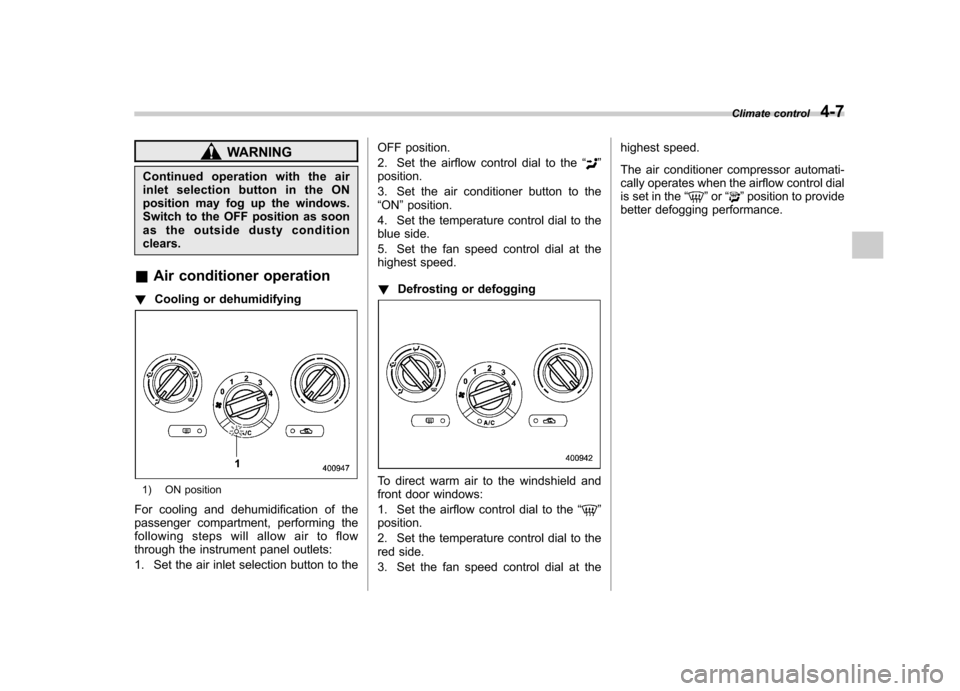
& Air conditioner operation
! Cooling or dehumidifying
1) ON position
For cooling and dehumidification of the
passenger compartment, performing the
following steps will allow air to flow
through the instrument panel outlets:
1. Set the air inlet selection button to the OFF position.
2. Set the airflow control dial to the
“
”
position.
3. Set the air conditioner button to the “ ON ”position.
4. Set the temperature control dial to the
blue side.
5. Set the fan speed control dial at the
highest speed. ! Defrosting or defogging
To direct warm air to the windshield and
front door windows:
1. Set the airflow control dial to the “
”
position.
2. Set the temperature control dial to the
red side.
3. Set the fan speed control dial at the highest speed.
The air conditioner compressor automati-
cally operates when the airflow control dial
is set in the
“
”or “”position to provide
better defogging performance. Climate control
4-7
Page 167 of 446

4-8Climate control
Automatic climate control
system (if equipped) NOTE
Operate the automatic climate control
system when the engine is running. &Type A
NOTE
The blower fan rotates at a low speed
when the engine coolant temperature is
low. For efficient defogging or dehumi-
difying in cold weather, press the “A/C ”
button.
The automatic climate control system
automatically controls outlet air tempera-
ture, fan speed, airflow distribution air-inlet
control, and air conditioner compressor
operation. It activates when the fan speed
control button or the “AUTO ”button is
pressed, and is used to maintain a
constant, comfortable climate within the
passenger compartment. If you press the
defroster button while the automatic cli-
mate control system is deactivated, only
the defroster function will be activated.
Page 168 of 446

!Control panel1) Temperature control dial (driver ’s side)
2) AUTO button
3) DUAL mode button
4) OFF button
5) Air inlet selection button
6) Fan speed control button
7) Airflow mode selection button
8) Air conditioner button
9) Temperature control dial (front passen- ger’s side)
10) Defroster button
11) Rear window defogger button (Refer to “Defogger and deicer ”F 3-45.)
Climate control
4-9
– CONTINUED –
Page 169 of 446
4-10Climate control
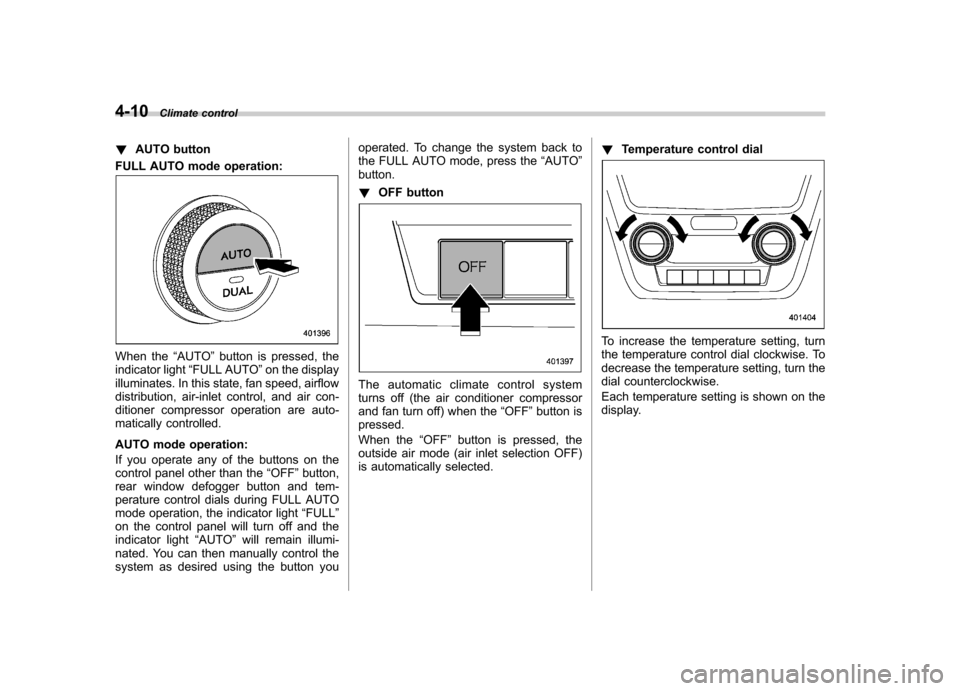
! AUTO button
FULL AUTO mode operation:
When the “AUTO ”button is pressed, the
indicator light “FULL AUTO ”on the display
illuminates. In this state, fan speed, airflow
distribution, air-inlet control, and air con-
ditioner compressor operation are auto-
matically controlled.
AUTO mode operation:
If you operate any of the buttons on the
control panel other than the “OFF ”button,
rear window defogger button and tem-
perature control dials during FULL AUTO
mode operation, the indicator light “FULL ”
on the control panel will turn off and the
indicator light “AUTO ”will remain illumi-
nated. You can then manually control the
system as desired using the button you operated. To change the system back to
the FULL AUTO mode, press the
“AUTO ”
button. ! OFF button
The automatic climate control system
turns off (the air conditioner compressor
and fan turn off) when the “OFF ”button is
pressed.
When the “OFF ”button is pressed, the
outside air mode (air inlet selection OFF)
is automatically selected. !
Temperature control dial
To increase the temperature setting, turn
the temperature control dial clockwise. To
decrease the temperature setting, turn the
dial counterclockwise.
Each temperature setting is shown on the
display.
Page 170 of 446
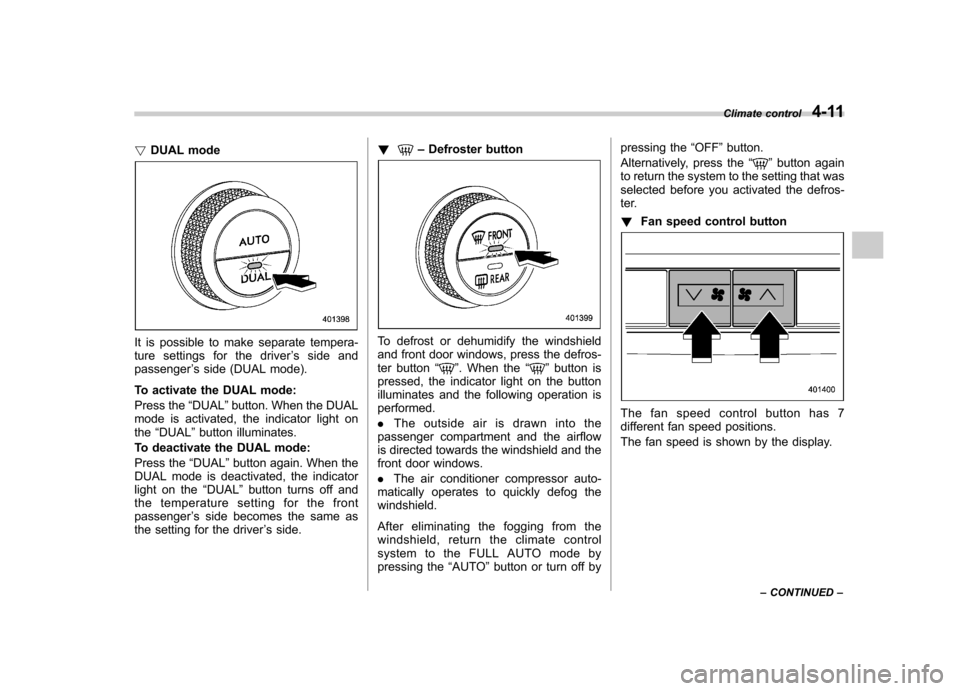
!DUAL mode
It is possible to make separate tempera-
ture settings for the driver ’s side and
passenger ’s side (DUAL mode).
To activate the DUAL mode:
Press the “DUAL ”button. When the DUAL
mode is activated, the indicator light on the “DUAL ”button illuminates.
To deactivate the DUAL mode:
Press the “DUAL ”button again. When the
DUAL mode is deactivated, the indicator
light on the “DUAL ”button turns off and
the temperature setting for the frontpassenger ’s side becomes the same as
the setting for the driver ’s side. !
–
Defroster button
To defrost or dehumidify the windshield
and front door windows, press the defros-
ter button “
”. When the “”button is
pressed, the indicator light on the button
illuminates and the following operation isperformed. . The outside air is drawn into the
passenger compartment and the airflow
is directed towards the windshield and the
front door windows. . The air conditioner compressor auto-
matically operates to quickly defog the windshield.
After eliminating the fogging from the
windshield, return the climate control
system to the FULL AUTO mode by
pressing the “AUTO ”button or turn off by pressing the
“OFF ”button.
Alternatively, press the “
”button again
to return the system to the setting that was
selected before you activated the defros-
ter. ! Fan speed control button
The fan speed control button has 7
different fan speed positions.
The fan speed is shown by the display. Climate control
4-11
– CONTINUED –
Page 171 of 446
4-12Climate control
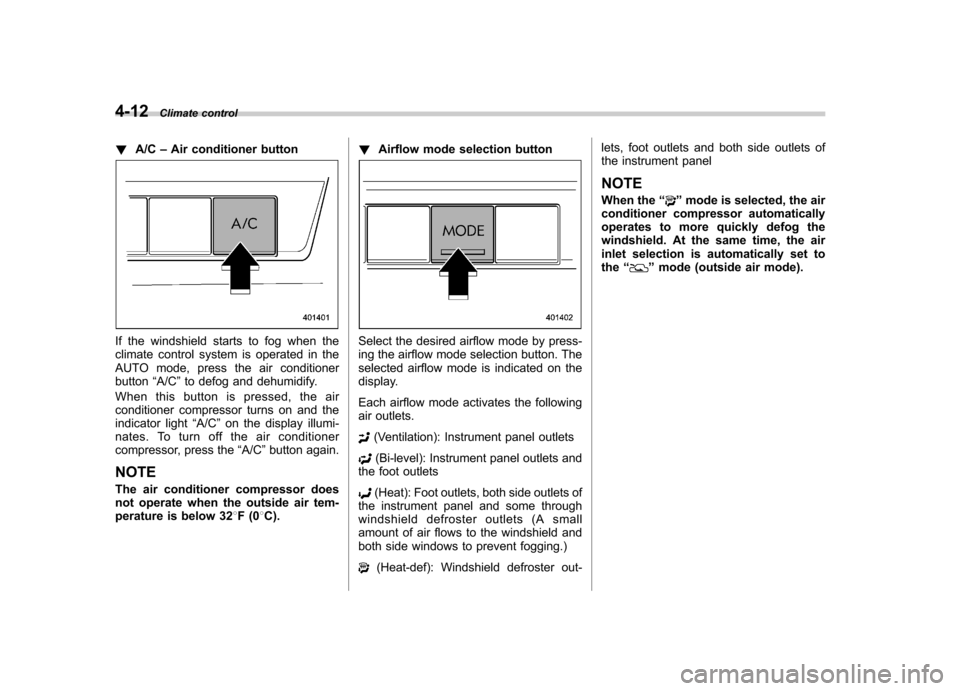
! A/C –Air conditioner button
If the windshield starts to fog when the
climate control system is operated in the
AUTO mode, press the air conditionerbutton “A/C ”to defog and dehumidify.
When this button is pressed, the air
conditioner compressor turns on and the
indicator light “A/C ”on the display illumi-
nates. To turn off the air conditioner
compressor, press the “A/C ”button again.
NOTE
The air conditioner compressor does
not operate when the outside air tem-
perature is below 32 8F(0 8C). !
Airflow mode selection buttonSelect the desired airflow mode by press-
ing the airflow mode selection button. The
selected airflow mode is indicated on the
display.
Each airflow mode activates the following
air outlets.
(Ventilation): Instrument panel outlets
(Bi-level): Instrument panel outlets and
the foot outlets
(Heat): Foot outlets, both side outlets of
the instrument panel and some through
windshield defroster outlets (A small
amount of air flows to the windshield and
both side windows to prevent fogging.)
(Heat-def): Windshield defroster out- lets, foot outlets and both side outlets of
the instrument panel
NOTE
When the “
”mode is selected, the air
conditioner compressor automatically
operates to more quickly defog the
windshield. At the same time, the air
inlet selection is automatically set tothe “
”mode (outside air mode).
Page 172 of 446
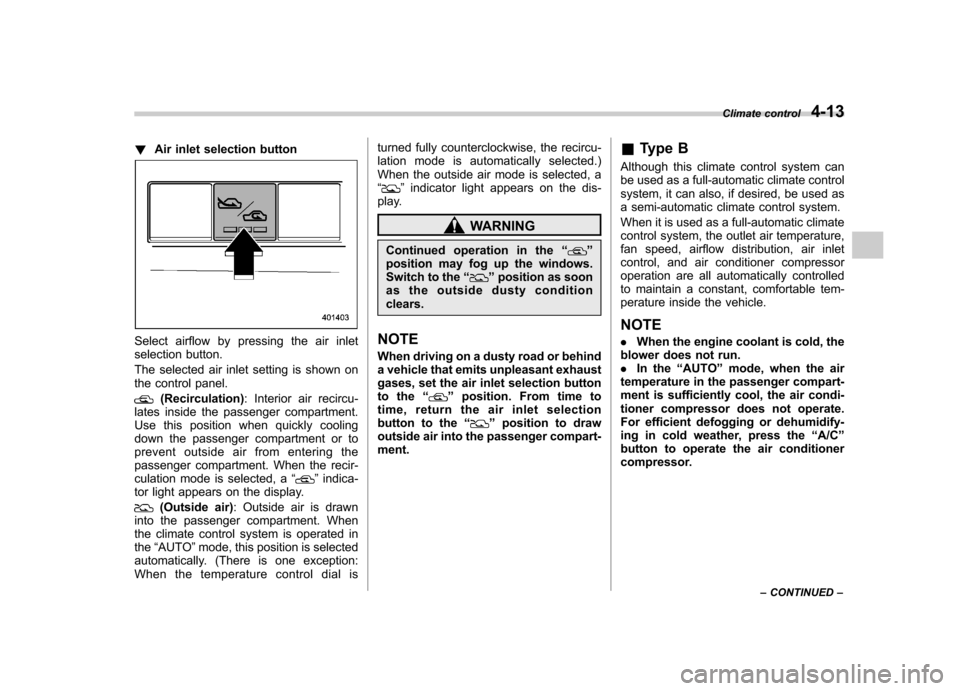
!Air inlet selection button
Select airflow by pressing the air inlet
selection button.
The selected air inlet setting is shown on
the control panel.
(Recirculation) : Interior air recircu-
lates inside the passenger compartment.
Use this position when quickly cooling
down the passenger compartment or to
prevent outside air from entering the
passenger compartment. When the recir-
culation mode is selected, a “
”indica-
tor light appears on the display.
(Outside air) : Outside air is drawn
into the passenger compartment. When
the climate control system is operated inthe “AUTO ”mode, this position is selected
automatically. (There is one exception:
When the temperature control dial is turned fully counterclockwise, the recircu-
lation mode is automatically selected.)
When the outside air mode is selected, a“
”
indicator light appears on the dis-
play.
WARNING
Continued operation in the “
”
position may fog up the windows.
Switch to the “
”position as soon
as the outside dusty condition clears.
NOTE
When driving on a dusty road or behind
a vehicle that emits unpleasant exhaust
gases, set the air inlet selection button
to the “
”position. From time to
time, return the air inlet selection
button to the “
”position to draw
outside air into the passenger compart- ment. &
Type B
Although this climate control system can
be used as a full-automatic climate control
system, it can also, if desired, be used as
a semi-automatic climate control system.
When it is used as a full-automatic climate
control system, the outlet air temperature,
fan speed, airflow distribution, air inlet
control, and air conditioner compressor
operation are all automatically controlled
to maintain a constant, comfortable tem-
perature inside the vehicle. NOTE . When the engine coolant is cold, the
blower does not run. . In the “AUTO ”mode, when the air
temperature in the passenger compart-
ment is sufficiently cool, the air condi-
tioner compressor does not operate.
For efficient defogging or dehumidify-
ing in cold weather, press the “A/C ”
button to operate the air conditioner
compressor. Climate control
4-13
– CONTINUED –
Page 173 of 446

4-14Climate control
! Control panel
1) Temperature control dial
2) Fan speed control dial
3) Airflow control dial
4) Control switch of the defogger and deicer
system (Refer to “Defogger and deicer ”
F 3-45.)
5) Air inlet selection button
6) Air conditioner button
! To use as full-automatic climate
control system
1. Place the temperature control dial in
the position for the preferred temperature.
2. Set the airflow control dial and fan
speed control dial in the “AUTO ”position.
The system ’s functions will then switch to
AUTO mode and be controlled automati-
cally. .
Airflow control dial: AUTO position
. Fan speed control dial: AUTO position
! To use as semi-automatic climate
control system
Each function can be individually set to
AUTO mode independently of the others.
Any function set to AUTO mode is con-
trolled automatically. Any function not set
to AUTO mode can be manually adjusted
as desired.
The temperature can be set within a range
of 65 to 85 8F (20 to 30 8C).
! Fan speed control dial
The fan operates only with the ignition
switch in the ON position. The fan speed
control dial is used to select the AUTO
(automatic control) mode or to select the
desired fan speed. The dial ’s positions and their functions are as follows. OFF:
The fan does not operate.
AUTO: The fan speed is adjusted auto-
matically in accordance with the air
temperature inside and outside the pas-
senger compartment, the intensity of sun-
light, and other factors. SUBARU recom-
mends using the AUTO position.
Other positions: The fan speed can be
adjusted in 7 steps.
NOTE
With the fan speed control dial in the
AUTO position and the airflow control
dial in the “
”, “”,or “”position,
the fan does not operate during engine
warm-up until the engine coolant tem-
perature exceeds approximately 122 8F
(50 8C).