change time SUBARU LEGACY 2007 User Guide
[x] Cancel search | Manufacturer: SUBARU, Model Year: 2007, Model line: LEGACY, Model: SUBARU LEGACY 2007Pages: 442, PDF Size: 6.32 MB
Page 186 of 442
Black plate (189,1)
北米Model "A2420BE-B" EDITED: 2006/ 7/ 26
& Air conditioner compressor
shut-off when engine is
heavily loadedTo improve acceleration and gas mileage,
the air conditioner compressor is designed
to temporarily shut off during air condi-
tioner operation whenever the accelerator
is fully depressed such as during rapid
acceleration or when driving on a steep
upgrade.&Refrigerant for your climate
control systemYour air conditioner uses ozone friendly
refrigerant HFC134a. Therefore, the meth-
od of adding, changing or checking the
refrigerant is different from the method for
CFC12 (freon). Consult your SUBARU
dealer for service. Repairs needed as a
result of using the wrong refrigerant are
not covered under warranty.
Air filtration system (if
equipped)If your vehicle ’s air conditioning system is
equipped with an air filtration system,
replace the filter element according to
the replacement schedule shown in the
following. This schedule should be fol-
lowed to maintain the filter ’s dust collec-
tion ability. Under extremely dusty
conditions, the filter should be replaced
more frequently. Have your filter checked
or replaced by your SUBARU dealer. For
replacement, we recommend the use of a
genuine SUBARU air filter kit.Replacement schedule:
Every 12 months or 9,300 miles (15,000
km) whichever comes first
CAUTION
Contact your SUBARU dealer if the
following occurs, even if it is not yet
time to change the filter:
– Reduction of the air flow through
the vents.
– Windshield gets easily fogged or
misted.
NOTEThe filter can influence the air condi-
tioning, heating and defroster perfor-
mance if not properly maintained.
Climate control
4-13
4
ProCarManuals.com
Page 197 of 442
Black plate (200,1)
北米Model "A2420BE-B" EDITED: 2006/ 7/ 26
5-10
Audio
The SRS WOW mode has the following
qualities.
. Natural feeling of stereophonic ef-
fect
. Rich and varied bass sound
. Crystal-clear sound
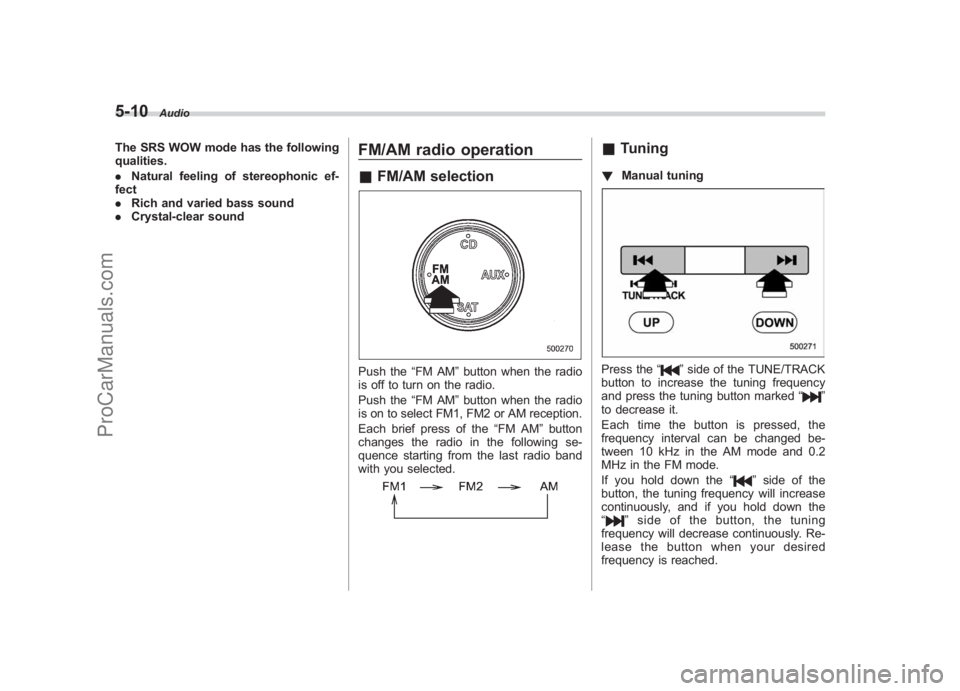
FM/AM radio operation&FM/AM selectionPush the “FM AM”button when the radio
is off to turn on the radio.
Push the “FM AM”button when the radio
is on to select FM1, FM2 or AM reception.
Each brief press of the “FM AM”button
changes the radio in the following se-
quence starting from the last radio band
with you selected.
& Tuning! Manual tuningPress the “
”side of the TUNE/TRACK
button to increase the tuning frequency
and press the tuning button marked “
”
to decrease it.
Each time the button is pressed, the
frequency interval can be changed be-
tween 10 kHz in the AM mode and 0.2
MHz in the FM mode.
If you hold down the “
”side of the
button, the tuning frequency will increase
continuously, and if you hold down the
“
” side of the button, the tuning
frequency will decrease continuously. Re-
lease the button when your desired
frequency is reached.
ProCarManuals.com
Page 206 of 442
Black plate (209,1)
北米Model "A2420BE-B" EDITED: 2006/ 7/ 26
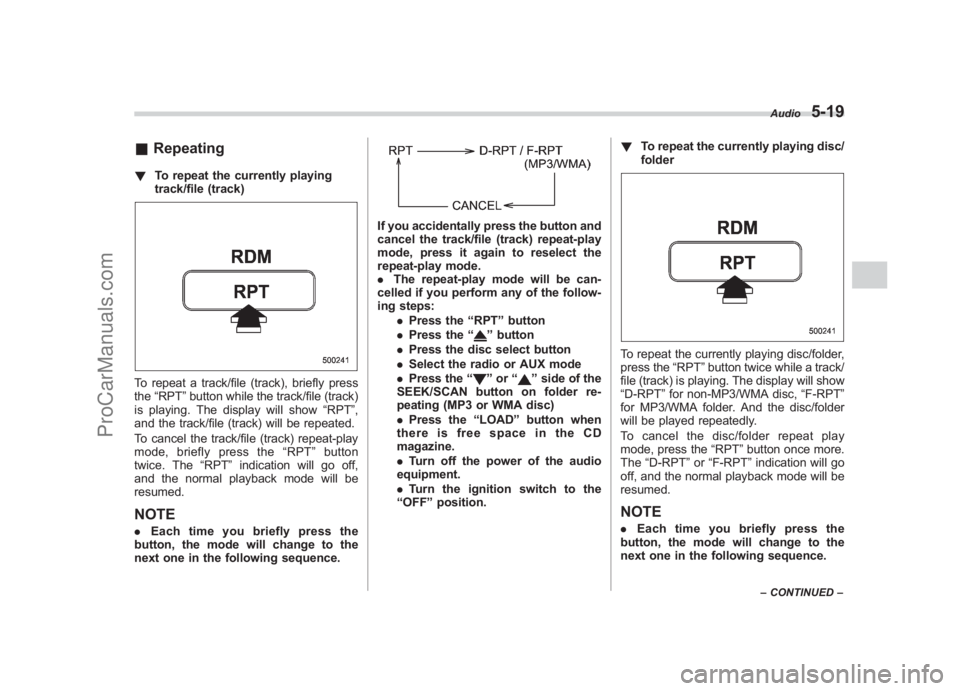
& Repeating! To repeat the currently playing
track/file (track)To repeat a track/file (track), briefly press
the“RPT ”button while the track/file (track)
is playing. The display will show “RPT”,
and the track/file (track) will be repeated.
To cancel the track/file (track) repeat-play
mode, briefly press the “RPT ”button
twice. The “RPT ”indication will go off,
and the normal playback mode will be
resumed.NOTE. Each time you briefly press the
button, the mode will change to the
next one in the following sequence.
If you accidentally press the button and
cancel the track/file (track) repeat-play
mode, press it again to reselect the
repeat-play mode.
. The repeat-play mode will be can-
celled if you perform any of the follow-
ing steps:
.Press the “RPT ”button
. Press the “
”button
. Press the disc select button
. Select the radio or AUX mode
. Press the “”or “
”side of the
SEEK/SCAN button on folder re-
peating (MP3 or WMA disc)
. Press the “LOAD ”button when
thereisfreespaceintheCD
magazine.
. Turn off the power of the audio
equipment.
. Turn the ignition switch to the
“ OFF ”position. !
To repeat the currently playing disc/
folder
To repeat the currently playing disc/folder,
press the “RPT”button twice while a track/
file (track) is playing. The display will show
“D-RPT ”for non-MP3/WMA disc, “F-RPT”
for MP3/WMA folder. And the disc/folder
will be played repeatedly.
To cancel the disc/folder repeat play
mode, press the “RPT”button once more.
The “D-RPT ”or “F-RPT ”indication will go
off, and the normal playback mode will be
resumed.NOTE. Each time you briefly press the
button, the mode will change to the
next one in the following sequence.
Audio
5-19
– CONTINUED –
5
ProCarManuals.com
Page 207 of 442
Black plate (210,1)
北米Model "A2420BE-B" EDITED: 2006/ 7/ 26
5-20
Audio
If you accidentally press the button and
cancel the disc/folder repeat-play
mode, press it again to reselect the
disc/folder repeat-play mode.
. For MP3 and WMA discs, they can
play back repeatedly only for the
currently playing file folder. They can-
not play back the whole disc.
. The disc/folder repeat-play mode
will be cancelled if you perform any of
the following steps:
.Press the “RPT ”button
. Press the “
”button
. Press the disc select button
. Select the radio or AUX mode
. Press the “”or “
”side of the
SEEK/SCAN button in the folder
repeating mode “F-RPT ”
. Turn off the power of the audio
equipment.
. Turn the ignition switch to the
“ OFF ”position.
& Random playback! Non-MP3/WMA disc
Press the “RPT”button for 0.5 second or
longer during disc playback to play all of
the tracks on the disc in a random order.
The display will show “RDM”, and all of the
tracks on the disc will be played in a
random order.
To cancel random playback, press the
“RPT ”button again for at least 0.5 second.
The “RDM ”indication will go off, and the
normal playback mode will be resumed.NOTERandom playback will be cancelled if
you perform any of the following steps:
. Press the “RPT ”button
. Press the “
”button .
Press the disc select button
. Select the radio or AUX mode
. Press the “LOAD ”button when
there is free space in the CD magazine.
. Turn off the power of the audio
equipment.
. Turn the ignition switch to the “OFF ”
position.
! MP3/WMA disc
Press the “RPT”button for 0.5 second or
longer during disc playback to play all of
the tracks in the folder currently being
played in random order. The display will
show “F-RDM ”during the folder random
mode. Press the “RPT ”button again for
0.5 second or longer to play all of the
tracks on the disc in random order. The
display will show “D-RDM”during the disc
random mode.
To cancel the random mode, press the
“RPT ”button for 0.5 second or longer
during “D-RDM ”random playback. The
“D-RDM ”indication will go off, and the
normal playback mode will be resumed.
NOTE. Each time you press the button for
0.5 second or longer, the mode will
change to the next one in the following
sequence.
ProCarManuals.com
Page 209 of 442
Black plate (212,1)
北米Model "A2420BE-B" EDITED: 2006/ 7/ 26
5-22
Audio
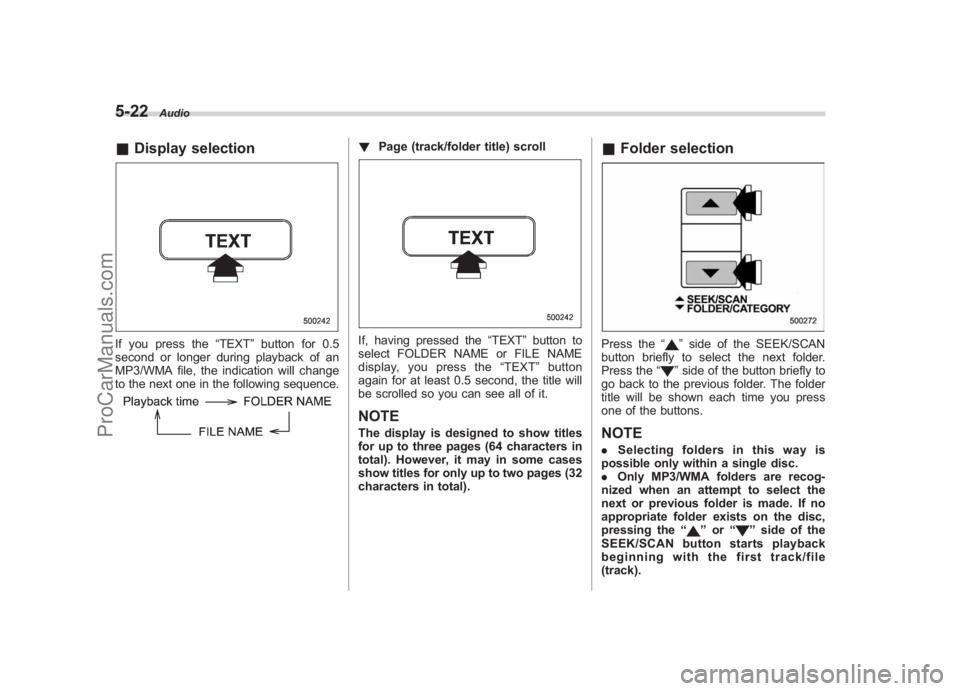
& Display selectionIf you press the “TEXT ”button for 0.5
second or longer during playback of an
MP3/WMA file, the indication will change
to the next one in the following sequence.
! Page (track/folder title) scrollIf, having pressed the “TEXT”button to
select FOLDER NAME or FILE NAME
display, you press the “TEXT ”button
again for at least 0.5 second, the title will
be scrolled so you can see all of it.NOTEThe display is designed to show titles
for up to three pages (64 characters in
total). However, it may in some cases
show titles for only up to two pages (32
characters in total).
& Folder selectionPress the “
”side of the SEEK/SCAN
button briefly to select the next folder.
Press the “”side of the button briefly to
go back to the previous folder. The folder
title will be shown each time you press
one of the buttons.
NOTE. Selecting folders in this way is
possible only within a single disc.
. Only MP3/WMA folders are recog-
nized when an attempt to select the
next or previous folder is made. If no
appropriate folder exists on the disc,
pressing the “
”or “
”side of the
SEEK/SCAN button starts playback
beginning with the first track/file
(track).
ProCarManuals.com
Page 213 of 442
Black plate (216,1)
北米Model "A2420BE-B" EDITED: 2006/ 7/ 26
5-26
Audio
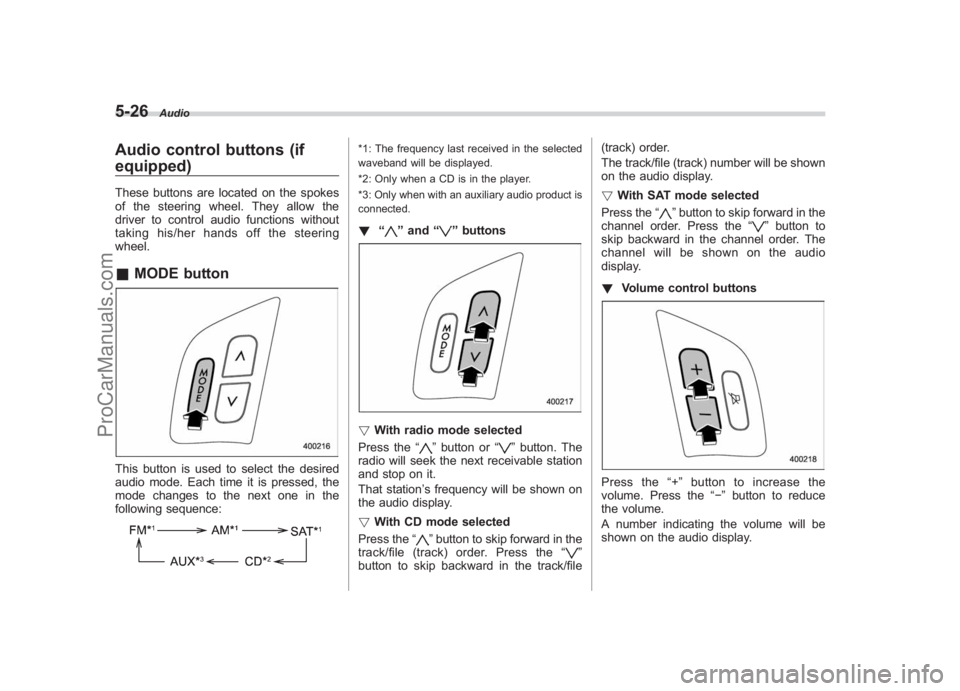
Audio control buttons (if
equipped)These buttons are located on the spokes
of the steering wheel. They allow the
driver to control audio functions without
taking his/her hands off the steering
wheel.& MODE buttonThis button is used to select the desired
audio mode. Each time it is pressed, the
mode changes to the next one in the
following sequence:
*1: The frequency last received in the selected
waveband will be displayed.
*2: Only when a CD is in the player.
*3: Only when with an auxiliary audio product is
connected.! “
”and “
”buttons
! With radio mode selected
Press the “
”button or “
”button. The
radio will seek the next receivable station
and stop on it.
That station ’s frequency will be shown on
the audio display.
! With CD mode selected
Press the “
”button to skip forward in the
track/file (track) order. Press the “
”
button to skip backward in the track/file (track) order.
The track/file (track) number will be shown
on the audio display.
!
With SAT mode selected
Press the “
”button to skip forward in the
channel order. Press the “
”button to
skip backward in the channel order. The
channel will be shown on the audio
display.
! Volume control buttons
Press the “+ ” button to increase the
volume. Press the “”button to reduce
the volume.
A number indicating the volume will be
shown on the audio display.
ProCarManuals.com
Page 251 of 442
Black plate (256,1)
北米Model "A2420BE-B" EDITED: 2006/ 7/ 26
7-14
Starting and operating
the brake pedal repeatedly will toggle the
feature ON or OFF each time.
7. To exit the remote transmitter and
feature programming mode, turn the igni-
tion switch to the “OFF”position, remove
the key from the ignition switch and test
operation of the remote transmitter(s) and
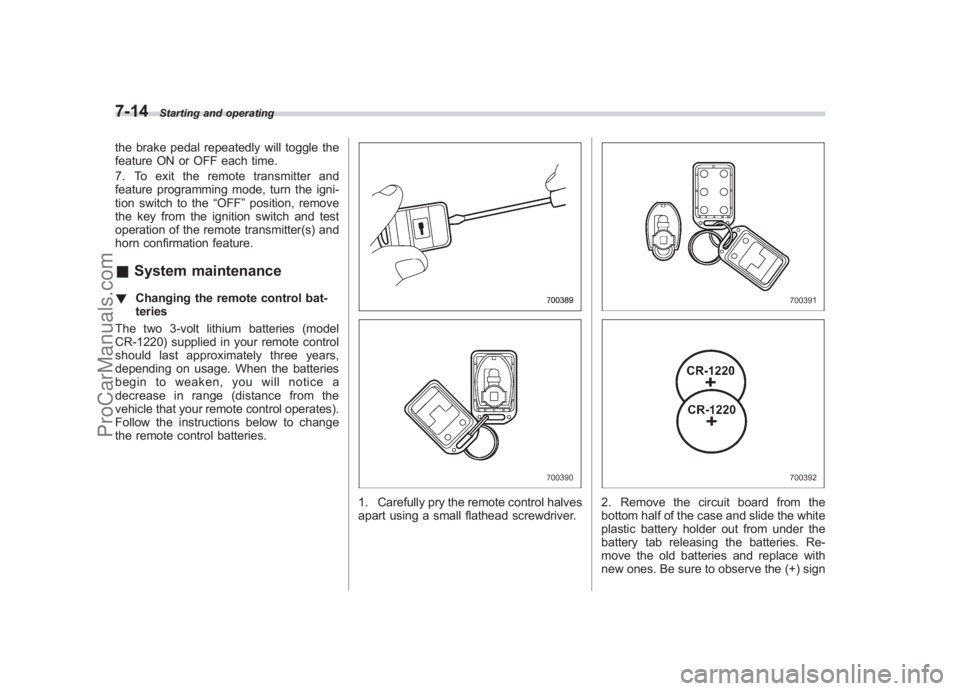
horn confirmation feature.& System maintenance! Changing the remote control bat-
teries
The two 3-volt lithium batteries (model
CR-1220) supplied in your remote control
should last approximately three years,
depending on usage. When the batteries
begin to weaken, you will notice a
decrease in range (distance from the
vehicle that your remote control operates).
Follow the instructions below to change
the remote control batteries.
1. Carefully pry the remote control halves
apart using a small flathead screwdriver.
2. Remove the circuit board from the
bottom half of the case and slide the white
plastic battery holder out from under the
battery tab releasing the batteries. Re-
move the old batteries and replace with
new ones. Be sure to observe the (+) sign
ProCarManuals.com
Page 268 of 442
Black plate (273,1)
北米Model "A2420BE-B" EDITED: 2006/ 7/ 26
SI-DRIVE (Turbo models)SI-DRIVE (Subaru Intelligent Drive) works
to maximize engine performance, control
and efficiency.
This system consists of three modes:
Intelligent (I), Sport (S), and Sport Sharp
(S#). By adjusting the SI-DRIVE selector,
the character of the power unit changes.
The multi-information display located in
the tachometer provides the driver with
the ability to monitor both vehicle perfor-
mance and the current SI-DRIVE mode.
To change the multi-information display,
refer to the “Multi-information display
(Turbo models) ”in chapter 3.
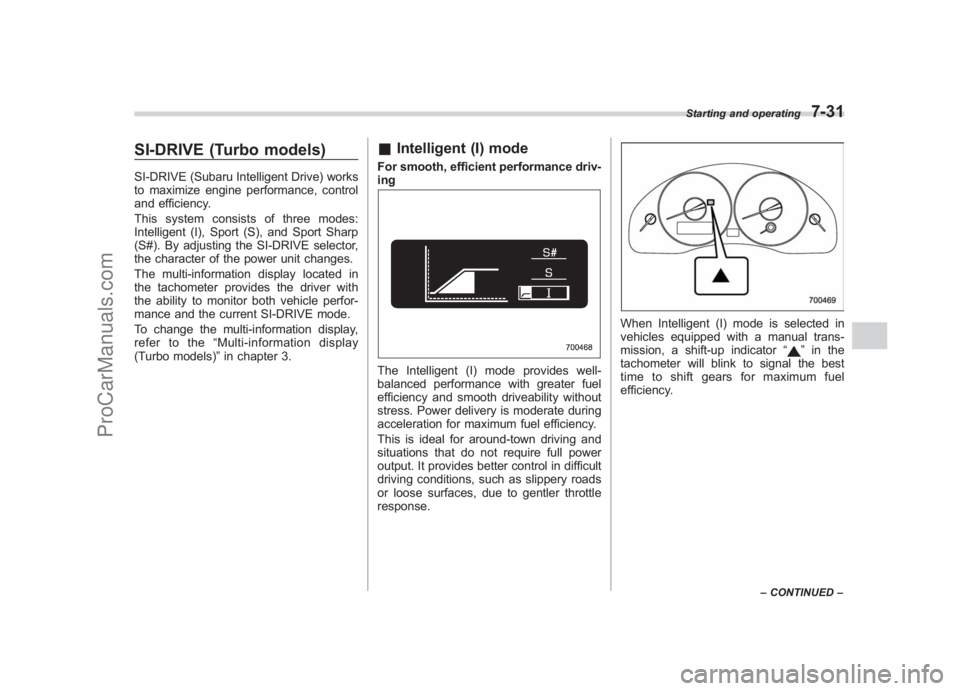
& Intelligent (I) modeFor smooth, efficient performance driv-
ingThe Intelligent (I) mode provides well-
balanced performance with greater fuel
efficiency and smooth driveability without
stress. Power delivery is moderate during
acceleration for maximum fuel efficiency.
This is ideal for around-town driving and
situations that do not require full power
output. It provides better control in difficult
driving conditions, such as slippery roads
or loose surfaces, due to gentler throttle
response.
When Intelligent (I) mode is selected in
vehicles equipped with a manual trans-
mission, a shift-up indicator “
”in the
tachometer will blink to signal the best
time to shift gears for maximum fuel
efficiency.
Starting and operating
7-31
– CONTINUED –
7
ProCarManuals.com
Page 269 of 442
Black plate (274,1)
北米Model "A2420BE-B" EDITED: 2006/ 7/ 26
7-32
Starting and operating
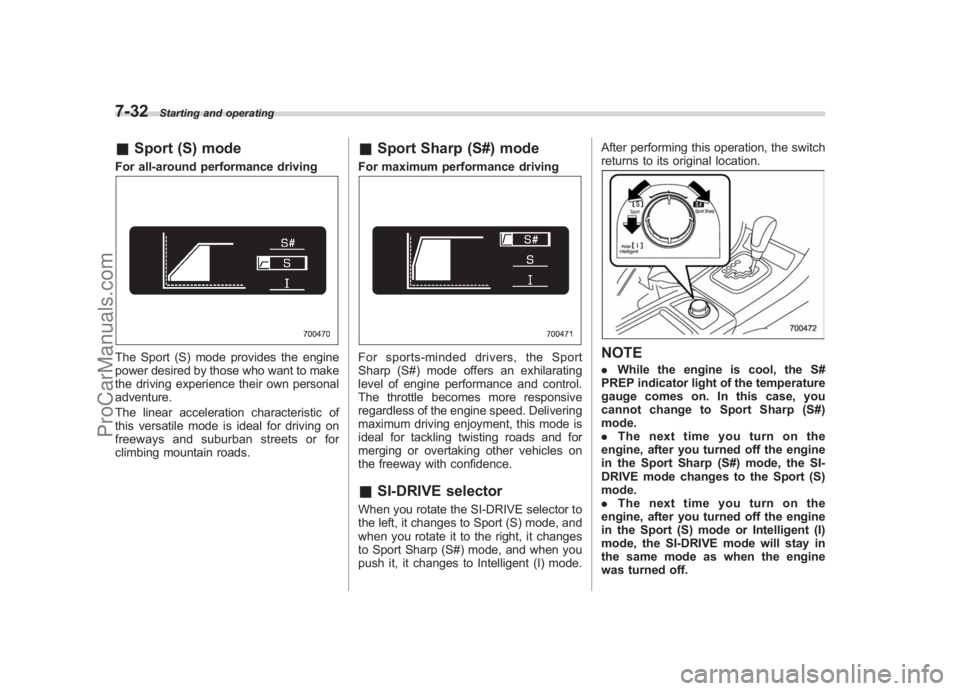
& Sport (S) modeFor all-around performance drivingThe Sport (S) mode provides the engine
power desired by those who want to make
the driving experience their own personal
adventure.
The linear acceleration characteristic of
this versatile mode is ideal for driving on
freeways and suburban streets or for
climbing mountain roads.
&Sport Sharp (S#) modeFor maximum performance drivingFor sports-minded drivers, the Sport
Sharp (S#) mode offers an exhilarating
level of engine performance and control.
The throttle becomes more responsive
regardless of the engine speed. Delivering
maximum driving enjoyment, this mode is
ideal for tackling twisting roads and for
merging or overtaking other vehicles on
the freeway with confidence.&SI-DRIVE selectorWhen you rotate the SI-DRIVE selector to
the left, it changes to Sport (S) mode, and
when you rotate it to the right, it changes
to Sport Sharp (S#) mode, and when you
push it, it changes to Intelligent (I) mode. After performing this operation, the switch
returns to its original location.
NOTE.
While the engine is cool, the S#
PREP indicator light of the temperature
gauge comes on. In this case, you
cannot change to Sport Sharp (S#)
mode.
. Thenexttimeyouturnonthe
engine, after you turned off the engine
in the Sport Sharp (S#) mode, the SI-
DRIVE mode changes to the Sport (S)
mode.
. Thenexttimeyouturnonthe
engine, after you turned off the engine
in the Sport (S) mode or Intelligent (I)
mode, the SI-DRIVE mode will stay in
the same mode as when the engine
was turned off.
ProCarManuals.com
Page 285 of 442
Black plate (290,1)
北米Model "A2420BE-B" EDITED: 2006/ 7/ 26
7-48
Starting and operating
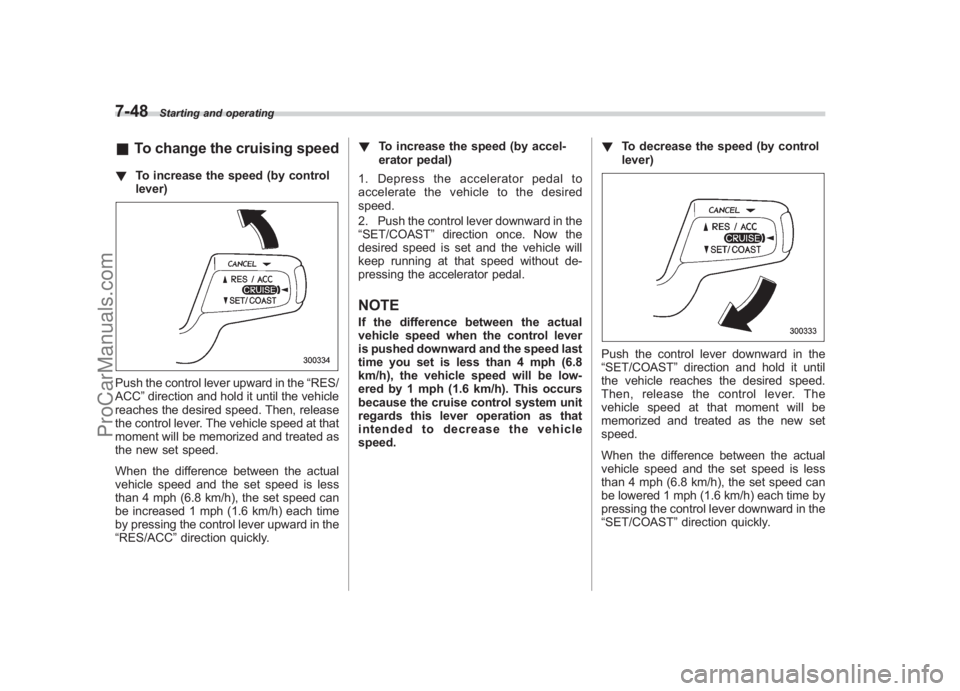
& To change the cruising speed! To increase the speed (by control
lever)Push the control lever upward in the “RES/
ACC ”direction and hold it until the vehicle
reaches the desired speed. Then, release
the control lever. The vehicle speed at that
moment will be memorized and treated as
the new set speed.
When the difference between the actual
vehicle speed and the set speed is less
than 4 mph (6.8 km/h), the set speed can
be increased 1 mph (1.6 km/h) each time
by pressing the control lever upward in the
“RES/ACC ”direction quickly. !
To increase the speed (by accel-
erator pedal)
1. Depress the accelerator pedal to
accelerate the vehicle to the desired
speed.
2. Push the control lever downward in the
“SET/COAST ”direction once. Now the
desired speed is set and the vehicle will
keep running at that speed without de-
pressing the accelerator pedal.
NOTEIf the difference between the actual
vehicle speed when the control lever
is pushed downward and the speed last
time you set is less than 4 mph (6.8
km/h), the vehicle speed will be low-
ered by 1 mph (1.6 km/h). This occurs
because the cruise control system unit
regards this lever operation as that
intended to decrease the vehicle
speed. !
To decrease the speed (by control
lever)
Push the control lever downward in the
“SET/COAST ”direction and hold it until
the vehicle reaches the desired speed.
Then, release the control lever. The
vehicle speed at that moment will be
memorized and treated as the new set
speed.
When the difference between the actual
vehicle speed and the set speed is less
than 4 mph (6.8 km/h), the set speed can
be lowered 1 mph (1.6 km/h) each time by
pressing the control lever downward in the
“SET/COAST ”direction quickly.
ProCarManuals.com