ESP SUBARU OUTBACK 2005 4.G User Guide
[x] Cancel search | Manufacturer: SUBARU, Model Year: 2005, Model line: OUTBACK, Model: SUBARU OUTBACK 2005 4.GPages: 627, PDF Size: 6.42 MB
Page 139 of 627
2-14
Keys and doors
!
Unlocking the doors
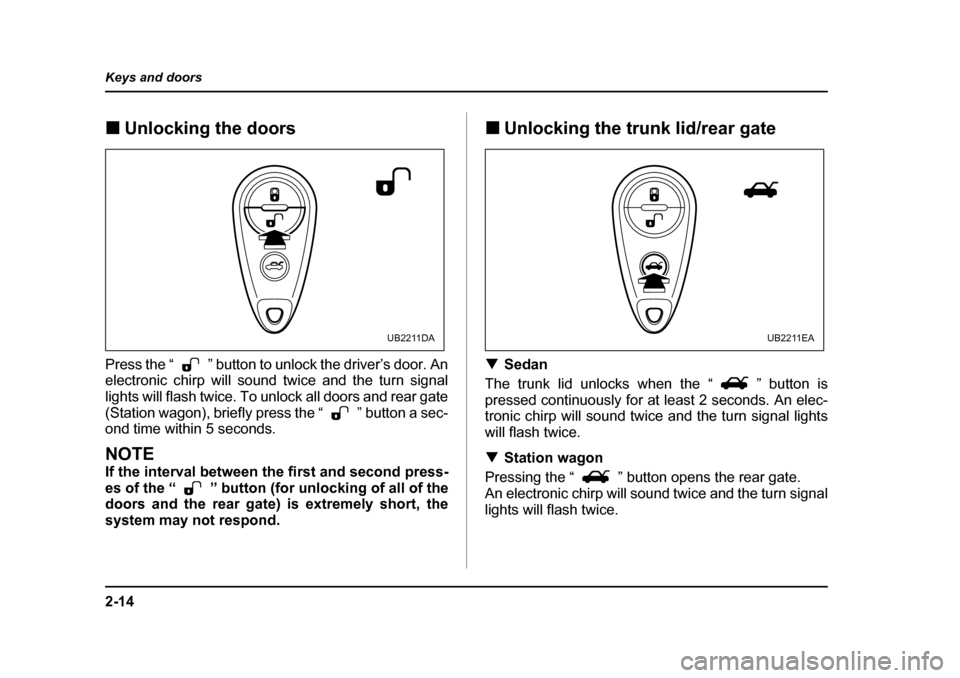
Press the “ ” button to unlock the driver’s door. An
electronic chirp will sound twice and the turn signal
lights will flash twice. To unlock all doors and rear gate
(Station wagon), briefly press the “ ” button a sec-
ond time within 5 seconds.
NOTE
If the interval between the first and second press-
es of the “ ” button (for unlocking of all of the
doors and the rear gate) is extremely short, the
system may not respond. !
Unlocking the trunk lid/rear gate
! Sedan
The trunk lid unlocks when the “ ” button is
pressed continuously for at least 2 seconds. An elec-
tronic chirp will sound twice and the turn signal lights
will flash twice. ! Station wagon
Pressing the “ ” button opens the rear gate.
An electronic chirp will sound twice and the turn signal
lights will flash twice.
UB2211DAUB2211EA
Page 140 of 627
2-15
Keys and doors
– CONTINUED –
!Illuminated entry
The interior (dome) light will illuminate when the
“ ” button is pressed. This light stays illuminated
for approximately 30 seconds if any of the doors or the
rear gate (Station wagon) is not opened.
If the “ ” button is pressed before 30 seconds have
elapsed, this light will go out. The interior light must be
set to the middle position in order for this function to
operate.
A SUBARU dealer can change the illumination period
setting of the interior light in accordance with your
preference. Contact the nearest SUBARU dealer for
details. ! Vehicle finder function
Use this function to find your vehicle parked among
many vehicles in a large parking lot. Provided you are
within 30 feet (10 meters) of the vehicle, pressing the
“ ” button three times in a five-second period will
cause your vehicle’s horn to sound once and its turn
signal lights to flash three times.
NOTE
If the interval between presses is too short when
you press the “ ” button three times, the sys-
tem may not respond to the signals from the re-mote transmitter. !
Sounding a panic alarm
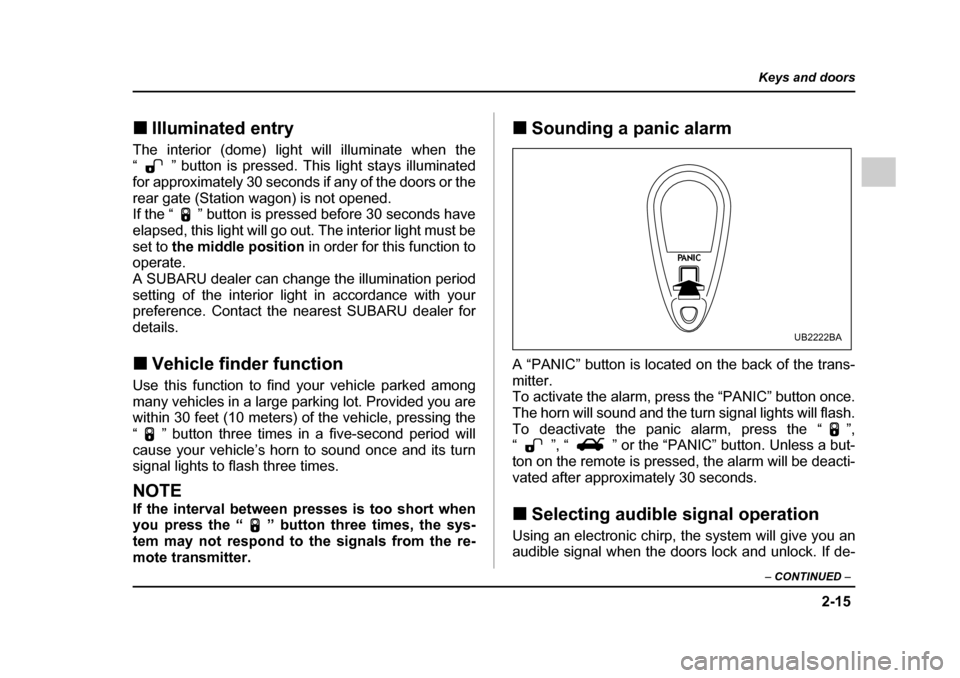
A “PANIC” button is located on the back of the trans-mitter.
To activate the alarm, press the “PANIC” button once.
The horn will sound and the turn signal lights will flash.
To deactivate the panic alarm, press the “ ”,
“ ”, “ ” or the “PANIC” button. Unless a but-
ton on the remote is pressed, the alarm will be deacti-
vated after approximately 30 seconds. ! Selecting audible signal operation
Using an electronic chirp, the system will give you an
audible signal when the doors lock and unlock. If de-
UB2222BA
Page 151 of 627
2-26
Keys and doors
"
The alarm system is triggered when the ignition
switch is turned to the “ON” position during sur-
veillance. However, this does not occur if the vehi-
cle is equipped with an immobilizer and the key
used for turning the ignition switch has been reg-
istered. " If your vehicle is not equipped with an immobi-
lizer, the engine does not start even when the igni- tion switch is turned to the “START” position once
the alarm system has been triggered. ! Disarming the system
Briefly press the “ ” button (for less than two sec-
onds) on the remote transmitter. The driver’s door will
unlock, an electronic chirp will sound twice, the turn
signal lights will flash twice and the indicator light will
go off.
To unlock all other doors and the rear gate (Station
wagon), briefly press the “ ” button a second time.
NOTE
If the interval between the first and second press-
es of the “ ” button (for unlocking of all of the
doors and the rear gate) is extremely short, the
system may not respond.
Or the system can be disarmed by the following method, too. "
Insert the key in the door lock of the driver’s
door and turn it to the unlock position." Cycle the ignition switch from the “LOCK” to the
“ON” position three times within 5 seconds (only
vehicle without immobilizer). ! Emergency disarming
If you cannot disarm the system using the transmitter
(i.e. the transmitter is lost, broken or the transmitter
battery is too weak), you can disarm the system with-
out using the transmitter.
Vehicle with immobilizer
The system can be disarmed if you turn the ignition
switch from the “LOCK” to the “ON” position with a reg-
istered key.
Vehicle without immobilizer
1. Unlock the door with the key and then open the
door.
2. Insert the key into the ignition switch and cycle it
from the “LOCK” to the “ON” position three times with-
in 5 seconds .
All models
Insert the key in the door lock of the driver’s door and
turn it to the unlock position.
Page 192 of 627
3-21
Instruments and controls
– CONTINUED –
: Vehicle Dynamics Control operation indicator
light (if equipped)
: Vehicle Dynamics Control warning light (if
equipped)/Vehicle Dynamics Control OFF indicator
light (if equipped)
/ : Brake system warning light: AWD warning light (AT vehicles)
: Low tire pressure warning light (if equipped) : SPORT mode indicator light (AT vehicles)
/ : Front passenger’s frontal airbag ON indi-
cator light
/ : Front passenger’s frontal airbag OFF in-
dicator light
: Low fuel warning light : Door open warning light
: Security indicator light: Cruise control indicator light (if equipped)
: Cruise control set indicator light (if equipped)
If any lights fail to come on, it indicates a burned-out
bulb or a malfunction of the corresponding system.
Consult your authorized SUBARU dealer for repair. ! Seatbelt warning light and chime
Your vehicle is equipped with a seatbelt warning de-
vice at the driver’s and front passenger’s seat.
With the ignition switch turned to the “ON” position,
this device reminds the driver and front passenger to
fasten their seatbelts by illuminating the warning lights
in the locations indicated below and sounding a chime.
ON
OFF
Page 202 of 627
3-31
Instruments and controls
– CONTINUED –
NOTE
This light does not go out unless the tank is re-
plenished up to an internal fuel quantity of about
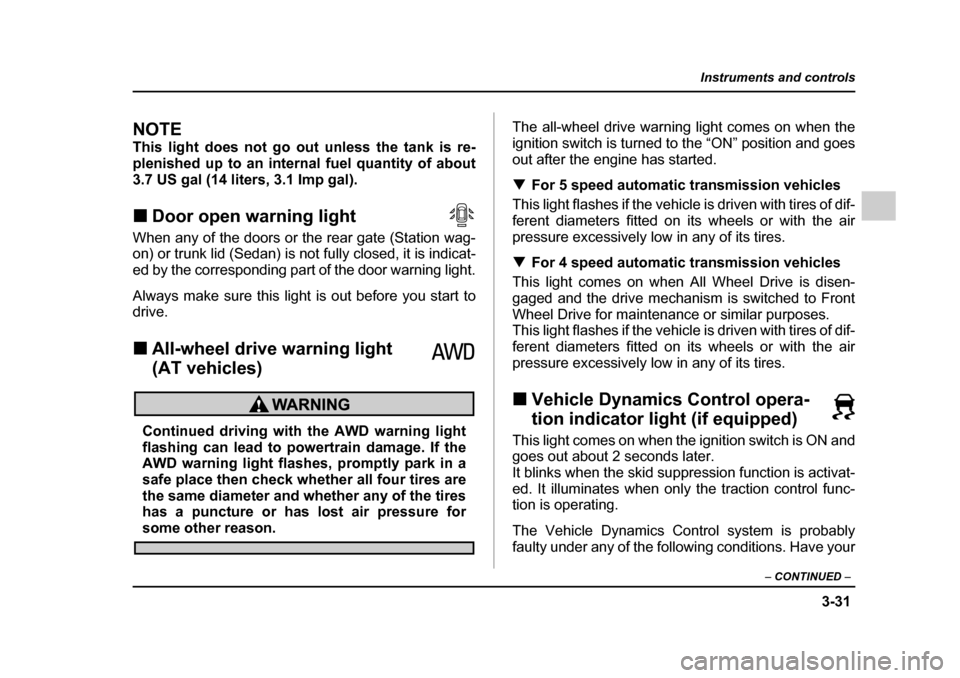
3.7 US gal (14 liters, 3.1 Imp gal). !Door open warning light
When any of the doors or the rear gate (Station wag-
on) or trunk lid (Sedan) is not fully closed, it is indicat-
ed by the corresponding part of the door warning light.
Always make sure this light is out before you start to
drive. ! All-wheel drive warning light
(AT vehicles)
Continued driving with the AWD warning light
flashing can lead to powertrain damage. If the
AWD warning light flashes, promptly park in a
safe place then check whether all four tires are
the same diameter and whether any of the tires
has a puncture or has lost air pressure for
some other reason. The all-wheel drive warning light comes on when the
ignition switch is turned to the “ON” position and goes
out after the engine has started. !
For 5 speed automatic transmission vehicles
This light flashes if the vehicle is driven with tires of dif-
ferent diameters fitted on its wheels or with the air
pressure excessively low in any of its tires. ! For 4 speed automatic transmission vehicles
This light comes on when All Wheel Drive is disen-
gaged and the drive mechanism is switched to Front
Wheel Drive for maintenance or similar purposes.
This light flashes if the vehicle is driven with tires of dif-
ferent diameters fitted on its wheels or with the air
pressure excessively low in any of its tires. ! Vehicle Dynamics Control opera-
tion indicator light (if equipped)
This light comes on when the ignition switch is ON and
goes out about 2 seconds later.
It blinks when the skid suppression function is activat-
ed. It illuminates when only the traction control func-
tion is operating.
The Vehicle Dynamics Control system is probably
faulty under any of the following conditions. Have your
Page 204 of 627
3-33
Instruments and controls
– CONTINUED –
sidered normal. "The warning light comes on right after the en-
gine is started but goes out immediately, remain-
ing off. " The warning light comes on after engine startup
and goes off while the vehicle is subsequently be-
ing driven. " The warning light comes on during driving, but
it goes out immediately and remains off. ! Vehicle Dynamics Control OFF indicator light
" It comes on when the Vehicle Dynamics Control
OFF switch is pressed. " It also comes on when the Vehicle Dynamics Con-
trol system is deactivated.
NOTE " The light may stay on for a while after the engine
has been started, especially in cold weather. This
does not indicate the existence of a problem. The
light should go out as soon as the engine has
warmed up. " The indicator light comes on when the engine
has developed a problem and the Malfunction in-
dicator light is on.
The Vehicle Dynamics Control system is probably
faulty under the following condition. Have your vehicle checked at a SUBARU dealer as soon as possible."
The light does not go out even after the lapse of sev-
eral minutes (the engine has warmed up) after the en-
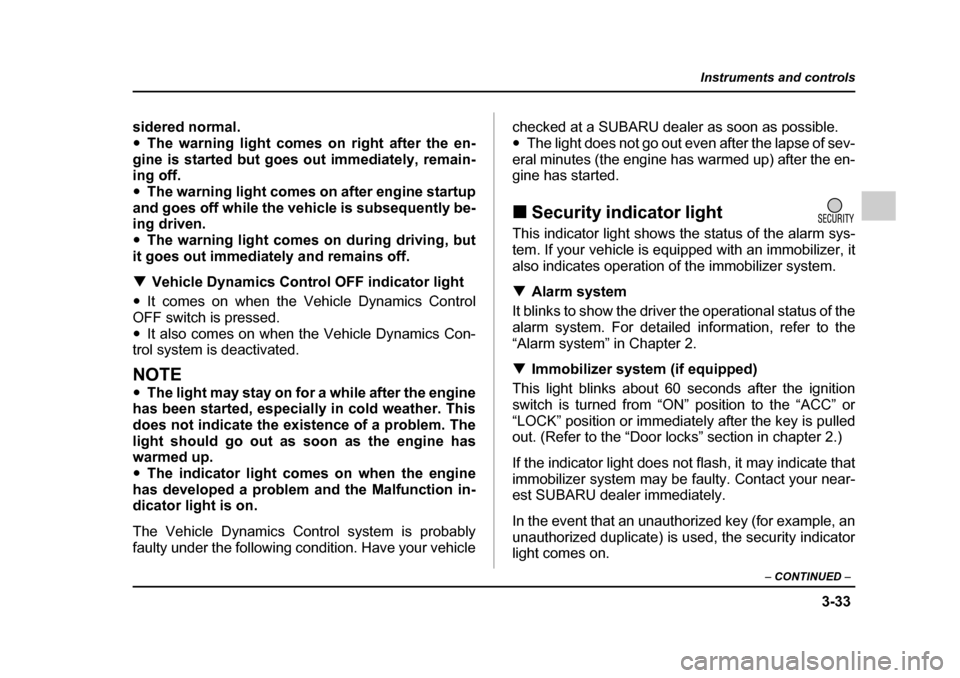
gine has started. ! Security indicator light
This indicator light shows the status of the alarm sys-
tem. If your vehicle is equipped with an immobilizer, it
also indicates operation of the immobilizer system. ! Alarm system
It blinks to show the driver the operational status of the
alarm system. For detailed information, refer to the
“Alarm system” in Chapter 2. ! Immobilizer system (if equipped)
This light blinks about 60 seconds after the ignition
switch is turned from “ON” position to the “ACC” or
“LOCK” position or immediately after the key is pulled
out. (Refer to the “Door locks” section in chapter 2.)
If the indicator light does not flash, it may indicate that
immobilizer system may be faulty. Contact your near-
est SUBARU dealer immediately.
In the event that an unauthorized key (for example, an
unauthorized duplicate) is used, the security indicator
light comes on.
Page 212 of 627
3-41
Instruments and controls
– CONTINUED –
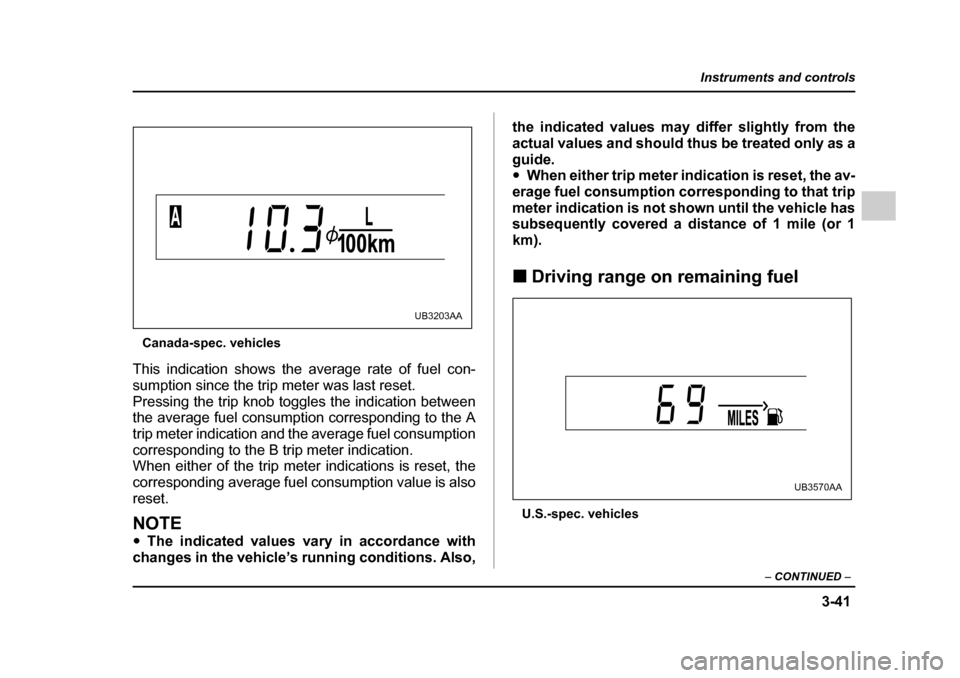
Canada-spec. vehicles
This indication shows the average rate of fuel con-
sumption since the trip meter was last reset.
Pressing the trip knob toggles the indication between
the average fuel consumption corresponding to the A
trip meter indication and the average fuel consumption
corresponding to the B trip meter indication.
When either of the trip meter indications is reset, the
corresponding average fuel consumption value is alsoreset.
NOTE " The indicated values vary in accordance with
changes in the vehicle’s running conditions. Also, the indicated values may differ slightly from the
actual values and should thus be treated only as a
guide. "
When either trip meter indication is reset, the av-
erage fuel consumption corresponding to that trip
meter indication is not shown until the vehicle has
subsequently covered a distance of 1 mile (or 1 km). ! Driving range on remaining fuel
U.S.-spec. vehicles
UB3203AA
UB3570AA
Page 243 of 627
4-8
Climate control
er button will not come on. At the same time, the
air inlet selection is automatically set to “outsideair” mode.
In this state, you cannot select “recirculation”
mode by manually pressing the air inlet selectionbutton.
Also, you cannot stop the air conditioner com-
pressor by pressing the air conditioner button."
Warm air also comes out from the right and left
air outlets. To stop warm air flow from these out-
lets, turn the corresponding wheel to the “ ”
position. ! Heating and defrosting
To direct warm air toward the floor and the windshield:
1. Set the air inlet selection lever to the “OFF” posi-tion.
2. Set the air flow control dial to the “ ”position.
3. Set the temperature control dial to the most com-
fortable level.
4. Set the fan speed control dial to the desired speed.
NOTE " In a vehicle equipped with an air conditioner,
when the dial is placed in the “ ” position or
“ ” position the air conditioner compressor au-
tomatically operates to quickly defog the wind-
shield. However the indicator on the air condition- er button will not come on. At the same time, the
air inlet selection is automatically set to “outside
air” mode.
In this state, you cannot select “recirculation”
mode by manually pressing the air inlet selectionbutton.
Also, you cannot stop the air conditioner com-
pressor by pressing the air conditioner button."
Warm air also comes out from the right and left
air outlets. To stop warm air flow from these out-
lets, turn the corresponding wheel to the “ ”
position. ! Heating
To direct warm air toward the floor:
1. Set the air inlet selection button to the OFF posi-tion.
2. Set the air flow control dial to the “ ” position.
3. Set the temperature control dial to the most com-
fortable level.
4. Set the fan speed control dial to the desired speed.NOTE
Warm air also comes out from the right and left air
outlets. To stop warm air flow from these outlets,
turn the corresponding wheel to the “ ” posi- tion.
Page 249 of 627
4-14
Climate control
the system to the setting that was selected before you
activated the defroster. !
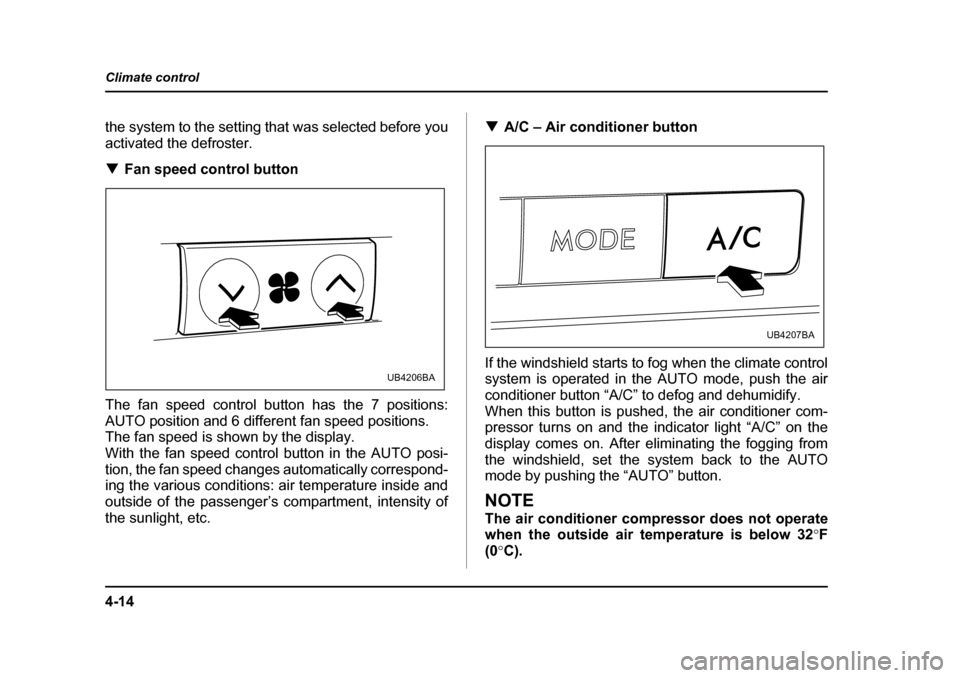
Fan speed control button
The fan speed control button has the 7 positions:
AUTO position and 6 different fan speed positions.
The fan speed is shown by the display.
With the fan speed control button in the AUTO posi-
tion, the fan speed changes automatically correspond-
ing the various conditions: air temperature inside and
outside of the passenger’s compartment, intensity of
the sunlight, etc. !
A/C – Air conditioner button
If the windshield starts to fog when the climate control system is operated in the AUTO mode, push the air
conditioner button “A/C” to defog and dehumidify.
When this button is pushed, the air conditioner com-
pressor turns on and the indicator light “A/C” on the
display comes on. After eliminating the fogging from
the windshield, set the system back to the AUTO
mode by pushing the “AUTO” button.
NOTE
The air conditioner compressor does not operate
when the outside air temperature is below 32 °F
(0 °C).
UB4206BA
UB4207BA
Page 280 of 627
5-25
Audio
– CONTINUED –
off. "The player is designed to be able to play music
CD-Rs and music CD-RWs, but it may not be able
to play certain ones. ! How to insert a CD(s)
" Inserting a CD
0
1. Briefly press the “LOAD” button. If the magazine in
the player has an idle position where you can insert a
disc, the disc number indicator associated with the idle
position will blink.
If no indicator blinks, it means that there is no idle po-
sition in the magazine.
2. When the “LOAD” indicator flashes, insert the disc. Once you have inserted the disc, the “LOAD” indicator
will go off. The disc will then be automatically drawn in,
and the player will begin to play the first track on the disc. "
To insert more discs in succession, repeat Steps 1
and 2. The magazine will be loaded with discs in the
ascending order of position number.
If you do not insert any disc in 15 seconds after you
have pressed the “LOAD” button, the player will begin
to play back the first track of the last disc you have in- serted." The disc indicator steadily lights up if a disc is al-
ready inserted in the corresponding position of the
magazine." While the player is in the loading mode, if you press
the “FM” or “AM” button, the player will enter the stand-
by mode. Press the “CD” button to start playback.
LOAD
UB5216BA