change time SUBARU OUTBACK 2005 4.G User Guide
[x] Cancel search | Manufacturer: SUBARU, Model Year: 2005, Model line: OUTBACK, Model: SUBARU OUTBACK 2005 4.GPages: 627, PDF Size: 6.42 MB
Page 264 of 627
5-9
Audio
– CONTINUED –
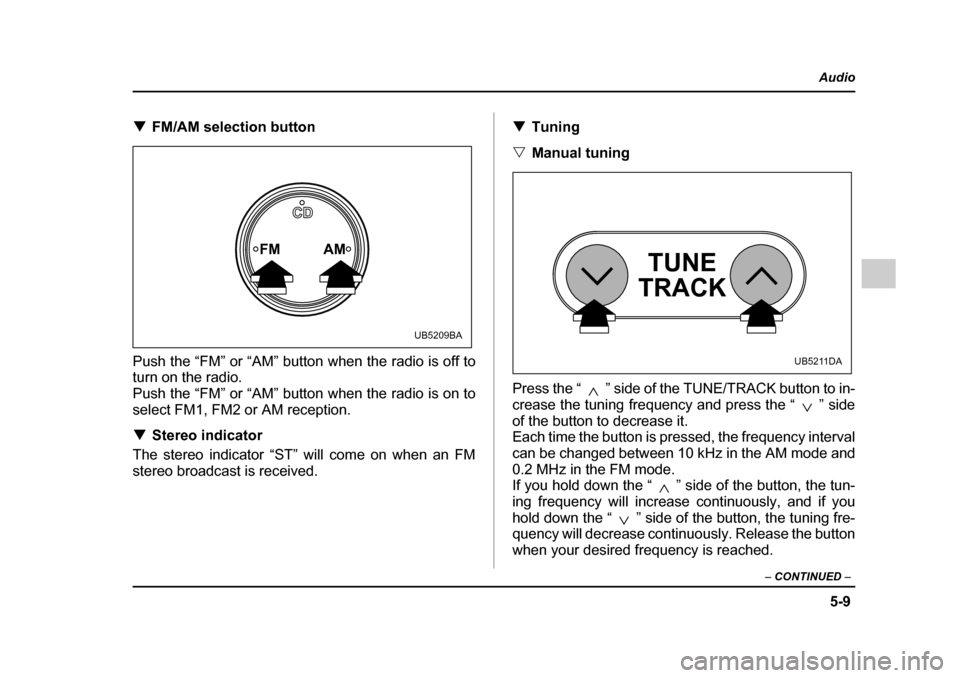
!FM/AM selection button
Push the “FM” or “AM” button when the radio is off to turn on the radio.
Push the “FM” or “AM” button when the radio is on to
select FM1, FM2 or AM reception. ! Stereo indicator
The stereo indicator “ST” will come on when an FM
stereo broadcast is received. !
Tuning
" Manual tuning
Press the “ ” side of the TUNE/TRACK button to in-
crease the tuning frequency and press the “ ” side
of the button to decrease it.
Each time the button is pressed, the frequency interval
can be changed between 10 kHz in the AM mode and
0.2 MHz in the FM mode.
If you hold down the “ ” side of the button, the tun-
ing frequency will increase continuously, and if you
hold down the “ ” side of the button, the tuning fre-
quency will decrease continuously. Release the button
when your desired frequency is reached.
FM AM
CD
UB5209BA
TUNE
TRACK
UB5211DA
Page 277 of 627
5-22
Audio
!
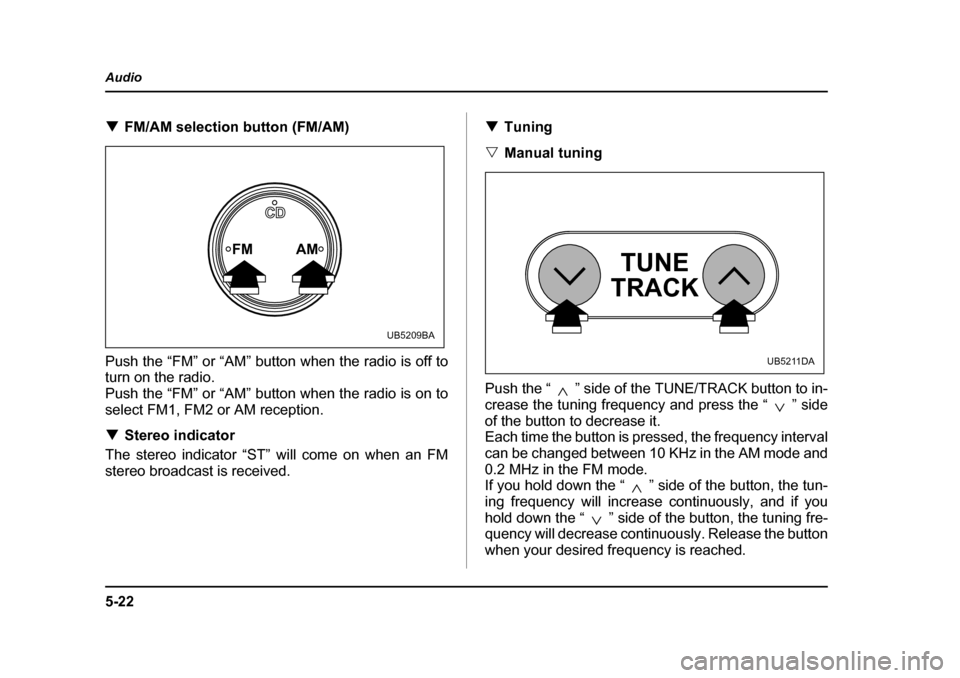
FM/AM selection button (FM/AM)
Push the “FM” or “AM” button when the radio is off to
turn on the radio.
Push the “FM” or “AM” button when the radio is on to
select FM1, FM2 or AM reception. ! Stereo indicator
The stereo indicator “ST” will come on when an FM
stereo broadcast is received. !
Tuning
" Manual tuning
Push the “ ” side of the TUNE/TRACK button to in-
crease the tuning frequency and press the “ ” side
of the button to decrease it.
Each time the button is pressed, the frequency interval
can be changed between 10 KHz in the AM mode and
0.2 MHz in the FM mode.
If you hold down the “ ” side of the button, the tun-
ing frequency will increase continuously, and if you
hold down the “ ” side of the button, the tuning fre-
quency will decrease continuously. Release the button
when your desired frequency is reached.
FM AM
CD
UB5209BA
TUNE
TRACK
UB5211DA
Page 279 of 627
5-24
Audio
to high frequencies). If you hold down the “ ” side of
the button, the radio will scan down the frequency
band (from high frequencies to low frequencies).
Automatic tuning may not function properly if the sta-
tion reception is weakened by distance from the sta-
tion or proximity to tall buildings and hills. !
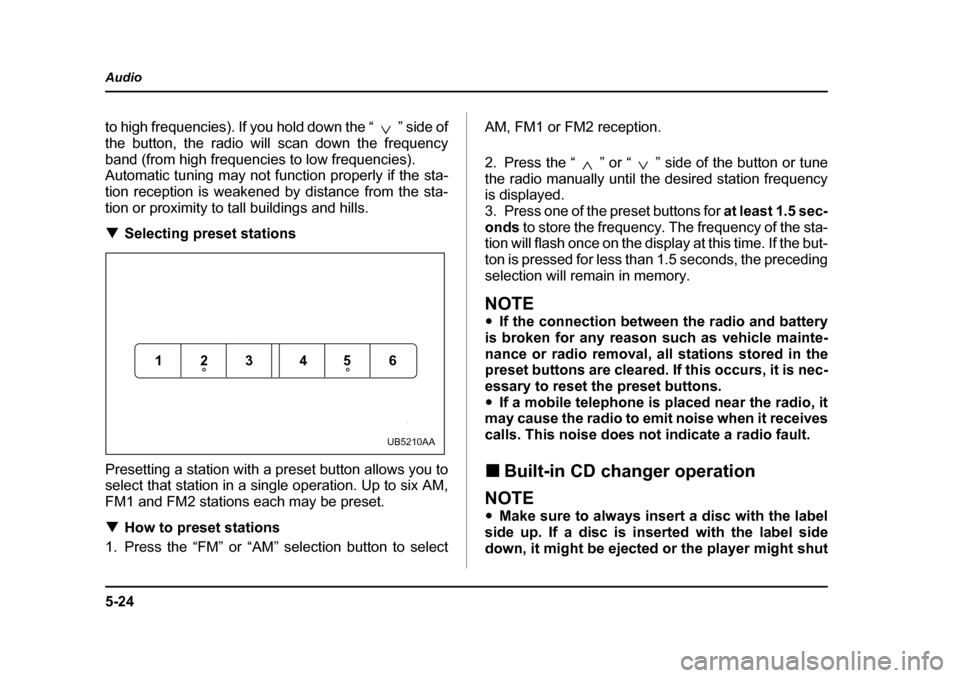
Selecting preset stations
Presetting a station with a preset button allows you to
select that station in a single operation. Up to six AM,
FM1 and FM2 stations each may be preset. ! How to preset stations
1. Press the “FM” or “AM” selection button to select AM, FM1 or FM2 reception.
2. Press the “ ” or “ ” side of the button or tune
the radio manually until the desired station frequency is displayed.
3. Press one of the preset buttons for
at least 1.5 sec-
onds to store the frequency. The frequency of the sta-
tion will flash once on the display at this time. If the but-
ton is pressed for less than 1.5 seconds, the preceding
selection will remain in memory.
NOTE " If the connection between the radio and battery
is broken for any reason such as vehicle mainte-
nance or radio removal, all stations stored in the
preset buttons are cleared. If this occurs, it is nec-
essary to reset the preset buttons." If a mobile telephone is placed near the radio, it
may cause the radio to emit noise when it receives
calls. This noise does not indicate a radio fault. ! Built-in CD changer operation
NOTE "Make sure to always insert a disc with the label
side up. If a disc is inserted with the label side
down, it might be ejected or the player might shut
123 456
UB5210AA
Page 285 of 627
5-30
Audio
"
Fast-reversing
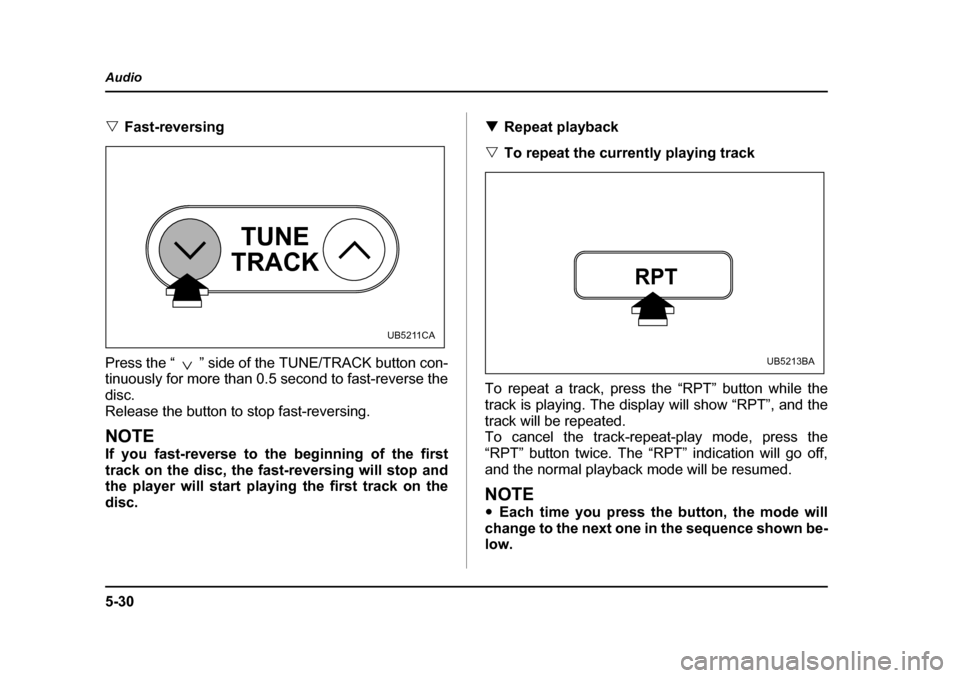
Press the “ ” side of the TUNE/TRACK button con-
tinuously for more than 0.5 second to fast-reverse the
disc.
Release the button to stop fast-reversing.
NOTE
If you fast-reverse to the beginning of the first
track on the disc, the fast-reversing will stop and
the player will start playing the first track on the
disc. !
Repeat playback
" To repeat the currently playing track
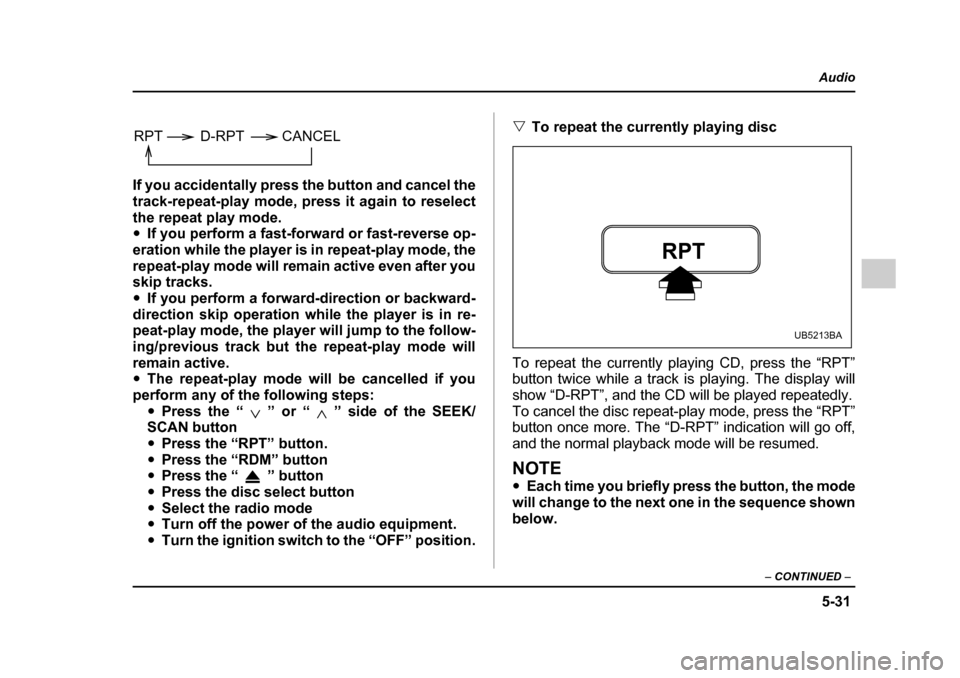
To repeat a track, press the “RPT” button while the
track is playing. The display will show “RPT”, and the
track will be repeated.
To cancel the track-repeat-play mode, press the
“RPT” button twice. The “RPT” indication will go off,
and the normal playback mode will be resumed.
NOTE " Each time you press the button, the mode will
change to the next one in the sequence shown be-
low.
TUNE
TRACK
UB5211CA
RPT
UB5213BA
Page 286 of 627
5-31
Audio
– CONTINUED –
If you accidentally press the button and cancel the
track-repeat-play mode, press it again to reselect
the repeat play mode. "If you perform a fast-forward or fast-reverse op-
eration while the player is in repeat-play mode, the
repeat-play mode will remain active even after you
skip tracks. " If you perform a forward-direction or backward-
direction skip operation while the player is in re-
peat-play mode, the player will jump to the follow-
ing/previous track but the repeat-play mode will
remain active. " The repeat-play mode will be cancelled if you
perform any of the following steps: "Press the “ ” or “ ” side of the SEEK/
SCAN button " Press the “RPT” button.
" Press the “RDM” button
" Press the “ ” button
" Press the disc select button
" Select the radio mode
" Turn off the power of the audio equipment.
" Turn the ignition switch to the “OFF” position. "
To repeat the currently playing disc
To repeat the currently playing CD, press the “RPT”
button twice while a track is playing. The display will
show “D-RPT”, and the CD will be played repeatedly.
To cancel the disc repeat-play mode, press the “RPT”
button once more. The “D-RPT” indication will go off,
and the normal playback mode will be resumed.
NOTE " Each time you briefly press the button, the mode
will change to the next one in the sequence shown
below.
RPT D-RPT CANCEL
RPT
UB5213BA
Page 296 of 627
5-41
Audio
– CONTINUED –
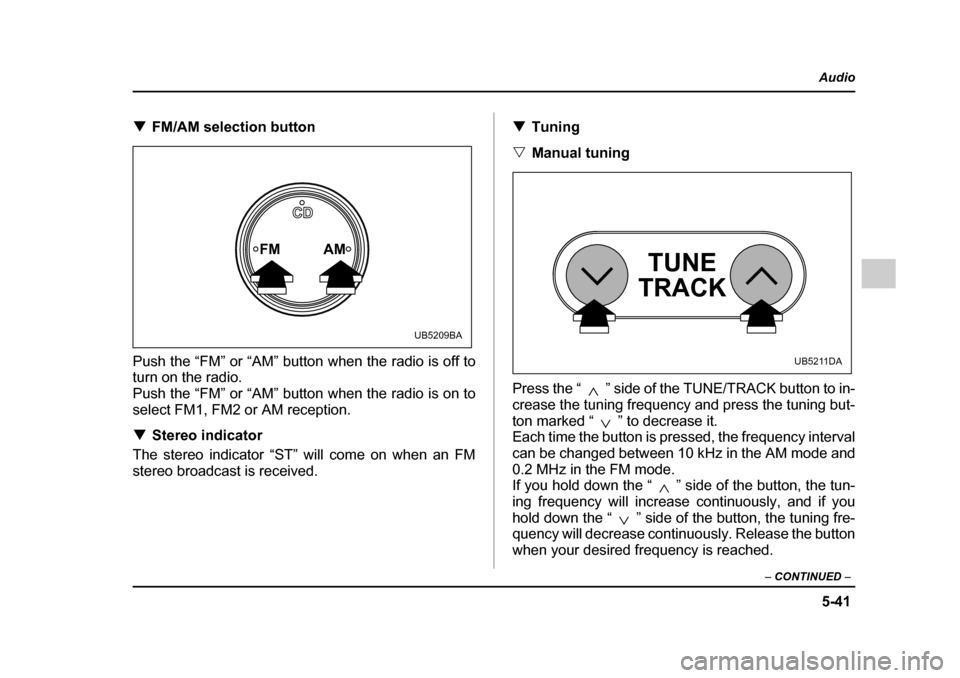
!FM/AM selection button
Push the “FM” or “AM” button when the radio is off to turn on the radio.
Push the “FM” or “AM” button when the radio is on to
select FM1, FM2 or AM reception. ! Stereo indicator
The stereo indicator “ST” will come on when an FM
stereo broadcast is received. !
Tuning
" Manual tuning
Press the “ ” side of the TUNE/TRACK button to in-
crease the tuning frequency and press the tuning but-
ton marked “ ” to decrease it.
Each time the button is pressed, the frequency interval
can be changed between 10 kHz in the AM mode and
0.2 MHz in the FM mode.
If you hold down the “ ” side of the button, the tun-
ing frequency will increase continuously, and if you
hold down the “ ” side of the button, the tuning fre-
quency will decrease continuously. Release the button
when your desired frequency is reached.
FM AM
CD
UB5209BA
TUNE
TRACK
UB5211DA
Page 304 of 627
5-49
Audio
– CONTINUED –
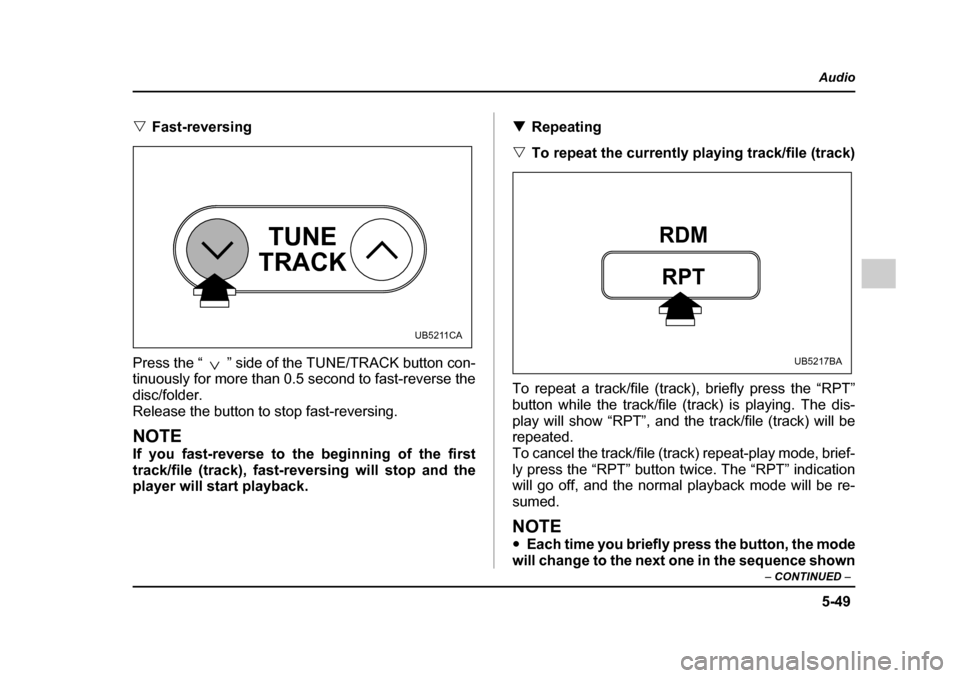
"Fast-reversing
Press the “ ” side of the TUNE/TRACK button con-
tinuously for more than 0.5 second to fast-reverse the disc/folder.
Release the button to stop fast-reversing.
NOTE
If you fast-reverse to the beginning of the first
track/file (track), fast-reversing will stop and the
player will start playback. !
Repeating
" To repeat the currently playing track/file (track)
To repeat a track/file (track), briefly press the “RPT”
button while the track/file (track) is playing. The dis-
play will show “RPT”, and the track/file (track) will be
repeated.
To cancel the track/file (track) repeat-play mode, brief-
ly press the “RPT” button twice. The “RPT” indication
will go off, and the normal playback mode will be re- sumed.
NOTE " Each time you briefly press the button, the mode
will change to the next one in the sequence shown
TUNE
TRACK
UB5211CA
RPT
RDM
UB5217BA
Page 305 of 627
5-50
Audio
below.
If you accidentally press the button and cancel the
track/file (track) repeat-play mode, press it again
to reselect the repeat-play mode. "
The repeat-play mode will be cancelled if you
perform any of the following steps: "Press the “RPT” button
" Press the “ ” button
" Press the disc select button
" Select the radio mode
" Press the “ ” or “ ” side of the SEEK/
SCAN button " Turn off the power of the audio equipment.
" Turn the ignition switch to the “OFF” position. "
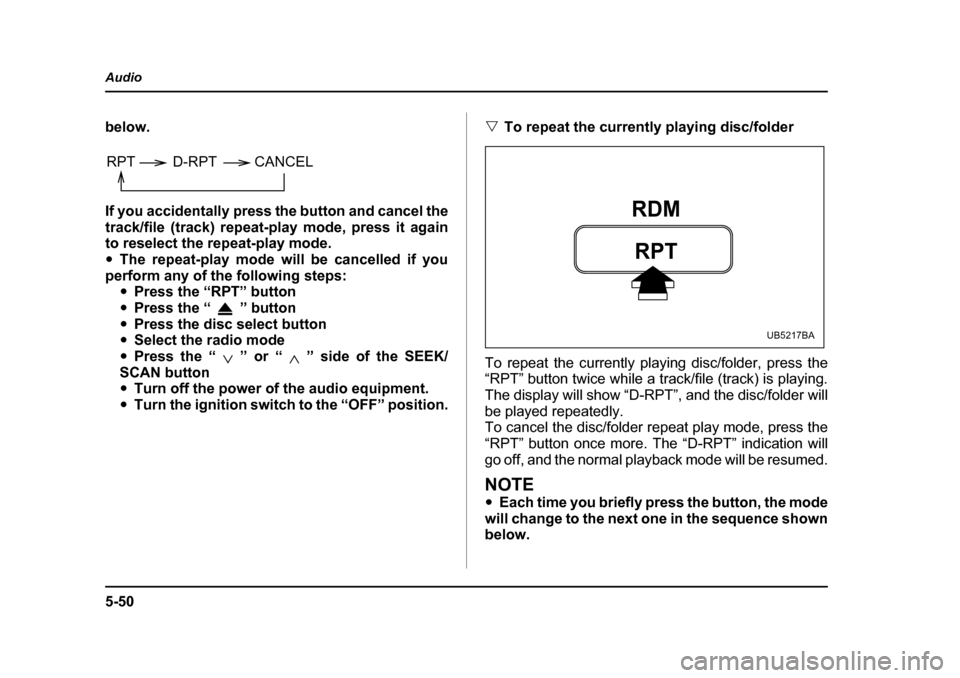
To repeat the currently playing disc/folder
To repeat the currently playing disc/folder, press the
“RPT” button twice while a track/file (track) is playing.
The display will show “D-RPT”, and the disc/folder will
be played repeatedly.
To cancel the disc/folder repeat play mode, press the “RPT” button once more. The “D-RPT” indication will
go off, and the normal playback mode will be resumed.
NOTE " Each time you briefly press the button, the mode
will change to the next one in the sequence shown
below.
RPT D-RPT CANCEL
RPT
RDM
UB5217BA
Page 308 of 627
5-53
Audio
– CONTINUED –
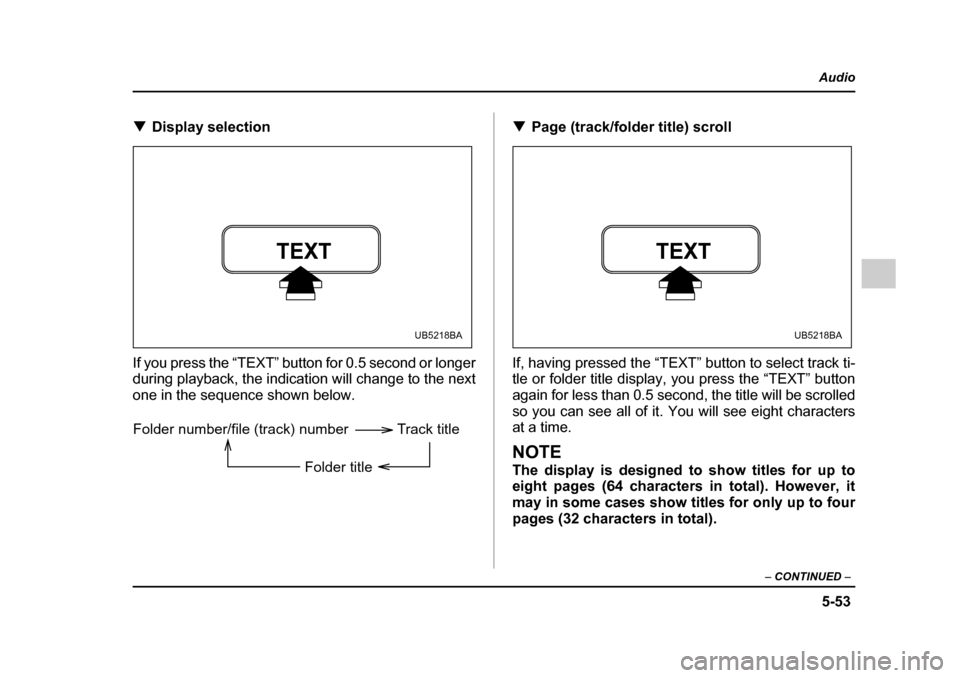
!Display selection
If you press the “TEXT” button for 0.5 second or longer
during playback, the indication will change to the next
one in the sequence shown below. !
Page (track/folder title) scroll
If, having pressed the “TEXT” button to select track ti-
tle or folder title display, you press the “TEXT” button
again for less than 0.5 second, the title will be scrolled
so you can see all of it. You will see eight characters
at a time.
NOTE
The display is designed to show titles for up to
eight pages (64 characters in total). However, it
may in some cases show titles for only up to four
pages (32 characters in total).
TEXT
UB5218BA
Folder number/file (track) number Track title
Folder title
TEXT
UB5218BA
Page 311 of 627
5-56
Audio
"
If you press the “ ” button while the player is
in all disc ejection mode, the mode will be can-
celled following ejection of the disc that is current-
ly being ejected. " If you press the “CD” button while the player is
in all disc ejection mode, the player will draw in the
discs that have been ejected and play them.Audio control buttons (if equipped)
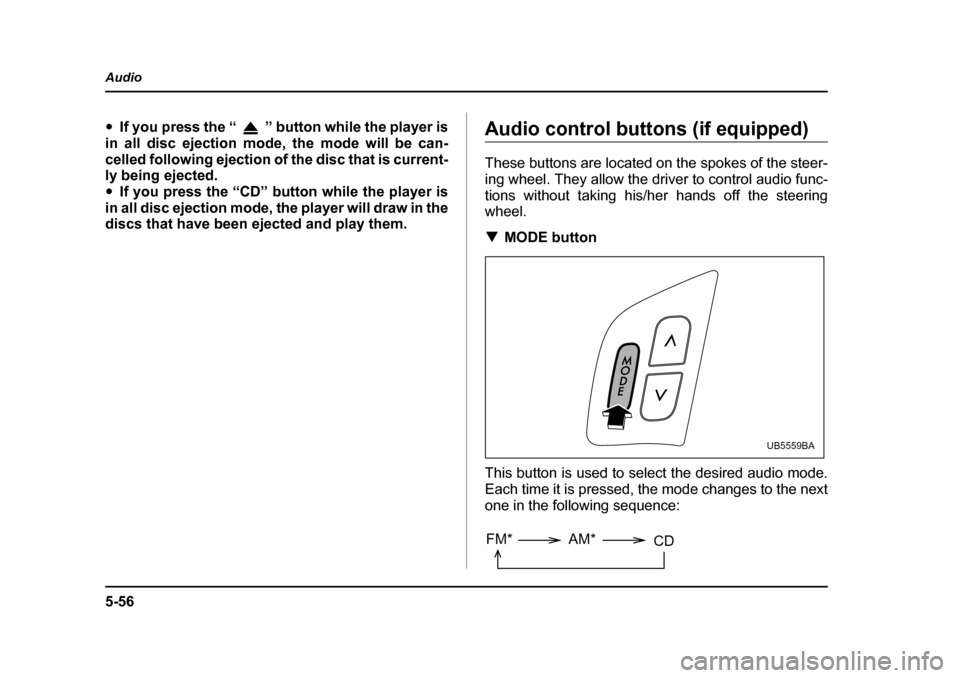
These buttons are located on the spokes of the steer-
ing wheel. They allow the driver to control audio func-
tions without taking his/her hands off the steering
wheel. ! MODE button
This button is used to select the desired audio mode.
Each time it is pressed, the mode changes to the next
one in the following sequence:
UB5559BA
FM* AM* CD