CD player SUBARU OUTBACK 2005 4.G Owners Manual
[x] Cancel search | Manufacturer: SUBARU, Model Year: 2005, Model line: OUTBACK, Model: SUBARU OUTBACK 2005 4.GPages: 627, PDF Size: 6.42 MB
Page 256 of 627

5-1
5
Audio
Antenna system ............................................ 5-2 Printed antenna ................................................. 5-2
FM reception ..................................................... 5-2
Installation of accessories ........................... 5-3
Audio set ........................................................ 5-3 Type A audio set ............................................... 5-3
Type B audio set ............................................... 5-4
Type C audio set ............................................... 5-4
Type A audio set (if equipped) ..................... 5-5 Radio operation ................................................ 5-6
Compact disc player operation ....................... 5-11
Type B audio set (if equipped) ..................... 5-18 Radio operation ................................................ 5-19
Built-in CD changer operation ......................... 5-24
Type C audio set (if equipped) ..................... 5-37 Radio operation ................................................ 5-38
Built-in CD changer operation ......................... 5-43
Audio control buttons (if equipped) ............ 5-56
Precautions to observe when handling a compact disc .......................................... 5-58
MP3 audio ...................................................... 5-60 What is MP3? .................................................... 5-60
Creating MP3 files ............................................. 5-60
Saving MP3 files on a disc ............................... 5-60
Supported file systems .................................... 5-61
Compression format ......................................... 5-61
Numbers of folders and files ........................... 5-61
Copyright issues ............................................... 5-61
Page 258 of 627
5-3
Audio
– CONTINUED –
Installation of accessories
Always consult your SUBARU dealer before installing
a citizen band radio or other transmitting device in
your vehicle. Such devices may cause the electronic
control system to malfunction if they are incorrectly in-
stalled or if they are not suited for the vehicle.Audio set
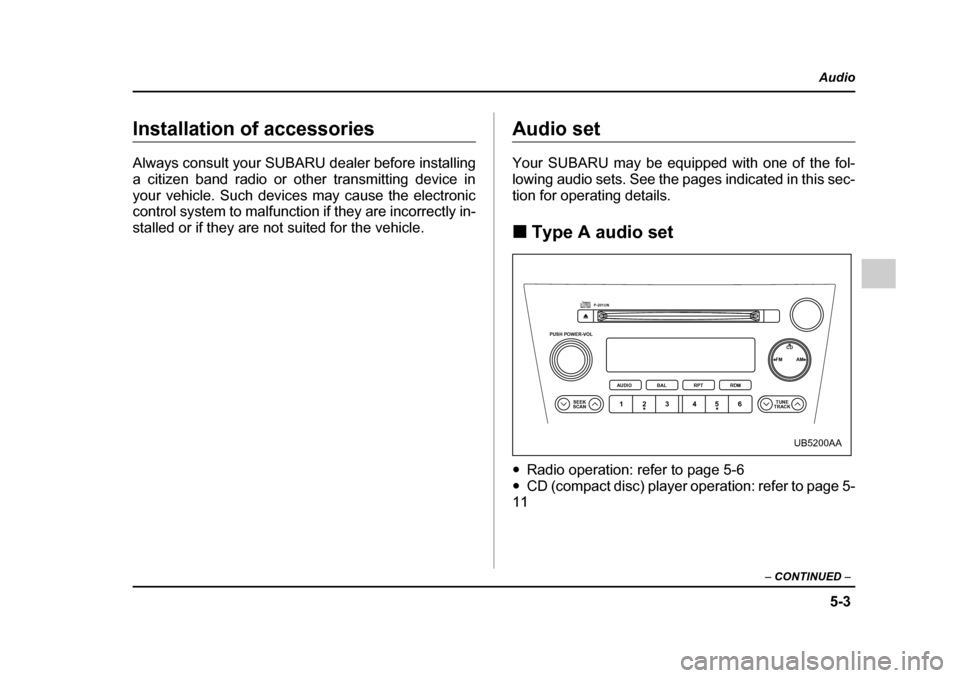
Your SUBARU may be equipped with one of the fol-
lowing audio sets. See the pages indicated in this sec-
tion for operating details. !Type A audio set
" Radio operation: refer to page 5-6
" CD (compact disc) player operation: refer to page 5-
11
PUSH POWER-VOL
SEEK
SCAN TUNE
TRACK
AUDIO
P-201UN
BAL RPT RDM FM AM
CD
123 456
UB5200AA
Page 266 of 627
5-11
Audio
– CONTINUED –
the button, the radio will scan down the frequency
band (from high frequencies to low frequencies).
Automatic tuning may not function properly if the sta-
tion reception is weakened by distance from the sta-
tion or proximity to tall buildings and hills. !Selecting preset stations
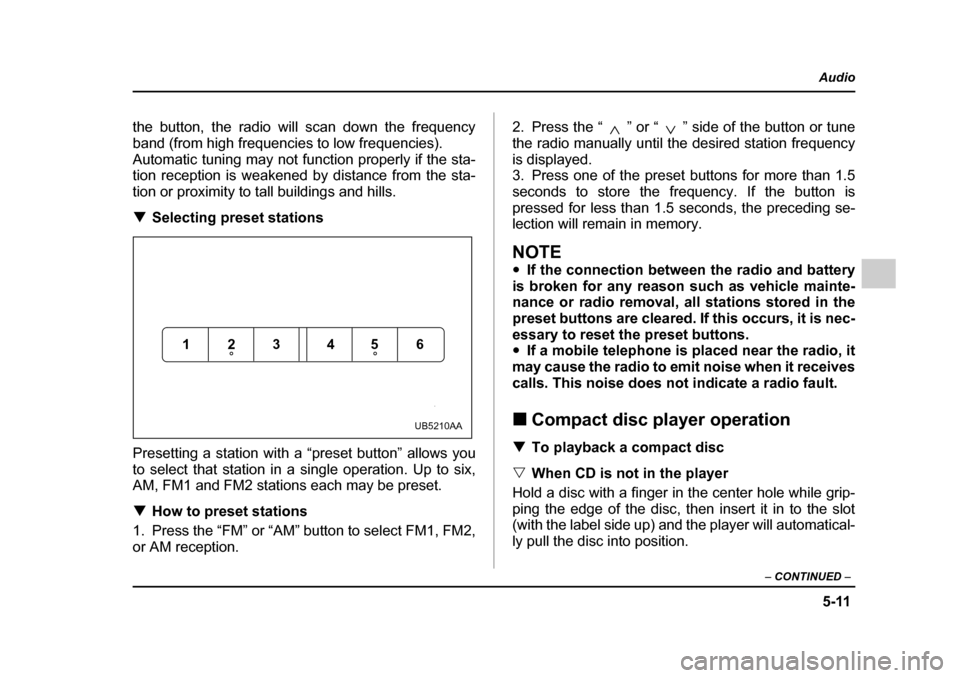
Presetting a station with a “preset button” allows you
to select that station in a single operation. Up to six,
AM, FM1 and FM2 stations each may be preset. ! How to preset stations
1. Press the “FM” or “AM” button to select FM1, FM2,
or AM reception. 2. Press the “ ” or “ ” side of the button or tune
the radio manually until the desired station frequency
is displayed.
3. Press one of the preset buttons for more than 1.5
seconds to store the frequency. If the button is
pressed for less than 1.5 seconds, the preceding se-
lection will remain in memory.
NOTE "
If the connection between the radio and battery
is broken for any reason such as vehicle mainte-
nance or radio removal, all stations stored in the
preset buttons are cleared. If this occurs, it is nec-
essary to reset the preset buttons. " If a mobile telephone is placed near the radio, it
may cause the radio to emit noise when it receives
calls. This noise does not indicate a radio fault. ! Compact disc player operation
! To playback a compact disc
" When CD is not in the player
Hold a disc with a finger in the center hole while grip-
ping the edge of the disc, then insert it in to the slot
(with the label side up) and the player will automatical-
ly pull the disc into position.
123 456
UB5210AA
Page 267 of 627
5-12
Audio
NOTE "
DO NOT INSERT TWO DISCS INTO THE DISC IN-
SERTION SLOT AT A TIME. " Be sure to always insert a disc with the label
side up. If a disc is inserted with the label side
down, it might be ejected or the player might shutoff. " After the last song finishes, the player will auto-
matically return to track 1 (the first song on the
disc). " If you insert a disc that the player cannot read,
the player will eject the disc and revert to its previ-
ous mode. " The player is designed to be able to play music
CD-Rs and music CD-RWs, but it may not be able
to play certain ones. "
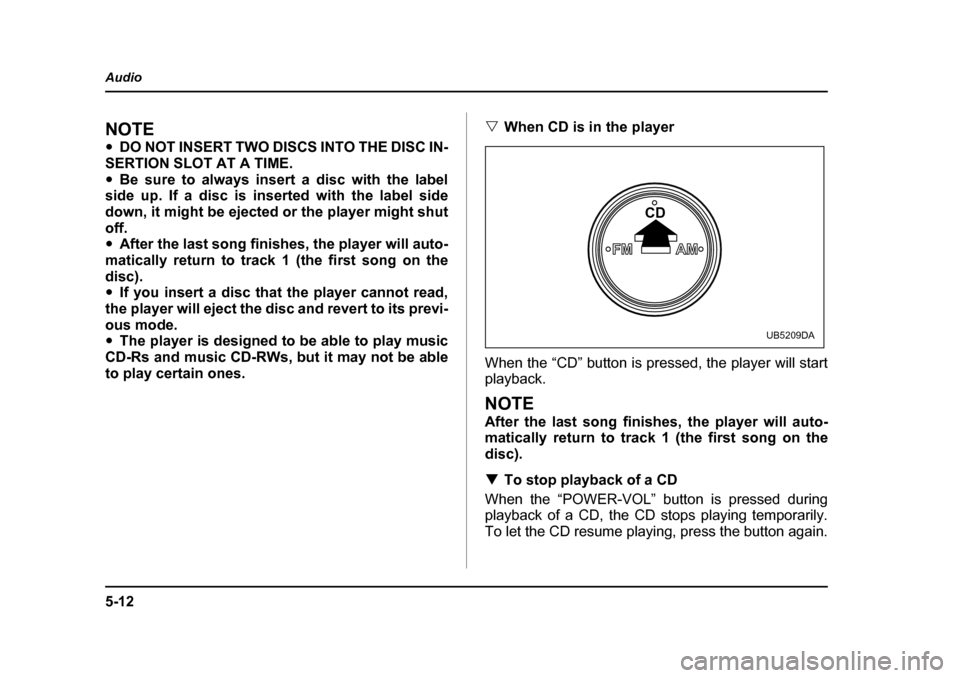
When CD is in the player
When the “CD” button is pressed, the player will start
playback.
NOTE
After the last song finishes, the player will auto-
matically return to track 1 (the first song on the
disc). ! To stop playback of a CD
When the “POWER-VOL” button is pressed during
playback of a CD, the CD stops playing temporarily.
To let the CD resume playing, press the button again.
FMAM
CD
UB5209DA
Page 269 of 627
5-14
Audio
!
Fast-forwarding and fast-reversing
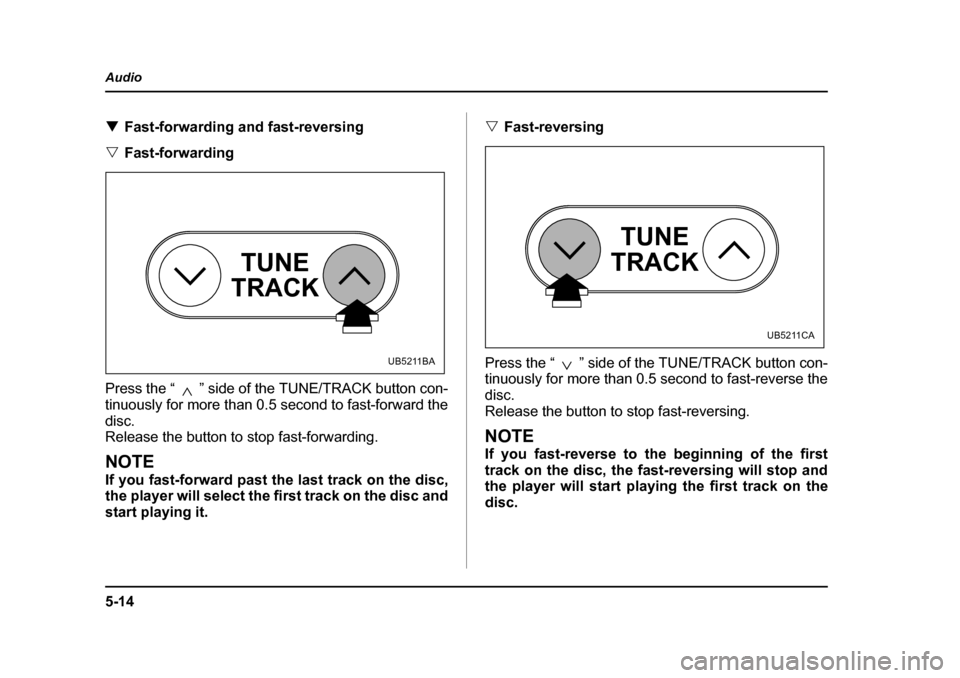
" Fast-forwarding
Press the “ ” side of the TUNE/TRACK button con-
tinuously for more than 0.5 second to fast-forward the
disc.
Release the button to stop fast-forwarding.
NOTE
If you fast-forward past the last track on the disc,
the player will select the first track on the disc and
start playing it. "
Fast-reversing
Press the “ ” side of the TUNE/TRACK button con-
tinuously for more than 0.5 second to fast-reverse the disc.
Release the button to stop fast-reversing.
NOTE
If you fast-reverse to the beginning of the first
track on the disc, the fast-reversing will stop and
the player will start playing the first track on the
disc.
TUNE
TRACK
UB5211BA
TUNE
TRACK
UB5211CA
Page 272 of 627
5-17
Audio
– CONTINUED –
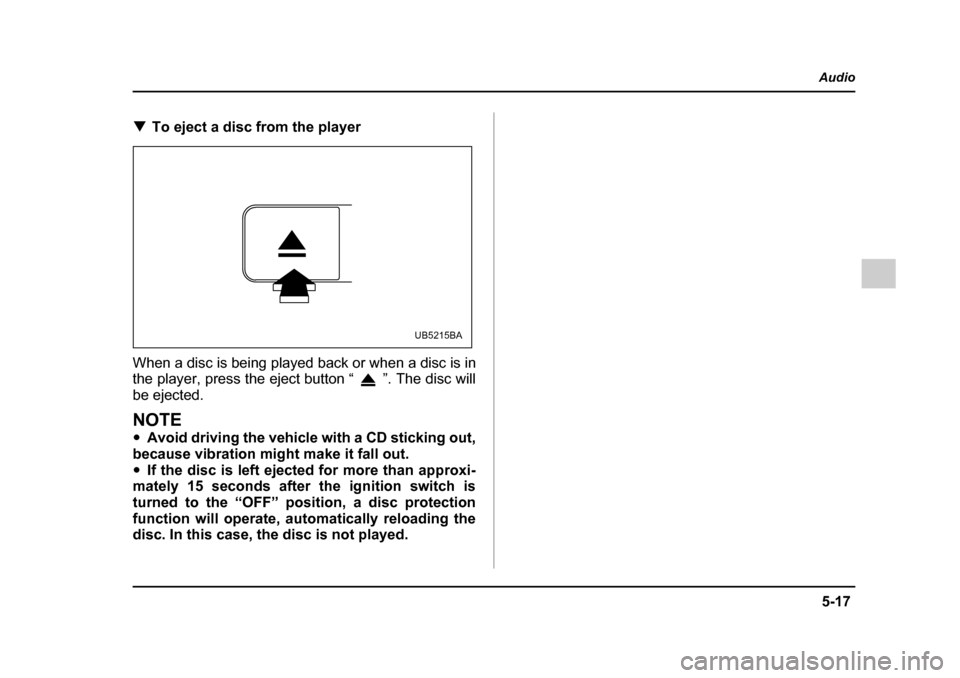
!To eject a disc from the player
When a disc is being played back or when a disc is in
the player, press the eject button “ ”. The disc will
be ejected.
NOTE " Avoid driving the vehicle with a CD sticking out,
because vibration might make it fall out. " If the disc is left ejected for more than approxi-
mately 15 seconds after the ignition switch is
turned to the “OFF” position, a disc protection
function will operate, automatically reloading the
disc. In this case, the disc is not played.
UB5215BA
Page 279 of 627
5-24
Audio
to high frequencies). If you hold down the “ ” side of
the button, the radio will scan down the frequency
band (from high frequencies to low frequencies).
Automatic tuning may not function properly if the sta-
tion reception is weakened by distance from the sta-
tion or proximity to tall buildings and hills. !
Selecting preset stations
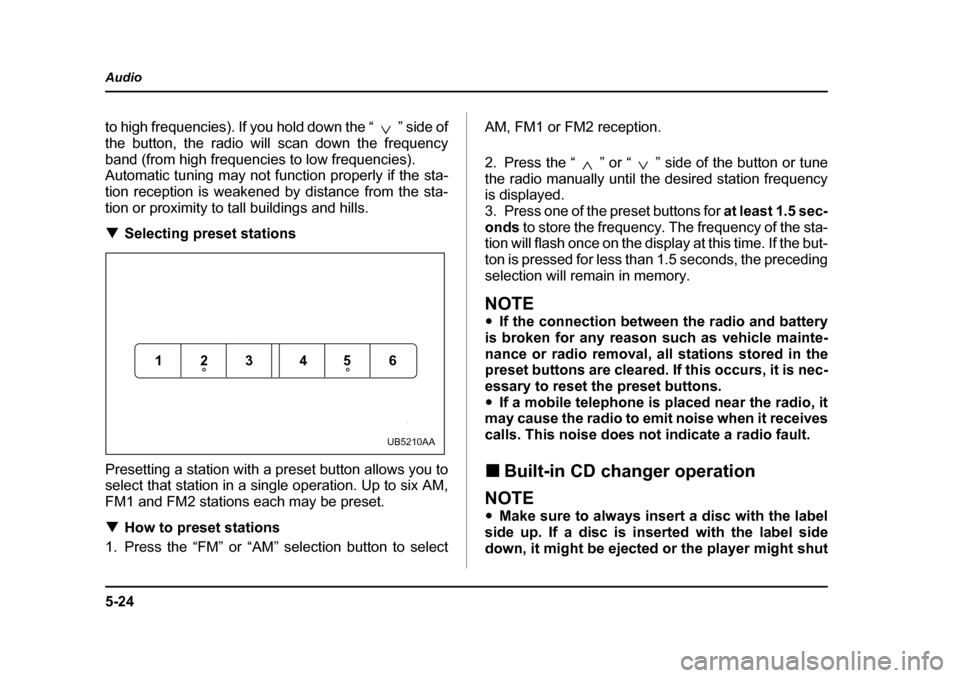
Presetting a station with a preset button allows you to
select that station in a single operation. Up to six AM,
FM1 and FM2 stations each may be preset. ! How to preset stations
1. Press the “FM” or “AM” selection button to select AM, FM1 or FM2 reception.
2. Press the “ ” or “ ” side of the button or tune
the radio manually until the desired station frequency is displayed.
3. Press one of the preset buttons for
at least 1.5 sec-
onds to store the frequency. The frequency of the sta-
tion will flash once on the display at this time. If the but-
ton is pressed for less than 1.5 seconds, the preceding
selection will remain in memory.
NOTE " If the connection between the radio and battery
is broken for any reason such as vehicle mainte-
nance or radio removal, all stations stored in the
preset buttons are cleared. If this occurs, it is nec-
essary to reset the preset buttons." If a mobile telephone is placed near the radio, it
may cause the radio to emit noise when it receives
calls. This noise does not indicate a radio fault. ! Built-in CD changer operation
NOTE "Make sure to always insert a disc with the label
side up. If a disc is inserted with the label side
down, it might be ejected or the player might shut
123 456
UB5210AA
Page 280 of 627
5-25
Audio
– CONTINUED –
off. "The player is designed to be able to play music
CD-Rs and music CD-RWs, but it may not be able
to play certain ones. ! How to insert a CD(s)
" Inserting a CD
0
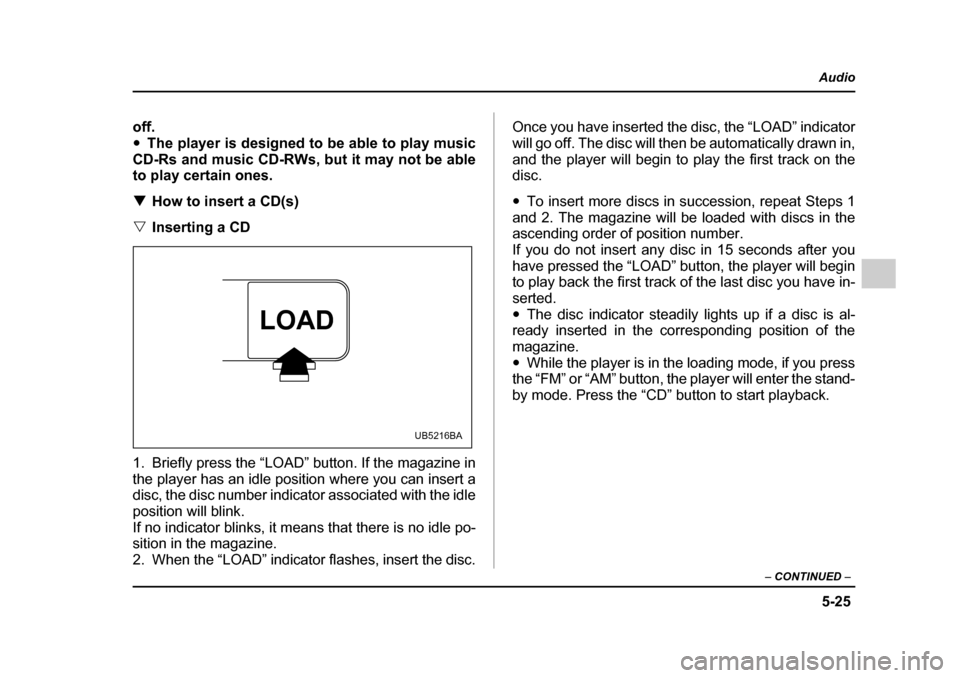
1. Briefly press the “LOAD” button. If the magazine in
the player has an idle position where you can insert a
disc, the disc number indicator associated with the idle
position will blink.
If no indicator blinks, it means that there is no idle po-
sition in the magazine.
2. When the “LOAD” indicator flashes, insert the disc. Once you have inserted the disc, the “LOAD” indicator
will go off. The disc will then be automatically drawn in,
and the player will begin to play the first track on the disc. "
To insert more discs in succession, repeat Steps 1
and 2. The magazine will be loaded with discs in the
ascending order of position number.
If you do not insert any disc in 15 seconds after you
have pressed the “LOAD” button, the player will begin
to play back the first track of the last disc you have in- serted." The disc indicator steadily lights up if a disc is al-
ready inserted in the corresponding position of the
magazine." While the player is in the loading mode, if you press
the “FM” or “AM” button, the player will enter the stand-
by mode. Press the “CD” button to start playback.
LOAD
UB5216BA
Page 281 of 627
5-26
Audio
"
Inserting a disc in a desired position
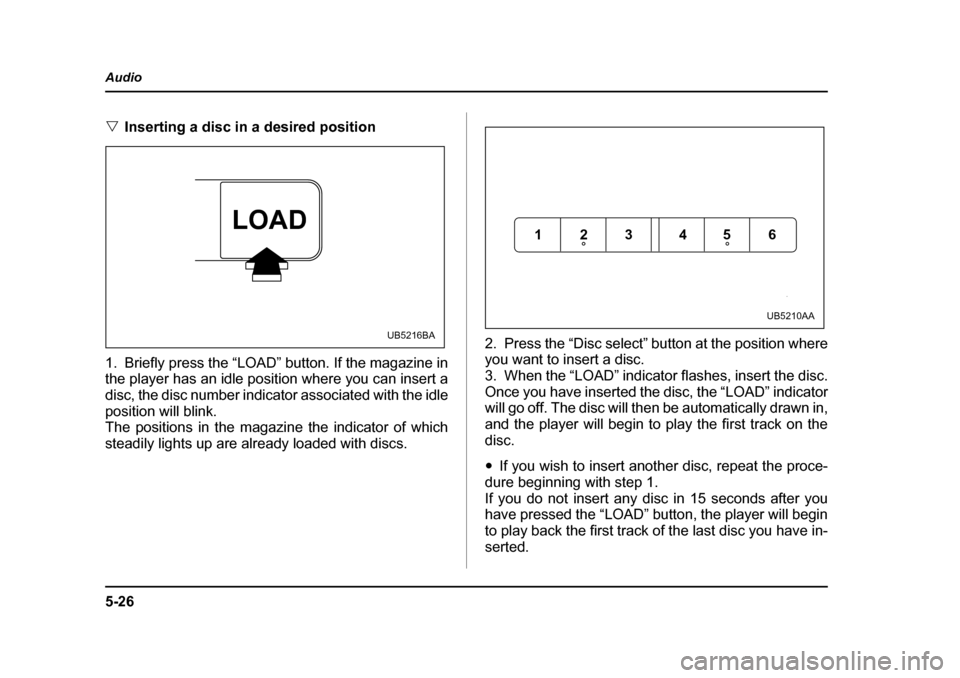
1. Briefly press the “LOAD” button. If the magazine in
the player has an idle position where you can insert a
disc, the disc number indicator associated with the idle
position will blink.
The positions in the magazine the indicator of which
steadily lights up are already loaded with discs. 2. Press the “Disc select” button at the position where
you want to insert a disc.
3. When the “LOAD” indicator flashes, insert the disc.Once you have inserted the disc, the “LOAD” indicator
will go off. The disc will then be automatically drawn in,
and the player will begin to play the first track on thedisc. "
If you wish to insert another disc, repeat the proce-
dure beginning with step 1.
If you do not insert any disc in 15 seconds after you
have pressed the “LOAD” button, the player will begin
to play back the first track of the last disc you have in-
serted.
LOAD
UB5216BA
123 456
UB5210AA
Page 282 of 627
5-27
Audio
– CONTINUED –
"While the player is in the loading mode, if you press
the “FM” or “AM” button, the player will enter standby
mode. Press the “CD” button to start playback. " Loading all the magazine (Full disc loading
mode)
0
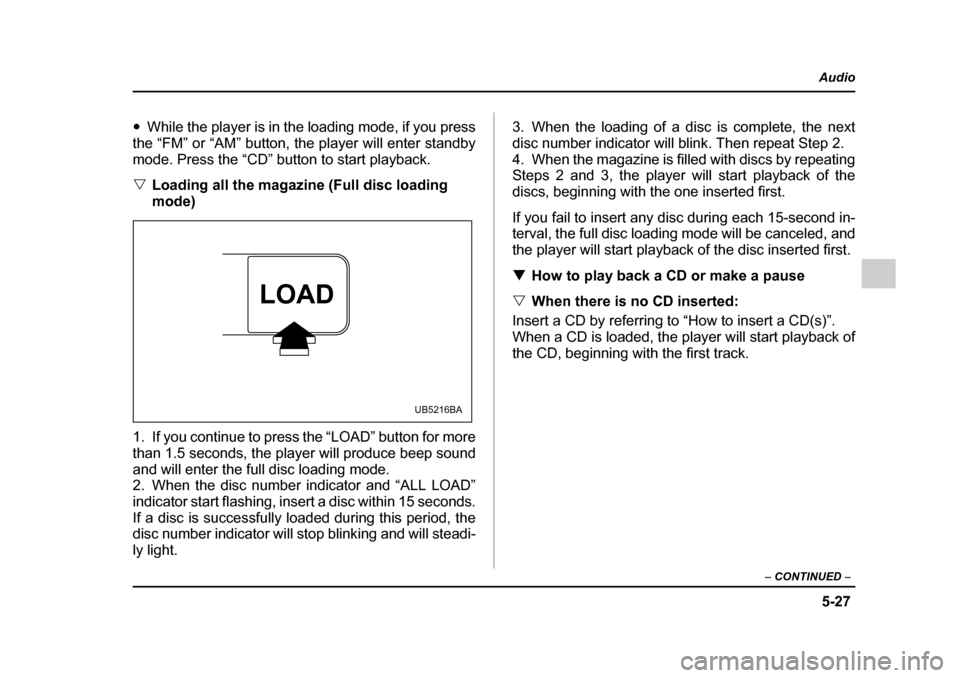
1. If you continue to press the “LOAD” button for more
than 1.5 seconds, the player will produce beep sound
and will enter the full disc loading mode.
2. When the disc number indicator and “ALL LOAD”
indicator start flashing, insert a disc within 15 seconds.
If a disc is successfully loaded during this period, the
disc number indicator will stop blinking and will steadi-
ly light. 3. When the loading of a disc is complete, the next
disc number indicator will blink. Then repeat Step 2.
4. When the magazine is filled with discs by repeating
Steps 2 and 3, the player will start playback of the
discs, beginning with the one inserted first.
If you fail to insert any disc during each 15-second in-
terval, the full disc loading mode will be canceled, and
the player will start playback of the disc inserted first. !
How to play back a CD or make a pause
" When there is no CD inserted:
Insert a CD by referring to “How to insert a CD(s)”.
When a CD is loaded, the player will start playback of
the CD, beginning with the first track.
LOAD
UB5216BA