charging tips SUBARU SOLTERRA 2023 Owners Manual
[x] Cancel search | Manufacturer: SUBARU, Model Year: 2023, Model line: SOLTERRA, Model: SUBARU SOLTERRA 2023Pages: 628, PDF Size: 11.91 MB
Page 2 of 628
2
Owners Manual_USA_M42C01_enTABLE OF CONTENTS
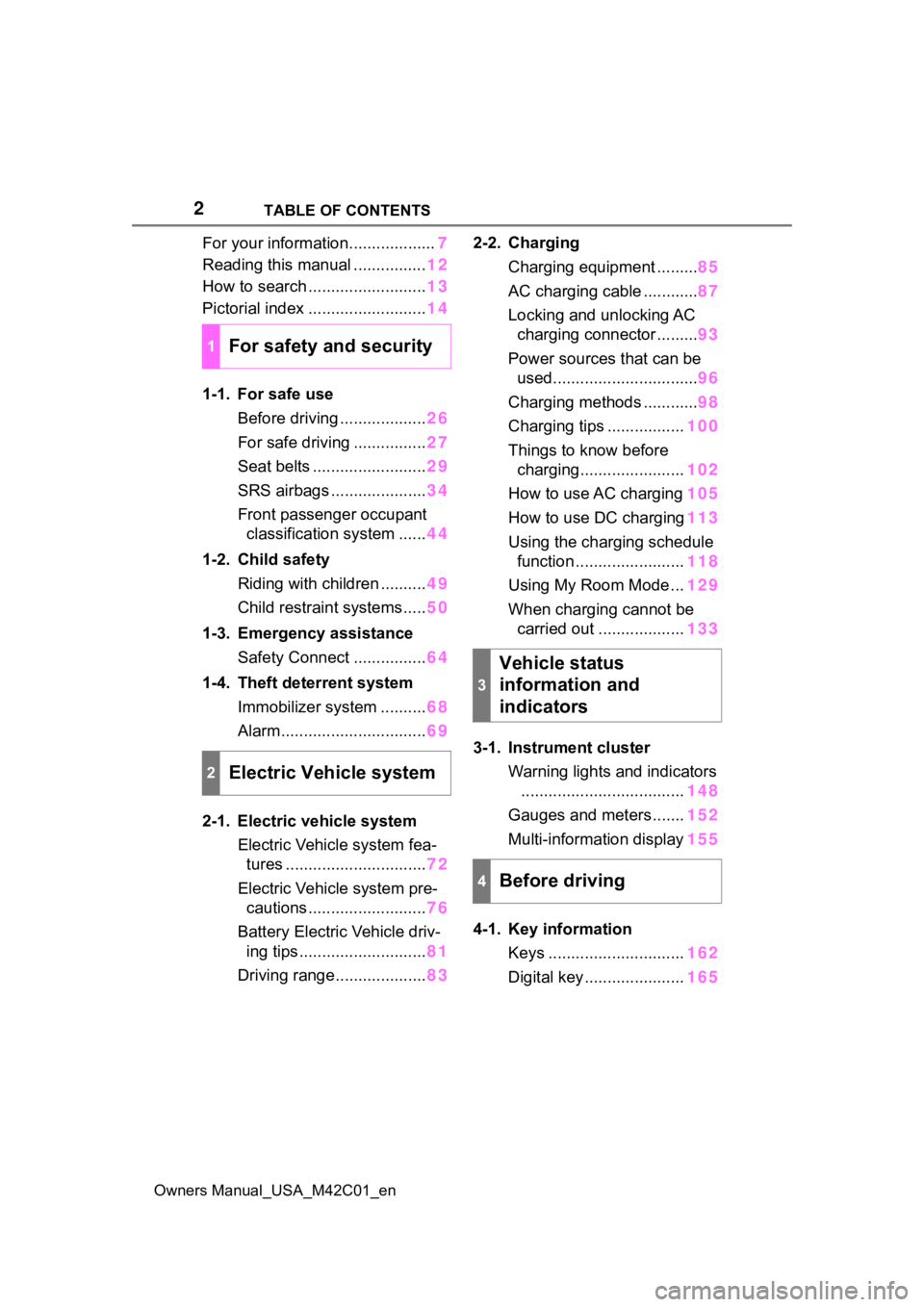
For your information...................
7
Reading this manual ................ 12
How to search .......................... 13
Pictorial index .......................... 14
1-1. For safe use Before driving ................... 26
For safe driving ................ 27
Seat belts ......................... 29
SRS airbags ..................... 34
Front passenger occupant classification system ...... 44
1-2. Child safety Riding with children .......... 49
Child restraint systems..... 50
1-3. Emergency assistance Safety Connect ................ 64
1-4. Theft deterrent system Immobilizer system .......... 68
Alarm................................ 69
2-1. Electric vehicle system Electric Vehicle system fea-tures ............................... 72
Electric Vehicle system pre- cautions .......................... 76
Battery Electric Vehicle driv- ing tips ............................ 81
Driving range.................... 832-2. Charging
Charging equipment ......... 85
AC charging cable ............ 87
Locking and unlocking AC charging connector ......... 93
Power sources that can be used................................ 96
Charging methods ............ 98
Charging tips ................. 100
Things to know before charging....................... 102
How to use AC charging 105
How to use DC charging 113
Using the charging schedule function ........................ 118
Using My Room Mode ... 129
When charging cannot be carried out ................... 133
3-1. Instrument cluster Warning lights and indicators.................................... 148
Gauges and meters ....... 152
Multi-information display 155
4-1. Key information Keys .............................. 162
Digital key ...................... 165
1For safety and security
2Electric Vehicle system
3
Vehicle status
information and
indicators
4Before driving
Page 71 of 628
71
Owners Manual_USA_M42C01_en
2
2
Electric Vehicle system
Electric Vehicle system
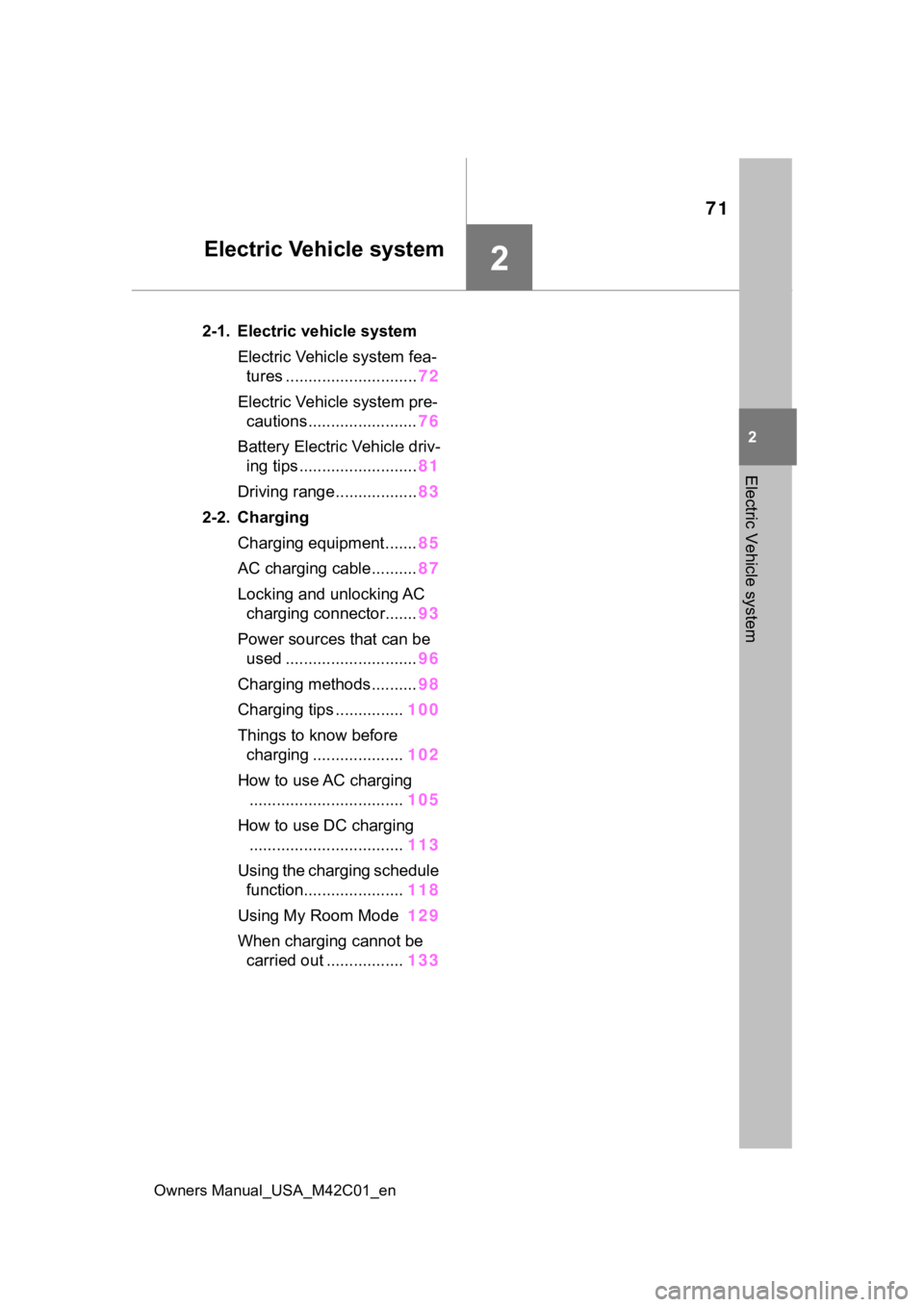
2-1. Electric vehicle systemElectric Vehicle system fea-tures ............................. 72
Electric Vehicle system pre- cautions ........................ 76
Battery Electric Vehicle driv- ing tips .......................... 81
Driving range.................. 83
2-2. Charging Charging equipment....... 85
AC charging cable.......... 87
Locking and unlocking AC charging connector....... 93
Power sources that can be used ............................. 96
Charging methods.......... 98
Charging tips ............... 100
Things to know before charging .................... 102
How to use AC charging .................................. 105
How to use DC charging .................................. 113
Using the charging schedule function...................... 118
Using My Room Mode 129
When charging cannot be carried out ................. 133
Page 100 of 628
1002-2. Charging
Owners Manual_USA_M42C01_enminate when the tr
action battery
cooler is on standby or operating.
●When the charge level of the trac-
tion battery is low, the traction bat-
tery cooler may n ot operate, even
if the temperature of the traction
battery is high.
●When the following conditions are
met while the trac tion battery
cooler is operating, the cooling
operation will stop.
• The hood is opened
• The power switch is turned to ACC or ON.
• The shift position is changed to any position other than P
• The Remote Air Conditioning Sys- tem is operated ( P.409)
• The remaining charge of the trac-
tion battery drops below a certain
amount
●The traction battery cooler oper-
ates using power s upplied by the
traction battery and an external
power source.
• While the traction battery cooler is
operating, the charge of the trac-
tion battery will increase and
decrease within a certain range,
and will not increase as during AC
charging.
• When the traction battery cooler operates, charger will recognize it
as the battery being charged. If
this function ope rates while a
charger which charges a charging
fee is connected to the vehicle,
AC charging fees will apply.
■Changing of the traction battery
cooler setting
Setting can be changed on the
multi-information display.
Use the meter control switches
( P.156) and select “Vehicle Set-
tings”, “Charging Se ttings”, “Battery
Cooler”, and change the setting.
When selecting to off, the traction
battery output may be restricted
depending on the driving situation.
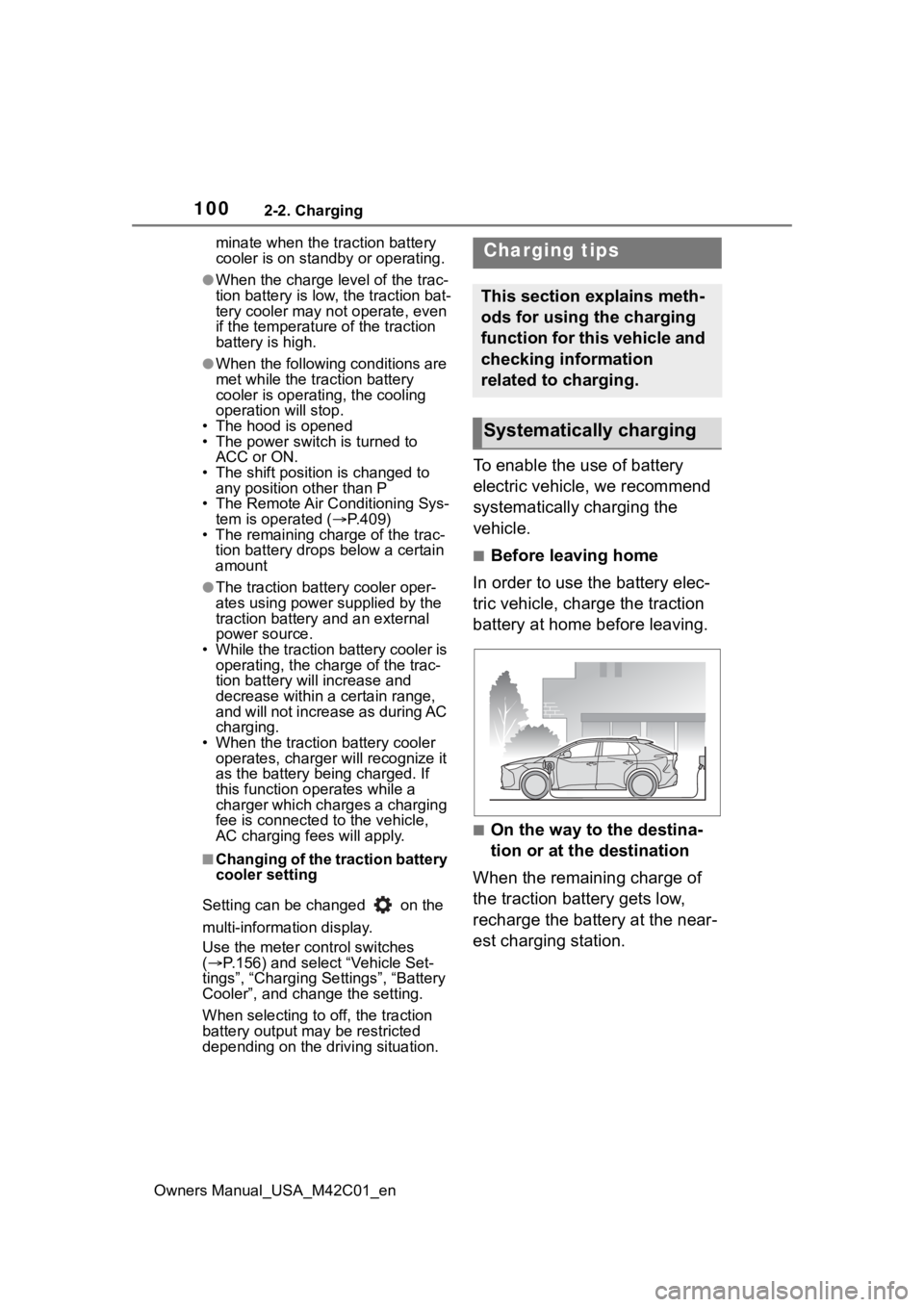
To enable the use of battery
electric vehicle, we recommend
systematically charging the
vehicle.
■Before leaving home
In order to use the battery elec-
tric vehicle, charge the traction
battery at home before leaving.
■On the way to the destina-
tion or at the destination
When the remaining charge of
the traction battery gets low,
recharge the battery at the near-
est charging station.
Charging tips
This section explains meth-
ods for using the charging
function for this vehicle and
checking information
related to charging.
Systematically charging
Page 116 of 628
1162-2. Charging
Owners Manual_USA_M42C01_en1
Be sure to engage the parking
brake and then turn the power
switch off.
2 Close the charging inlet cap,
close the charging port lid.
3 Check if “Checking Charging
System” is displayed on the
multi-information display when
the power switch is turned to ON.
Do not open the c harging port lid
while the charging system is check-
ing.
When the system check is com-
pleted, the power switch automati-
cally turns off.
4 Press the power switch while
depressing the brake pedal. The
“READY” indicator turns on.
Contact your Toyot a dealer if the
charging system check is done and
the message on the multi-informa-
tion display does not go off.
WARNING
■Warnings for DC charging
Be sure to observe the following
when using DC charging.
Failure to do so may cause an
accident that could lead to death
or serious injury.
●Check that the DC charger and
DC charging inlet are not dam-
aged. If there is any damage to
the DC charging inlet, do not
perform a DC charge and have
it inspected immediately at your
Toyota dealer.
●Do not touch the terminals of
the DC charging connector or
inlet with metallic sharp tips
(wires and needles), or allow a
short circuit to occur with foreign
objects.
●Do not insert anything other
than the DC charging connector
into the DC charging inlet.
●Check that the DC charging
cable is not coiled up or pinned
underneath heavy objects.
●Be sure the DC charging inlet
makes direct contact with the
DC charging connector.
Do not connect conversion
adapters, extension cords, etc.,
between the DC charging con-
nector and DC ch arging inlet.
●When DC charging is inter-
rupted, follow the handling pro-
cedures of the DC charger.
Immediately stop the DC
charging when the re is an out-
break of heat, smoke, strange
noises or smells, etc., during
charging.
●Check that the DC charging
connector and DC charging inlet
do not have foreign objects or
snow or ice attached to it. If any-
thing is attached t o the inlet, be
sure to complete ly remove the
material before connecting the
DC charging connector.
●Do not charge the vehicle when
there is a possibility of lightning.
If you notice lightning while
charging the vehicle, do not
touch the vehicle and the DC
charging cable.
●Do not get the DC charging inlet
terminals wet.
●Close the hood when using DC
charging. The cooling fan may
suddenly start to run. Keep
hands and clothing (especially a
tie, a scarf or a muffler) away
from the fan. Fa ilure to do so
may cause the hands or cloth-
ing to be caught, resulting in
serious injury.
Page 598 of 628
598Alphabetical Index
Owners Manual_USA_M42C01_en
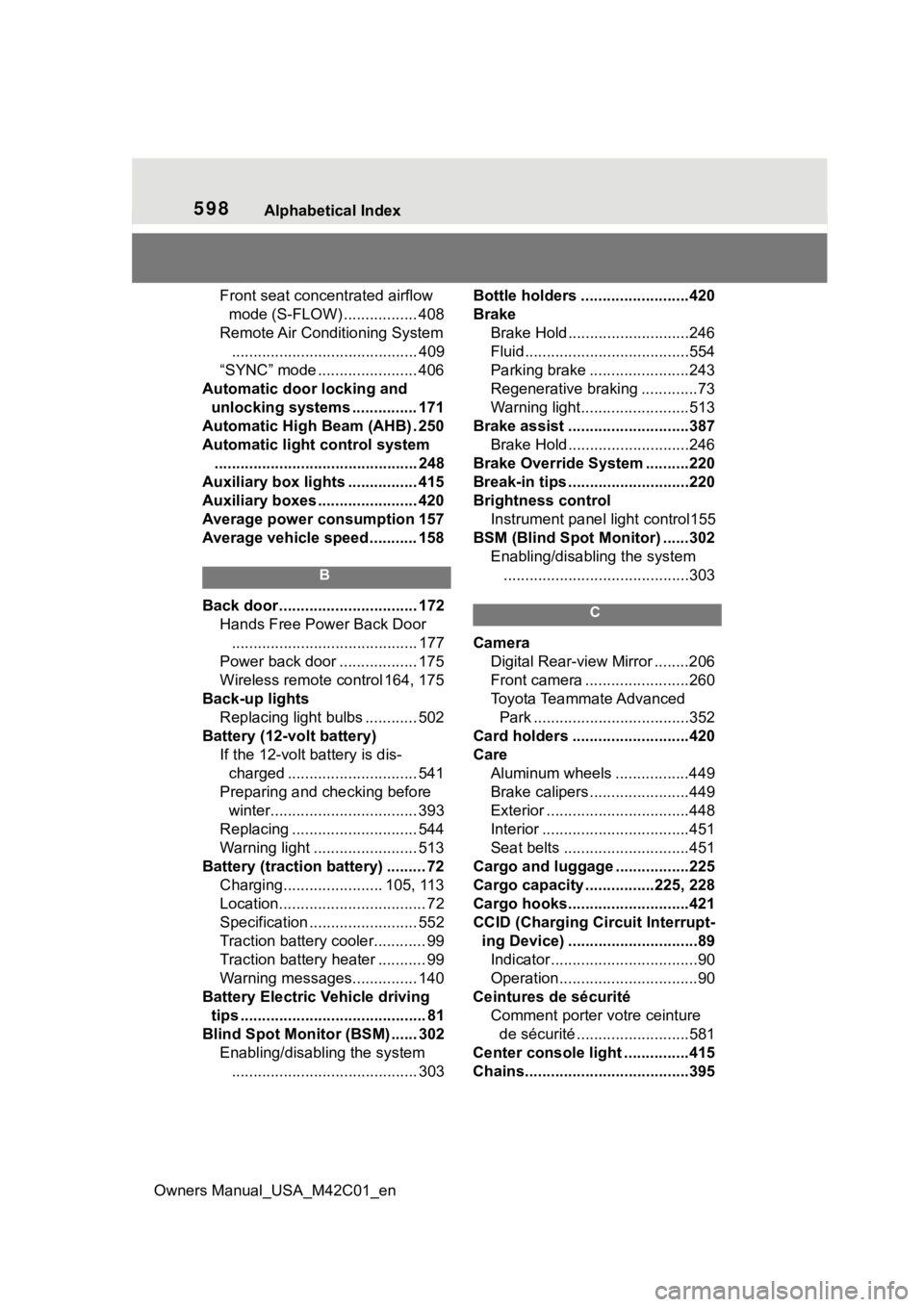
Front seat concentrated airflow mode (S-FLOW) ................. 408
Remote Air Conditioning System ........................................... 409
“SYNC” mode ....................... 406
Automatic door locking and unlocking systems ............... 171
Automatic High Beam (AHB) . 250
Automatic light control system ............................................... 248
Auxiliary box lights ................ 415
Auxiliary boxes ....................... 420
Average power consumption 157
Average vehicle speed........... 158
B
Back door ................................ 172 Hands Free Power Back Door........................................... 177
Power back door .................. 175
Wireless remote control 164, 175
Back-up lights Replacing light bulbs ............ 502
Battery (12-volt battery) If the 12-volt battery is dis-charged .............................. 541
Preparing and c hecking before
winter.................................. 393
Replacing ............................. 544
Warning light ........................ 513
Battery (traction battery) ......... 72 Charging....................... 105, 113
Location.................................. 72
Specification ......................... 552
Traction battery cooler............ 99
Traction battery heater ........... 99
Warning messages............... 140
Battery Electric Vehicle driving tips ........................................... 81
Blind Spot Monitor (BSM) ...... 302 Enabling/disabling the system........................................... 303 Bottle holders .........................420
Brake
Brake Hold ............................246
Fluid......................................554
Parking brake .......................243
Regenerative braking .............73
Warning light.........................513
Brake assist ............................387 Brake Hold ............................246
Brake Override System ..........220
Break-in tips ............................220
Brightness control Instrument panel light control155
BSM (Blind Spot Monitor) ......302 Enabling/disabling the system...........................................303C
Camera Digital Rear-view Mirror ........206
Front camera ........................260
Toyota Teammate Advanced Park ....................................352
Card holders ...........................420
Care Aluminum wheels .................449
Brake calipers.......................449
Exterior .................................448
Interior ..................................451
Seat belts .............................451
Cargo and luggage .................225
Cargo capacity ................225, 228
Cargo hooks............................421
CCID (Charging Circuit Interrupt- ing Device) ..............................89Indicator..................................90
Operation................................90
Ceintures de sécurité Comment porter votre ceinture de sécurité ..........................581
Center console light ...............415
Chains......................................395
Page 599 of 628
Owners Manual_USA_M42C01_en
Alphabetical Index599
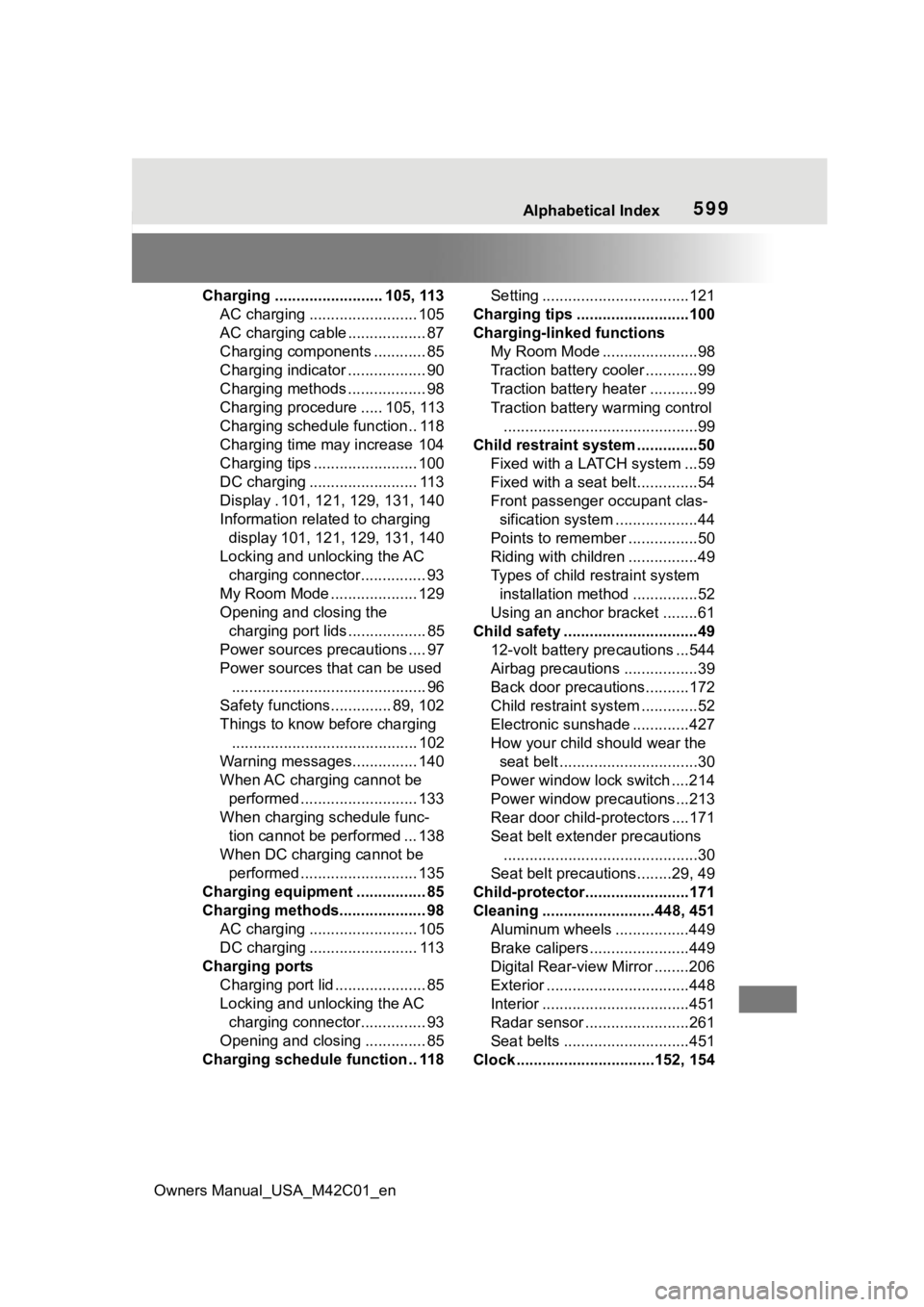
Charging ......................... 105, 113AC charging ......................... 105
AC charging cable .................. 87
Charging components ............ 85
Charging indicator .................. 90
Charging methods .................. 98
Charging procedure ..... 105, 113
Charging schedule function.. 118
Charging time may increase 104
Charging tips ........................ 100
DC charging ......................... 113
Display . 101, 121, 129, 131, 140
Information related to charging display 101, 121 , 129, 131, 140
Locking and unlocking the AC charging connector............... 93
My Room Mode .................... 129
Opening and closing the charging port lid s .................. 85
Power sources precautions .... 97
Power sources th at can be used
............................................. 96
Safety functions.............. 89, 102
Things to know before charging ........................................... 102
Warning messages............... 140
When AC charging cannot be performed ........................... 133
When charging schedule func- tion cannot be performed ... 138
When DC charging cannot be performed ........................... 135
Charging equipment ................ 85
Charging methods.................... 98 AC charging ......................... 105
DC charging ......................... 113
Charging ports Charging port lid ..................... 85
Locking and unlocking the AC charging connector............... 93
Opening and closing .............. 85
Charging schedule function .. 118 Setting ..................................121
Charging tips ..........................100
Charging-linked functions My Room Mode ......................98
Traction battery cooler ............99
Traction battery heater ...........99
Traction battery warming control.............................................99
Child restraint system ..............50 Fixed with a LATCH system ...59
Fixed with a seat belt..............54
Front passenger occupant clas-sification system ...................44
Points to remember ................50
Riding with children ................49
Types of child restraint system installation method ...............52
Using an anchor bracket ........61
Child safety ...............................49 12-volt battery precautions ...544
Airbag precautions .................39
Back door precautions..........172
Child restraint system .............52
Electronic sunshade .............427
How your child should wear the seat belt ................................30
Power window lock switch ....214
Power window precautions...213
Rear door child-protectors ....171
Seat belt extender precautions .............................................30
Seat belt precautions........29, 49
Child-protector........................171
Cleaning ..........................448, 451 Aluminum wheels .................449
Brake calipers.......................449
Digital Rear-view Mirror ........206
Exterior .................................448
Interior ..................................451
Radar sensor ........................261
Seat belts .............................451
Clock ................................152, 154
Page 602 of 628
602Alphabetical Index
Owners Manual_USA_M42C01_en
............................................. 74
Battery Electric Vehicle driving tips........................................ 81
Brake Override System ........ 220
Drive-start control ................. 224
Driving range .......................... 83
Electric Vehicle system precau- tions...................................... 76
Emergency shut off system .... 80
Features ................................. 72
How to start the EV system .. 231
How to use AC charging....... 105
How to use DC charging ...... 113
If the EV system will not start537
If your vehicle has to be stopped in an emergency................. 505
Ignition switch (power switch) ........................................... 231
Overheating.......................... 545
Power meter ......................... 152
Power switch ........................ 231
Regenerative braking ............. 73
Starting the EV system......... 231
Event data recorder (EDR)......... 9
F
Flat tire .................................... 527 Tire pressure warning system........................................... 474
Floor mats ................................. 26
Fluid Brake .................................... 554
Front eAxle ........................... 554
Rear eAxle ........................... 554
Washer ................................. 471
Fog light Replacing light bulbs ............ 502
Footwell lights ..... ................... 415
Front eAxle Fluid ..................................... 554
Front electric mo tor (traction
motor) Specification .........................551
Front fog light Replacing light bulbs ............502
Front interior lig hts ................416
Front passenger occupant clas- sification system ....................44
Front seat concentrated airflow mode (S-FLOW) ....................408
Front seats ..............................192 Adjustment ...........................192
Cleaning ...............................451
Correct driving posture ...........27
Head restraints .....................196
Seat heaters ......................... 411
Seat ventilators..................... 411
Front side marker lights.........248 Light switch...........................248
Front turn signal lights Replacing light bulbs ............502
Turn signal lever ...................242
Fuses .......................................499
G
Garage door opene r ...............439
Gauges ....................................152
Grip Control ............................385
H
Head restraints .......................196
Headlights ...............................248 Automatic High Beam (AHB) 250
Light switch...........................248
Replacing light bulbs ............502
Headlights aim ........................501 Headlight aim instructions for Canadian owners ...............590
Heated steering wheel............ 411
Heater system Capacity ...............................553
Page 611 of 628
Owners Manual_USA_M42C01_en
Alphabetical Index611
Brake system ....................... 513
Charging system .................. 513
Cruise control indicator ........ 517
Drive-Start Control ............... 514
Driving assist information indica-tor ....................................... 517
Dynamic radar cruise control indicator.............................. 518
Electric power steering ......... 515
Intuitive parking assist OFF indi- cator ................................... 517
LDA indicator ........................ 516
LTA indicator ......................... 516
Parking brake indicator ........ 518
Pre-collision system ............. 518
Seat belt reminder light 515, 516
Slip indicator......................... 518
SRS airbag ........................... 514
Tire pressure ........................ 516
Traction battery charge ........ 515
Warning messages................. 522
Washer Low washer fluid warning mes-sage ................................... 471
Preparing and c hecking before
winter.................................. 393
Switch................................... 253
Washing and waxing ...... 448, 451
Weight Cargo capacity ............. 225, 228
Load limits ............................ 228
Weight .................................. 550
Wheel bolt wrench ......... 486, 528
Wheels ..................................... 493 Replacing wheels ................. 493
Size ...................................... 555
Window glasses Power windows .................... 212
Window lock switch ............... 214
Windows Power windows .................... 212
Rear window defogger ......... 404 Washer .................................253
Windshield defogger ..............403
Windshield wipers Intermittent windshield wipers...........................................253
Position.................................253
Rain-sensing windshield wipers ...........................................253
Winter driving tips ..................393
Wireless charger.....................430
Wireless charger tray lights ..415
Wireless remote control.........164 Battery-saving function .........188
Locking/Unlocking ................164
Panic mode ..........................164
Remote Air Conditioning System...........................................409
Replacing the battery ...........497
X
X-MODE ...................................382 Grip Control ..........................382
For vehicles with Premium Audio with Navigation or
Audio Plus, refer to “MUL-
TIMEDIA OWNER’S MAN-
UAL” for information
regarding the equipment
listed below.
· Navigation system
· Audio system
· Rear view monitor system
· Panoramic view monitor