my favorite settings SUBARU SOLTERRA 2023 Owners Manual
[x] Cancel search | Manufacturer: SUBARU, Model Year: 2023, Model line: SOLTERRA, Model: SUBARU SOLTERRA 2023Pages: 628, PDF Size: 11.91 MB
Page 3 of 628
3TABLE OF CONTENTS
Owners Manual_USA_M42C01_en
1
2
3
4
5
6
8 7
9
10
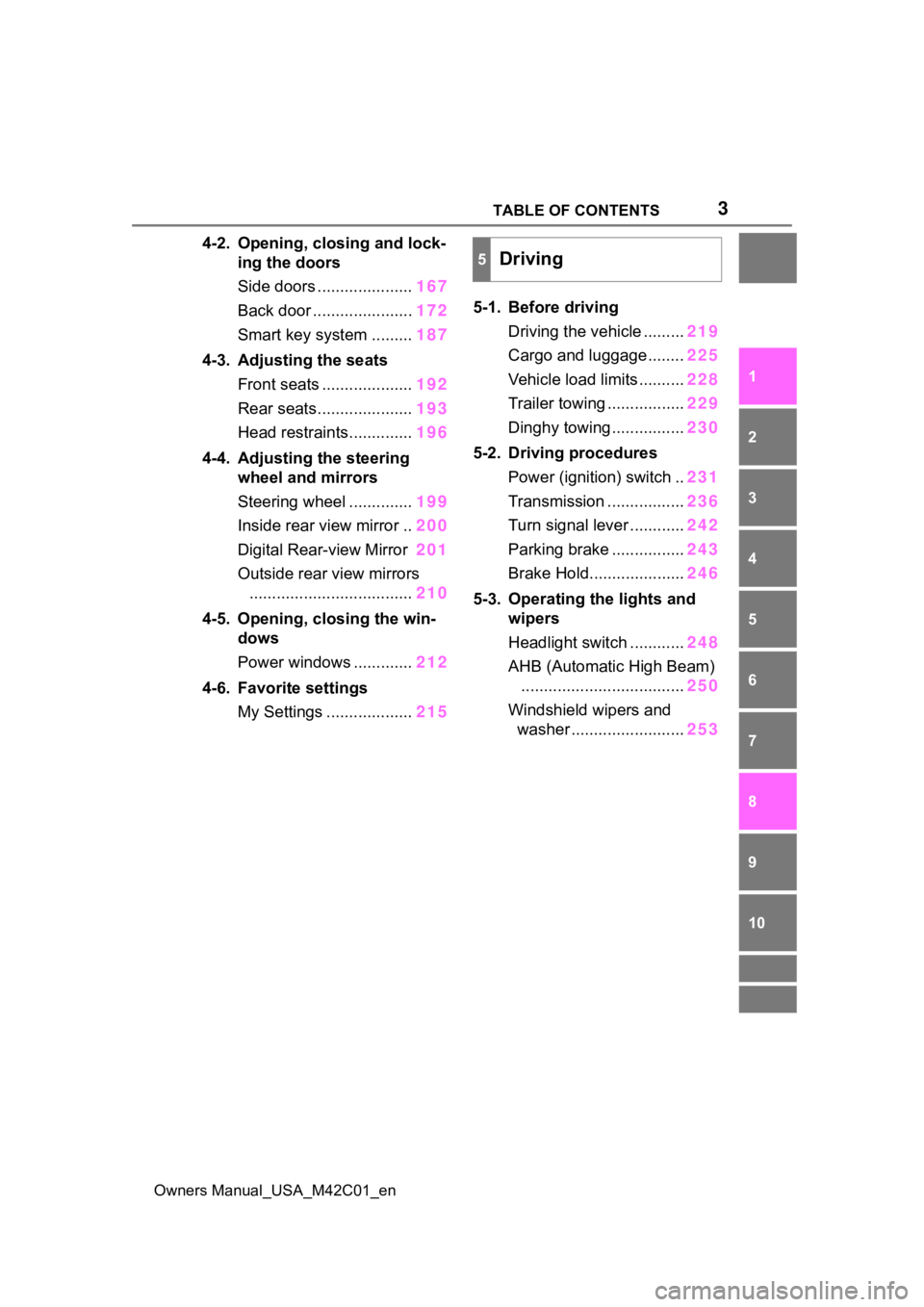
4-2. Opening, closing and lock- ing the doors
Side doors ..................... 167
Back door ...................... 172
Smart key system ......... 187
4-3. Adjusting the seats Front seats .................... 192
Rear seats..................... 193
Head restraints.............. 196
4-4. Adjusting the steering wheel and mirrors
Steering wheel .............. 199
Inside rear view mirror .. 200
Digital Rear-view Mirror 201
Outside rear view mirrors .................................... 210
4-5. Opening, closing the win- dows
Power windows ............. 212
4-6. Favorite settings My Settings ................... 2155-1. Before driving
Driving the vehicle ......... 219
Cargo and luggage ........ 225
Vehicle load limits .......... 228
Trailer towing ................. 229
Dinghy towing ................ 230
5-2. Driving procedures Power (ignition) switch .. 231
Transmission ................. 236
Turn signal lever ............ 242
Parking brake ................ 243
Brake Hold..................... 246
5-3. Operating the lights and wipers
Headlight switch ............ 248
AHB (Automatic High Beam) .................................... 250
Windshield wipers and washer ......................... 253
5Driving
Page 161 of 628
161
Owners Manual_USA_M42C01_en
4
4
Before driving
Before driving
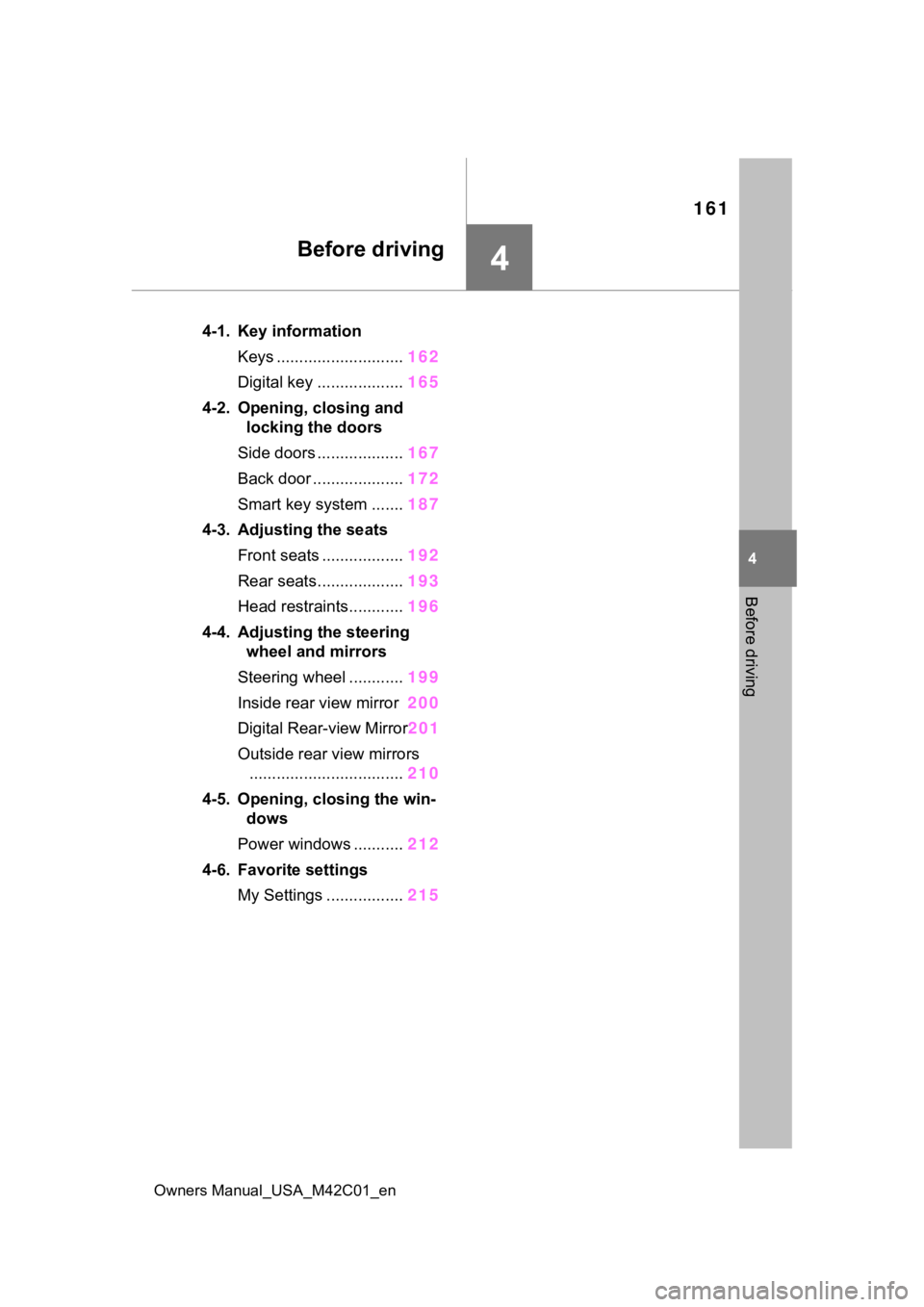
4-1. Key informationKeys ............................ 162
Digital key ................... 165
4-2. Opening, closing and locking the doors
Side doors ................... 167
Back door .................... 172
Smart key system ....... 187
4-3. Adjusting the seats Front seats .................. 192
Rear seats................... 193
Head restraints............ 196
4-4. Adjusting the steering wheel and mirrors
Steering wheel ............ 199
Inside rear view mirror 200
Digital Rear-view Mirror 201
Outside rear view mirrors .................................. 210
4-5. Opening, closing the win- dows
Power windows ........... 212
4-6. Favorite settings My Settings ................. 215
Page 215 of 628
2154-6. Favorite settings
Owners Manual_USA_M42C01_en
4
Before driving
4-6.Favorite settings
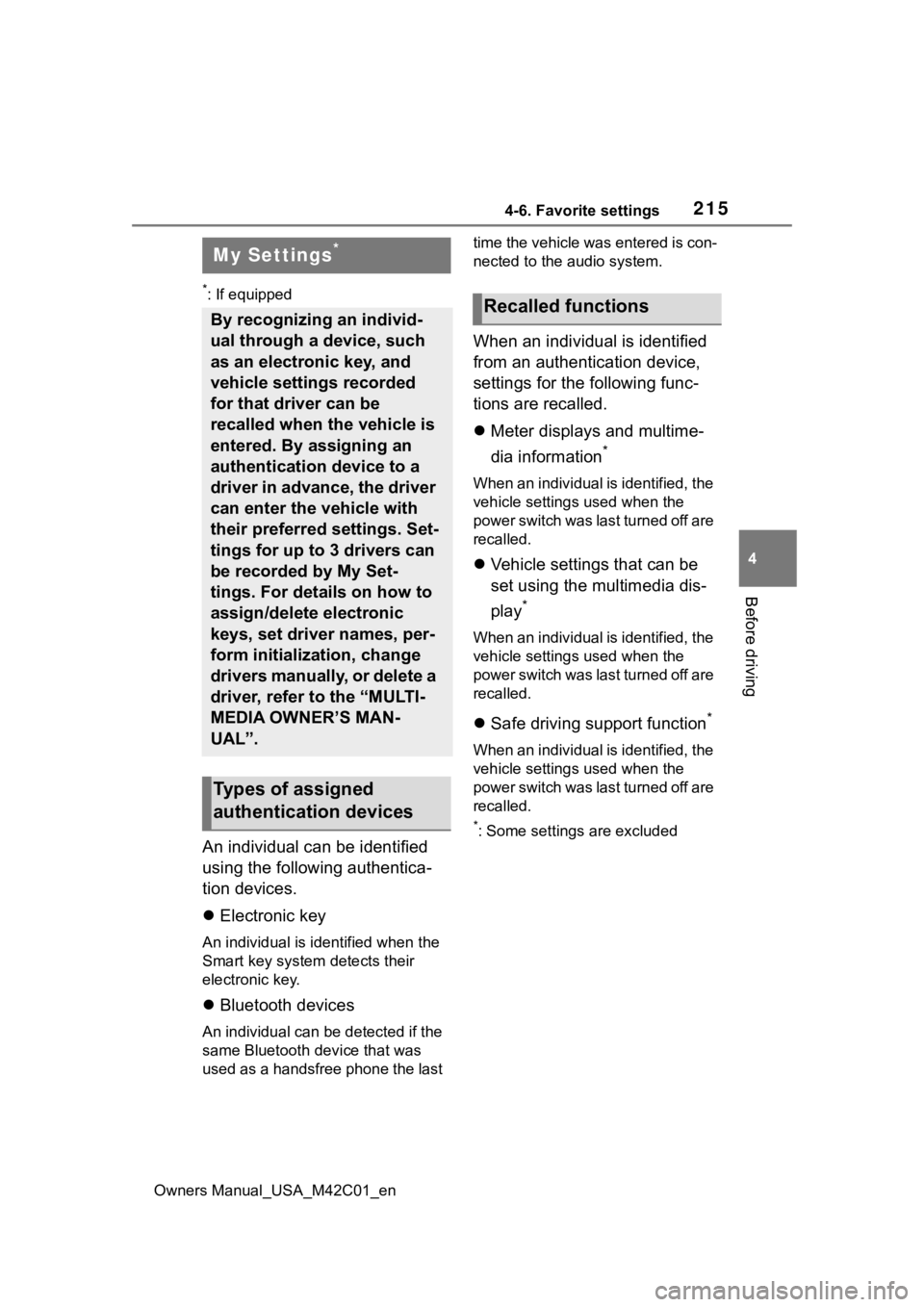
*: If equipped
An individual can be identified
using the following authentica-
tion devices.
Electronic key
An individual is identified when the
Smart key system detects their
electronic key.
Bluetooth devices
An individual can be detected if the
same Bluetooth d evice that was
used as a handsfree phone the last time the vehicle was entered is con-
nected to the audio system.
When an individual is identified
from an authentication device,
settings for the following func-
tions are recalled.
Meter displays and multime-
dia information
*
When an individual is identified, the
vehicle settings used when the
p o w e r s w i t c h w a s l a s t t u r n e d o ff a r e
recalled.
Vehicle settings that can be
set using the multimedia dis-
play
*
When an individual is identified, the
vehicle settings used when the
p o w e r s w i t c h w a s l a s t t u r n e d o ff a r e
recalled.
Safe driving support function*
When an individual is identified, the
vehicle settings used when the
p o w e r s w i t c h w a s l a s t t u r n e d o ff a r e
recalled.
*: Some settings are excluded
My Settings*
By recognizing an individ-
ual through a device, such
as an electronic key, and
vehicle settings recorded
for that driver can be
recalled when the vehicle is
entered. By assigning an
authentication device to a
driver in advance, the driver
can enter the vehicle with
their preferred settings. Set-
tings for up to 3 drivers can
be recorded by My Set-
tings. For details on how to
assign/delete electronic
keys, set driver names, per-
form initialization, change
drivers manually, or delete a
driver, refer to the “MULTI-
MEDIA OWNER’S MAN-
UAL”.
Types of assigned
authentication devices
Recalled functions
Page 216 of 628

2164-6. Favorite settings
Owners Manual_USA_M42C01_en