Cancel switch SUZUKI GRAND VITARA 2013 User Guide
[x] Cancel search | Manufacturer: SUZUKI, Model Year: 2013, Model line: GRAND VITARA, Model: SUZUKI GRAND VITARA 2013Pages: 337, PDF Size: 6.21 MB
Page 129 of 337
3-28
OPERATING YOUR VEHICLE
79K21-03E
Cancellation of the Cruise ControlThe “SET” indicator light will go off and the
cruise control will be canceled temporarily
with following procedures:
Push the “CANCEL” switch (2).
Depress the brake pedal.
For manual transmission, depress the
clutch pedal.
For 4-Speed automatic transmission
vehicle, shift the gearshift lever into “2”
or “L” position.
For 5-Speed automatic transmission
vehicle, shift the gearshift lever into “3”,
“2”, or “L” position.
The vehicle speed falls more than 20
km/h (12.5 mph) below the set speed.
Any time the vehicle speed falls below
40 km/h (25 mph).
When the vehicle skids and ESP
® (if
equipped) is activated.
To resume the previously set speed, push
the “RES/ACC” switch (4) and turn on the
“SET” indicator light. Besides, the vehicle
speed has to be above 45 km/h (28 mph)
when the vehicle is not in the above condi-
tions.
To turn off the cruise control system, push
the “ON/OFF” switch (1) and make sure
the “CRUISE” indicator light is off.
Also, if the malfunction indicator light in the
instrument cluster comes on or blinks, the
cruise control system will be turned off.NOTE:
If you turn off the cruise control system, the
previously set speed in the memory is
cleared. Reset your cruising speed again.
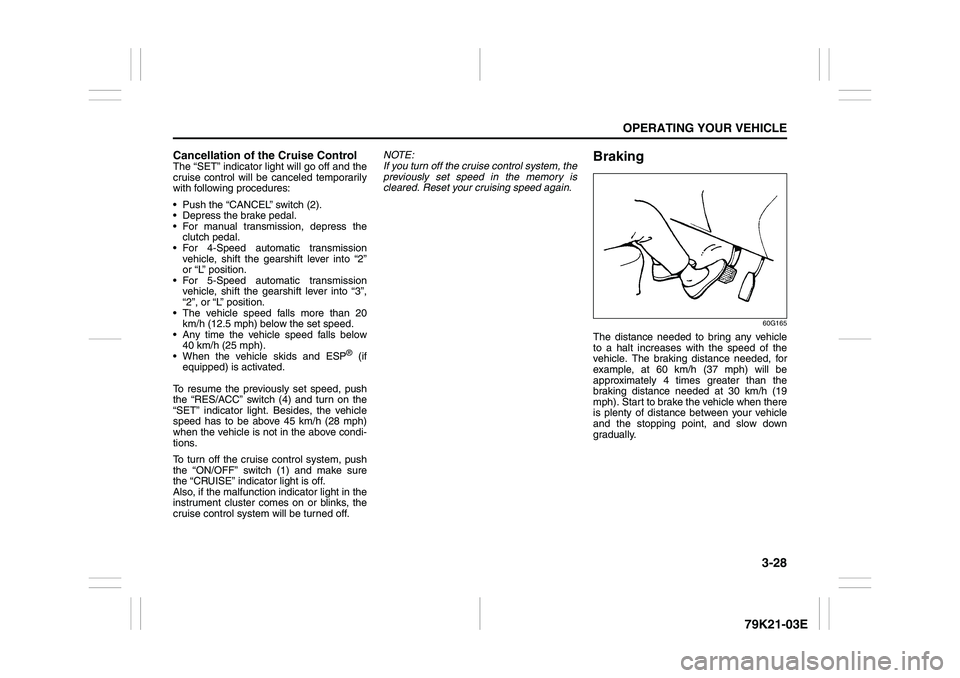
Braking
60G165
The distance needed to bring any vehicle
to a halt increases with the speed of the
vehicle. The braking distance needed, for
example, at 60 km/h (37 mph) will be
approximately 4 times greater than the
braking distance needed at 30 km/h (19
mph). Start to brake the vehicle when there
is plenty of distance between your vehicle
and the stopping point, and slow down
gradually.
Page 135 of 337
3-34
OPERATING YOUR VEHICLE
79K21-03E
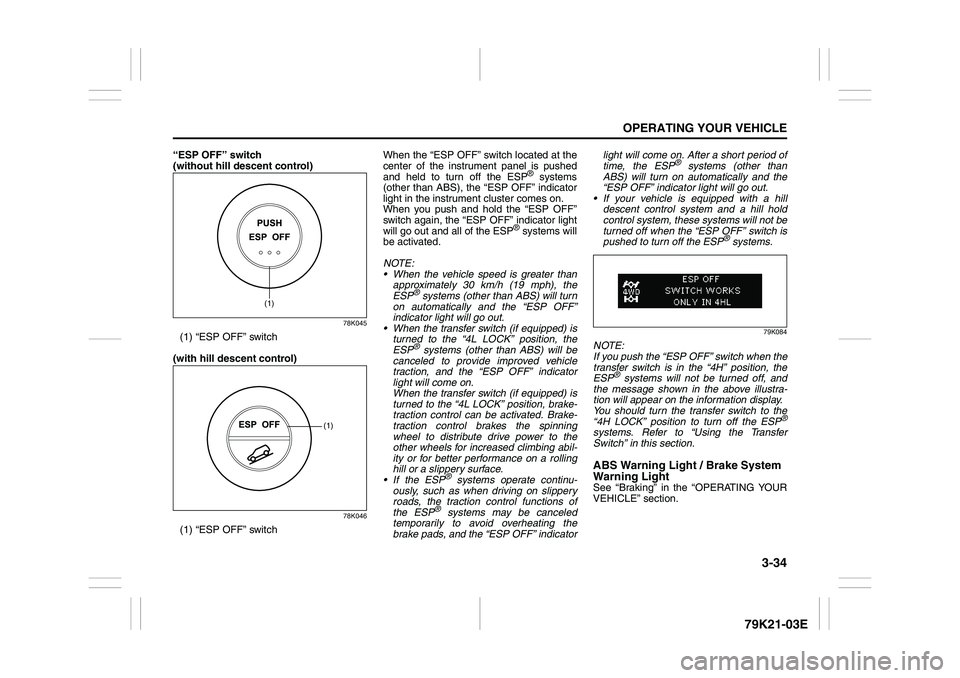
“ESP OFF” switch
(without hill descent control)
78K045
(1) “ESP OFF” switch
(with hill descent control)
78K046
(1) “ESP OFF” switchWhen the “ESP OFF” switch located at the
center of the instrument panel is pushed
and held to turn off the ESP
® systems
(other than ABS), the “ESP OFF” indicator
light in the instrument cluster comes on.
When you push and hold the “ESP OFF”
switch again, the “ESP OFF” indicator light
will go out and all of the ESP
® systems will
be activated.
NOTE:
When the vehicle speed is greater than
approximately 30 km/h (19 mph), the
ESP
® systems (other than ABS) will turn
on automatically and the “ESP OFF”
indicator light will go out.
When the transfer switch (if equipped) is
turned to the “4L LOCK” position, the
ESP® systems (other than ABS) will be
canceled to provide improved vehicle
traction, and the “ESP OFF” indicator
light will come on.
When the transfer switch (if equipped) is
turned to the “4L LOCK” position, brake-
traction control can be activated. Brake-
traction control brakes the spinning
wheel to distribute drive power to the
other wheels for increased climbing abil-
ity or for better performance on a rolling
hill or a slippery surface.
If the ESP
® systems operate continu-
ously, such as when driving on slippery
roads, the traction control functions of
the ESP
® systems may be canceled
temporarily to avoid overheating the
brake pads, and the “ESP OFF” indicatorlight will come on. After a short period of
time, the ESP
® systems (other than
ABS) will turn on automatically and the
“ESP OFF” indicator light will go out.
If your vehicle is equipped with a hill
descent control system and a hill hold
control system, these systems will not be
turned off when the “ESP OFF” switch is
pushed to turn off the ESP
® systems.
79K084
NOTE:
If you push the “ESP OFF” switch when the
transfer switch is in the “4H” position, the
ESP
® systems will not be turned off, and
the message shown in the above illustra-
tion will appear on the information display.
You should turn the transfer switch to the
“4H LOCK” position to turn off the ESP
®
systems. Refer to “Using the Transfer
Switch” in this section.ABS Warning Light / Brake System
Warning LightSee “Braking” in the “OPERATING YOUR
VEHICLE” section.
(1)
(1)
Page 138 of 337
3-37OPERATING YOUR VEHICLE
79K21-03E
Hill hold control System
(if equipped)The hill hold control system is designed to
assist you in starting to move up steep or
slippery hills. When you start to move up a
hill, the system helps to prevent the vehicle
from rolling downward temporarily (for
approximately 2 seconds) while you move
your foot from the brake pedal to the accel-
erator pedal.
The hill hold control system activates for
approximately 2 seconds if your foot is
moved from the brake pedal when the fol-
lowing condition are all fulfilled.
1) The transfer switch is in a position other
than “N”.
2) The gearshift lever is in a forward gear
or reverse gear.
3) The parking brake is released.
NOTE:
You may hear a sound coming from the
engine when the hill hold control system is
activated. This sound is normal and does
not indicate a malfunction.
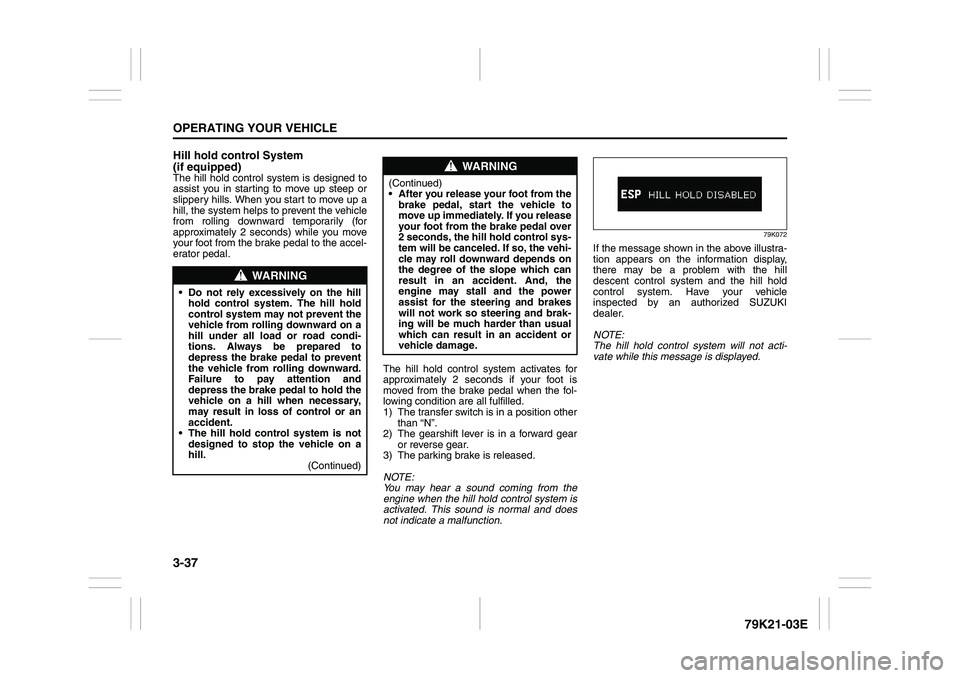
79K072
If the message shown in the above illustra-
tion appears on the information display,
there may be a problem with the hill
descent control system and the hill hold
control system. Have your vehicle
inspected by an authorized SUZUKI
dealer.
NOTE:
The hill hold control system will not acti-
vate while this message is displayed.
WARNING
Do not rely excessively on the hill
hold control system. The hill hold
control system may not prevent the
vehicle from rolling downward on a
hill under all load or road condi-
tions. Always be prepared to
depress the brake pedal to prevent
the vehicle from rolling downward.
Failure to pay attention and
depress the brake pedal to hold the
vehicle on a hill when necessary,
may result in loss of control or an
accident.
The hill hold control system is not
designed to stop the vehicle on a
hill.
(Continued)
WARNING
(Continued)
After you release your foot from the
brake pedal, start the vehicle to
move up immediately. If you release
your foot from the brake pedal over
2 seconds, the hill hold control sys-
tem will be canceled. If so, the vehi-
cle may roll downward depends on
the degree of the slope which can
result in an accident. And, the
engine may stall and the power
assist for the steering and brakes
will not work so steering and brak-
ing will be much harder than usual
which can result in an accident or
vehicle damage.
Page 165 of 337
5-12
OTHER CONTROLS AND EQUIPMENT
79K21-03E
Turning power on/off
Press the power on/off knob (1).
The unit starts in the function mode it was
in when the power was turned off last.
Adjusting the volume
Turn the volume control knob (1).
Turning it clockwise increases the volume;
turning it counterclockwise decreases the
volume.
NOTE:
While driving, adjust the volume to an
extent that sound and/or noise coming
from outside the car can be heard.
Adjusting the clock
1) Press the clock button H (5) to adjust
the hours.
Press the clock button M (6) to adjust
the minutes.
2) Hold the button depressed to automati-
cally increment the number.
3) To reset the clock to an hour signal,
press the clock button H (5) while hold-
ing the clock button M (6) depressed.
NOTE:
When the clock has not been set, the time
“12:00” will flash in the display.
Clock reset is effected as follows:
When minutes are between 00 and 29,
the clock will reset to the current hour.
(example: 12:23 ➔ 12:00) When minutes are between 30 and 59,
the clock will reset to the next hour.
(example: 12:38 ➔ 1:00)
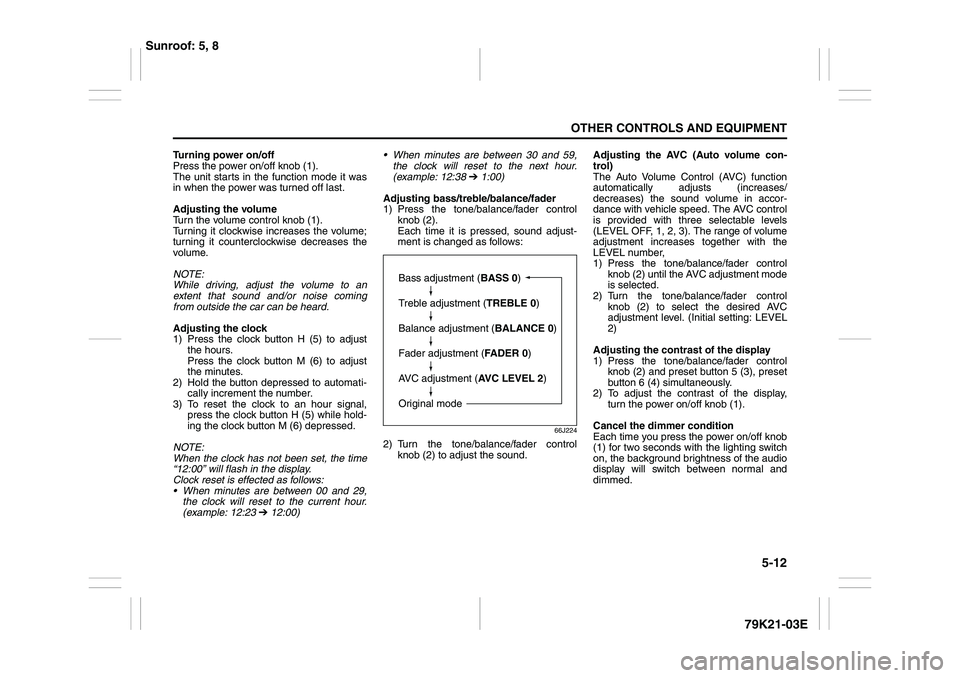
Adjusting bass/treble/balance/fader
1) Press the tone/balance/fader control
knob (2).
Each time it is pressed, sound adjust-
ment is changed as follows:
66J224
2) Turn the tone/balance/fader control
knob (2) to adjust the sound.Adjusting the AVC (Auto volume con-
trol)
The Auto Volume Control (AVC) function
automatically adjusts (increases/
decreases) the sound volume in accor-
dance with vehicle speed. The AVC control
is provided with three selectable levels
(LEVEL OFF, 1, 2, 3). The range of volume
adjustment increases together with the
LEVEL number,
1) Press the tone/balance/fader control
knob (2) until the AVC adjustment mode
is selected.
2) Turn the tone/balance/fader control
knob (2) to select the desired AVC
adjustment level. (Initial setting: LEVEL
2)
Adjusting the contrast of the display
1) Press the tone/balance/fader control
knob (2) and preset button 5 (3), preset
button 6 (4) simultaneously.
2) To adjust the contrast of the display,
turn the power on/off knob (1).
Cancel the dimmer condition
Each time you press the power on/off knob
(1) for two seconds with the lighting switch
on, the background brightness of the audio
display will switch between normal and
dimmed.
Bass adjustment (BASS 0)
Treble adjustment (TREBLE 0)
Balance adjustment (BALANCE 0)
Fader adjustment (FADER 0)
AVC adjustment (AVC LEVEL 2)
Original mode
Sunroof: 5, 8