Indicator knob SUZUKI IGNIS 2021 User Guide
[x] Cancel search | Manufacturer: SUZUKI, Model Year: 2021, Model line: IGNIS, Model: SUZUKI IGNIS 2021Pages: 505, PDF Size: 8.36 MB
Page 309 of 505
5-54
OTHER CONTROLS AND EQUIPMENT
75RM4-01E
Selecting a folder
Turn “TUNE/FLD PUSH SOUND” knob (1)
to select a folder.
Selecting a track
• Press UP button (2) to listen to the nexttrack.
• Press DOWN button (3) twice to listen to the previous track.
When DOWN button (3) is pressed
once, the track currently being played
will start from the beginning again.
Fast forwarding/rewinding a track
• Hold down UP button (2) to fast forward the track.
• Hold down DOWN button (3) to fast
rewind the track. Random playback
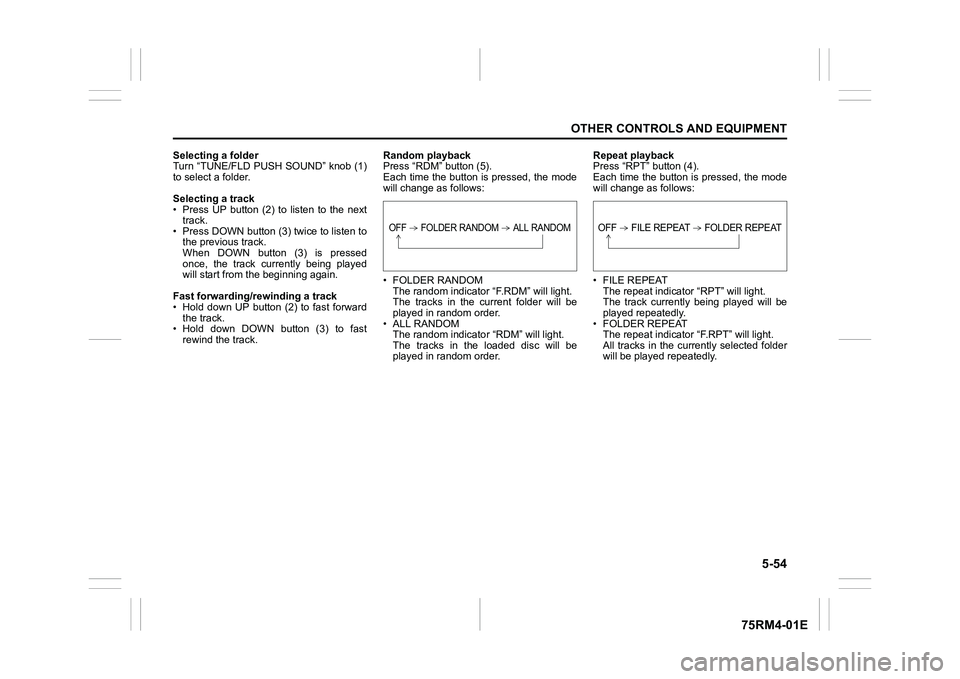
Press “RDM” button (5).
Each time the button is pressed, the mode
will change as follows:
• FOLDER RANDOM
The random indicator “F.RDM” will light.
The tracks in the cu rrent folder will be
played in random order.
•ALL RANDOM The random indicato r “RDM” will light.
The tracks in the loaded disc will be
played in random order. Repeat playback
Press “RPT” button (4).
Each time the button is pressed, the mode
will change as follows:
• FILE REPEAT
The repeat indicator “RPT” will light.
The track currently being played will be
played repeatedly.
• FOLDER REPEAT The repeat indicator “F.RPT” will light.
All tracks in the currently selected folder
will be played repeatedly.
OFF FOLDER RANDOM ALL RANDOM
OFF FILE REPEAT FOLDER REPEAT
Page 313 of 505
5-58
OTHER CONTROLS AND EQUIPMENT
75RM4-01E
Selecting a USB device mode
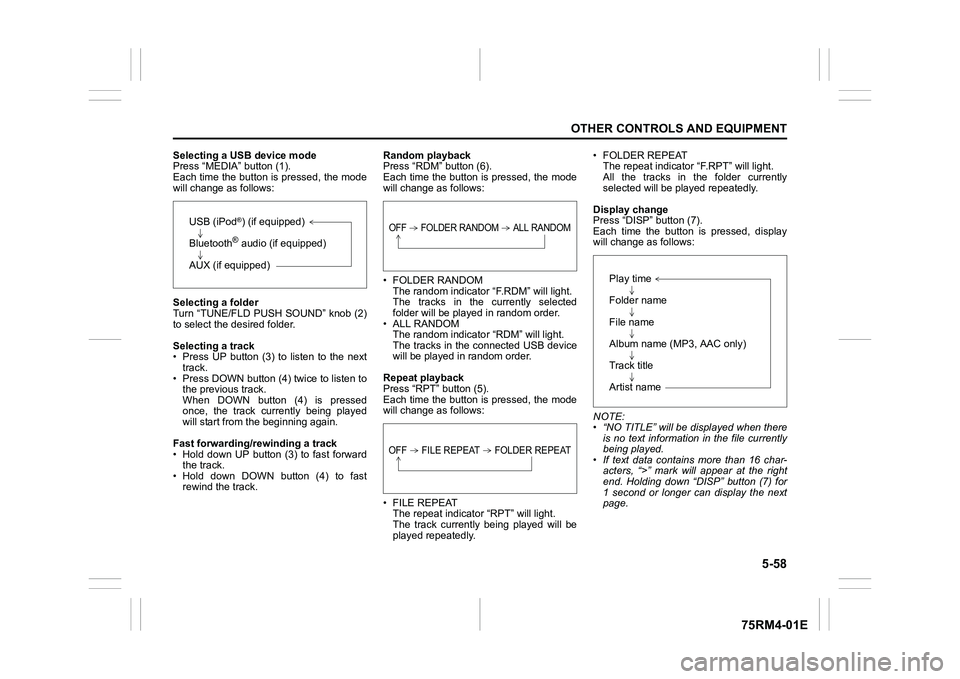
Press “MEDIA” button (1).
Each time the button is pressed, the mode
will change as follows:
Selecting a folder
Turn “TUNE/FLD PUSH SOUND” knob (2)
to select the desired folder.
Selecting a track
• Press UP button (3) to listen to the next track.
• Press DOWN button (4) twice to listen to the previous track.
When DOWN button (4) is pressed
once, the track currently being played
will start from the beginning again.
Fast forwarding/rewinding a track
• Hold down UP button (3) to fast forward the track.
• Hold down DOWN button (4) to fast rewind the track. Random playback
Press “RDM” button (6).
Each time the button is pressed, the mode
will change as follows:
• FOLDER RANDOM
The random indicator “F.RDM” will light.
The tracks in the currently selected
folder will be played in random order.
•ALL RANDOM The random indicato r “RDM” will light.
The tracks in the connected USB device
will be played in random order.
Repeat playback
Press “RPT” button (5).
Each time the button is pressed, the mode
will change as follows:
• FILE REPEAT The repeat indicator “RPT” will light.
The track currently being played will be
played repeatedly. • FOLDER REPEAT
The repeat indicator “F.RPT” will light.
All the tracks in t he folder currently
selected will be played repeatedly.
Display change
Press “DISP” button (7).
Each time the button is pressed, display
will change as follows:
NOTE:
• “NO TITLE” will be displayed when there is no text information in the file currently
being played.
• If text data contains more than 16 char- acters, “>” mark will appear at the right
end. Holding down “DISP” button (7) for
1 second or longer can display the next
page.
USB (iPod
®) (if equipped)
Bluetooth® audio (if equipped)
AUX (if equipped)
OFF FOLDER RANDOM ALL RANDOMOFF FILE REPEAT FOLDER REPEAT
Play time
Folder name
File name
Album name (MP3, AAC only)
Track title
Artist name